Utility Widgets for Websites
Add helpful utility widgets to your website in seconds using Jform's simple no-code builder.
Poll Widget
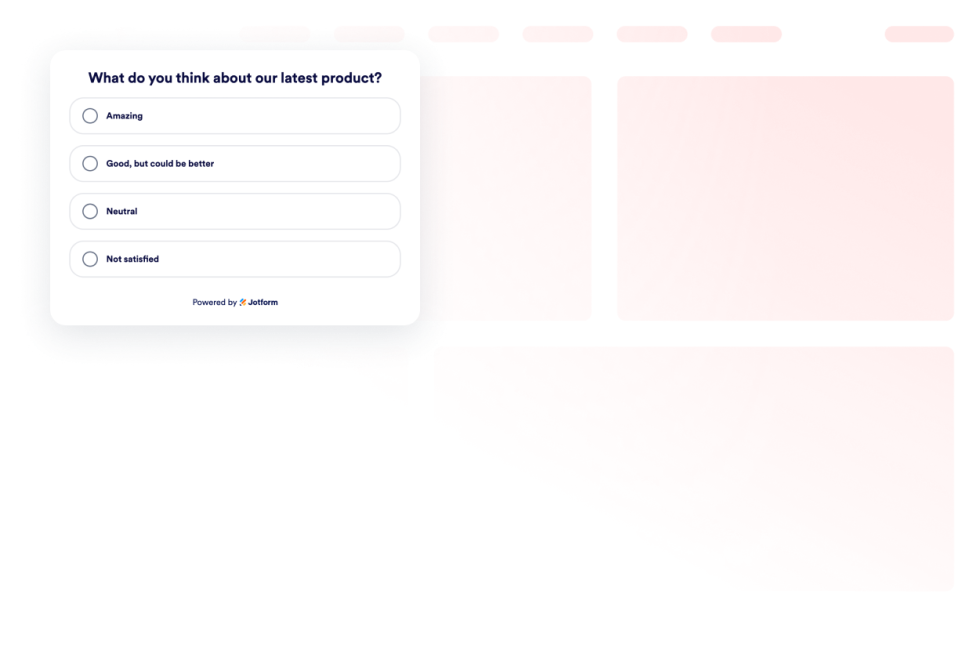
Add a Poll Widget to your website. Create questions, collect votes, show result counts or percentages, and customize styles without code.
카테고리로 이동:유틸리티위젯 사용하기Dark Mode
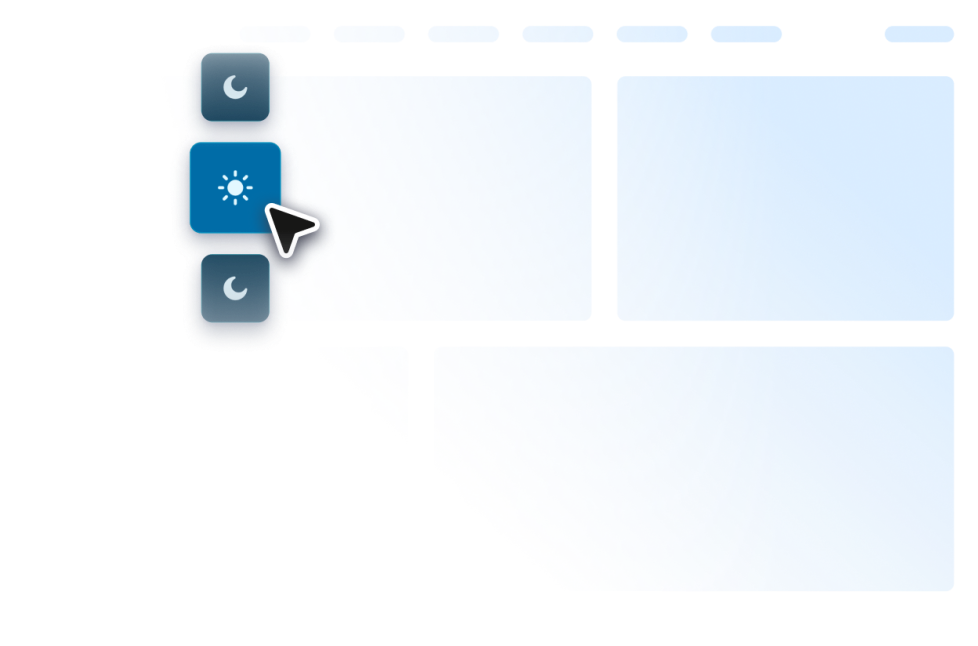
Add a customizable Dark Mode Widget to your website for low-light browsing. Set colors, placement, scheduling, and styles in a no-code widget.
카테고리로 이동:유틸리티위젯 사용하기Photo Gallery
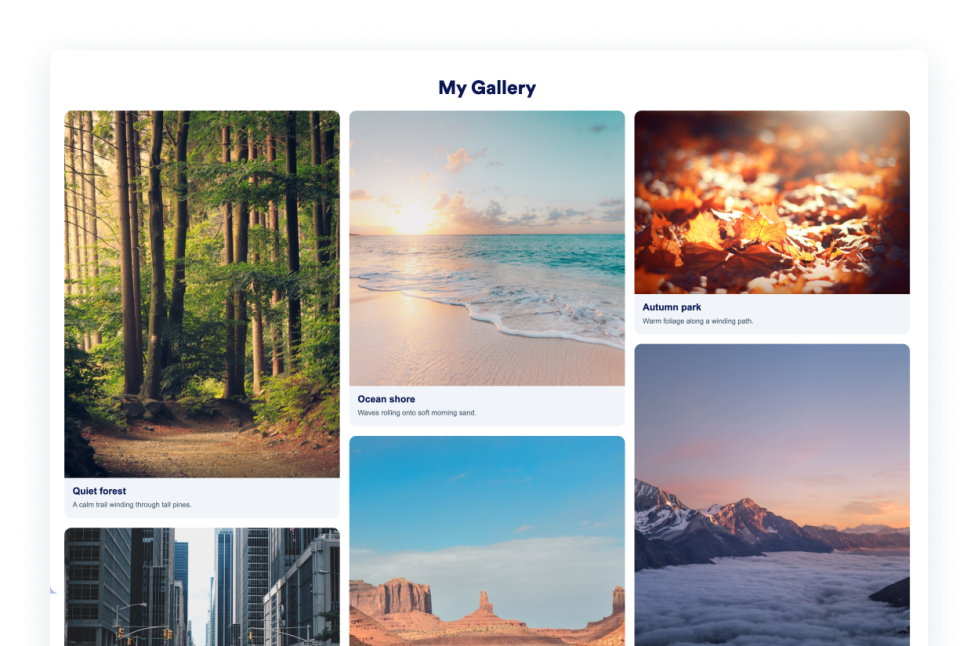
Easily create a custom photo gallery widget for portfolios, products, or events. Choose your layout and embed without code.
카테고리로 이동:유틸리티위젯 사용하기Quotes Widget
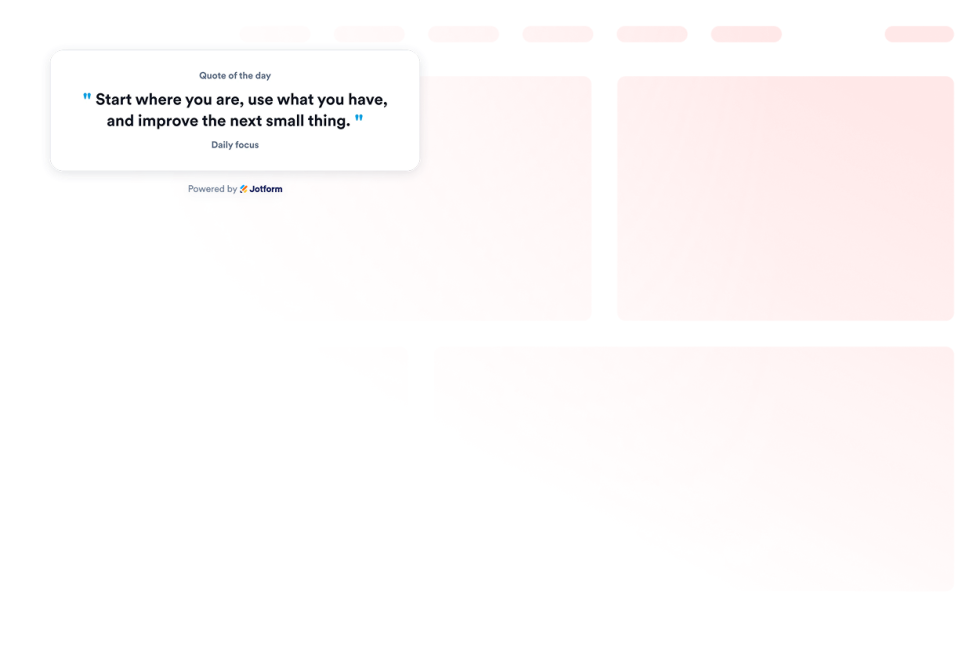
Add a Quote Widget to your website to display motivational, productivity, leadership, creative, mindfulness, or custom quotes with theme, background, visibility, and size controls.
카테고리로 이동:유틸리티위젯 사용하기Team Showcase

Create a Team Showcase widget for your website with profile cards, template layouts, member bios, social links, color schemes, and responsive embeds.
카테고리로 이동:유틸리티위젯 사용하기Today in History
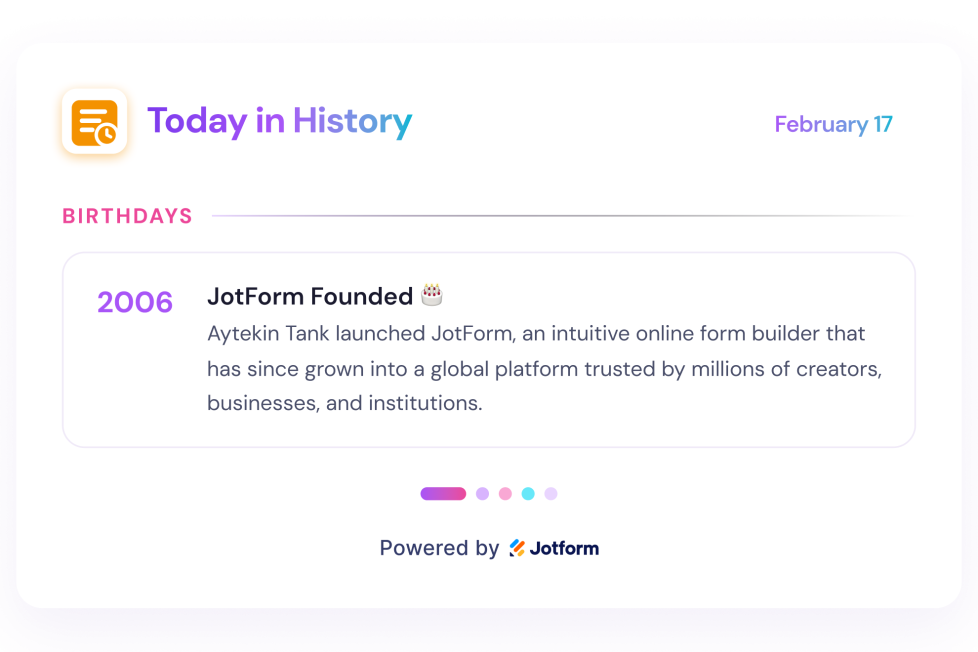
Add a Today in History Widget to your website. Show date-based Wikipedia entries, choose sections, set dates, and customize styles.
카테고리로 이동:유틸리티위젯 사용하기Clock Widget
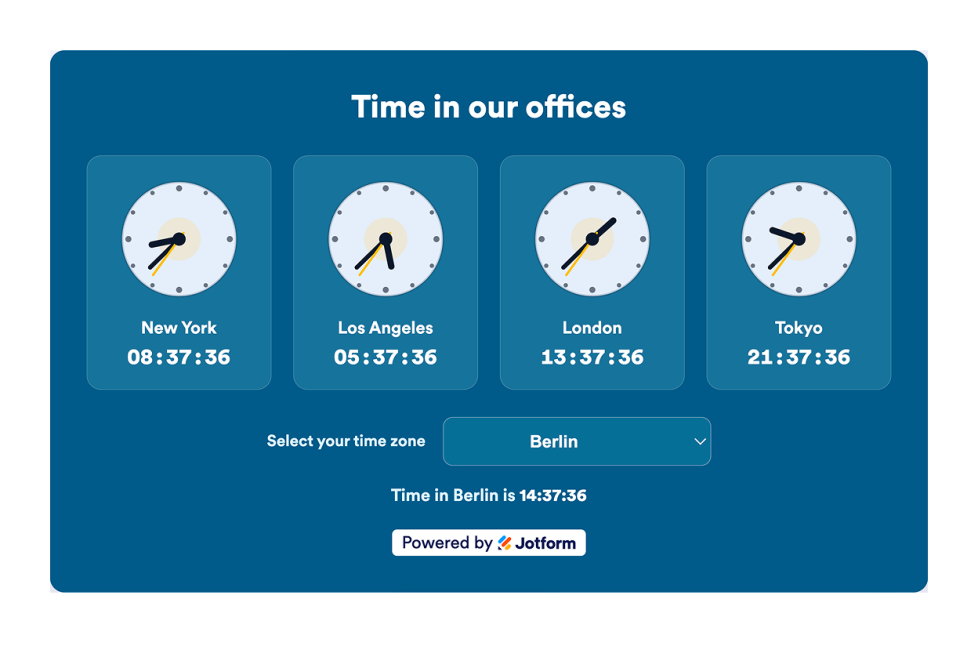
Show current time across offices, stores, support regions, events, and global teams. Display analog and digital world clocks, time zones, and custom layouts—no code.
카테고리로 이동:유틸리티위젯 사용하기Comparison Table Widget
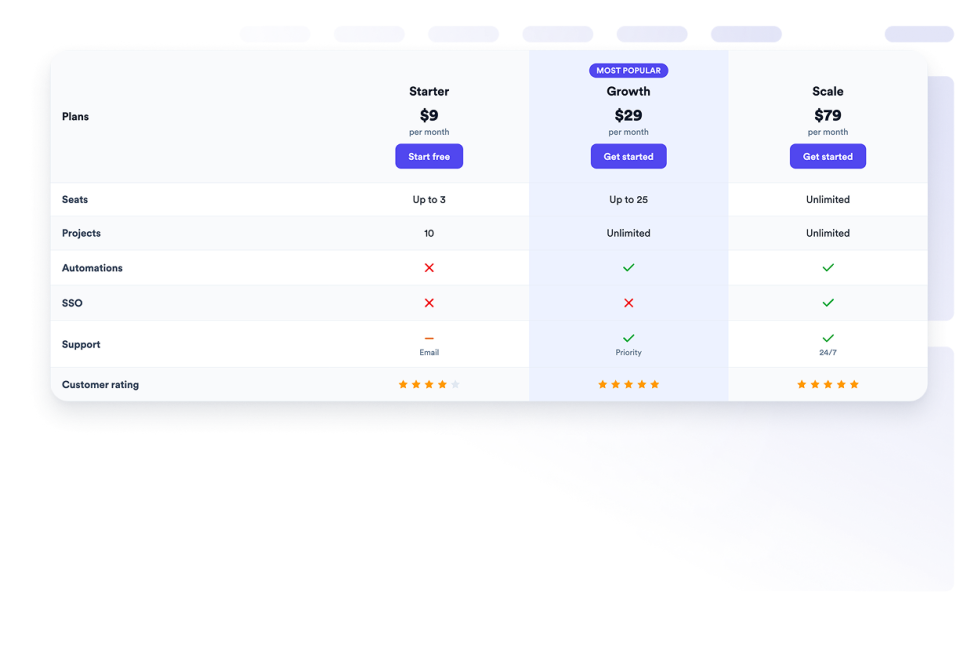
Create a comparison table widget to compare products, plans, and features side by side without coding.
카테고리로 이동:유틸리티위젯 사용하기Recipes
Add a Recipe Widget to your website. Share recipe cards with images, ingredients, directions, nutrition, timing, print, share, and schema controls.
카테고리로 이동:유틸리티위젯 사용하기Waitlist
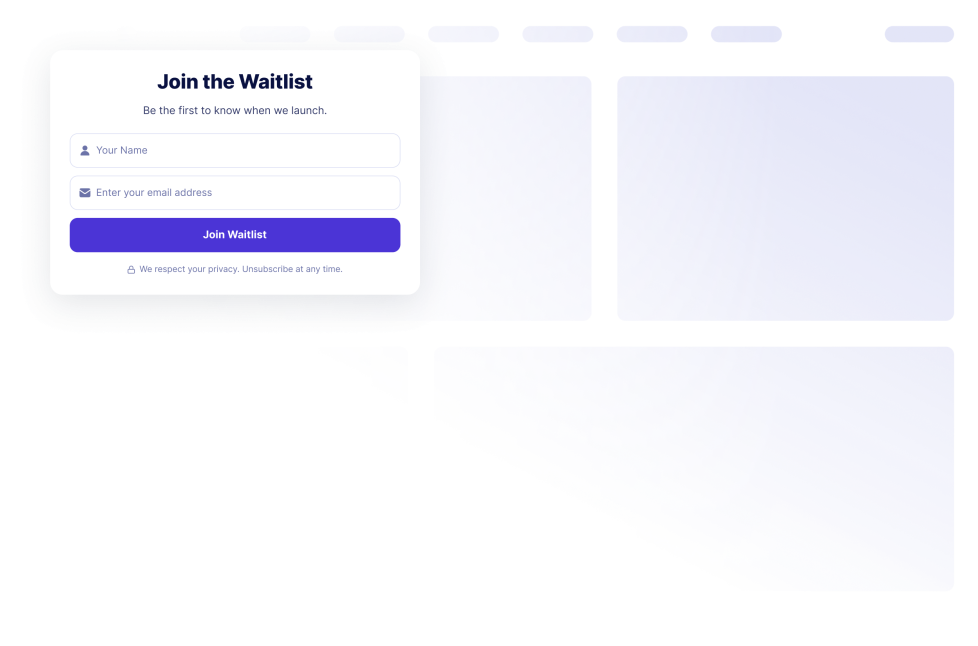
Collect prelaunch interest with a no-code waitlist signup widget. Customize fields, messages, signup counts, and queue position, then embed it.
카테고리로 이동:유틸리티위젯 사용하기Reading Progress
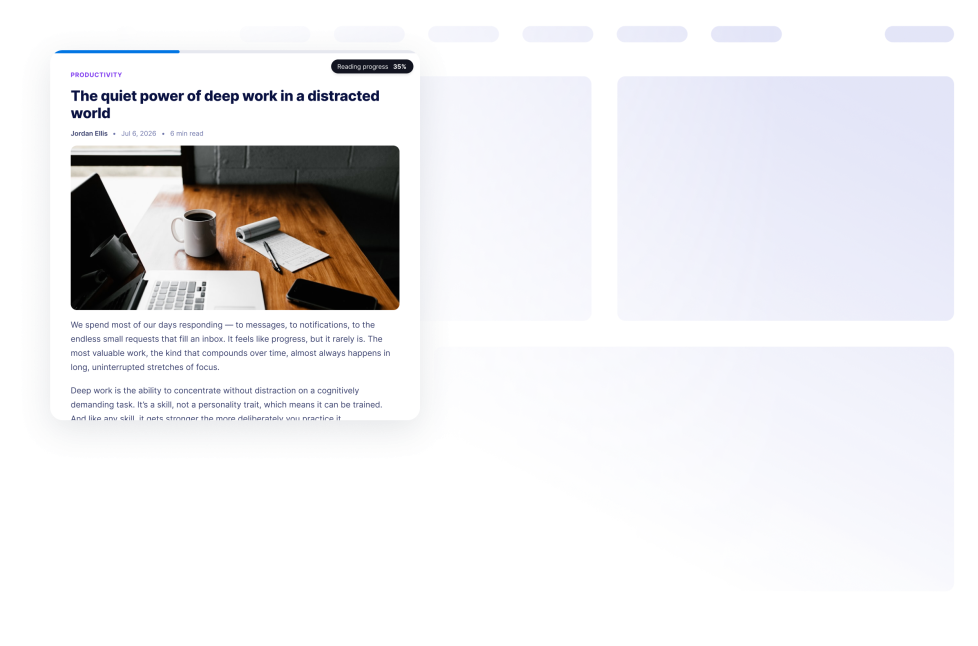
Add a Reading Progress widget to your website. Show scroll progress, percentage, time left, and bar, circle, or step displays without code.
카테고리로 이동:유틸리티위젯 사용하기Horoscope
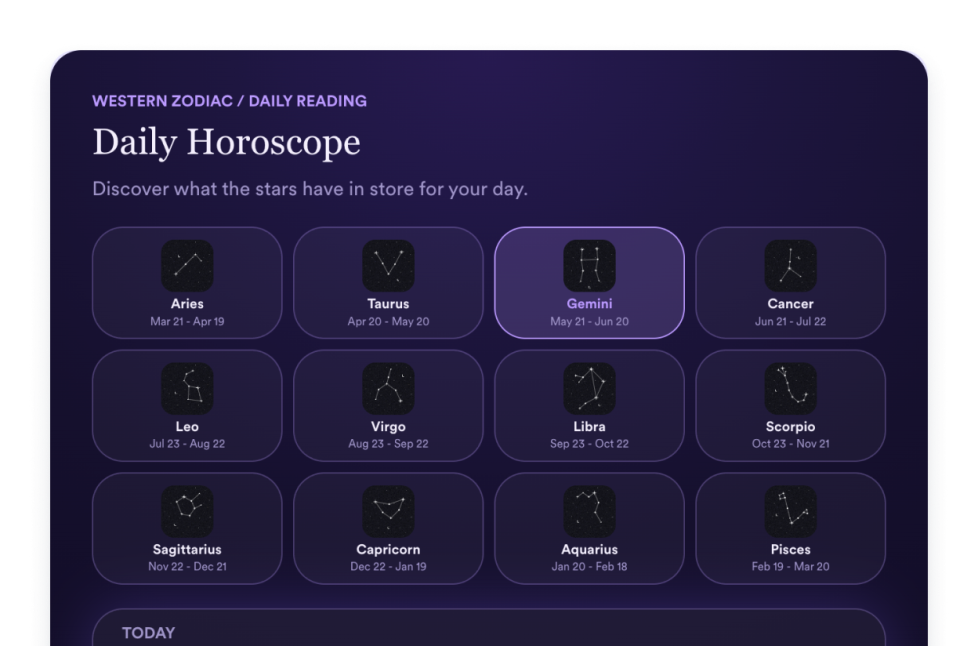
Add a Horoscope widget to your website to share zodiac readings, sign selectors, list, grid, slider, and featured layouts, colors, CTAs, and custom CSS.
카테고리로 이동:유틸리티위젯 사용하기Dynamic Text
Create a Dynamic Text Widget to rotate headline phrases, highlight offers, and style animated website messages for any device.
카테고리로 이동:유틸리티위젯 사용하기Portfolio
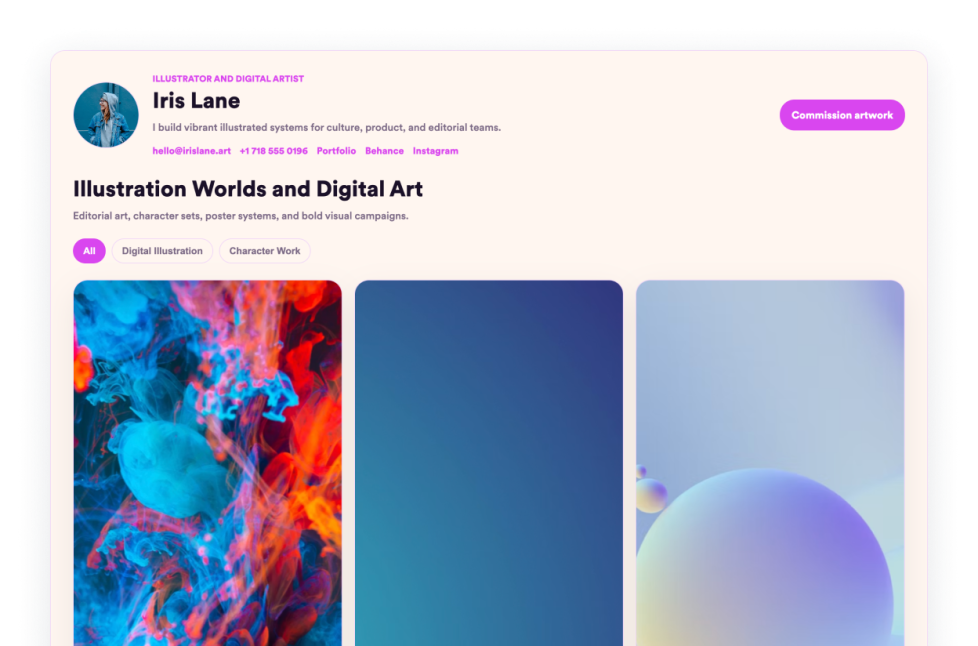
Showcase your best work with Jform's Portfolio Widget. Create a stunning portfolio gallery, highlight projects, and embed it on any website with no coding required.
카테고리로 이동:유틸리티위젯 사용하기Accordion Slider
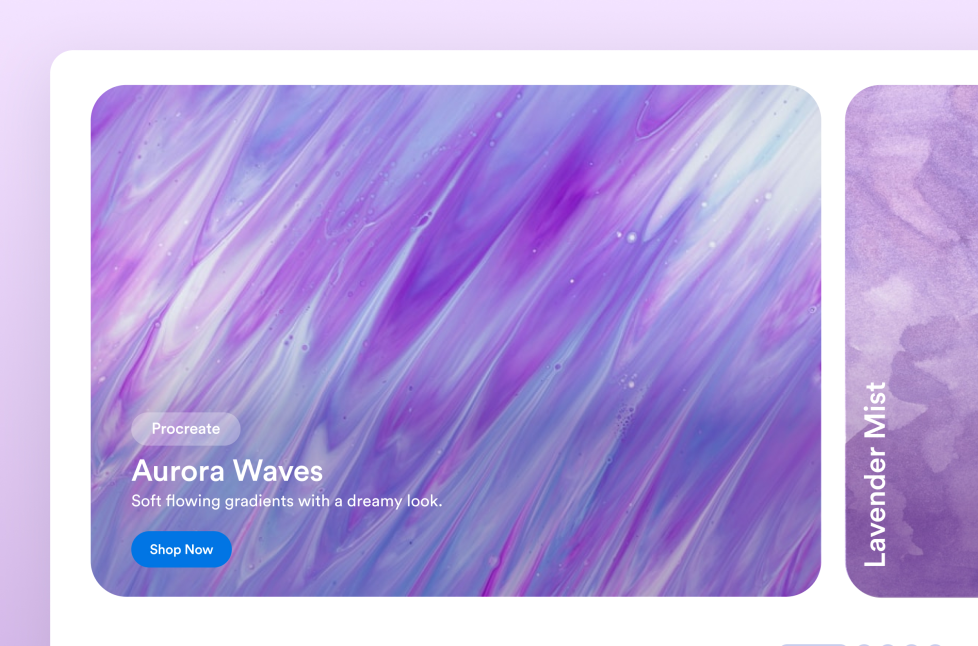
Add an Accordion Slider widget to your website to display expandable image and video panels with hover or click activation, CTA buttons, autoplay, responsive stacking, and custom styles.
카테고리로 이동:유틸리티위젯 사용하기Under Construction
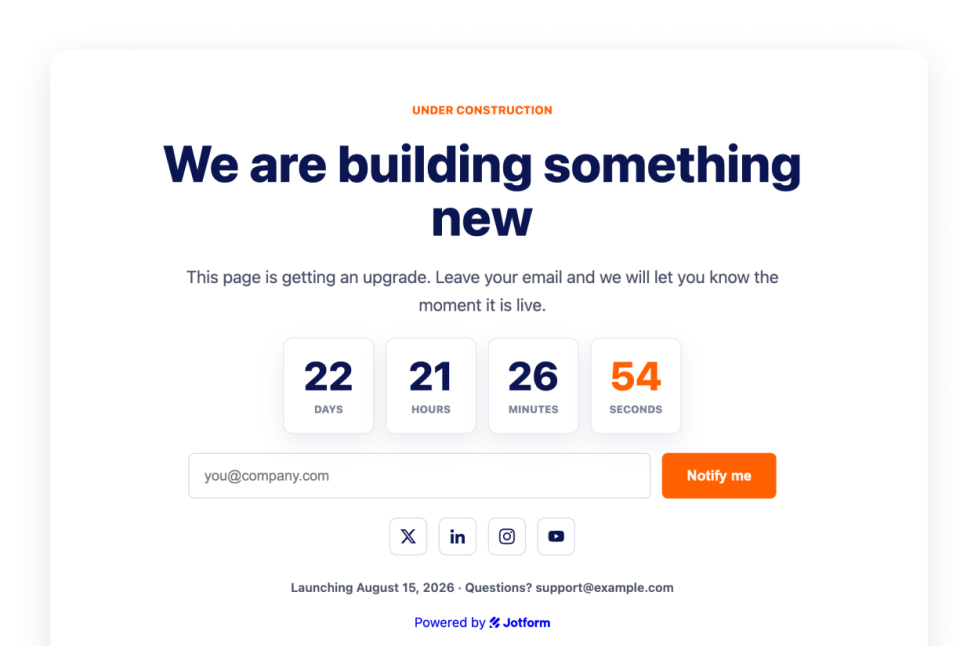
Let visitors know your page is under construction with the Under Construction Widget, featuring branding, social links, contact line, launch note and logo.
카테고리로 이동:유틸리티위젯 사용하기Business Hours
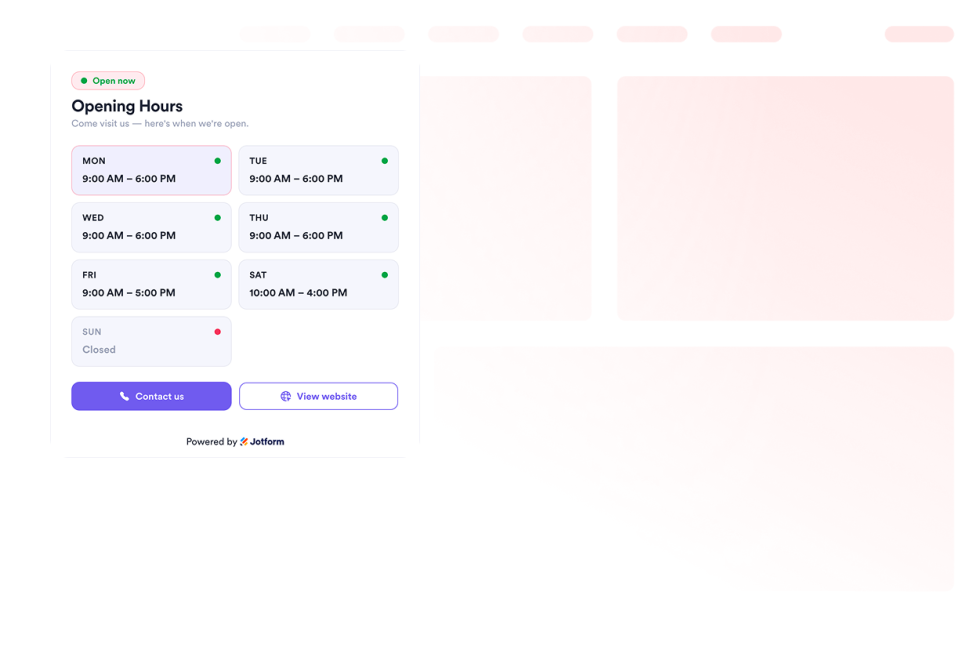
Add a Business Hours widget to your website to show templates, color schemes, opening hours, live status, contact details, location, and call-to-action buttons.
카테고리로 이동:유틸리티위젯 사용하기Google Maps
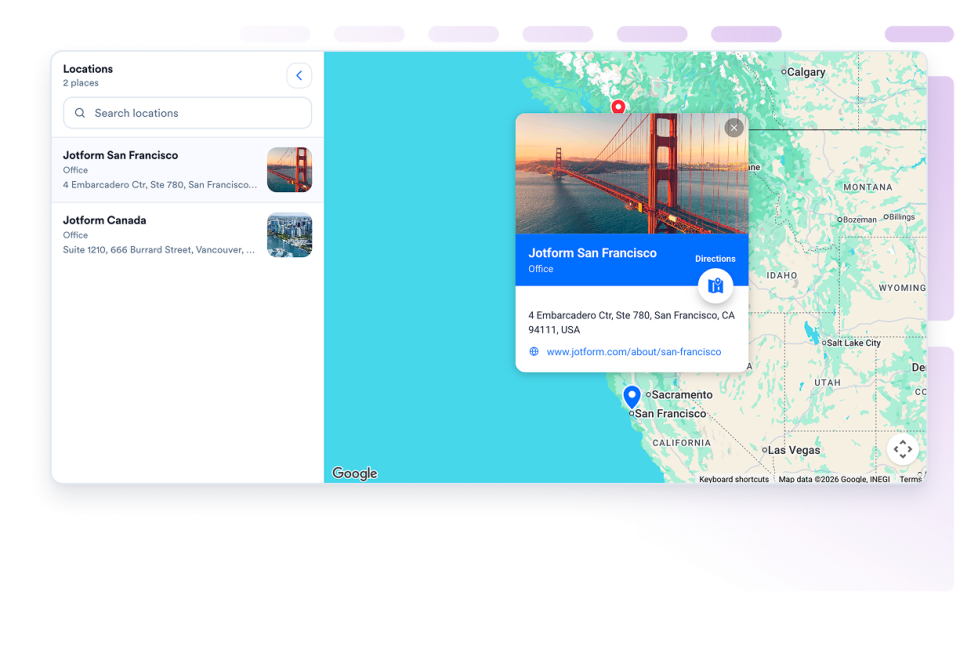
Add a customizable Google Maps widget to display your stores, offices, venues, or service areas with contact details, business hours, photos, categories, and directions links.
카테고리로 이동:유틸리티위젯 사용하기이력서
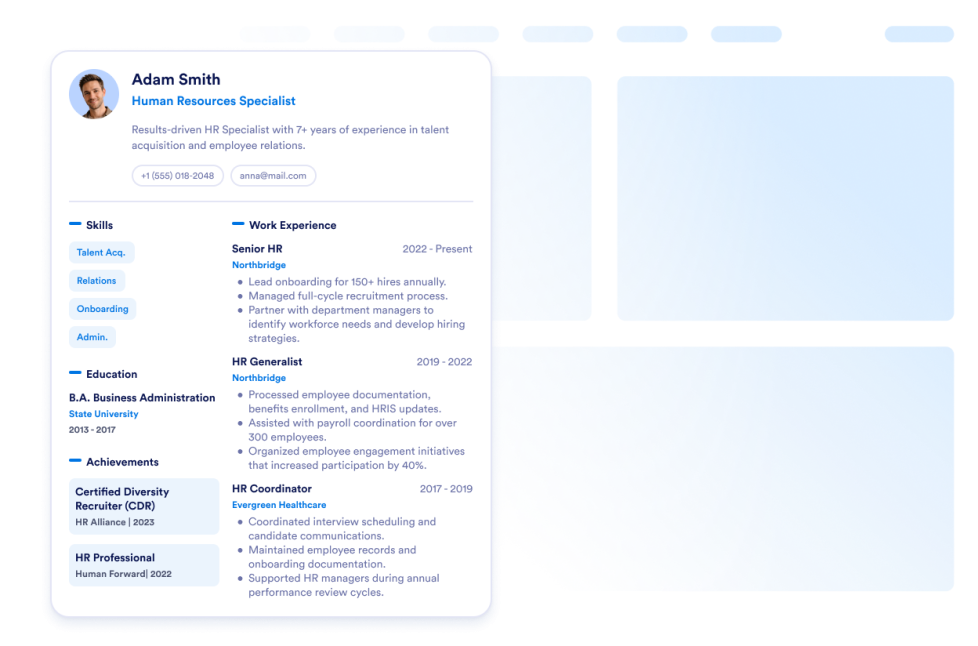
Add your resume to your website. With Jform's Resume Widget, you can easily inform your website visitors learn everything about you.
카테고리로 이동:유틸리티위젯 사용하기Scoreboard
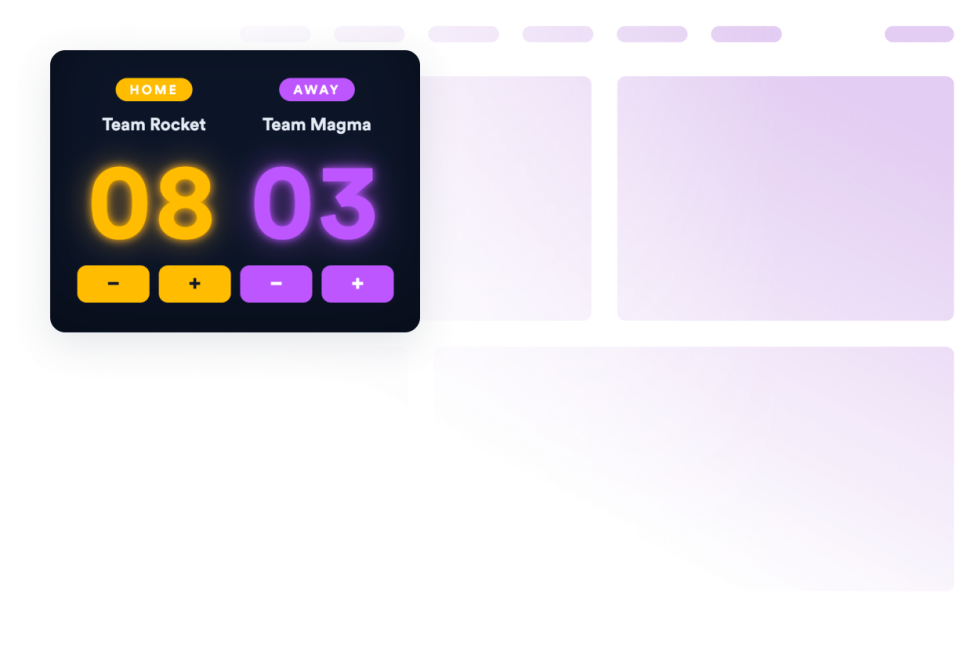
Add a scoreboard to your website in seconds. Customize the design and embed it with Jform's no-code website widget builder.
카테고리로 이동:유틸리티위젯 사용하기Content Locker

Add a content locker to your website in seconds. Customize the design and embed it with Jform's no-code website widget builder.
카테고리로 이동:유틸리티위젯 사용하기AD Block Checker
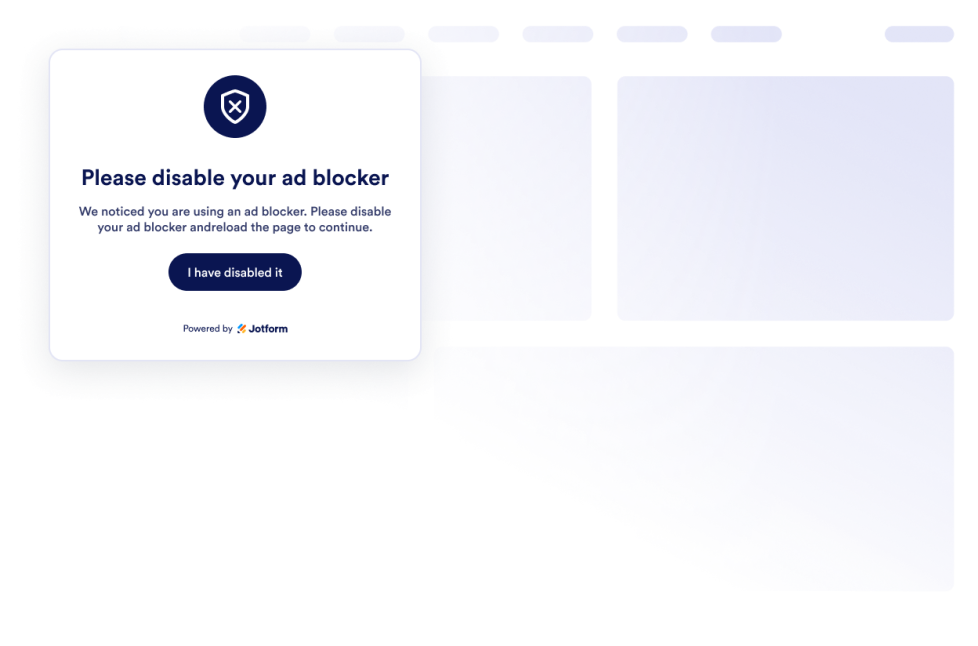
Protect your site's ad revenue. Easily generate and embed Jform's free Ad Block Checker widget directly onto your website.
카테고리로 이동:유틸리티위젯 사용하기Movie Widget
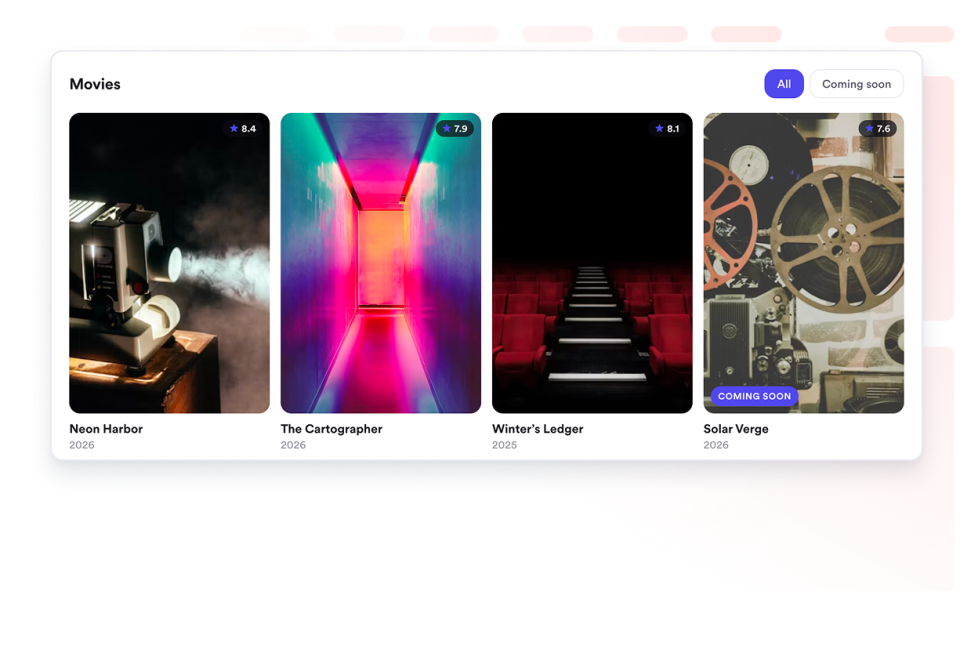
Showcase movie collections on your website. Add posters, ratings, and links in responsive grid, list, or carousel layouts.
카테고리로 이동:유틸리티위젯 사용하기Job Board

Add a job board to your website in seconds. Customize the design and content, then embed the widget with Jform's no-code website widget builder.
카테고리로 이동:유틸리티위젯 사용하기어떤 결과도 발견되지 않았습니다
No results match your search. Please try another keyword.
About Utility Widgets
Utility widgets help you add practical tools and small interactive features to your website without custom code. These embeddable widgets can support common visitor actions, such as checking information, copying values, navigating a page, viewing data, or using a simple on-page tool.
With Jotform’s utility widgets, you can choose a widget, customize its settings, adjust the design, and embed it on your website. Utility widgets work well on landing pages, product pages, help pages, resource pages, blogs, and business websites where visitors may need quick access to useful information or actions.
What can you do with utility widgets?
Utility widgets can help you:
- Add useful tools to your website without writing code
- Help visitors complete simple actions directly on the page
- Improve long-page navigation with tools like a back-to-top button
- Display information such as visitor counts, clocks, charts, maps, or weather
- Add embeddable interactive elements that support the page’s main purpose
- Keep visitors on your website instead of sending them to another tool or page
Popular utility widget use cases
Utility widgets can be used across different parts of a website based on visitors’ needs. For example, a back-to-top button can make long pages easier to browse, while a clock or weather widget can help local, event, or travel-related pages show timely information. A graphs and charts widget can help display data in a visual format, and a Google Maps widget can help visitors find a business, office, event venue, or location.
Utility widgets are especially useful when a page needs to be more helpful without becoming complicated. They can support navigation, information display, location details, data presentation, and quick interactions in a compact section.
Easy website widgets for any team
Embeddable website widgets are useful for small teams, SMBs, creators, personal website owners, agencies, educators, nonprofits, and online stores that want to add interactive sections without relying on a developer or designer.
With Jform, users can choose a widget, customize the content and design, copy the embed code, and add it to their website without custom code. This makes it easier to improve pages, collect information, display content, build trust, or guide visitors to take action from one no-code builder.
Related guides
To learn more about setting up and managing widgets, users can read Jotform’s guide on managing website widgets. The guide explains that users can create new widgets, edit existing widgets, copy embed codes, control widget visibility, and organize your widget assets from the My Website Widgets page.
Utility Widgets FAQ
What are utility widgets?
Utility widgets are embeddable website tools that help visitors complete simple actions or view useful information directly on a webpage. They can include navigation tools, counters, clocks, maps, charts, weather displays, and other helpful page elements.
Where should I use utility widgets?
You can use utility widgets on landing pages, product pages, blog posts, help pages, resource pages, local business pages, and long-form pages. The best placement depends on what visitors need to do or understand on that page.
Can I customize utility widgets?
Yes. Utility widgets can usually be customized before they are embedded. Depending on the widget, you can adjust content, settings, layout, colors, display behavior, and other design options.
Do utility widgets require coding?
No. Jform website widgets can be added without custom coding. After customizing a widget, users can embed it on a website using the provided embed code.