Under Construction Widget for your website
Let visitors know your page is coming soon, under construction, or being updated. Add a clear headline, optional description, contact line, launch note, logo, and social links, then customize the design and embed your Under Construction Widget without coding.
Under Construction 위젯을 만드는 방법

Write your launch message
Add a headline, description, optional eyebrow line, contact line, and footer note to explain what visitors can expect while your page is not ready.
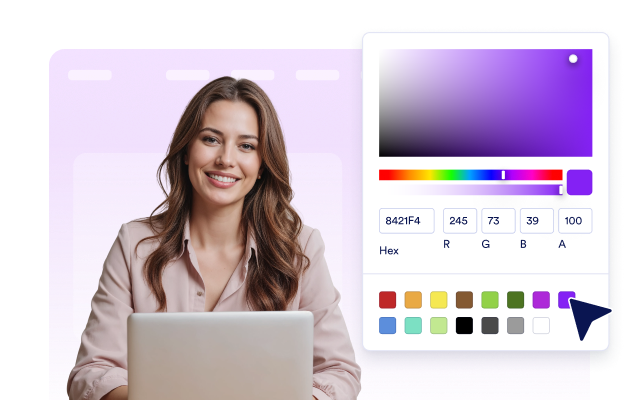
디자인 맞춤 설정
Choose a template, set accent and text colors, select a solid, gradient, or photo background, and add a logo or social links to match your brand.

Embed it on your website
Copy the generated embed code and paste it into a custom HTML or embed block on your website.
Keep visitors informed while your website is in progress
Create a focused coming soon message
Use a clear headline and supporting description to explain that your page is still being prepared. Add an eyebrow line for a short label, include a contact line when visitors need a way to reach you, and pin a footer note for launch updates or extra context.
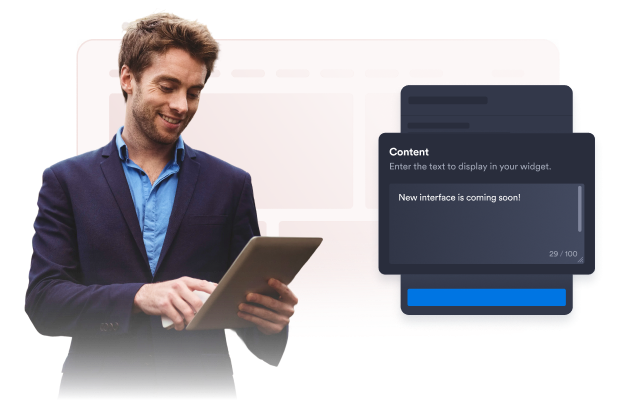
Choose a launch-ready template
Start with templates such as Split & Photo, Gradient Glow, Navy Minimal, Build Status, or Classic Light. Adjust accent colors, text colors, and solid, gradient, or photo backgrounds so the temporary page feels consistent with your brand.

Add brand visuals and social links
Upload a logo, use a photo background, and show social icons so visitors can recognize your brand while the page is unavailable. Add links for channels such as X, LinkedIn, Instagram, and YouTube, or add another social link when needed.

Publish a temporary page without coding
After customizing the widget, copy the generated embed code and paste it into your website. Use it on a landing page, homepage section, product page, or any page that supports custom HTML while your full content is still in progress.

Why Jform Website Widgets stand out
Jotform’s widgets make your website more interactive and increase conversions. There are many tools available, from star ratings and testimonial sliders to social proof popups and media embeds. Add widgets to your forms or landing pages to collect data, display proof, and capture leads — no coding required.
Add Jform widgets to your website with a simple embed code. Customize the widget, preview how it looks, and paste it into any page that supports custom HTML or embed blocks, all without a developer.
Use Jform Website Widgets to collect leads, show customer feedback, display social proof, embed media, or add helpful web page tools. Each widget helps visitors interact with your business directly from your website.
If you need help setting up, customizing, embedding, or troubleshooting your widget, Jotform’s customer support team is available 24-7. You can move forward with confidence, knowing that help is there when you need it.
Convert leads into paying customers with the Jform Form Builder
Turn engagement into action with Jotform. Create powerful forms that capture leads, collect payments, and automate responses, all in one place. Every submission lands in your Jform Inbox, where you can follow up or connect with your favorite apps.
시작하기 — 무료입니다!
자주하는 질문
What is an Under Construction widget?
An Under Construction widget displays a temporary message on your website while a page is being prepared, redesigned, or updated. You can show a headline, description, contact line, footer note, logo, and social links.
Can I customize the message visitors see?
Which templates can I use?
Can I change the colors and background?
Can I add my logo?
Can I show social links?
Do I need coding skills to add the widget?
Where can I use the Under Construction widget?
Which website platforms support the widget?
Is the Under Construction widget free?