Under Construction Widget
Customize Your Under Construction Page Before Launch
Create a temporary coming soon or under construction page that keeps visitors informed while you work. Edit the message, choose a template, customize colors and backgrounds, add your logo, show contact and social links, and embed the widget on your website without coding.
Create Your Under Construction Widget - It's Free!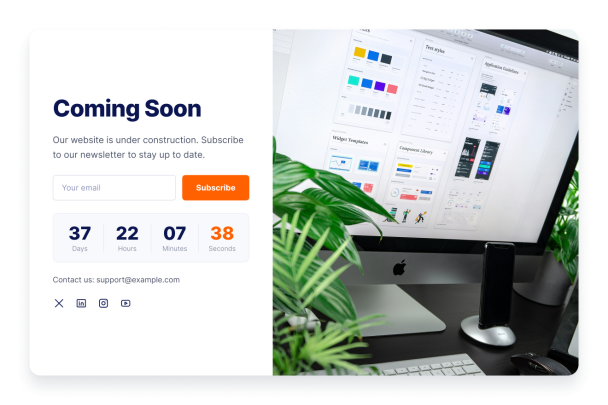

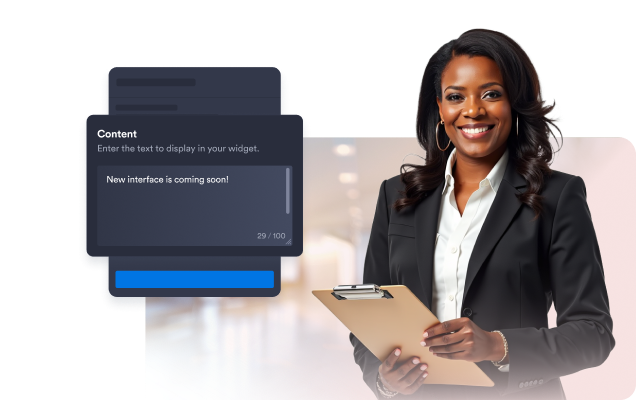
Write a clear under construction message
Let visitors know what is coming, when to check back, and how to reach you while your page is still being prepared. Add an eyebrow line, headline, description, contact line, or footer note to keep the page useful instead of empty.
Message options include:
Choose a template for your launch page
Start with a ready-made layout that fits your site status, from a simple coming soon notice to a more visual launch page with photo, gradient, or build-status styling.
Template styles include:

Match the page to your brand
Adjust the accent color, text color, background style, and logo so your under construction page feels connected to the rest of your website before the full page is ready.
Brand settings include:

Add contact and social links
Keep visitors connected while your site is being updated. Show a contact email near the social icons, choose an icon style, and add links for channels like X, LinkedIn, Instagram, and YouTube.
Connection options include:

Publish with a no-code embed
Copy the embed code and add your under construction widget to your website without rebuilding the page. Use it on HTML sites or popular platforms such as WordPress, Shopify, Wix, Squarespace, and more.
Create Your Under Construction Widget