무료 웹사이트 위젯
코딩 한 줄 없이 웹사이트를 쉽게 향상시키세요. 간단한 노코드 빌더를 사용해 몇 초 만에 강력한 위젯을 추가하여 참여를 높이고, 리드를 확보하며, 신뢰를 구축하세요.
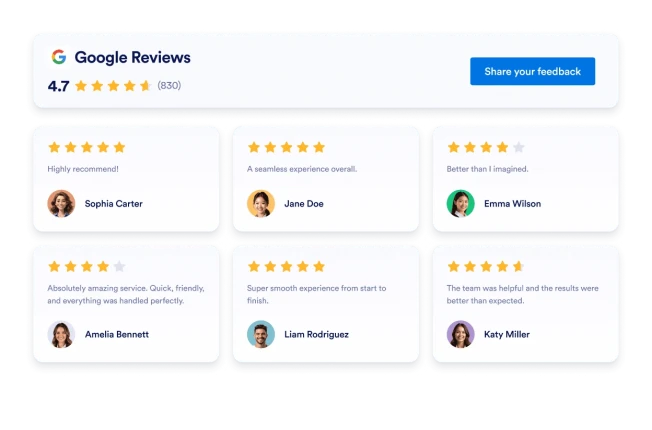
Google 리뷰
몇 초 만에 웹사이트에 Google 리뷰 위젯을 추가하세요. 고객 피드백을 보여주고 신뢰를 쌓으며 전환율을 높이세요 — 코딩은 필요하지 않습니다.
카테고리로 이동:리뷰위젯 사용카운트다운
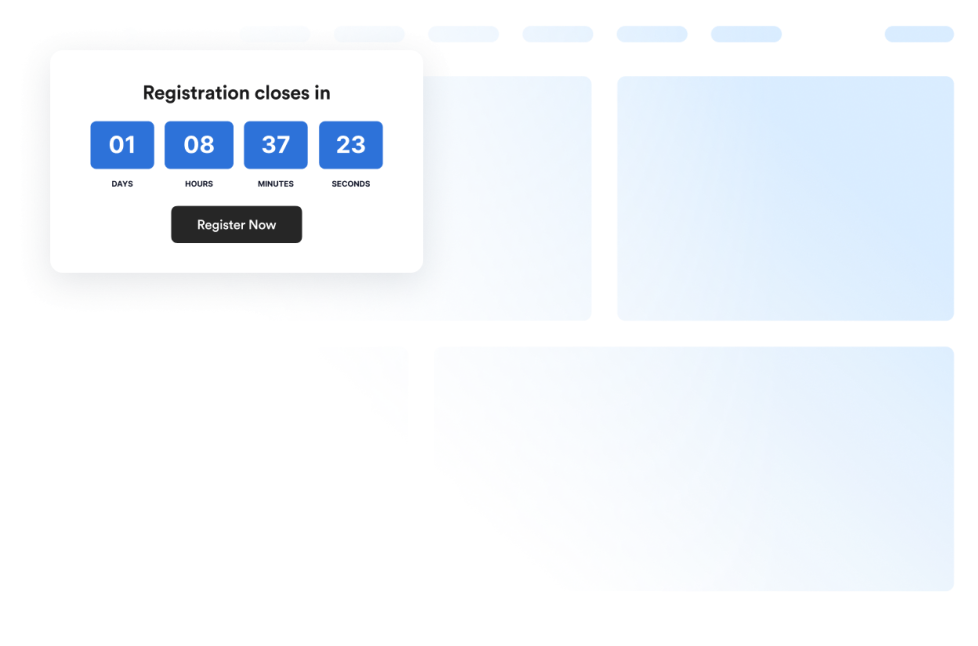
Add a countdown widget for website pages in seconds. Customize the design and embed a free countdown timer widget for website with Jform's no-code widget builder.
카테고리로 이동:Utilities위젯 사용Trustpilot 리뷰
Trustpilot 리뷰 위젯은 실제 고객 피드백을 깔끔한 레이아웃으로 보여줍니다. Jform의 코드 없는 도구를 사용하면 Trustpilot 리뷰를 자동 동기화하고, 맞춤 설정하며, 어디든 삽입해 신뢰를 구축하고 전환율을 높일 수 있습니다.
카테고리로 이동:리뷰위젯 사용접근성
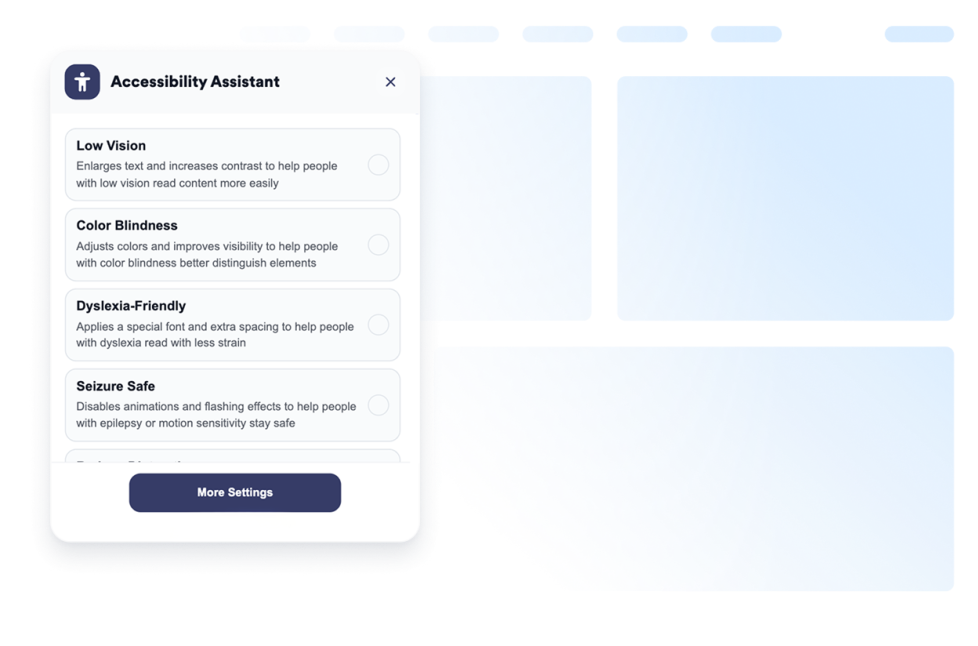
Add a customizable Accessibility widget to help visitors adjust contrast, text size, spacing, and motion. Offer preset accessibility modes and remember user preferences without code.
카테고리로 이동:Utilities위젯 사용Weather
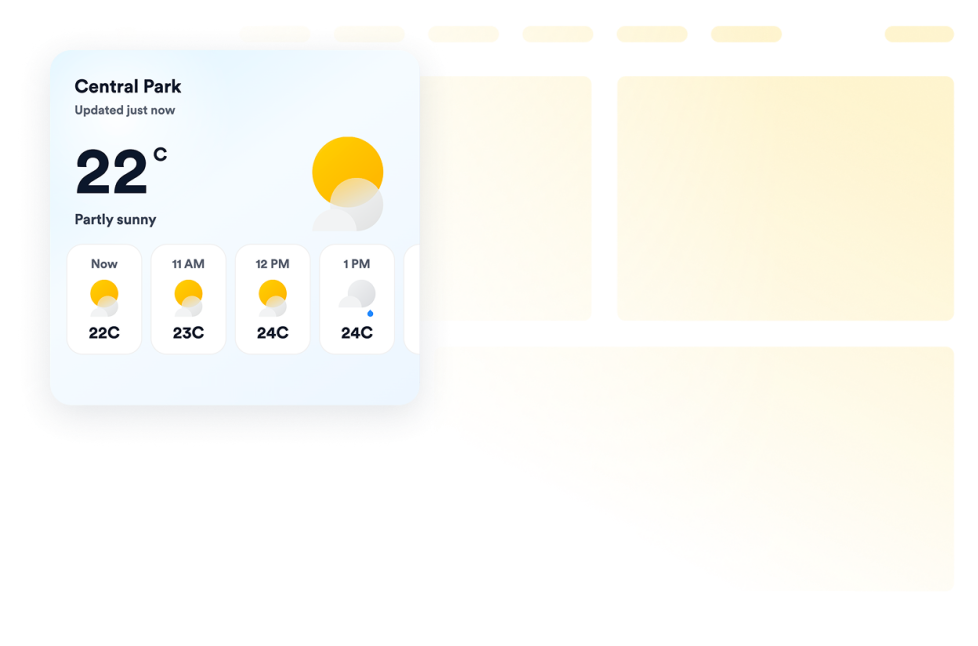
Add a free weather widget to your website. Display current conditions, hourly or daily forecasts, customize the design, and embed it without coding.
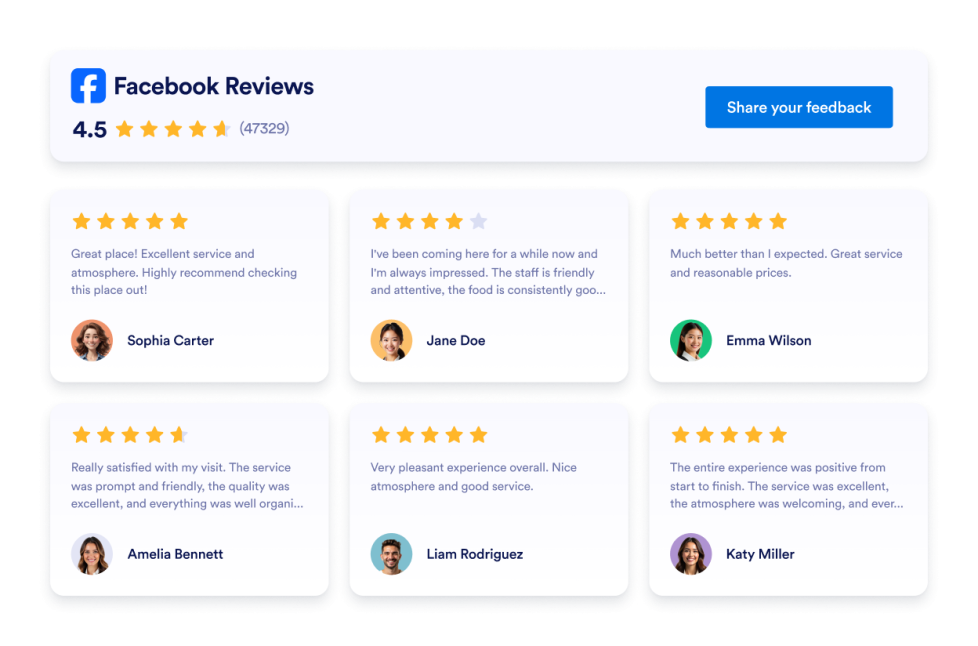
카테고리로 이동:Utilities위젯 사용Facebook 리뷰
Facebook Reviews 위젯은 실제 고객 평점을 깔끔한 레이아웃으로 보여줍니다. Jform의 노코드 도구를 사용하면 자동 동기화하고, 자유롭게 맞춤 설정하며, 어디서나 임베드할 수 있습니다.
카테고리로 이동:리뷰위젯 사용Google Play 리뷰
Google Play Reviews 위젯은 실제 사용자 평점과 리뷰를 반응형 레이아웃으로 보여줍니다. Jform을 사용하면 코딩 없이 자동으로 동기화하고, 자유롭게 맞춤 설정하며, 어디서나 임베드할 수 있습니다.
카테고리로 이동:리뷰위젯 사용Yelp 리뷰
Yelp 리뷰 위젯은 실제 고객 평점을 반응형 레이아웃으로 보여줍니다. Jform의 노코드 도구를 사용하면 자동으로 동기화하고, 자유롭게 맞춤 설정하며, 어디서나 임베드할 수 있습니다.
카테고리로 이동:리뷰위젯 사용Back to Top
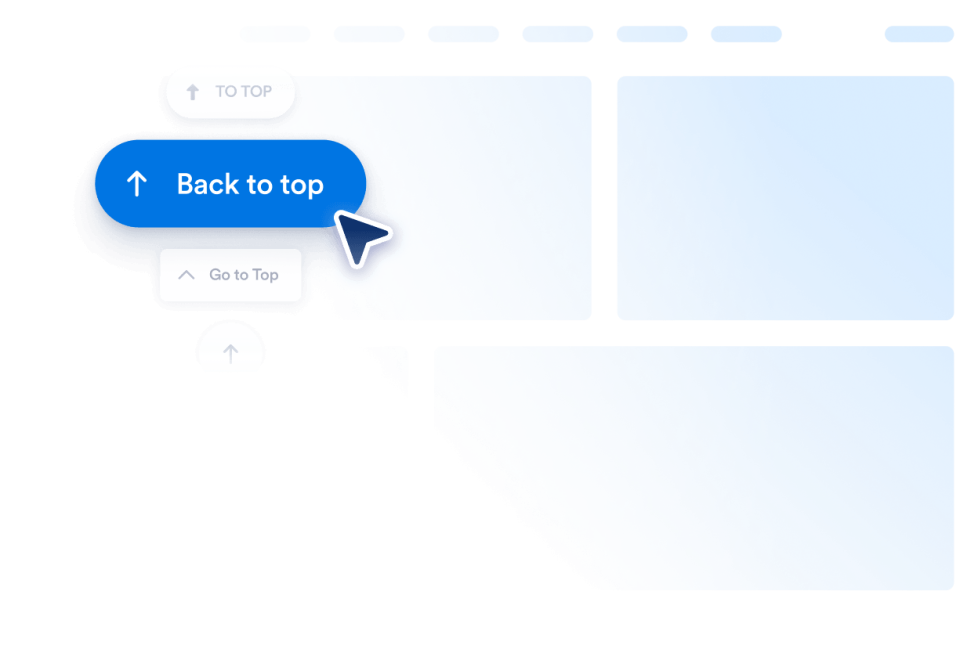
Add a Back to Top widget to your website in seconds. Let visitors jump to the top smoothly with a customizable, no-code button you can embed anywhere.
카테고리로 이동:Utilities위젯 사용Booking Reviews
Booking Reviews Widget displays guest reviews from your Booking.com property in a responsive, customizable layout. Use Jotform’s no-code widget to build trust and encourage more reservations.
카테고리로 이동:리뷰위젯 사용QR 코드
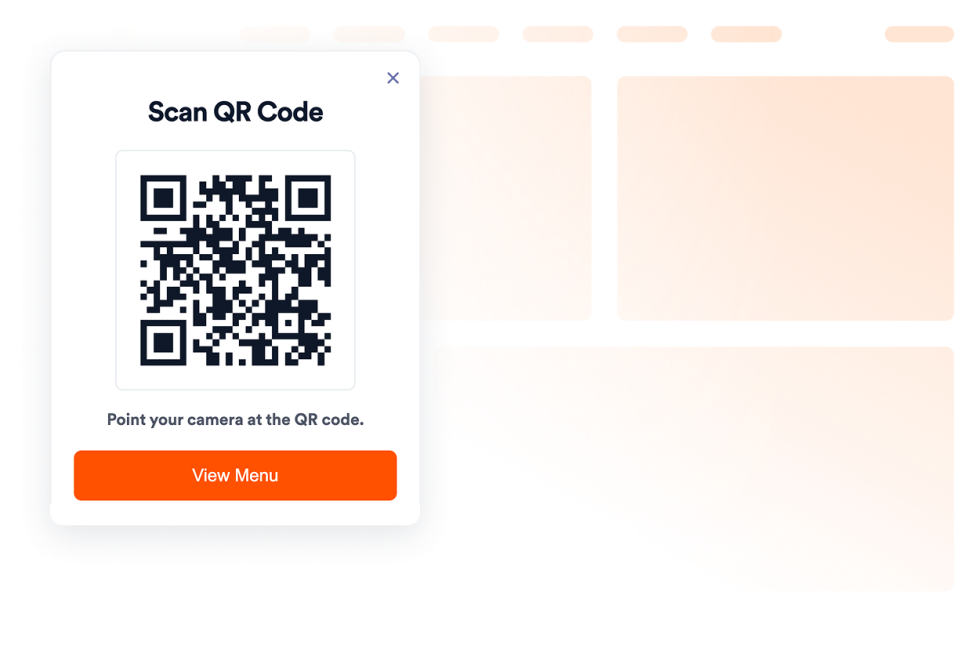
Add a QR Code to your website in seconds. Help visitors scan menus, forms, downloads, offers, and event links. No coding required.
카테고리로 이동:Utilities위젯 사용Airbnb 리뷰
Airbnb 리뷰 위젯은 실제 게스트 피드백을 깔끔한 레이아웃으로 보여줍니다. Jform의 노코드 도구를 사용하면 자동으로 동기화하고, 자유롭게 맞춤 설정하며, 어디서나 임베드할 수 있습니다.
카테고리로 이동:리뷰위젯 사용Banner
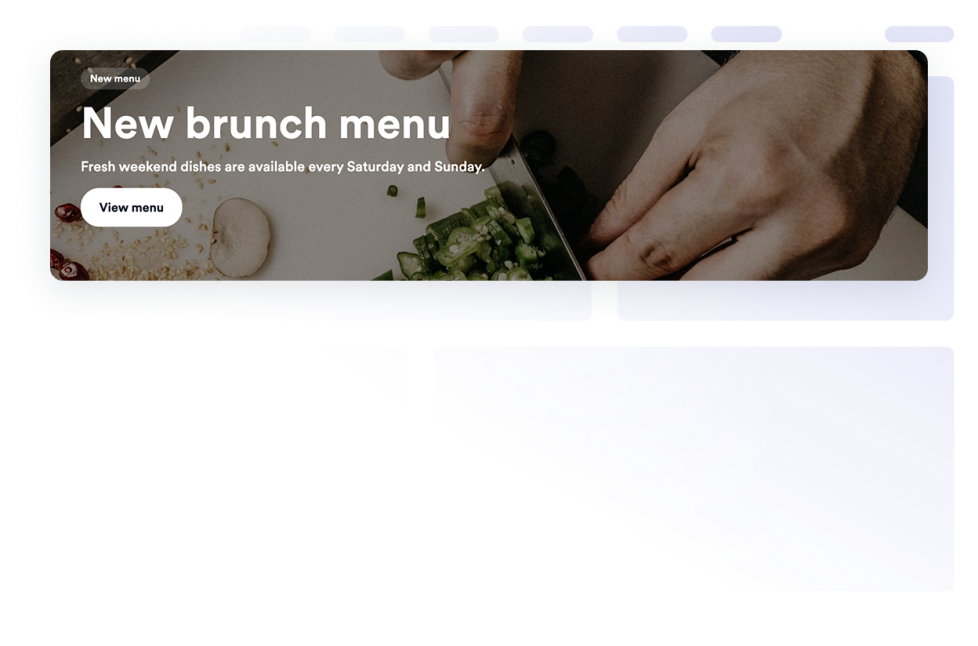
Add a Banner widget to your website for promotions, announcements, sales, events, coupons, countdowns, forms, images, videos, buttons, and clickable campaign banners.
카테고리로 이동:전자 상거래위젯 사용자주하는 질문
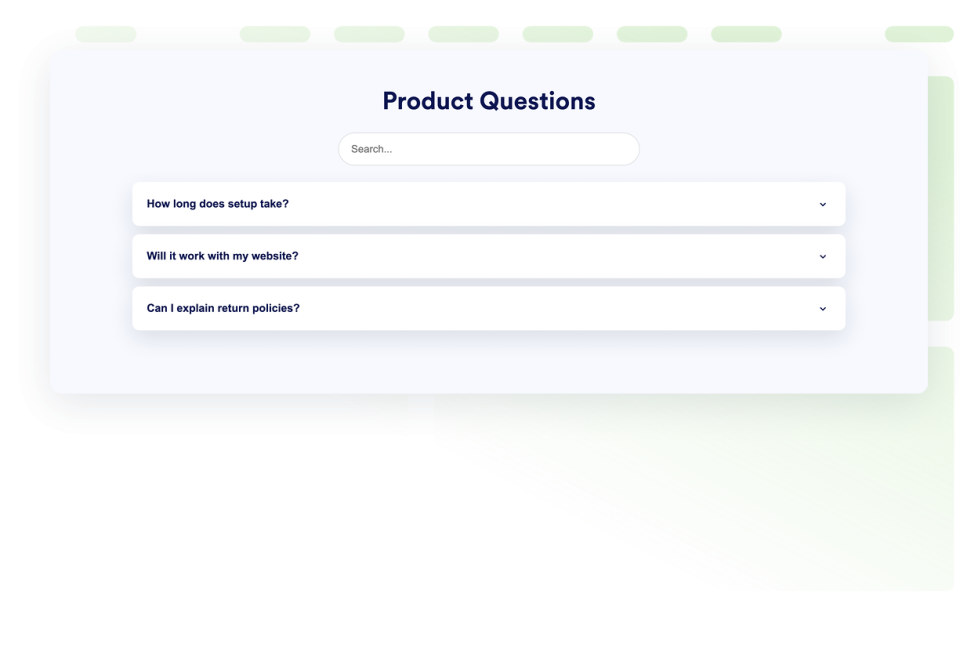
Add a searchable FAQ widget to your website. Create accordion FAQs with custom styling, media-rich answers, and flexible layouts.
카테고리로 이동:Utilities위젯 사용eBay Reviews
eBay 리뷰 위젯으로 신뢰를 높이세요. 실시간 구매자 피드백, 평점, 자동 업데이트되는 리뷰를 표시하세요. Jform의 무료 노코드 삽입으로 몇 초 만에 설정할 수 있습니다. 지금 시작하세요.
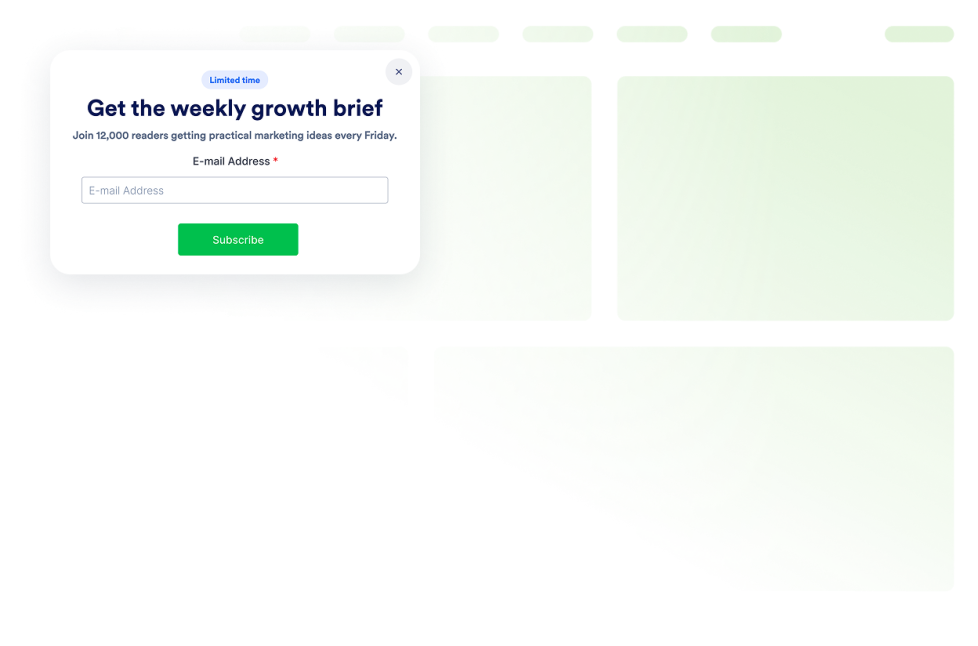
카테고리로 이동:리뷰위젯 사용팝업
Add a Popup widget to your website for lead capture, announcements, discounts, newsletter signups, exit offers, and fixed bars. Build and embed it with Jotform.
카테고리로 이동:전자 상거래위젯 사용Etsy 리뷰
Etsy 리뷰 위젯은 실제 구매자 평점을 깔끔한 레이아웃으로 보여줍니다. Jform의 노코드 도구를 사용하면 자동 동기화하고, 자유롭게 맞춤 설정하며, 어디서나 임베드할 수 있습니다.
카테고리로 이동:리뷰위젯 사용Visitor Counter
Add a Visitor Counter widget to your website to show a customizable no-code counter for page activity-style social proof.
카테고리로 이동:Utilities위젯 사용App Store 리뷰
App Store 리뷰 위젯은 실제 iOS 사용자 평점을 깔끔한 레이아웃으로 보여줍니다. Jform의 노코드 도구를 사용하면 자동 동기화, 맞춤 설정, 어디서나 임베드까지 모두 손쉽게 할 수 있습니다.
카테고리로 이동:리뷰위젯 사용Tripadvisor 리뷰
Tripadvisor 리뷰 위젯은 실제 여행자 평점을 깔끔한 레이아웃으로 보여줍니다. Jform의 노코드 도구를 사용하면 자동 동기화하고, 자유롭게 맞춤 설정하며, 어디서나 임베드할 수 있습니다.
카테고리로 이동:리뷰위젯 사용Before and After Slider
Add a Before and After Slider widget to your website to compare image transformations with horizontal or vertical reveal controls, captions, multiple comparison pairs, fullscreen view, and responsive styling.
카테고리로 이동:Utilities위젯 사용나이 인증
Add an Age Verification widget to your website to gate age-restricted content with custom messages, verification methods, visitor memory, and branded styling.
카테고리로 이동:Utilities위젯 사용Podcast
Add a Podcast Player widget to your website with episode playback, playlist browsing, RSS source storage, cover art, autoplay, and custom styles.
카테고리로 이동:오디오위젯 사용Click to Call
Add a Click to Call widget to your website so visitors can reach your business from a floating call button. Customize the phone number, button label, colors, sizing, spacing, and desktop or mobile visibility without code.
카테고리로 이동:Utilities위젯 사용AliExpress Reviews
Add an AliExpress Reviews Widget to your website. Display product ratings, customize the layout, and embed customer feedback without coding.
카테고리로 이동:리뷰위젯 사용Social Feed
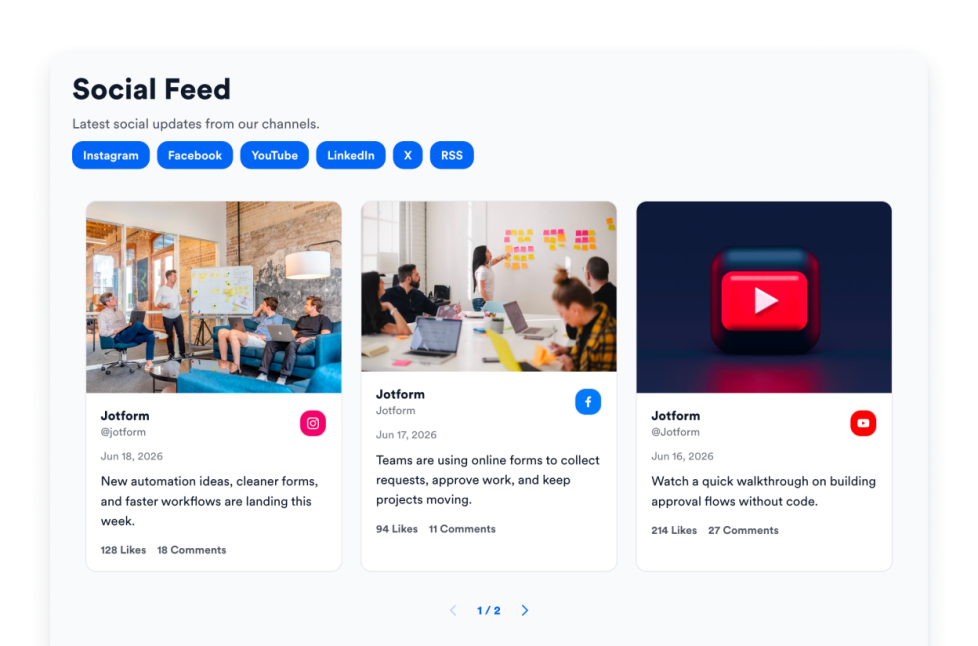
Add a Social Feed widget to your website. Connect public social sources, fetch posts automatically, and display them in a responsive feed without coding.
카테고리로 이동:소셜위젯 사용Whatsapp Chat
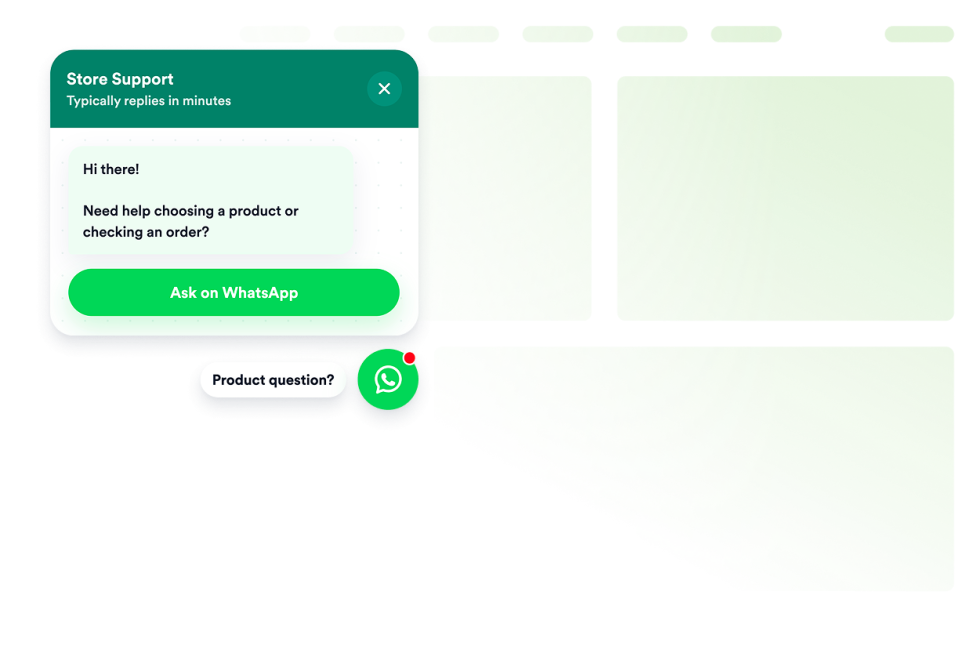
Add a whatsapp chat to your website in seconds. Customize the design and embed it with Jform's no-code website widget builder.
카테고리로 이동:Chats위젯 사용OpenTable Reviews
Display real customer feedback from your OpenTable profile and turn reviews into powerful social proof. With flexible layouts, styling options, and simple integration, you can showcase OpenTable Reviews on your website exactly the way you want.
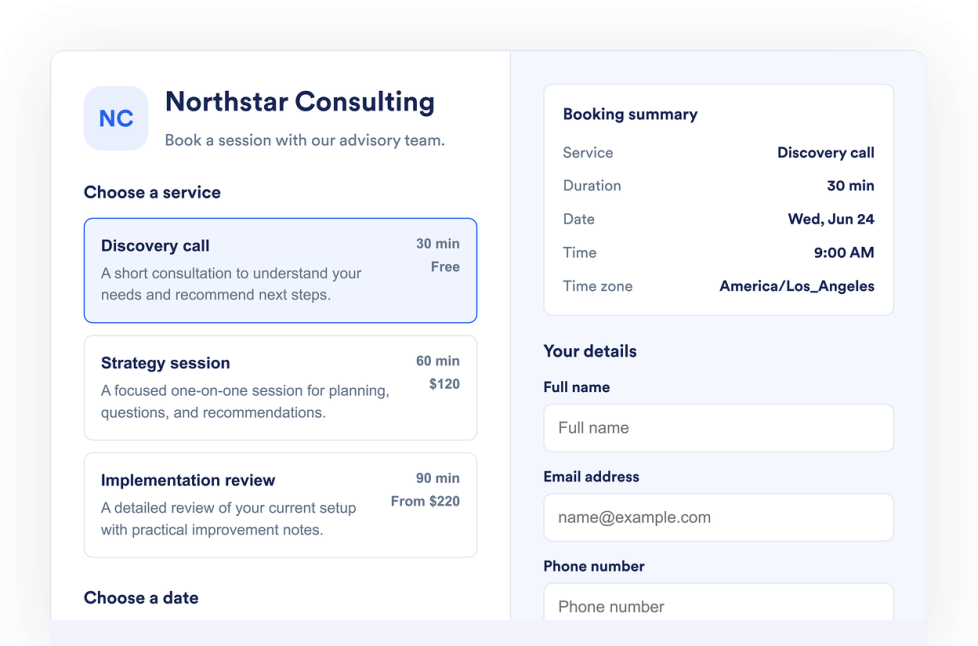
카테고리로 이동:리뷰위젯 사용Appointment Booking
Add an Appointment Booking Widget to your website. List services, control availability, collect customer details, and accept booking requests without code.
카테고리로 이동:양식위젯 사용Flipbook
Add an interactive Flipbook widget to your website. Upload a PDF or paste a PDF URL, then choose page mode, stage theme, zoom, fullscreen, download, print, and responsive display.
카테고리로 이동:Utilities위젯 사용Youtube Gallery
Add a YouTube Gallery widget to your website. Display channels, playlists, and videos in a customizable responsive gallery without coding.
카테고리로 이동:동영상위젯 사용Logo Showcase
Create a Logo Showcase widget to display customer, partner, sponsor, or press logos. Choose grid, carousel, or ticker layouts and embed without coding.
카테고리로 이동:소셜위젯 사용Tournament Bracket
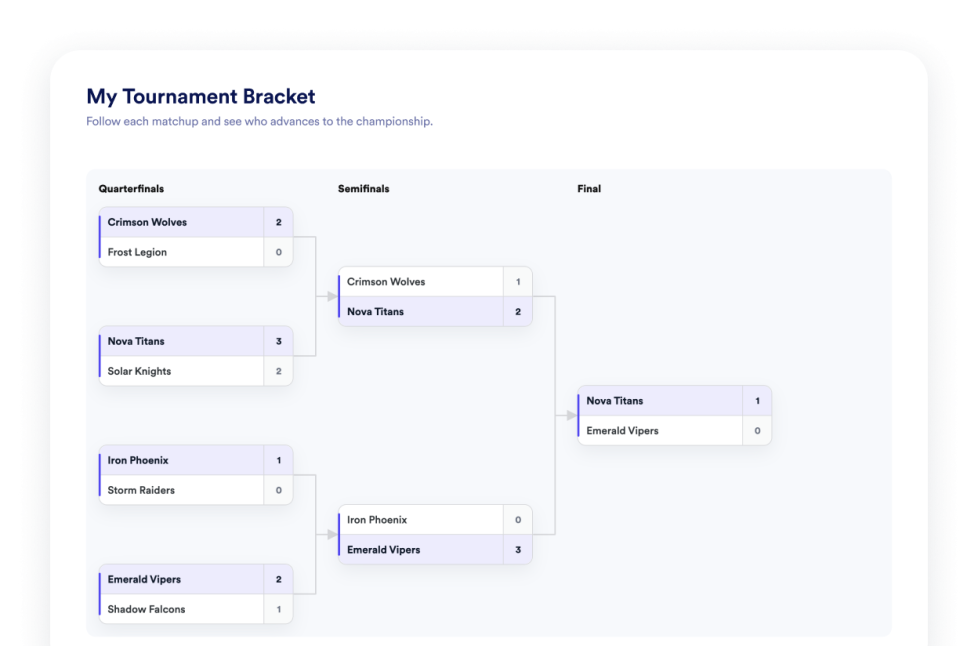
Create a bracket maker widget for your website. Choose a tournament format, manage participants, add match results, show group standings, and publish bracket previews without coding.
카테고리로 이동:Utilities위젯 사용Number Counter
Add a Number Counter widget to your website to display animated milestones, statistics, icons, prefixes, postfixes, links, and live JSON-backed values.
카테고리로 이동:Utilities위젯 사용Houzz Reviews
Add a Houzz Reviews widget to your website. Display client ratings, project feedback, and social proof in customizable no-code layouts.
카테고리로 이동:리뷰위젯 사용슬라이더
Add a Slider widget to your website to rotate image or video slides with badges, text, buttons, autoplay, fade or slide transitions, and responsive navigation.
카테고리로 이동:Utilities위젯 사용PDF Embed
Add a PDF Embed widget to your website. Upload one PDF or paste a direct PDF link, then customize viewer controls, zoom, download, icon, color, width, height, and typography.
카테고리로 이동:Utilities위젯 사용Announcement Bar
Add an Announcement Bar widget to your website for sales, launches, shipping notices, events, coupons, updates, and time-sensitive messages.
카테고리로 이동:전자 상거래위젯 사용Hotels Reviews
Add a Hotels.com Reviews widget to your website in seconds. Showcase customer feedback, build trust, and grow conversions - no coding required.
카테고리로 이동:리뷰위젯 사용Menu
Add a responsive menu widget to your website with editable categories, item descriptions, prices, badges, layouts, themes, and reservation links.
카테고리로 이동:Utilities위젯 사용Spinning Wheel
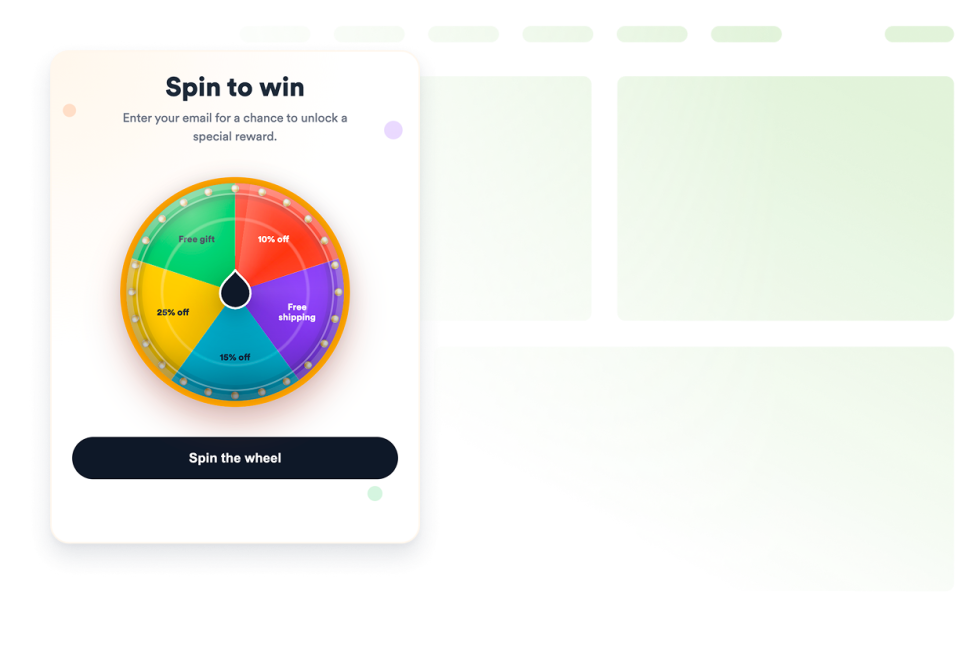
Add a customizable spinning wheel widget to your website to run giveaways, collect leads, promote offers, and boost engagement without code.
카테고리로 이동:전자 상거래위젯 사용Facebook Feed
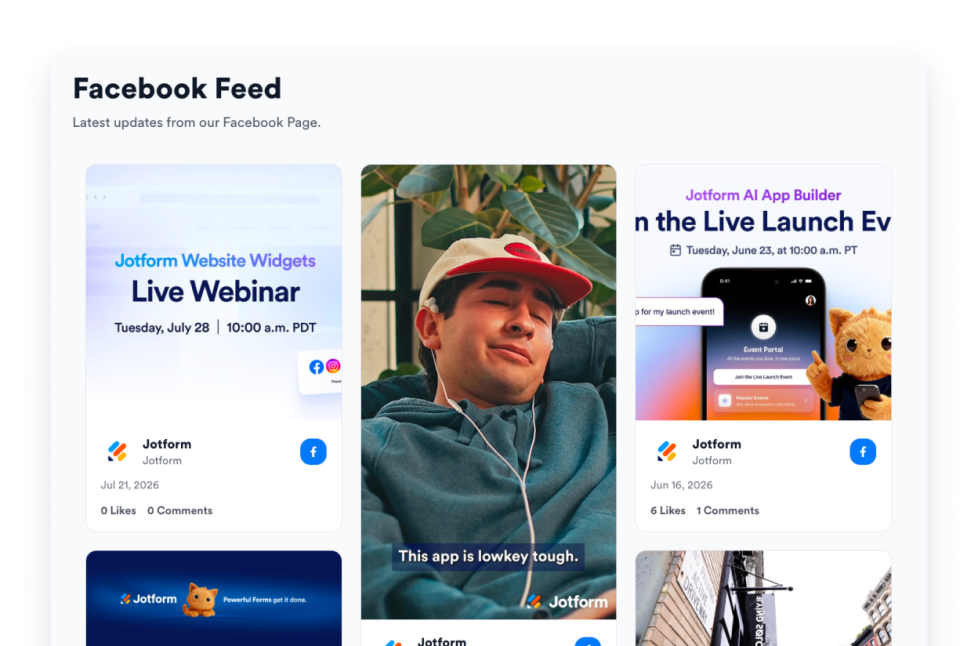
Embed Facebook Page updates on your website with responsive layouts, post popups, source styling, and no custom code.
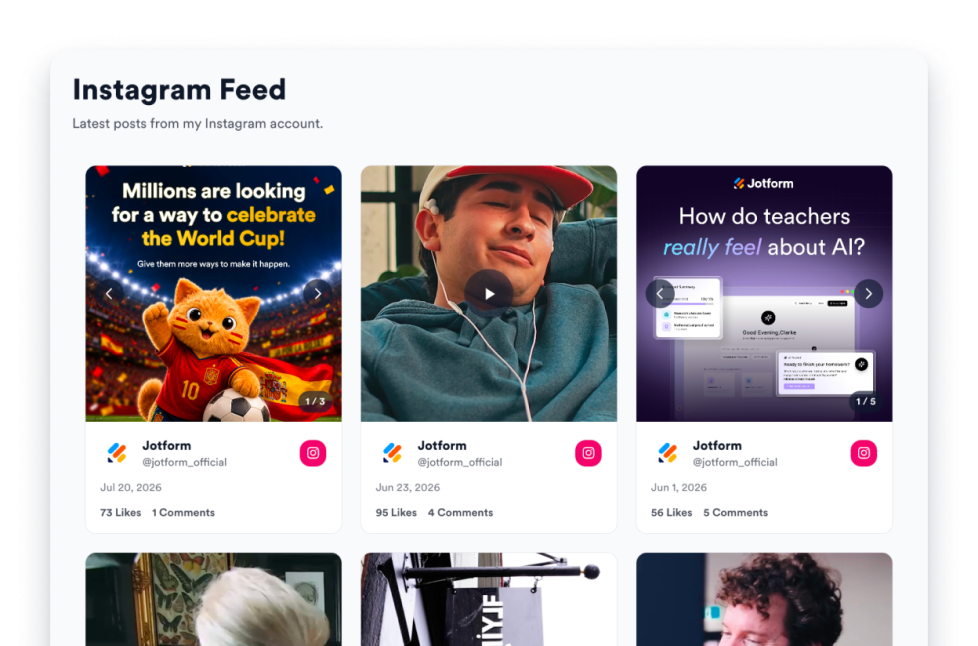
카테고리로 이동:소셜위젯 사용Instagram Feed
Embed Instagram account posts on your website with responsive layouts, post popups, source styling, and no custom code.
카테고리로 이동:소셜위젯 사용RSS Feed
Add an RSS or Atom feed to your website and display fresh articles in list, grid, masonry, carousel, or slider layouts.
카테고리로 이동:소셜위젯 사용Tumblr Feed
Display Tumblr blog posts on your website in responsive feed layouts with images, captions, links, and popups.
카테고리로 이동:소셜위젯 사용Twitter/X Feed
Add a Twitter / X Feed widget to your website to display recent posts, customize the layout, and keep visitors connected to your social updates.
카테고리로 이동:소셜위젯 사용Vimeo Video Gallery
Embed Vimeo videos from a public user, channel, showcase, group, or video URL in a responsive website gallery.
카테고리로 이동:동영상위젯 사용Viber Chat
Add a customizable Viber chat widget to your website so visitors can ask questions, request help, and start Viber conversations with your business.
카테고리로 이동:Chats위젯 사용사용후기
Create a responsive testimonial slider for your website. Display customer quotes, ratings, photos, logos, and CTA-ready slides with Jotform.
카테고리로 이동:소셜위젯 사용댓글
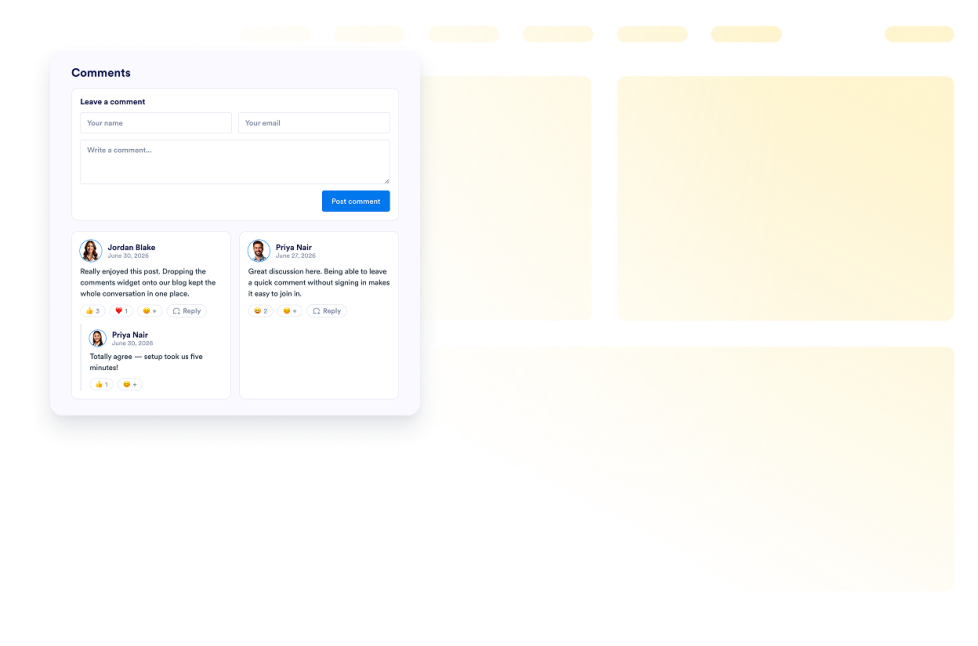
Add a Comments widget to your website. Display commenter names, avatars, roles, dates, and messages in customizable no-code list, grid, masonry, and carousel layouts.
카테고리로 이동:리뷰위젯 사용Scratch Card
Add a customizable scratch card widget to your website to run giveaways, collect leads, promote offers, and boost engagement without code.
카테고리로 이동:전자 상거래위젯 사용Pomodoro
Add a Pomodoro Widget to your website for focused work sessions, short breaks, long breaks, alarm sounds, and custom styling.
카테고리로 이동:Utilities위젯 사용Dino Game
Add a Dinosaur Game widget to your website in seconds. Create a fun, interactive experience with a customizable no-code dinosaur runner visitors will keep coming back to.
카테고리로 이동:Utilities위젯 사용Spotify
Add a free Spotify Widget to your website. Embed tracks, albums, playlists, artists, shows, and episodes with a no-code player you can fully customize.
카테고리로 이동:오디오위젯 사용Dark Mode
Add a customizable Dark Mode Widget to your website for low-light browsing. Set colors, placement, scheduling, and styles in a no-code widget.
카테고리로 이동:Utilities위젯 사용Free Image Gallery Widget
Add an Image Gallery widget to your website. Show photos in a responsive grid, masonry, or justified layout with captions, links, and a lightbox.
카테고리로 이동:Utilities위젯 사용Quotes Widget
Add a Quote Widget to your website to display motivational, productivity, leadership, creative, mindfulness, or custom quotes with theme, background, visibility, and size controls.
카테고리로 이동:Utilities위젯 사용Website Translator
Add a Website Translator widget to your site in minutes. Let visitors switch languages and read your content translated automatically with a no-code, customizable switcher.
카테고리로 이동:Utilities위젯 사용Team Showcase
Create a Team Showcase widget for your website with profile cards, template layouts, member bios, social links, color schemes, and responsive embeds.
카테고리로 이동:Utilities위젯 사용Clock Widget
Show current time across offices, stores, support regions, events, and global teams. Display analog and digital world clocks, time zones, and custom layouts—no code.
카테고리로 이동:Utilities위젯 사용Comparison Table Widget
Help visitors choose with confidence by comparing plans, products, and features side by side. Jotform’s Comparison Table widget is a free, no-code tool you can build, style, preview, and embed on any website in minutes.
카테고리로 이동:기타위젯 사용Recipes
Add a Recipe Widget to your website. Share recipe cards with images, ingredients, directions, nutrition, timing, print, share, and schema controls.
카테고리로 이동:Utilities위젯 사용Reading Progress
Add a Reading Progress widget to your website. Show scroll progress, percentage, time left, and bar, circle, or step displays without code.
카테고리로 이동:Utilities위젯 사용Dynamic Text
Create a Dynamic Text Widget to rotate headline phrases, highlight offers, and style animated website messages for any device.
카테고리로 이동:Utilities위젯 사용Portfolio
Showcase your best work with Jform's Portfolio Widget. Create a stunning portfolio gallery, highlight projects, and embed it on any website with no coding required.
카테고리로 이동:Utilities위젯 사용Under Construction
Let visitors know your page is under construction with the Under Construction Widget, featuring branding, social links, contact line, launch note and logo.
카테고리로 이동:Utilities위젯 사용Scoreboard
Add a scoreboard to your website in seconds. Customize the design and embed it with Jform's no-code website widget builder.
카테고리로 이동:Utilities위젯 사용Content Locker
Add a content locker to your website in seconds. Customize the design and embed it with Jform's no-code website widget builder.
카테고리로 이동:Utilities위젯 사용Reels widget
Embed a responsive Reels widget on your website with portrait cards, popups, source controls, and visual styling options.
카테고리로 이동:소셜위젯 사용Size Chart
Add a Size Chart widget to your website so that shoppers can compare measurements, switch product categories, view guide images, and choose sizes without code.
카테고리로 이동:전자 상거래위젯 사용Job Board
Add a job board to your website in seconds. Customize the design and content, then embed the widget with Jform's no-code website widget builder.
카테고리로 이동:Utilities위젯 사용SNS 공유
Add a social share to your website in seconds. Customize the design and embed it with Jform's no-code website widget builder.
카테고리로 이동:소셜위젯 사용Dice Game
Add a dice game to your website in seconds. Customize the design and embed it with Jform's no-code website widget builder.
카테고리로 이동:Utilities위젯 사용Glossary
Add a free glossary widget to your website with searchable terms, A–Z filters, list or accordion layouts, and custom styling for help centers, docs, and courses.
카테고리로 이동:Utilities위젯 사용Medium Feed
Embed public Medium stories with responsive layouts, article modals, engagement counts, refresh controls, and brand styling.
카테고리로 이동:소셜위젯 사용Telegram Chat
Add a customizable Telegram Chat widget to your website so visitors can open a Telegram conversation with your business.
카테고리로 이동:Chats위젯 사용Vouchers
Add vouchers to your website in seconds. Customize the design, choose how your offer appears, and embed it with Jotform’s no-code website widget builder.
카테고리로 이동:전자 상거래위젯 사용Graphs and Charts Widget
Create responsive graphs and charts for your website with editable data, chart types, legends, labels, colors, and no-code embed controls.
카테고리로 이동:Utilities위젯 사용보안
Add a Security widget to display preset or custom security badges with uploaded logos, card links, CTA buttons, dark mode, and website-matched colors.
카테고리로 이동:Utilities위젯 사용양식
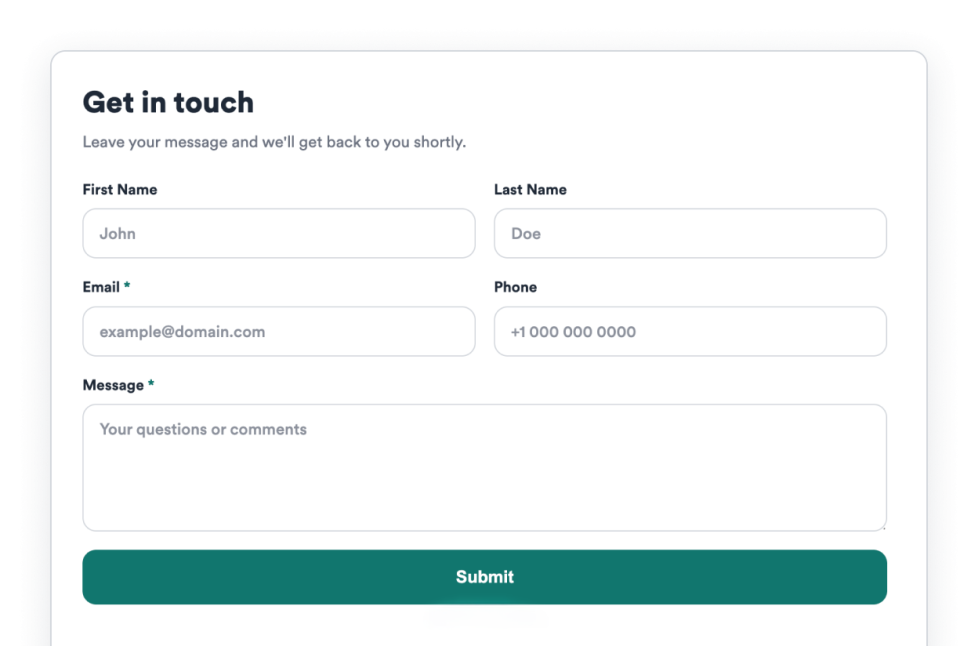
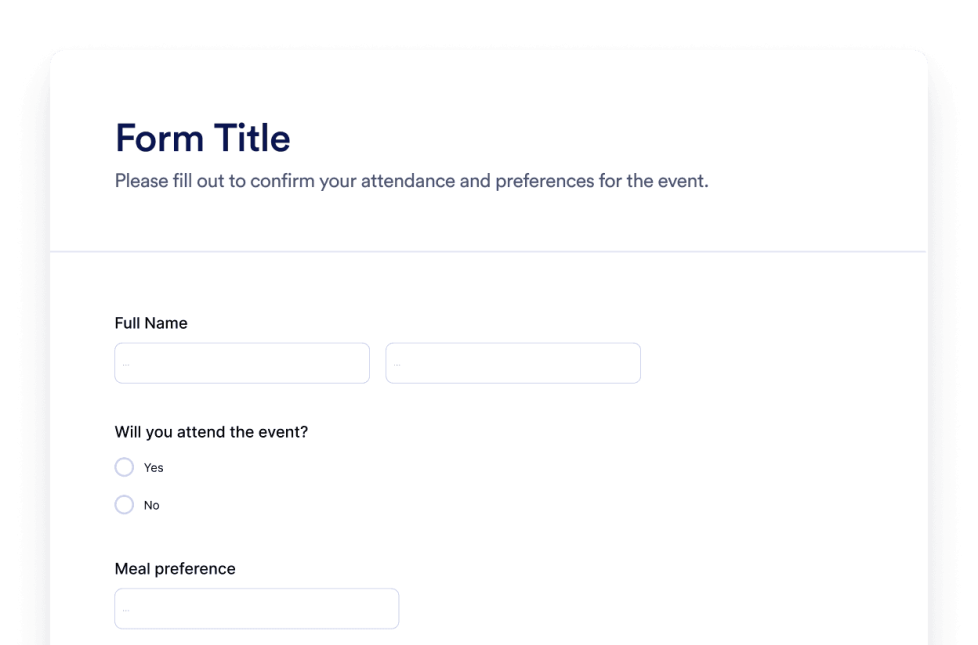
Jform AI 양식 생성기로 맞춤형 양식을 만들어 보세요. 코딩도, 템플릿도, 번거로움도 필요 없습니다. 어떤 양식을 만들고 싶은지만 AI 챗봇에 알려 주세요.
카테고리로 이동:기타위젯 사용챗봇
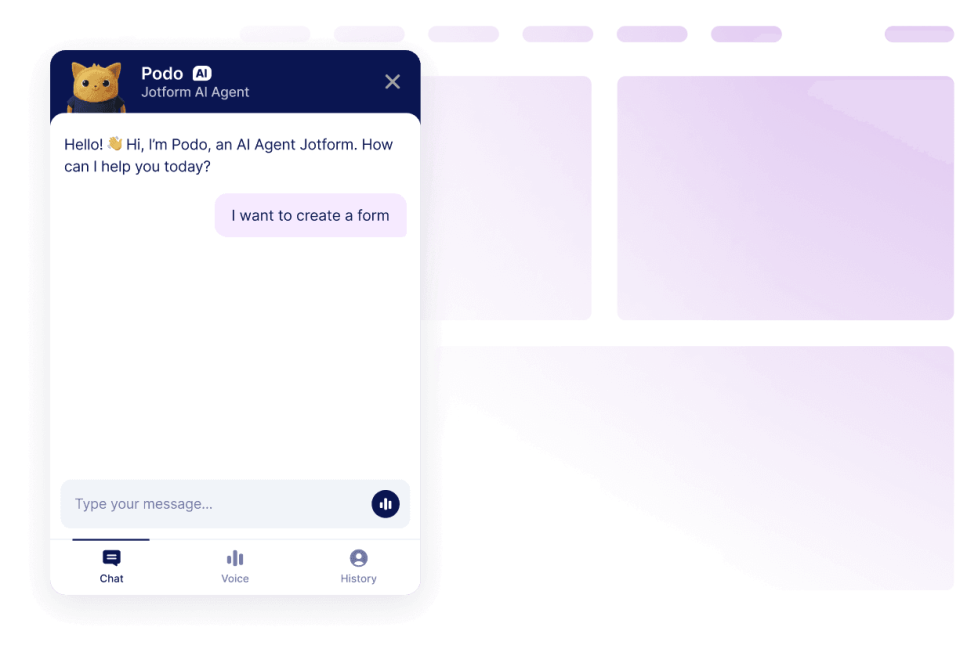
Jform AI 챗봇 빌더로 웹사이트를 인터랙티브한 경험으로 바꾸세요. 사용자에게 브랜드에 어울리는 실시간 응답과 매끄러운 양식 작성 도움을 제공할 수 있습니다.
카테고리로 이동:기타위젯 사용어떤 결과도 발견되지 않았습니다
No results match your search. Please try another keyword.
왜 Jform 웹사이트 위젯을 선택해야 할까요?
함께 성장할 수 있도록 설계
하나의 위젯으로 시작해 간단하게 유지할 수 있습니다. 준비가 되면 동일한 Jform 계정에서 새 페이지, 캠페인 또는 목표를 위한 위젯을 추가하세요. 다른 도구로 이동하거나 처음부터 다시 시작할 필요가 없습니다.

쉬운 설정 및 맞춤화
모든 위젯은 Jform의 친숙한 노코드 편집기로 구성되어 있어 레이아웃과 스타일을 간단하고 직관적으로 맞춤 설정할 수 있습니다. 개발자나 기술 지원 없이도 색상, 간격, 디자인 세부 사항을 직접 조정할 수 있습니다.

대부분의 웹사이트 및 플랫폼에서 작동
표준 삽입 옵션을 사용하여 다양한 웹사이트 플랫폼과 맞춤형 사이트에 Jform 위젯을 삽입하세요. 여러 페이지와 환경에서 동일한 위젯이 계속 작동하도록 할 수 있습니다.

Jform 양식 빌더로 리드를 유료 고객으로 전환하세요
Jform으로 참여를 행동으로 전환하세요. 리드를 확보하고 결제를 수집하며 응답을 자동화하는 강력한 양식을 한 곳에서 만들어 보세요. 모든 제출물은 Jform 받은 편지함으로 모여, 후속 조치를 하거나 즐겨 사용하는 앱과 연동할 준비를 마치게 됩니다.
시작하기 — 무료입니다!
왜 위젯을 사용해야 할까요?
웹사이트 위젯을 사용하면 모든 기능을 처음부터 구축하지 않고도 사이트를 개선할 수 있습니다. 신뢰 구축, 리드 생성, 고객 지원과 같은 비즈니스 목표를 지원할 수 있습니다.
리뷰와 후기로 신뢰도를 쌓으세요
명확한 클릭 유도 문구로 전환율을 개선하세요
마찰을 줄여 방문자가 사이트에 더 오래 머물도록 하세요
수백만 명이 신뢰
Jform은 전 세계의 소규모 팀부터 대규모 조직까지 다양한 비즈니스에서 사용되고 있습니다.
- 4.7
- 4.7
- 4.7
- 5.0
- 4.5
웹사이트 위젯 이해하기
위젯이 웹사이트에 통합되는 방식
이 섹션에서는 웹사이트 위젯의 정의, 웹페이지 내 작동 방식, 그리고 위젯 라이브러리가 확장됨에 따른 효과적인 사용법을 설명합니다. 웹사이트 위젯은 보통 짧은 코드 스니펫으로 삽입되어 웹페이지의 특정 영역에 로드됩니다. 기존 콘텐츠 옆에 배치할 수 있으며 페이지 구조를 변경하지 않고 업데이트가 가능합니다.
웹사이트 위젯의 일반적인 유형
위젯은 기존 콘텐츠와 함께 배치할 수 있으며 페이지 구조를 변경하지 않고도 업데이트할 수 있습니다. 따라서 웹사이트를 재구축하거나 다시 디자인하지 않고도 기능을 추가하는 데 유용합니다. 웹사이트 위젯은 지원하는 목표에 따라 다양한 형태로 제공됩니다. 일반적인 유형은 다음과 같습니다:
- Review widgets to display customer feedback from third-party platforms
- Form widgets for contact forms, lead capture, and registrations
- Scheduling widgets for booking meetings or appointments
- Payment widgets for collecting one-time or recurring payments
- Chat and messaging widgets for customer support and inquiries
- Feedback and survey widgets to collect opinions and responses
이 페이지는 현재 리뷰 위젯을 중심으로 다룹니다. 위젯 라이브러리가 확장됨에 따라 앞으로 더 많은 위젯 유형이 추가될 수 있습니다.
웹사이트 위젯이 SEO에 미치는 영향
웹사이트 위젯은 의도적으로 사용하고 페이지의 목적에 맞게 조정하면 SEO에 도움이 될 수 있습니다. 사용성, 참여도, 작업 완료율을 개선하는 위젯은 방문자가 페이지에 더 오래 머물고 콘텐츠와 더 효과적으로 상호작용하도록 도울 수 있습니다.
SEO 문제를 방지하려면:
- 명확한 가치를 더하는 페이지에 위젯을 배치하세요
- 위젯 주변에 설명적인 제목과 보조 텍스트를 사용하세요
- 한 페이지에 너무 많은 위젯을 추가하지 마세요
- 위젯이 효율적으로 로드되고 콘텐츠를 차단하지 않도록 하세요
위젯은 콘텐츠를 대체하기보다는 보완할 때 가장 효과적입니다.
위젯을 지원하는 웹사이트 플랫폼
대부분의 웹사이트 위젯은 표준 삽입 코드를 사용하여 다양한 플랫폼에 삽입할 수 있습니다. 여기에는 일반적으로 콘텐츠 관리 시스템, 웹사이트 빌더, 맞춤형 사이트가 포함됩니다.
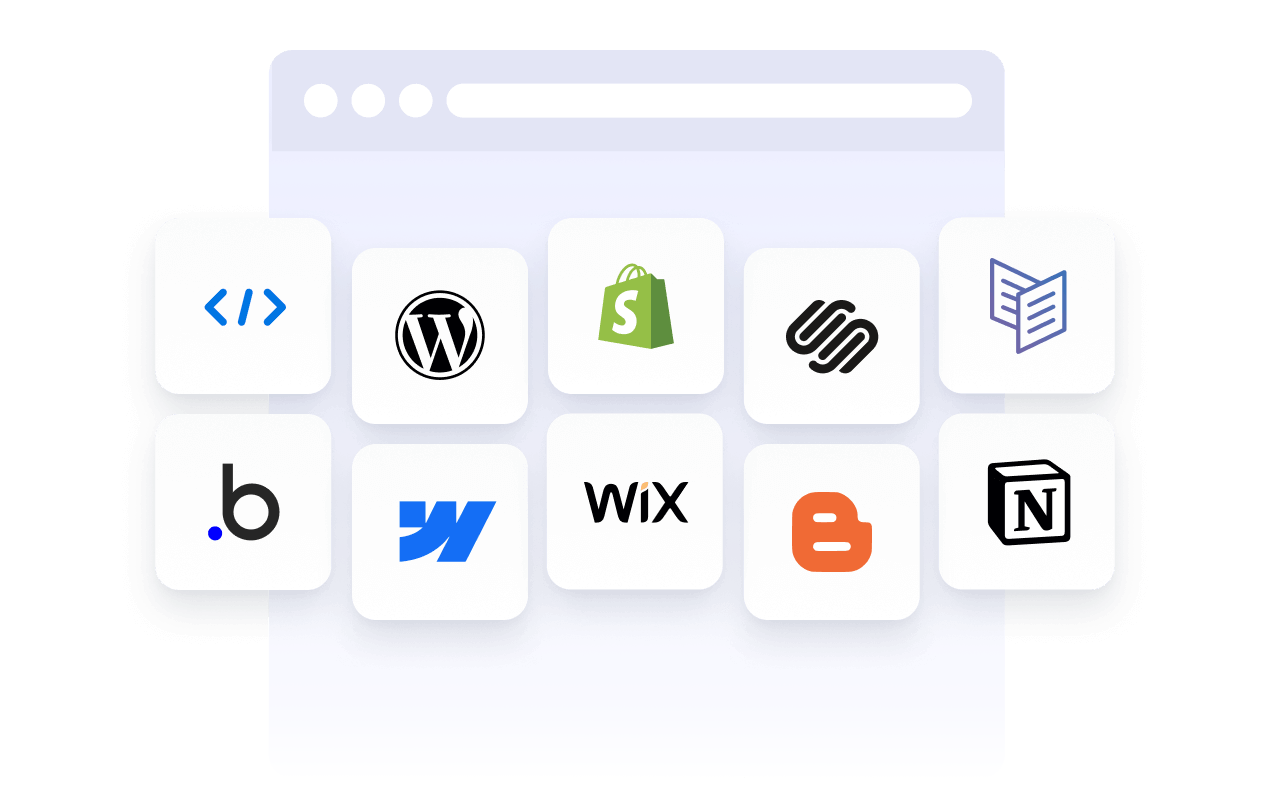
삽입형 위젯을 지원하는 일반적인 플랫폼으로는 WordPress, Webflow, Wix, Shopify, Squarespace 및 정적 HTML 사이트가 있습니다. 정확한 배치 방법은 플랫폼에 따라 다르지만, 위젯은 보통 코드 블록, 사용자 지정 HTML 섹션 또는 페이지 편집기를 통해 추가됩니다.
웹사이트 위젯 vs 플러그인 및 확장 프로그램
웹사이트 위젯은 일반적으로 플랫폼에 구애받지 않으며 코드를 사용하여 다양한 유형의 웹사이트에 삽입할 수 있습니다. 플러그인이나 확장 프로그램은 보통 특정 플랫폼용으로 제작되며 해당 시스템 내에서 설치 및 유지 관리가 필요합니다.
동일한 위젯을 여러 환경에서 재사용할 수 있으므로, 여러 사이트를 관리하거나 다른 플랫폼을 사용할 때 위젯은 더 큰 유연성을 제공합니다.
목표에 따른 위젯 선택
적합한 위젯을 선택하는 것은 방문자가 사이트에서 무엇을 하기를 원하는지에 달려 있습니다. 목표가 신뢰를 쌓는 것이라면 리뷰 위젯으로 고객 피드백을 강조할 수 있습니다. 정보를 수집하고 싶다면 양식 위젯이 더 적합할 수 있습니다. 예약이나 거래에는 예약 또는 결제 위젯이 더 적합합니다.
주요 목표를 지원하는 위젯으로 시작한 다음, 사이트가 성장하고 요구 사항이 변경됨에 따라 확장하세요.
삽입된 위젯 관리 및 업데이트
대부분의 웹사이트 위젯은 삽입된 후에도 업데이트할 수 있습니다. 디자인, 콘텐츠 또는 설정 변경 사항은 일반적으로 웹사이트 코드를 변경할 필요 없이 위젯이 사용되는 모든 페이지에 자동으로 반영됩니다.
이러한 특징 덕분에 위젯은 캠페인, 시즌별 업데이트, 지속적인 최적화에 유용합니다.