Game Widgets for Websites
Create free game widgets for your website with Jotform. Customize, embed, and manage interactive games from one account to boost engagement on your site.
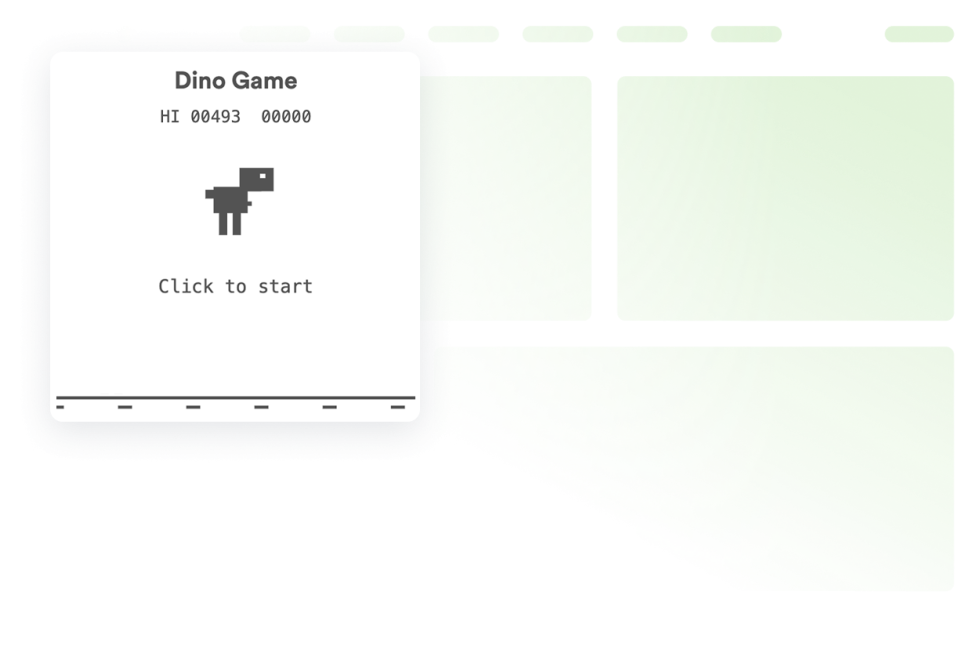
Dino Game
Add a Dinosaur Game widget to your website in seconds. Create a fun, interactive experience with a customizable no-code dinosaur runner visitors will keep coming back to.
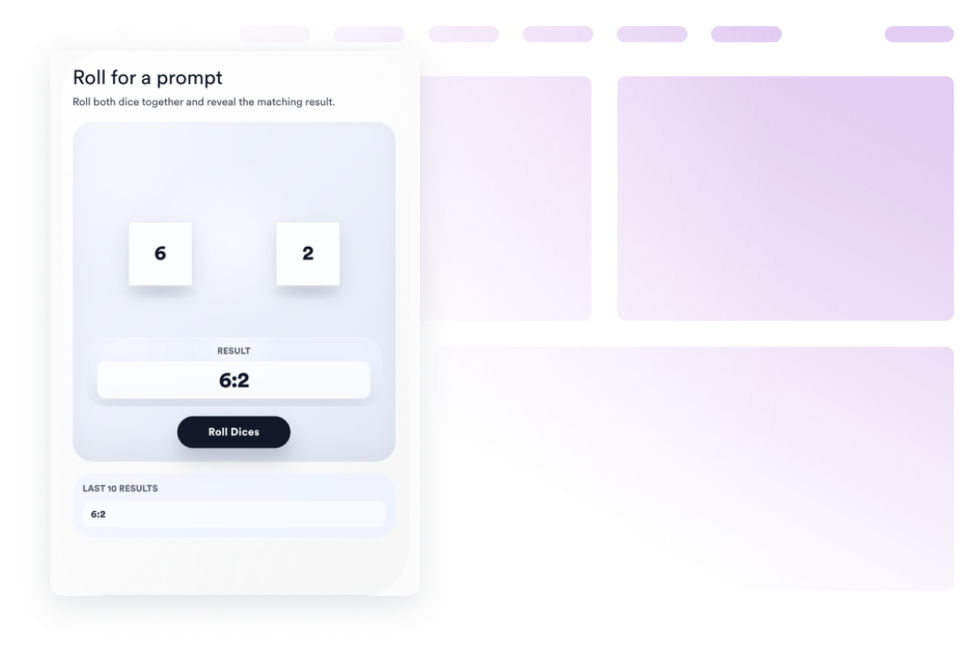
카테고리로 이동:Game위젯 사용Dice Game
Add a dice game to your website in seconds. Customize the design and embed it with Jform's no-code website widget builder.
카테고리로 이동:Game위젯 사용Balloon Popper
Add a Balloon Popper widget to your website. Let visitors shoot falling balloons to unlock promo codes, capture emails, and boost reward campaigns with no code.
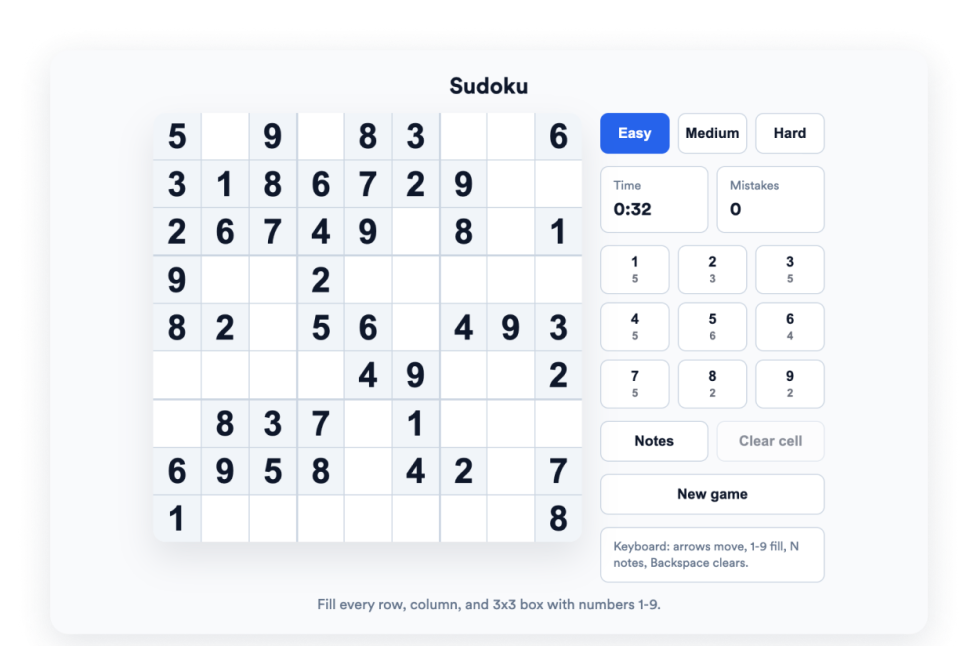
카테고리로 이동:Game위젯 사용Sudoku
Add a free Sudoku widget to your website. Customize the puzzle, difficulty, and theme, then embed a playable Sudoku game on your website without coding.
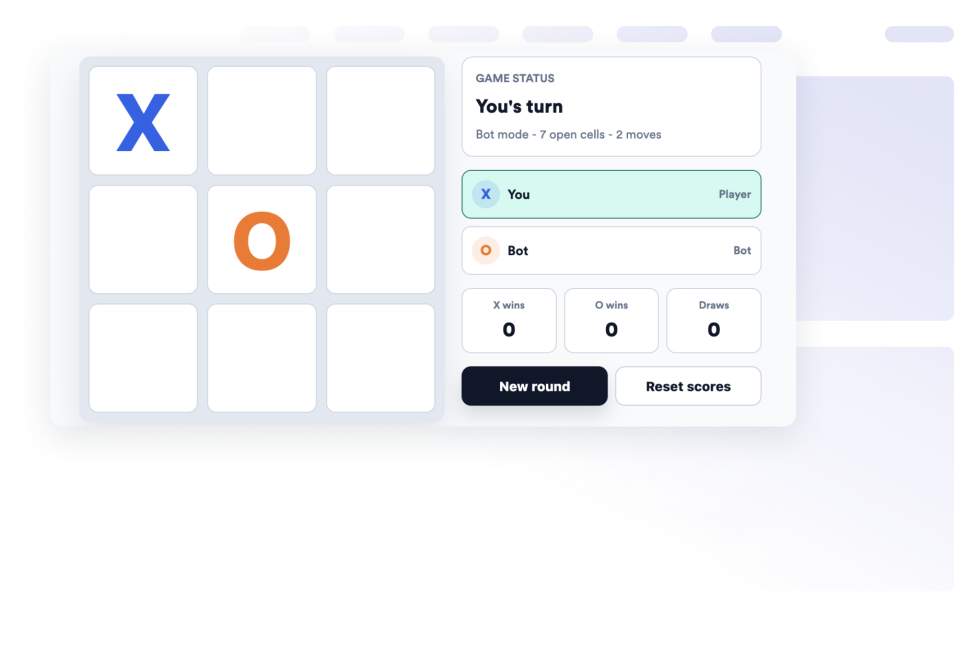
카테고리로 이동:Game위젯 사용틱택토
Add a free Tic Tac Toe widget to your website. Let visitors play against an AI bot or another local player, track scores, customize the board, and embed it with no coding.
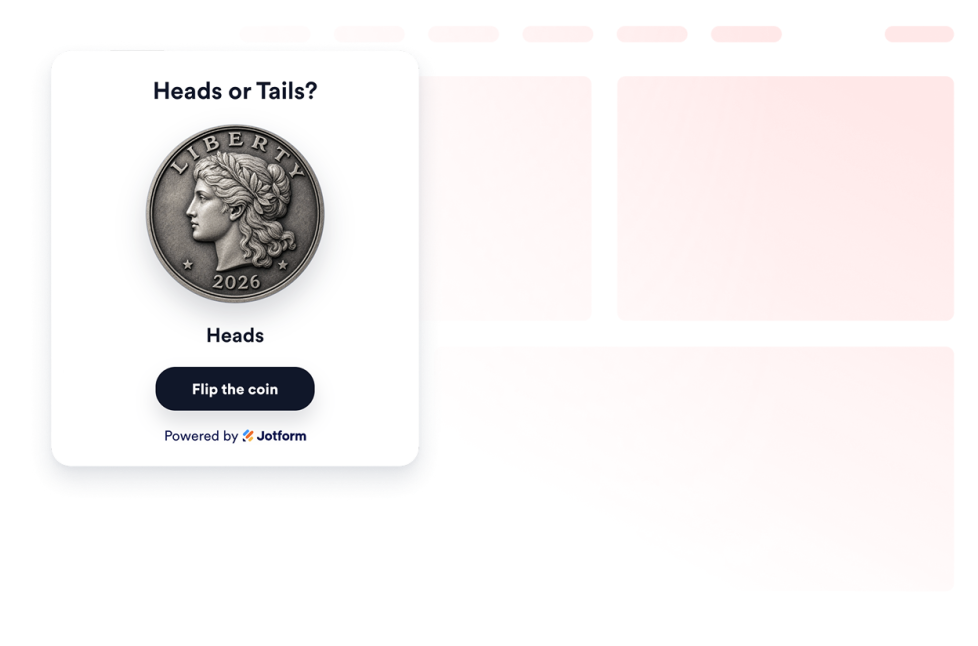
카테고리로 이동:Game위젯 사용Coin Flip
Add a Coin Flip widget to your site. Visitors flip heads or tails with a 3D animation, custom labels, styles, and themes—no coding required.
카테고리로 이동:Game위젯 사용어떤 결과도 발견되지 않았습니다
No results match your search. Please try another keyword.
About Game Widgets
Game widgets help you add playable, interactive sections to your website without custom code. These embeddable widgets can support various types of visitor interaction, including quick games, puzzles, score-based activities, chance-based games, and reward-driven campaign experiences.
With Jotform’s game widgets, you can choose a widget, customize its settings, adjust the design, and embed it on your website. Game widgets work well on landing pages, campaign pages, event pages, community pages, product pages, school websites, and promotional pages, where visitors are more likely to engage with a fun on-page activity.
What can you do with game widgets?
Game widgets can help you:
- Add playable website games without writing code
- Create embeddable interactive sections for campaigns, events, and community pages
- Let visitors play games like Dino Game, Dice Game, Balloon Popper, Sudoku, Tic Tac Toe, or Coin Flip
- Support visitor engagement with puzzles, quick challenges, score tracking, or chance-based actions
- Use games to support promotions, reward campaigns, email capture, or page interaction
- Customize game settings, themes, colors, difficulty, labels, and display options based on the widget
- Keep visitors on your website instead of sending them to another game or campaign page
Popular game widget use cases
Game widgets can be used across different parts of a website based on the type of interaction you want to create. For example, a Dino Game widget can add a familiar runner-style game to landing pages or campaign pages, while a Sudoku widget can give visitors a puzzle they can play directly on the page. A Tic Tac Toe widget can support quick one-on-one or bot-based play, and a Coin Flip widget can add a simple chance-based interaction with custom labels and themes.
Game widgets are especially useful when a page needs a more active visitor experience. They can support campaign engagement, event participation, community interaction, educational activities, promotional rewards, email capture, and repeat visits by offering visitors a simple game or task to play or complete in a compact section.
Easy game widgets for interactive campaigns and communities
Embeddable game widgets are useful for small teams, SMBs, creators, educators, nonprofits, event teams, agencies, community managers, and campaign teams that want to add playful website interactions without relying on a developer or designer.
With Jform, users can choose a game widget, customize the game settings and design, copy the embed code, and add it to their website without custom code. This makes it easier to create interactive campaigns, add simple games to pages, encourage visitors to stay longer, or guide visitors toward a reward, signup, or next action from one no-code builder.
Related guides
To learn more about setting up and managing widgets, users can read Jotform’s guide on managing website widgets. The guide explains that users can create new widgets, edit existing widgets, copy embed codes, control widget visibility, and organize your widget assets from the My Website Widgets page.
Game Widgets FAQ
What are game widgets?
Game widgets are embeddable website tools that let visitors play games, complete puzzles, join quick challenges, or interact with simple game-based experiences directly on a webpage.
Where should I use game widgets?
You can use game widgets on landing pages, campaign pages, event pages, community pages, product pages, school websites, promotional pages, and long-form pages. The best placement depends on whether you want to encourage engagement, support a campaign, add a reward activity, or make a page more interactive.
Can I customize game widgets?
Yes. Game widgets can usually be customized before they are embedded. Depending on the widget, you can adjust game settings, themes, colors, difficulty, labels, layout, animation, and other display options.
Do game widgets require coding?
No. Jform game widgets can be added without custom coding. After customizing a widget, users can embed it on a website using the provided embed code.