Free Review Widgets for Websites
Collect and display reviews from Google, Airbnb, App Store, Yelp, and more with simple no-code widgets for your website.
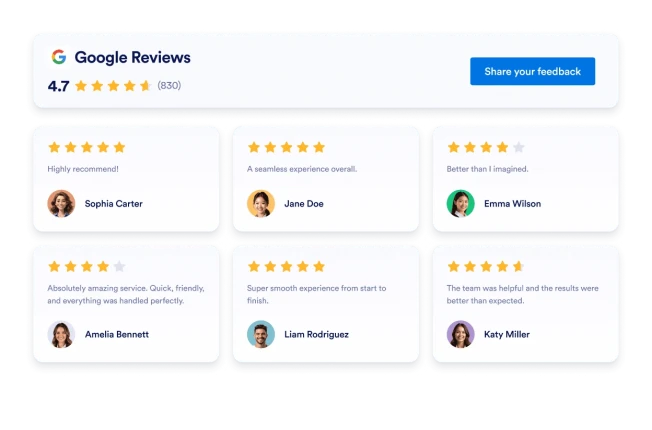
Google 리뷰
몇 초 만에 웹사이트에 Google 리뷰 위젯을 추가하세요. 고객 피드백을 보여주고 신뢰를 쌓으며 전환율을 높이세요 — 코딩은 필요하지 않습니다.
카테고리로 이동:리뷰위젯 사용하기Facebook 리뷰
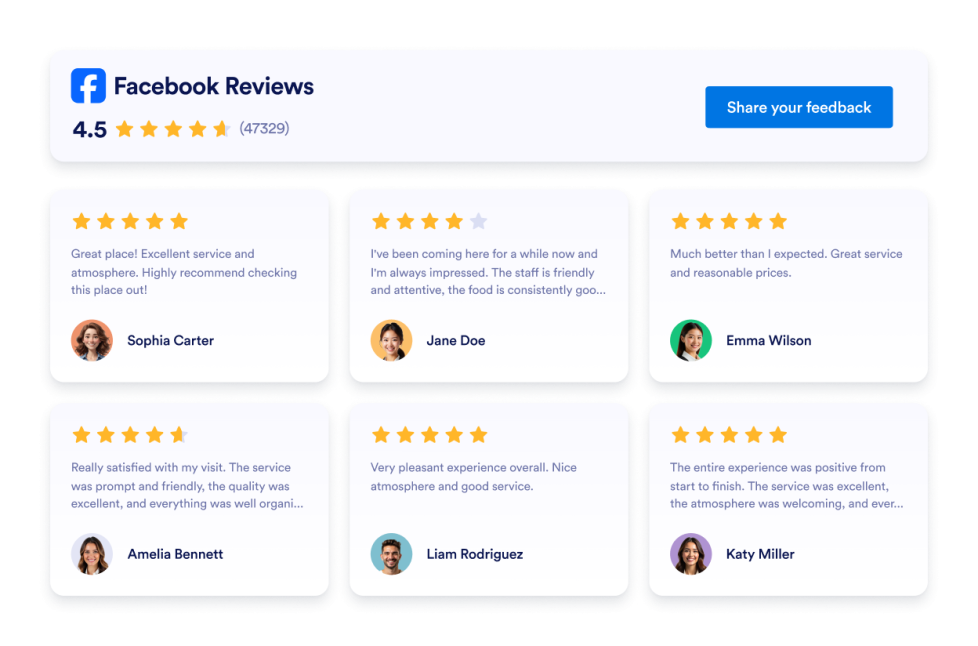
Add a customizable Facebook Reviews widget to display customer ratings and reviews. Choose from multiple layouts, customize colors and CTA buttons, and embed it on your website without coding.
카테고리로 이동:리뷰위젯 사용하기Google Play 리뷰
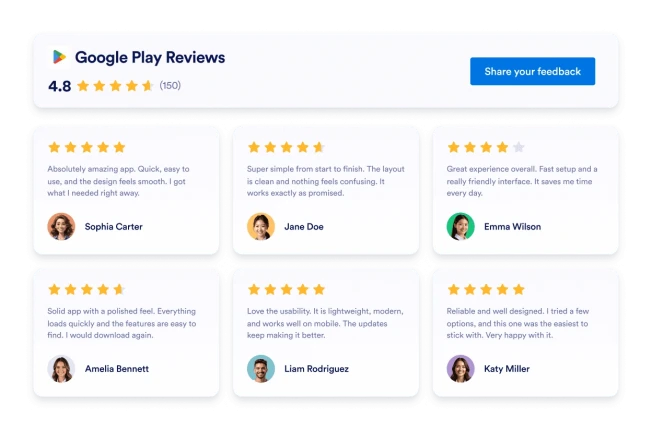
Google Play Reviews 위젯은 실제 사용자 평점과 리뷰를 반응형 레이아웃으로 보여줍니다. Jform을 사용하면 코딩 없이 자동으로 동기화하고, 자유롭게 맞춤 설정하며, 어디서나 임베드할 수 있습니다.
카테고리로 이동:리뷰위젯 사용하기Yelp 리뷰
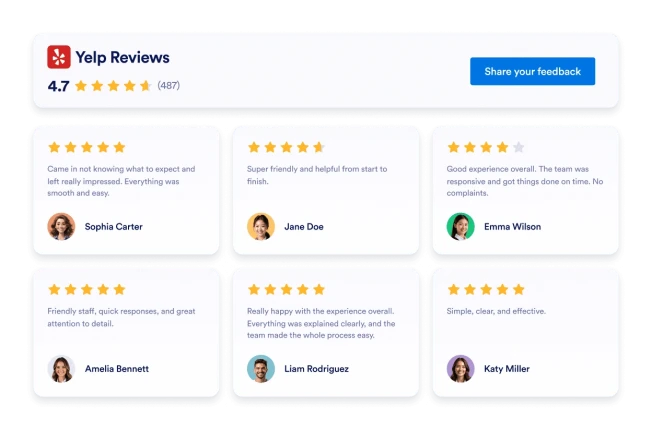
Yelp 리뷰 위젯은 실제 고객 평점을 반응형 레이아웃으로 보여줍니다. Jform의 노코드 도구를 사용하면 자동으로 동기화하고, 자유롭게 맞춤 설정하며, 어디서나 임베드할 수 있습니다.
카테고리로 이동:리뷰위젯 사용하기Booking Reviews
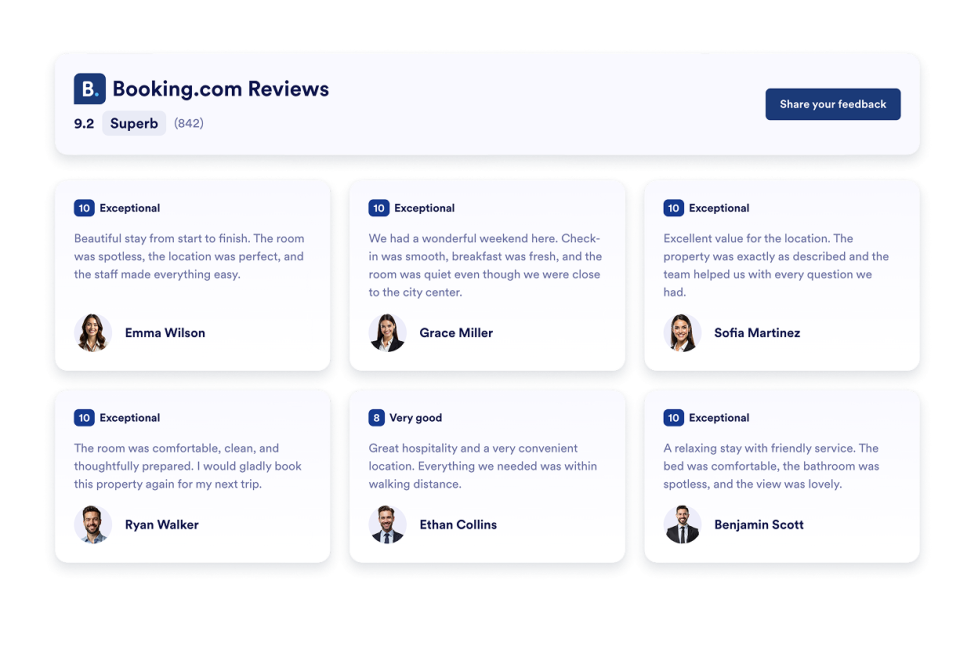
Booking Reviews Widget displays guest reviews from your Booking.com property in a responsive, customizable layout.
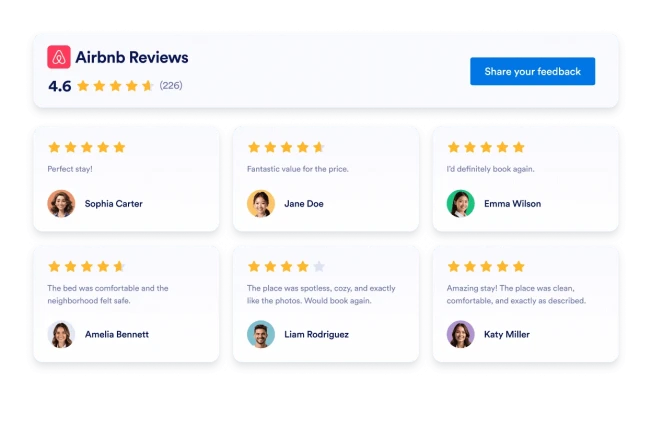
카테고리로 이동:리뷰위젯 사용하기Airbnb 리뷰
Create an Airbnb Reviews Widget with Jform to auto-sync guest feedback, customize the design, and embed it on your website with no coding required.
카테고리로 이동:리뷰위젯 사용하기eBay Reviews
eBay 리뷰 위젯으로 신뢰를 높이세요. 실시간 구매자 피드백, 평점, 자동 업데이트되는 리뷰를 표시하세요. Jform의 무료 노코드 삽입으로 몇 초 만에 설정할 수 있습니다. 지금 시작하세요.
카테고리로 이동:리뷰위젯 사용하기Etsy 리뷰
Etsy 리뷰 위젯은 실제 구매자 평점을 깔끔한 레이아웃으로 보여줍니다. Jform의 노코드 도구를 사용하면 자동 동기화하고, 자유롭게 맞춤 설정하며, 어디서나 임베드할 수 있습니다.
카테고리로 이동:리뷰위젯 사용하기App Store 리뷰
Display real iOS App Store ratings and user reviews with the App Store Reviews Widget. Connect your public App Store listing, customize layouts and styling, and embed the widget anywhere without coding.
카테고리로 이동:리뷰위젯 사용하기Tripadvisor 리뷰
Tripadvisor 리뷰 위젯은 실제 여행자 평점을 깔끔한 레이아웃으로 보여줍니다. Jform의 노코드 도구를 사용하면 자동 동기화하고, 자유롭게 맞춤 설정하며, 어디서나 임베드할 수 있습니다.
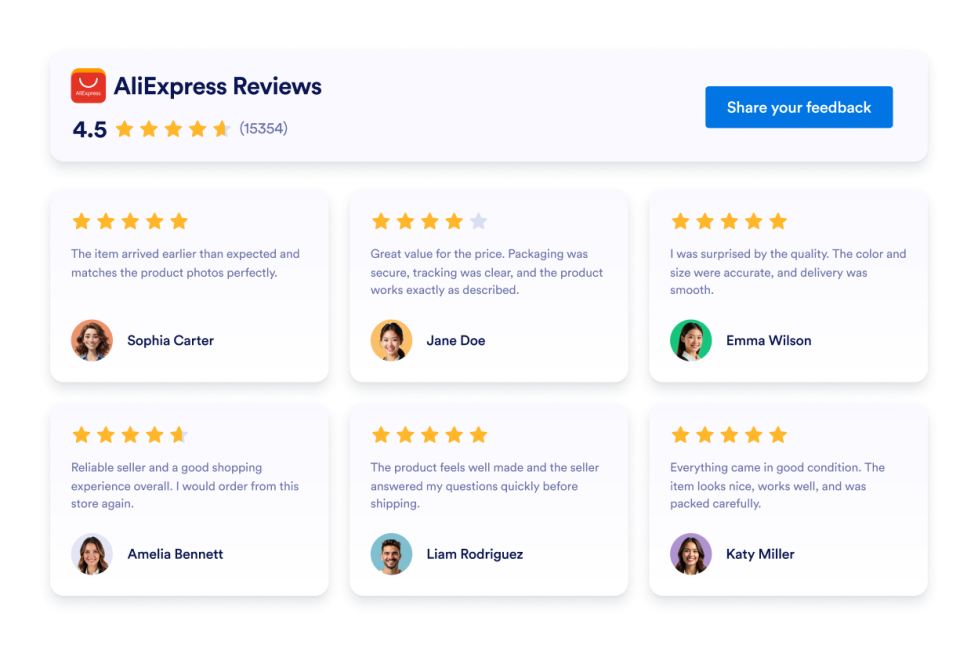
카테고리로 이동:리뷰위젯 사용하기AliExpress Reviews
웹사이트에 AliExpress 리뷰 위젯을 추가하세요. 코딩 없이 제품 평점을 표시하고, 레이아웃을 맞춤 설정하며, 고객 리뷰를 삽입하세요.
카테고리로 이동:리뷰위젯 사용하기OpenTable Reviews
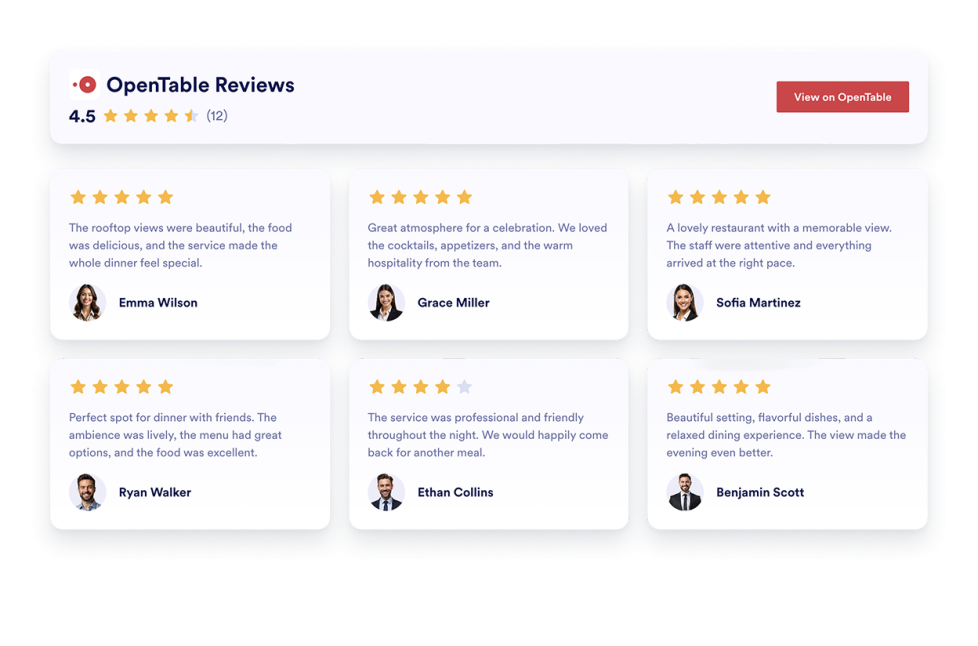
Display real customer feedback from your OpenTable profile and turn reviews into powerful social proof. With flexible layouts, styling options, and simple integration, you can showcase OpenTable Reviews on your website exactly the way you want.
카테고리로 이동:리뷰위젯 사용하기Houzz Reviews
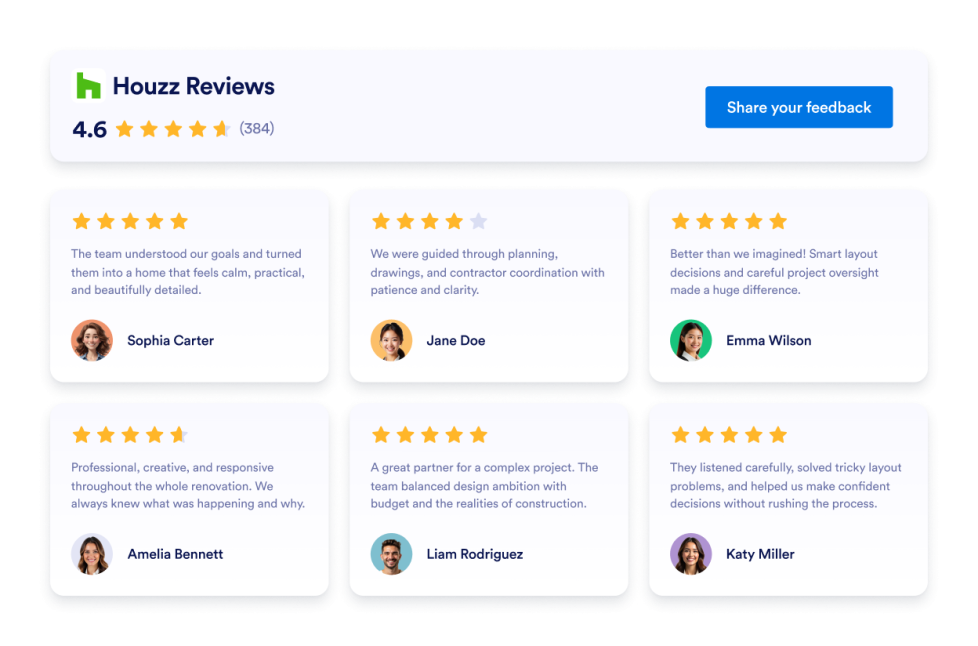
Add a Houzz Reviews widget to your website. Display client ratings, project feedback, and social proof in customizable no-code layouts.
카테고리로 이동:리뷰위젯 사용하기Hotels Reviews
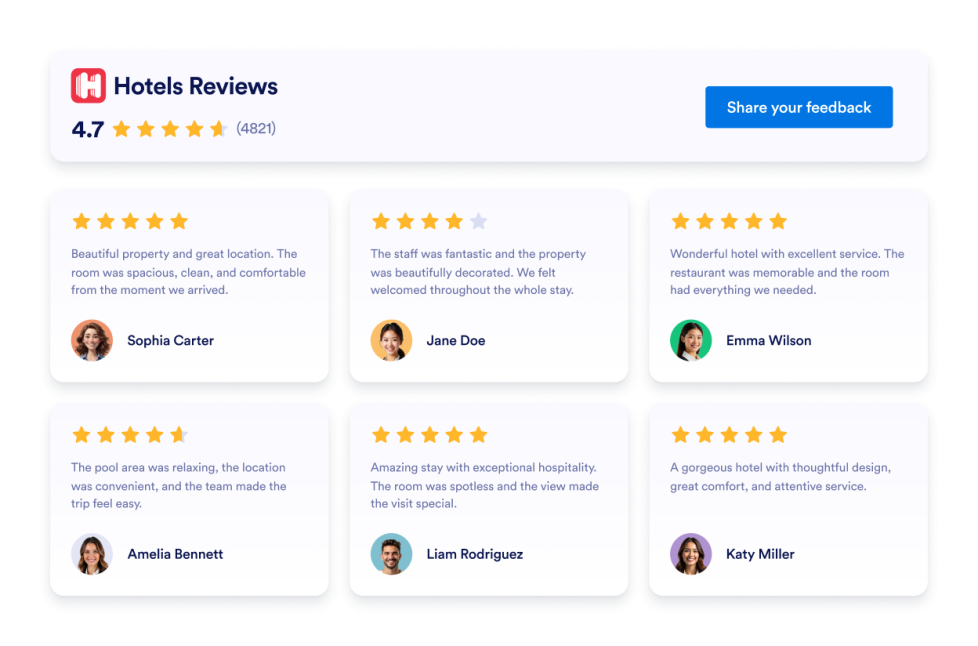
Add a Hotels.com Reviews widget to your website in seconds. Showcase customer feedback, build trust, and grow conversions - no coding required.
카테고리로 이동:리뷰위젯 사용하기댓글
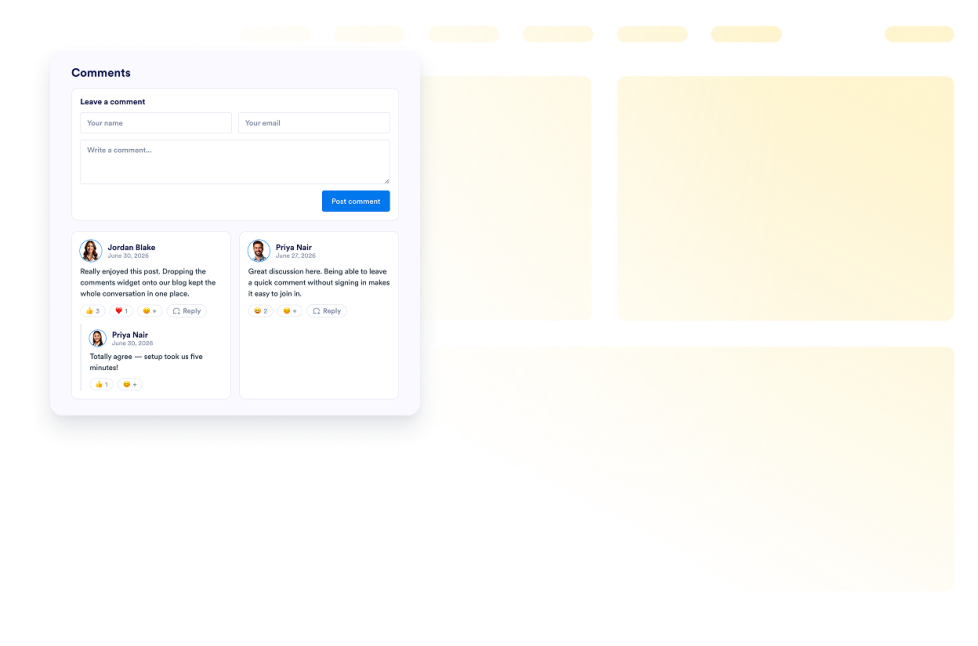
Add a Comments widget to your website. Display commenter names, avatars, roles, dates, and messages in customizable no-code list, grid, masonry, and carousel layouts.
카테고리로 이동:리뷰위젯 사용하기Feedback Widget
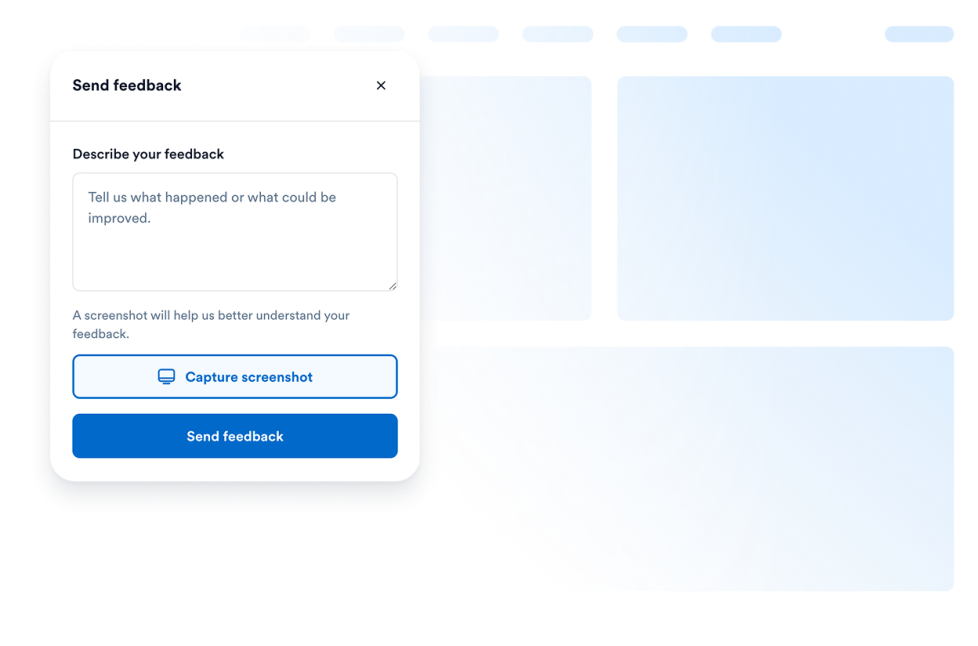
Collect feedback from your users without making them leave your page. Let them write their requests or even add screenshots of the problematic parts on your page.
카테고리로 이동:리뷰위젯 사용하기G2 Reviews
Add a free, no-code G2 Review widget to your website. Show software ratings, verified buyer feedback, and social proof in customizable layouts.
카테고리로 이동:리뷰위젯 사용하기어떤 결과도 발견되지 않았습니다
No results match your search. Please try another keyword.
About Review Widgets
Review widgets help you display customer feedback, ratings, and testimonials on your website without custom code. These embeddable widgets can show reviews from platforms such as Google, Airbnb, App Store, Yelp, Trustpilot, Facebook, and more, depending on the widget you choose.
With Jotform’s review widgets, you can choose a widget, customize its settings, adjust the design, and embed it on your website. Review widgets work well on homepages, landing pages, product pages, pricing pages, service pages, booking pages, and local business websites where visitors may want to see feedback before taking action.
What can you do with review widgets?
Review widgets can help you:
- Display customer reviews and ratings directly on your website
- Add embeddable social proof near key sections, forms, or CTAs
- Show feedback from platforms like Google, Yelp, Trustpilot, Facebook, Airbnb, or app stores
- Help visitors compare experiences before they book, buy, sign up, or contact you
- Customize review layouts, colors, and display options to match your page
- Keep visitors on your website instead of sending them to another review platform
Popular review widget use cases
Review widgets can be used across different parts of a website based on the type of feedback visitors need to see. For example, a Google Reviews widget can help local businesses show customer feedback on homepages or service pages, while a Yelp Reviews widget can support restaurants, salons, clinics, and local service providers. A Trustpilot Reviews widget can help businesses display third-party customer feedback, and App Store or Google Play Reviews widgets can help app teams show ratings and user feedback on product or download pages.
Review widgets are especially useful when a page needs to build trust before asking visitors to take the next step. They can support lead generation, bookings, purchases, app downloads, service inquiries, and product research by placing relevant reviews closer to the visitor’s decision point.
Easy website widgets for any team
Embeddable website widgets are useful for small teams, SMBs, creators, personal website owners, agencies, educators, nonprofits, local businesses, restaurants, hotels, online stores, and app teams that want to show reviews without relying on a developer or designer.
With Jform, users can choose a widget, customize the content and design, copy the embed code, and add it to their website without custom code. This makes it easier to display customer feedback, build trust, support visitor decisions, or guide visitors to take action from one no-code builder.
Related guides
To learn more about setting up and managing widgets, users can read Jotform’s guide on managing website widgets. The guide explains that users can create new widgets, edit existing widgets, copy embed codes, control widget visibility, and organize your widget assets from the My Website Widgets page.
Review Widgets FAQ
What are review widgets?
Review widgets are embeddable website tools that display customer reviews, ratings, testimonials, or platform-based feedback directly on a webpage. They can help visitors see real customer feedback before they take action.
Where should I use review widgets?
You can use review widgets on homepages, landing pages, product pages, service pages, pricing pages, booking pages, app pages, and checkout-related pages. The best placement is usually near sections where visitors are deciding whether to contact you, book, buy, download, or sign up.
Can I customize review widgets?
Yes. Review widgets can usually be customized before they are embedded. Depending on the widget, you can adjust layout, colors, spacing, review display settings, badges, sliders, themes, and other design options.
Do review widgets require coding?
No. Jform review widgets can be added without custom coding. After customizing a widget, users can embed it on a website using the provided embed code.