웹사이트용 Booking 리뷰 위젯
Booking.com의 평점과 피드백으로 여행자가 숙소를 평가할 수 있도록 도우세요. Jform의 예약 리뷰 위젯을 사용하면 코드를 작성하지 않고도 숙소를 연결하고, 반응형 리뷰 레이아웃을 선택하고, 디자인을 맞춤 설정하여 웹사이트에 추가할 수 있습니다.
Booking 리뷰 위젯을 생성하는 방법
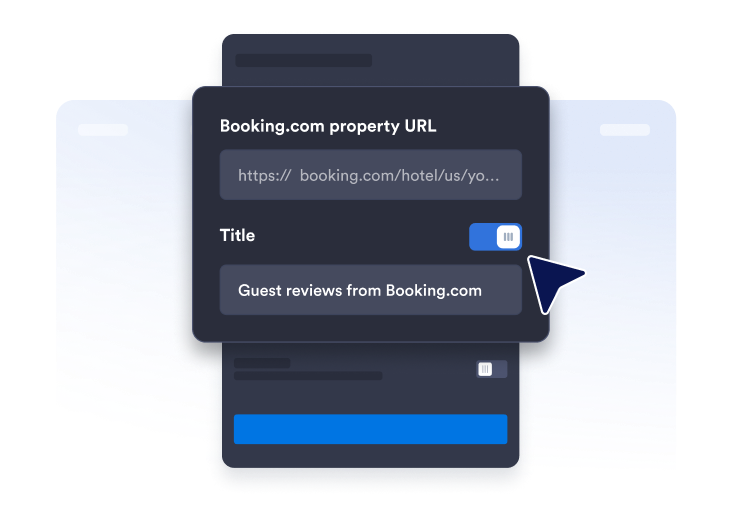
리뷰 페이지 링크 가져오기
Booking.com 프로필 페이지를 찾아서 숙소의 URL을 복사하여 붙여넣으세요.
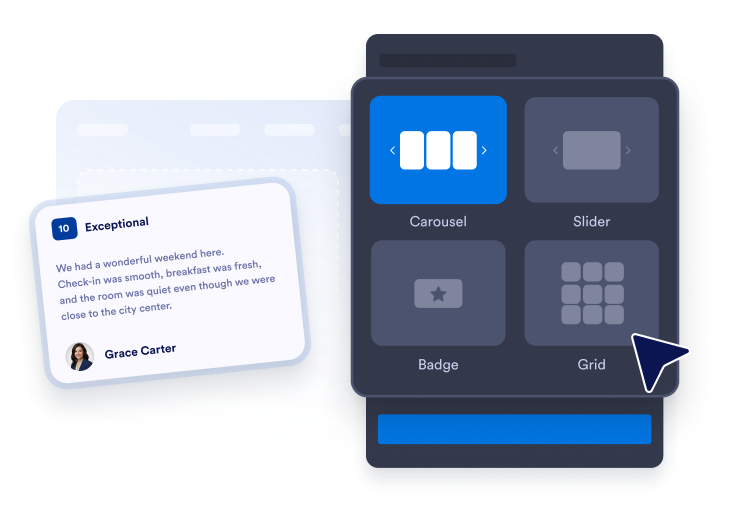
위젯 레이아웃 맞춤 설정
테마, 색상 및 CTA 버튼 텍스트를 선택하여 위젯의 외관을 정렬하세요.

어디에나 임베드
코드를 웹사이트에 붙여넣고 게시하세요. Booking.com 리뷰가 즉시 나타납니다.
Booking.com 리뷰를 보여주어 신뢰도 구축
게스트 리뷰로 신뢰 구축
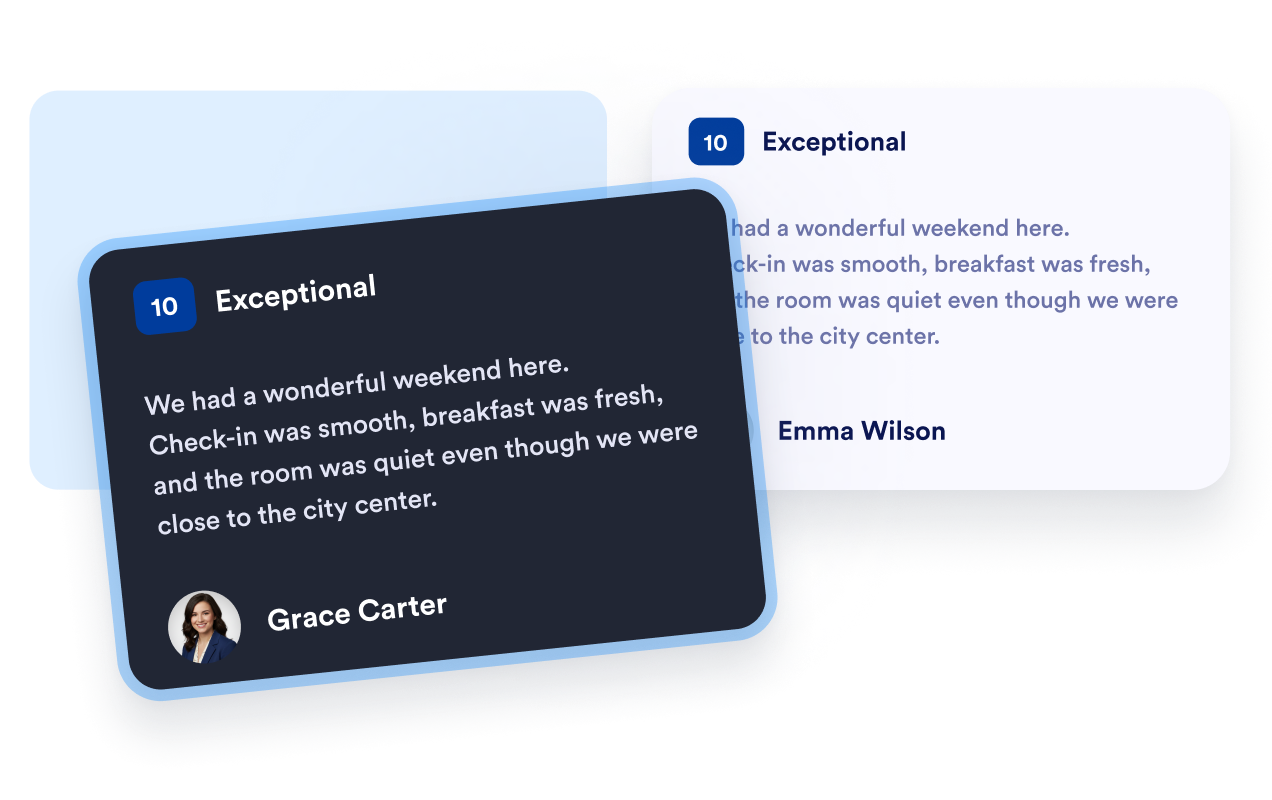
Booking.com 게스트 평점, 이름 및 리뷰 텍스트를 친숙한 형식으로 표시하세요. 생생한 피드백은 여행자가 이전 숙박에 대해 알아보고 숙소를 다른 숙박 옵션과 비교할 때 유용한 맥락을 제공합니다.
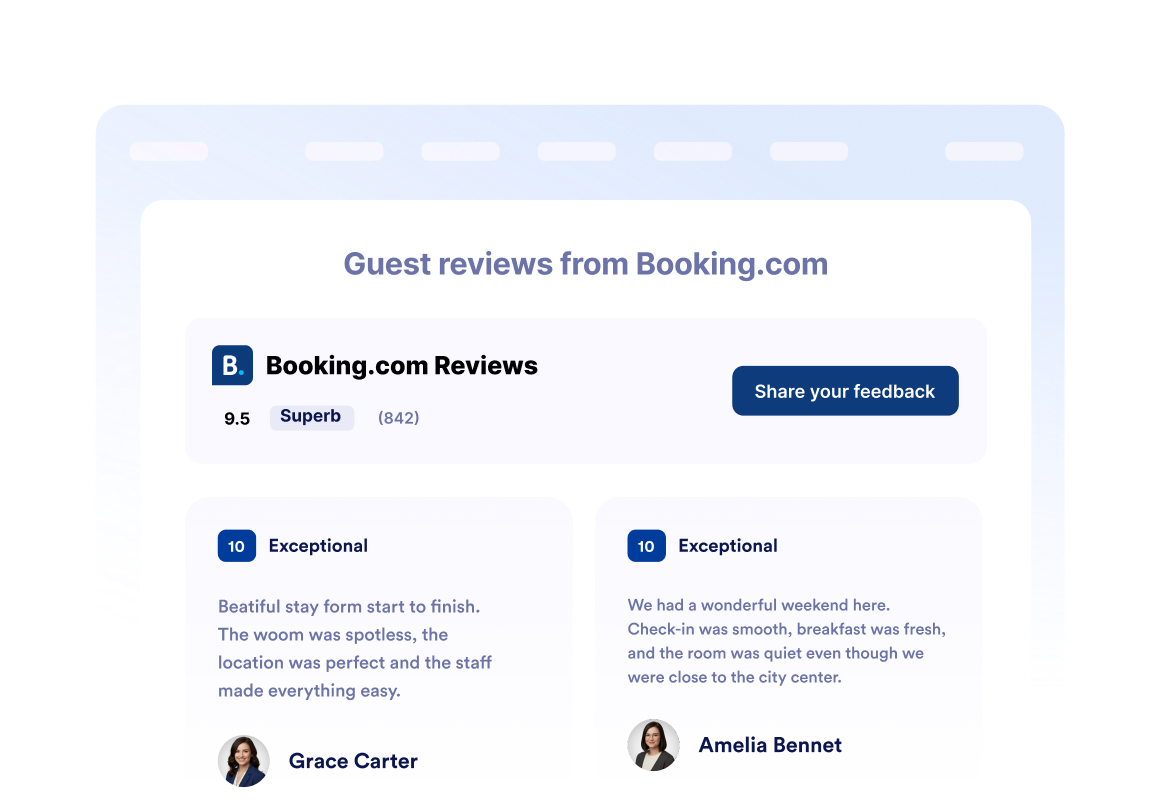
한눈에 보는 숙소 평점
위젯 헤더에 전체 Booking.com 평점과 총 리뷰 수를 배치하세요. 방문자는 개별 게스트 리뷰, 객실 세부 정보, 편의시설 또는 예약 옵션을 탐색하기 전에 숙소의 평판을 빠르게 평가할 수 있습니다.
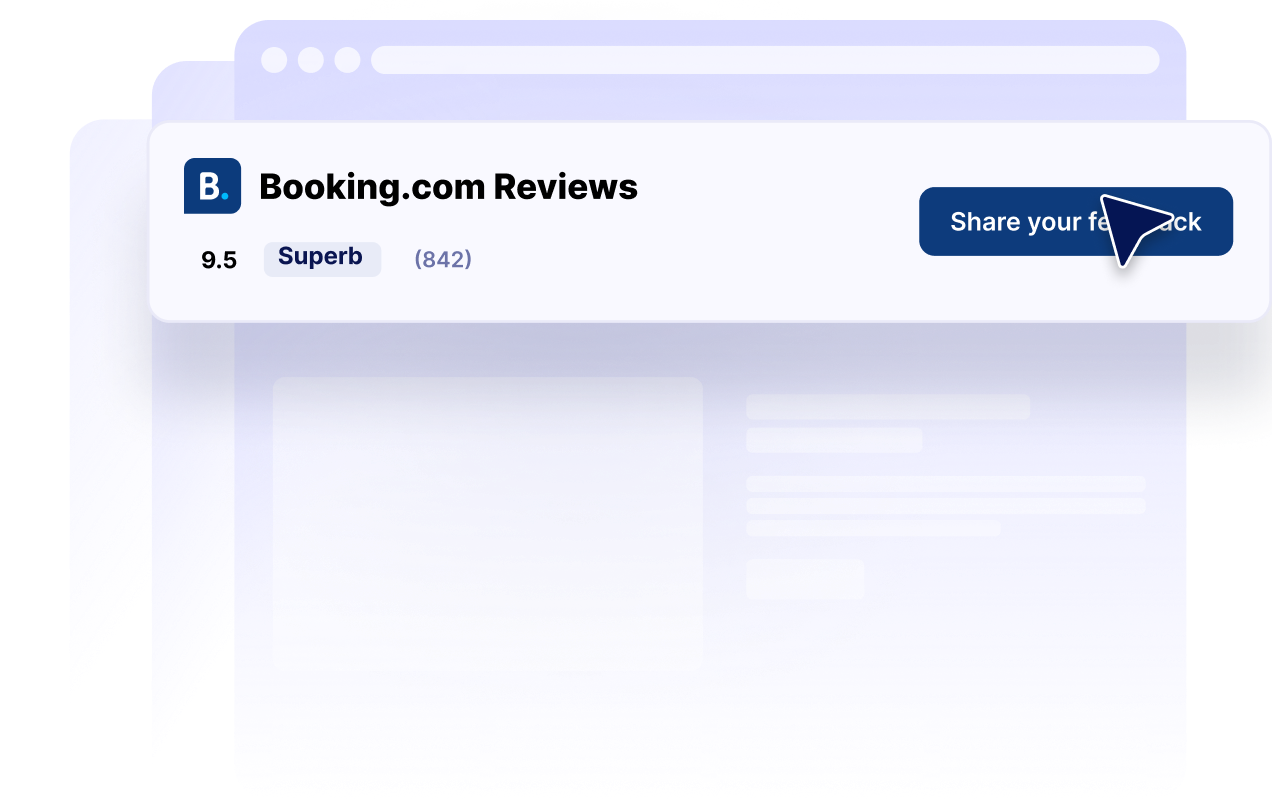
모든 페이지에 맞는 리뷰 레이아웃
캐러셀, 슬라이더, 그리드, 목록, 메이슨리 및 배지 레이아웃 중에서 선택하세요. 숙소 페이지에 자세한 리뷰 모음을 표시하거나 사이드바, 바닥글 또는 공간이 제한된 랜딩 페이지에서 간결한 평점 배지를 사용하세요.

웹사이트에 맞게 리뷰 맞춤 설정
다크 모드, 제목, 버튼, 평점 세부 정보, 리뷰 필드, 색상 및 위젯 너비를 맞춤 설정하세요. 이러한 컨트롤을 사용하면 Booking.com 리뷰가 웹사이트를 보완하는 동시에 눈에 띄는 평점 정보를 쉽게 찾을 수 있습니다.
Jform 웹사이트 위젯이 돋보이는 이유
Jform의 위젯은 웹사이트를 더욱 상호작용형으로 만들고 전환율을 높입니다. 별점 평가 및 추천 슬라이더부터 소셜 증명 팝업 및 미디어 삽입에 이르기까지 다양한 도구를 사용할 수 있습니다. 양식이나 랜딩 페이지에 위젯을 추가하여 데이터 수집을 하고, 증명을 표시하고, 리드를 확보하세요. 코딩이 필요하지 않습니다.
간단한 삽입 코드로 웹사이트에 Jform 위젯을 추가하세요. 위젯을 맞춤 설정하고, 모양을 미리 본 다음, 사용자 지정 HTML 또는 삽입 블록을 지원하는 모든 페이지에 붙여넣으세요. 개발자 없이도 가능합니다.
Jform 웹사이트 위젯을 사용하여 리드를 수집하거나, 고객 피드백을 보여주거나, 소셜 증명을 표시하거나, 미디어를 삽입하거나, 유용한 웹 페이지 도구를 추가하세요. 각 위젯은 방문자가 웹사이트에서 직접 비즈니스와 상호 작용하도록 돕습니다.
위젯 설정, 맞춤 설정, 삽입 또는 문제 해결에 도움이 필요한 경우 Jform 고객 지원 팀이 연중무휴로 대기하고 있습니다. 필요할 때 도움을 받을 수 있다는 확신을 가지고 앞으로 나아갈 수 있습니다.
Booking.com 리뷰 위젯 사용 위치
여행자가 숙소를 비교하고, 게스트 경험을 평가하며, 예약 여부를 결정하는 곳에 Booking.com 리뷰를 배치하세요.
홈페이지 신뢰 섹션을 통해 새로운 방문자에게 숙소 평점을 소개하세요.
객실 및 숙소 페이지를 통해 편의시설 및 사진과 함께 게스트의 맥락을 제공하세요.
예약 페이지를 통해 기본 예약 버튼 근처에서 신뢰감을 높이세요.
위치 랜딩 페이지를 통해 여행자가 숙박 옵션을 비교할 수 있도록 돕습니다.
프로모션 랜딩 페이지를 통해 게스트 피드백과 함께 시즌 패키지를 지원합니다.
사이드바 및 바닥글을 통해 웹사이트 전체에서 간결한 숙소 평점을 눈에 띄게 유지하세요.
Jform 양식 빌더로 리드를 유료 고객으로 전환하세요
Jform으로 참여를 행동으로 전환하세요. 리드를 확보하고, 결제를 수집하고, 응답을 자동화하는 강력한 양식을 한 곳에서 모두 만드세요. 모든 제출물은 Jform 받은 편지함에 도착하며, 여기에서 후속 조치를 취하거나 즐겨 사용하는 앱과 연결할 수 있습니다.
시작하기 — 무료입니다!
자주 묻는 질문
Booking.com 리뷰 위젯이란 무엇인가요?
Booking.com 리뷰 위젯은 Booking.com 숙소의 게스트 평점과 리뷰 콘텐츠를 다른 웹사이트에 표시합니다. 호텔, 휴가용 임대 숙소 및 기타 숙박업체는 이를 사용하여 웹사이트 전체에서 눈에 띄는 게스트 피드백을 제공할 수 있습니다.
예약 리뷰 위젯은 어떻게 만들 수 있나요?
위젯에 어떤 Booking.com 정보를 표시할 수 있나요?
어떤 Booking.com 리뷰 레이아웃을 사용할 수 있나요?
위젯의 모양을 맞춤 설정할 수 있나요?
방문자가 위젯을 통해 Booking.com 리뷰를 제출할 수 있나요?
간결한 Booking.com 평점 배지를 표시할 수 있나요?
예약 리뷰 위젯은 모바일 친화적인가요?
코드를 작성해야 하나요?
예약 리뷰 위젯을 무료로 만들 수 있나요?
어떤 웹사이트 플랫폼이 Booking.com 리뷰 위젯을 지원하나요?
Booking.com 리뷰 위젯을 설정하는 데 도움을 받을 수 있나요?