Form Widgets for Websites
Explore form widgets for websites from Jotform. Embed interactive forms, booking tools, and data collection experiences to your site without coding.
Appointment Booking
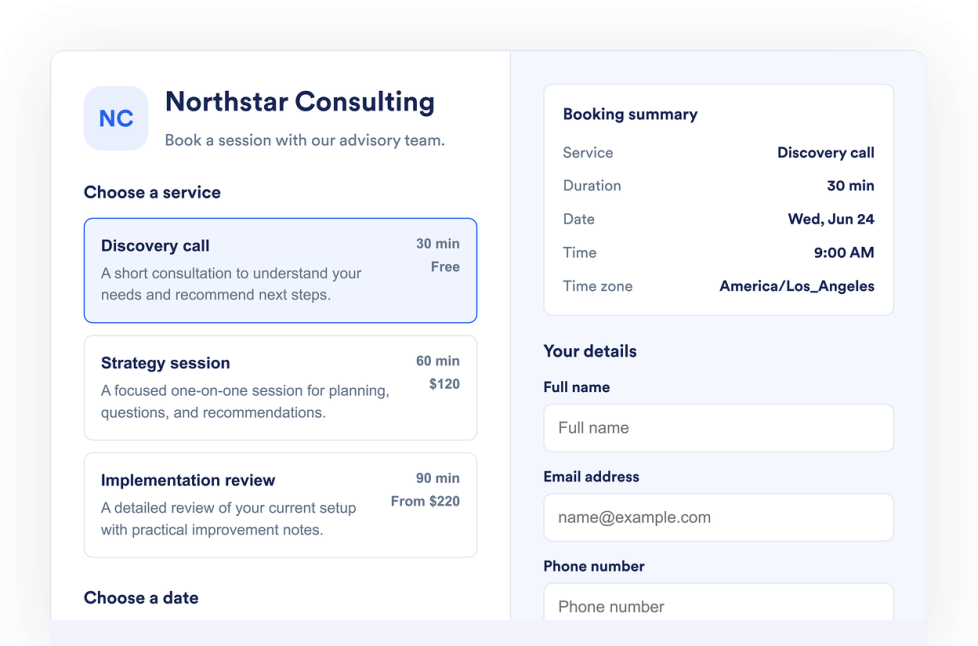
웹사이트에 약속 예약 위젯을 추가하세요. 코딩 없이 서비스를 나열하고, 예약 가능 여부를 관리하며, 고객 정보를 수집하고, 예약 요청을 받을 수 있습니다.
카테고리로 이동:양식위젯 사용하기문의하기
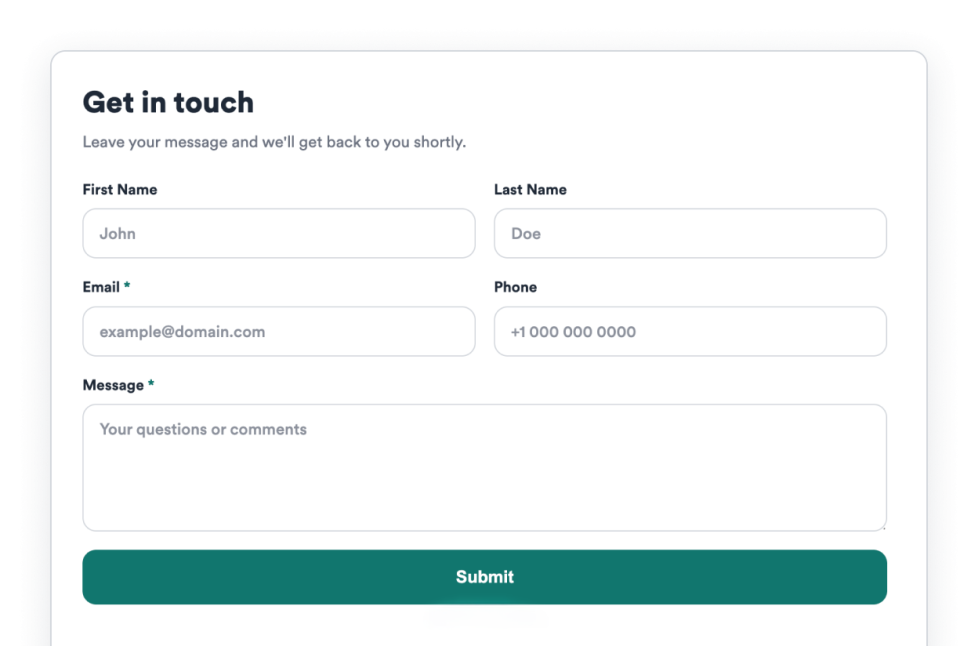
Add a Contact Us widget to your website to collect visitor messages, contact details, support requests, and callback inquiries without code.
카테고리로 이동:양식위젯 사용하기Net Promoter Score
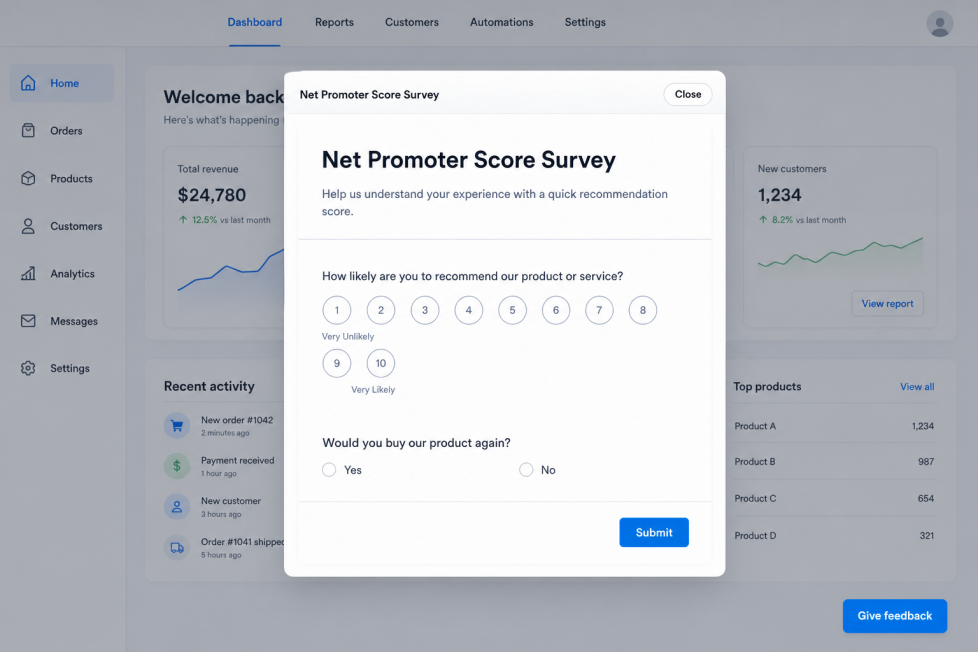
Add a Net Promoter Score widget to your website with a customizable Give feedback button, editable survey questions, flexible placement, and Jform response tracking.
카테고리로 이동:양식위젯 사용하기어떤 결과도 발견되지 않았습니다
No results match your search. Please try another keyword.
About Form Widgets
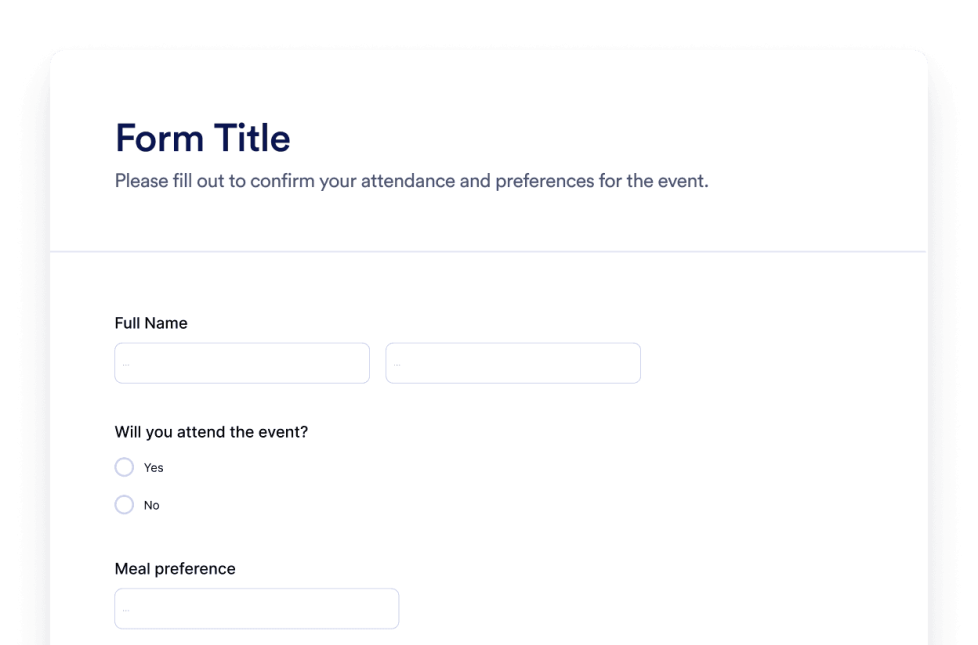
Form widgets help you collect information, booking requests, messages, feedback, and customer details from your website without custom code. These embeddable widgets can support common visitor actions, such as scheduling an appointment, contacting your team, submitting a request, or sharing feedback.
With Jotform’s form widgets, you can choose a widget, customize its settings, adjust the design, and embed it on your website. Form widgets work well on homepages, contact pages, service pages, booking pages, product pages, support pages, landing pages, and business websites where visitors need a simple way to send information or take the next step.
What can you do with form widgets?
Form widgets can help you:
- Add embeddable forms to your website without writing code
- Collect visitor messages, contact details, support requests, and callback inquiries
- Let visitors submit appointment booking requests directly from your site
- Gather feedback with tools like a Net Promoter Score widget
- Support lead capture, service requests, bookings, feedback, and customer communication
- Customize form fields, messages, buttons, layout, placement, and display options based on the widget
- Keep visitors on your website while they submit information or request help
Popular form widget use cases
Form widgets can be used across different parts of a website based on what visitors need to submit. For example, an Appointment Booking widget can help businesses list services, manage availability, collect customer details, and accept booking requests without code. A Contact Us widget can collect visitor messages, contact details, support requests, and callback inquiries. A Net Promoter Score widget can help teams collect feedback through a customizable feedback button, editable survey questions, flexible placement, and Jform response tracking.
Form widgets are especially useful when a page needs to collect information at the right moment. They can support lead generation, appointment requests, customer support, callback requests, feedback collection, service inquiries, and follow-up communication in a compact section.
Easy form widgets for data collection and bookings
Embeddable form widgets are useful for small teams, SMBs, local businesses, service providers, clinics, salons, agencies, educators, nonprofits, event teams, and support teams that want to collect information from a website without relying on a developer or designer.
With Jform, users can choose a form widget, customize the form content, fields, layout, placement, and design, copy the embed code, and add it to their website without custom code. This makes it easier to collect messages, schedule appointments, request feedback, manage inquiries, or guide visitors toward a booking, contact, signup, or next action from one no-code builder.
Related guides
To learn more about setting up and managing widgets, users can read Jotform’s guide on managing website widgets. The guide explains that users can create new widgets, edit existing widgets, copy embed codes, control widget visibility, and organize your widget assets from the My Website Widgets page.
Form Widgets FAQ
What are form widgets?
Form widgets are embeddable website tools that help visitors submit information directly on a webpage. They can be used for contact messages, appointment requests, support requests, feedback, callback inquiries, and other data collection needs.
Where should I use form widgets?
You can use form widgets on homepages, contact pages, service pages, landing pages, booking pages, product pages, support pages, and business websites. The best placement depends on where visitors are most likely to ask a question, request help, book a service, or submit information.
Can I customize form widgets?
Yes. Form widgets can usually be customized before they are embedded. Depending on the widget, you can adjust fields, labels, questions, buttons, layout, colors, placement, response tracking, and other display options.
Do form widgets require coding?
No. Jform form widgets can be added without custom coding. After customizing a widget, users can embed it on a website using the provided embed code.