웹사이트용 무료 콘텐츠 표시 위젯

Jform의 간단한 노코드 빌더를 사용하여 콘텐츠를 명확하게 표시하고 방문자의 참여를 유도하세요.

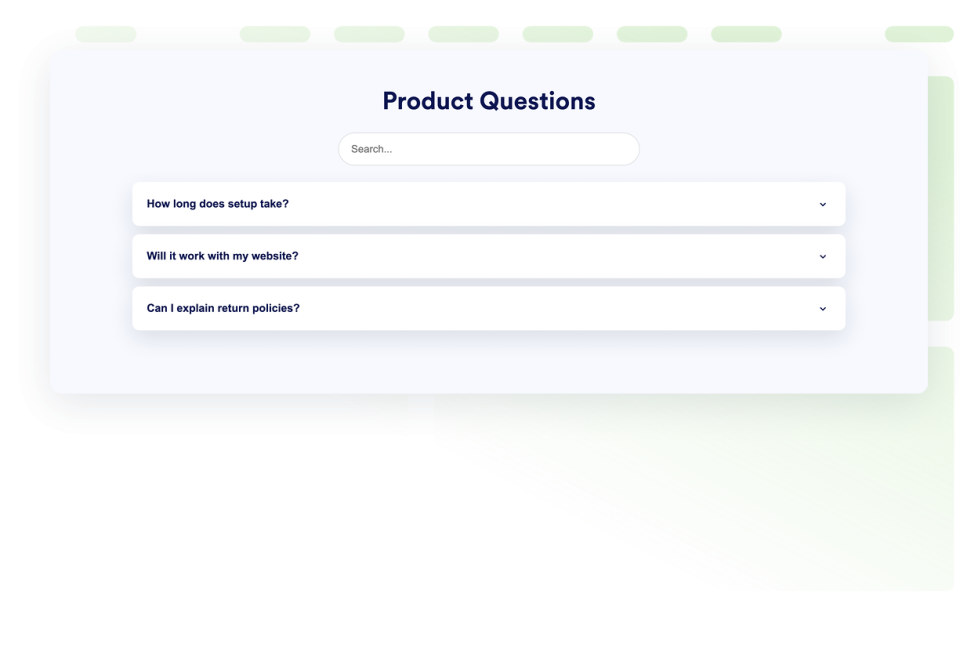
자주하는 질문

웹사이트에 검색 가능한 FAQ 위젯을 추가하세요. 맞춤형 FAQ 디자인, 미디어가 포함된 답변, 유연한 레이아웃을 갖춘 아코디언 FAQ를 만들어 보세요.

카테고리로 이동:콘텐츠 표시위젯 사용하기
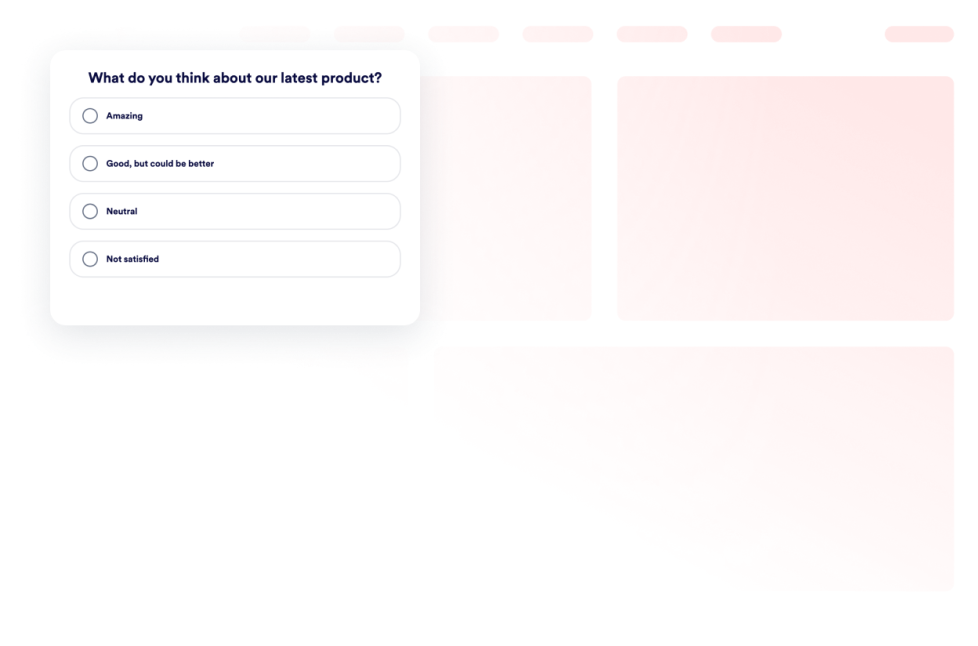
Poll Widget

웹사이트에 투표 위젯을 추가하세요. 코딩 없이 투표 만들기로 질문을 생성하고, 투표를 수집하며, 결과 수나 비율을 표시하고 스타일을 맞춤 설정하세요.

카테고리로 이동:콘텐츠 표시위젯 사용하기
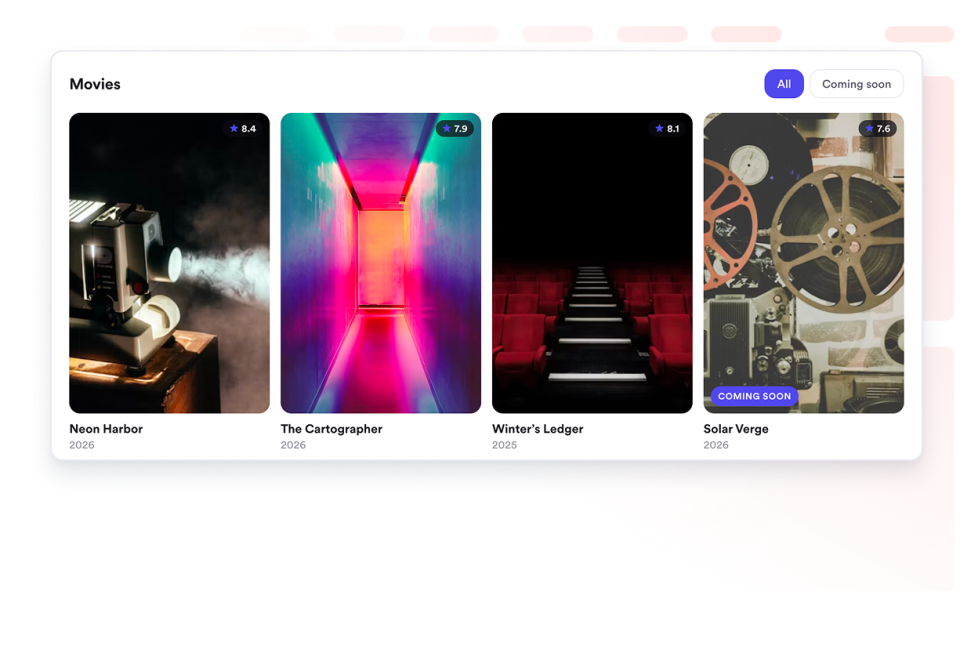
Movie Widget

웹사이트에 영화 컬렉션을 선보이세요. 반응형 그리드, 목록 또는 캐러셀 레이아웃으로 포스터, 평점, 링크를 추가하세요.

카테고리로 이동:콘텐츠 표시위젯 사용하기
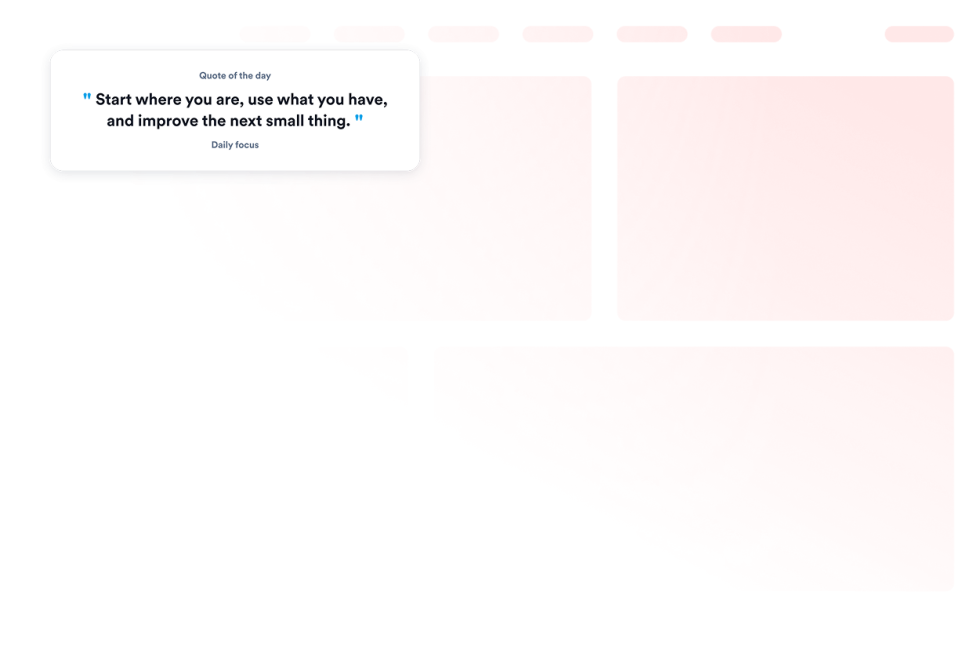
인용구 위젯

웹사이트에 인용구 위젯을 추가하여 테마, 배경, 표시 여부 및 크기를 제어하고 동기 부여, 생산성, 리더십, 창의성, 마음챙김 또는 맞춤형 인용구를 표시하세요.

카테고리로 이동:콘텐츠 표시위젯 사용하기
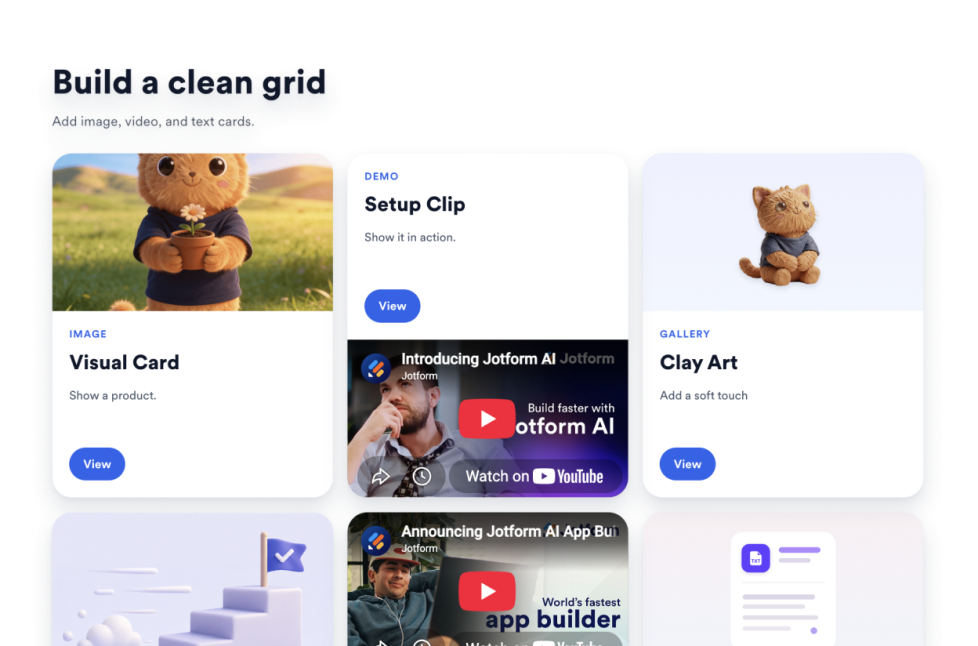
그리드

웹사이트에 위젯을 추가하여 그리드 레이아웃, 열, 간격, 링크, 버튼 및 스타일을 활용해 이미지, 동영상, 아이콘 및 텍스트 카드를 배열하세요.

카테고리로 이동:콘텐츠 표시위젯 사용하기

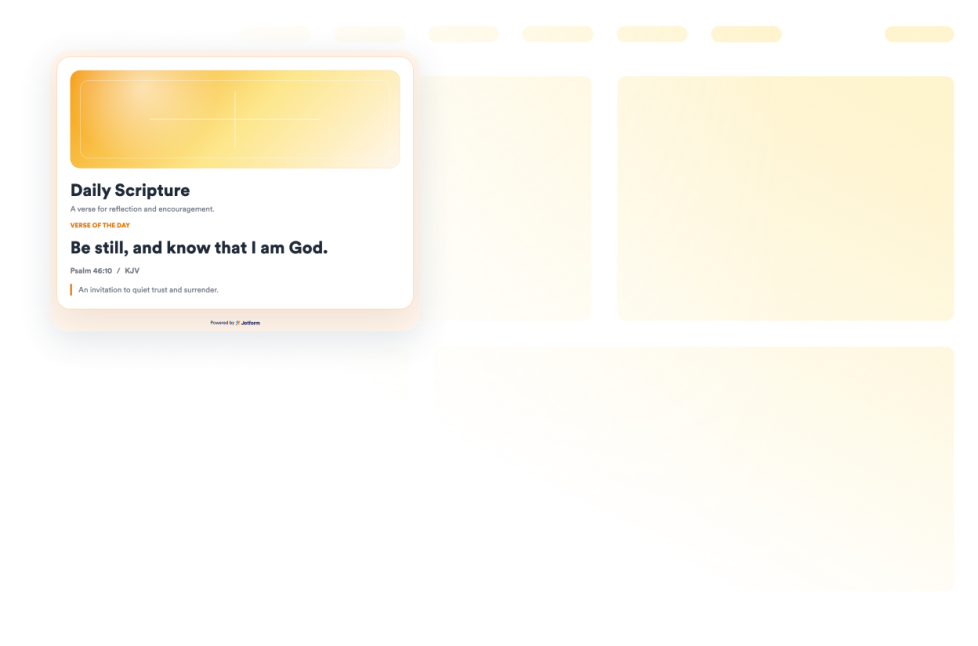
성경

웹사이트에 성경구절 위젯을 추가하여 출처, 묵상, 아트워크 및 스타일 제어 기능이 포함된 무작위 KJV 성경말씀 카드를 표시해 보세요.

카테고리로 이동:콘텐츠 표시위젯 사용하기

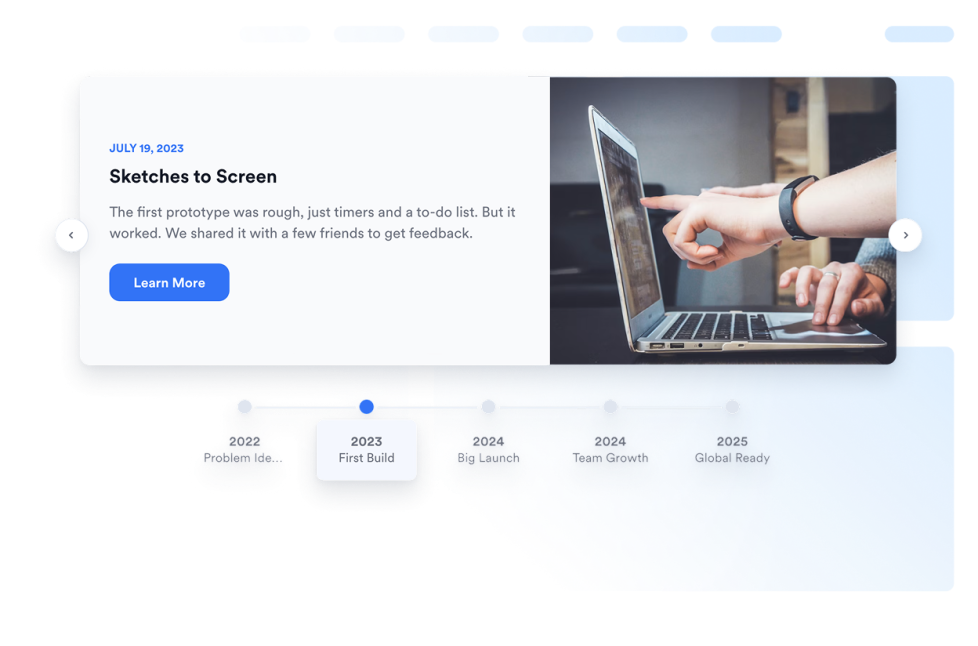
타임라인

웹사이트에 타임라인 위젯을 추가해 편집 가능한 레이아웃, 마커, 색상 및 미디어로 회사 연혁, 제품 출시, 이벤트 일정, 프로젝트 마일스톤, 스토리 기반 업데이트를 보여주세요.

카테고리로 이동:콘텐츠 표시위젯 사용하기
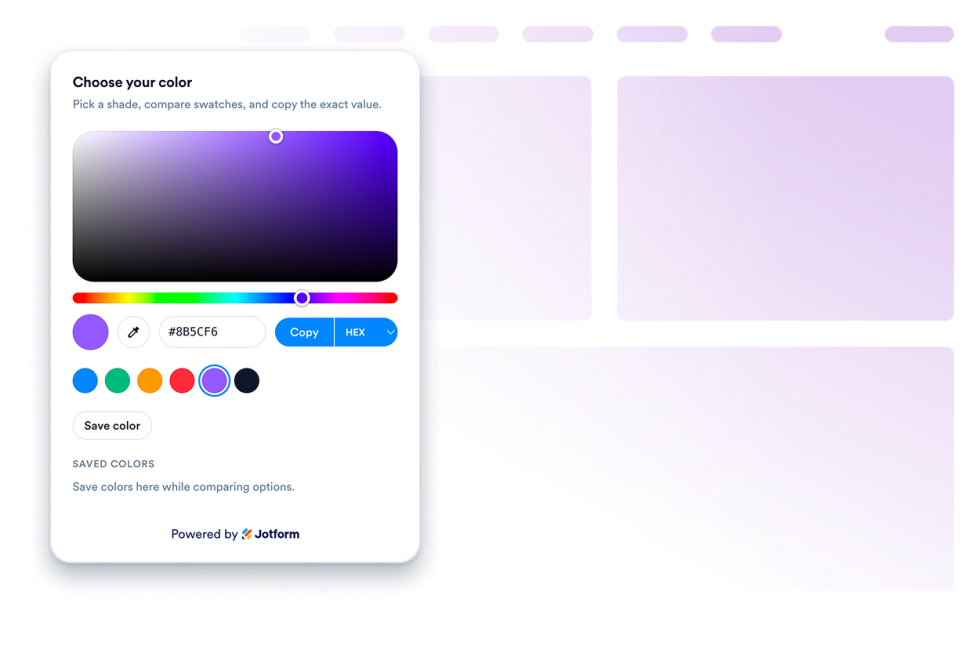
색 선택기

웹사이트용 맞춤 설정 가능한 컬러피커 위젯을 만들어 보세요. 노코드 빌더 기반의 색상 선택 도구를 통해 방문자가 색상을 고르고, 색상 코드를 확인하며, 값을 복사하고 팔레트를 조합할 수 있습니다.

카테고리로 이동:콘텐츠 표시위젯 사용하기

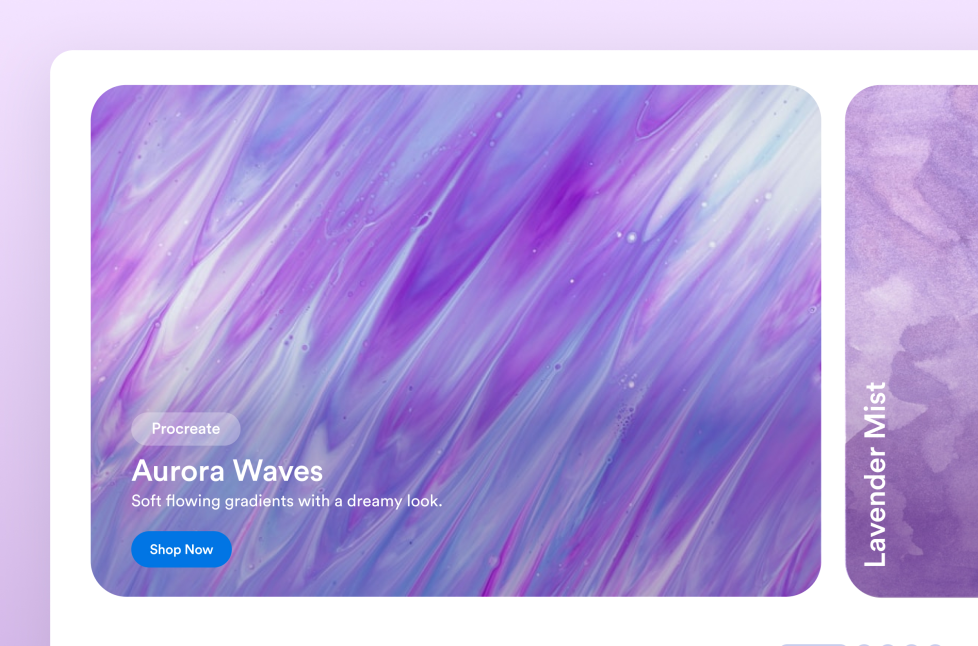
아코디언 슬라이더

웹사이트에 아코디언 ui 슬라이더 위젯을 추가하여 아코디언 메뉴를 구성하고, 호버 또는 클릭 활성화, CTA 버튼, 자동 재생, 반응형 스태킹 및 맞춤형 스타일을 갖춘 확장 가능한 이미지 및 비디오 패널을 표시하세요.

카테고리로 이동:콘텐츠 표시위젯 사용하기
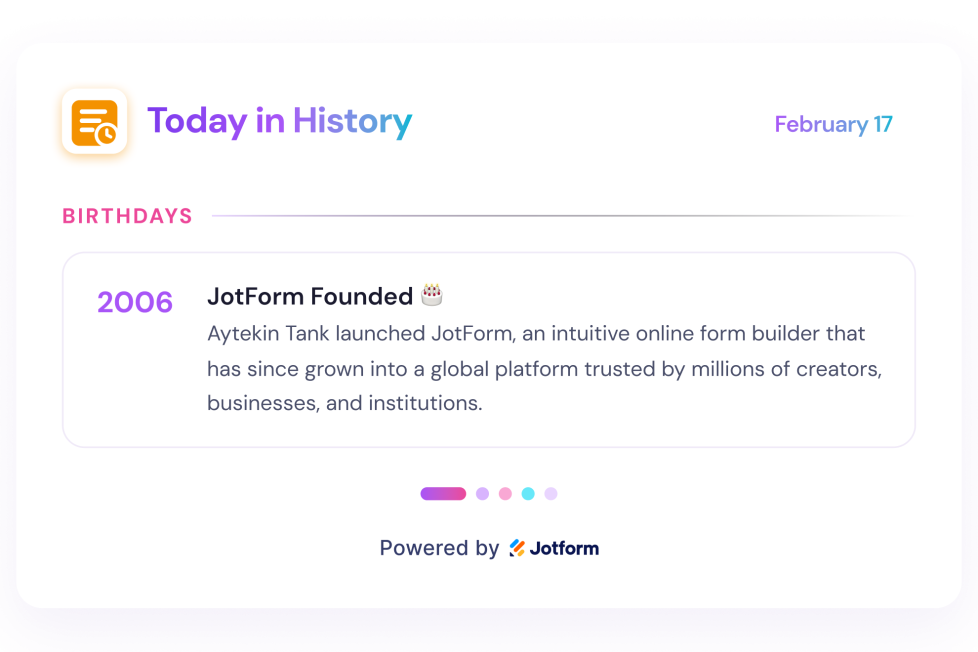
오늘의 역사

웹사이트에 오늘의 역사 위젯을 추가하세요. 날짜 기반 위키백과 항목을 표시하고, 섹션을 선택하며, 날짜를 설정하고 스타일을 맞춤 설정하세요.

카테고리로 이동:콘텐츠 표시위젯 사용하기
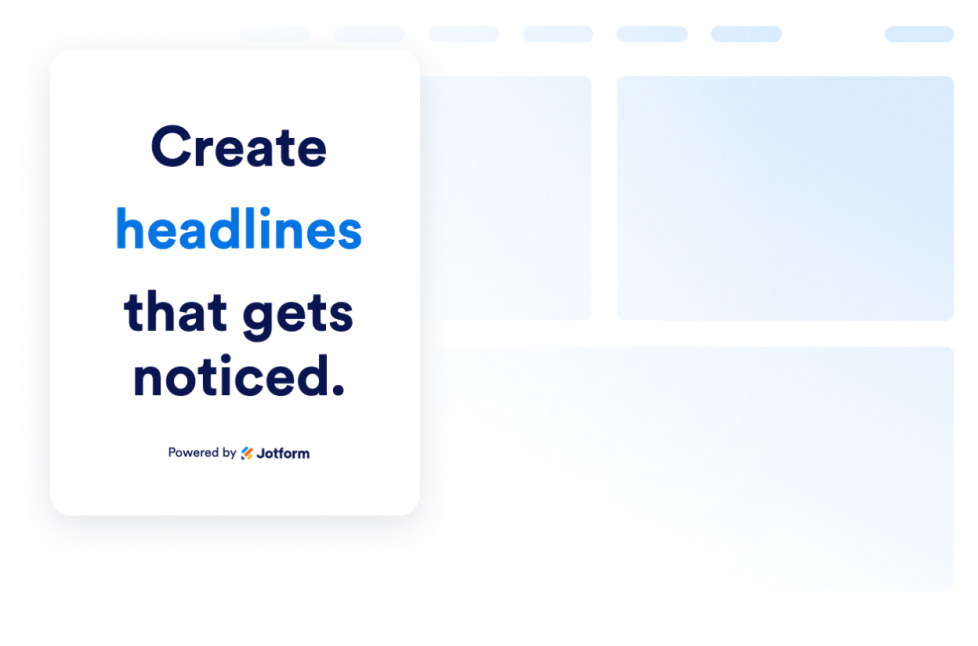
동적 텍스트

동적 텍스트 위젯을 만들어 헤드라인 문구를 전환하고, 제안을 강조하며, 모든 기기에 맞게 텍스트 애니메이션 웹사이트 메시지의 스타일을 지정하세요.

카테고리로 이동:콘텐츠 표시위젯 사용하기
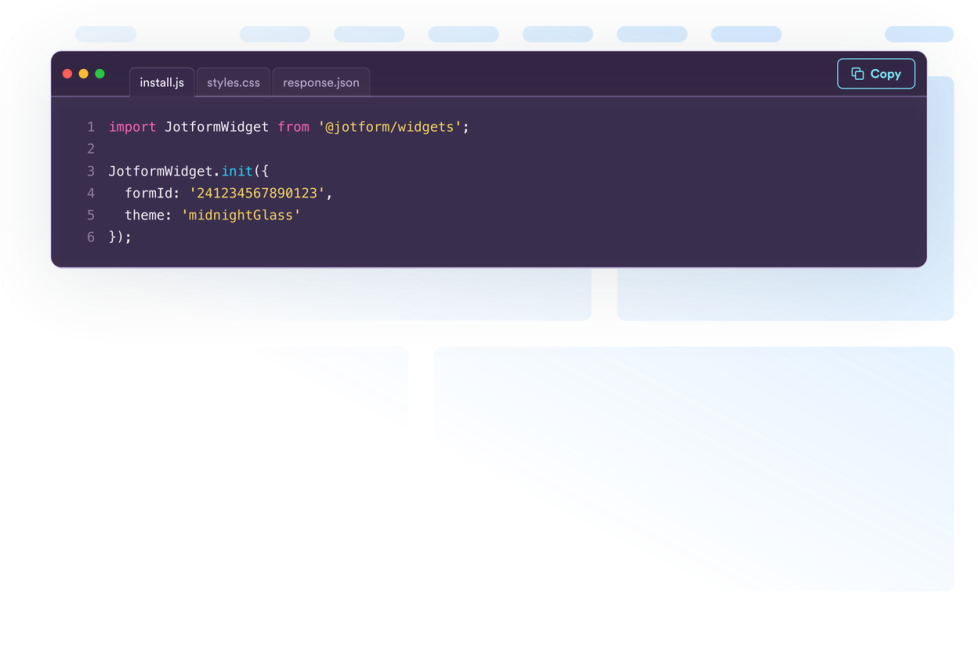
코드 스니펫

HTML, CSS, JavaScript, API 예제 등을 코드 블록으로 표시하는 무료 코드 스니펫 위젯을 만들어 보세요. 디자인을 맞춤 설정하고 코딩 없이 모든 웹사이트에 삽입할 수 있습니다.

카테고리로 이동:콘텐츠 표시위젯 사용하기
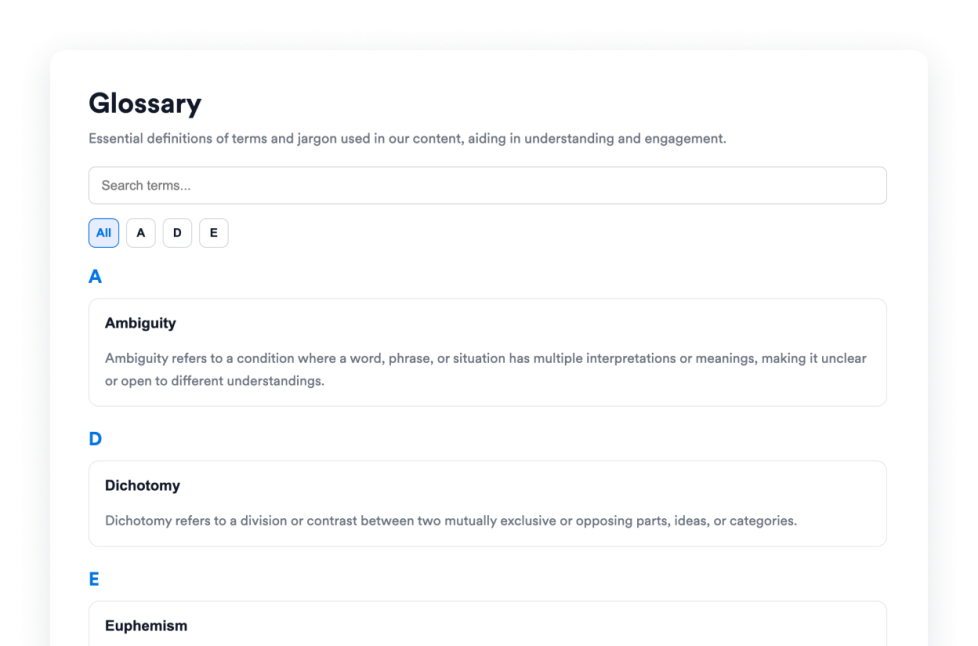
용어집

검색 가능한 용어, A–Z 필터, 목록 또는 아코디언 레이아웃, 도움말 센터, 문서 및 강의를 위한 맞춤형 스타일링을 갖춘 무료 사전 만들기 위젯을 웹사이트에 추가해 보세요.

카테고리로 이동:콘텐츠 표시위젯 사용하기
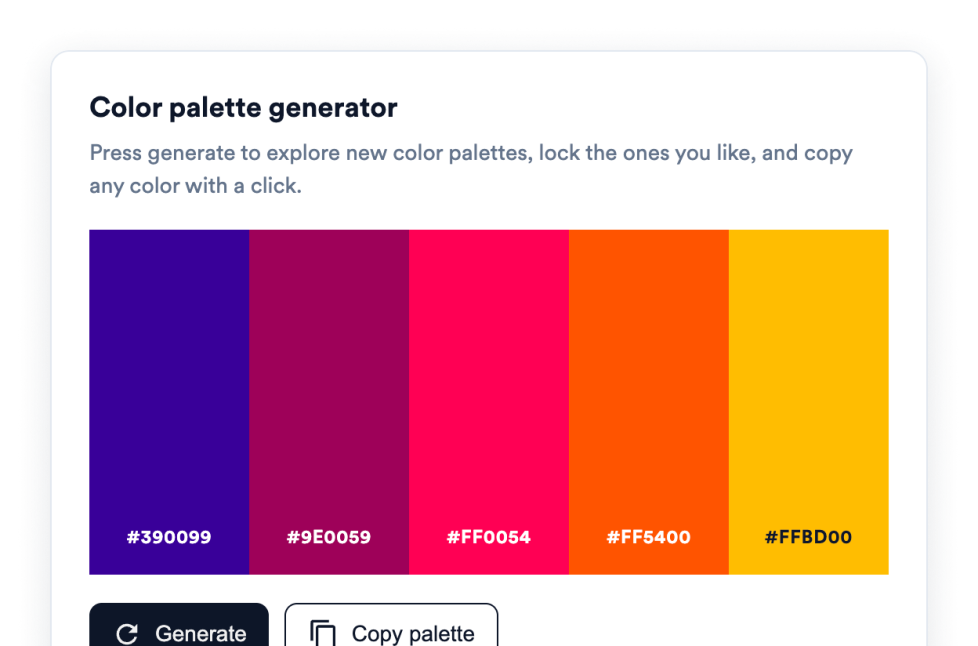
컬러 팔레트 위젯

컬러 팔레트 위젯을 추가하여 방문자가 컬러 팔레트 생성 사이트에서처럼 컬러 팔레트를 생성하고, 마음에 드는 색상을 고정하며, 클릭 한 번으로 HEX 값을 복사할 수 있게 하세요. 코딩이 필요하지 않습니다.

카테고리로 이동:콘텐츠 표시위젯 사용하기

About Content Display Widgets

Content display widgets help you organize and present information on your website without custom code. These embeddable widgets can turn text, images, videos, data, and other information into sections that are easier for visitors to browse and understand.

With Jotform’s content display widgets, you can create FAQs, timelines, polls, content grids, glossaries, quote displays, code examples, dynamic text, and interactive image or video panels. They work well on business websites, landing pages, blogs, help centers, documentation pages, educational websites, portfolios, and online stores.

What can you do with content display widgets?

Content display widgets can help you:

  • Organize common questions in a searchable FAQ
  • Present company history, project milestones, or event schedules with a timeline
  • Arrange text, images, videos, icons, links, and buttons in a content grid
  • Build a searchable glossary with A-to-Z filtering
  • Collect visitor opinions and display voting results with a poll
  • Rotate headlines, announcements, or offers using dynamic text
  • Display images and videos in an accordion slider
  • Share formatted code snippets for tutorials and documentation
  • Add interactive color pickers and color palettes
  • Present quotes, movie collections, and other themed content in a structured format

Popular content display widget use cases

Content display widgets can be used wherever a website needs to present detailed information in a clear, compact format. An FAQ widget can organize answers on product, service, support, or policy pages. A Timeline widget can show a company’s history, an event schedule, product releases, or project milestones.

A Grid widget can arrange services, team members, resources, portfolio projects, images, or videos into a structured layout. For help centers, online courses, and documentation websites, a Glossary widget can make terms easier to search and browse, while a Code Snippets widget can display HTML, CSS, JavaScript, API examples, and other technical content.

Website owners can also use a Poll widget to ask visitors a question and display vote totals or percentages. Dynamic Text can rotate important messages or highlighted phrases, and an Accordion Slider can display expandable images, videos, descriptions, and buttons in a single interactive section.

Easy website widgets for any team

Embeddable content display widgets are useful for small businesses, marketing teams, educators, content creators, agencies, nonprofits, developers, online stores, and website owners that need to present information without relying on a developer or designer.

With Jform, users can choose a widget, customize its content, settings, layout, and design, preview the result, and copy the embed code. They can then add the widget to a supported website editor or HTML section without custom code.

This makes it easier to add structured content to WordPress sites, website builders, custom websites, landing pages, blogs, and resource centers while keeping the design consistent with the surrounding page.

관련 가이드

To learn more about setting up and managing widgets, users can read Jotform’s guide on managing website widgets. The guide explains that users can create new widgets, edit existing widgets, copy embed codes, control widget visibility, and organize their widget assets from the My Website Widgets page.

Content Display Widgets FAQ

What are content display widgets?

Content display widgets are embeddable tools that organize and present website content in a clear, interactive format. They can display FAQs, timelines, polls, grids, glossaries, quotes, code examples, images, videos, and other information directly on a webpage.

What types of content can I display with these widgets?

Depending on the widget, you can display text, images, videos, icons, links, buttons, questions and answers, timeline entries, poll results, code snippets, color values, quotes, and movie information. Each widget provides settings tailored to its content type.

Where can I use content display widgets?

You can use them on landing pages, product pages, blogs, portfolios, help centers, documentation pages, online courses, event websites, and business websites. The right placement depends on what information visitors need and how you want them to browse it.

Do content display widgets require coding?

No. You do not need a developer or designer. You can customize the widget, copy the embed code, and add it to your website without custom code. The placement steps may vary depending on your website platform or page editor.