Today in History Widget for your website
Add a date-based history card to any page. Show Wikipedia On This Day entries for today or a fixed date, choose and reorder content sections, control item counts, and customize the design in a no-code builder.
Today in History 위젯을 만드는 방법

Choose the date
Use today's date for a daily widget or set a static date to preview a specific month and day.

Select your sections
Show events, holidays, birthdays, and deaths in the order that fits your page.
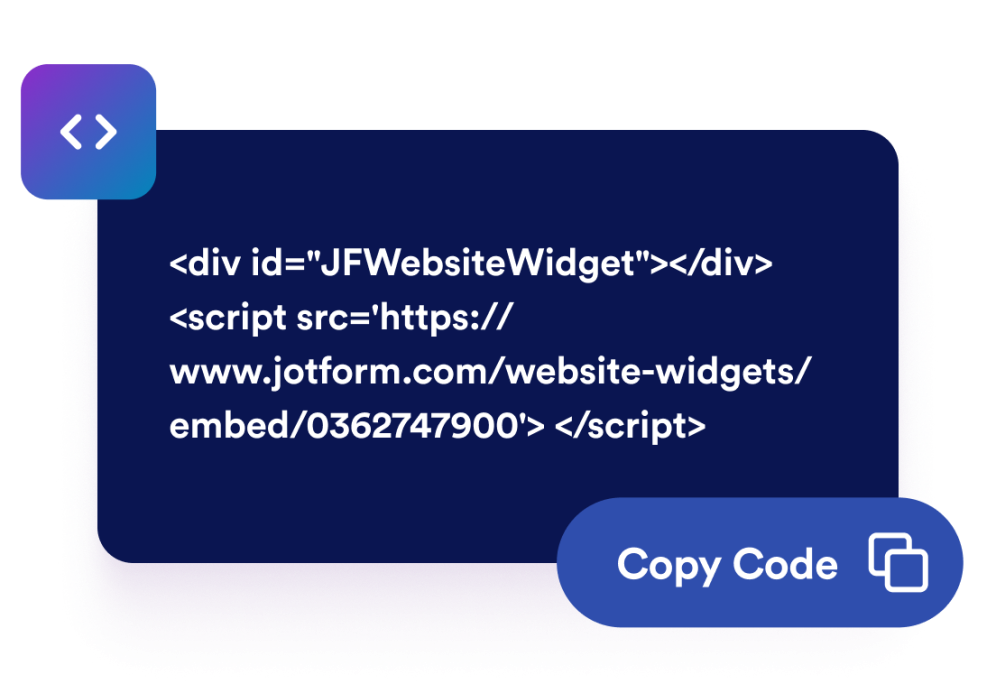
Embed it on your site
Preview the widget, save your settings, and paste the generated embed code into your website.
Add daily historical context with a widget that fits your page
Show On This Day entries
Display date-based events, holidays, notable births, and deaths sourced from Wikipedia for the selected month and day.

Use today or a static date
Keep the widget updated for the current day or set a fixed date when you want to feature a specific anniversary.

Choose sections and density
Enable only the sections you need, reorder them, set one to three columns, and control how many entries appear in each section.

Match your website style
Choose light, dark, or custom colors, then adjust width, alignment, corner radius, branding, and scoped custom CSS.

Why Jform Website Widgets stand out
Jotform’s widgets make your website more interactive and increase conversions. There are many tools available, from star ratings and testimonial sliders to social proof popups and media embeds. Add widgets to your forms or landing pages to collect data, display proof, and capture leads — no coding required.
Add Jform widgets to your website with a simple embed code. Customize the widget, preview how it looks, and paste it into any page that supports custom HTML or embed blocks, all without a developer.
Use Jform Website Widgets to collect leads, show customer feedback, display social proof, embed media, or add helpful web page tools. Each widget helps visitors interact with your business directly from your website.
If you need help setting up, customizing, embedding, or troubleshooting your widget, Jotform’s customer support team is available 24-7. You can move forward with confidence, knowing that help is there when you need it.
Where to use your Today in History Widget
Add a Today in History Widget wherever date-based context can make a page more useful, timely, or educational.
Education sites to give students a daily historical prompt or classroom discussion starter.
Museum and cultural pages to connect exhibits, anniversaries, or archive content with a specific date.
Blogs and magazines to add a timely history sidebar beside articles or editorial pages.
Community websites to share notable anniversaries, observances, or local learning resources.
Classroom resource pages to help learners compare events, births, and holidays by date.
Newsletter landing pages to add a compact historical hook before a signup form or featured issue.
Convert leads into paying customers with the Jform Form Builder
Turn engagement into action with Jotform. Create powerful forms that capture leads, collect payments, and automate responses, all in one place. Every submission lands in your Jform Inbox, where you can follow up or connect with your favorite apps.
시작하기 — 무료입니다!
자주하는 질문
What is a Today in History widget?
A Today in History widget displays historical events and anniversaries for a selected date on your website.
Where does the widget get its content?
Can I show a date other than today?
Can I choose which sections appear?
Can I limit the number of entries?
Can I change the widget language?
Can I customize the design?
Does the widget work on mobile?
Do I need to write code?