Free Social Widgets for Websites
Explore Social widgets to embed your website. Embed your widget feed your website with latest social media posts from Instagram, Facebook and other mediums.
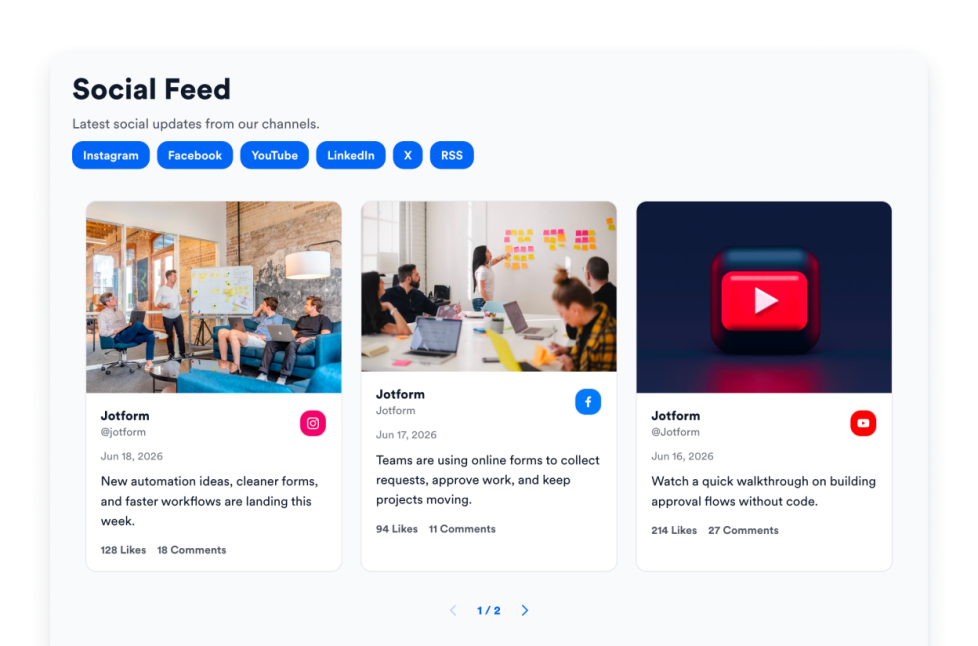
Social Feed
웹사이트에 소셜 피드 위젯을 추가하세요. 공개 소셜 계정을 연결하고 게시물을 자동으로 불러와 코딩 없이 반응형 피드로 표시하세요.
카테고리로 이동:소셜위젯 사용하기Logo Showcase
Create a Logo Showcase widget to display customer, partner, sponsor, or press logos. Choose grid, carousel, or ticker layouts and embed without coding.
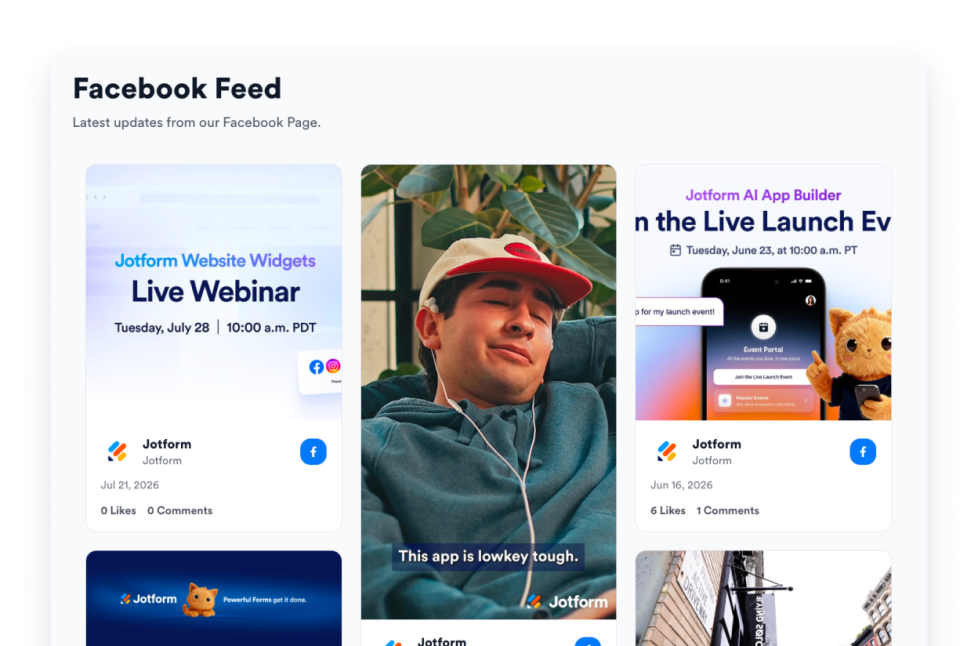
카테고리로 이동:소셜위젯 사용하기Facebook Feed
Embed Facebook Page updates on your website with responsive layouts, post popups, source styling, and no custom code.
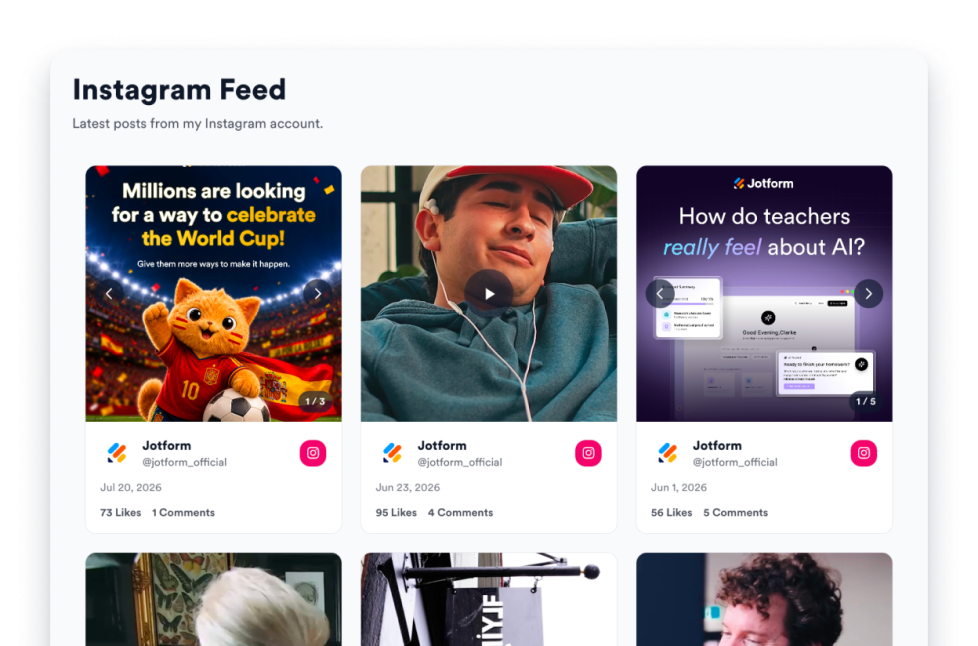
카테고리로 이동:소셜위젯 사용하기Instagram Feed
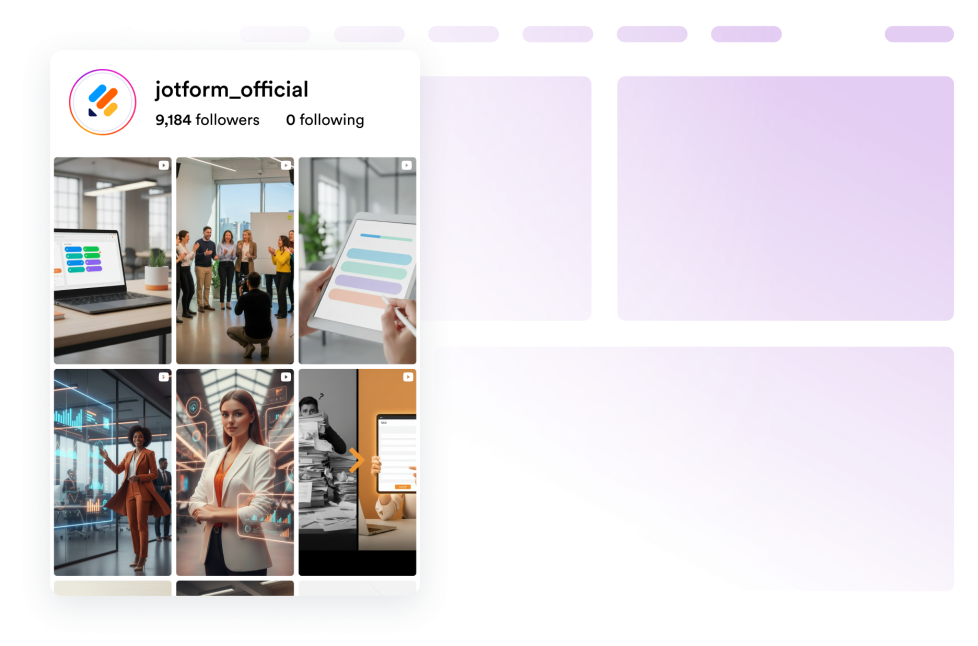
Embed Instagram account posts on your website with responsive layouts, post popups, source styling, and no custom code.
카테고리로 이동:소셜위젯 사용하기LinkedIn Feed
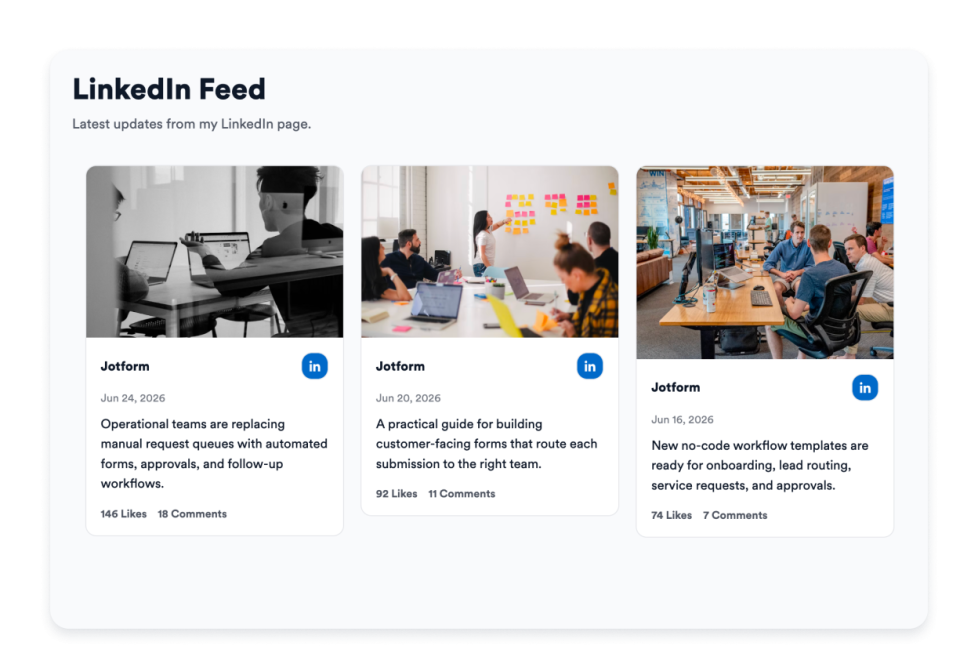
Embed LinkedIn company or profile updates on your website with responsive cards, popups, and flexible styling.
카테고리로 이동:소셜위젯 사용하기RSS Feed
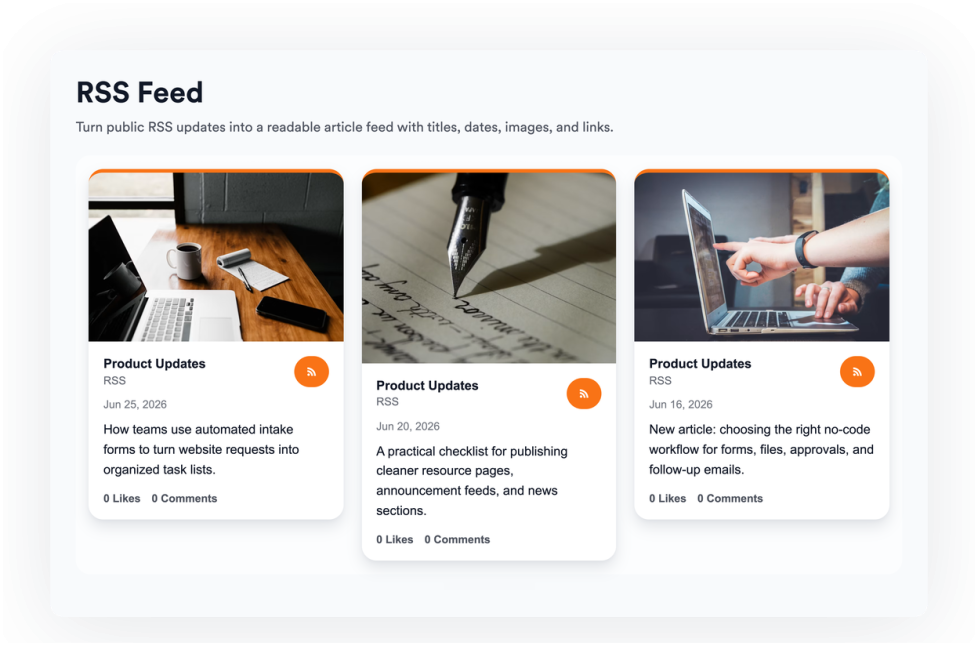
Add an RSS or Atom feed to your website and display fresh articles in list, grid, masonry, carousel, or slider layouts.
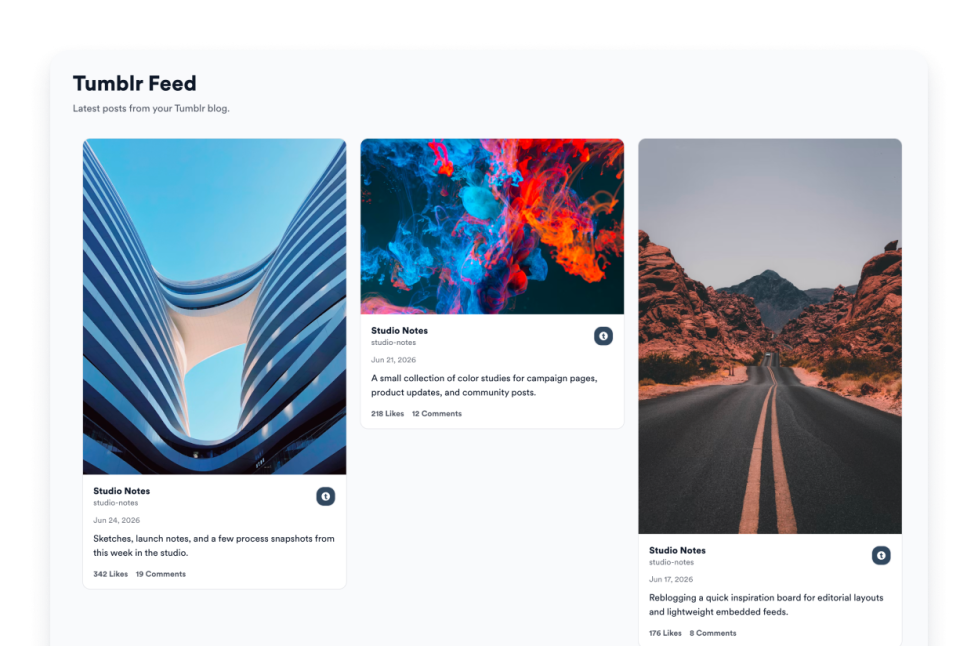
카테고리로 이동:소셜위젯 사용하기Tumblr Feed
Display Tumblr blog posts on your website in responsive feed layouts with images, captions, links, and popups.
카테고리로 이동:소셜위젯 사용하기Twitter/X Feed
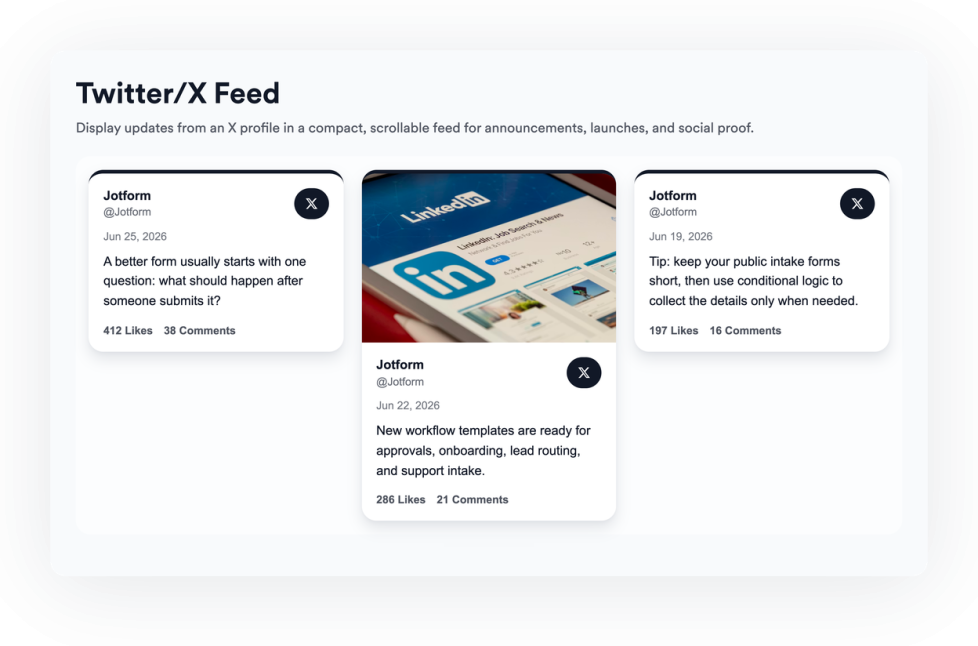
Add a Twitter / X Feed widget to your website to display recent posts, customize the layout, and keep visitors connected to your social updates.
카테고리로 이동:소셜위젯 사용하기사용후기
Create a responsive testimonial slider for your website. Display customer quotes, ratings, photos, logos, and CTA-ready slides with Jotform.
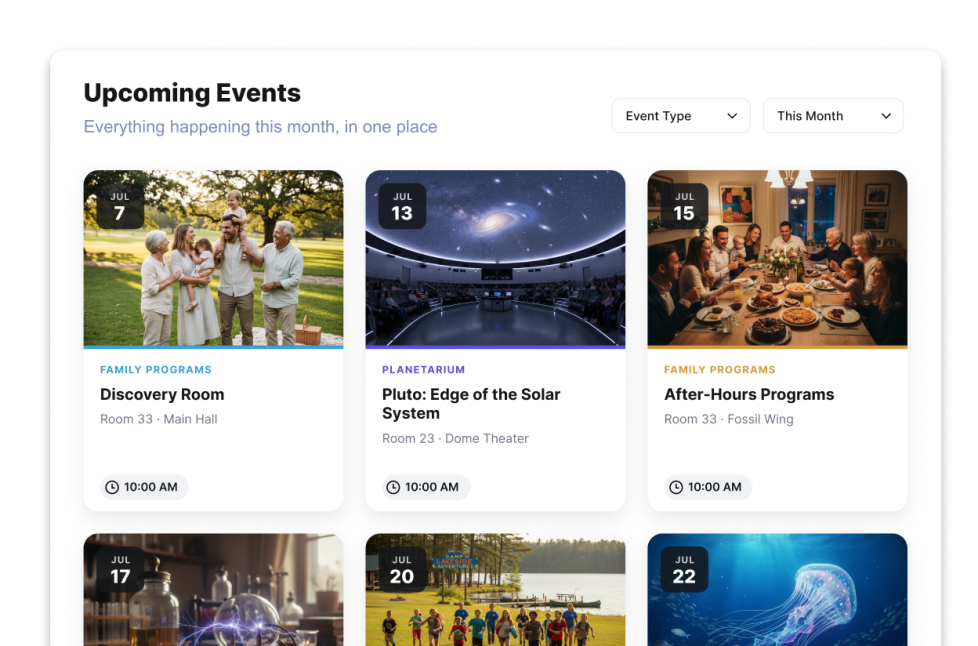
카테고리로 이동:소셜위젯 사용하기Event Calendar Widget
웹사이트에 이벤트 캘린더 위젯을 추가하세요. 코딩 없이 이벤트, 필터, 캘린더 레이아웃, 팝업 상세 정보, 등록 링크를 공유하세요.
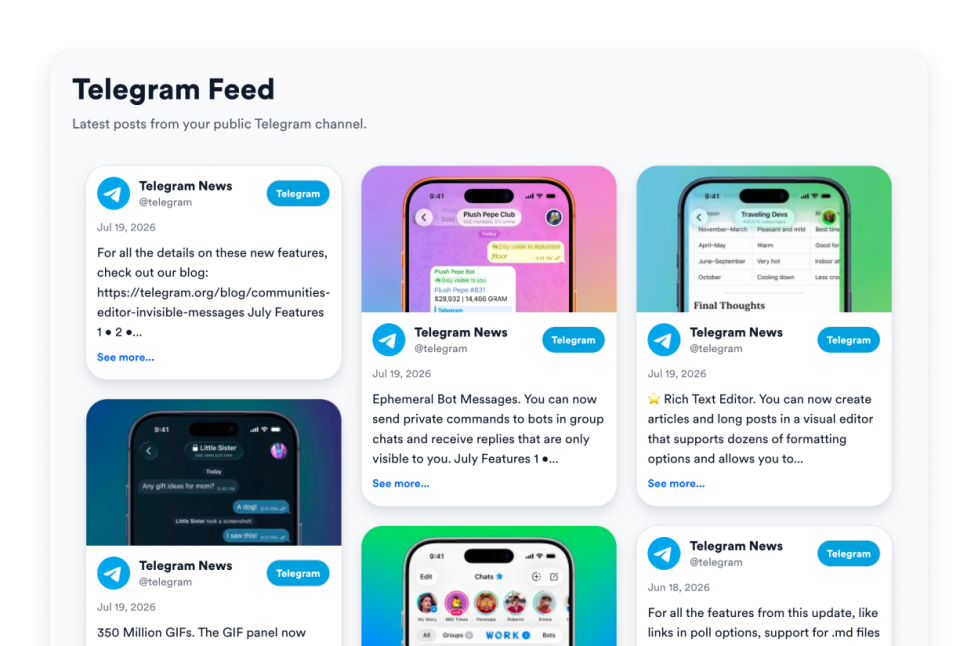
카테고리로 이동:소셜위젯 사용하기Telegram Feed
Embed any public Telegram channel on your website with Jform's free Telegram Feed widget—responsive layouts, custom styling, and no code or API key needed.
카테고리로 이동:소셜위젯 사용하기Reels widget
Embed a responsive Reels widget on your website with portrait cards, popups, source controls, and visual styling options.
카테고리로 이동:소셜위젯 사용하기Social Media Icons
Add a free customizable Social Media Icons widget to your website. Link your social profiles, customize icon styles and placement, and embed it on your website without coding.
카테고리로 이동:소셜위젯 사용하기SNS 공유
Add a social share to your website in seconds. Customize the design and embed it with Jform's no-code website widget builder.
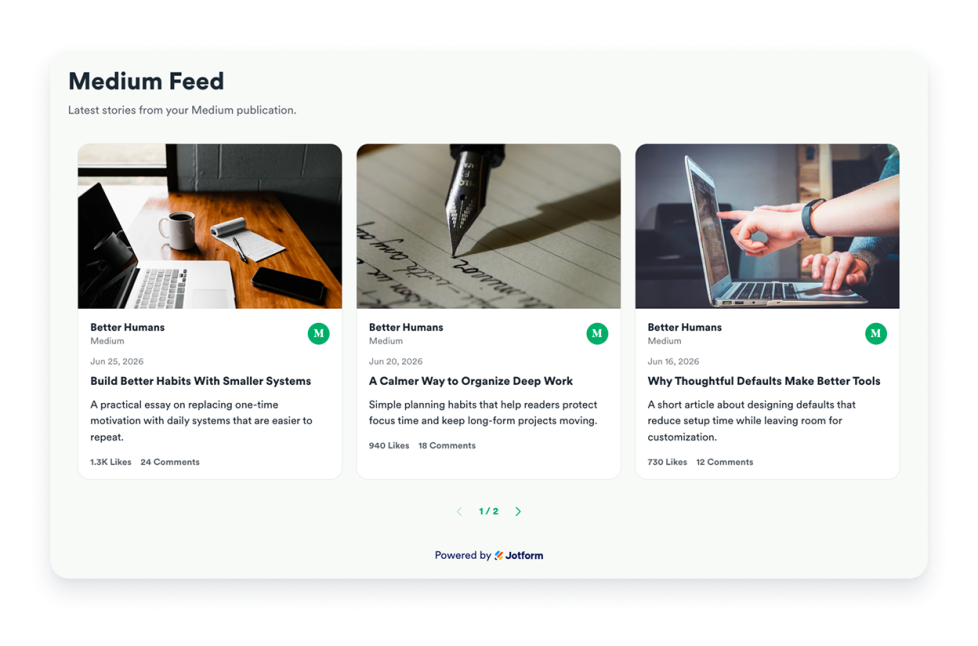
카테고리로 이동:소셜위젯 사용하기Medium Feed
Embed public Medium stories with responsive layouts, article modals, engagement counts, refresh controls, and brand styling.
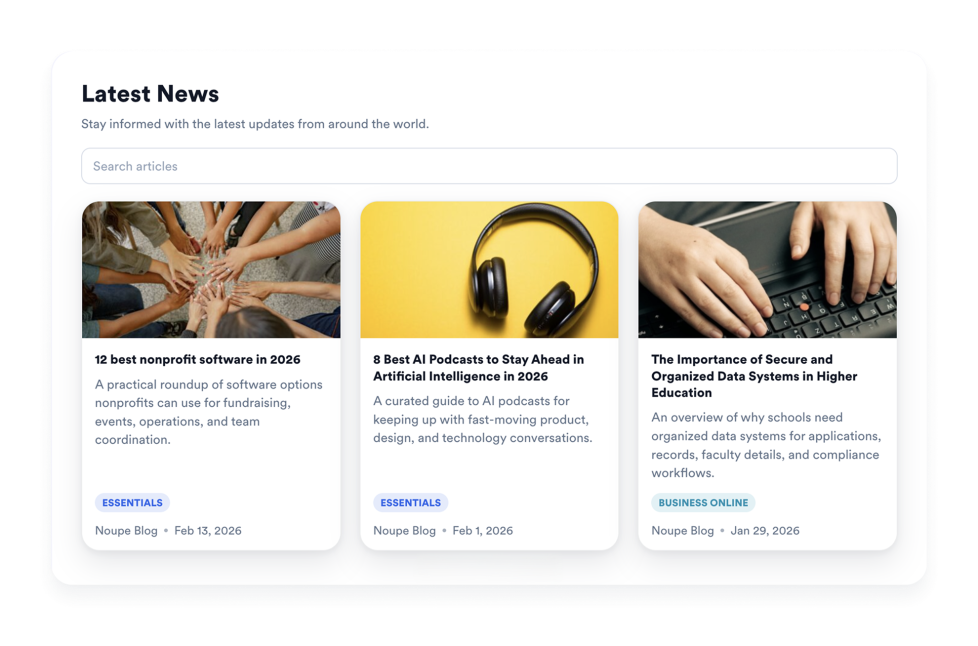
카테고리로 이동:소셜위젯 사용하기뉴스
With Jform's News Widget, keep visitors informed with a responsive news feed. Add a public RSS feed, choose a layout, and match your website.
카테고리로 이동:소셜위젯 사용하기Social Media Follower Count
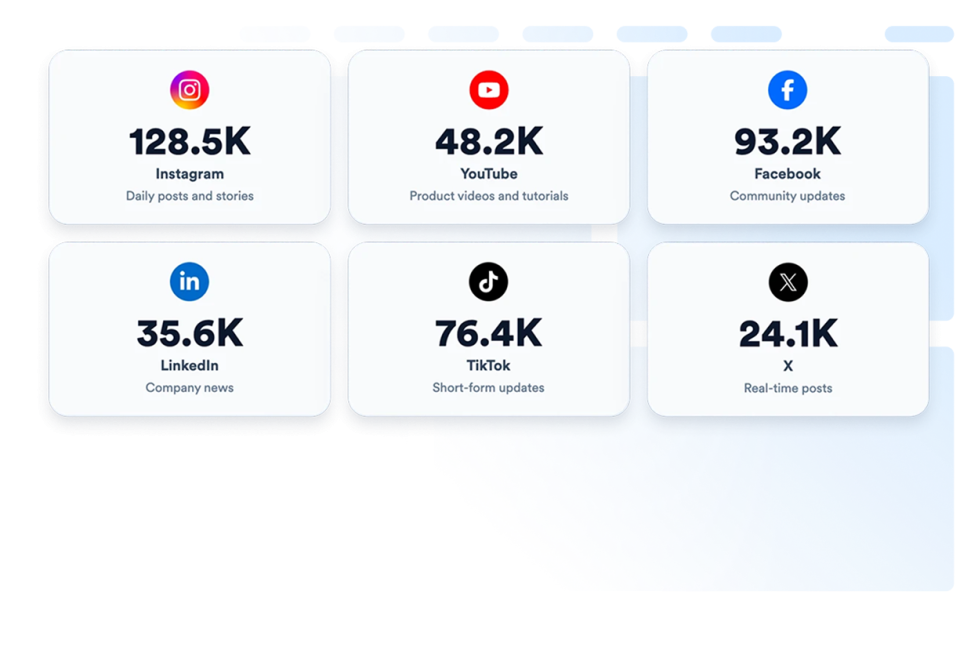
Display live social media follower counts on your website with a customizable follower count widget. Embed real-time social proof in minutes—no coding required.
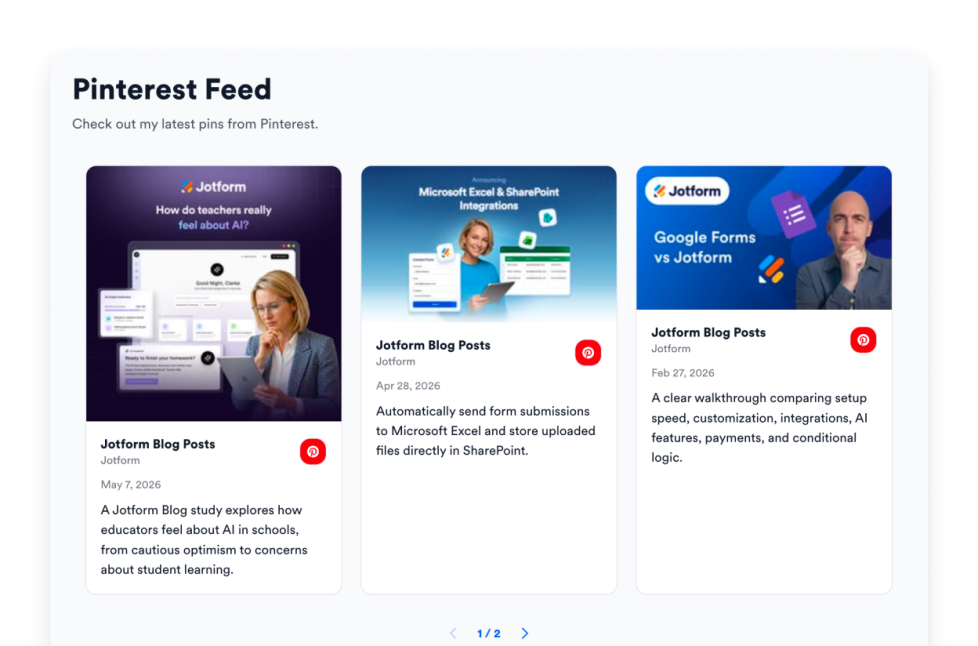
카테고리로 이동:소셜위젯 사용하기Pinterest Feed
Add a Pinterest Feed widget to your website. Connect a public board or profile, choose a responsive layout, and publish a branded pin feed with no code.
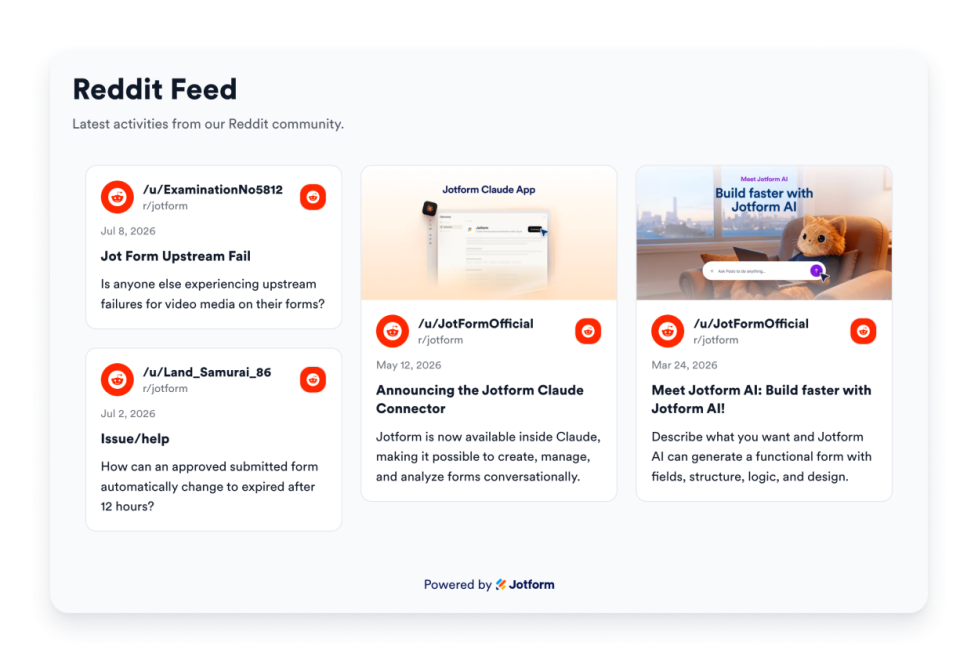
카테고리로 이동:소셜위젯 사용하기Reddit Feed
Add a Reddit Feed widget to your website and display public subreddit or profile posts in responsive, branded layouts.
카테고리로 이동:소셜위젯 사용하기어떤 결과도 발견되지 않았습니다
No results match your search. Please try another keyword.
About Social Widgets
Social media widgets help you display social posts, feeds, profile links, share buttons, and community updates on your website without custom code. These embeddable widgets can support content from platforms and sources such as Instagram, Facebook, Twitter/X, Tumblr, Telegram, Medium, Pinterest, Reddit, RSS feeds, and more, depending on the widget you choose.
With Jotform’s social media widgets, you can choose a widget, customize its settings, adjust the design, and embed it on your website. Social media widgets work well on homepages, landing pages, blogs, campaign pages, event pages, community pages, portfolio pages, and business websites where visitors may want to see recent updates or connect with your social channels.
What can you do with social media widgets?
Social media widgets can help you:
- Display social media feeds directly on your website
- Add embeddable social content from public posts, profiles, channels, or feeds
- Show updates from platforms like Instagram, Facebook, Twitter/X, Tumblr, Telegram, Medium, Pinterest, Reddit, or RSS
- Help visitors browse recent posts, announcements, articles, visuals, and community content without leaving the page
- Add social media icons so visitors can find and follow your profiles
- Add social share buttons so visitors can share your content across social platforms
- Customize feed layouts, post details, colors, spacing, and display options to match your page
Popular social media widget use cases
Social media widgets can be used across different parts of a website based on the type of content visitors need to see. For example, an Instagram Feed widget can help creators, brands, stores, and event teams show recent visuals or behind-the-scenes content, while a Facebook Feed widget can display page updates, announcements, photos, and events. A Twitter/X Feed widget can help visitors follow recent posts, launches, news, or conversations, and an RSS Feed widget can display articles from a blog or publication.
Social media widgets are especially useful when a page needs to stay updated without manually adding new content every time. They can support community updates, brand activity, event promotion, blog discovery, content sharing, follower growth, and campaign engagement by placing relevant social content closer to the visitor’s browsing path.
Easy website widgets for any team
Embeddable social media widgets are useful for creators, community managers, content teams, event teams, brands, agencies, nonprofits, and small businesses that want to bring social content into their websites without relying on a developer or designer.
With Jform, users can choose a social media widget, customize how posts, feeds, icons, or share buttons appear, copy the embed code, and add it to their website without custom code. This makes it easier to showcase recent updates, connect visitors with social channels, encourage sharing, and keep website content active from a single no-code builder.
Related guides
To learn more about setting up and managing widgets, users can read Jotform’s guide on managing website widgets. The guide explains that users can create new widgets, edit existing widgets, copy embed codes, control widget visibility, and organize your widget assets from the My Website Widgets page.
Social Widgets FAQ
What are social media widgets?
Social media widgets are embeddable website tools that display social posts, feeds, profile links, share buttons, testimonials, or community updates directly on a webpage. They can help visitors see recent content from your social channels without leaving your website right away.
Where should I use social media widgets?
You can use social media widgets on homepages, landing pages, blog pages, portfolio pages, event pages, campaign pages, community pages, and product pages. The best placement depends on whether you want visitors to browse updates, follow your profiles, share content, or explore posts from a specific channel.
Can I customize social media widgets?
Yes. Social media widgets can usually be customized before they are embedded. Depending on the widget, you can adjust layout, colors, spacing, post details, popup behavior, icons, buttons, themes, and other display options.
Do social media widgets require coding?
No. Jform social media widgets can be added without custom coding. After customizing a widget, users can embed it on a website using the provided embed code.