웹사이트용 핀터레스트 위젯 피드
최고의 Pinterest 아이디어를 모든 페이지로 가져오세요. 공개 보드나 프로필을 연결하고 반응형 레이아웃을 선택한 다음 방문자가 계속 둘러볼 수 있도록 브랜드화된 핀 피드를 게시하세요.
Pinterest Feed 위젯을 생성하는 방법
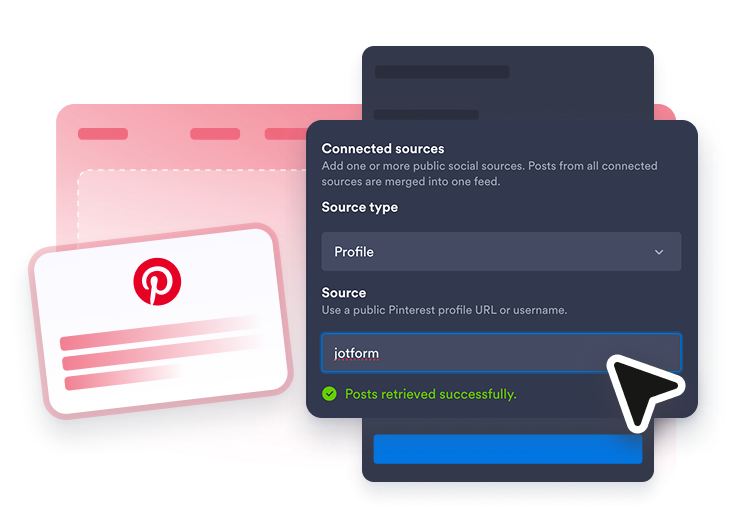
보드 연결하기
공개 Pinterest 보드, 프로필 또는 사용자 이름/보드 경로를 붙여넣으세요.
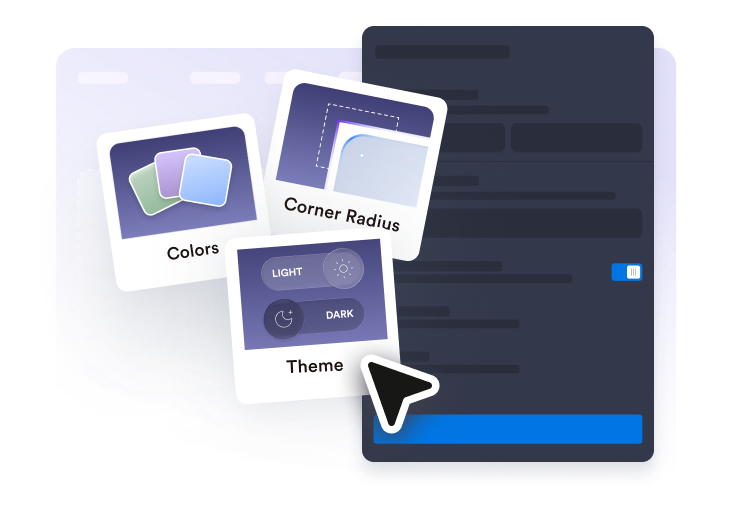
Shape the feed
Pick a layout, post details, popup behavior, and visual style.
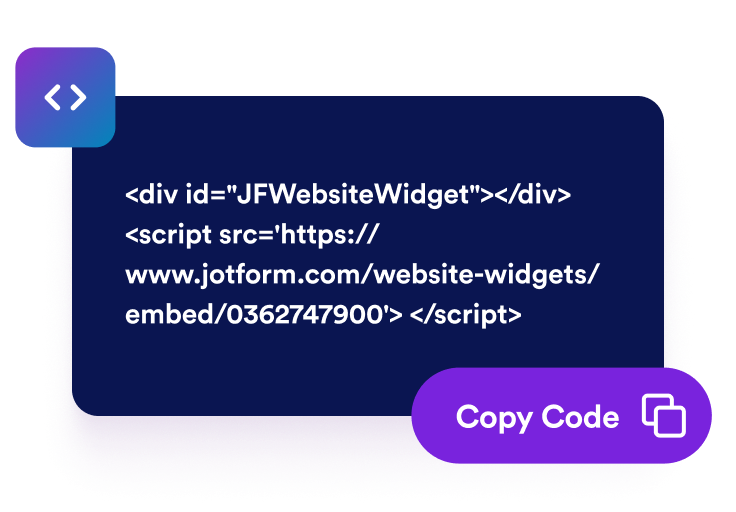
Publish it anywhere
삽입 코드를 복사하여 사이트에 라이브 Pinterest 피드를 추가하세요.
방문자가 둘러보고 싶어 하는 핀터레스트 위젯을 만들어 보세요.
Connect a live Pinterest source
Paste a public board, profile, or username/board path and turn pins into fresh website content.

Show pins in the right format
Choose masonry for inspiration boards, list for updates, or carousel and slider layouts for compact pages.

Keep the feed useful, not noisy
Control captions, dates, badges, popups, and original-pin links so visitors can explore without leaving the page too soon.
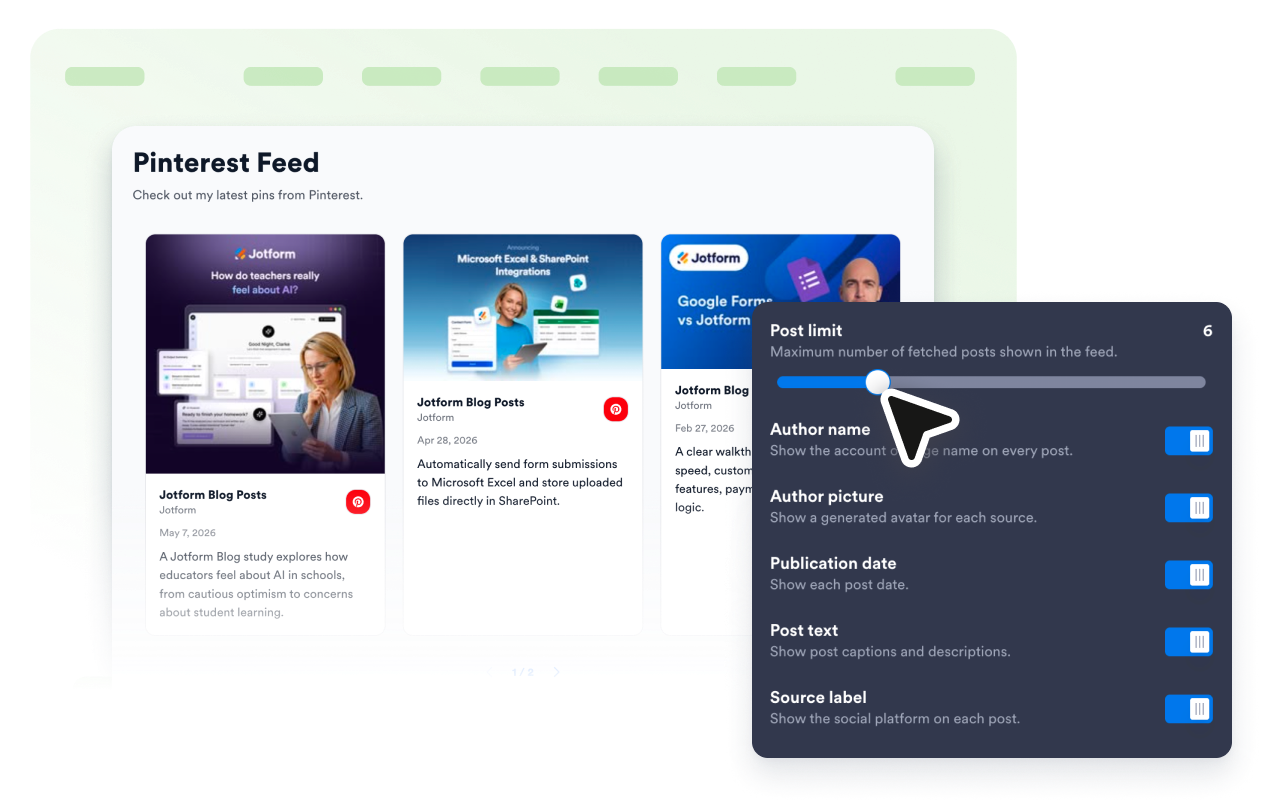
Make Pinterest feel native to your site
Use platform accents or customize colors, spacing, radius, shadows, and CSS to match your brand.

Jform 웹사이트 위젯이 돋보이는 이유
Jform의 위젯은 웹사이트를 더욱 상호작용형으로 만들고 전환율을 높입니다. 별점 평가 및 추천 슬라이더부터 소셜 증명 팝업 및 미디어 삽입에 이르기까지 다양한 도구를 사용할 수 있습니다. 양식이나 랜딩 페이지에 위젯을 추가하여 데이터 수집을 하고, 증명을 표시하고, 리드를 확보하세요. 코딩이 필요하지 않습니다.
간단한 삽입 코드로 웹사이트에 Jform 위젯을 추가하세요. 위젯을 맞춤 설정하고, 모양을 미리 본 다음, 사용자 지정 HTML 또는 삽입 블록을 지원하는 모든 페이지에 붙여넣으세요. 개발자 없이도 가능합니다.
Jform 웹사이트 위젯을 사용하여 리드를 수집하거나, 고객 피드백을 보여주거나, 소셜 증명을 표시하거나, 미디어를 삽입하거나, 유용한 웹 페이지 도구를 추가하세요. 각 위젯은 방문자가 웹사이트에서 직접 비즈니스와 상호 작용하도록 돕습니다.
위젯 설정, 맞춤 설정, 삽입 또는 문제 해결에 도움이 필요한 경우 Jform 고객 지원 팀이 연중무휴로 대기하고 있습니다. 필요할 때 도움을 받을 수 있다는 확신을 가지고 앞으로 나아갈 수 있습니다.
Jform 양식 빌더로 리드를 유료 고객으로 전환하세요
Jform으로 참여를 행동으로 전환하세요. 리드를 확보하고, 결제를 수집하고, 응답을 자동화하는 강력한 양식을 한 곳에서 모두 만드세요. 모든 제출물은 Jform 받은 편지함에 도착하며, 여기에서 후속 조치를 취하거나 즐겨 사용하는 앱과 연결할 수 있습니다.
시작하기 — 무료입니다!
자주하는 질문
Pinterest Feed 위젯이란 무엇인가요?
Pinterest Feed 위젯은 공개 Pinterest 보드 또는 프로필 핀을 반응형 임베디드 피드 형태로 웹사이트에 표시합니다.
공개 Pinterest 보드를 사용할 수 있나요?
Can I customize the layout?