Color Picker Widget for your website
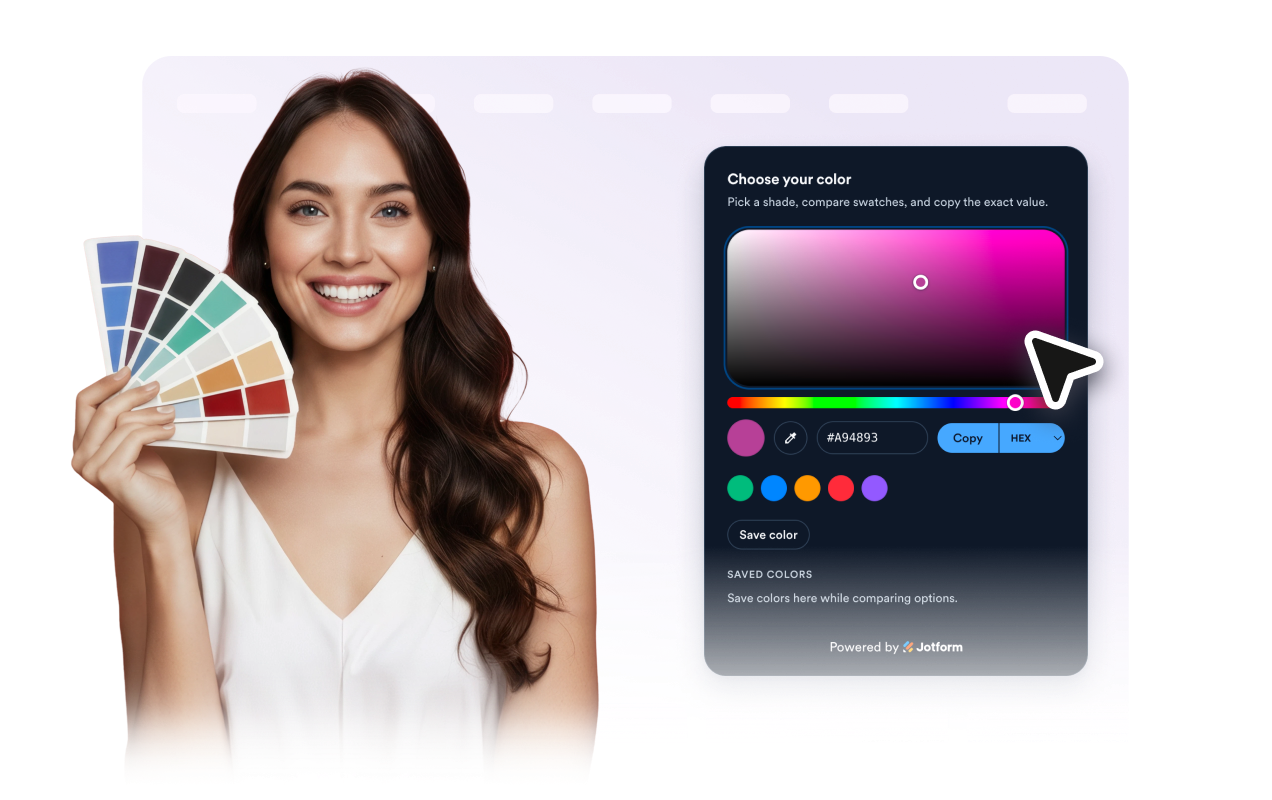
Give visitors a simple way to choose colors, compare named preset swatches, check contrast, and copy exact HEX, RGB, HSL, HSV, or CMYK values. Jform's Color Picker widget is a no-code utility you can style, preview, and embed anywhere.
색 선택기 위젯을 만드는 방법
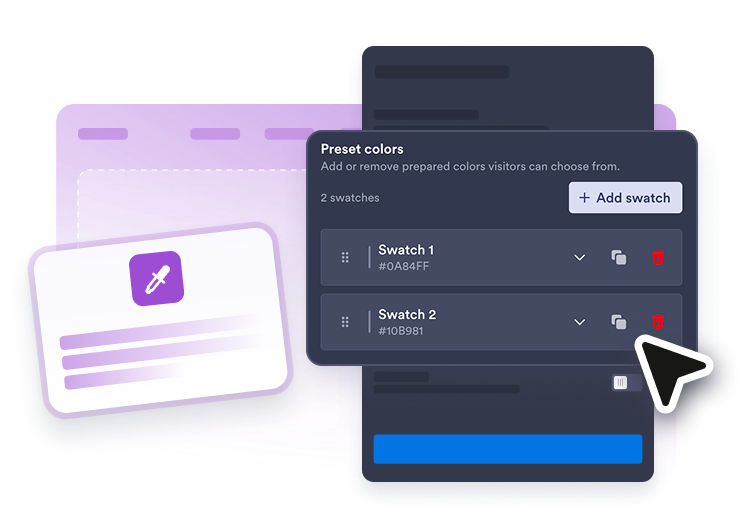
Choose preset colors
Set the default color, add or remove preset swatches, and name each palette option for visitors.
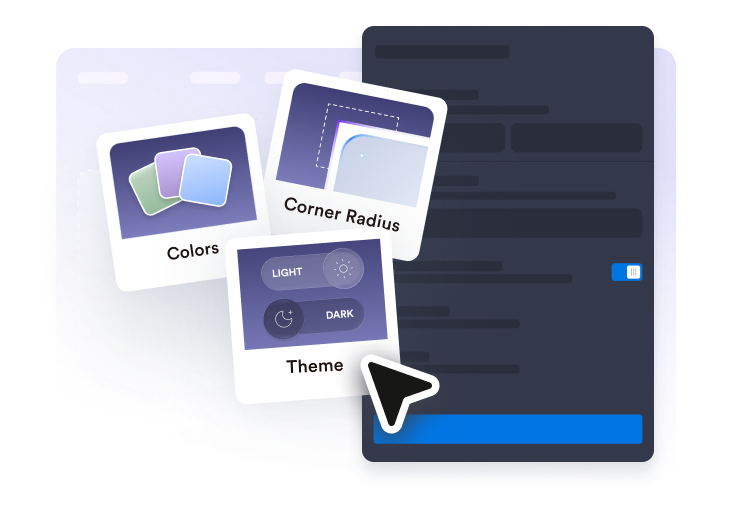
Customize the picker
Match the card, accent, text, swatch shape, and layout to your website.
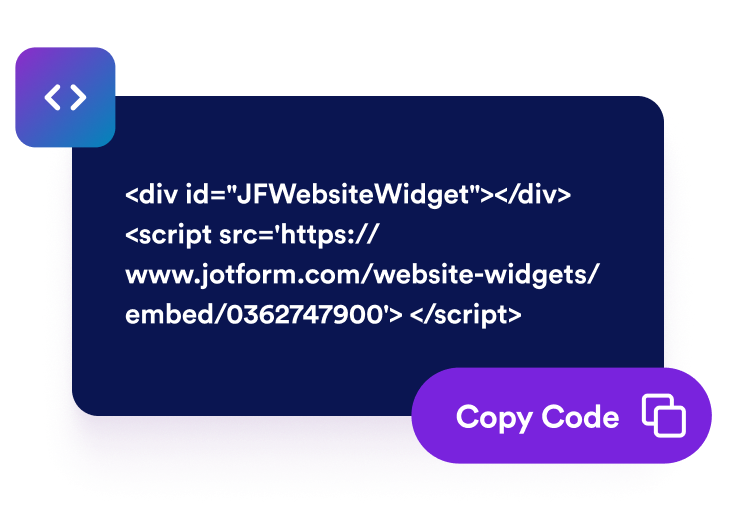
Embed it on your site
Copy the generated embed code and place the picker wherever visitors need color values, contrast checks, or palette export.
Make color selection clear and easy
Let visitors pick exact colors
Add a focused color picker that displays the current shade clearly and gives visitors a direct way to adjust it.
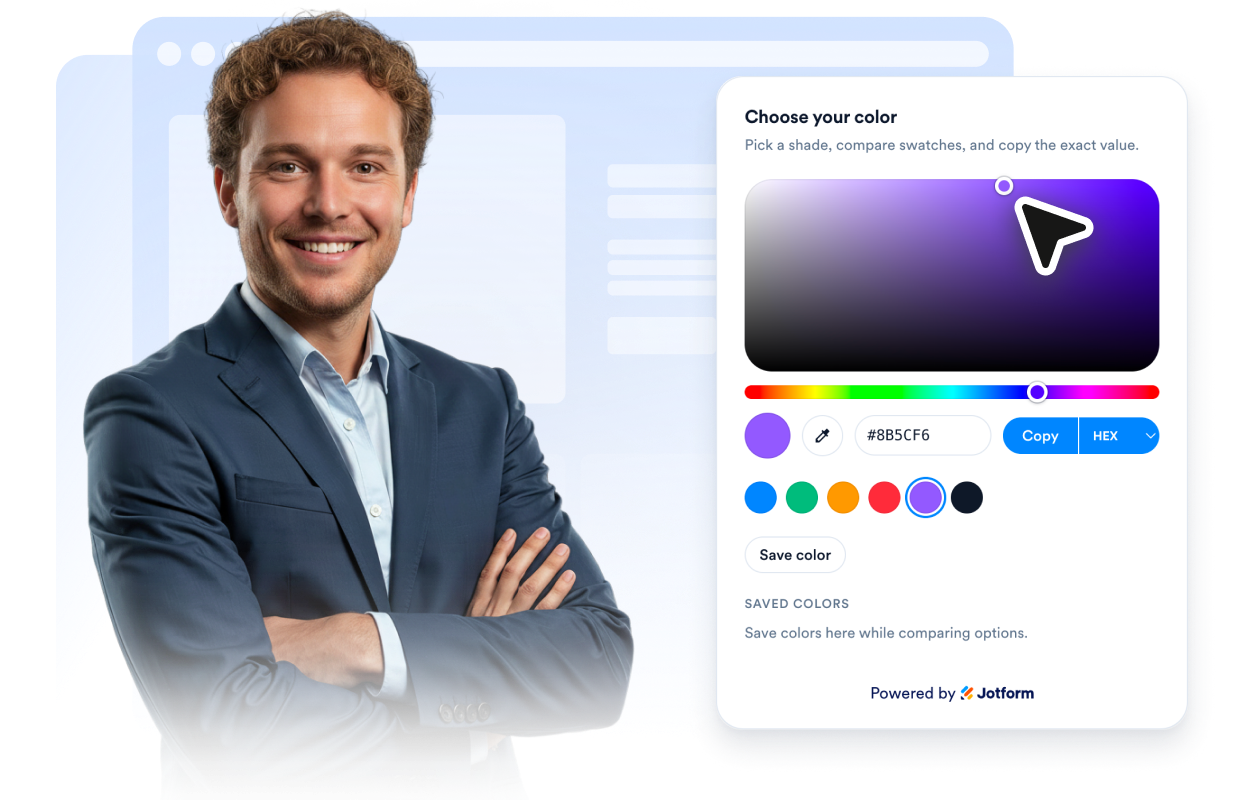
Show copy-ready color values
Display HEX, RGB, HSL, HSV, and CMYK values plus optional contrast results so designers, customers, and collaborators can use the selected color wherever they need it.

Offer named presets and saved swatches
Start visitors with prepared brand or product colors, label each swatch, then let visitors keep, remove, clear, or copy temporary palette selections.

Match the widget to your page
Adjust light or dark theme, card colors, accent color, radius, shadow, embedded alignment, floating placement, and device visibility.
Why Jform Website Widgets stand out
Jotform’s widgets make your website more interactive and increase conversions. There are many tools available, from star ratings and testimonial sliders to social proof popups and media embeds. Add widgets to your forms or landing pages to collect data, display proof, and capture leads — no coding required.
Add Jform widgets to your website with a simple embed code. Customize the widget, preview how it looks, and paste it into any page that supports custom HTML or embed blocks, all without a developer.
Use Jform Website Widgets to collect leads, show customer feedback, display social proof, embed media, or add helpful web page tools. Each widget helps visitors interact with your business directly from your website.
If you need help setting up, customizing, embedding, or troubleshooting your widget, Jotform’s customer support team is available 24-7. You can move forward with confidence, knowing that help is there when you need it.
Where to use your Color Picker widget
Use a Color Picker widget anywhere visitors need to choose or copy exact colors without leaving the page.
Design resource pages where visitors need quick HEX, RGB, HSL, HSV, or CMYK values for brand colors.
Product customization pages where customers compare available color choices before contacting your team or placing an order.
Style guide pages to give teams, partners, or clients an easy way to reference approved colors.
Creative portfolios where designers can show palettes alongside project examples.
Education and tutorial pages that teach color formats, palettes, or visual design basics.
Internal portals where teams need a lightweight color utility embedded near design notes or documentation.
Convert leads into paying customers with the Jform Form Builder
Turn engagement into action with Jotform. Create powerful forms that capture leads, collect payments, and automate responses, all in one place. Every submission lands in your Jform Inbox, where you can follow up or connect with your favorite apps.
시작하기 — 무료입니다!
자주하는 질문
What is a Color Picker widget?
A Color Picker widget is an embeddable tool that lets visitors choose a color, view color values, copy them, check contrast, and compare temporary swatches on your website.
Which color formats can it show?
Can I add preset colors?
Can visitors save or copy a palette?
Can I customize the widget style?
Can the picker float on the page?
Does it work on mobile?
Do I need to write code?