Timeline Widget for your website

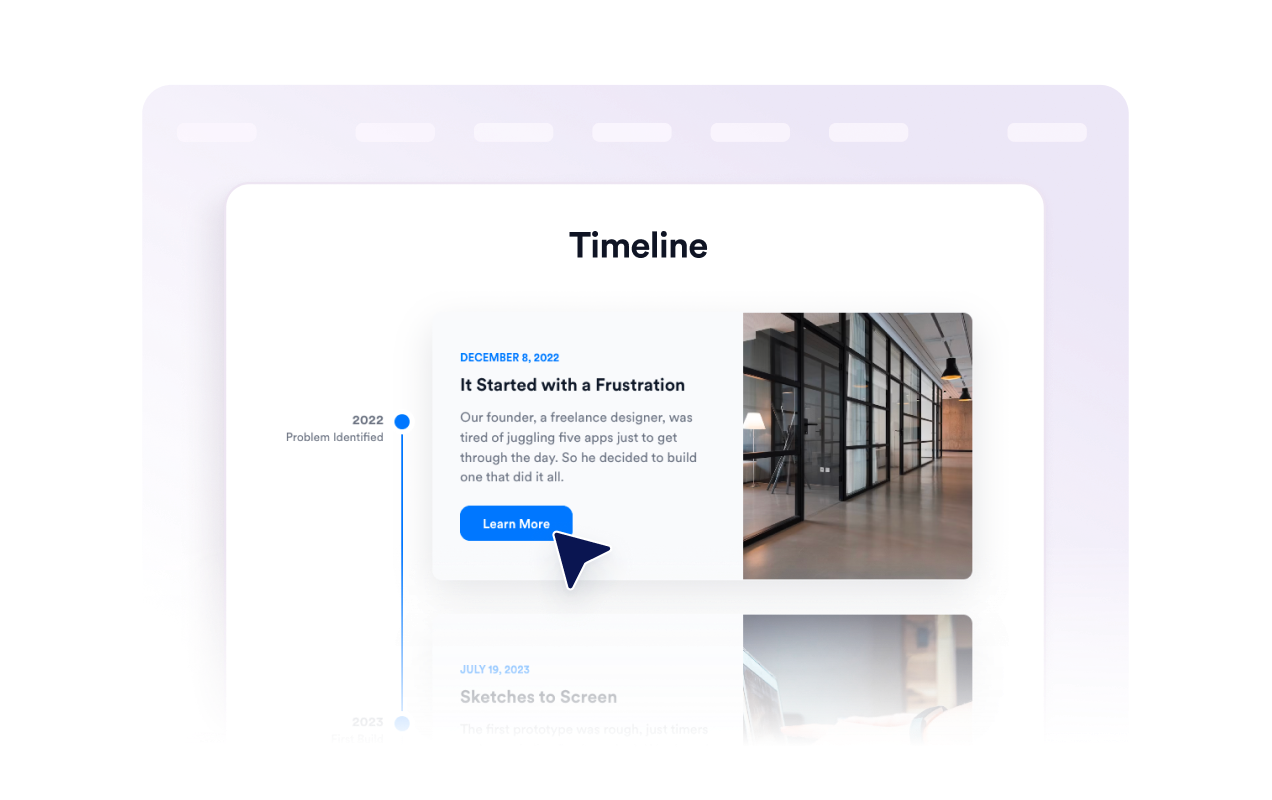
Create a responsive timeline for milestones, product updates, events, roadmaps, and brand stories. Add dates, titles, descriptions, images, buttons, marker styles, themes, custom colors, and layout presets without code.

Timeline 위젯을 만드는 방법

Add your events

Add your events

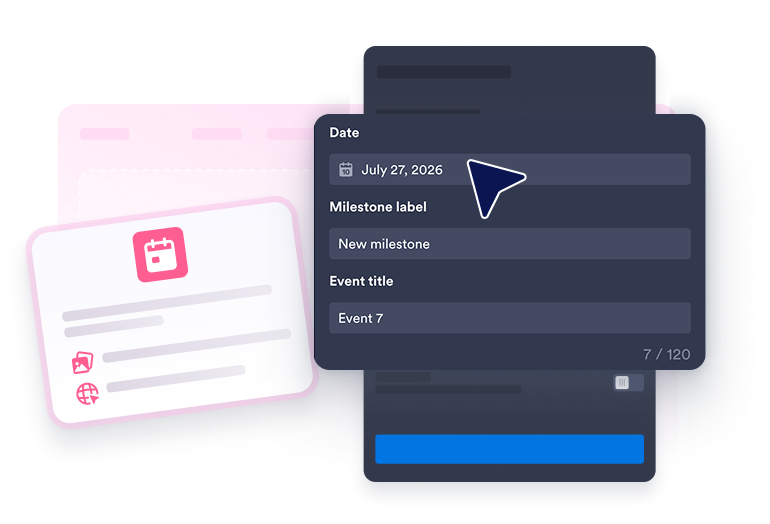
Create timeline entries with dates, milestone labels, titles, descriptions, images, and optional buttons that open a link or event modal.

Choose a layout

Choose a layout

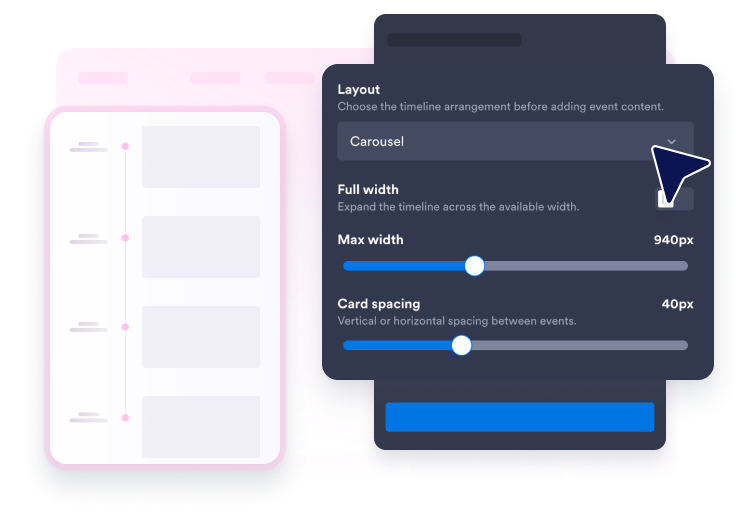
Display entries as a left or right list, horizontal carousel, snap scroll section, slider, or story view.

Style and embed

Style and embed

Adjust themes, colors, marker style, corner radius, card spacing, width, and branding before publishing.

Build timelines that match your page and story

Structure Every Milestone

Each event can include a date with an automatically derived year, milestone label, title, supporting copy, image, and optional call-to-action button.

Structure Every Milestone

Switch Between Timeline Layouts

Use left and right timeline lists for detailed stories, carousel and slider views for compact pages, or snap scroll for immersive sections.

Switch Between Timeline Layouts

Customize Markers and Cards

Choose point, number, or icon markers, then adjust corner radius, card spacing, and maximum or full-width presentation.

Customize Markers and Cards

Match Your Website Design

Choose a light or dark theme, or customize colors, text visibility, and custom CSS to match your website.

Match Your Website Design

How to embed your Timeline into WordPress

1Get your embed code

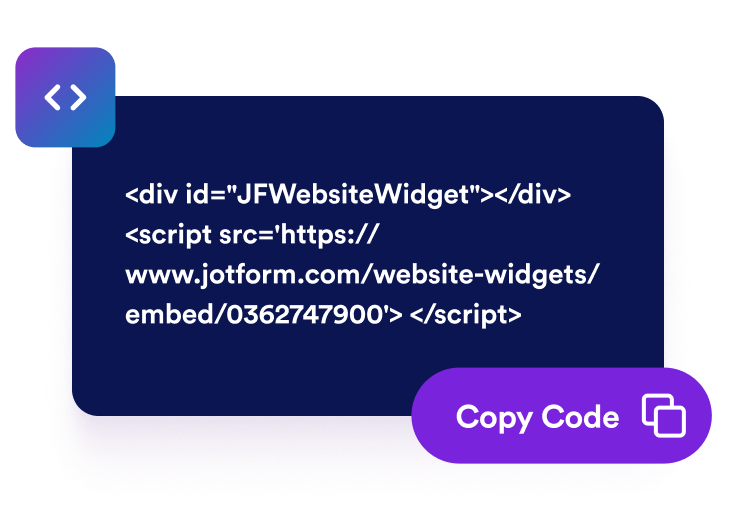
After customizing your Jform website widget, click Try it on your website for free, and copy the generated embed code.

2Open the page editor

Go to the WordPress post or page where you want to display the widget, then add a new block.

3Add a Custom HTML block

Select Custom HTML and paste your Jform website widget embed code into the HTML field.

4Update and view

Click Update or Publish, then open the page to check your embedded widget.

Why Jform Website Widgets stand out

Jotform’s widgets make your website more interactive and increase conversions. There are many tools available, from star ratings and testimonial sliders to social proof popups and media embeds. Add widgets to your forms or landing pages to collect data, display proof, and capture leads — no coding required.

Embed widgets without coding

Add Jform widgets to your website with a simple embed code. Customize the widget, preview how it looks, and paste it into any page that supports custom HTML or embed blocks, all without a developer.

Build more interactive pages

Use Jform Website Widgets to collect leads, show customer feedback, display social proof, embed media, or add helpful web page tools. Each widget helps visitors interact with your business directly from your website.

Get support when you need it

If you need help setting up, customizing, embedding, or troubleshooting your widget, Jotform’s customer support team is available 24-7. You can move forward with confidence, knowing that help is there when you need it.

Where to use your Timeline widget

Add the widget anywhere visitors need to understand a sequence, history, plan, or progress story.

소개 페이지에서 회사 연혁, 창립자 이야기, 투자 유치 이력, 제품 출시 내역을 보여줄 수 있습니다.

Product pages to explain version releases, roadmap stages, or development progress.

Event pages to present agendas, session flow, speaker order, and important dates.

Project pages to show phases, deliverables, approvals, and implementation steps.

Portfolio pages to walk visitors through case study progress from brief to final result.

교육 페이지에서 강의 구성, 입학 절차 또는 연대기 순서를 설명할 수 있습니다.

Convert leads into paying customers with the Jform Form Builder

Turn engagement into action with Jotform. Create powerful forms that capture leads, collect payments, and automate responses, all in one place. Every submission lands in your Jform Inbox, where you can follow up or connect with your favorite apps.

시작하기무료입니다!
Convert leads into customers

자주하는 질문

  • What is a Timeline widget?

    A Timeline widget displays events, milestones, or story steps in chronological order on your website.

  • Can I add images to each timeline event?

  • What layouts are available?

  • Can I change marker styles?

  • Can I match the widget to my brand?

  • Do I need code to embed it?