웹사이트 위젯

Movie Widget for your website

Showcase a curated movie collection on your site. Add posters, titles, release years, genres, ratings, descriptions, and links, then choose grid, list, or carousel layouts with custom colors and themes without code.

How to create a Movie widget

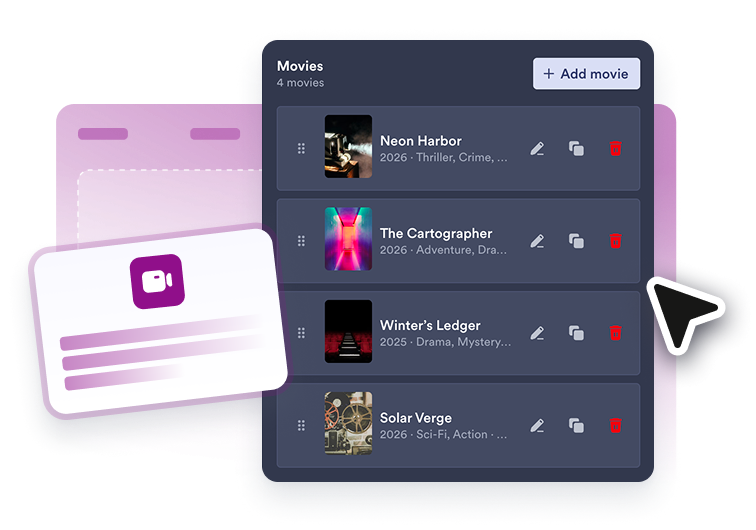
Add movies

Add movies

Create movie cards with posters, titles, release years, genres, ratings, descriptions, and detail links.

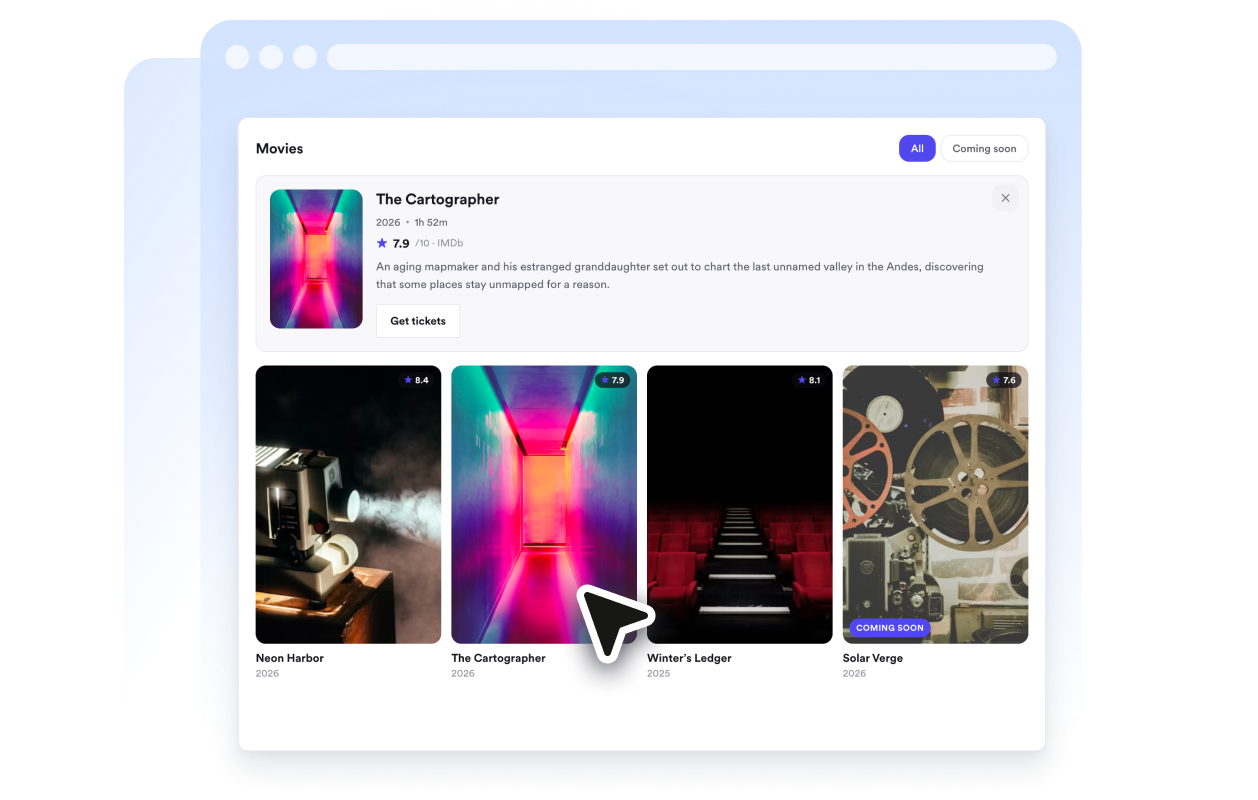
Choose a layout and style

Choose a layout and style

Display movies as a grid, list, or carousel, then customize theme, colors, corner radius, and which details are visible.

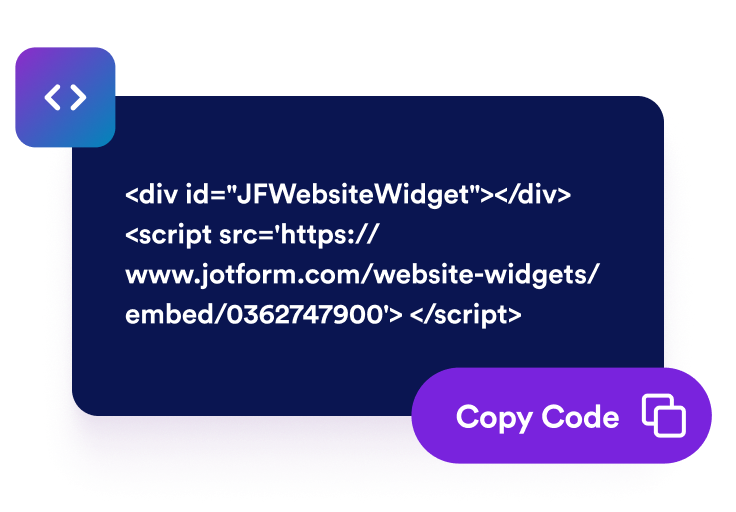
Embed it on your site

Embed it on your site

Copy the generated embed code and paste it anywhere you want your movie collection to appear.

Build a movie showcase that matches your site

Curate Every Movie

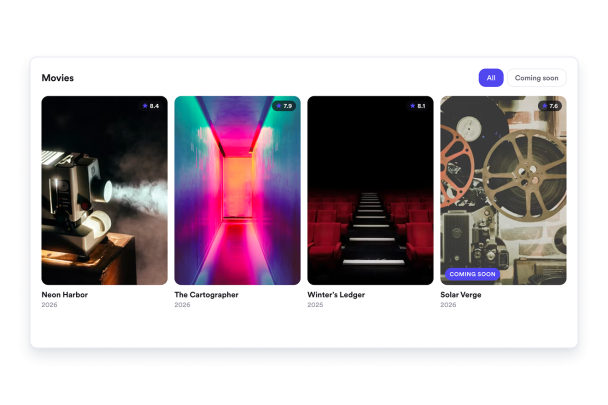
Each movie card can include a poster, title, release year, genre, rating, description, and a link to trailers or details.

Curate Every Movie

Switch Between Layouts

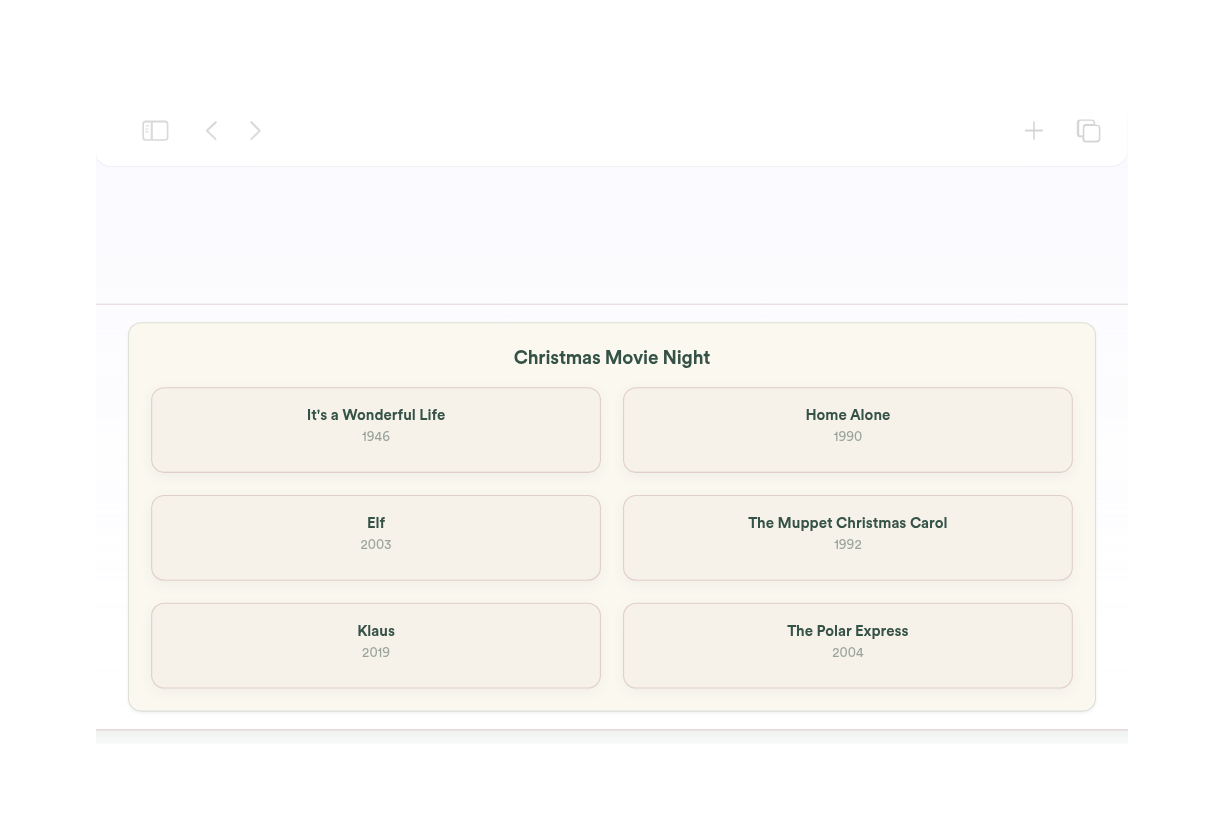
Use a poster grid for collections, a list for detailed rundowns, or a carousel for compact, scrollable rows.

Switch Between Layouts

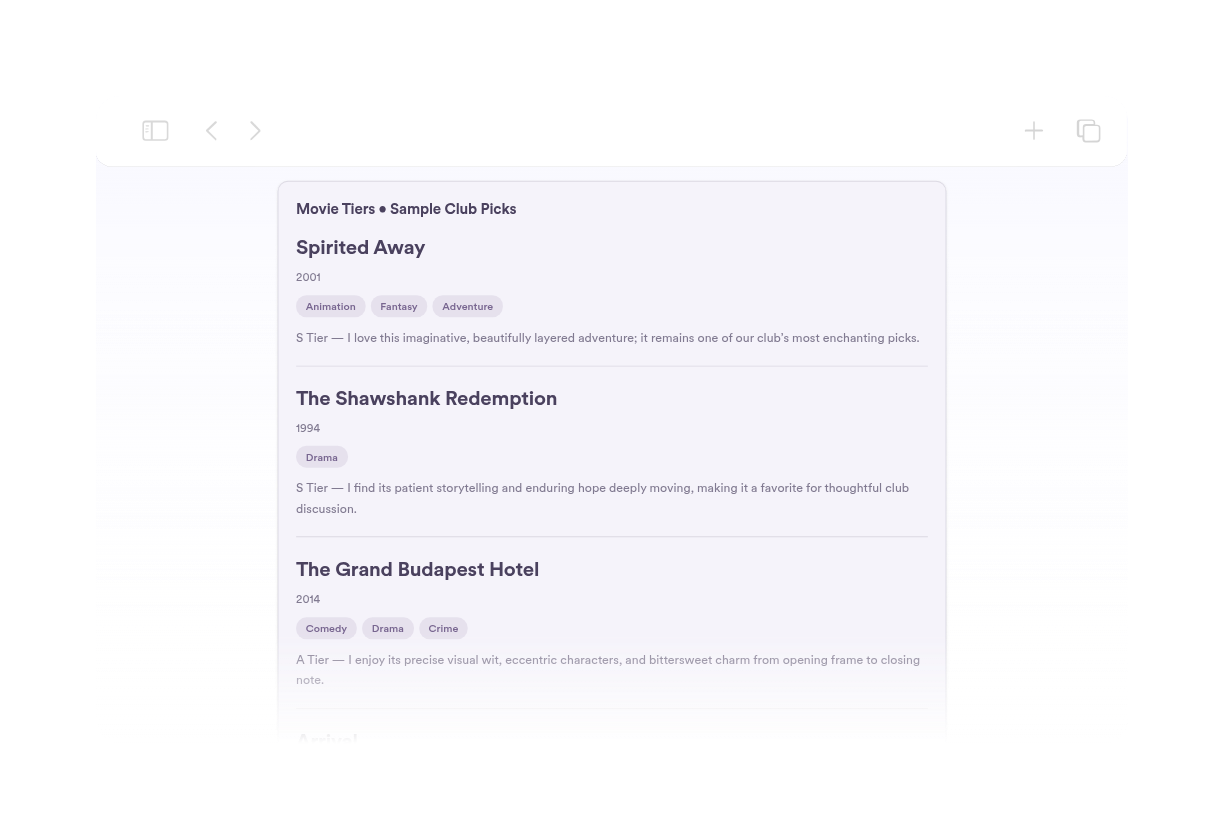
Control Which Details Show

Toggle posters, release years, genres, ratings, and descriptions to fit any page or design.

Control Which Details Show

Match Your Website Design

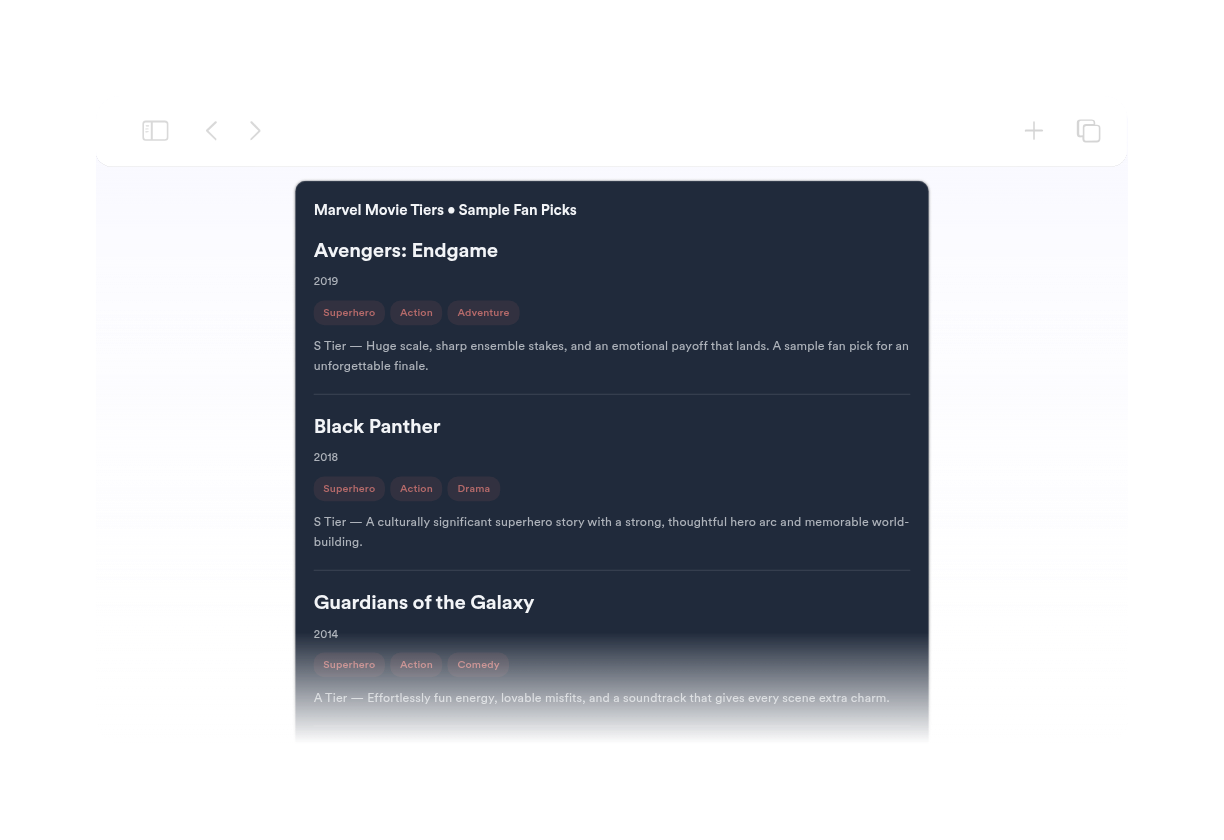
Choose light or dark themes and customize background, text, accent, rating, and genre badge colors plus custom CSS.

Match Your Website Design

Where to use your Movie widget

Add the widget anywhere visitors want to browse films, screenings, or curated recommendations.

Entertainment sites to feature new releases, staff picks, and trending films.

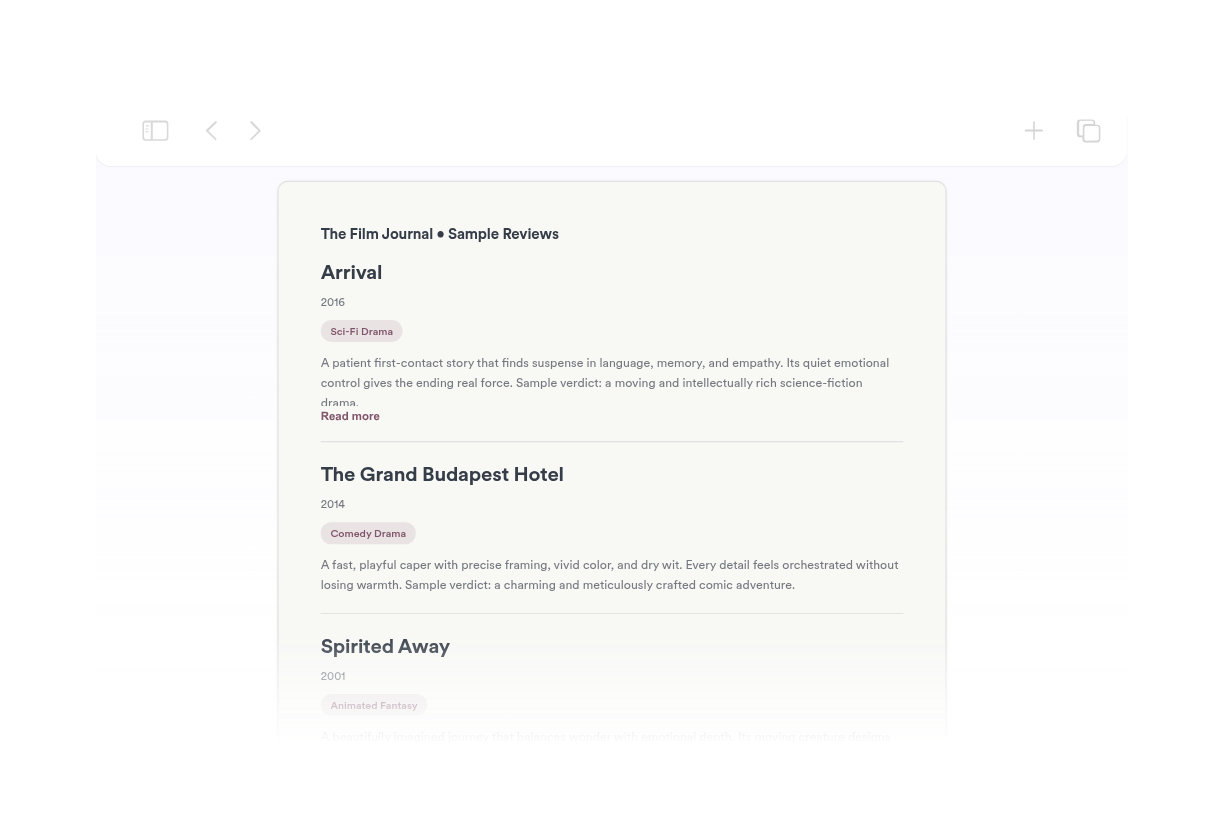
Movie review blogs to pair posters and ratings with your written reviews.

Cinema and theater pages to present now-showing and upcoming titles.

Streaming and rental services to highlight featured collections and genres.

Film clubs and festivals to publish lineups, schedules, and honorees.

Portfolio pages for filmmakers to display their catalog with ratings and links.

Why Jform Website Widgets stand out

Jotform’s widgets make your website more interactive and increase conversions. There are many tools available, from star ratings and testimonial sliders to social proof popups and media embeds. Add widgets to your forms or landing pages to collect data, display proof, and capture leads — no coding required.

Embed widgets without coding

Add Jform widgets to your website with a simple embed code. Customize the widget, preview how it looks, and paste it into any page that supports custom HTML or embed blocks, all without a developer.

Build more interactive pages

Use Jform Website Widgets to collect leads, show customer feedback, display social proof, embed media, or add helpful web page tools. Each widget helps visitors interact with your business directly from your website.

Get support when you need it

If you need help setting up, customizing, embedding, or troubleshooting your widget, Jotform’s customer support team is available 24-7. You can move forward with confidence, knowing that help is there when you need it.

Convert leads into paying customers with the Jform Form Builder

Turn engagement into action with Jotform. Create powerful forms that capture leads, collect payments, and automate responses, all in one place. Every submission lands in your Jform Inbox, where you can follow up or connect with your favorite apps.

시작하기무료입니다!
Convert leads into customers

자주하는 질문

  • What is a Movie widget?

    A Movie widget displays a curated collection of films with posters, titles, ratings, genres, and links on your website.

  • Can I add a poster and link for each movie?

  • What layouts are available?

  • Can I match the widget to my brand?

  • Do I need code to embed it?