G2 Review Widget for your website
Add a live G2 Review Widget to your website and show verified software feedback from your G2 product page. A G2 Reviews Widget displays your overall rating and public reviews in a clean, responsive layout. Set it up in seconds with Jotform’s free, no-code tool. Customize the design, keep reviews up to date automatically, and publish anywhere with a simple embed code.
G2 Reviews 위젯을 생성하는 방법
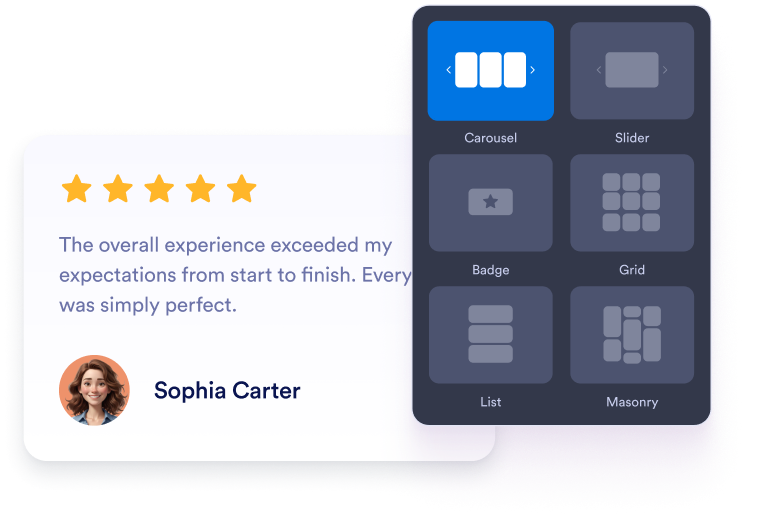
위젯 맞춤 설정하기
위젯이 웹사이트 디자인에 맞도록 콘텐츠, 레이아웃, 색상 및 동작을 선택하세요.
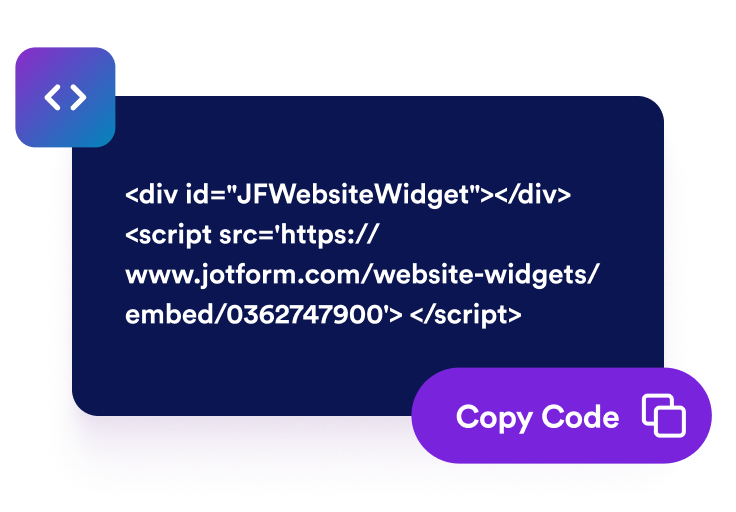
삽입 코드 가져오기
Jform에서 생성된 바로 사용할 수 있는 삽입 코드를 복사하세요. 설정이나 코딩이 필요하지 않습니다.

어디에나 삽입하기
Paste the code into your website and publish. Your G2 reviews will appear right away.
Turn G2 review social proof into real software growth
가시성 및 SEO 개선
Fresh review content adds helpful user-generated text to your page, which supports trust signals and keeps your content active, fresh, and relevant.

Feature standout G2 reviews with a slider
Highlight one short customer quote, reviewer name, star rating, and G2 source mark at a time in a polished card that feels easy to trust with the slider layout.

Display your G2 rating with review cards
Pair your overall G2 score with concise customer quotes so buyers can scan ratings, review count, and social proof in one compact section.
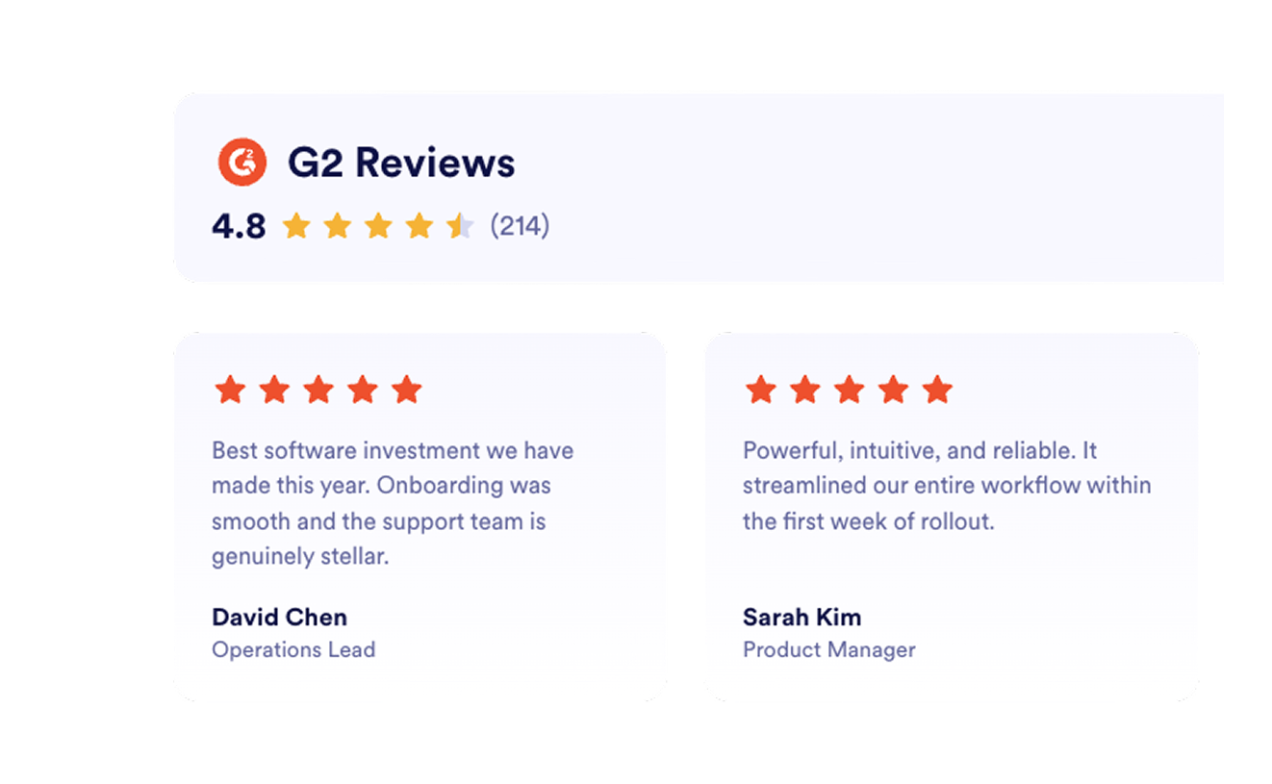
Highlight multiple customer stories
Use a masonry wall to show more than one positive experience while keeping the section visual, lightweight, and easy to read.

Jform 웹사이트 위젯이 돋보이는 이유
Jform의 위젯은 웹사이트를 더욱 상호작용형으로 만들고 전환율을 높입니다. 별점 평가 및 추천 슬라이더부터 소셜 증명 팝업 및 미디어 삽입에 이르기까지 다양한 도구를 사용할 수 있습니다. 양식이나 랜딩 페이지에 위젯을 추가하여 데이터 수집을 하고, 증명을 표시하고, 리드를 확보하세요. 코딩이 필요하지 않습니다.
간단한 삽입 코드로 웹사이트에 Jform 위젯을 추가하세요. 위젯을 맞춤 설정하고, 모양을 미리 본 다음, 사용자 지정 HTML 또는 삽입 블록을 지원하는 모든 페이지에 붙여넣으세요. 개발자 없이도 가능합니다.
Jform 웹사이트 위젯을 사용하여 리드를 수집하거나, 고객 피드백을 보여주거나, 소셜 증명을 표시하거나, 미디어를 삽입하거나, 유용한 웹 페이지 도구를 추가하세요. 각 위젯은 방문자가 웹사이트에서 직접 비즈니스와 상호 작용하도록 돕습니다.
위젯 설정, 맞춤 설정, 삽입 또는 문제 해결에 도움이 필요한 경우 Jform 고객 지원 팀이 연중무휴로 대기하고 있습니다. 필요할 때 도움을 받을 수 있다는 확신을 가지고 앞으로 나아갈 수 있습니다.
Where to use your G2 Reviews Widget
Add reviews to key pages where software buyers make decisions so real customer feedback can build trust and support every key action on your site.
Homepage social proof sections to build trust quickly with verified buyer feedback.
Product and feature pages to support capability claims with reviews that fit the use case shown.
Pricing pages to reduce customer hesitation near plan and purchase decisions.
Demo or trial signup pages to encourage visitors to take the next step with real customer stories beside the form.
Landing pages for ads to improve conversion rates from search, review, or comparison traffic.
Comparison and alternatives pages to reassure buyers with proof from existing customers.
Jform 양식 빌더로 리드를 유료 고객으로 전환하세요
Jform으로 참여를 행동으로 전환하세요. 리드를 확보하고, 결제를 수집하고, 응답을 자동화하는 강력한 양식을 한 곳에서 모두 만드세요. 모든 제출물은 Jform 받은 편지함에 도착하며, 여기에서 후속 조치를 취하거나 즐겨 사용하는 앱과 연결할 수 있습니다.
시작하기 — 무료입니다!
자주하는 질문
How do I set up the G2 Reviews Widget?
Open the G2 Reviews Widget in Jform and paste your G2 product reviews link into the Source field. Choose a layout, customize the design, then click Continue to copy your embed code. Paste it into your website to publish your reviews.
Can I choose how my G2 reviews appear on the page?
Will the G2 Reviews Widget update automatically?
위젯은 얼마나 많은 맞춤 설정을 제공하나요?
위젯이 모바일에서도 잘 보이나요?
Is the G2 Reviews Widget free?
Can I embed G2 reviews on WordPress, Webflow, or a SaaS website?
Is it safe to connect my G2 listing?
이 위젯을 다른 Jform 도구 또는 자동화 기능과 함께 사용할 수 있나요?