웹사이트용 무료 방문자 카운터 위젯
Show your website’s page views and IP-based unique visitor counts with a free, customizable Visitor Counter Widget. Choose the metrics and time periods to display, add an optional activity chart, and match your website’s style without coding.
방문자 카운터 위젯을 생성하는 방법
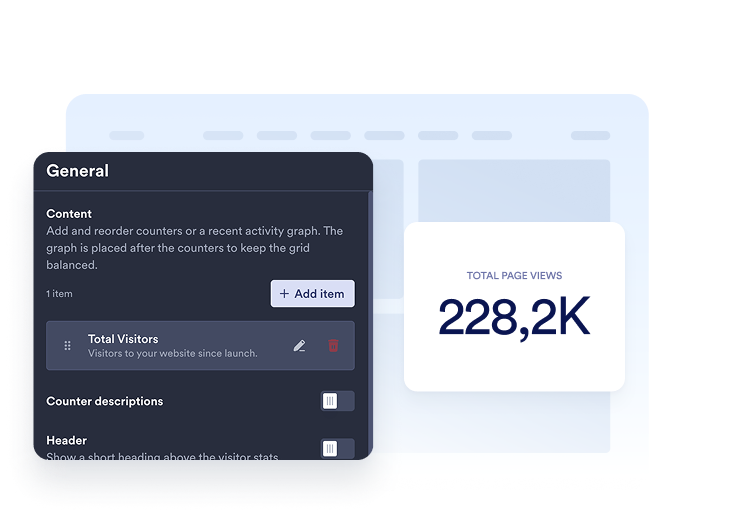
Choose your metrics
Add the counters you want to display. Choose a time period and select page views or unique visitors for each item, then customize its title and description.
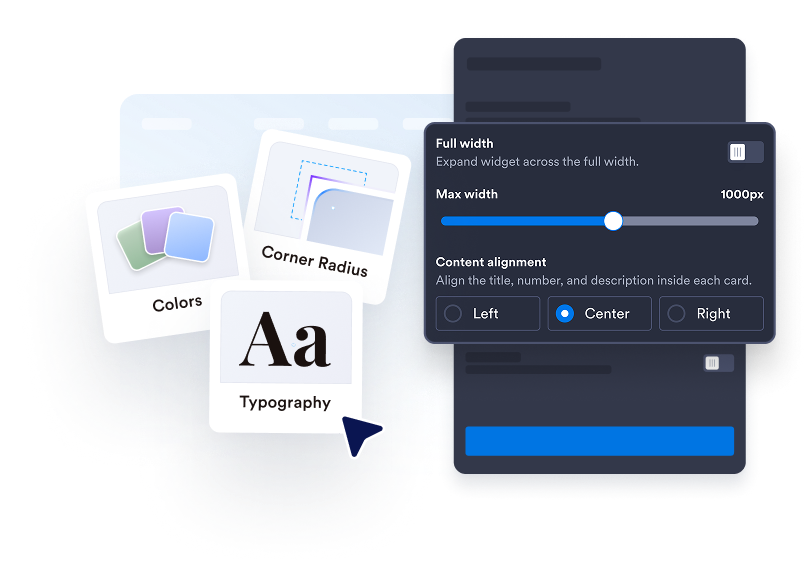
Customize your counter
Choose Cards, Inline, Mini, or Vertical. Adjust colors, spacing, number formatting, and width. Add a line, area, bar, or pie chart in supported layouts.

웹사이트에 삽입하기
삽입 코드를 사용자 지정 HTML 또는 삽입 블록에 붙여넣은 다음 페이지를 게시하여 웹사이트 위젯을 표시하세요.
Make your website activity easy to see
Choose the numbers that matter
Display page views or IP-based unique visitors for today, yesterday, this week, this month, this year, or all time. Add multiple counters, reorder them, and write a clear title and description for each.
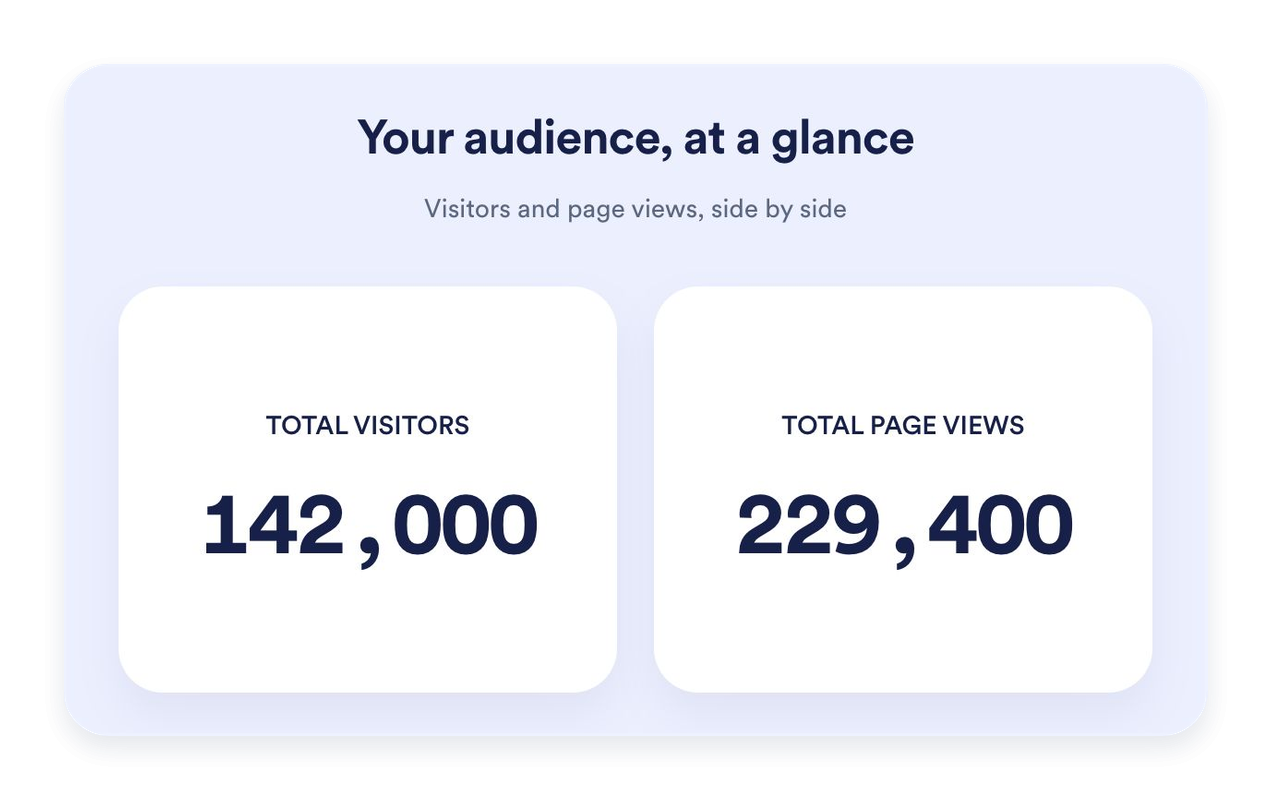
Find the right fit for your page
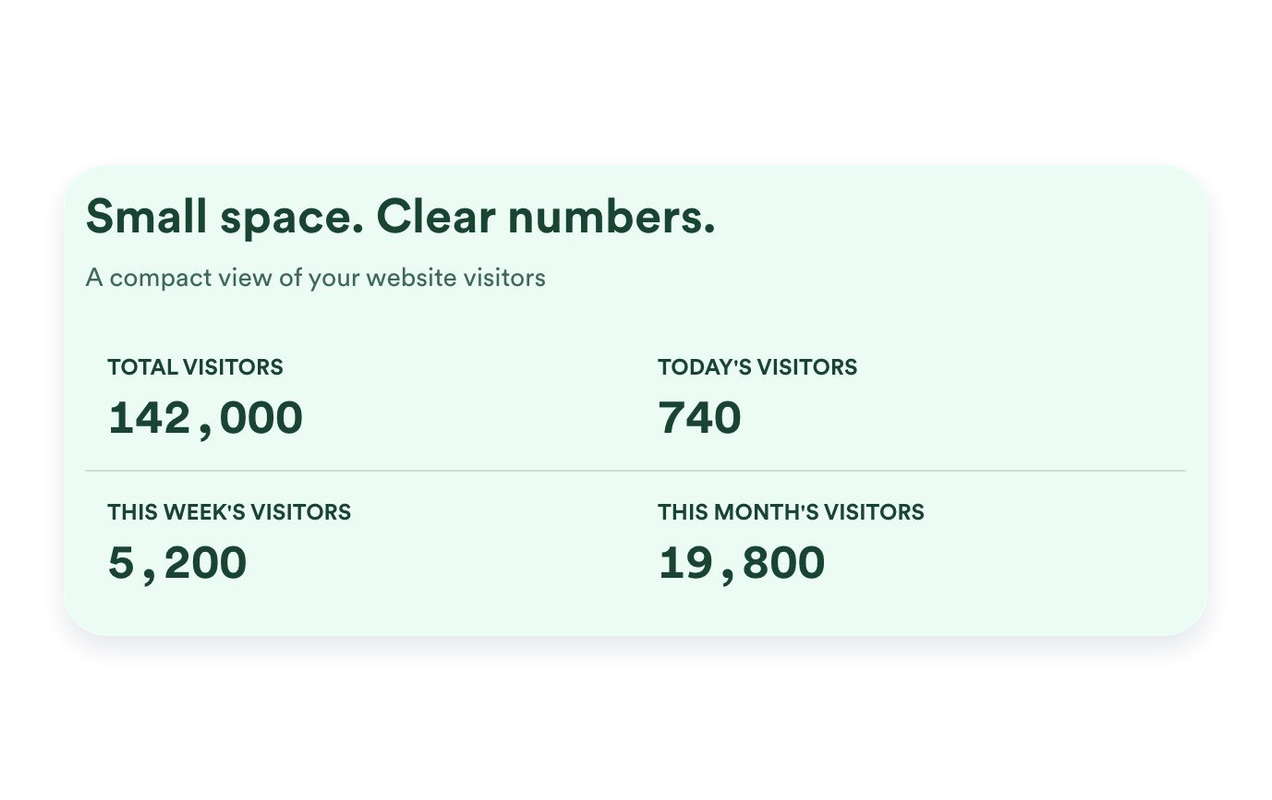
Use Cards to highlight individual metrics, Inline for a compact section, Mini for a simple count-only display, or Vertical for a stacked layout. Set a maximum width and adjust spacing to fit your website.
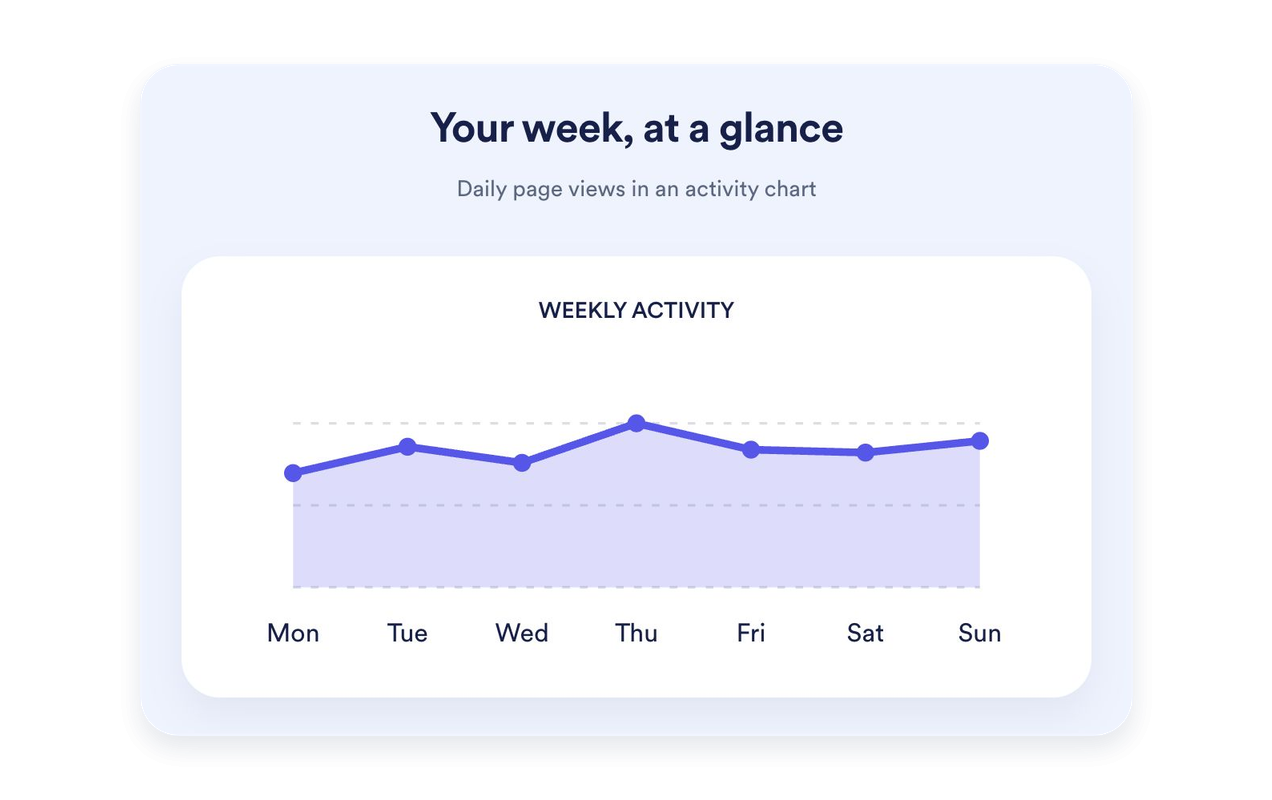
Put recent activity in context
Show the last seven days of page views as a line, area, bar, or pie chart. Give the chart its own title and description. Charts are available in Cards, Inline, and Vertical; Mini keeps the focus on counts.
Style your counter to match your website
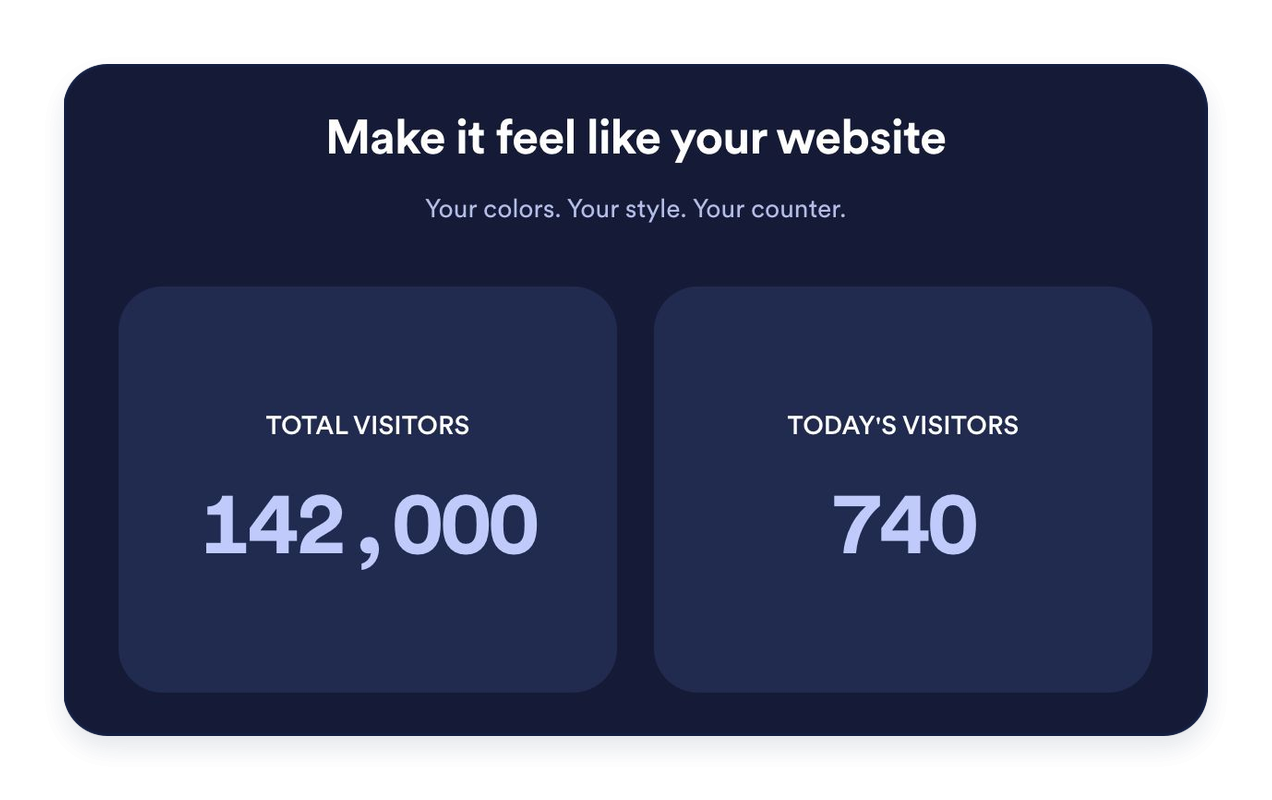
Choose light, dark, or custom colors. Customize backgrounds, typography, number formatting, card corners, and alignment. Add an optional heading and message to introduce your stats.
Jform 웹사이트 위젯이 돋보이는 이유
Jform의 위젯은 웹사이트를 더욱 상호작용형으로 만들고 전환율을 높입니다. 별점 평가 및 추천 슬라이더부터 소셜 증명 팝업 및 미디어 삽입에 이르기까지 다양한 도구를 사용할 수 있습니다. 양식이나 랜딩 페이지에 위젯을 추가하여 데이터 수집을 하고, 증명을 표시하고, 리드를 확보하세요. 코딩이 필요하지 않습니다.
간단한 삽입 코드로 웹사이트에 Jform 위젯을 추가하세요. 위젯을 맞춤 설정하고, 모양을 미리 본 다음, 사용자 지정 HTML 또는 삽입 블록을 지원하는 모든 페이지에 붙여넣으세요. 개발자 없이도 가능합니다.
Jform 웹사이트 위젯을 사용하여 리드를 수집하거나, 고객 피드백을 보여주거나, 소셜 증명을 표시하거나, 미디어를 삽입하거나, 유용한 웹 페이지 도구를 추가하세요. 각 위젯은 방문자가 웹사이트에서 직접 비즈니스와 상호 작용하도록 돕습니다.
위젯 설정, 맞춤 설정, 삽입 또는 문제 해결에 도움이 필요한 경우 Jform 고객 지원 팀이 연중무휴로 대기하고 있습니다. 필요할 때 도움을 받을 수 있다는 확신을 가지고 앞으로 나아갈 수 있습니다.
방문자 카운터 위젯 활용 방법
Place a visitor counter where a short summary of website activity is useful. Choose the metrics and layout that fit the page.
Website homepages: Highlight all-time page views or recent activity near your main content.
Blog footers: Add an Inline or Mini counter without taking attention away from your articles.
Landing pages: Use Cards to give selected metrics a clear, readable presentation.
Sidebars: Stack counters in a Vertical layout for narrower page areas.
Community websites: Display page views and IP-based unique visitor counts with clear labels.
Event and launch pages: Highlight today’s or this week’s recorded activity.
Jform 양식 빌더로 리드를 유료 고객으로 전환하세요
Jform으로 참여를 행동으로 전환하세요. 리드를 확보하고, 결제를 수집하고, 응답을 자동화하는 강력한 양식을 한 곳에서 모두 만드세요. 모든 제출물은 Jform 받은 편지함에 도착하며, 여기에서 후속 조치를 취하거나 즐겨 사용하는 앱과 연결할 수 있습니다.
시작하기 — 무료입니다!
자주하는 질문
What is a Visitor Counter Widget?
A Visitor Counter Widget displays recorded page views and IP-based unique visitor counts on your website. Choose which counters and time periods to show, customize their appearance, and embed the widget without coding.
How are page views and unique visitors counted?
Can I choose which counters appear?
Can I set a starting value?
어떤 레이아웃을 사용할 수 있나요?
Can I add a graph?
디자인을 맞춤 설정할 수 있나요?
Do I need to code to add the counter?
Does the counter work on mobile?
Is the Visitor Counter Widget free?
Which website platforms are supported?