Bracket Maker Widget for your website

Create a tournament bracket online for sports, esports, contests, classrooms, office pools, and community events. Use the Bracket Maker Widget to organize teams or players, choose a tournament bracket format, add match results, and publish a clear bracket on your website without writing code.

How to add a Bracket Maker widget

Manage participants

Manage participants

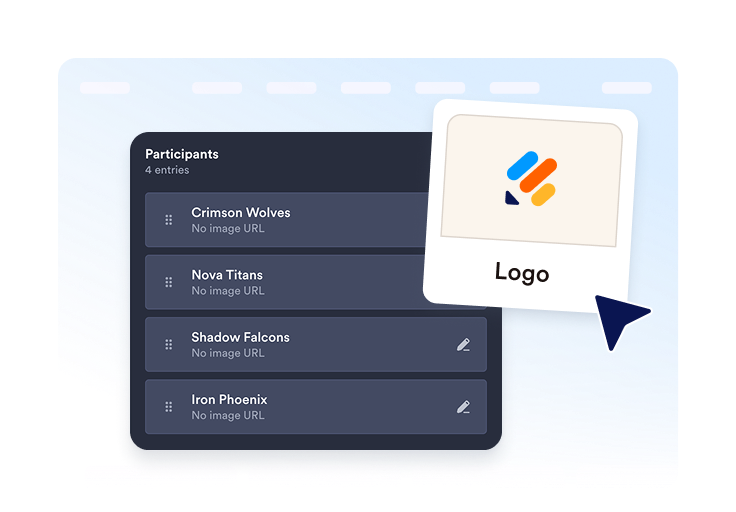
Add teams, players, seeds, or competitor names, then duplicate, remove, and organize entries before publishing your bracket.

Choose a format

형식 선택

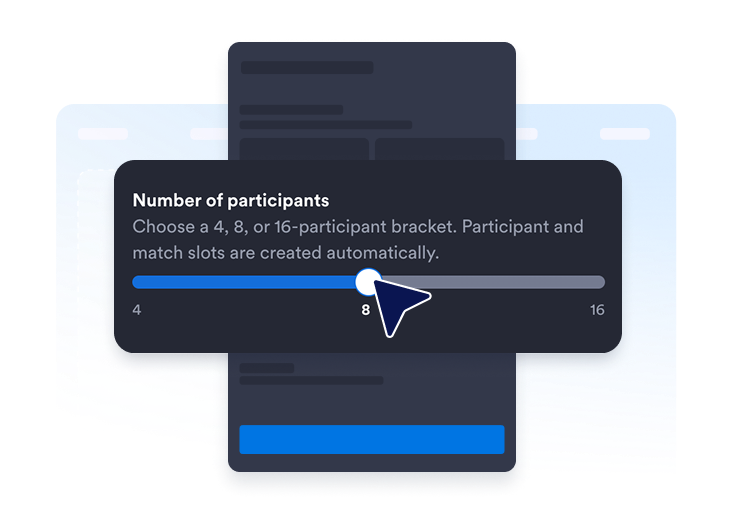
Select a tournament bracket format such as single elimination, double elimination, March Madness, two-region, or group stage layouts.

Add match results

Add match results

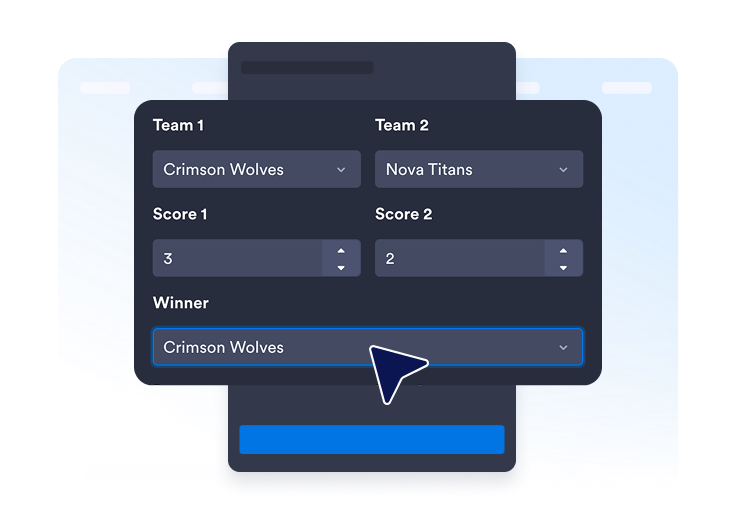
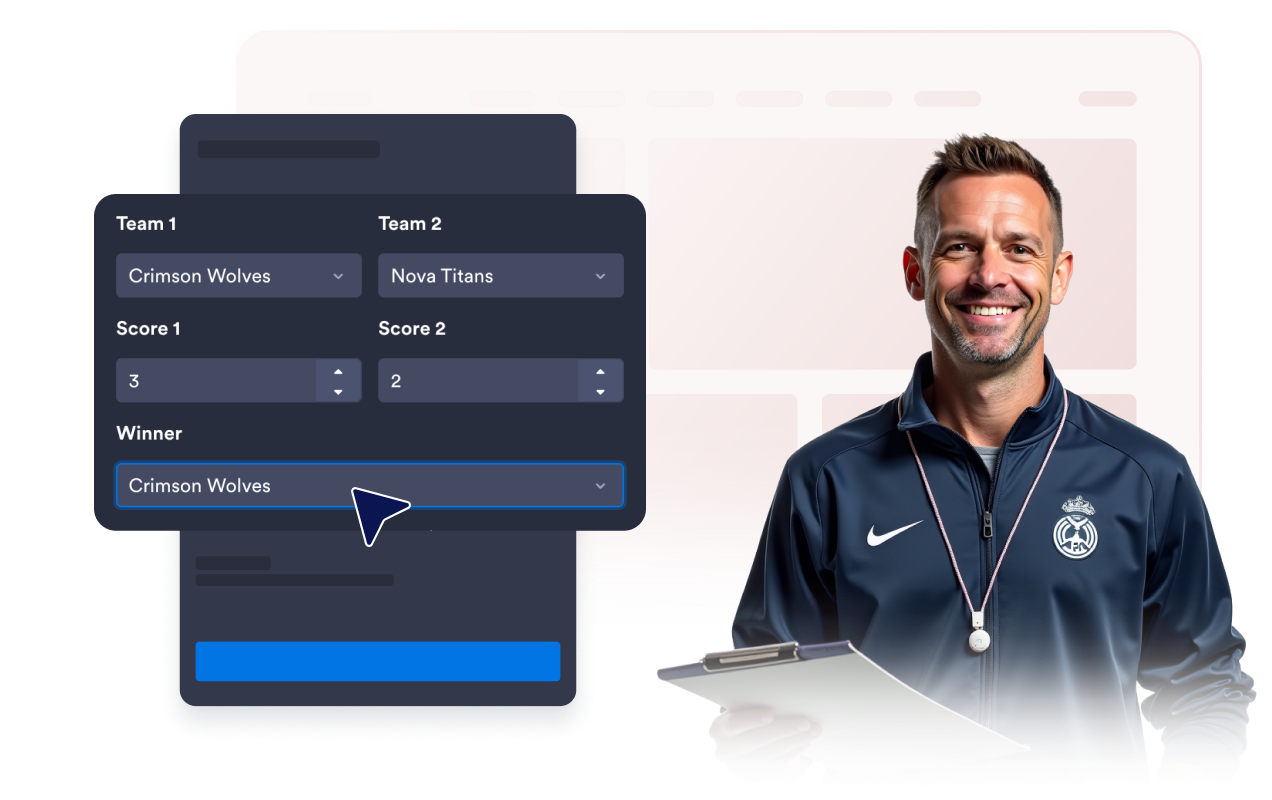
Turn on match results to display scores, winners, dates, or locations when you want visitors to follow tournament progress.

Create custom brackets for any tournament

Choose your bracket format

Start with the tournament structure that fits your event. Use the bracket tool to create single-elimination playoffs, double-elimination tournaments, March Madness-style brackets, two-region matchups, or group stage bracket layouts.

Choose your bracket format

Organize teams and players

Build custom brackets with the participants your event needs. Add team names, player names, seed numbers, and competitor entries, then edit, duplicate, or remove participants as your tournament list changes.

Organize teams and players

Share scores and winners

Keep your bracket useful after matches begin. Add scores, winners, match dates, and locations so visitors can follow completed games, upcoming rounds, and playoff bracket progress from the same page.

Share scores and winners

Display group stage standings

Use a group stage bracket view when teams need to compete before knockout rounds. Show positions, played counts, points, and standings so visitors can understand how participants move toward the next stage.

Display group stage standings

Preview every tournament round

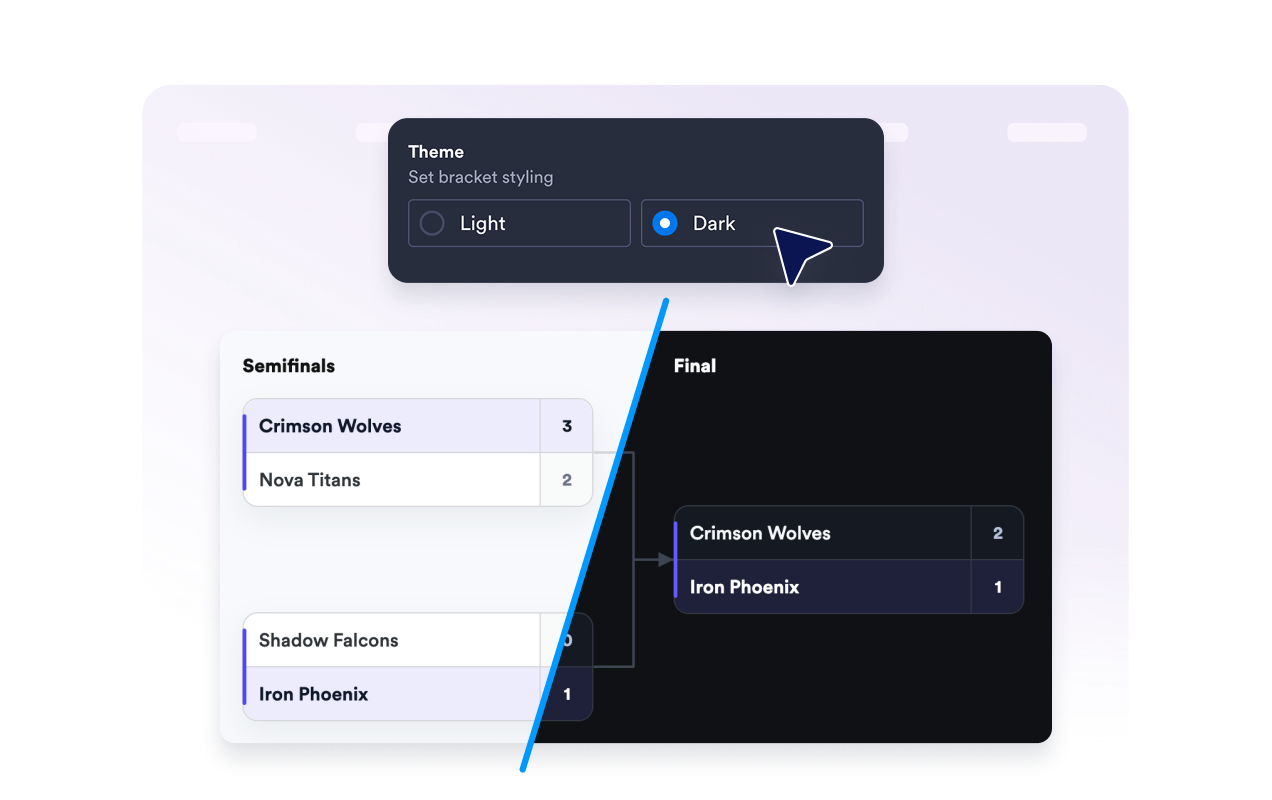
Make the full bracket easier to follow. Display semifinals, finals, TBD slots, connectors, seed numbers, and round labels in a readable layout that helps visitors scan the tournament path.

Preview every tournament round

Jform 위젯이 특별한 이유

Jform의 위젯을 사용하면 웹사이트를 더욱 상호작용형으로 만들고 전환율을 높일 수 있습니다. 별점 평가, 후기 슬라이더, 소셜 프루프 팝업, 미디어 삽입까지 다양한 도구를 양식이나 랜딩 페이지 안에 결합해 코딩 없이 데이터를 수집하고, 신뢰를 쌓으며, 리드를 확보할 수 있습니다.

Embed widgets without coding

Add Jform widgets to your website with a simple embed code. Customize the widget, preview how it looks, and paste it into any page that supports custom HTML or embed blocks to all platforms, no developer required.

Build more interactive pages

Use Jform Website Widgets to collect leads, show customer feedback, display social proof, embed media, or add helpful on-page tools. Each widget helps visitors interact with your business directly from the page.

Get support when you need it

If you need help setting up, customizing, embedding, or troubleshooting your widget, Jotform’s customer support team is available 24/7. You can move forward with confidence, knowing help is there when you need it.

Where to use your Bracket Maker widget

Add a bracket anywhere visitors need to follow matchups, standings, winners, or tournament progress at a glance.

Sports league pages for playoffs, finals, weekend tournaments, school leagues, and local competitions.

Gaming and esports pages to show matchups, winners, and upcoming rounds for online or in-person events.

Contest landing pages for voting rounds, product battles, creator challenges, and community competitions.

Classroom and club sites for debate brackets, reading challenges, trivia tournaments, and student activities.

Company event pages for office pools, team-building tournaments, and internal competitions.

Community websites for neighborhood contests, charity events, and recreational brackets.

Jform 양식 빌더로 리드를 유료 고객으로 전환하세요

Jform으로 참여를 행동으로 전환하세요. 리드를 확보하고 결제를 수집하며 응답을 자동화하는 강력한 양식을 한 곳에서 만들어 보세요. 모든 제출물은 Jform 받은 편지함으로 모여, 후속 조치를 하거나 즐겨 사용하는 앱과 연동할 준비를 마치게 됩니다.

Get Started - It’s Free!
Convert leads into customers

자주하는 질문

  • What is a Bracket Maker widget?

    A Bracket Maker widget lets you create and embed tournament brackets on your website. You can add participants, choose a bracket format, show matchups, display scores, and help visitors follow tournament progress.

  • Can I create a bracket online?

  • Can I use it as a custom tournament bracket maker?

  • Which tournament bracket formats are supported?

  • Can I make a playoff bracket?

  • Can I add teams or individual players?

  • Can I show match results?

  • Can I show group stage standings?

  • Can I customize the bracket design?

  • Will it work on mobile?

  • Do I need to write code?

  • Which website platforms support the Bracket Maker Widget?

  • Can I get help setting up my bracket?