Reading Progress Widget for your website
Help visitors see how far they are through long articles, guides, and documentation. Add a fixed reading progress bar, circle, or step indicator with optional percentage, time remaining, and custom label text — no coding required.
Reading Progress 위젯을 만드는 방법
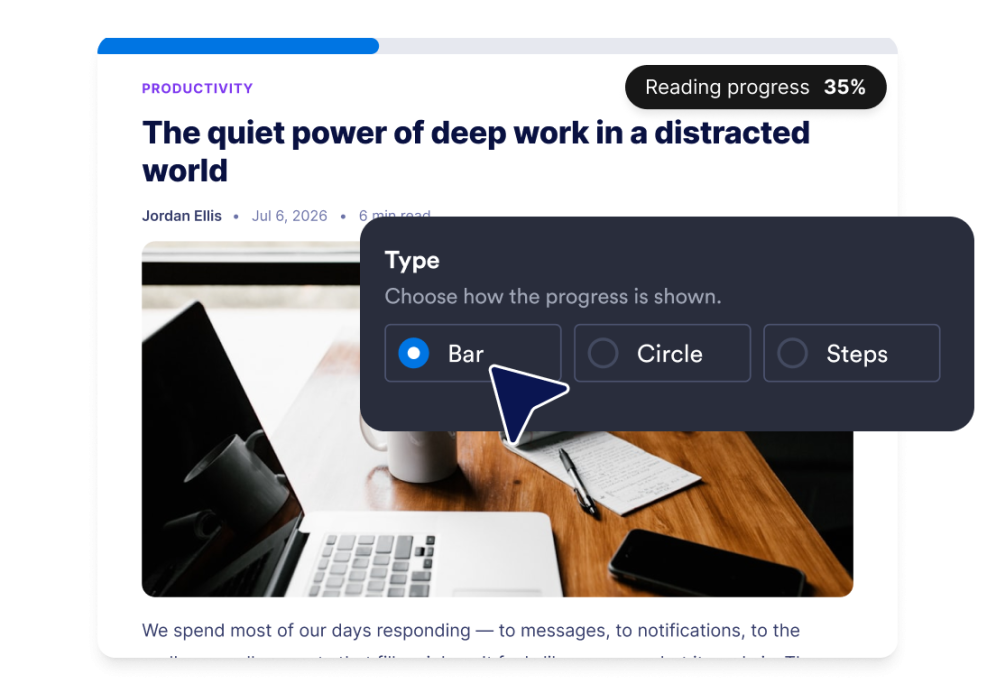
Choose your progress style
Pick a bar, circle, or step-style indicator. Place the bar at the top or bottom of the page, or set the circle in the corner that fits your layout.
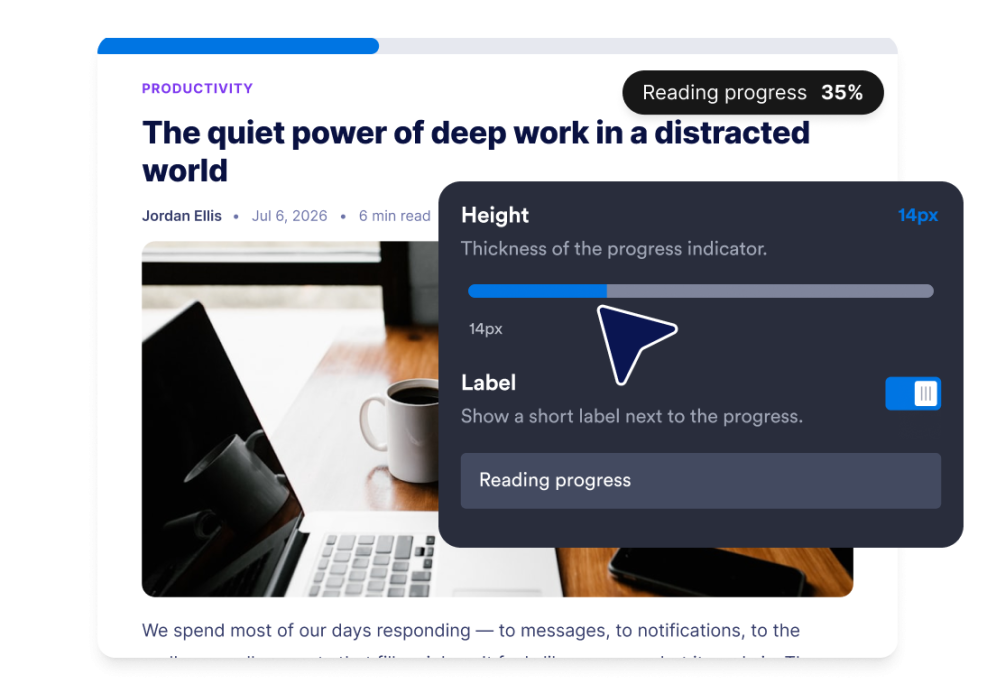
Customize reader details
Adjust the indicator thickness, edit the label, and choose whether to show reading percentage, estimated time remaining, or both.

Embed it on your website
Preview the widget on desktop and mobile, then paste the embed code into a custom HTML or embed block on your website.
Guide readers through long content without distracting them
Show progress at a glance
Give visitors a clear visual cue as they move through an article, tutorial, policy page, or resource guide. Choose a bar, circle, or step display based on the space available on your page.

Add helpful reading context
Display a custom label, percent read, and estimated time remaining so visitors know what to expect before they continue scrolling.
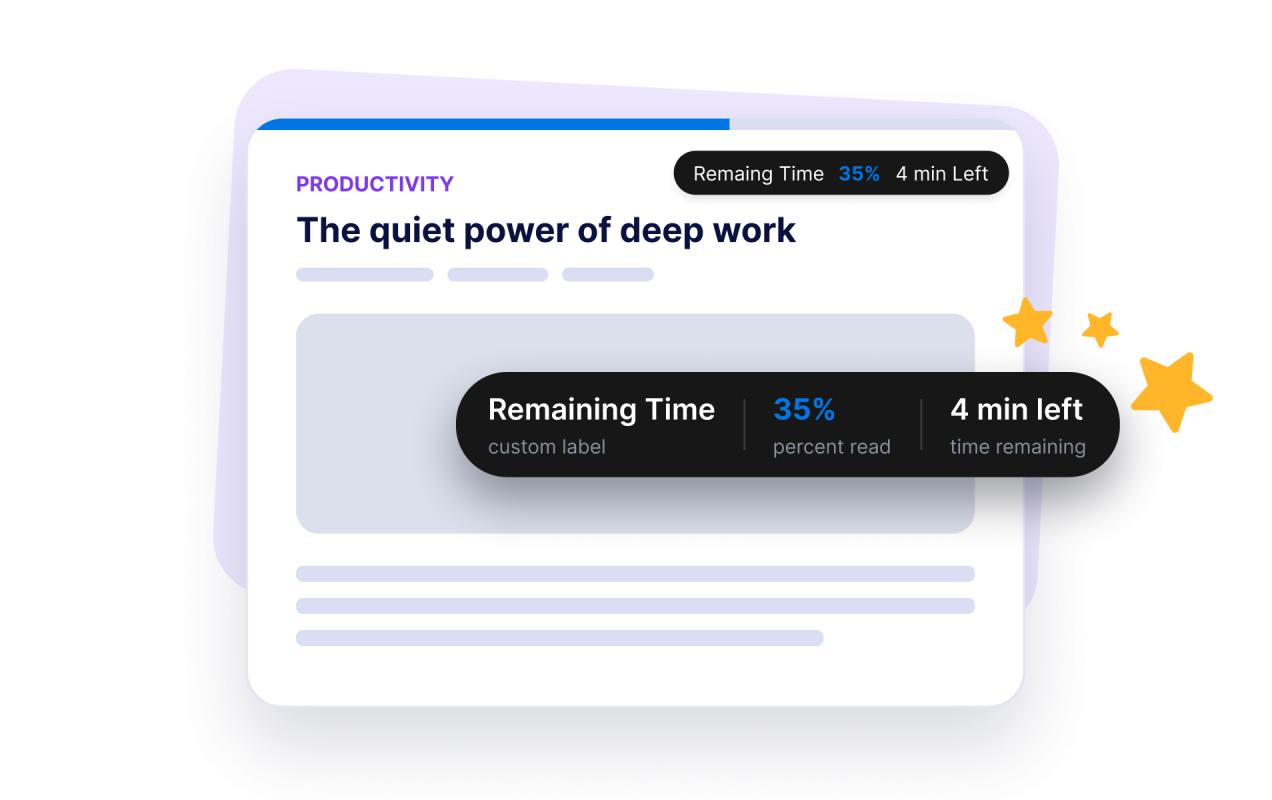
Match the placement to your layout
Keep the progress bar at the top or bottom of the viewport, or use a compact circular indicator in a page corner. Adjust the thickness to keep the widget visible without overpowering your content.

Control when the widget appears
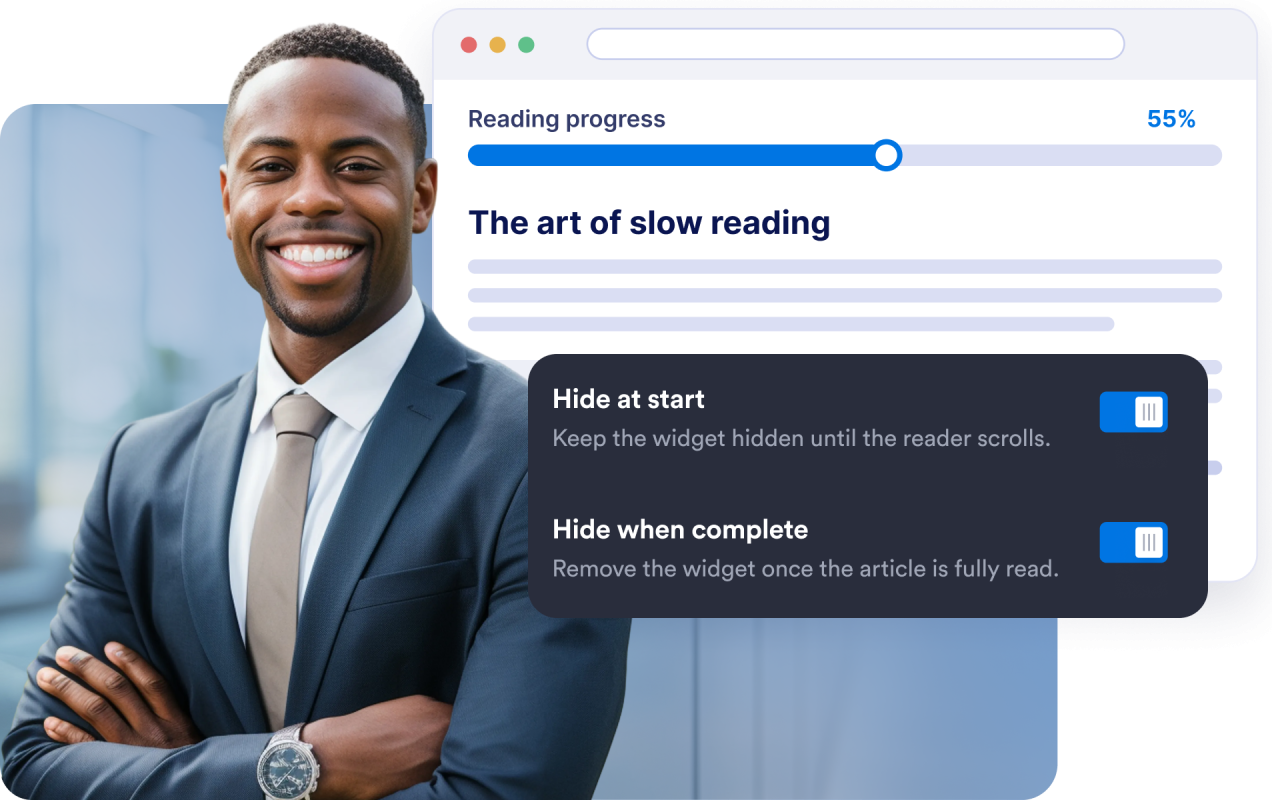
Hide the indicator until visitors begin scrolling, or remove it once they finish reading. This keeps the experience focused from the first scroll to the end of the page.
Why Jform Website Widgets stand out
Jotform’s widgets make your website more interactive and increase conversions. There are many tools available, from star ratings and testimonial sliders to social proof popups and media embeds. Add widgets to your forms or landing pages to collect data, display proof, and capture leads — no coding required.
Add Jform widgets to your website with a simple embed code. Customize the widget, preview how it looks, and paste it into any page that supports custom HTML or embed blocks, all without a developer.
Use Jform Website Widgets to collect leads, show customer feedback, display social proof, embed media, or add helpful web page tools. Each widget helps visitors interact with your business directly from your website.
If you need help setting up, customizing, embedding, or troubleshooting your widget, Jotform’s customer support team is available 24-7. You can move forward with confidence, knowing that help is there when you need it.
Where to use your Reading Progress widget
Use the Reading Progress widget anywhere visitors need to move through longer content and stay oriented while they read.
Blog posts and editorial articles
Help center and knowledge base pages
Documentation and setup guides
Product education pages
Course, lesson, and training pages
Policy, terms, and long informational pages
Convert leads into paying customers with the Jform Form Builder
Turn engagement into action with Jotform. Create powerful forms that capture leads, collect payments, and automate responses, all in one place. Every submission lands in your Jform Inbox, where you can follow up or connect with your favorite apps.
시작하기 — 무료입니다!
자주하는 질문
What is a Reading Progress widget?
A Reading Progress widget is a visual indicator that shows how far a visitor has moved through long page content.
What display styles does it support?
Can I change where the widget appears?
Can I show the percentage read?
Can it show time remaining?
Can I customize the label text?
Can the widget stay hidden until someone scrolls?
Can the widget disappear when reading is complete?
Does it work on mobile?
Do I need to write code?
Is the Reading Progress widget free?