Reading Progress Widget
Reading Progress Widget Features for Long-Form Pages
Add a scroll progress indicator to articles, documentation, guides, and landing pages. Choose what content to track, show percentage or time remaining, adjust placement, and style the widget to match your website without code.
Create Your Reading Progress Widget - It's Free!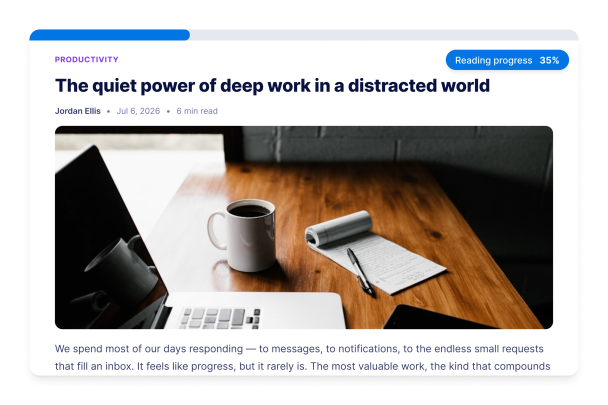

Choose the Progress Indicator That Fits Your Page
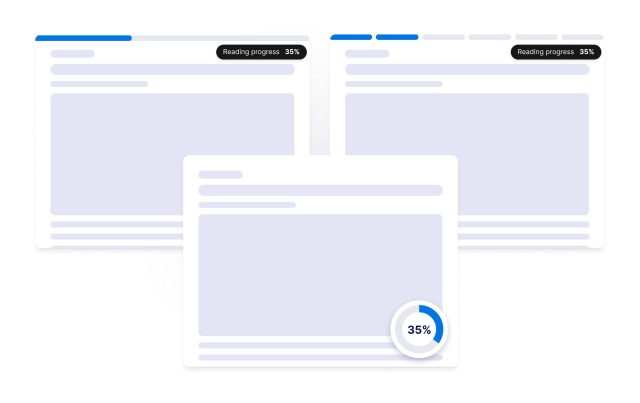
Display reading progress as a top or bottom bar, a floating circle, or segmented steps. Track the full page, an article area, or a custom CSS selector so the widget follows the content readers need to finish.
Progress controls include:
Show Percentage, Labels, and Time Remaining
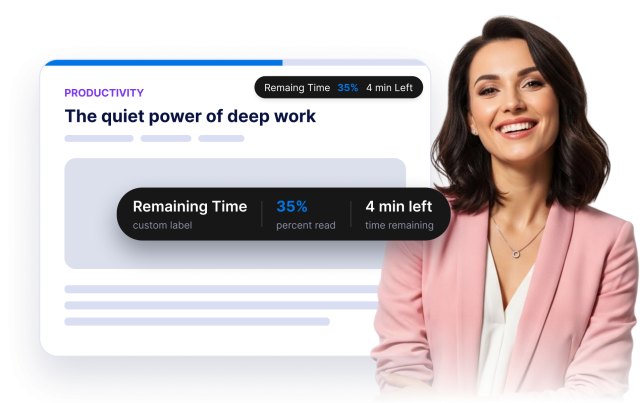
Give visitors a clear reading cue with a custom label, percent-read display, and automatically estimated time remaining. Use the {{percent}} placeholder to control how progress appears in the label.
Content controls include:
Match the Indicator to Your Website Style
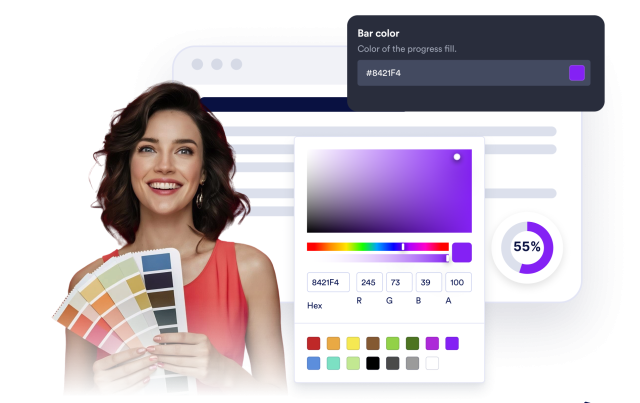
Customize progress, track, label, percentage, and time-remaining colors. Choose a solid or gradient fill, adjust height and rounded corners, add a shadow, and use scoped custom CSS for advanced styling.
Style controls include:
Control Placement and Device Visibility
Pin the indicator to the top or bottom edge, place a circle in the corner, offset sticky headers, set the progress direction, and choose whether the widget appears on desktop, mobile, or both.
Layout controls include: