Business Hours Widget for your website
Show visitors when your business is open, when it closes, and how to reach you. Start with one of eight visual templates, set a weekly schedule and time zone, control the image, title, description, and live status badge, and give visitors clear contact and action options without code.
Business Hours 위젯을 만드는 방법
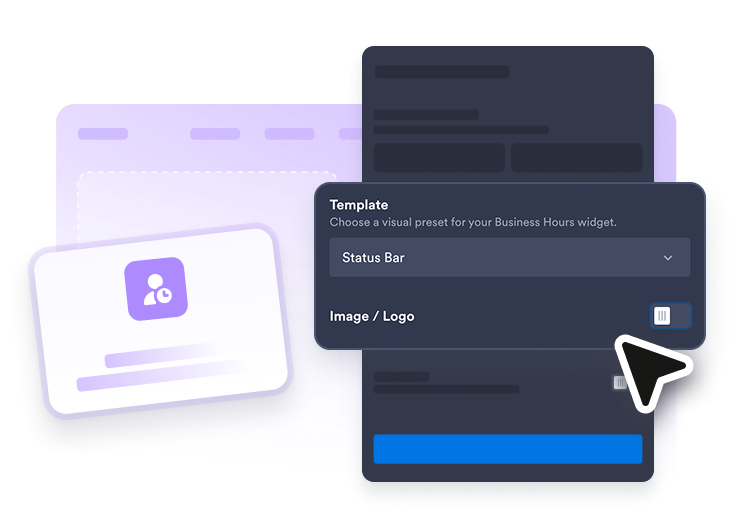
Choose a template and theme
Start with Today Focus, Weekly Table, Status List, Day Cards, Pixel Art, Cover Photo, Split Image, or Status Bar, then use a Light, Dark, or Custom theme.
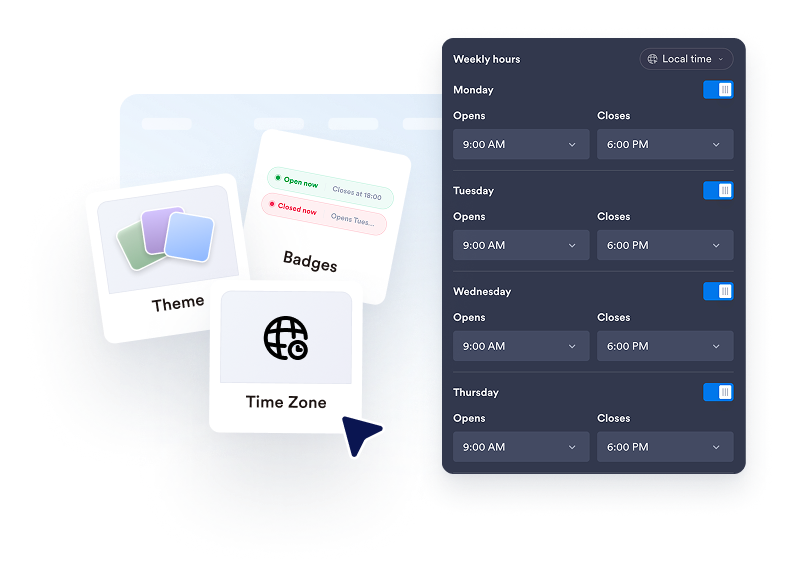
Set your weekly hours
Set opening and closing times for each day, mark days as closed, choose a time zone, and decide whether to show the live open or closed badge.
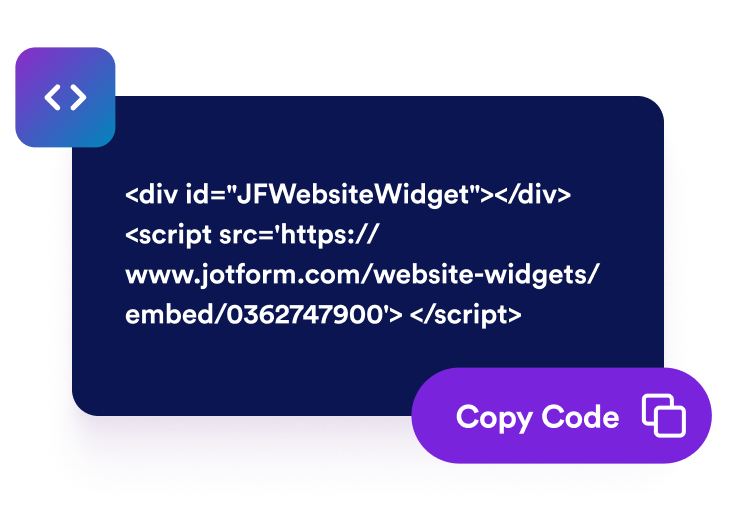
Customize and embed
Show or hide your image, title, and description, then add optional information, individually controlled contact details, and up to five action buttons before copying the embed code.
Help visitors know exactly when and how to reach you
Start with a visual template, image, and theme
Choose from eight Business Hours templates and switch between Light, Dark, and Custom themes. Show or hide the title and description, use a logo or banner in most templates, or add a photo to Cover Photo and Split Image.

Control weekly hours and live status
Edit each day's opening and closing times, mark days as closed with a toggle, choose the time zone used for status calculations, and show or hide the open or closed badge. Add a separate information note for policies or seasonal details.
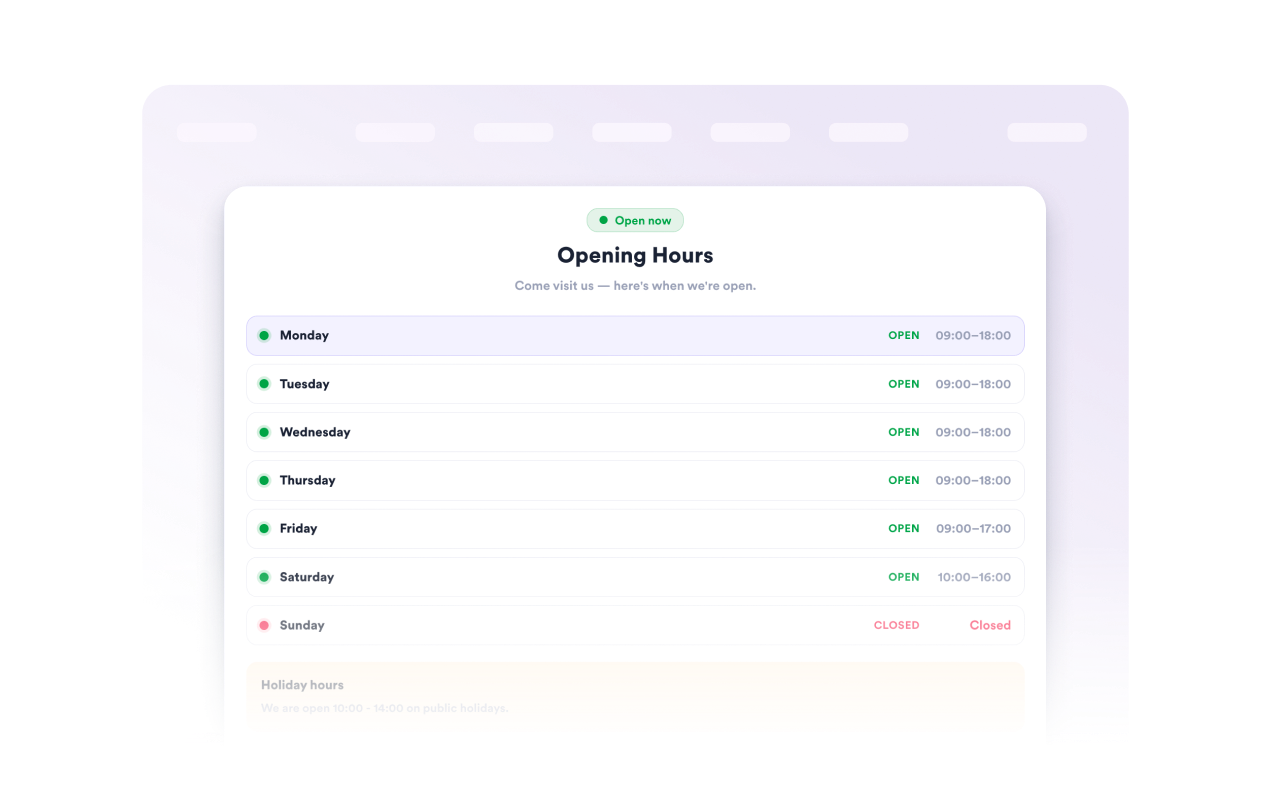
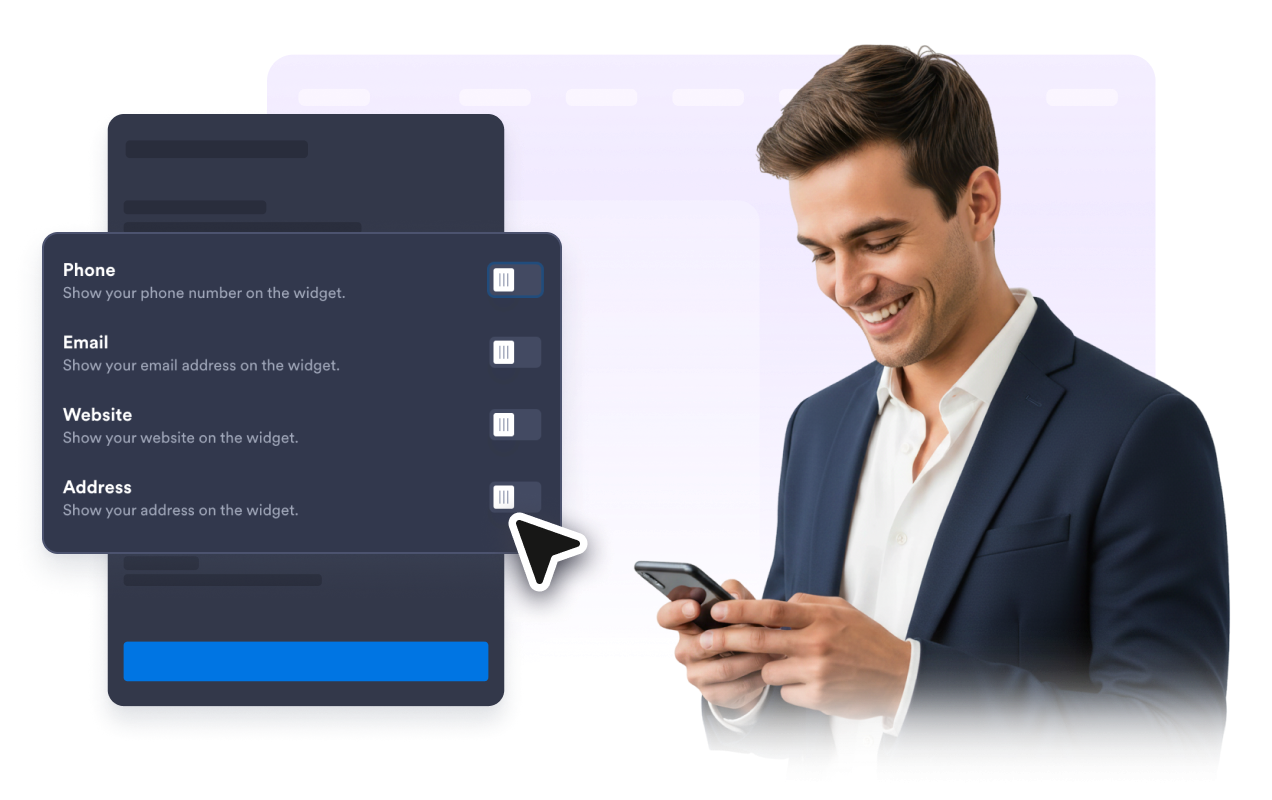
Choose which contact details and actions to show
Control the visibility of your phone, email, website, and address separately. Add, reorder, duplicate, or remove up to five filled or outlined buttons for calls, websites, WhatsApp, appointments, or directions.
Build a responsive layout for your page
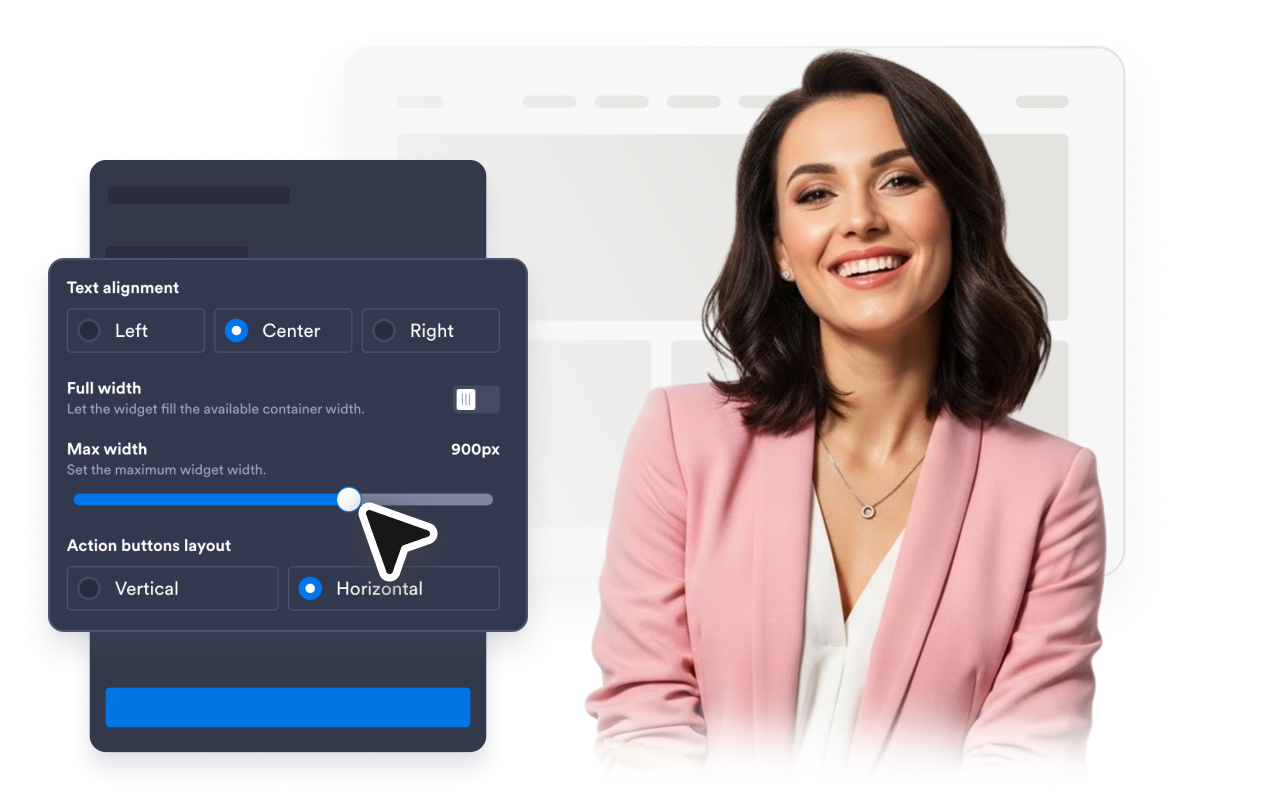
Customize background, text, border, status, and button colors, then adjust corners, borders, text alignment, maximum width, and vertical or horizontal button layout. You can also choose whether the widget appears on all devices, desktop only, or mobile only.
Why Jform Website Widgets stand out
Jotform’s widgets make your website more interactive and increase conversions. There are many tools available, from star ratings and testimonial sliders to social proof popups and media embeds. Add widgets to your forms or landing pages to collect data, display proof, and capture leads — no coding required.
Add Jform widgets to your website with a simple embed code. Customize the widget, preview how it looks, and paste it into any page that supports custom HTML or embed blocks, all without a developer.
Use Jform Website Widgets to collect leads, show customer feedback, display social proof, embed media, or add helpful web page tools. Each widget helps visitors interact with your business directly from your website.
If you need help setting up, customizing, embedding, or troubleshooting your widget, Jotform’s customer support team is available 24-7. You can move forward with confidence, knowing that help is there when you need it.
Where to use your Business Hours widget
Place the widget anywhere visitors need fast availability, contact, or location information before they call, visit, book, or order.
Contact pages so visitors can see hours, address, phone, and email in one place.
Homepage sections where local businesses need to show whether they are open right now.
Booking and reservation pages to reduce confusion before visitors schedule an appointment.
Restaurant and retail pages where opening hours affect visits, pickup, delivery, and orders.
Service area pages to clarify support availability and encourage calls during business hours.
Landing pages where a compact status card can support calls, bookings, or in-person visits.
Convert leads into paying customers with the Jform Form Builder
Turn engagement into action with Jotform. Create powerful forms that capture leads, collect payments, and automate responses, all in one place. Every submission lands in your Jform Inbox, where you can follow up or connect with your favorite apps.
시작하기 — 무료입니다!
자주하는 질문
What is a Business Hours widget?
A Business Hours widget displays your weekly opening hours, current open or closed status, contact details, additional information, and action buttons on your website.
Can the widget show whether my business is open now?
Can I show different hours for each day?
Can I add holiday or temporary information?
Can visitors contact my business from the widget?
Does the Business Hours widget work on mobile?
Can I customize the widget design?
Will I need to write code?