Daily Horoscope Widget for your website
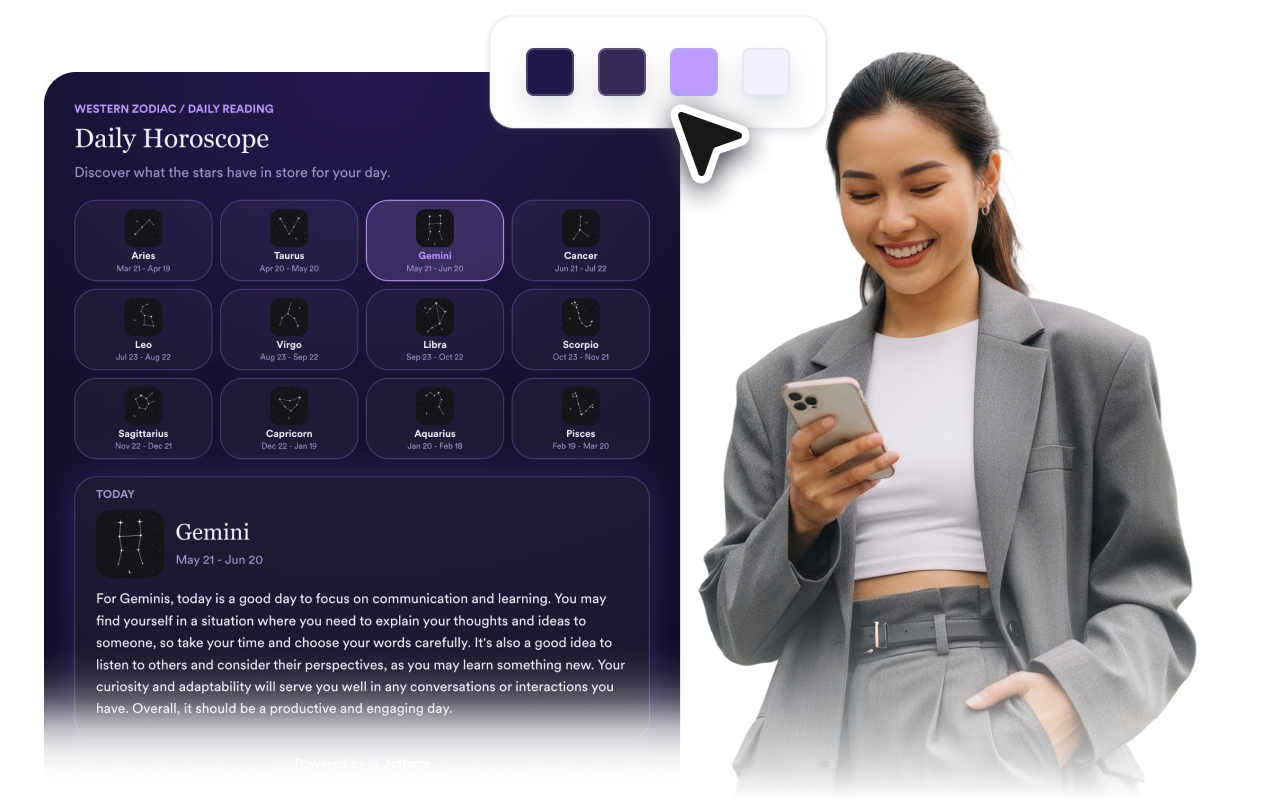
Add daily, weekly, or monthly horoscope readings to your website with a customizable widget that fits your brand. Choose the zodiac signs, language, layout, and style, then embed it without code.
Horoscope 위젯을 만드는 방법
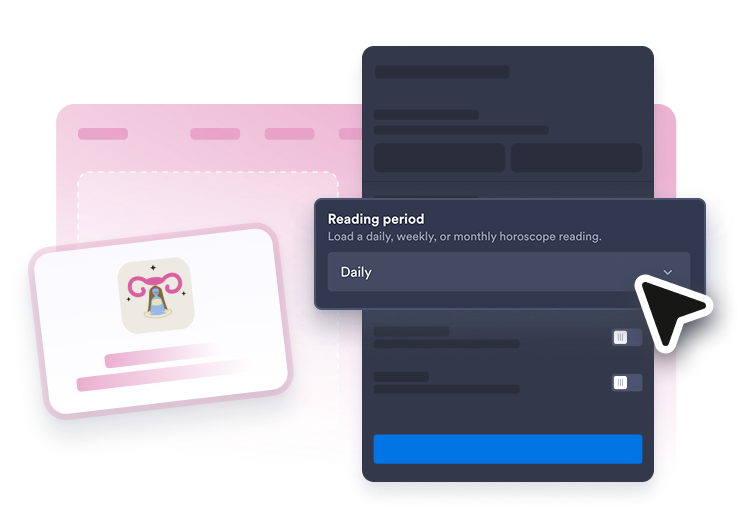
Choose your reading experience
Pick daily, weekly, or monthly horoscope readings, select a featured zodiac sign, or show readings for every sign.
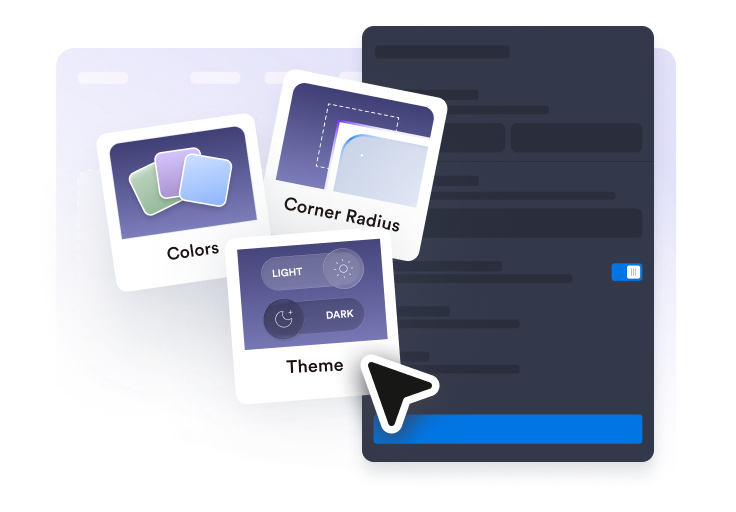
Style it for your website
Choose a featured card, list, grid, or slider layout, then match the colors, spacing, corners, and button style to your brand.
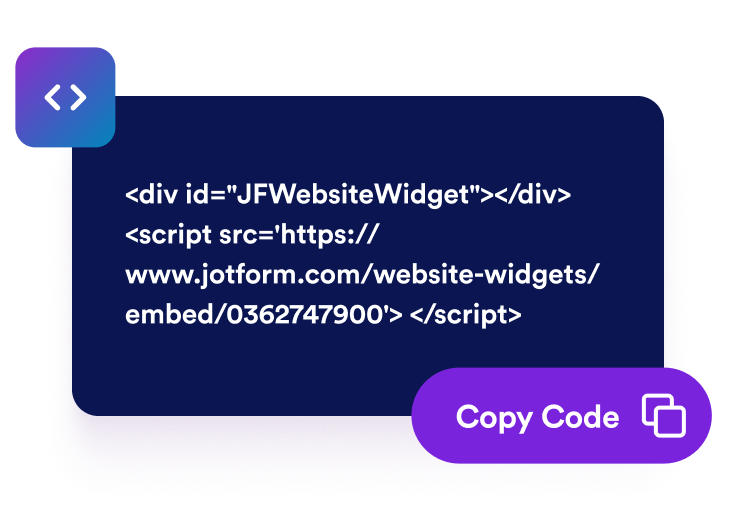
Publish fresh astrology content
Preview the widget, save your changes, and paste the embed code into your site so visitors can start exploring their horoscope.
Create a personalized horoscope experience for your visitors
Keep visitors coming back
Display fresh daily, weekly, or monthly horoscope readings that give visitors a reason to return regularly.

Personalize every reading
Show all 12 Western zodiac signs or feature a single sign so visitors can instantly find the horoscope that matters to them.
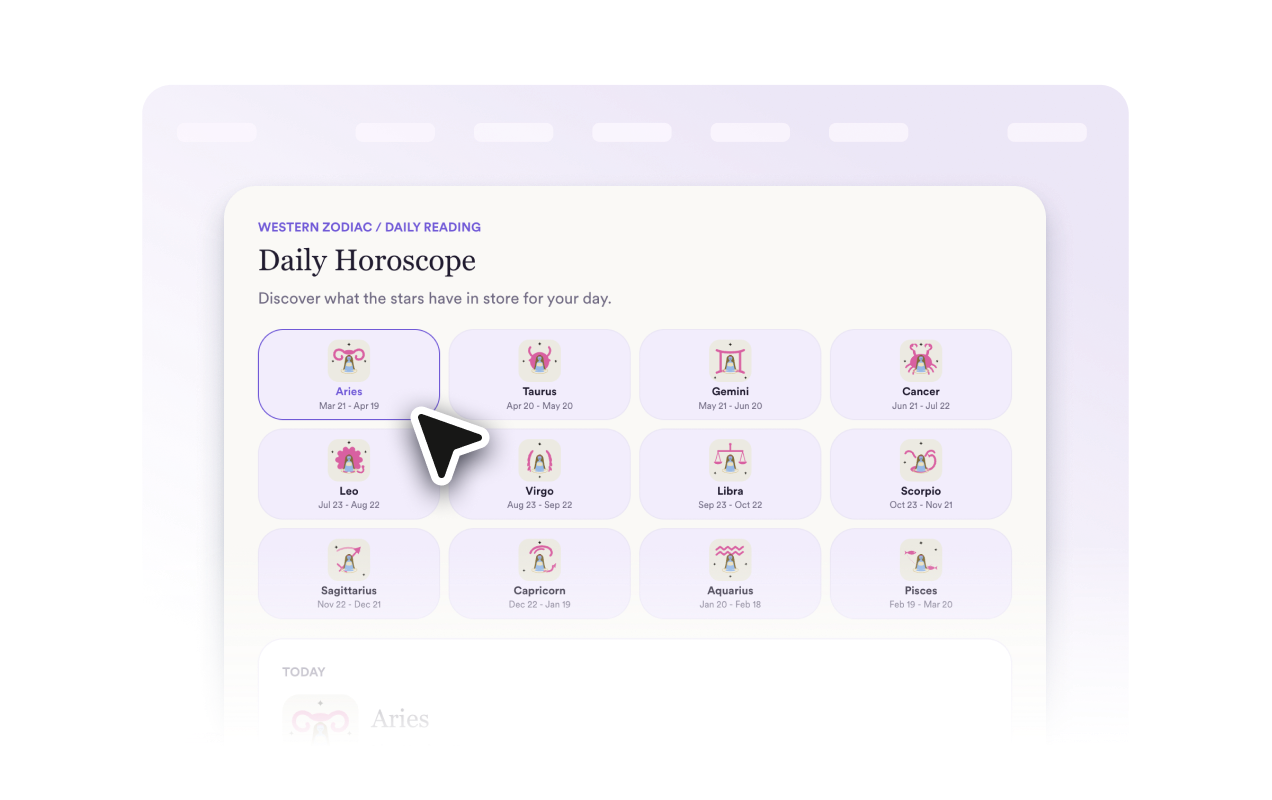
Fit seamlessly into any page
Choose from card, list, grid, or slider layouts that look great in sidebars, blog posts, homepages, and landing pages.

Match your brand perfectly
Customize themes, colors, typography, spacing, buttons, corner radius, and CSS to create a horoscope widget that feels native to your site.
Why Jform Website Widgets stand out
Jotform’s widgets make your website more interactive and increase conversions. There are many tools available, from star ratings and testimonial sliders to social proof popups and media embeds. Add widgets to your forms or landing pages to collect data, display proof, and capture leads — no coding required.
Add Jform widgets to your website with a simple embed code. Customize the widget, preview how it looks, and paste it into any page that supports custom HTML or embed blocks, all without a developer.
Use Jform Website Widgets to collect leads, show customer feedback, display social proof, embed media, or add helpful web page tools. Each widget helps visitors interact with your business directly from your website.
If you need help setting up, customizing, embedding, or troubleshooting your widget, Jotform’s customer support team is available 24-7. You can move forward with confidence, knowing that help is there when you need it.
Where to use your Horoscope widget
Add daily, weekly, or monthly horoscope readings anywhere visitors expect engaging astrology content.
Astrology blogs to keep zodiac content organized with interactive horoscope readings for every sign.
Lifestyle and wellness websites to add a fun, personalized experience that encourages visitors to stay longer and come back regularly.
Newsletter landing pages to attract astrology enthusiasts and encourage email sign-ups with fresh horoscope updates.
Online stores to complement zodiac-themed products, gifts, and seasonal collections with relevant horoscope content.
Community and fan websites to give visitors a reason to return for new daily, weekly, or monthly readings.
Personal brand websites to share horoscope insights alongside your services, consultations, courses, or booking links.
Magazine and entertainment sites to increase engagement with interactive astrology content that visitors can check regularly.
Spirituality and self-care websites to pair horoscope readings with meditation, mindfulness, tarot, or manifestation content.
Convert leads into paying customers with the Jform Form Builder
Turn engagement into action with Jotform. Create powerful forms that capture leads, collect payments, and automate responses, all in one place. Every submission lands in your Jform Inbox, where you can follow up or connect with your favorite apps.
시작하기 — 무료입니다!
자주하는 질문
What is a Horoscope widget?
A Horoscope widget displays zodiac readings on your website. You can feature one sign, show all 12 western zodiac signs, or let visitors browse readings in a slider.
Is the Horoscope widget free?
Does the widget show live horoscope readings?
Which horoscope periods are supported?
Can visitors choose their zodiac sign?
Can I show every zodiac sign at once?
Can I customize the horoscope text?
Does the Horoscope widget support different languages?
Can I customize the design?
Does it work on mobile?