Utility Widgets for Websites

Add helpful utility widgets to your website in seconds using Jform's simple no-code builder.
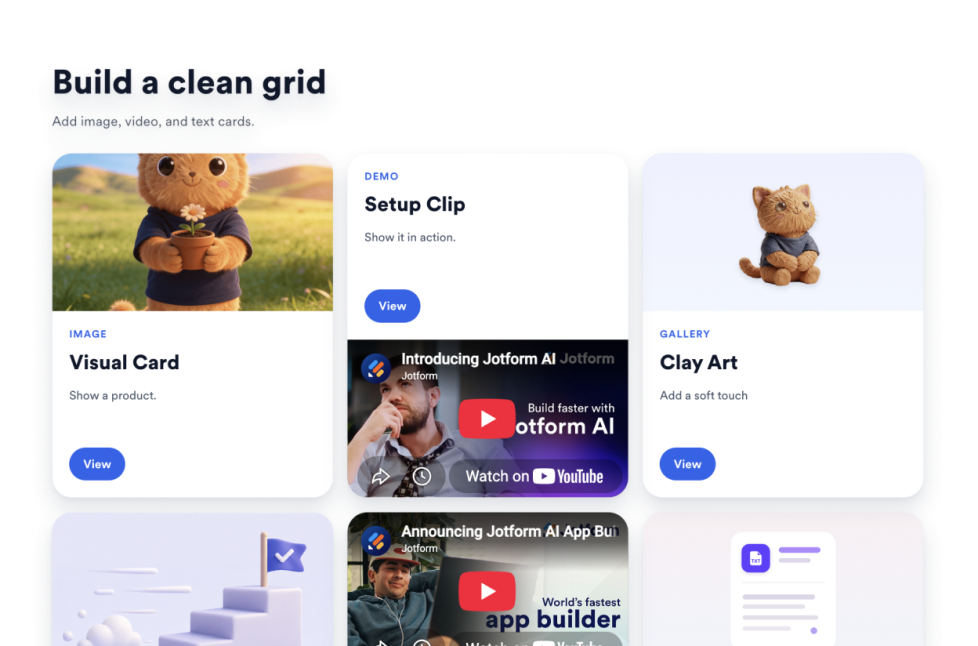
그리드

Add a Grid widget to your website to arrange image, video, icon, and text cards with layouts, columns, spacing, links, buttons, and styling.

카테고리로 이동:유틸리티위젯 사용하기

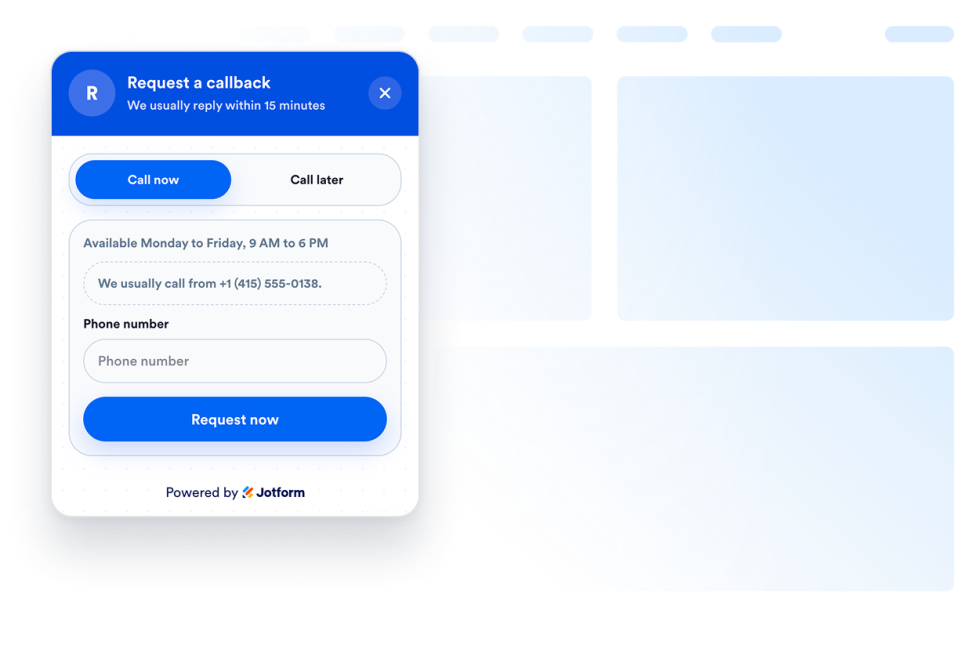
Callback

Add a Callback widget to your website so visitors can request a phone call, share their preferred time, and hear back from your team faster.

카테고리로 이동:유틸리티위젯 사용하기
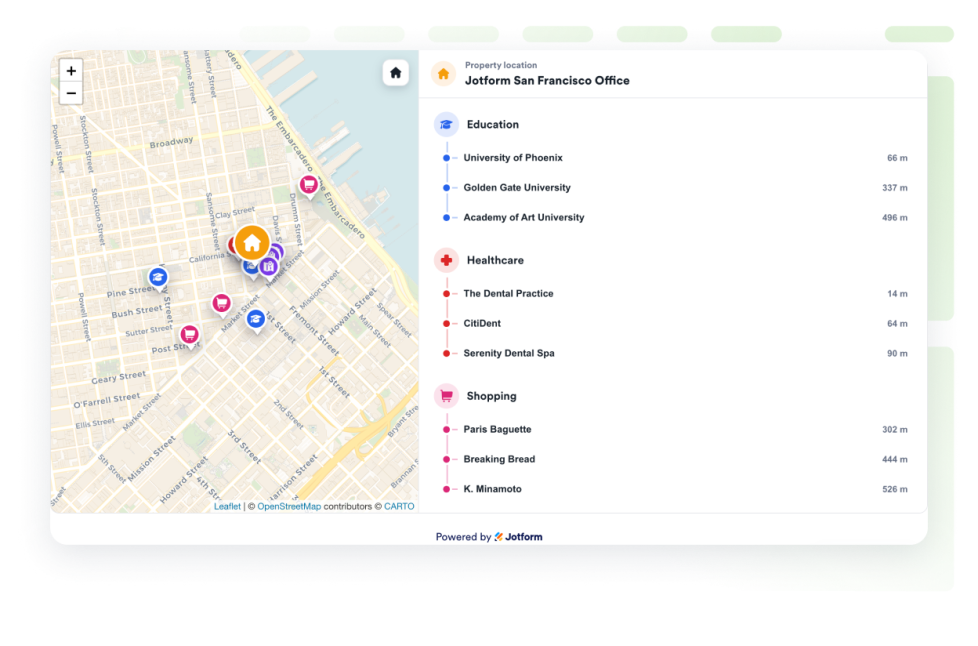
Real Estate Location Map

Add a real estate location map to show one property with OpenStreetMap, distance labels, and nearby education, healthcare, transit, parks, and shops.

카테고리로 이동:유틸리티위젯 사용하기

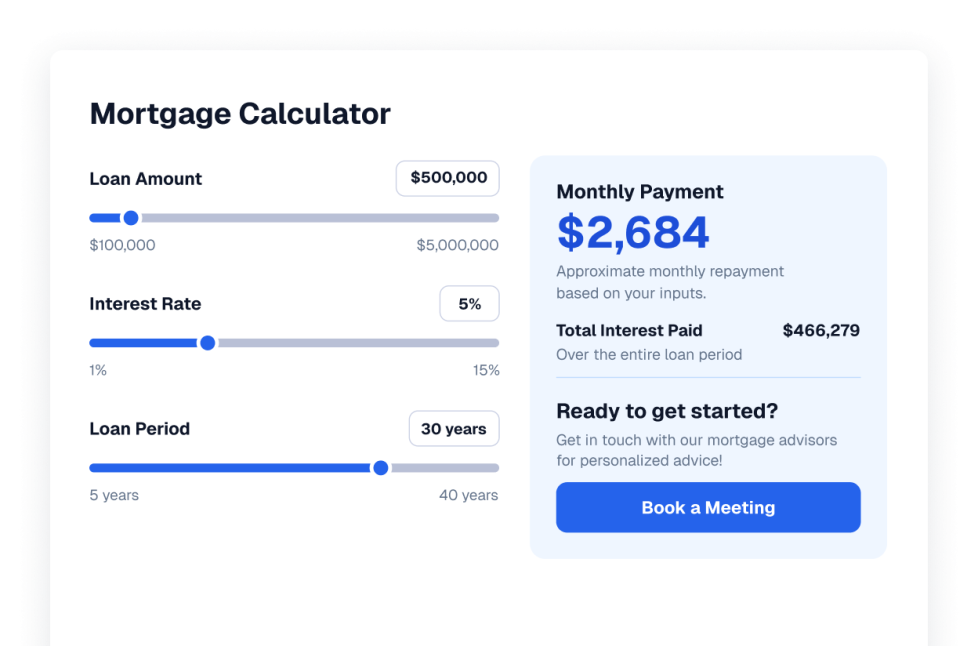
Calculator Widget

Add a Calculator widget to your website so visitors can estimate prices, costs, and quotes from your own fields, rates, tax, and discounts without code.

카테고리로 이동:유틸리티위젯 사용하기

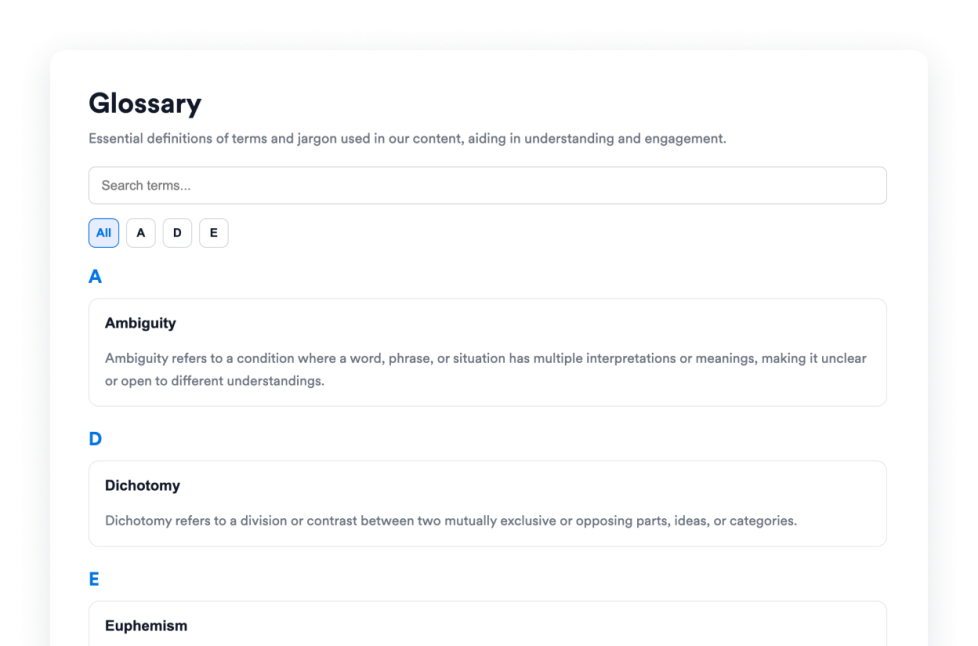
Glossary

Add a free glossary widget to your website with searchable terms, A–Z filters, list or accordion layouts, and custom styling for help centers, docs, and courses.

카테고리로 이동:유틸리티위젯 사용하기

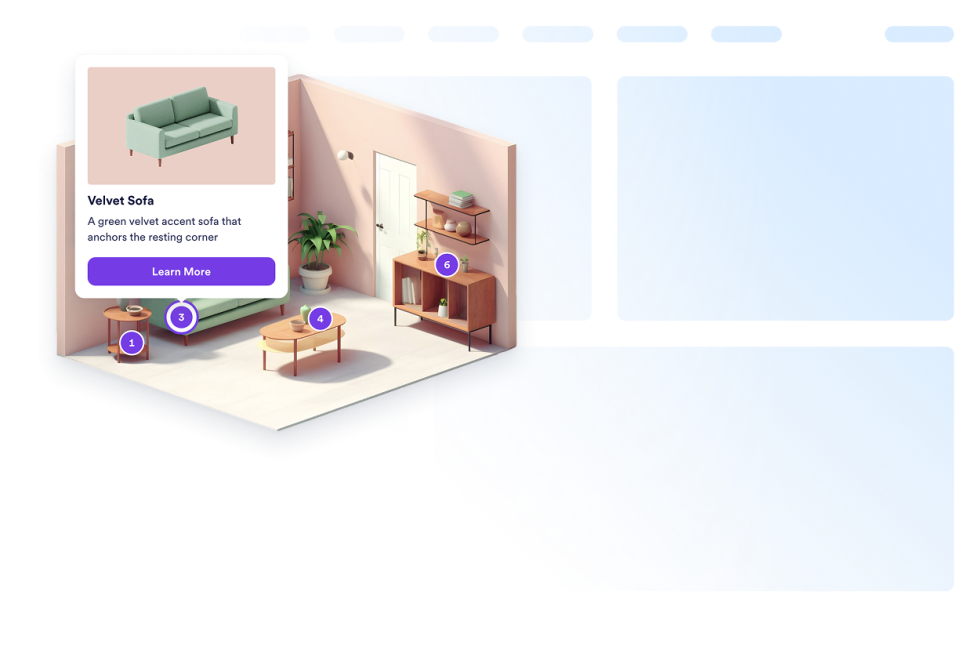
Image Hotspot Widget

Turn any image into an interactive, clickable experience. Upload a product photo; show a title, description, image, price, and CTA link in a responsive card for each hotspot.

카테고리로 이동:유틸리티위젯 사용하기
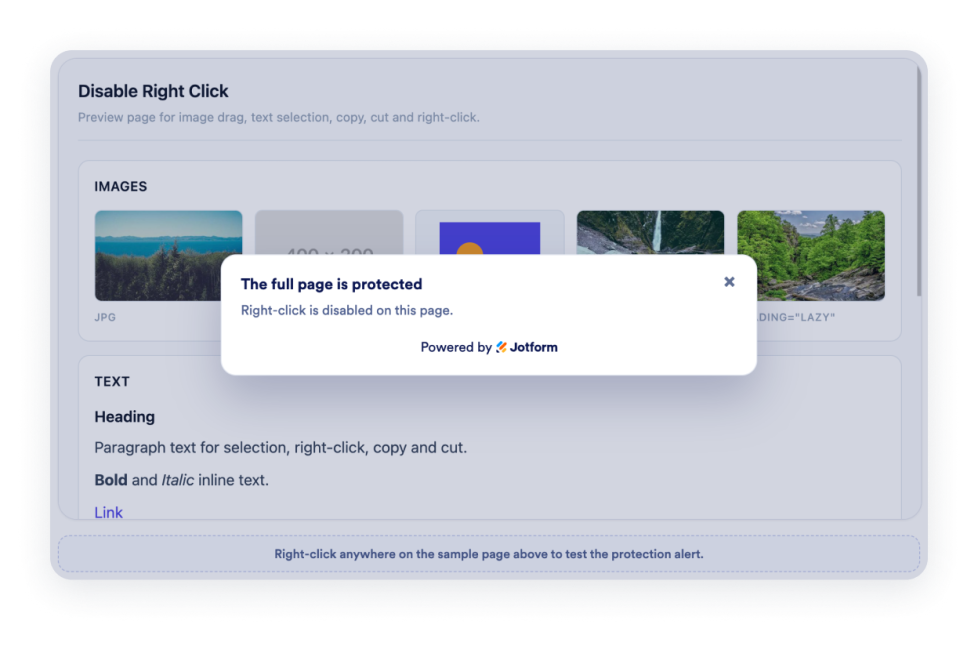
Disable Right Click

Add a Disable Right Click widget to protect images, text, or entire pages from right-click, dragging, selection, and copy actions.

카테고리로 이동:유틸리티위젯 사용하기

Browser Notification Widget

Add a browser notification to your website in seconds. Customize the design and embed it with Jform's no-code website widget builder.

카테고리로 이동:유틸리티위젯 사용하기
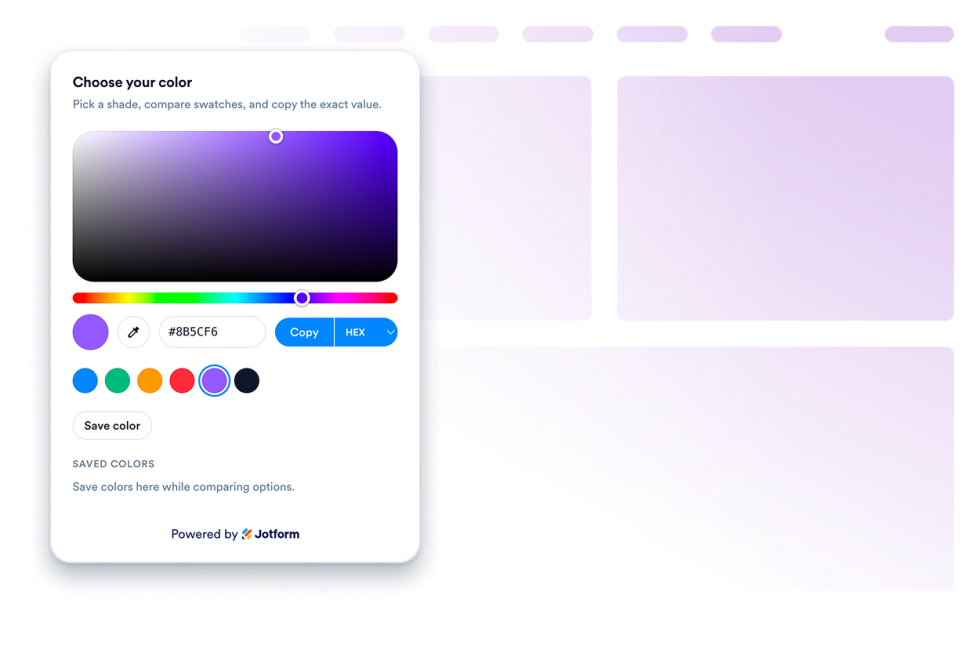
색 선택기

Create a customizable Color Picker Widget for your website. Let visitors select colors, view color codes, copy values, and match palettes with a no-code builder.

카테고리로 이동:유틸리티위젯 사용하기

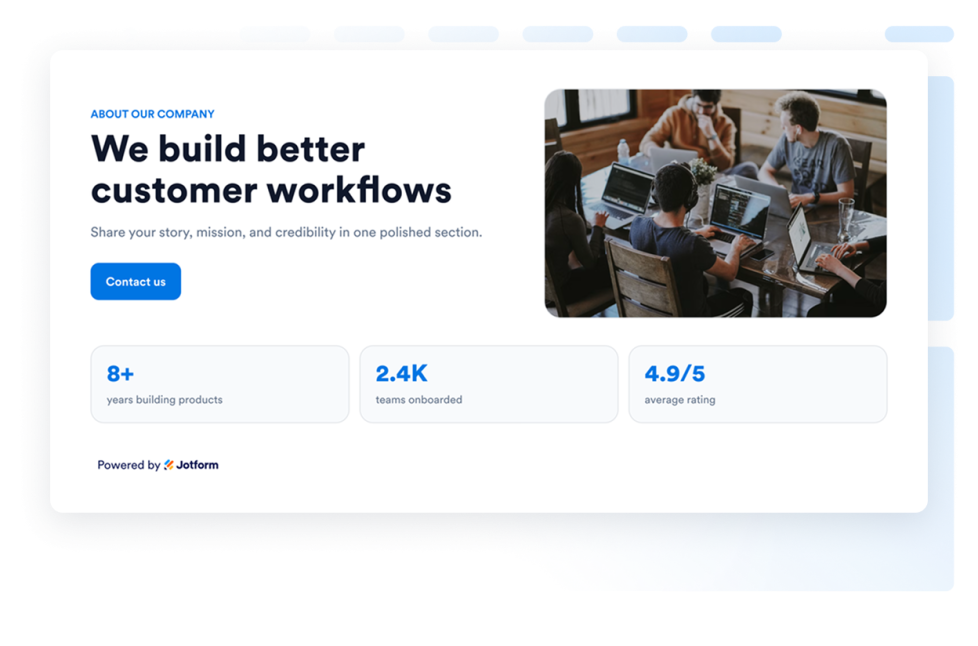
회사 소개

Add an About Us Widget to your website to showcase your company’s story, mission, values, team members, and brand identity with a customizable, professional design.

카테고리로 이동:유틸리티위젯 사용하기

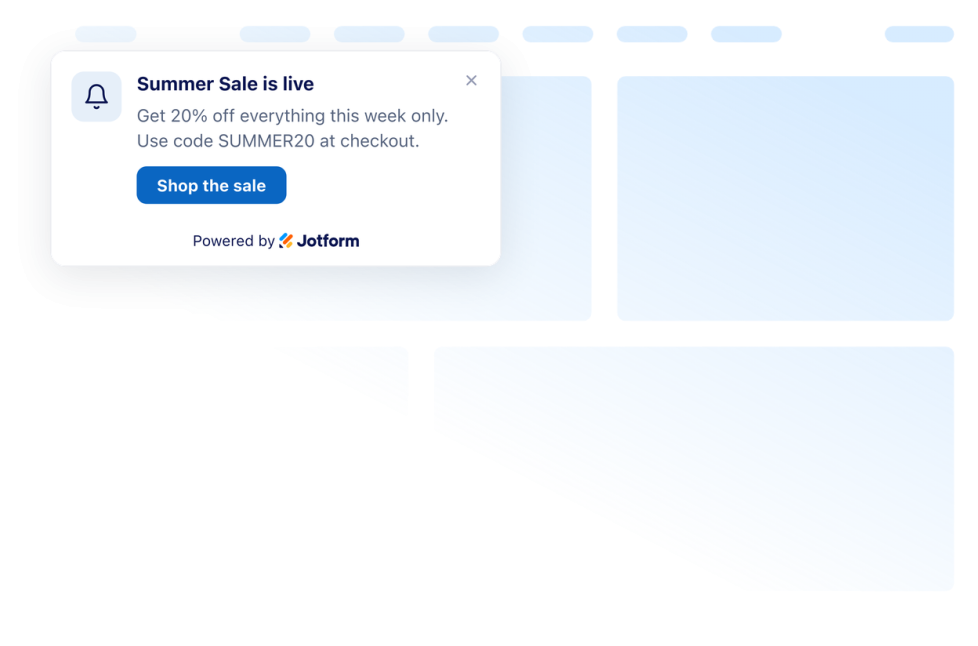
푸시 알림

Create a customizable website notification card for offers, updates, reminders, and CTAs. Style, preview and embed it without code.

카테고리로 이동:유틸리티위젯 사용하기

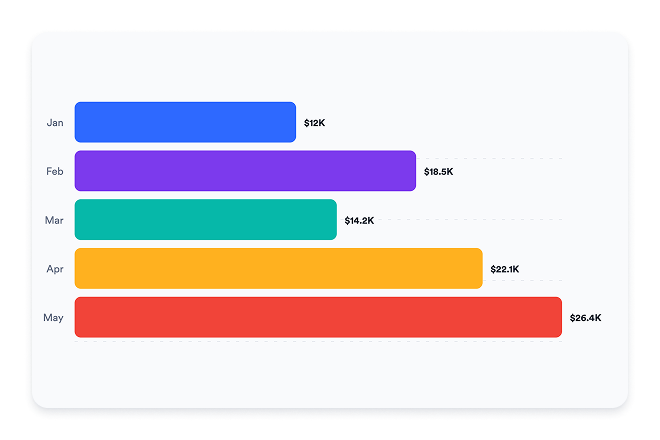
Graphs and Charts Widget

Create responsive graphs and charts for your website with editable data, chart types, legends, labels, colors, and no-code embed controls.

카테고리로 이동:유틸리티위젯 사용하기

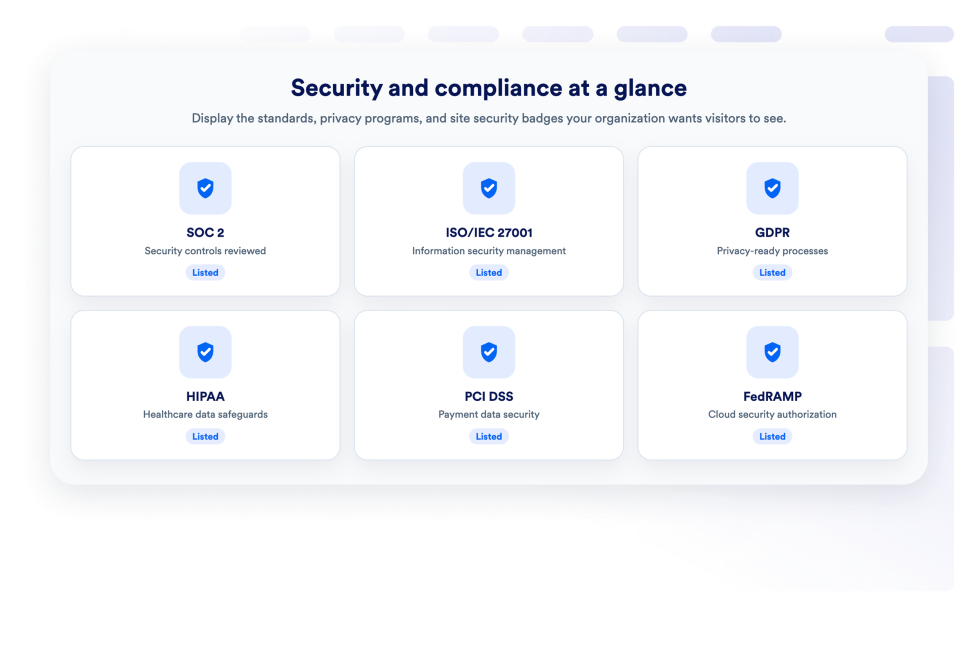
보안

Add a Security widget to display preset or custom security badges with uploaded logos, card links, CTA buttons, dark mode, and website-matched colors.

카테고리로 이동:유틸리티위젯 사용하기

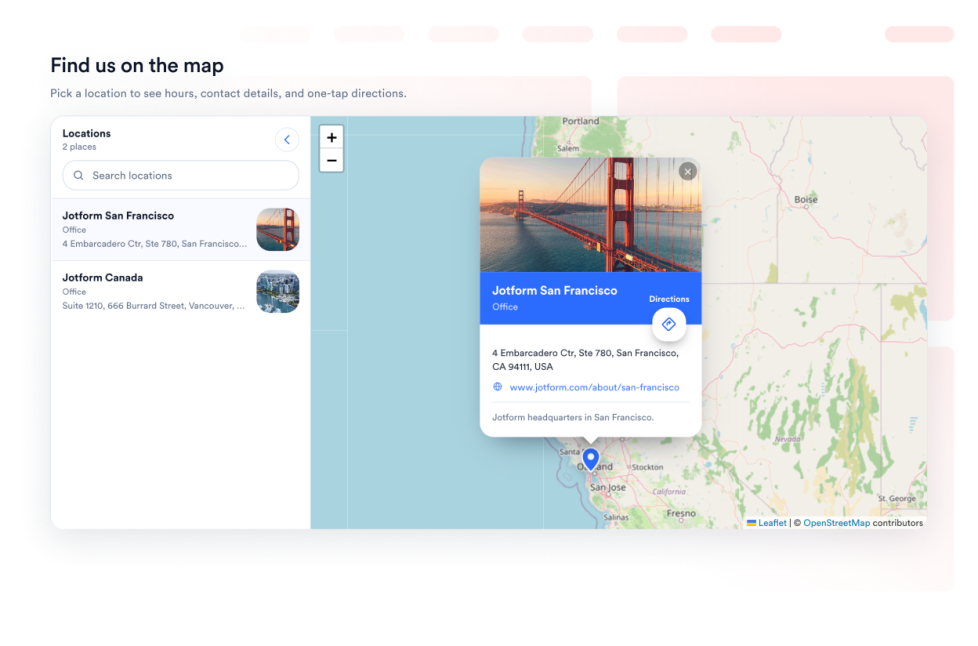
오픈스트리트맵

Give your visitors an interactive OpenStreetMap location finder on your webpage. Customize the listed locations and link each place to OpenStreetMap directions.

카테고리로 이동:유틸리티위젯 사용하기
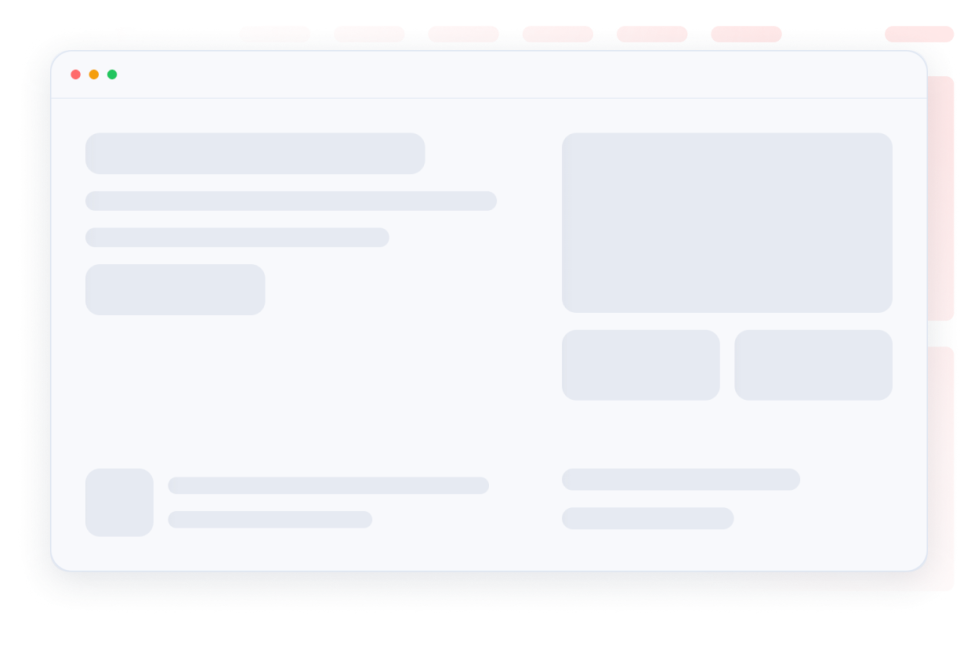
Skeleton Loader

Make loading states feel smooth with skeleton placeholders for content in the same card. Customize one skeleton color, radius, and shimmer speed and embed the widget.

카테고리로 이동:유틸리티위젯 사용하기

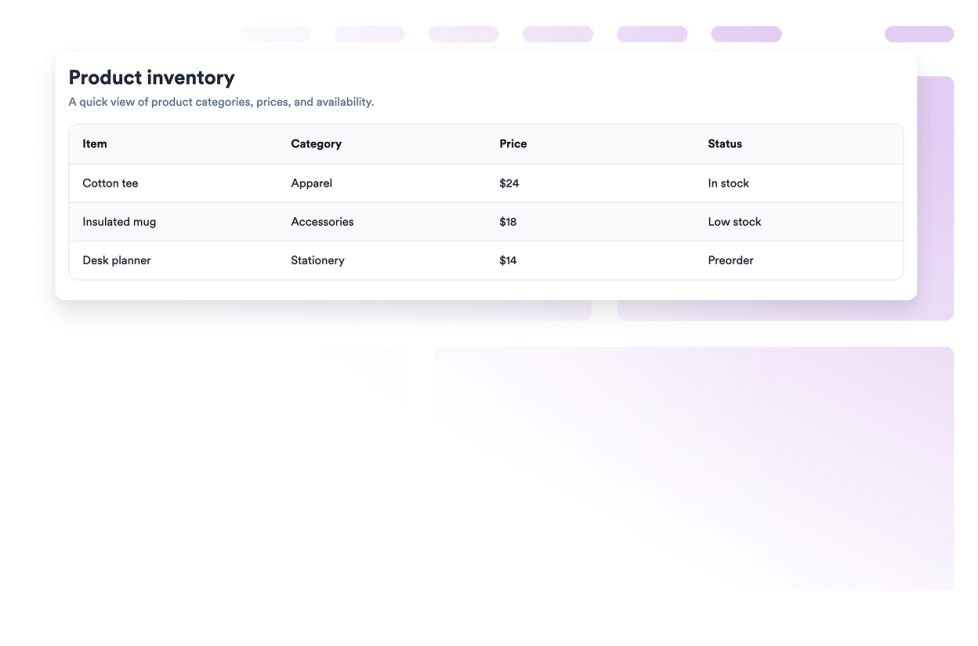
Table Widget

Create a responsive table for your website with editable rows, prepared color schemes, sticky headers, mobile cards, and no-code embedding.

카테고리로 이동:유틸리티위젯 사용하기
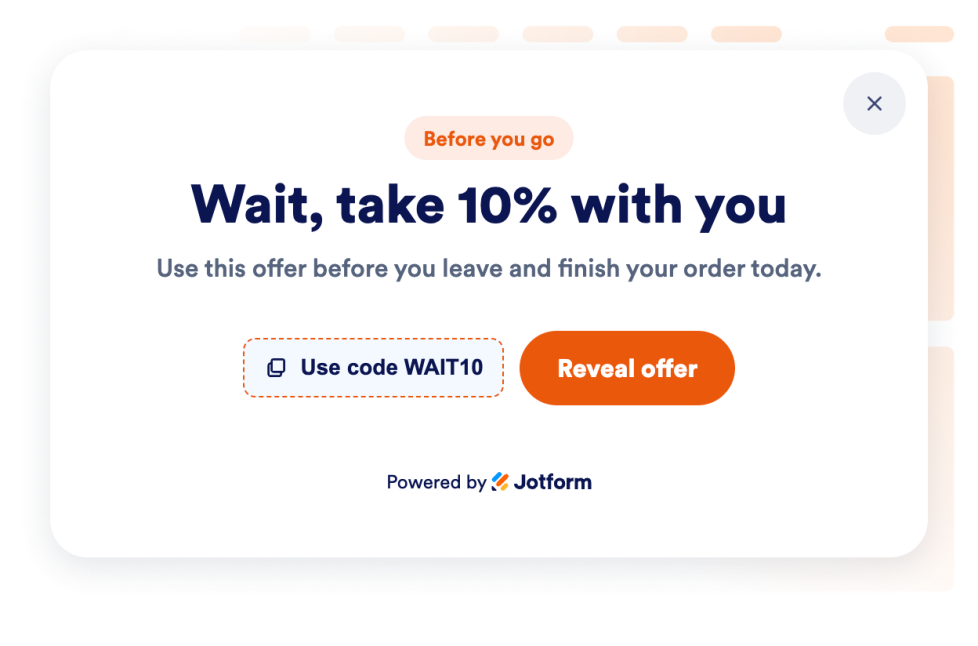
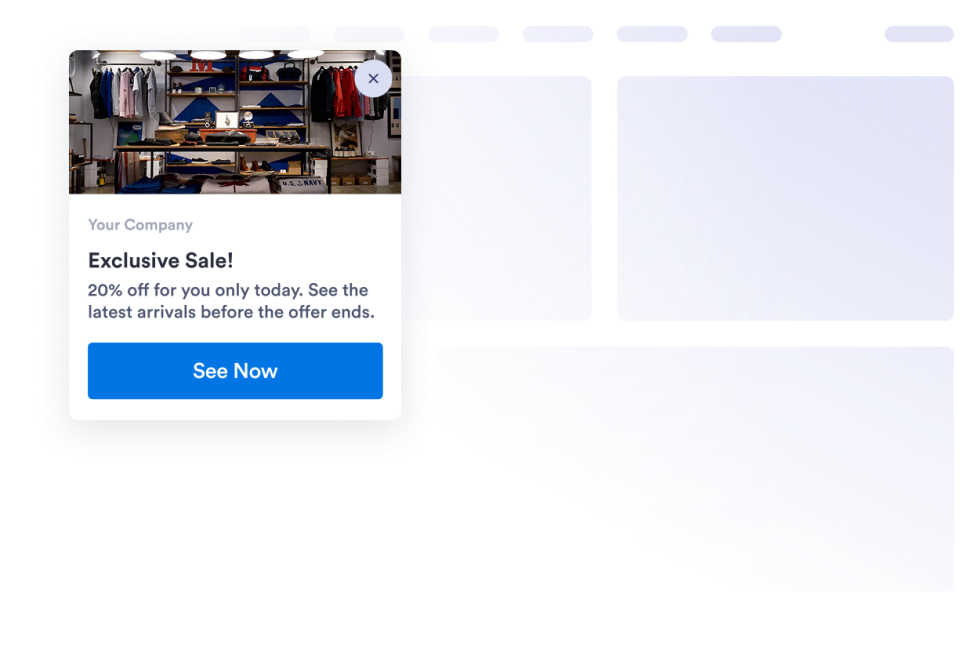
Exit Intent Popup

Add an Exit Intent Popup widget to recover abandoning visitors with offers, forms, coupons, targeting, frequency controls, and no-code embeds.

카테고리로 이동:유틸리티위젯 사용하기
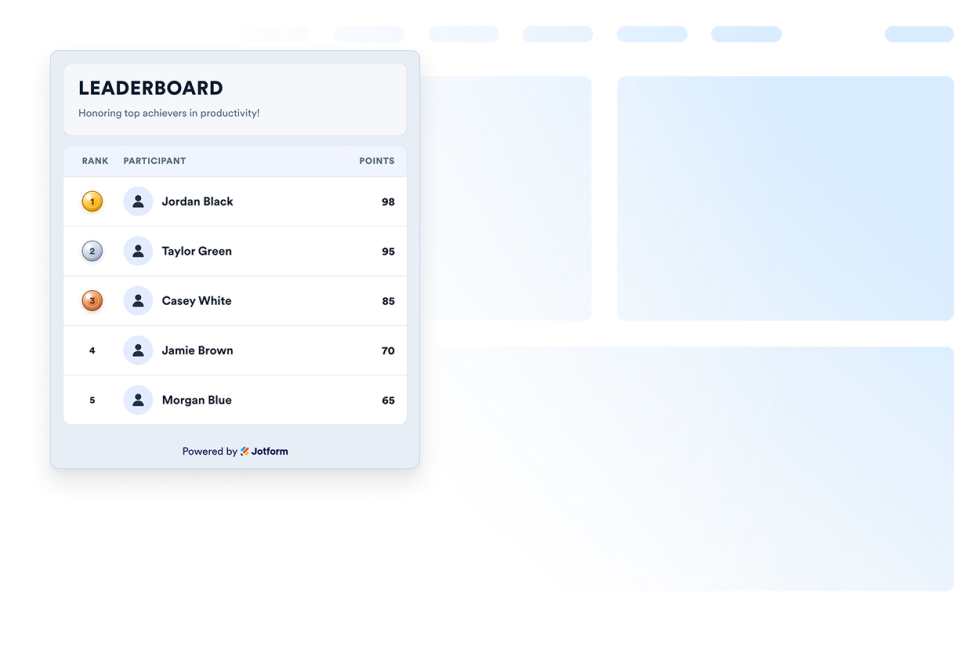
Leaderboard Widget

Add a Leaderboard widget to your website. Celebrate the first three rows with medals, keep every score, and customize your widget to add anywhere on your website.

카테고리로 이동:유틸리티위젯 사용하기
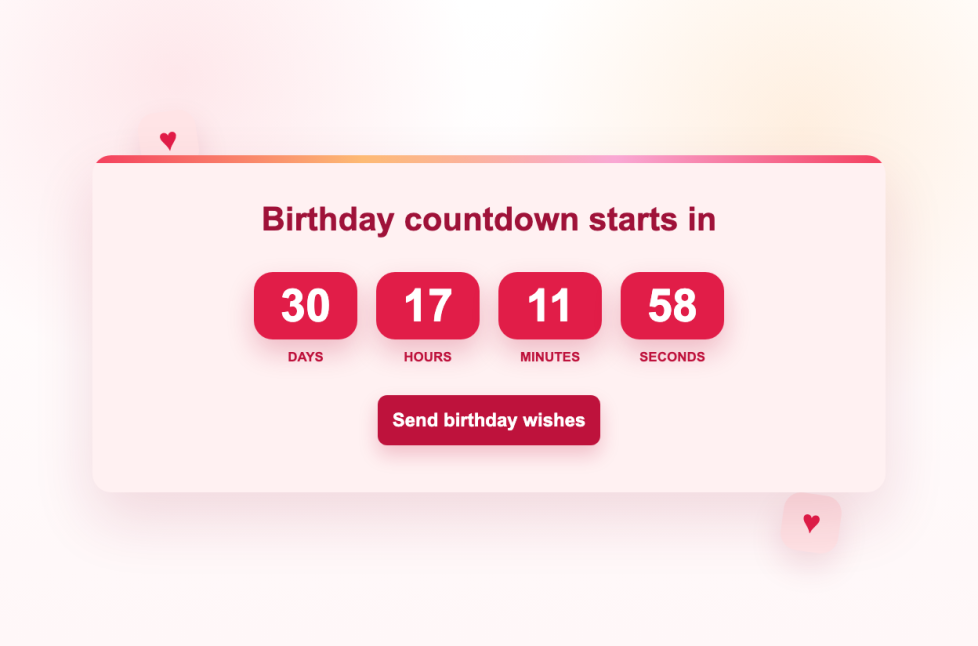
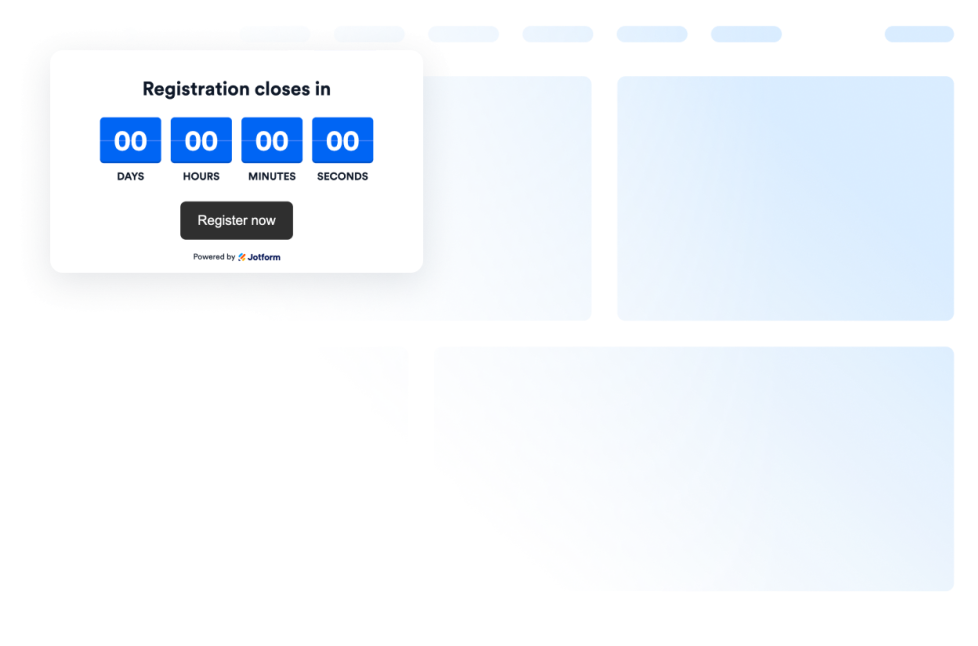
Birthday Countdown Clock

Add a no-code birthday countdown clock widget with annual repeat, editable labels, custom colors, CTA buttons, end messages, and responsive layouts to your website.

카테고리로 이동:유틸리티위젯 사용하기

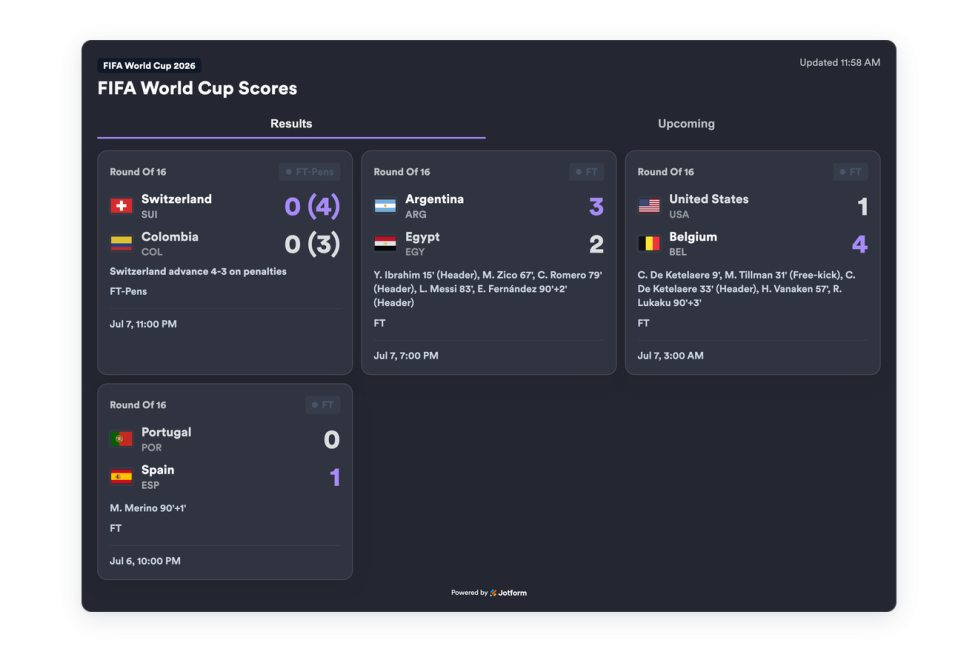
FIFA World Cup Scores

Build a custom FIFA World Cup Scores widget for your site. Display live results, team flags, and schedules without code.

카테고리로 이동:유틸리티위젯 사용하기

Countup

Add a Count-Up widget to your website to show elapsed time since launches, anniversaries, streaks, and milestones.

카테고리로 이동:유틸리티위젯 사용하기
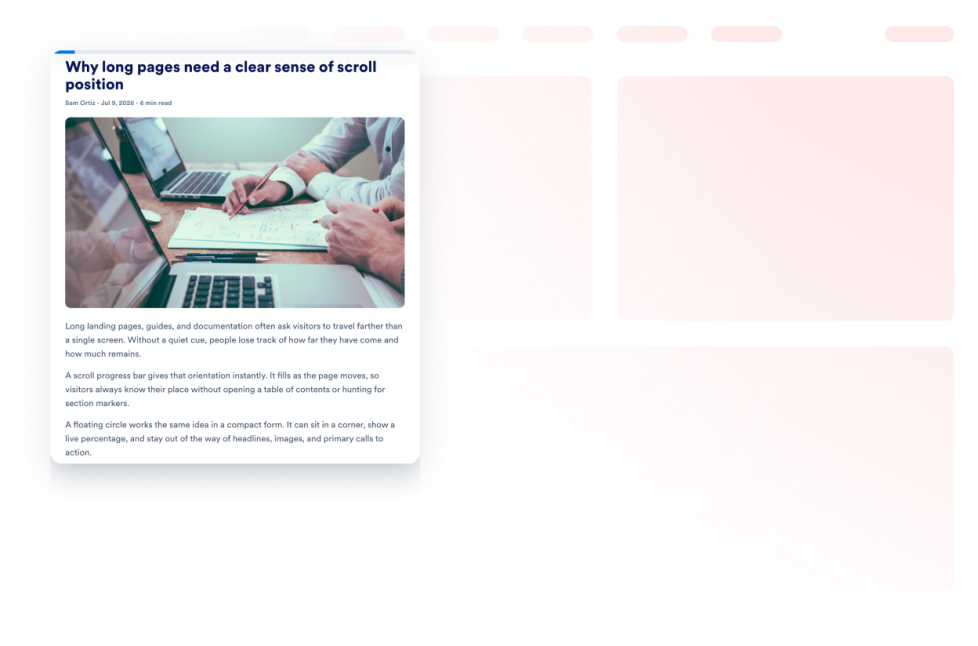
Scroll Progress

Add a Scroll Progress Indicator Widget to your website. Show a progress bar or a floating progress button, enable scroll-to-top, customize colors, and control placement on desktop and mobile.

카테고리로 이동:유틸리티위젯 사용하기

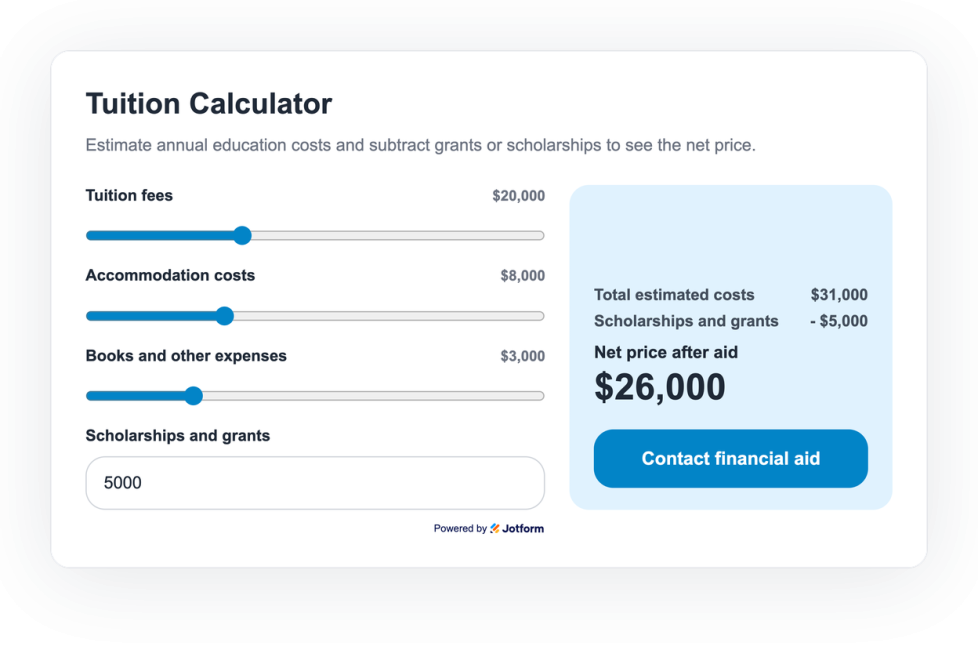
Tuition Calculator Widget

Add a Tuition Calculator widget to your site so students can estimate tuition, housing, expenses, scholarships, and net price without code.

카테고리로 이동:유틸리티위젯 사용하기
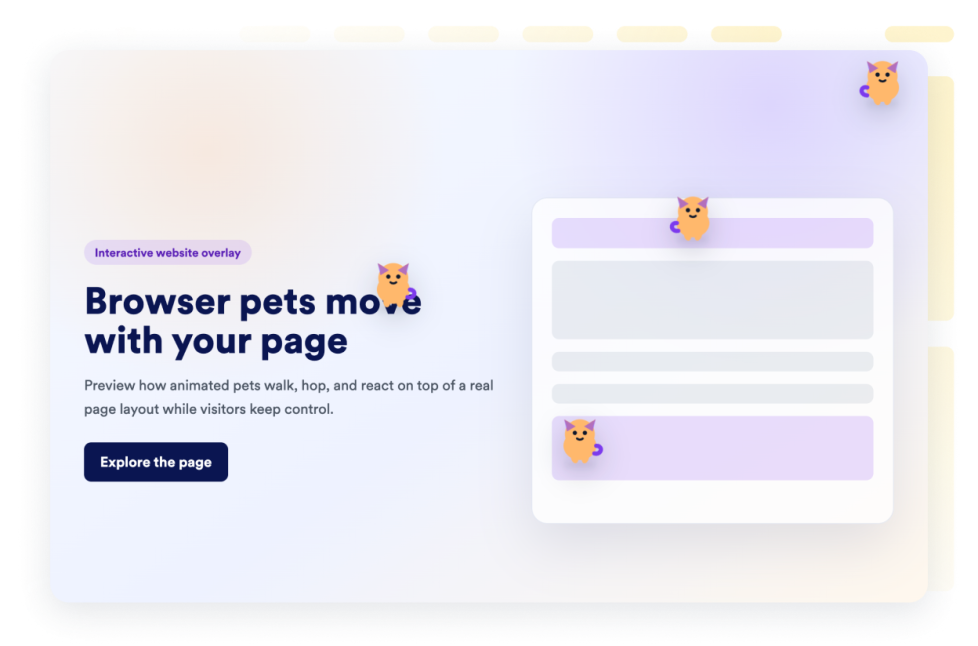
Browser Pets

Add a browser pets widget to your website in seconds. Customize the design and embed it with Jform's no-code website widget builder.

카테고리로 이동:유틸리티위젯 사용하기

About Utility Widgets

Utility widgets help you add practical tools and small interactive features to your website without custom code. These embeddable widgets can support common visitor actions, such as checking information, copying values, navigating a page, viewing data, or using a simple on-page tool.

With Jotform’s utility widgets, you can choose a widget, customize its settings, adjust the design, and embed it on your website. Utility widgets work well on landing pages, product pages, help pages, resource pages, blogs, and business websites where visitors may need quick access to useful information or actions.

What can you do with utility widgets?

Utility widgets can help you:

  • Add useful tools to your website without writing code
  • Help visitors complete simple actions directly on the page
  • Improve long-page navigation with tools like a back-to-top button
  • Display information such as visitor counts, clocks, charts, maps, or weather
  • Add embeddable interactive elements that support the page’s main purpose
  • Keep visitors on your website instead of sending them to another tool or page

Popular utility widget use cases

Utility widgets can be used across different parts of a website based on visitors’ needs. For example, a back-to-top button can make long pages easier to browse, while a clock or weather widget can help local, event, or travel-related pages show timely information. A graphs and charts widget can help display data in a visual format, and a Google Maps widget can help visitors find a business, office, event venue, or location.

Utility widgets are especially useful when a page needs to be more helpful without becoming complicated. They can support navigation, information display, location details, data presentation, and quick interactions in a compact section.

Easy website widgets for any team

Embeddable website widgets are useful for small teams, SMBs, creators, personal website owners, agencies, educators, nonprofits, and online stores that want to add interactive sections without relying on a developer or designer.

With Jform, users can choose a widget, customize the content and design, copy the embed code, and add it to their website without custom code. This makes it easier to improve pages, collect information, display content, build trust, or guide visitors to take action from one no-code builder.

Related guides

To learn more about setting up and managing widgets, users can read Jotform’s guide on managing website widgets. The guide explains that users can create new widgets, edit existing widgets, copy embed codes, control widget visibility, and organize your widget assets from the My Website Widgets page.

Utility Widgets FAQ

What are utility widgets?

Utility widgets are embeddable website tools that help visitors complete simple actions or view useful information directly on a webpage. They can include navigation tools, counters, clocks, maps, charts, weather displays, and other helpful page elements.

Where should I use utility widgets?

You can use utility widgets on landing pages, product pages, blog posts, help pages, resource pages, local business pages, and long-form pages. The best placement depends on what visitors need to do or understand on that page.

Can I customize utility widgets?

Yes. Utility widgets can usually be customized before they are embedded. Depending on the widget, you can adjust content, settings, layout, colors, display behavior, and other design options.

Do utility widgets require coding?

No. Jform website widgets can be added without custom coding. After customizing a widget, users can embed it on a website using the provided embed code.