Table Widget for Your Website
Turn product specs, event schedules, pricing details, and comparison data into a responsive website table. Add rows and columns, customize the style, and embed the finished Table Widget without writing code.
테이블 위젯을 만드는 방법
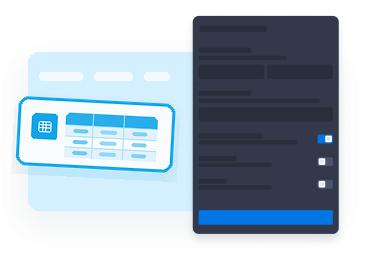
Enter your table data
Create column headings, add row labels, and fill cells with product details, schedule times, service tiers, or any structured information.
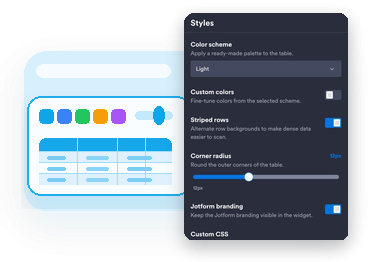
Customize the display
Choose a prepared color scheme, adjust custom colors, set row striping, control width, and pick the best mobile layout for your page.

Embed the table
Preview the responsive table, copy the embed code, and publish it on a website page that supports custom HTML or embed blocks.
Make website data easier to scan
Build tables in a visual editor
Add columns, rows, row labels, and cell values in the builder instead of hand-coding HTML table markup for every update.

Keep tables readable on mobile
Let visitors scroll wide tables horizontally or switch to stacked cards so each row stays clear on smaller screens.

Match your website design
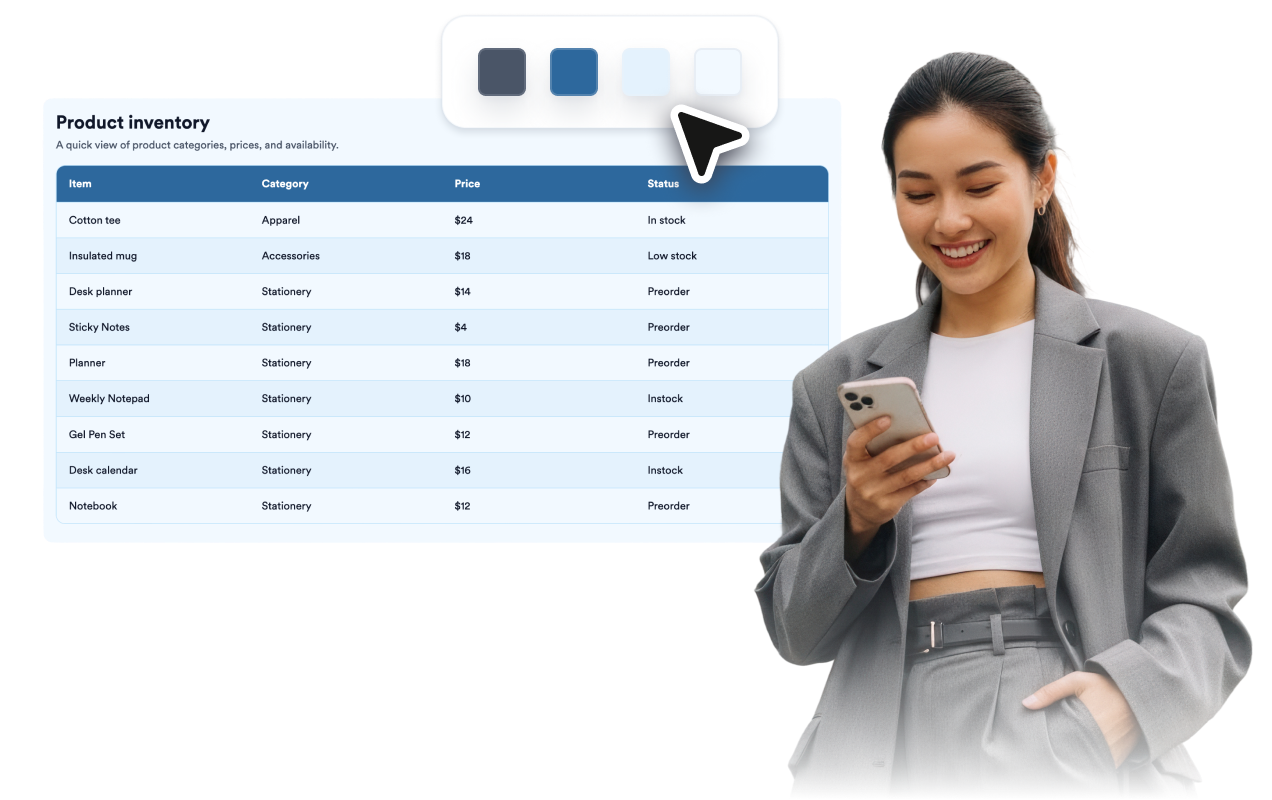
Start with prepared color schemes, then fine-tune backgrounds, header text, borders, striped rows, accents, and scoped CSS.
Help visitors follow long tables
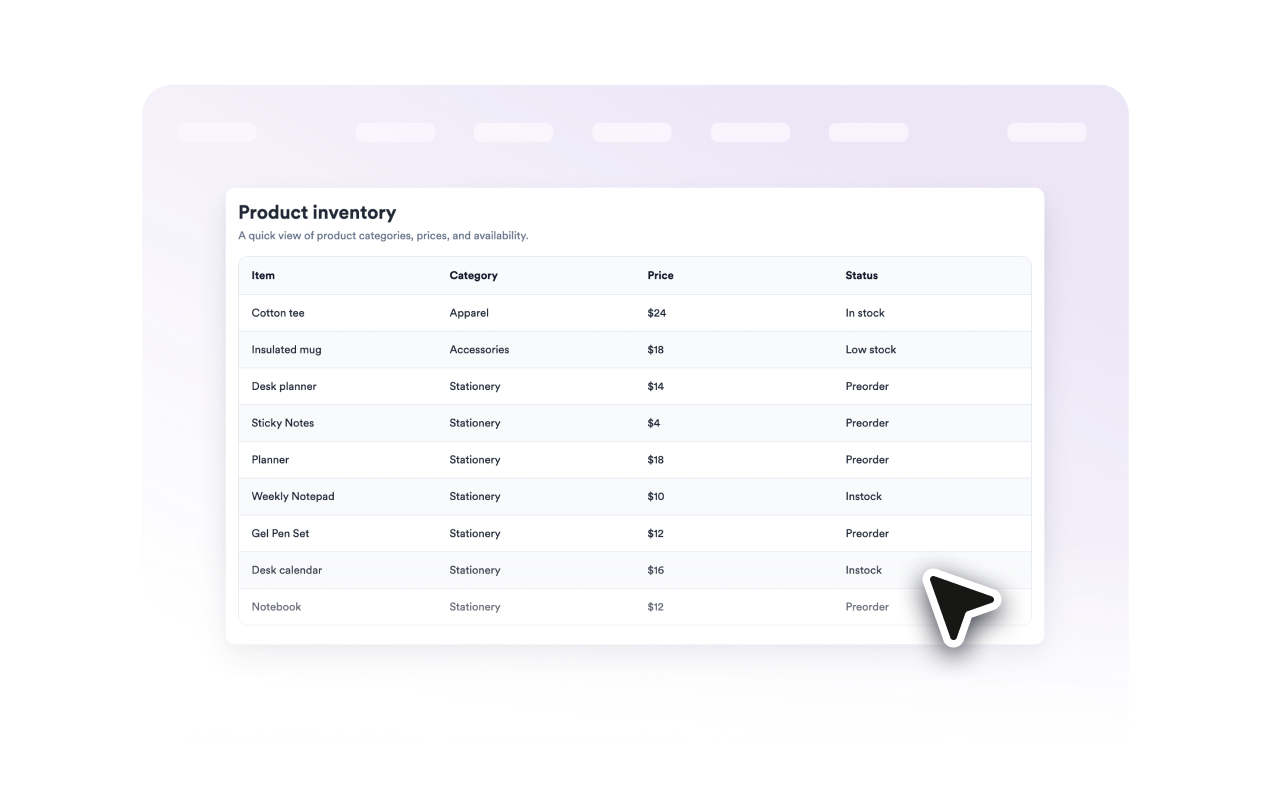
Turn on floating column headers and row labels so visitors keep context while scanning longer or wider data sets.
Why Jform Website Widgets stand out
Jotform’s widgets make your website more interactive and increase conversions. There are many tools available, from star ratings and testimonial sliders to social proof popups and media embeds. Add widgets to your forms or landing pages to collect data, display proof, and capture leads — no coding required.
Add Jform widgets to your website with a simple embed code. Customize the widget, preview how it looks, and paste it into any page that supports custom HTML or embed blocks, all without a developer.
Use Jform Website Widgets to collect leads, show customer feedback, display social proof, embed media, or add helpful web page tools. Each widget helps visitors interact with your business directly from your website.
If you need help setting up, customizing, embedding, or troubleshooting your widget, Jotform’s customer support team is available 24-7. You can move forward with confidence, knowing that help is there when you need it.
Where to use your Table Widget
Add a responsive table wherever visitors need organized details before they compare options, register, buy, book, or keep reading.
Product pages to show dimensions, availability, prices, materials, compatibility, or package details.
Event pages to present schedules, session names, times, rooms, speakers, and registration notes.
Pricing pages to line up plan limits, service tiers, feature availability, and support options.
Resource pages to organize directories, links, glossary terms, downloads, or documentation lists.
Restaurant and service pages to show menus, packages, hours, locations, turnaround times, or service areas.
Blog posts and guides to summarize research, comparisons, specifications, checklists, or data points.
Convert leads into paying customers with the Jform Form Builder
Turn engagement into action with Jotform. Create powerful forms that capture leads, collect payments, and automate responses, all in one place. Every submission lands in your Jform Inbox, where you can follow up or connect with your favorite apps.
시작하기 — 무료입니다!
자주하는 질문
What is a Table Widget?
A Table Widget is an embeddable website widget that displays structured information in rows and columns, so visitors can scan details without reading long blocks of text.
What can I add to the table?
Does the Table Widget work on mobile devices?
Can I customize the table colors?
Can headers stay visible while visitors scroll?
Can I add custom CSS?
Do I need to write code to embed the table?
Does the Table Widget import or sync spreadsheet files?
Is the Table Widget free to use?