Security Widget for your website
Create a trust-building badge section for security, privacy, compliance, payment, accessibility, and sustainability signals. Add preset badges or upload your own, then link each badge to the documentation visitors need to review.
보안 위젯을 만드는 방법
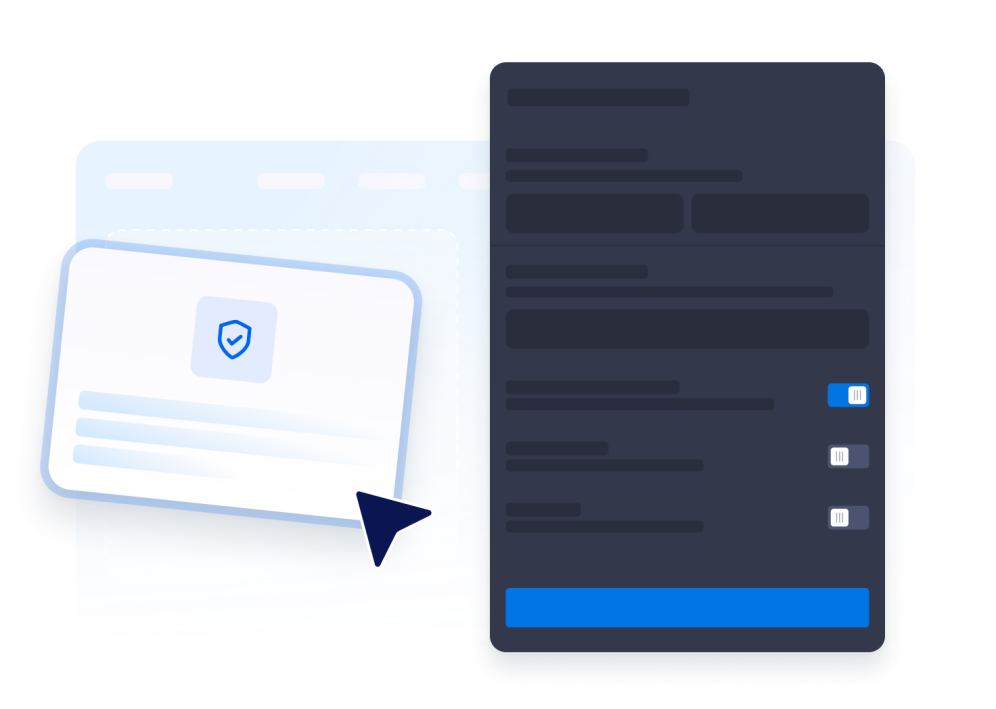
Choose preset or custom badges
Start with predefined badge options for common security, or compliance or create a fully custom badge to match your own requirements.

Edit each badge
Customize the title, description, status label or CTA, card link, logo image, fallback icon shape, and section CTA without any verification step.
Customize the widget style
Adjust the overall look of the widget to match your website or brand, then continue with your selected design settings.
Display trust signals without manual design work
Start with presets or custom badges
Choose from common security, privacy, compliance, payment, and site-safety badge presets, or create a custom badge with your own name, copy, and logo.

Control badge content and actions
Edit each badge title and description, upload custom logos, choose a status label or CTA button, and add optional links to documentation or trust pages.

Keep the section grounded in your page
Choose grid, row, compact, or spotlight layouts with container or full-width sizing, adjustable columns, spacing, padding, and mobile-ready behavior.

Match your website style
Use light, dark, or custom colors, extract a palette from a website URL, reset colors when needed, and refine cards, seals, tooltips, CTA buttons, icon shapes, logo borders, corners, shadows, and scoped CSS.

Why Jform Website Widgets stand out
Jotform’s widgets make your website more interactive and increase conversions. There are many tools available, from star ratings and testimonial sliders to social proof popups and media embeds. Add widgets to your forms or landing pages to collect data, display proof, and capture leads — no coding required.
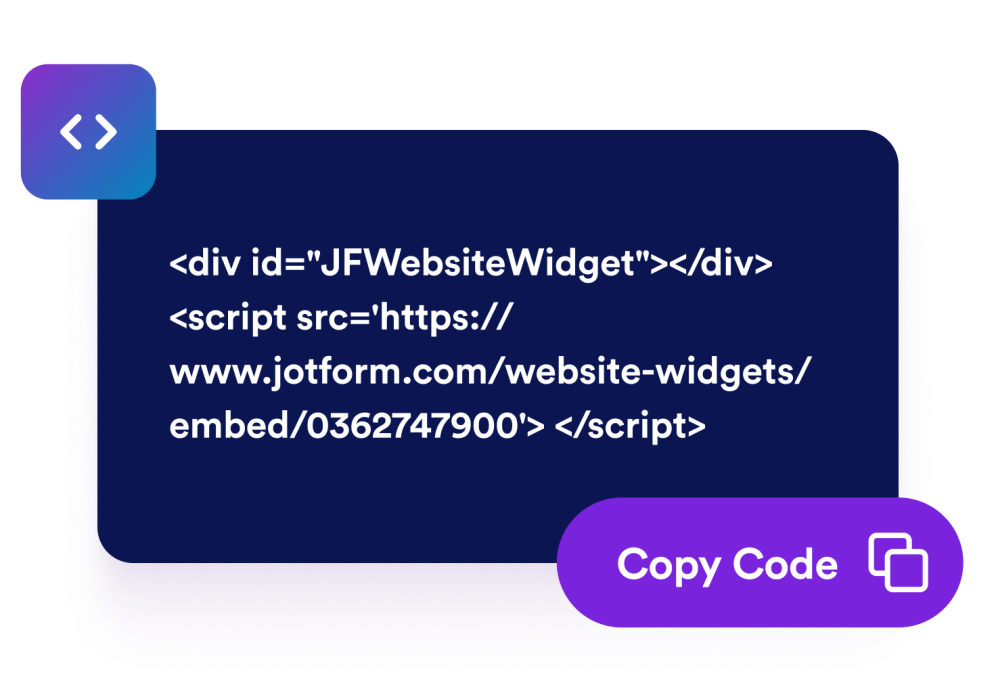
Add Jform widgets to your website with a simple embed code. Customize the widget, preview how it looks, and paste it into any page that supports custom HTML or embed blocks, all without a developer.
Use Jform Website Widgets to collect leads, show customer feedback, display social proof, embed media, or add helpful web page tools. Each widget helps visitors interact with your business directly from your website.
If you need help setting up, customizing, embedding, or troubleshooting your widget, Jotform’s customer support team is available 24-7. You can move forward with confidence, knowing that help is there when you need it.
Where to use your Security Badge widget
Add security badges wherever visitors need a quick view of your privacy, compliance, or site-security posture.
Homepage trust sections to highlight security and privacy programs near your primary value proposition.
Pricing pages to reassure buyers before they start a subscription or request a quote.
Checkout and signup pages to show payment and data protection badges near conversion points.
Security pages to summarize your public compliance posture with links to supporting information.
Footer sections to keep concise trust badges visible across product and landing pages.
Convert leads into paying customers with the Jform Form Builder
Turn engagement into action with Jotform. Create powerful forms that capture leads, collect payments, and automate responses, all in one place. Every submission lands in your Jform Inbox, where you can follow up or connect with your favorite apps.
시작하기 — 무료입니다!
자주하는 질문
Does Jform verify the security badges I display?
No. The Security widget provides UI support only. You control the badge text, status, and links, and Jform does not verify the certification or compliance claims.
Which badges are included by default?
Can I change the title and description?
Can I use official certification logos?
Can the Security widget float over my website?
Can I customize the badge design?
Can badges and CTAs link somewhere?
Will the widget work on mobile?
Can I match the widget to my website colors?