Free Leaderboard Table Widget for Your Website
Show rankings in a clean table, celebrate the first three rows with medal-style badges, and keep every score easy to compare with a no-code leaderboard table widget you can customize and embed anywhere on your website.
Leaderboard 위젯을 만드는 방법
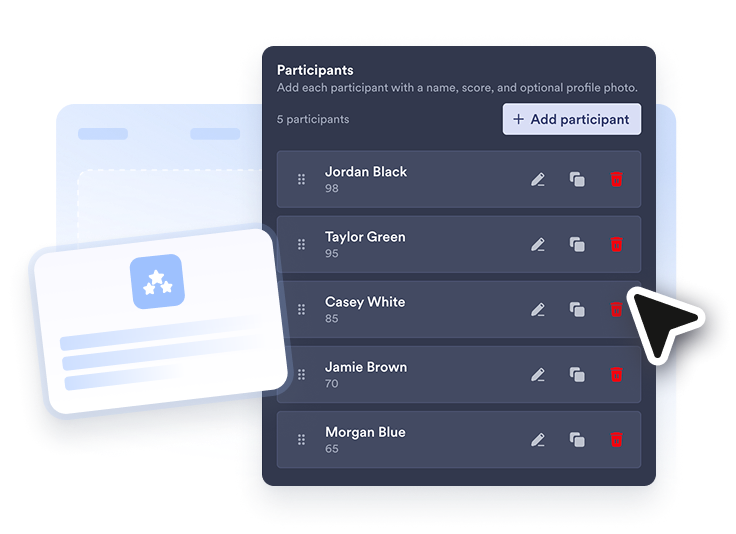
Add your participant data
Add participants with names, scores, and optional profile photos via upload or image link.
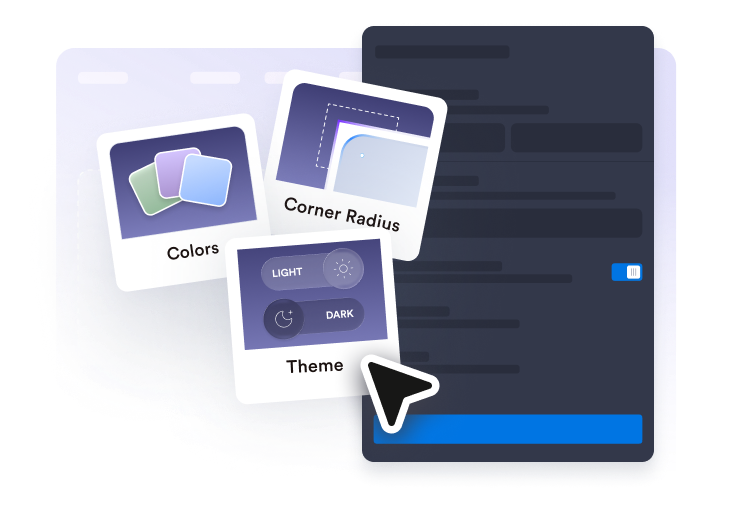
Customize the table
Control the header, column labels, score order and affixes, theme, colors, winner medals, and corner radius to match your page.
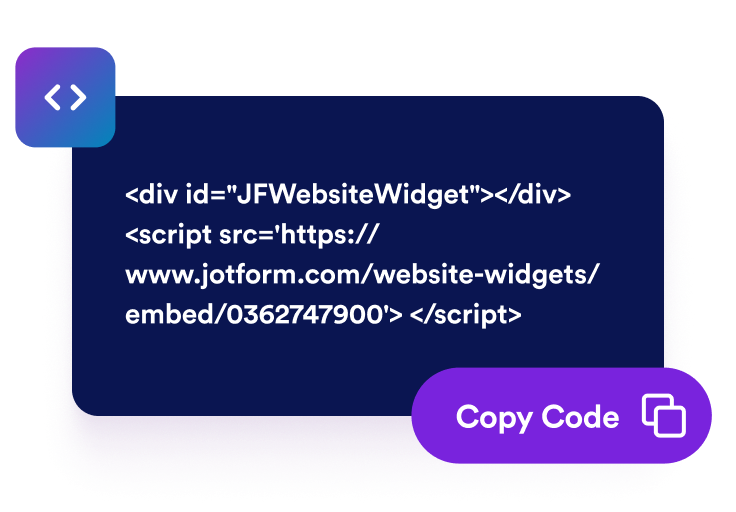
Embed it on your website
Paste the embed code into a custom HTML or embed block, then publish your page to display the leaderboard.
Create a leaderboard table widget your visitors can read at a glance
A clean table visitors can scan
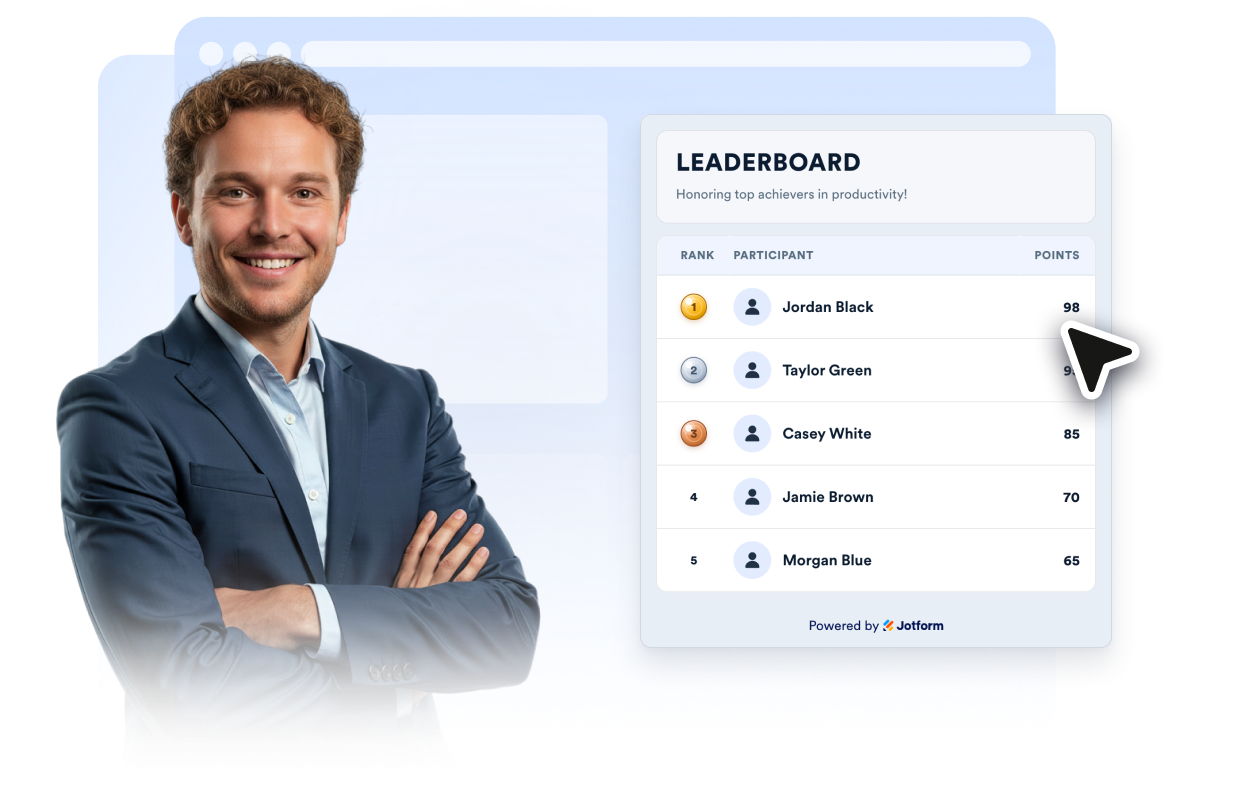
Display every participant in one ranked table with aligned columns for rank, participant, and points so visitors can compare results at a glance.
Participant names and profile photos
Show participant names with optional uploaded profile photos or a consistent avatar icon when no image is available.
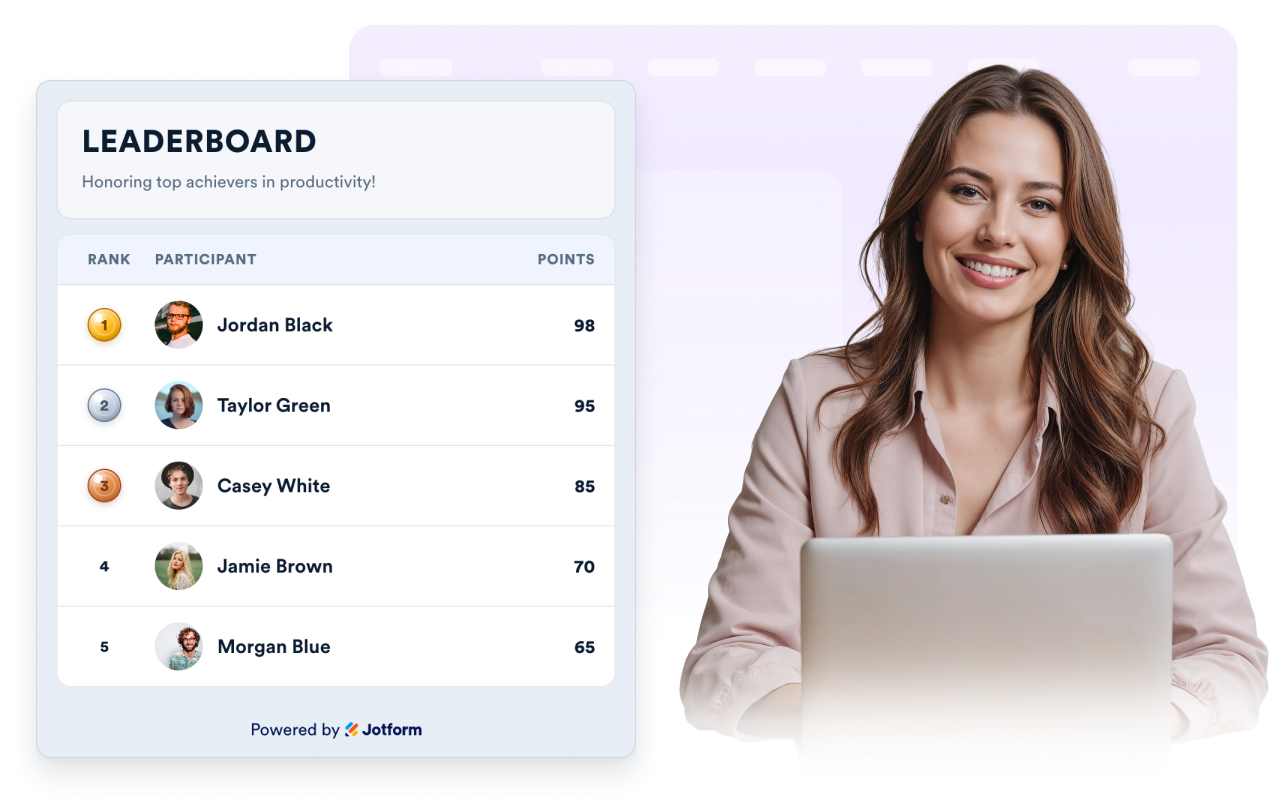
Medal badges for the first three rows
Make first, second, and third place stand out inside the table with gold, silver, and bronze medal-style rank badges while keeping the layout simple.
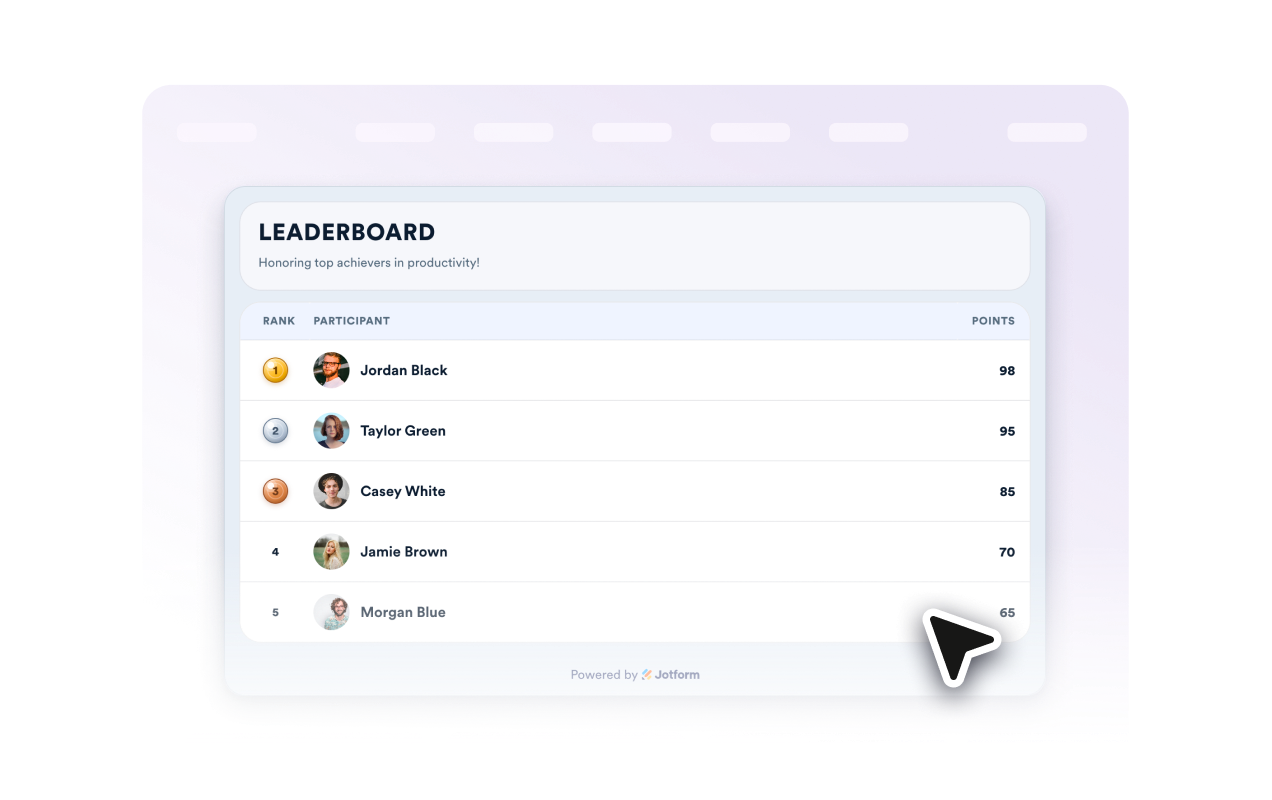
Flexible labels and styling
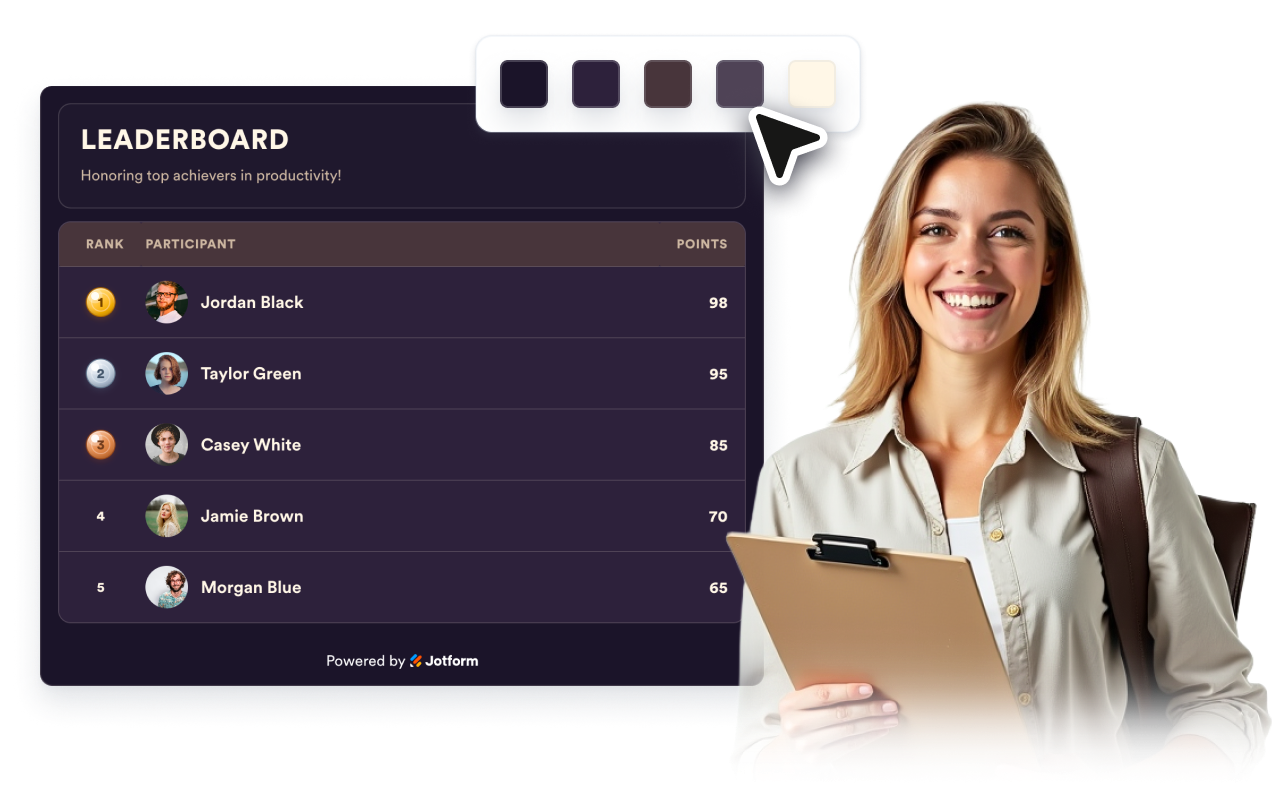
Rename table headers, choose a preset or custom palette, set the font and corner radius, and add scoped custom CSS without rebuilding the widget.
Why Jform Website Widgets stand out
Jotform’s widgets make your website more interactive and increase conversions. There are many tools available, from star ratings and testimonial sliders to social proof popups and media embeds. Add widgets to your forms or landing pages to collect data, display proof, and capture leads — no coding required.
Add Jform widgets to your website with a simple embed code. Customize the widget, preview how it looks, and paste it into any page that supports custom HTML or embed blocks, all without a developer.
Use Jform Website Widgets to collect leads, show customer feedback, display social proof, embed media, or add helpful web page tools. Each widget helps visitors interact with your business directly from your website.
If you need help setting up, customizing, embedding, or troubleshooting your widget, Jotform’s customer support team is available 24-7. You can move forward with confidence, knowing that help is there when you need it.
Where to use your Leaderboard Table Widget
Add the table anywhere visitors should compare rankings, milestones, or performance over time.
Sales and revenue pages to spotlight top reps, teams, or monthly rankings.
Classroom and course sites for quiz scores, reading challenges, and student rankings.
Community and membership pages to reward contributors, referrals, streaks, or event participation.
Fitness and fundraising pages to rank participants, donors, or teams and celebrate the current leaders.
Contest and giveaway pages to keep public rankings clear between rounds or judging updates.
Internal team hubs for office challenges, sprints, or friendly competitions people revisit often.
Convert leads into paying customers with the Jform Form Builder
Turn engagement into action with Jotform. Create powerful forms that capture leads, collect payments, and automate responses, all in one place. Every submission lands in your Jform Inbox, where you can follow up or connect with your favorite apps.
시작하기 — 무료입니다!
자주하는 질문
What is a Leaderboard Table Widget?
A Leaderboard Table Widget is an embeddable ranking table that shows participants, rank numbers, top-three medal badges, and scores on your website.
Can I add my own participant data?
Can I highlight the top three?
Can I customize labels and language?
Can I show participant photos?
Can I sort low scores first instead of high scores first?
Can I match the leaderboard table widget to my site design?
Does the widget work on mobile?
Do I need to code the leaderboard myself?
Is the Leaderboard Table Widget suitable for more than sports rankings?