Utility Widgets for Websites

Add helpful utility widgets to your website in seconds using Jform's simple no-code builder.
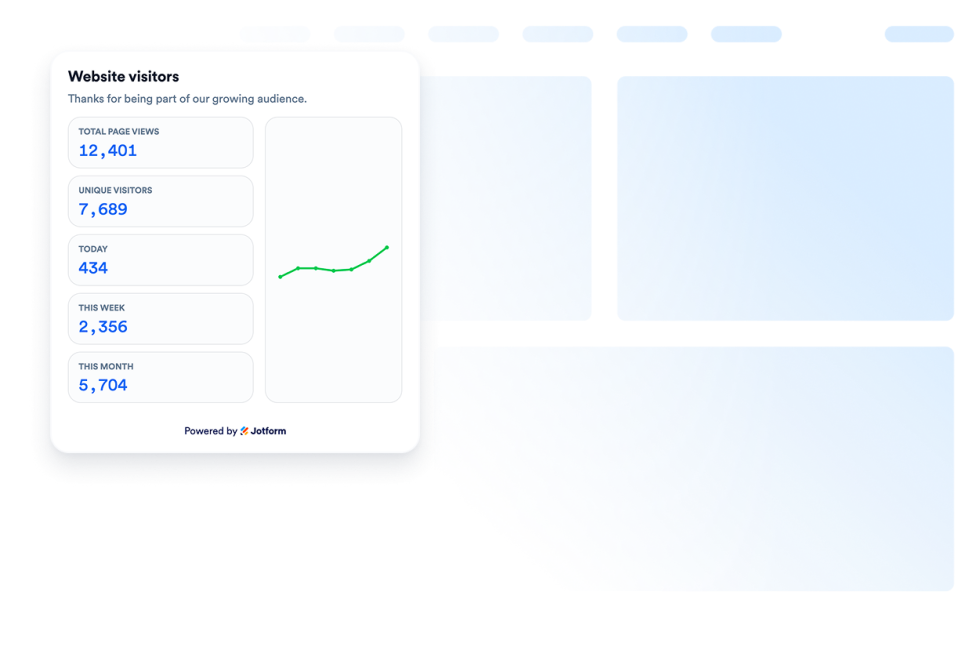
방문자 수 카운터

웹사이트에 방문자 카운터 위젯을 추가해 맞춤 설정 가능한 노코드 카운터로 페이지 활동을 보여주는 소셜 프루프를 제공하세요.

카테고리로 이동:유틸리티위젯 사용하기

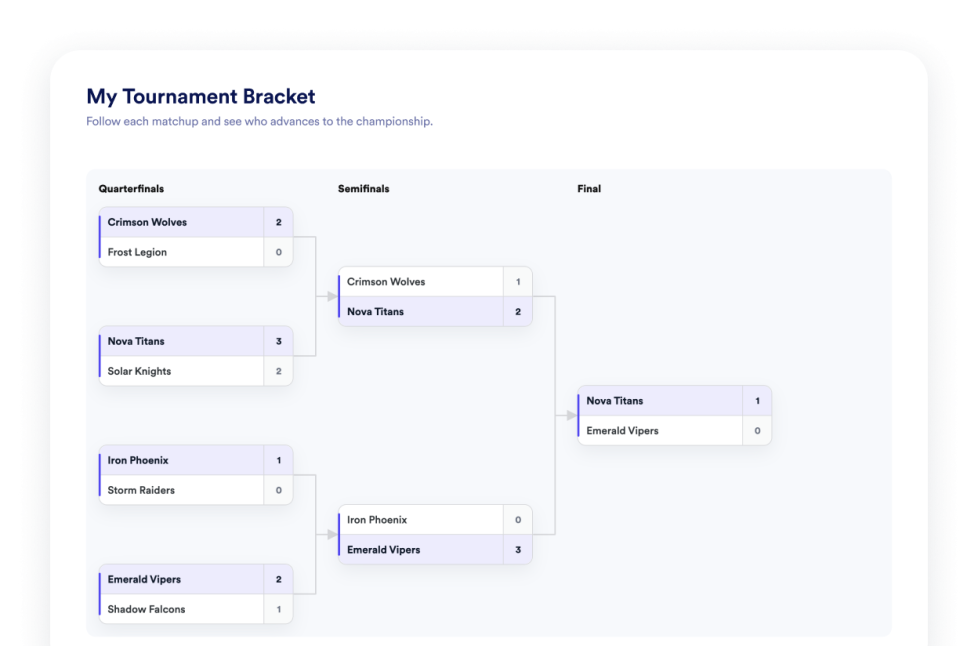
Tournament Bracket

Create a no-code bracket maker widget for your website. Add teams or players, set seeds, display match results, and customize the bracket design.

카테고리로 이동:유틸리티위젯 사용하기

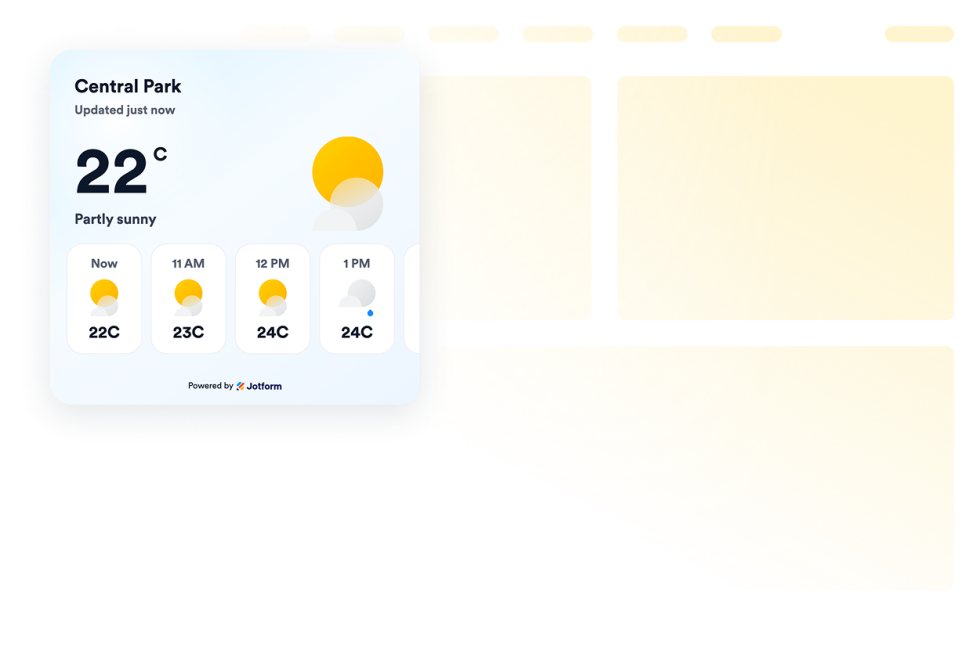
날씨

Add weather widgets for websites to display current conditions, hourly or daily forecasts, customize the design, and embed them without coding.

카테고리로 이동:유틸리티위젯 사용하기

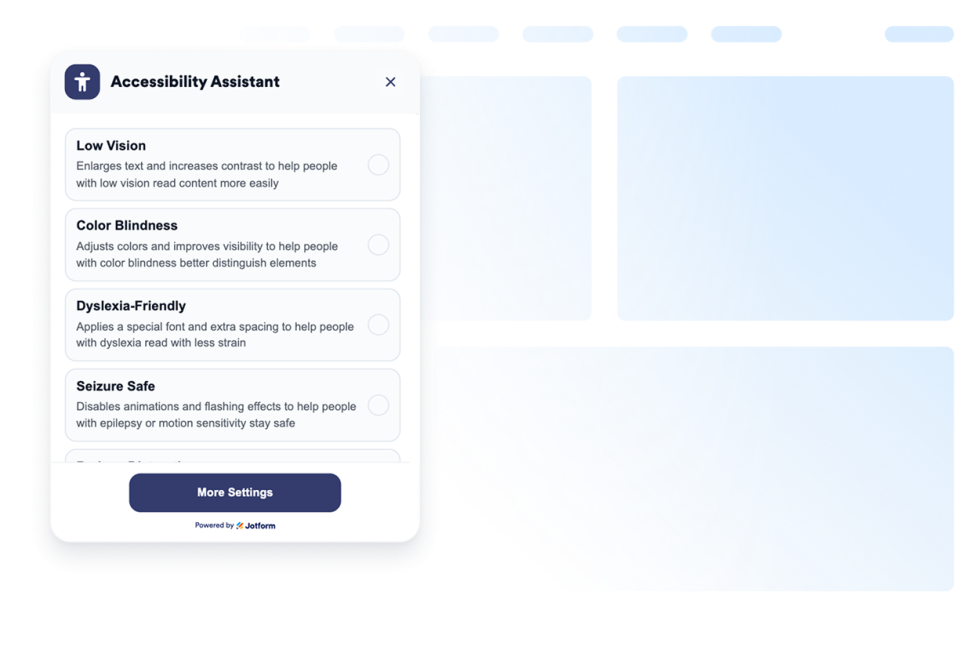
접근성

맞춤 설정 가능한 웹 접근성 위젯을 추가해 방문자가 대비, 텍스트 크기, 간격, 모션을 조정할 수 있도록 하세요. 코딩 없이 사전 설정된 접근성 모드를 제공하고 사용자 설정을 기억합니다.

카테고리로 이동:유틸리티위젯 사용하기

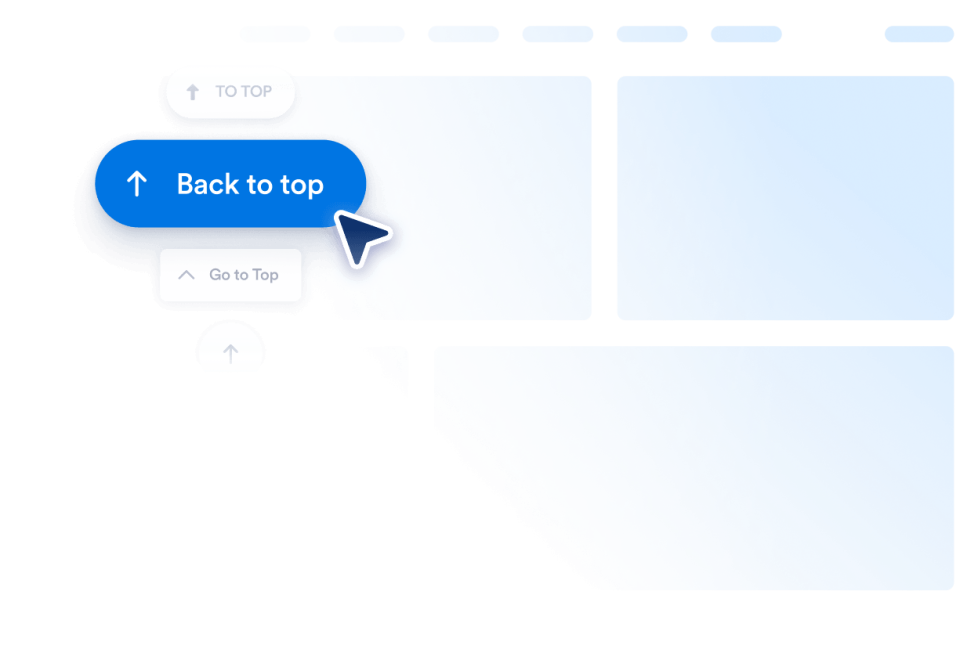
Back to Top

Add a Back to Top widget to your website in seconds. Let visitors jump to the top smoothly with a customizable, no-code button you can embed anywhere.

카테고리로 이동:유틸리티위젯 사용하기

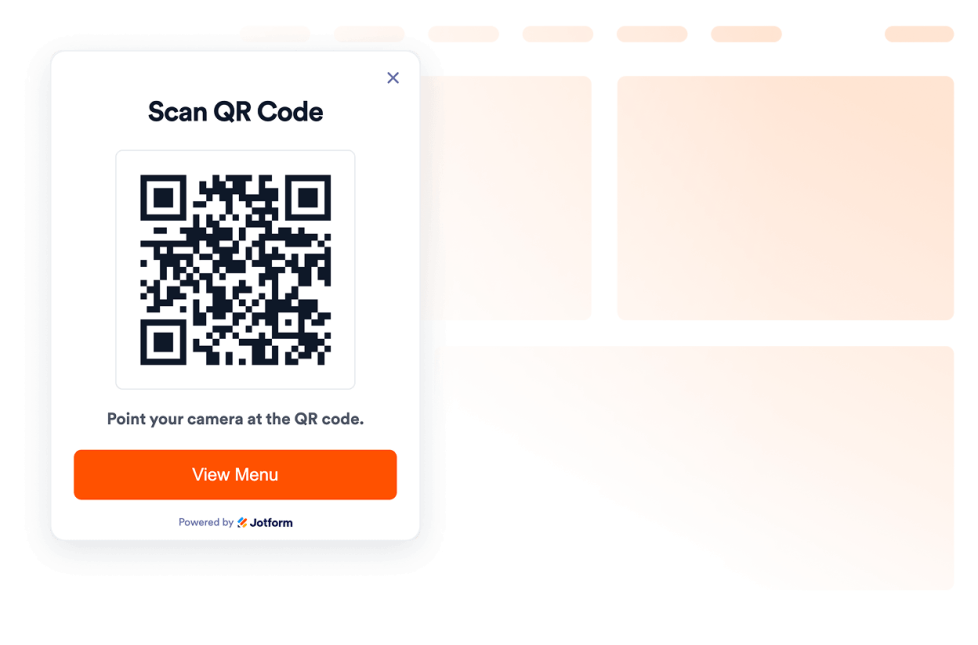
QR 코드

몇 초 만에 웹사이트에 QR 코드 위젯을 추가하세요. 방문자가 메뉴, 양식, 다운로드, 혜택, 이벤트 링크를 쉽게 스캔할 수 있습니다. 코딩은 필요하지 않습니다.

카테고리로 이동:유틸리티위젯 사용하기

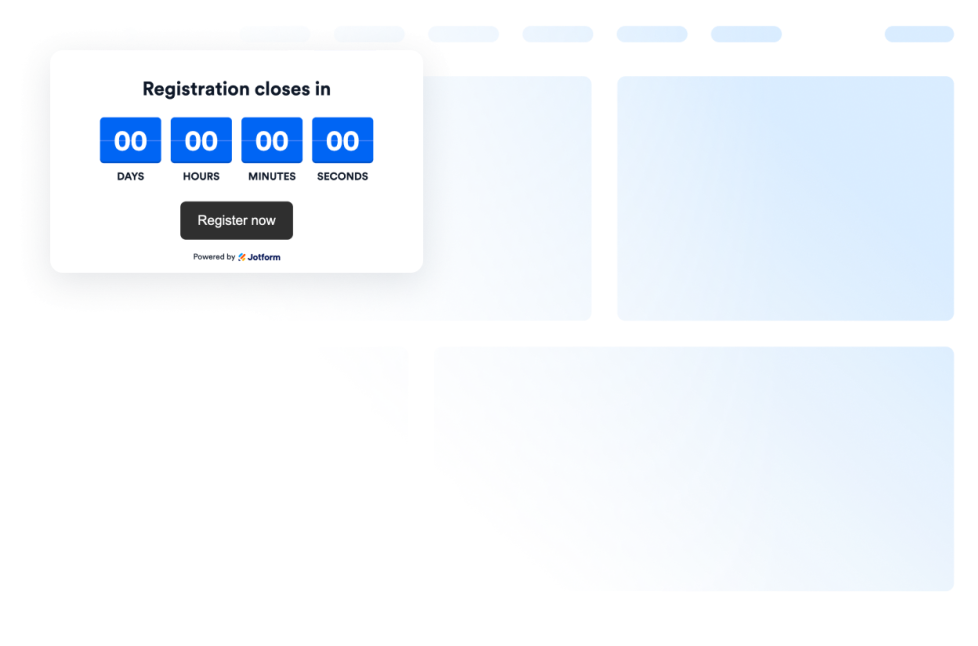
Countdown Timer

Add a countdown widget for website pages in seconds. Customize the design and embed a free countdown timer widget for website with Jform's no-code widget builder.

카테고리로 이동:유틸리티위젯 사용하기
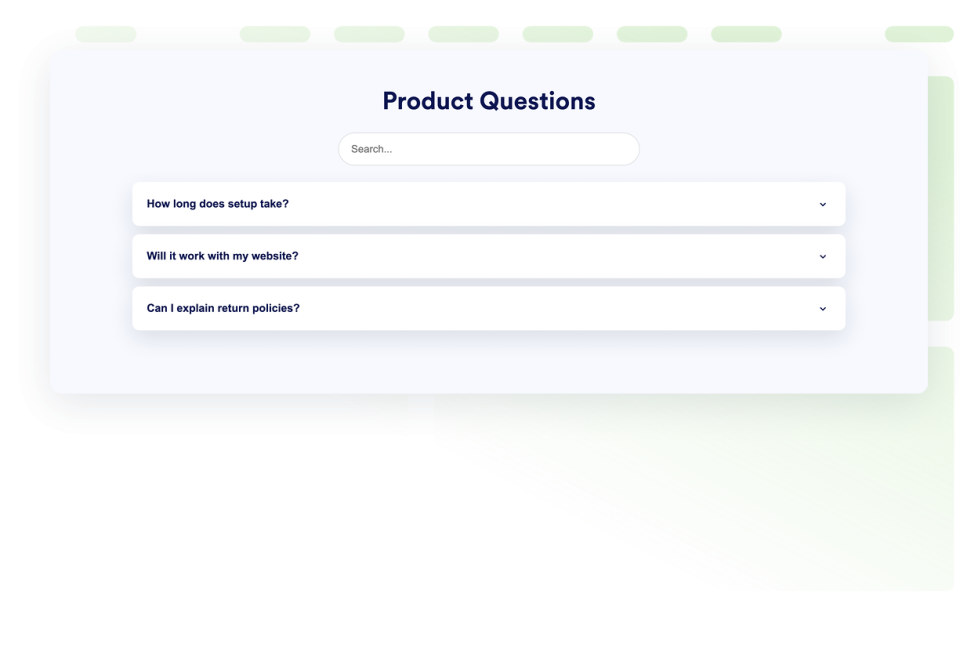
자주하는 질문

웹사이트에 검색 가능한 FAQ 위젯을 추가하세요. 맞춤 설정 가능한 디자인, 다양한 미디어를 활용한 답변, 유연한 레이아웃을 갖춘 아코디언 FAQ를 만들어 보세요.

카테고리로 이동:유틸리티위젯 사용하기
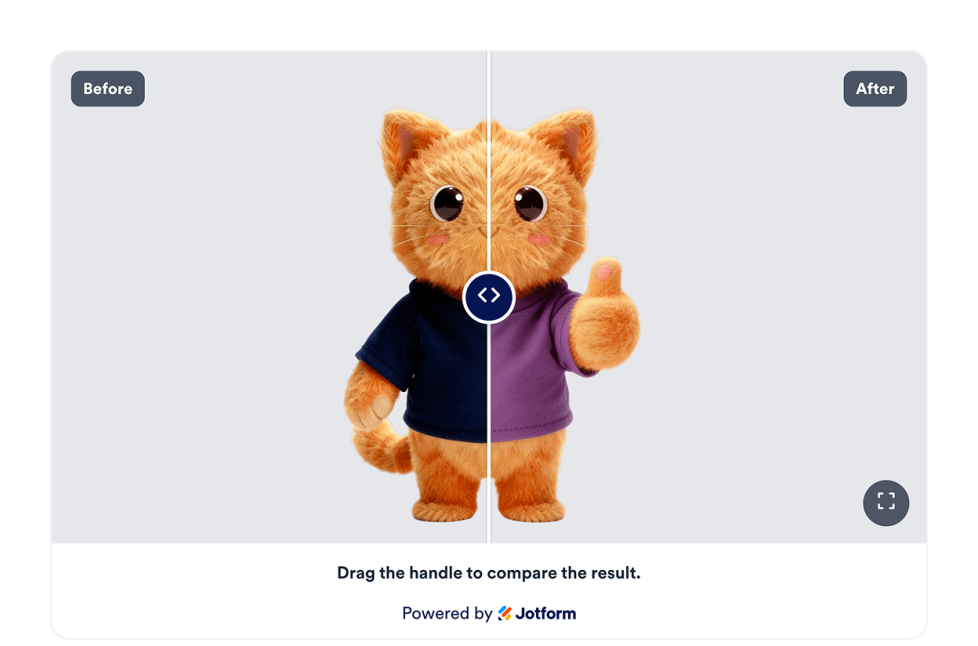
비포 앤 애프터 슬라이더

웹사이트에 Before & After 슬라이더 위젯을 추가해 수평 또는 수직 비교, 캡션, 여러 비교 이미지, 전체 화면 보기, 반응형 스타일을 통해 이미지 변화를 비교해 보세요.

카테고리로 이동:유틸리티위젯 사용하기
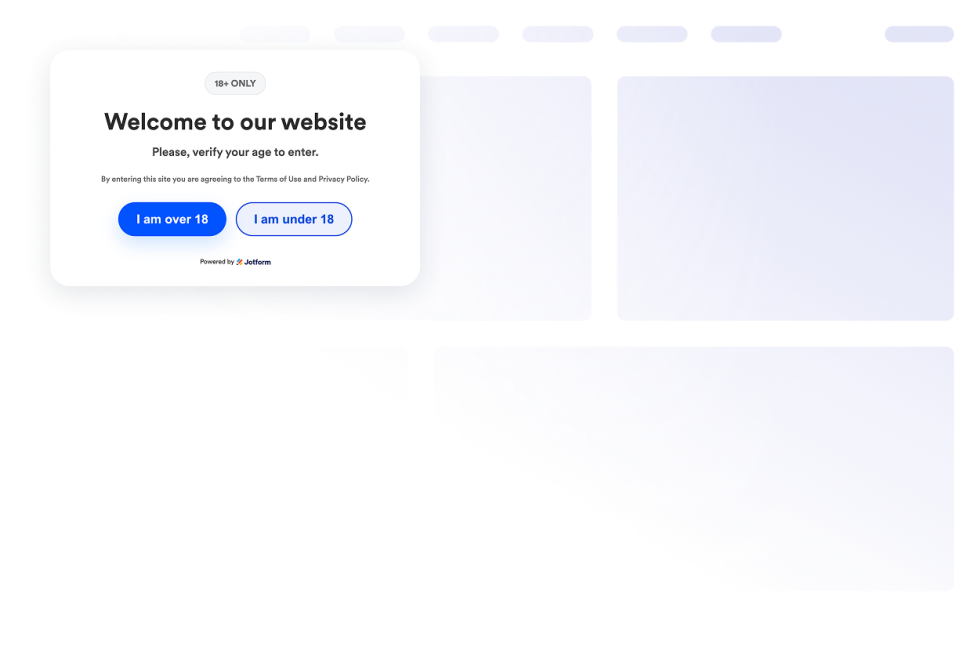
나이 인증

웹사이트에 연령 확인 위젯을 추가해 맞춤 설정 가능한 메시지, 인증 방식, 방문자 기억 기능, 브랜드 스타일을 적용하고 연령 제한 콘텐츠에 대한 접근을 제어하세요.

카테고리로 이동:유틸리티위젯 사용하기
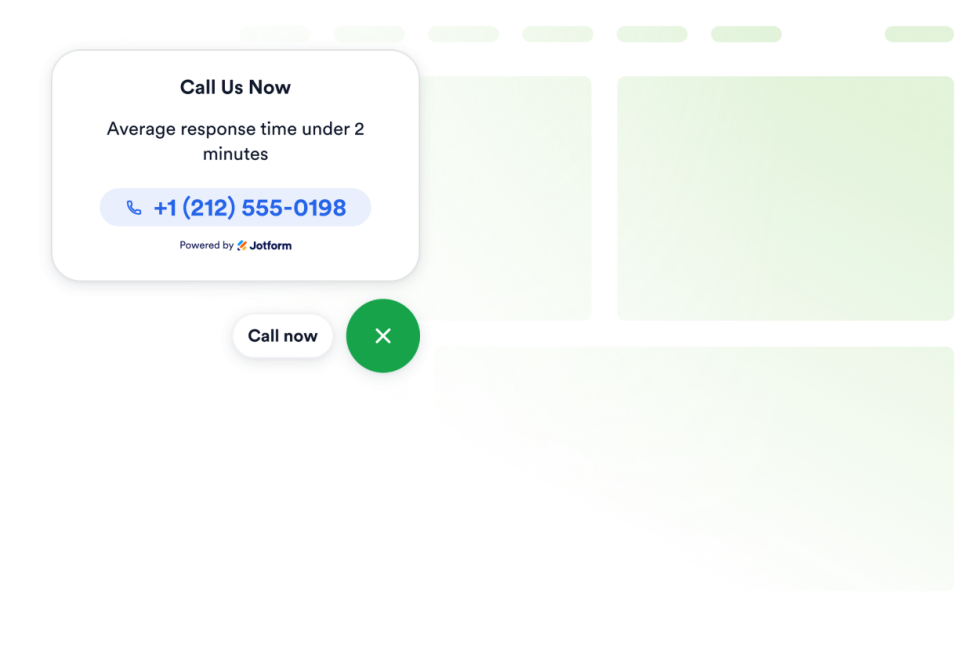
Click to Call

Add a Click to Call widget to your website so visitors can reach your business from a floating call button. Customize the phone number, button label, colors, sizing, spacing, and desktop or mobile visibility without coding.

카테고리로 이동:유틸리티위젯 사용하기
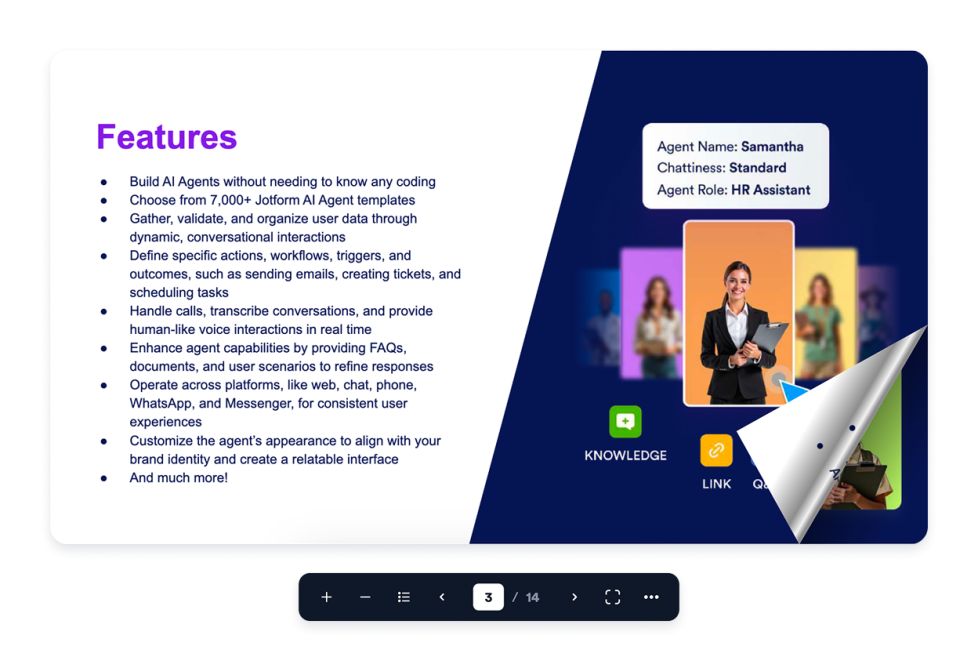
Flipbook

Add an interactive Flipbook widget to your website. Upload a PDF or paste a PDF URL, then choose page mode, stage theme, zoom, fullscreen, download, print, and responsive display.

카테고리로 이동:유틸리티위젯 사용하기
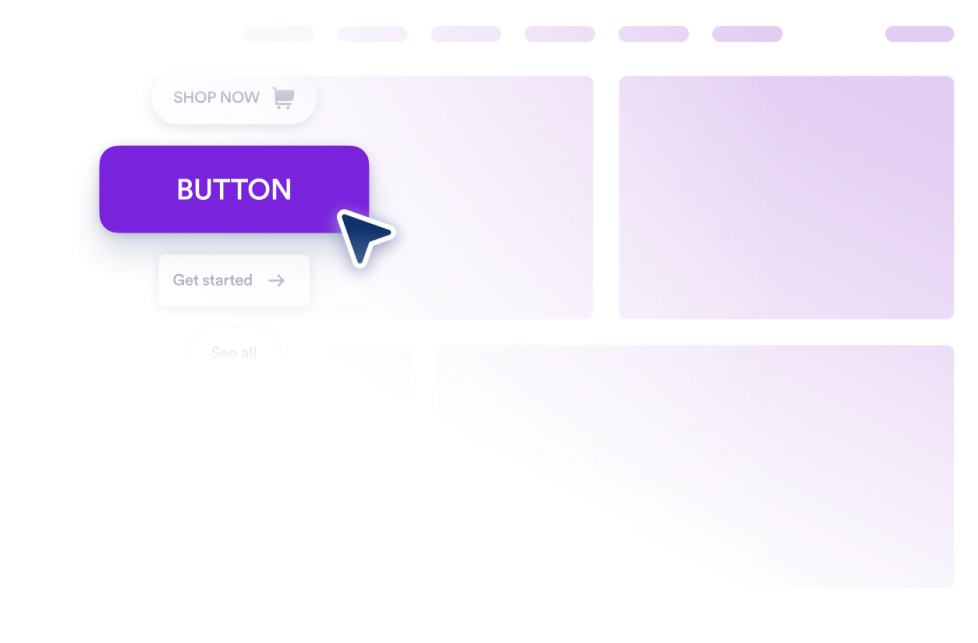
버튼

링크, 전화, 이메일, 채팅, 소셜 프로필, 페이지 섹션 이동을 위한 버튼 위젯을 웹사이트에 추가하고 원하는 디자인으로 맞춤 설정하세요.

카테고리로 이동:유틸리티위젯 사용하기

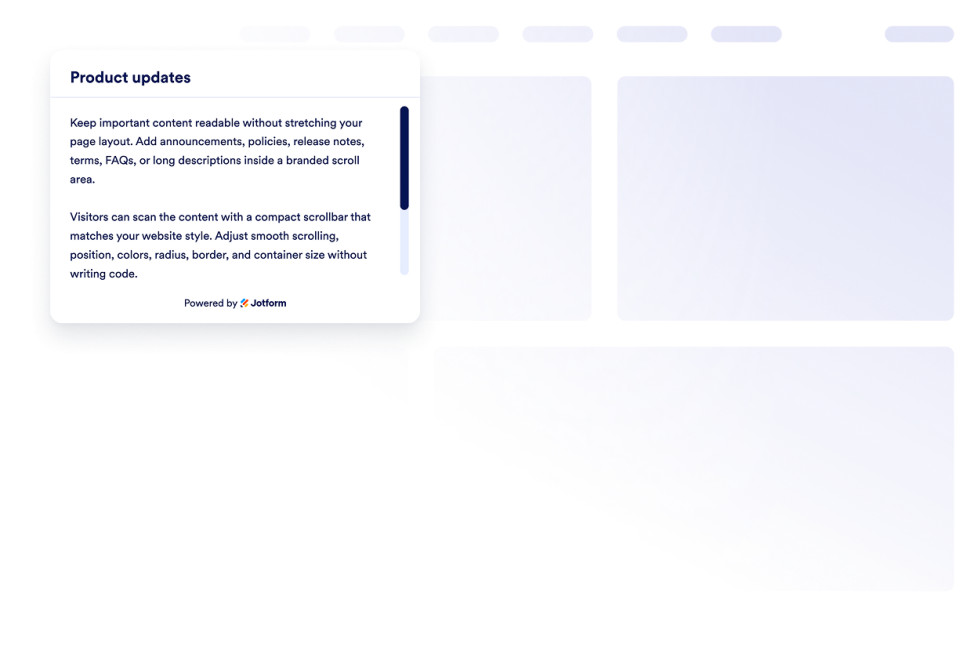
Custom Scrollbar

Add a custom scrollbar widget to your website. Create branded scrollable content areas with custom width, colors, position, border, radius, and scroll behavior.

카테고리로 이동:유틸리티위젯 사용하기
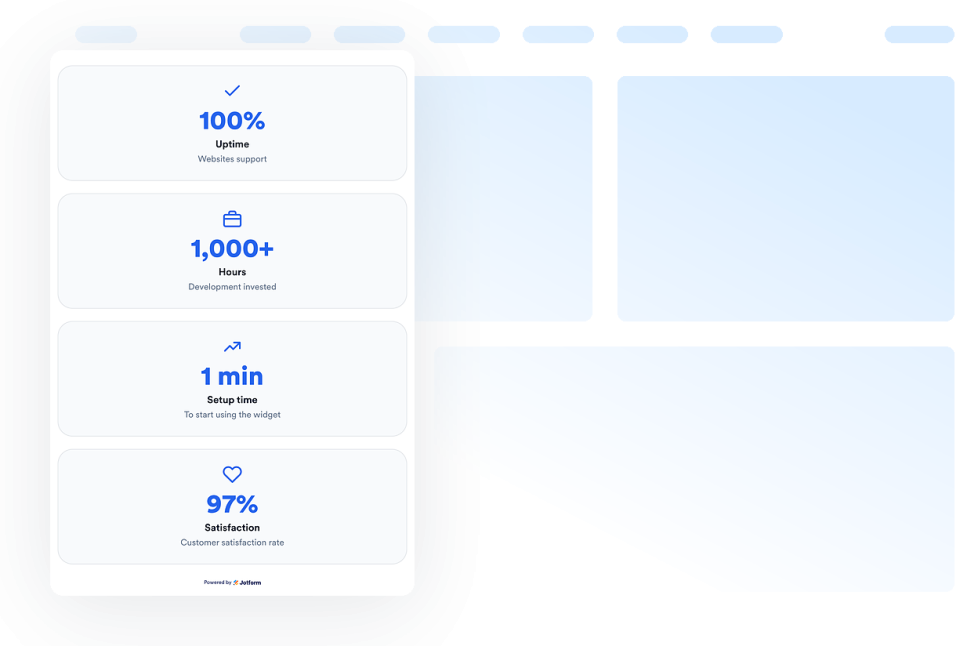
Number Counter

Add a Number Counter widget to your website to display animated milestones, statistics, icons, prefixes, postfixes, links, and live JSON-backed values.

카테고리로 이동:유틸리티위젯 사용하기
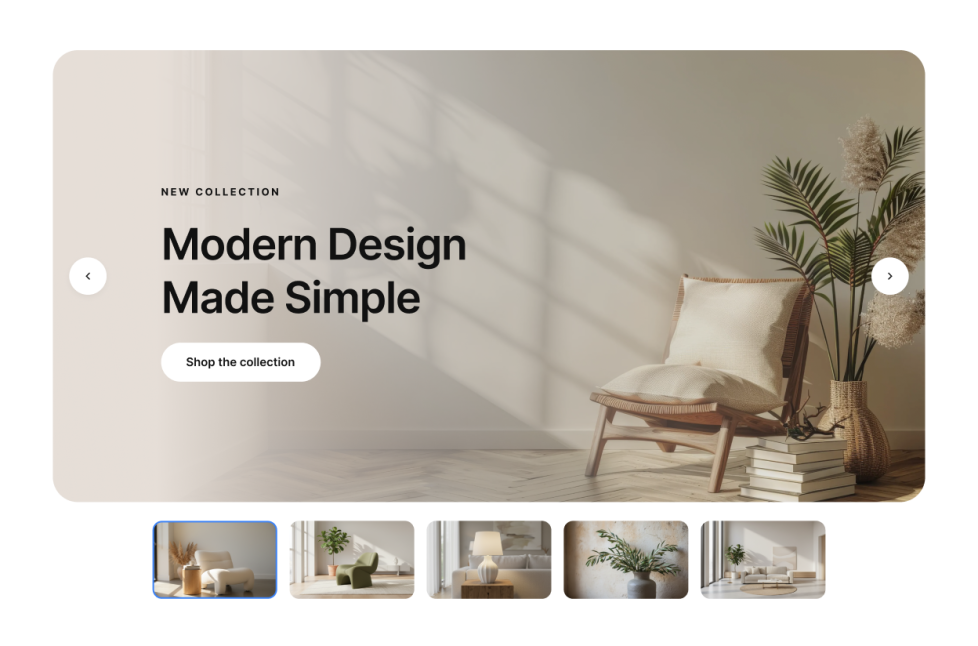
이미지 슬라이더

Add a Image Slider widget to your website to rotate image or video slides with badges, text, buttons, autoplay, fade or slide transitions, and responsive navigation.

카테고리로 이동:유틸리티위젯 사용하기
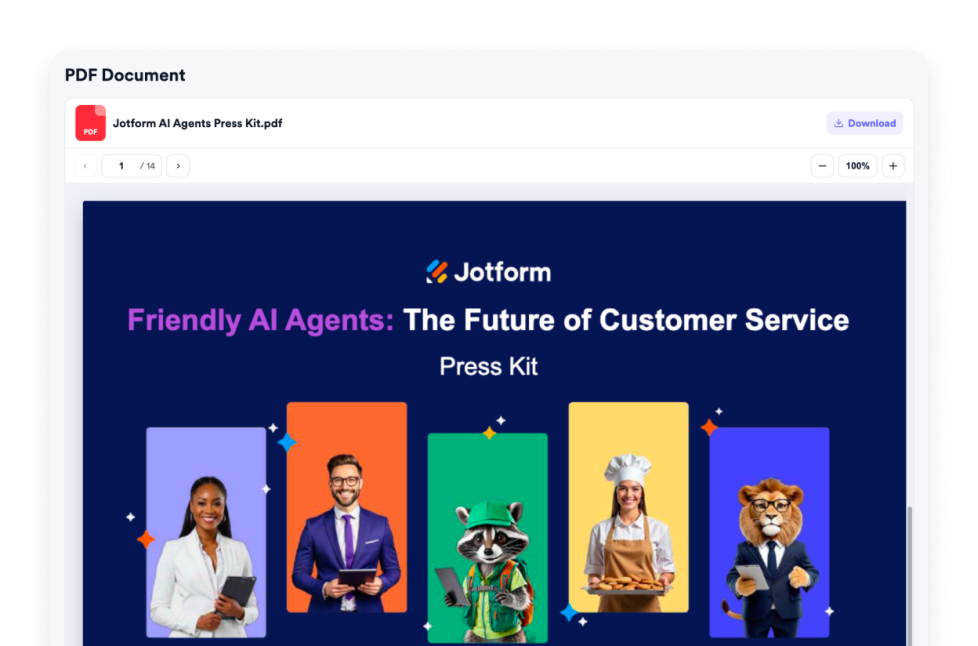
PDF Embed

Add a PDF Embed widget to your website. Upload one PDF or paste a direct PDF link, then customize viewer controls, zoom, download, icon, color, width, height, and typography.

카테고리로 이동:유틸리티위젯 사용하기
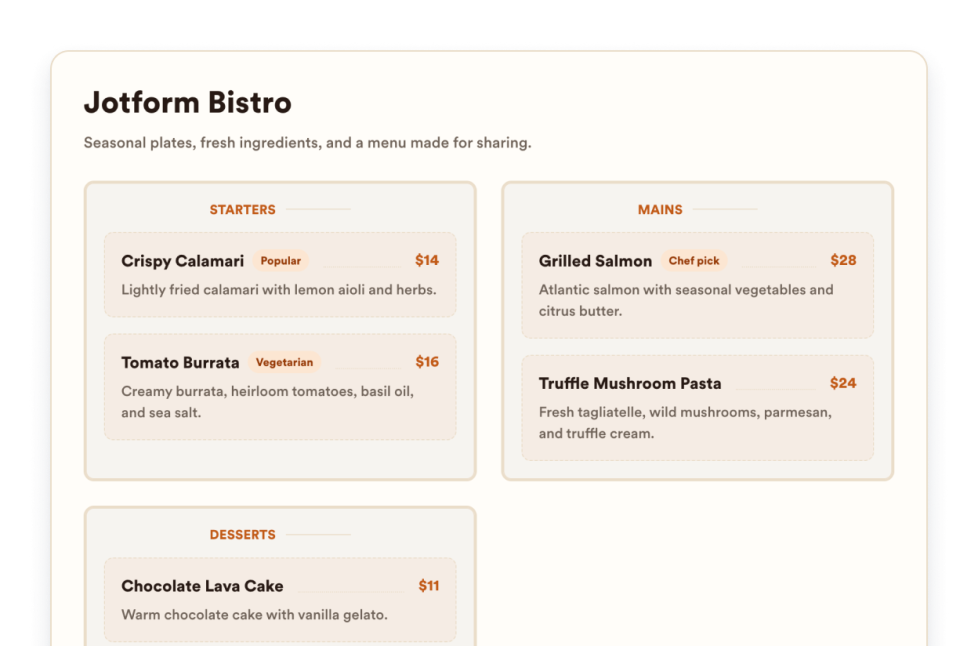
레스토랑 메뉴

Add a responsive menu widget to your website with editable categories, item descriptions, prices, badges, layouts, themes, and reservation links.

카테고리로 이동:유틸리티위젯 사용하기
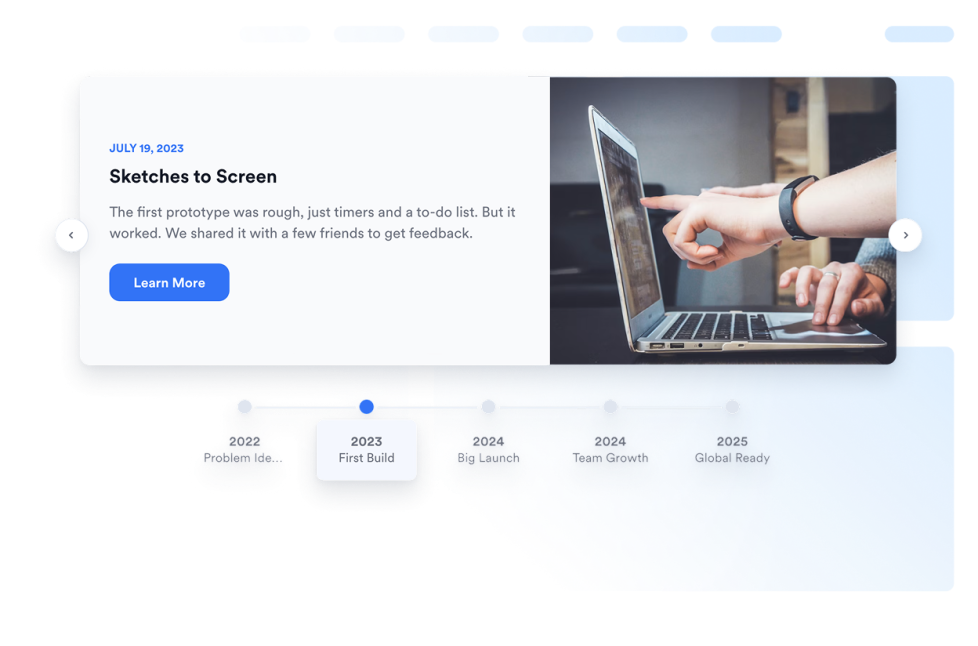
Timeline

Add a Timeline widget to your website to show company history, product launches, event schedules, project milestones, and story-based updates with editable layouts, markers, colors, and media.

카테고리로 이동:유틸리티위젯 사용하기

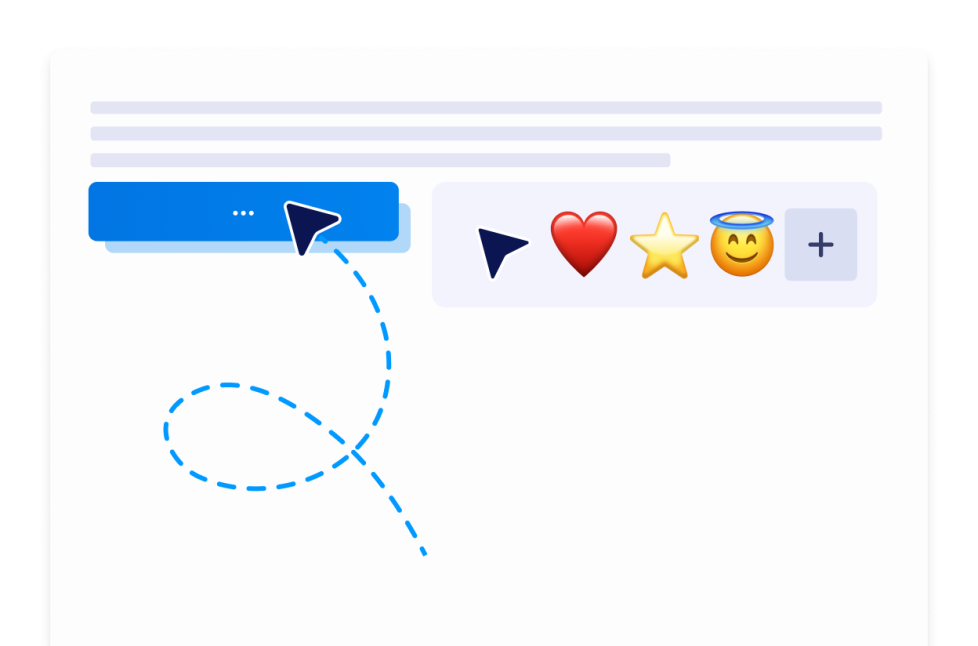
Custom Cursor

With the Custom Cursor Widget, you can choose a cursor style, customize how it looks and moves, add interactive effects, and embed it on your website without coding.

카테고리로 이동:유틸리티위젯 사용하기
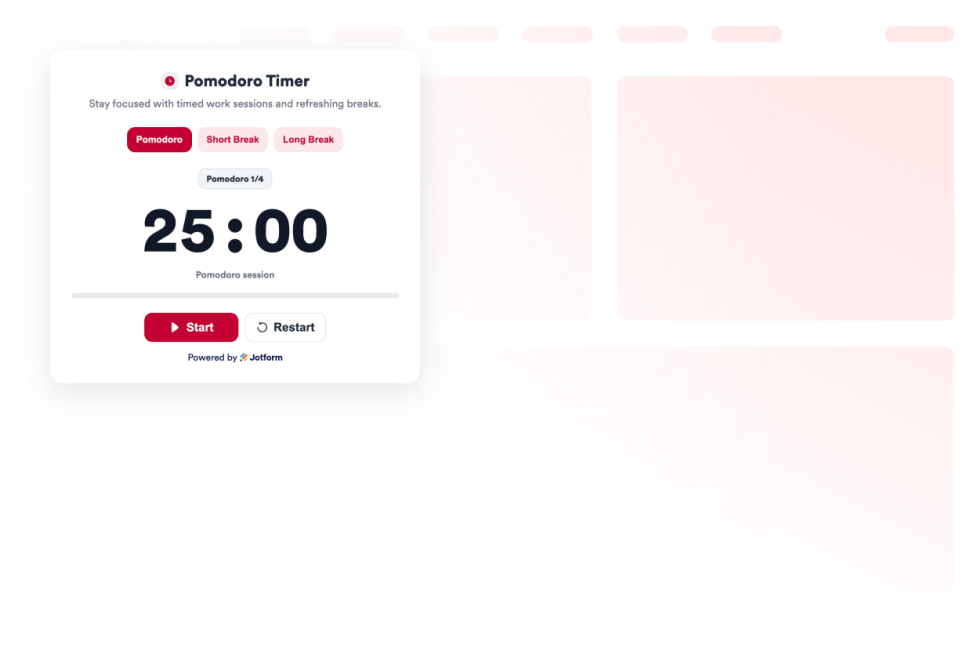
Pomodoro

Add a Pomodoro Widget to your website for focused work sessions, short breaks, long breaks, alarm sounds, and custom styling.

카테고리로 이동:유틸리티위젯 사용하기
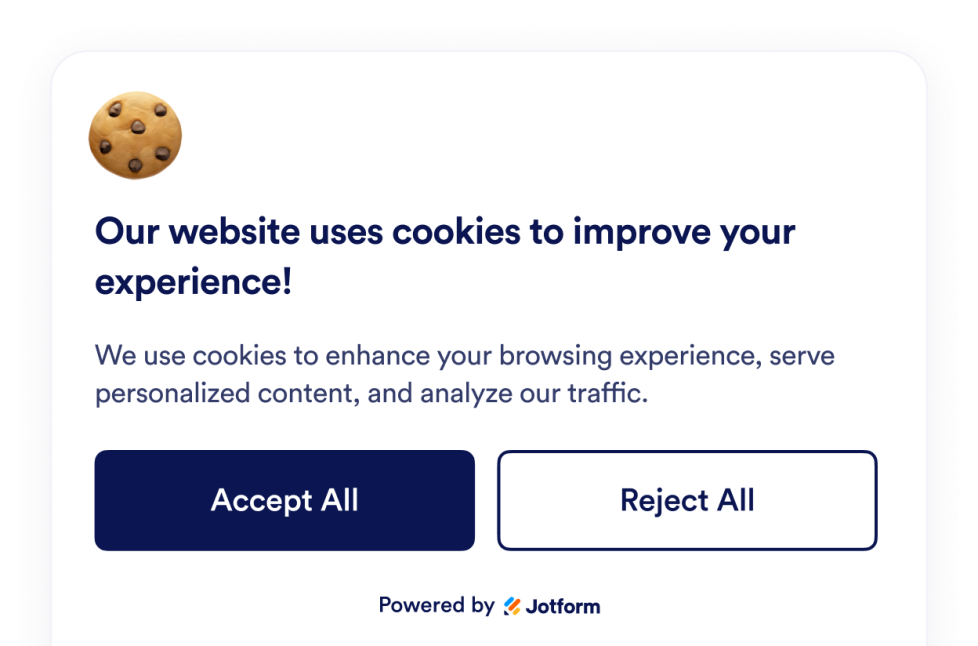
Cookie Consent

Add a Cookie Consent widget to your website. Show a customizable cookie banner, collect visitor choices, display preference categories, and control scripts without code.

카테고리로 이동:유틸리티위젯 사용하기
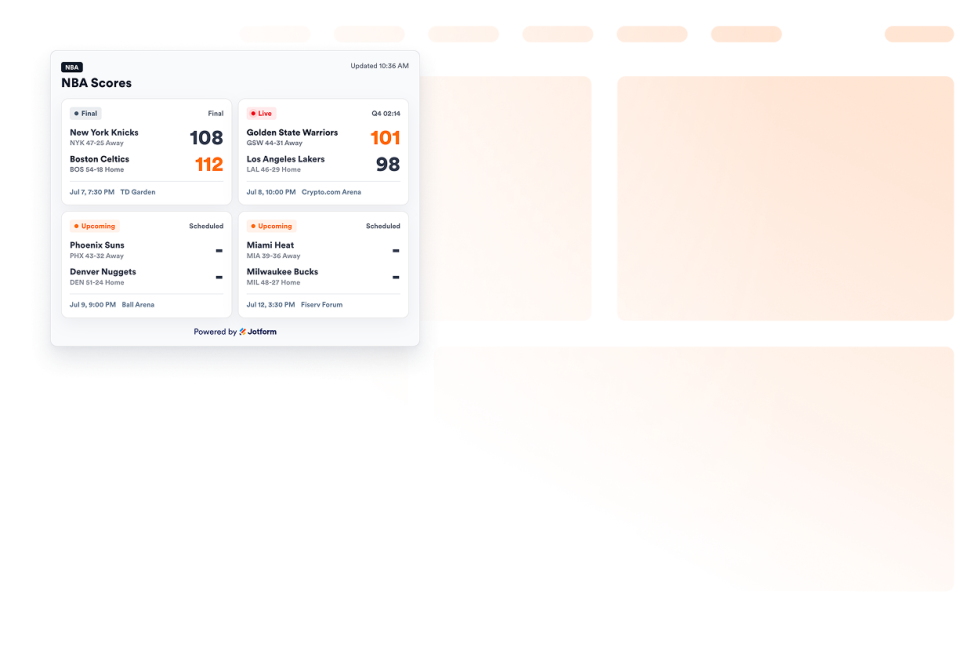
NBA Scores widget

Add an NBA Scores widget to your website to show game cards, live and final statuses, schedules, favorite teams, and scoreboard styling.

카테고리로 이동:유틸리티위젯 사용하기
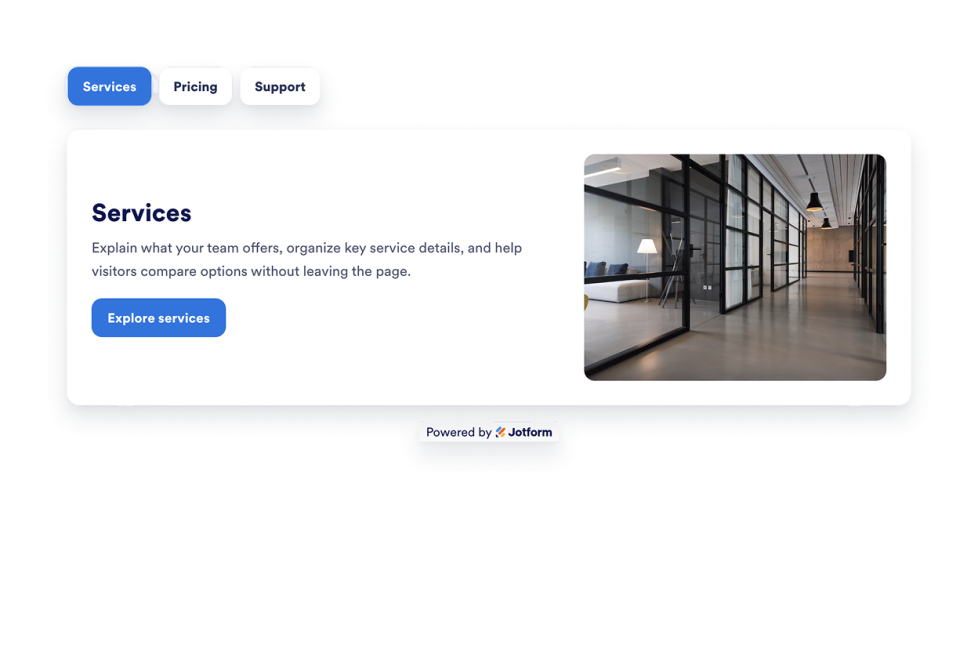
Tabs Widget

Add a customizable Tabs Widget to your website to organize content into clean, clickable sections. Build tabbed layouts for FAQs, features, pricing, menus, portfolios, and more with no code.

카테고리로 이동:유틸리티위젯 사용하기

About Utility Widgets

Utility widgets help you add practical tools and small interactive features to your website without custom code. These embeddable widgets can support common visitor actions, such as checking information, copying values, navigating a page, viewing data, or using a simple on-page tool.

With Jotform’s utility widgets, you can choose a widget, customize its settings, adjust the design, and embed it on your website. Utility widgets work well on landing pages, product pages, help pages, resource pages, blogs, and business websites where visitors may need quick access to useful information or actions.

What can you do with utility widgets?

Utility widgets can help you:

  • Add useful tools to your website without writing code
  • Help visitors complete simple actions directly on the page
  • Improve long-page navigation with tools like a back-to-top button
  • Display information such as visitor counts, clocks, charts, maps, or weather
  • Add embeddable interactive elements that support the page’s main purpose
  • Keep visitors on your website instead of sending them to another tool or page

Popular utility widget use cases

Utility widgets can be used across different parts of a website based on visitors’ needs. For example, a back-to-top button can make long pages easier to browse, while a clock or weather widget can help local, event, or travel-related pages show timely information. A graphs and charts widget can help display data in a visual format, and a Google Maps widget can help visitors find a business, office, event venue, or location.

Utility widgets are especially useful when a page needs to be more helpful without becoming complicated. They can support navigation, information display, location details, data presentation, and quick interactions in a compact section.

Easy website widgets for any team

Embeddable website widgets are useful for small teams, SMBs, creators, personal website owners, agencies, educators, nonprofits, and online stores that want to add interactive sections without relying on a developer or designer.

With Jform, users can choose a widget, customize the content and design, copy the embed code, and add it to their website without custom code. This makes it easier to improve pages, collect information, display content, build trust, or guide visitors to take action from one no-code builder.

Related guides

To learn more about setting up and managing widgets, users can read Jotform’s guide on managing website widgets. The guide explains that users can create new widgets, edit existing widgets, copy embed codes, control widget visibility, and organize your widget assets from the My Website Widgets page.

Utility Widgets FAQ

What are utility widgets?

Utility widgets are embeddable website tools that help visitors complete simple actions or view useful information directly on a webpage. They can include navigation tools, counters, clocks, maps, charts, weather displays, and other helpful page elements.

Where should I use utility widgets?

You can use utility widgets on landing pages, product pages, blog posts, help pages, resource pages, local business pages, and long-form pages. The best placement depends on what visitors need to do or understand on that page.

Can I customize utility widgets?

Yes. Utility widgets can usually be customized before they are embedded. Depending on the widget, you can adjust content, settings, layout, colors, display behavior, and other design options.

Do utility widgets require coding?

No. Jform website widgets can be added without custom coding. After customizing a widget, users can embed it on a website using the provided embed code.