Custom Cursor Widget for Your Website
Make every move on your website feel more like your brand. Choose a cursor style, customize how it looks and moves, add interactive effects, and embed it on your website without coding.
Custom Cursor 위젯을 만드는 방법

Choose Your Cursor
Start with a preset, pick an emoji, explore seasonal styles, or use your own icon.

Make It Your Own
Adjust the size, colors, outline, glow, movement, and interaction effects to match your website.
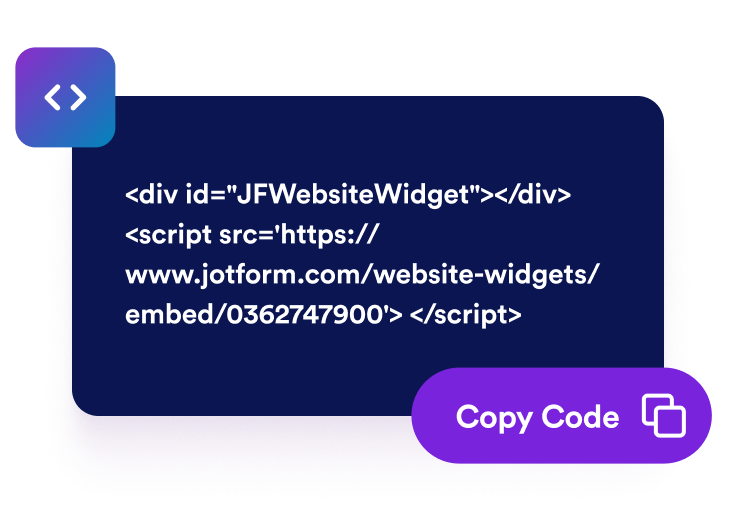
Add It to Your Website
Copy the embed code and publish your cursor across your website or control where it appears.
Customize every interaction with a flexible cursor widget
Turn every movement into part of the experience
Choose a cursor that feels like a natural part of your website. Match it to your brand, add motion and interactive effects, and make every move and click feel more engaging.
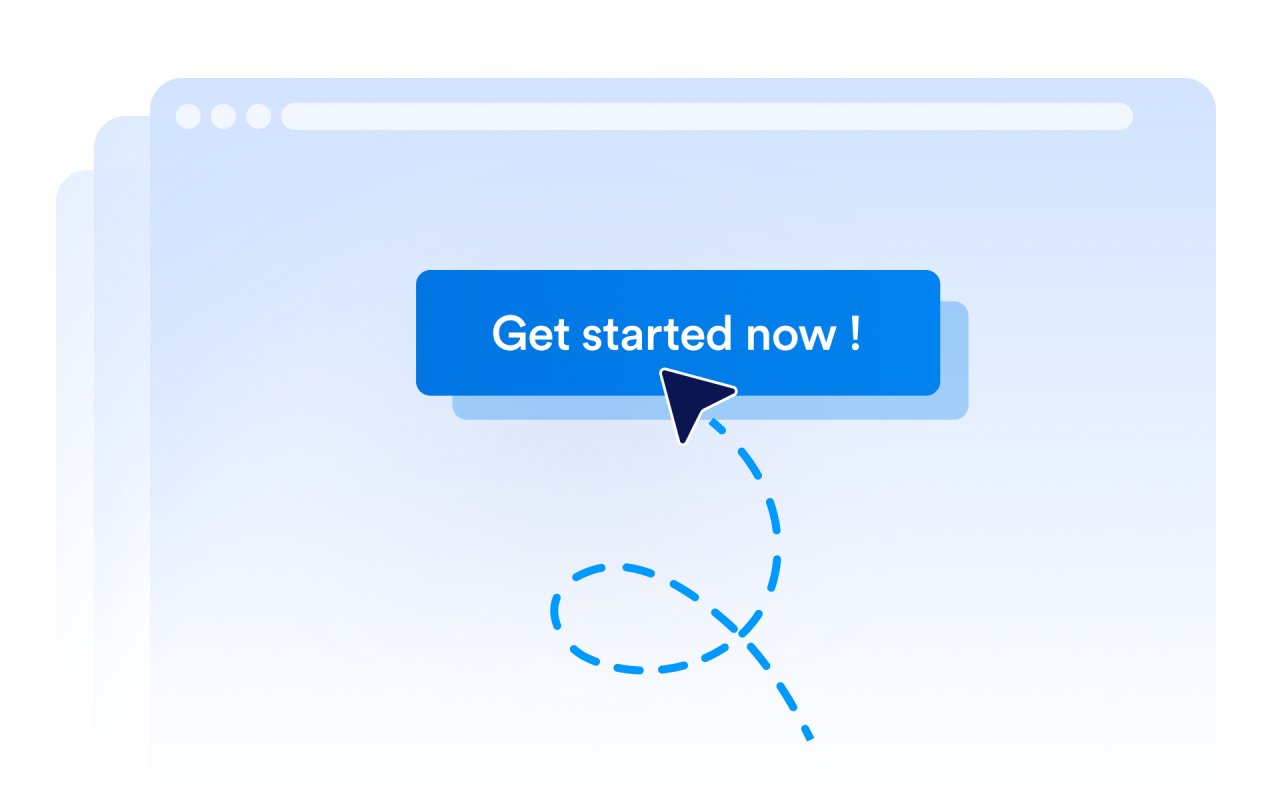
Add Personality
Use playful icons, emoji, seasonal themes, and visual effects to make browsing more memorable.
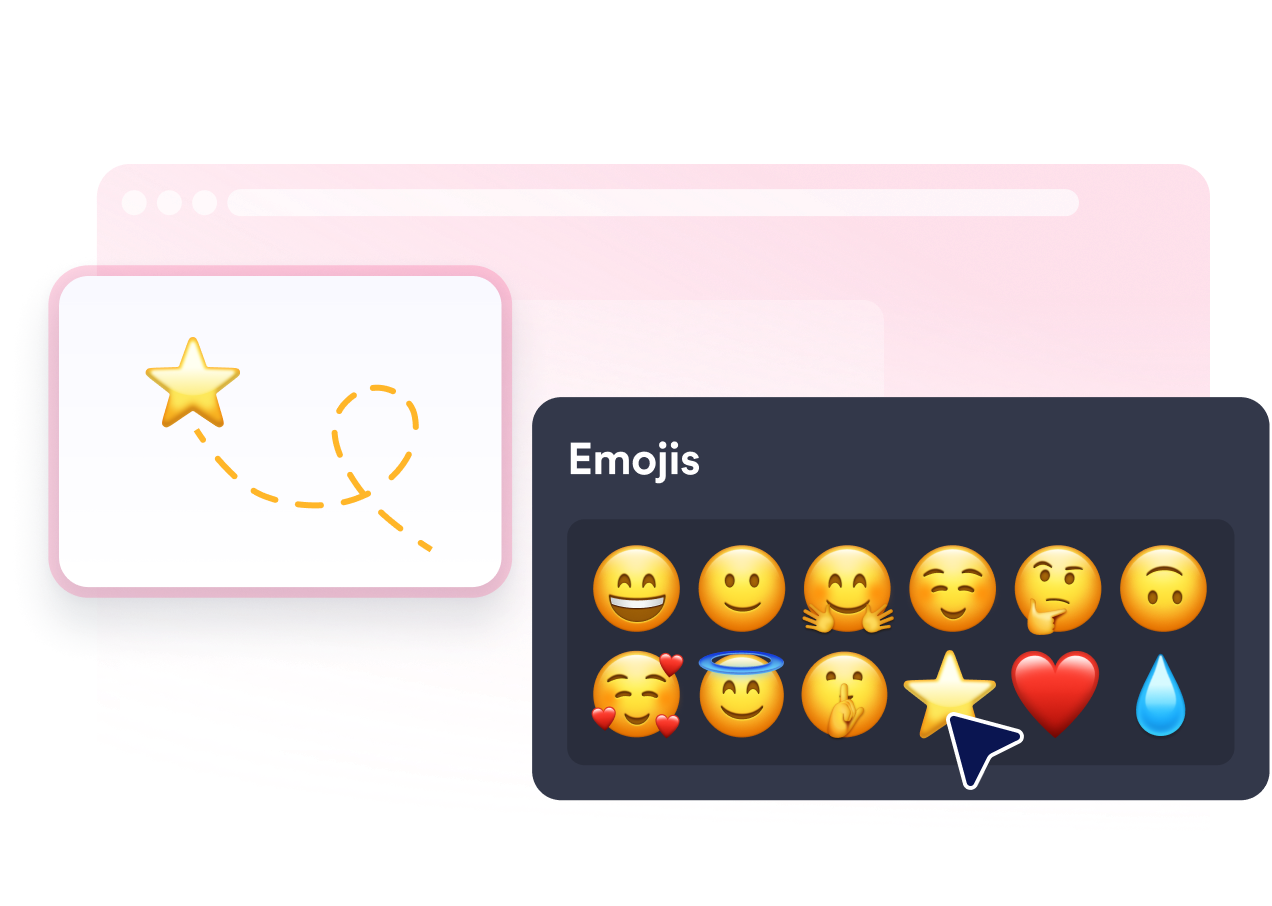
Create Responsive Interactions
Add hover behavior, click feedback, and motion effects that respond to visitor actions.
Control Where It Runs
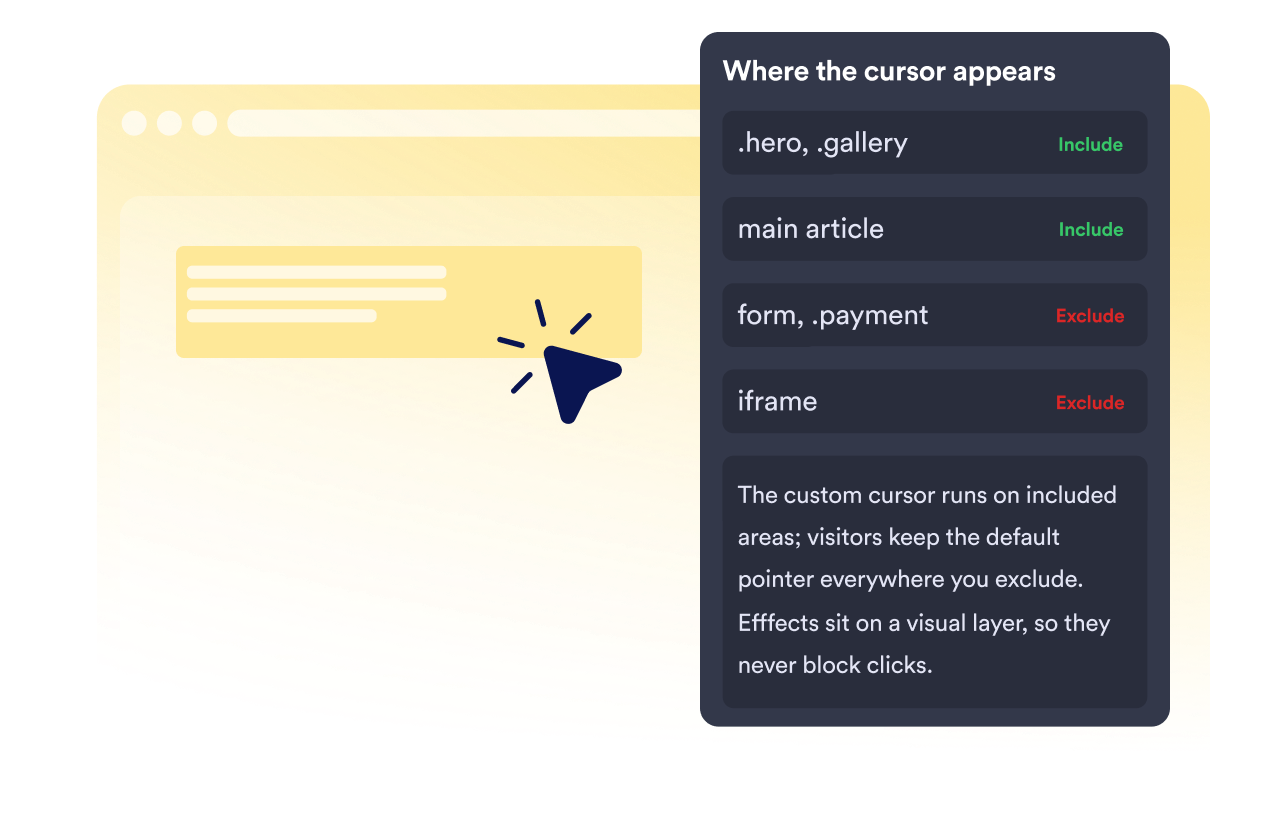
Choose where your custom cursor shows up across your website. Apply it to the experiences that benefit from extra personality while keeping the default cursor wherever a familiar interaction feels more natural. The custom cursor runs on included areas; visitors keep the default pointer everywhere you exclude. Effects sit on a visual layer, so they never block clicks.
Why Jform Website Widgets stand out
Jotform’s widgets make your website more interactive and increase conversions. There are many tools available, from star ratings and testimonial sliders to social proof popups and media embeds. Add widgets to your forms or landing pages to collect data, display proof, and capture leads — no coding required.
Add Jform widgets to your website with a simple embed code. Customize the widget, preview how it looks, and paste it into any page that supports custom HTML or embed blocks, all without a developer.
Use Jform Website Widgets to collect leads, show customer feedback, display social proof, embed media, or add helpful web page tools. Each widget helps visitors interact with your business directly from your website.
If you need help setting up, customizing, embedding, or troubleshooting your widget, Jotform’s customer support team is available 24-7. You can move forward with confidence, knowing that help is there when you need it.
Where to use your Custom Cursor Widget
Add a Custom Cursor Widget to websites where branding, interaction, and visual experience are part of the visitor journey.
Creative portfolios that turn browsing into part of the experience.
Ecommerce stores running seasonal campaigns and product launches.
Gaming and entertainment websites with immersive experiences.
Agencies and studios creating distinctive websites for clients.
Event and campaign pages designed around a specific theme.
Brand and product websites with a strong visual identity.
Convert leads into paying customers with the Jform Form Builder
Turn engagement into action with Jotform. Create powerful forms that capture leads, collect payments, and automate responses, all in one place. Every submission lands in your Jform Inbox, where you can follow up or connect with your favorite apps.
시작하기 — 무료입니다!
자주하는 질문
Can I use my own image or icon as a cursor?
Yes. You can use your own icon or choose from built-in cursor styles, emoji categories, and seasonal options. For the best result, use a clear image that stays recognizable at smaller cursor sizes.
Will the custom cursor replace the pointer everywhere on my website?
Can the cursor react differently when visitors hover or click?
Can I use different cursor effects on specific sections of a page?
Will cursor effects prevent visitors from clicking buttons or links?
Do custom cursors work on mobile and touchscreen devices?
Will a custom cursor slow down my website?