Tabs Widget for your website
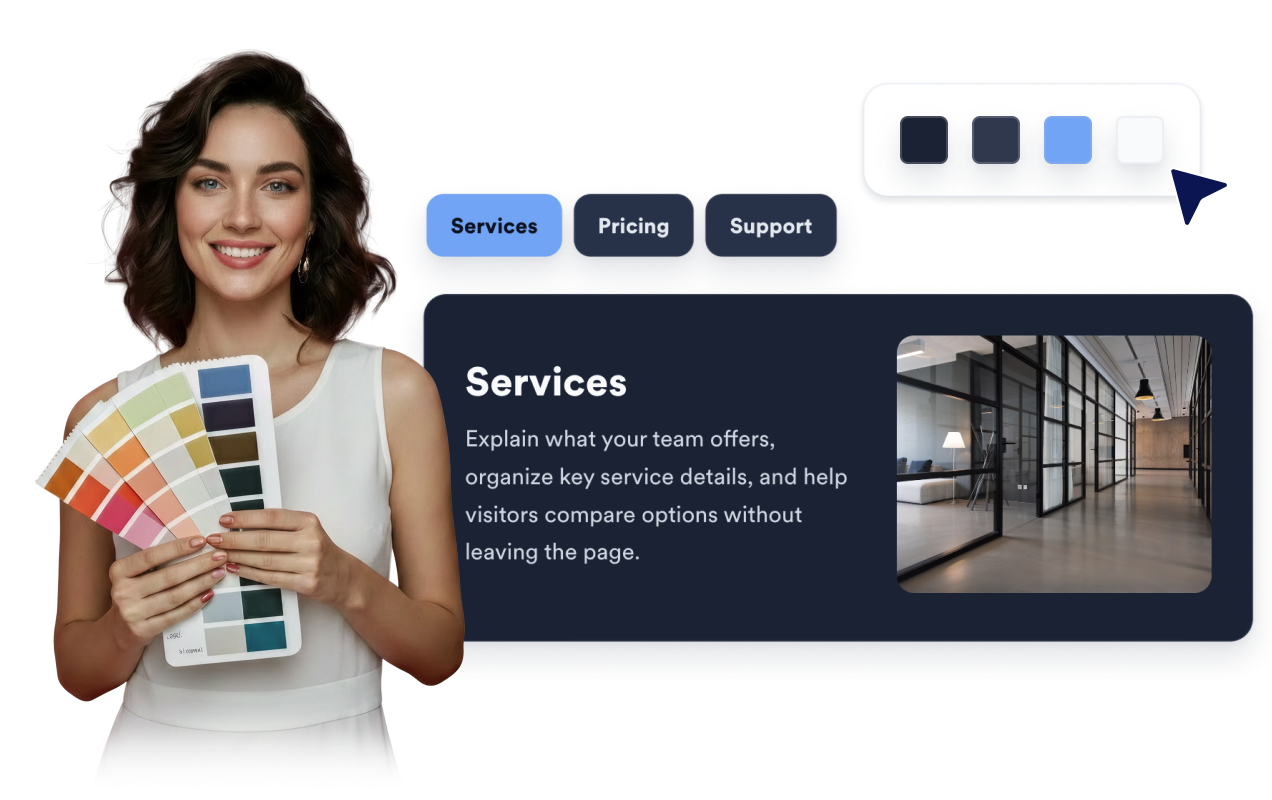
Turn related website content into a focused, responsive tab experience. Build up to 15 tabs with independent navigation labels, card content, optional images, and buttons — no code required.
Tabs 위젯을 만드는 방법
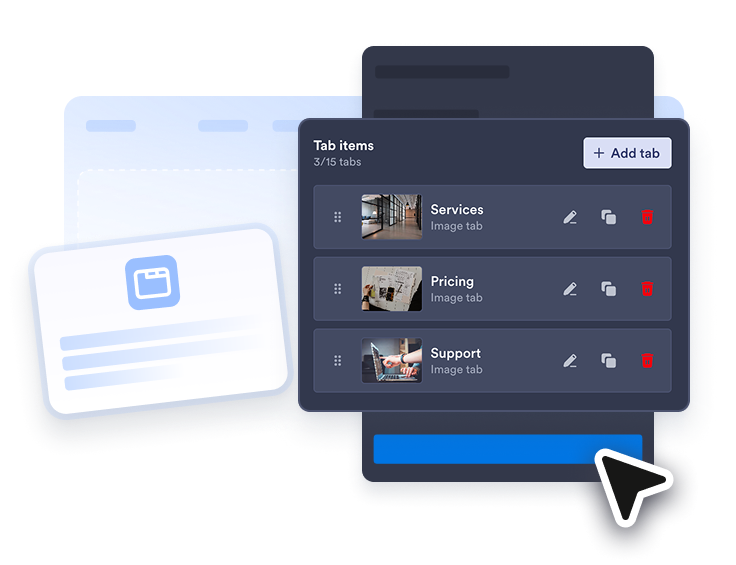
Add and arrange your tabs
Create up to 15 tabs, reorder them, and give each one a navigation label, card title, description, optional image, and button.
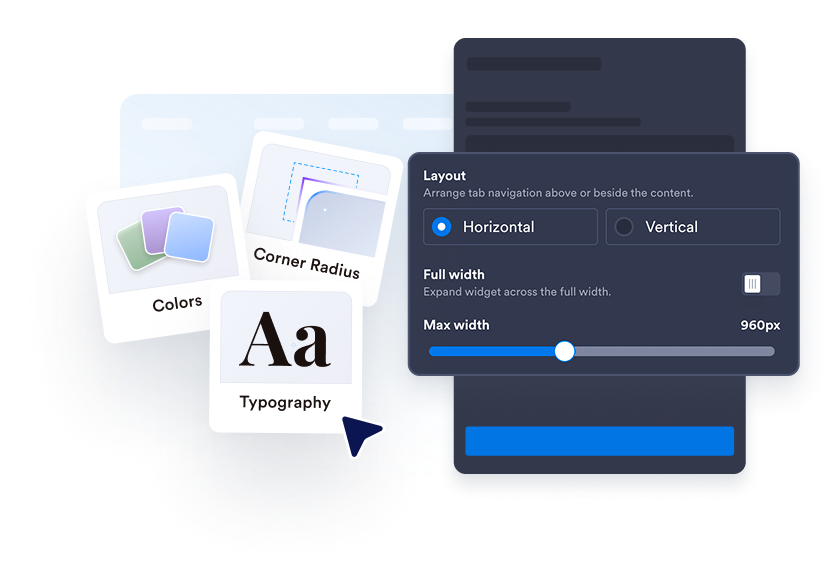
Choose a layout and appearance
Select horizontal or vertical navigation, position images, align text, and customize the theme, colors, font, radius, width, and device visibility.
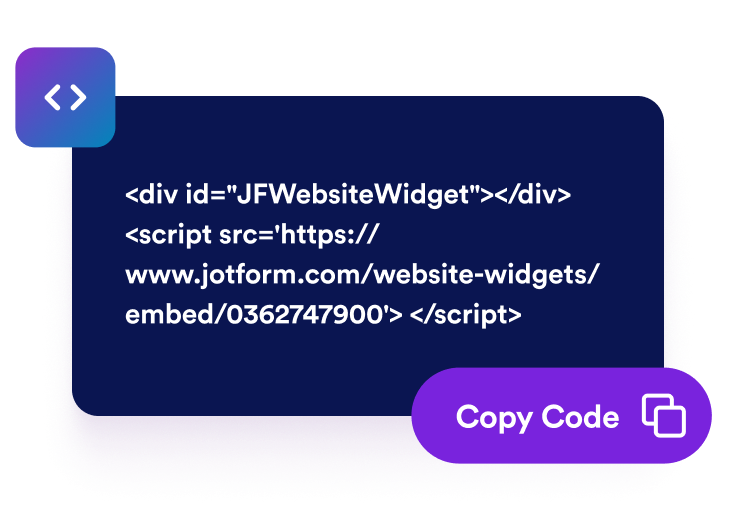
Embed it on your website
Preview the responsive widget, copy the generated embed code, and place it on any page that supports custom HTML or embed blocks.
Make long pages easier to scan
Give Every Tab Its Own Content
Use separate tab and card titles, add a concise description, and show or hide an image and CTA button for each item. Button links open in a new tab by default.

Adapt Tabs to Your Content and Screen
Place navigation above or beside the card. Horizontal tabs adapt to desktop width and scroll on mobile, while long vertical lists scroll beside the card. You can also choose the opening tab, image position, and text alignment.
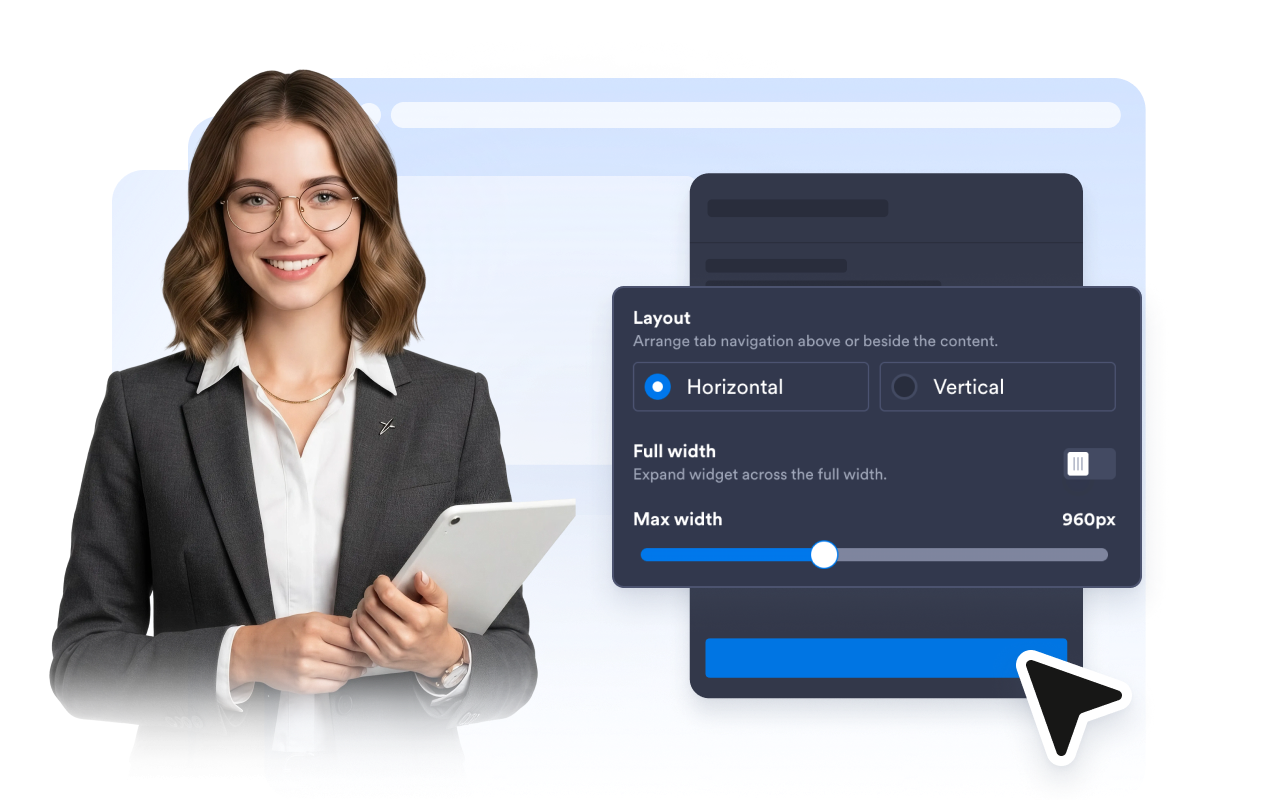
Style and Display the Widget Your Way
Start with a light or dark theme, create a custom color palette, choose a font and corner radius, set a full or maximum width, and control whether the widget appears on all, desktop, or mobile devices.
Where to use your Tabs Widget
Add tabbed content anywhere visitors need to compare or browse related details without a long scroll.
Product pages to separate features, specifications, setup notes, reviews, and return policies.
Pricing pages to organize plan details, add-ons, FAQs, billing notes, and comparison points.
Service pages to show packages, industries, deliverables, timelines, and booking prompts.
Course and event pages to split schedules, modules, speakers, requirements, and registration details.
Support pages to group onboarding, account, billing, troubleshooting, and contact information.
Portfolio pages to present project overview, process, results, testimonials, and next steps.
Why Jform Website Widgets stand out
Jotform’s widgets make your website more interactive and increase conversions. There are many tools available, from star ratings and testimonial sliders to social proof popups and media embeds. Add widgets to your forms or landing pages to collect data, display proof, and capture leads — no coding required.
Add Jform widgets to your website with a simple embed code. Customize the widget, preview how it looks, and paste it into any page that supports custom HTML or embed blocks, all without a developer.
Use Jform Website Widgets to collect leads, show customer feedback, display social proof, embed media, or add helpful web page tools. Each widget helps visitors interact with your business directly from your website.
If you need help setting up, customizing, embedding, or troubleshooting your widget, Jotform’s customer support team is available 24-7. You can move forward with confidence, knowing that help is there when you need it.
Convert leads into paying customers with the Jform Form Builder
Turn engagement into action with Jotform. Create powerful forms that capture leads, collect payments, and automate responses, all in one place. Every submission lands in your Jform Inbox, where you can follow up or connect with your favorite apps.
시작하기 — 무료입니다!
자주하는 질문
What is a Tabs Widget?
A Tabs Widget is an embeddable section that organizes related website content behind clickable tabs. Visitors can switch topics without leaving the page.
How many tabs can I add?
What can I add to each tab?
What layouts are available?
Can I change the first tab visitors see?
How can I customize the Tabs Widget?
Can I control the widget width and device visibility?
Do I need code to add it to my website?