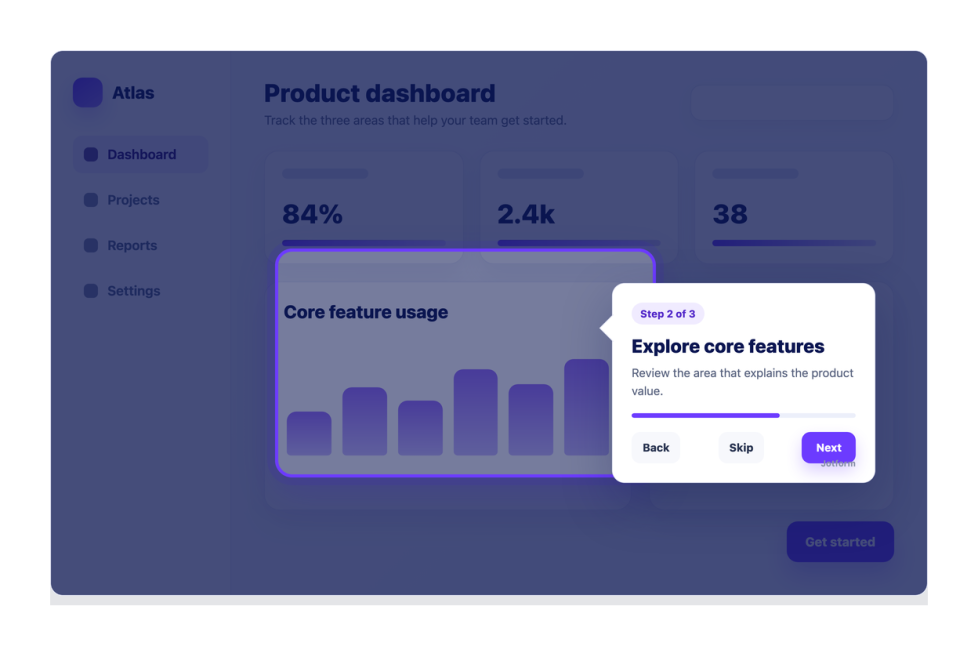
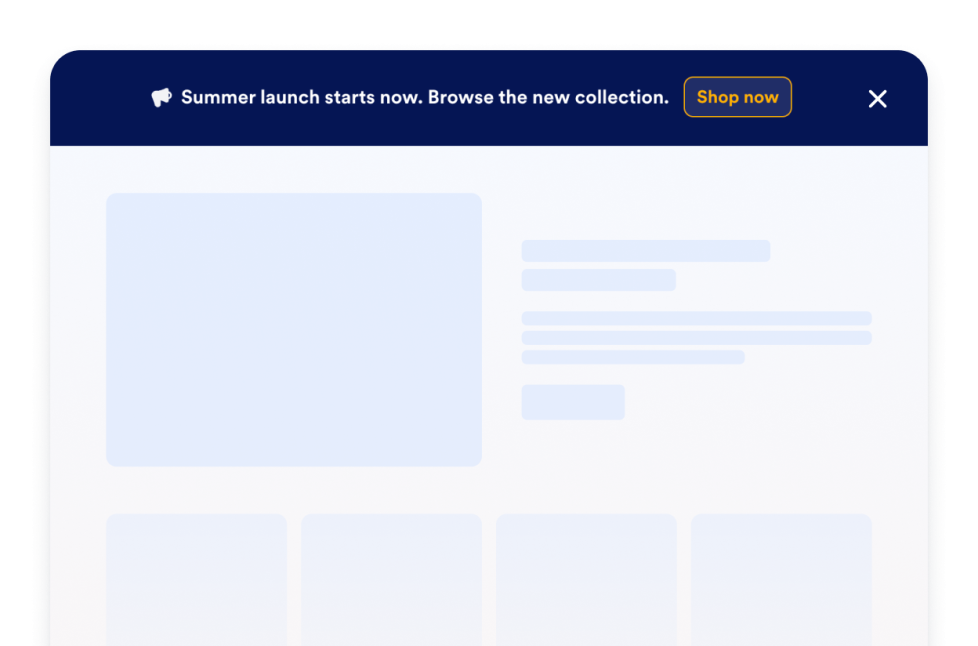
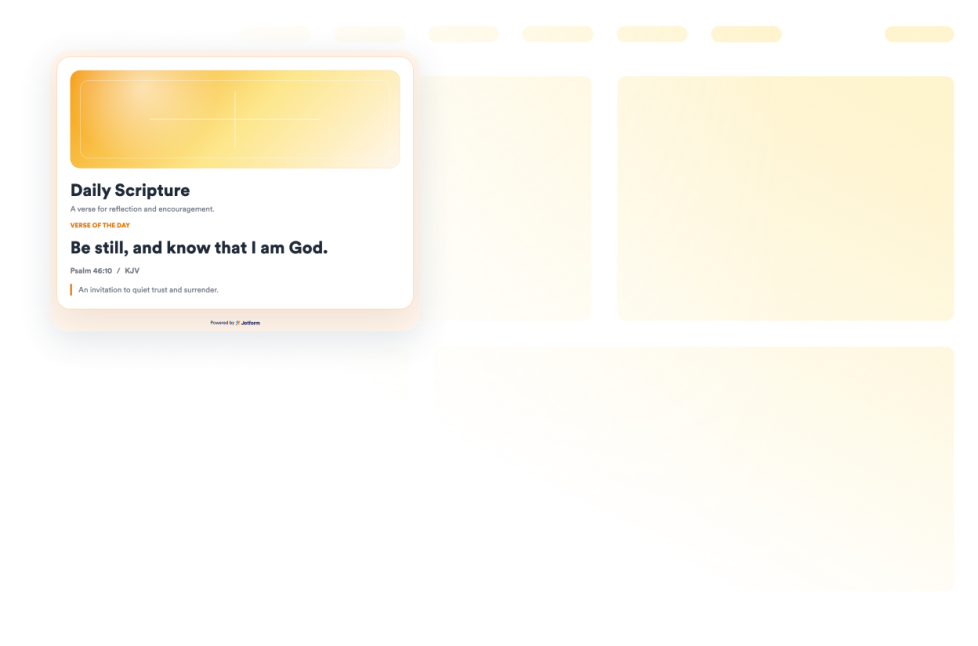
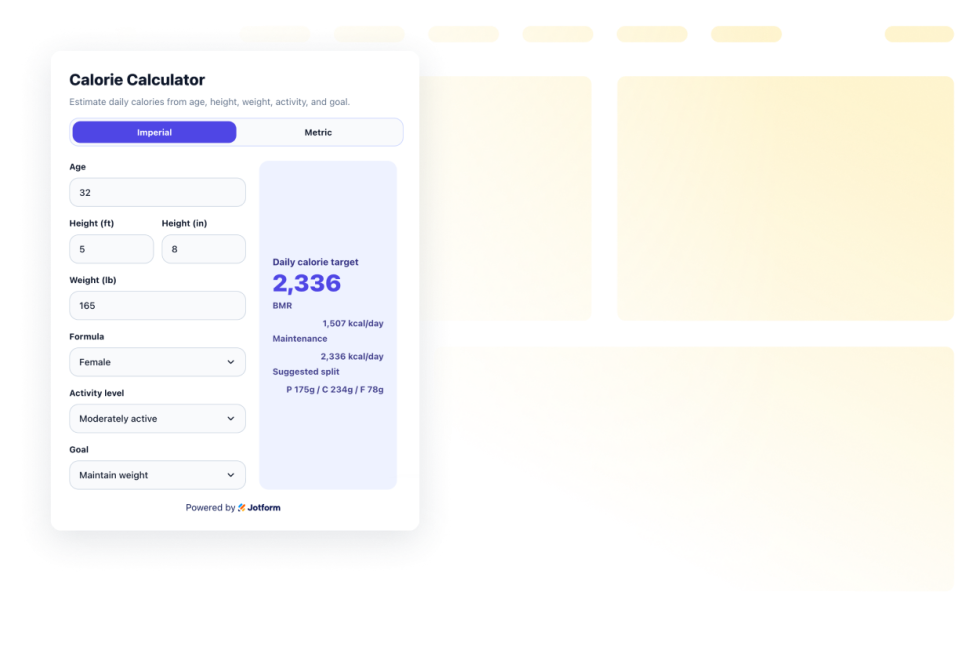
Utility widgets help you add practical tools and small interactive features to your website without custom code. These embeddable widgets can support common visitor actions, such as checking information, copying values, navigating a page, viewing data, or using a simple on-page tool.
With Jotform’s utility widgets, you can choose a widget, customize its settings, adjust the design, and embed it on your website. Utility widgets work well on landing pages, product pages, help pages, resource pages, blogs, and business websites where visitors may need quick access to useful information or actions.
What can you do with utility widgets?
Utility widgets can help you:
- Add useful tools to your website without writing code
- Help visitors complete simple actions directly on the page
- Improve long-page navigation with tools like a back-to-top button
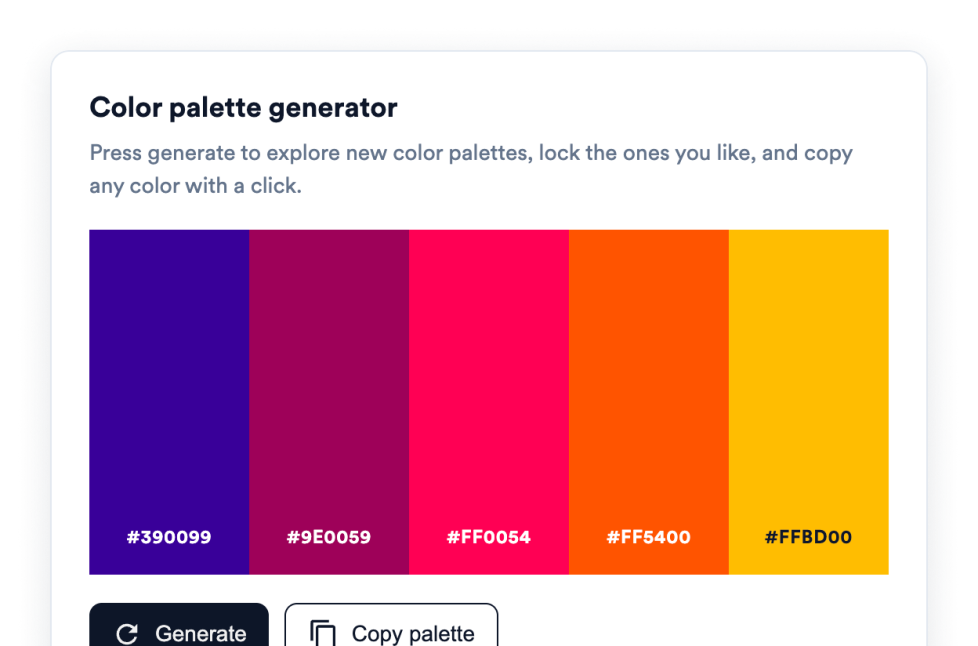
- Display information such as visitor counts, clocks, charts, maps, or weather
- Add embeddable interactive elements that support the page’s main purpose
- Keep visitors on your website instead of sending them to another tool or page
Popular utility widget use cases
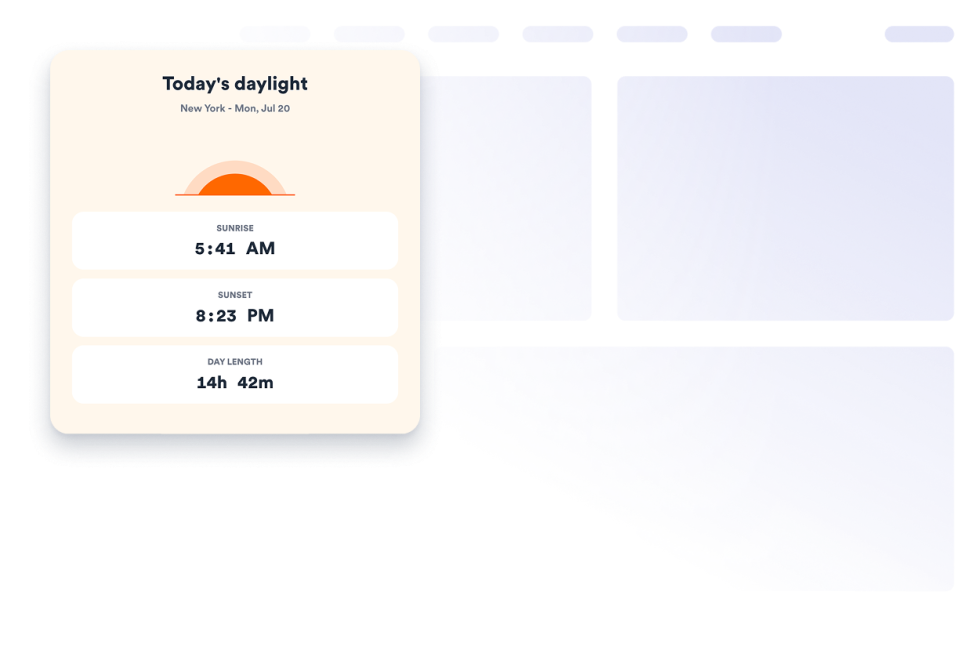
Utility widgets can be used across different parts of a website based on visitors’ needs. For example, a back-to-top button can make long pages easier to browse, while a clock or weather widget can help local, event, or travel-related pages show timely information. A graphs and charts widget can help display data in a visual format, and a Google Maps widget can help visitors find a business, office, event venue, or location.
Utility widgets are especially useful when a page needs to be more helpful without becoming complicated. They can support navigation, information display, location details, data presentation, and quick interactions in a compact section.
Easy website widgets for any team
Embeddable website widgets are useful for small teams, SMBs, creators, personal website owners, agencies, educators, nonprofits, and online stores that want to add interactive sections without relying on a developer or designer.
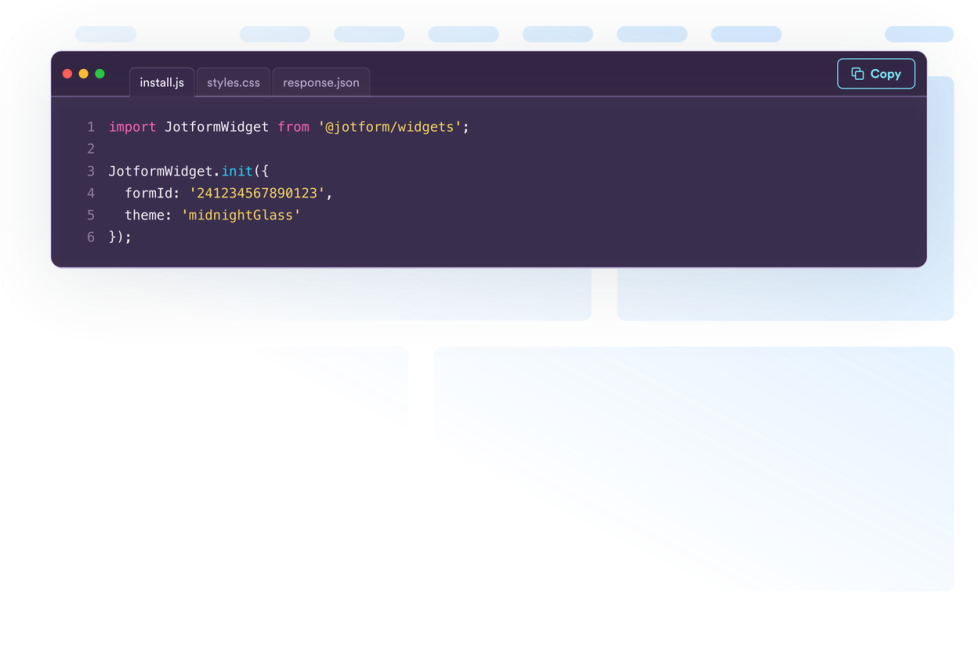
With Jform, users can choose a widget, customize the content and design, copy the embed code, and add it to their website without custom code. This makes it easier to improve pages, collect information, display content, build trust, or guide visitors to take action from one no-code builder.
Related guides
위젯 설정 및 관리에 대해 자세히 알아보려면 Jform의 웹사이트 위젯 관리 가이드를 읽어보세요. 이 가이드는 사용자가 내 웹사이트 위젯 페이지에서 새 위젯을 생성하고, 기존 위젯을 편집하고, 삽입 코드를 복사하고, 위젯 가시성을 제어하고, 위젯 자산을 정리할 수 있다고 설명합니다.
What are utility widgets?
Utility widgets are embeddable website tools that help visitors complete simple actions or view useful information directly on a webpage. They can include navigation tools, counters, clocks, maps, charts, weather displays, and other helpful page elements.
Where should I use utility widgets?
You can use utility widgets on landing pages, product pages, blog posts, help pages, resource pages, local business pages, and long-form pages. The best placement depends on what visitors need to do or understand on that page.
Can I customize utility widgets?
Yes. Utility widgets can usually be customized before they are embedded. Depending on the widget, you can adjust content, settings, layout, colors, display behavior, and other design options.
Do utility widgets require coding?
No. Jform website widgets can be added without custom coding. After customizing a widget, users can embed it on a website using the provided embed code.