Sunrise Sunset Widget for your website
Show visitors today's sunrise time, sunset time, and day length for a manually selected city and timezone. Jform's Sunrise Sunset Widget lets you choose a city, set the timezone, customize labels and colors, and embed a responsive daylight card without code.
Sunrise Sunset 위젯을 만드는 방법
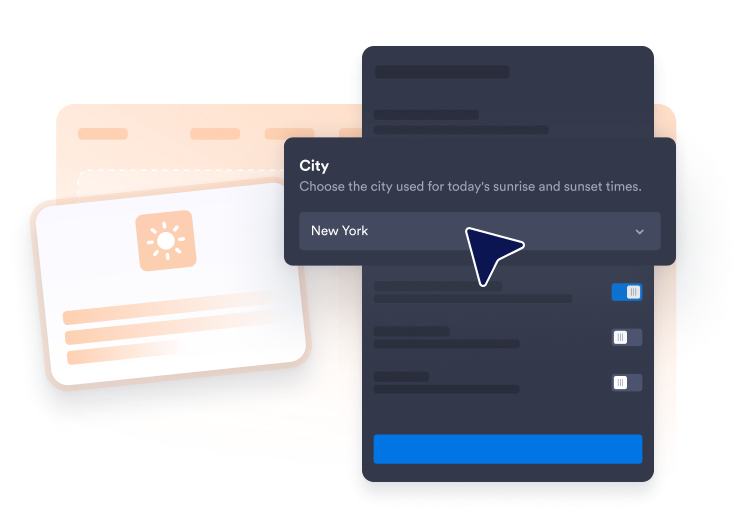
Choose a city
Select a preset city or enter custom latitude and longitude for the location you want to display.
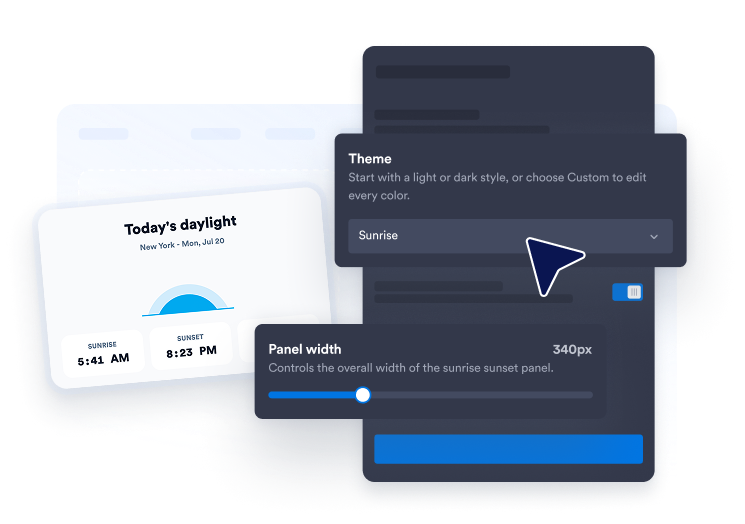
Set the timezone and style
Format the sunrise and sunset times in your selected timezone, then adjust layout, colors, labels, and width.
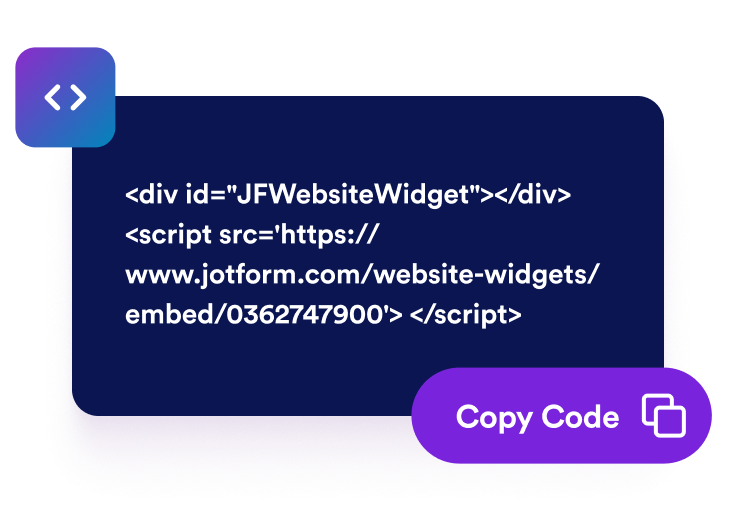
Embed it on your website
Preview the daylight card, save your widget, and add it to your site with the generated embed code.
Display daylight details for the place your visitors care about
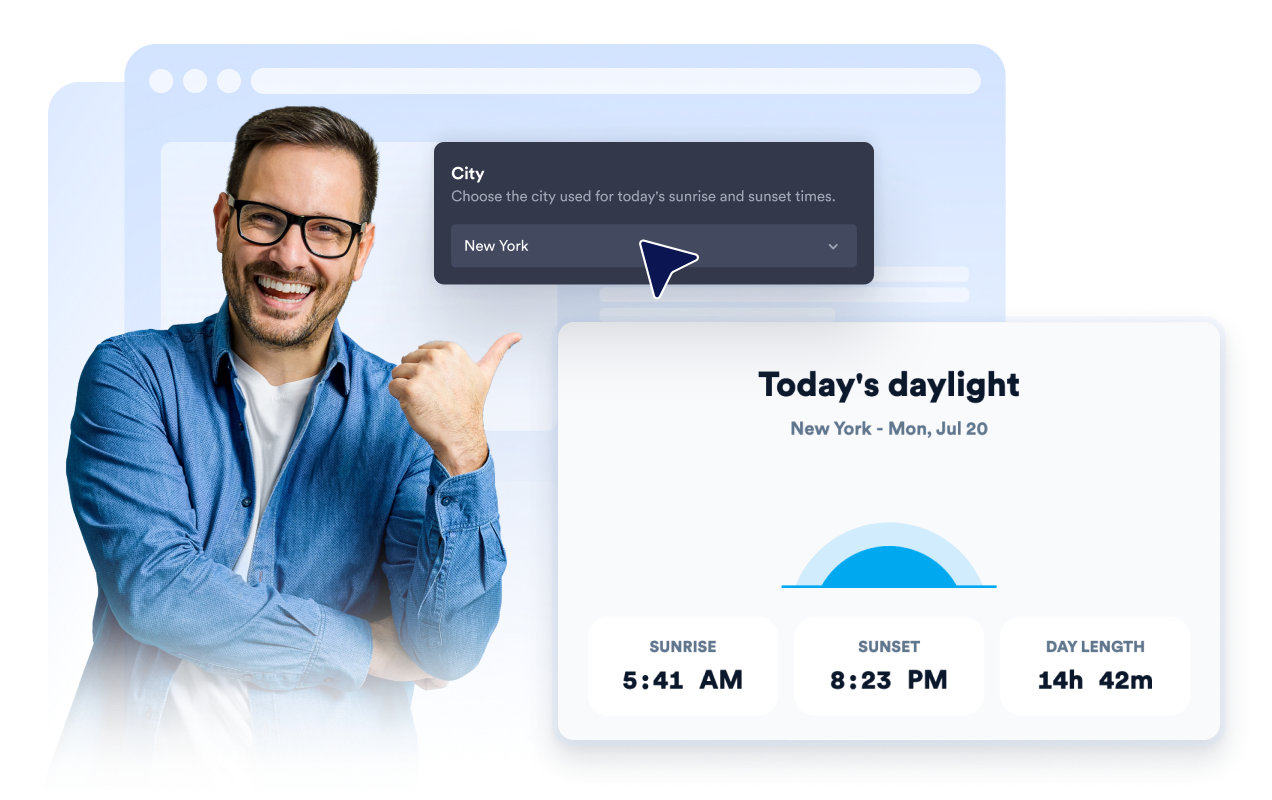
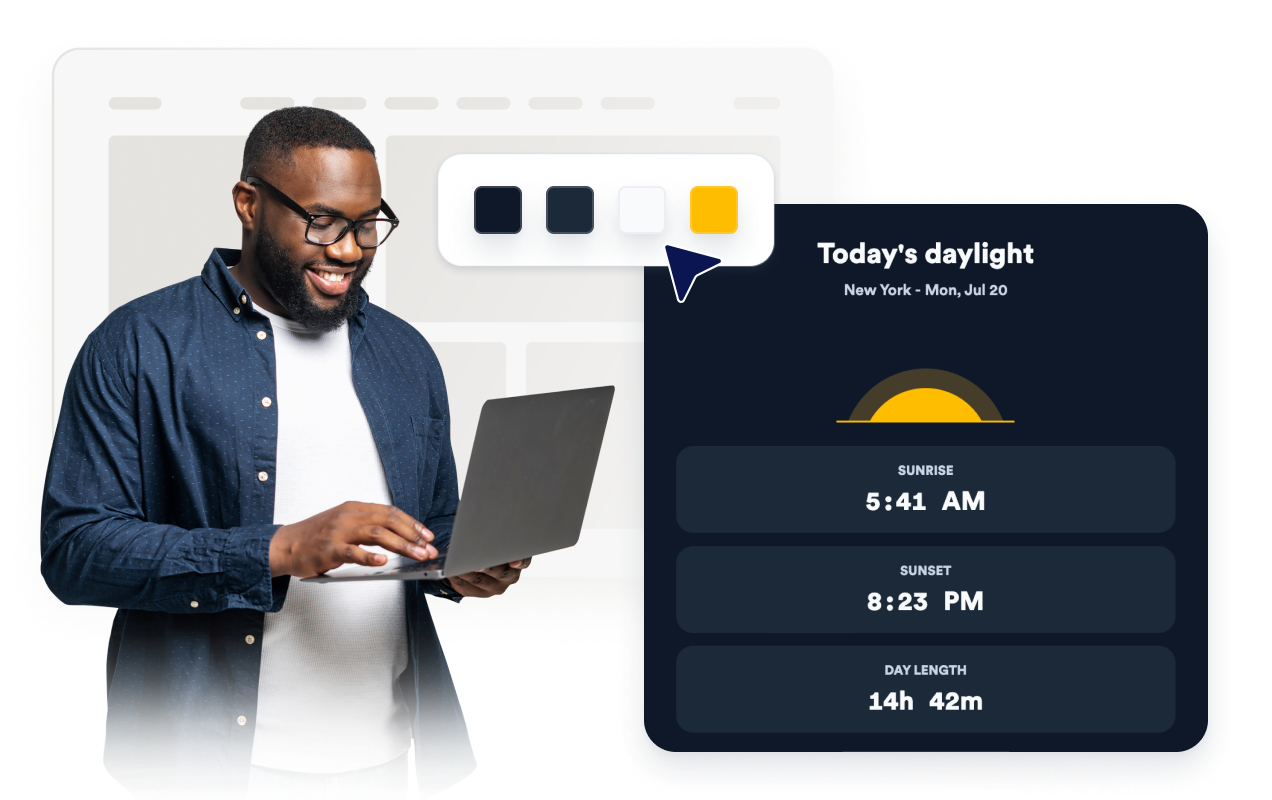
Show today's sunrise and sunset for a selected city
Choose a preset city or use custom coordinates so visitors can see daylight information for a destination, venue, business, or event location.
Format times in the timezone you choose
Display sunrise and sunset times in the selected timezone, with 12-hour or 24-hour formatting for regional audiences.

Match your website design
Use sunrise, twilight, minimal, or custom colors, then adjust text alignment, corner radius, widget width, labels, and branding.
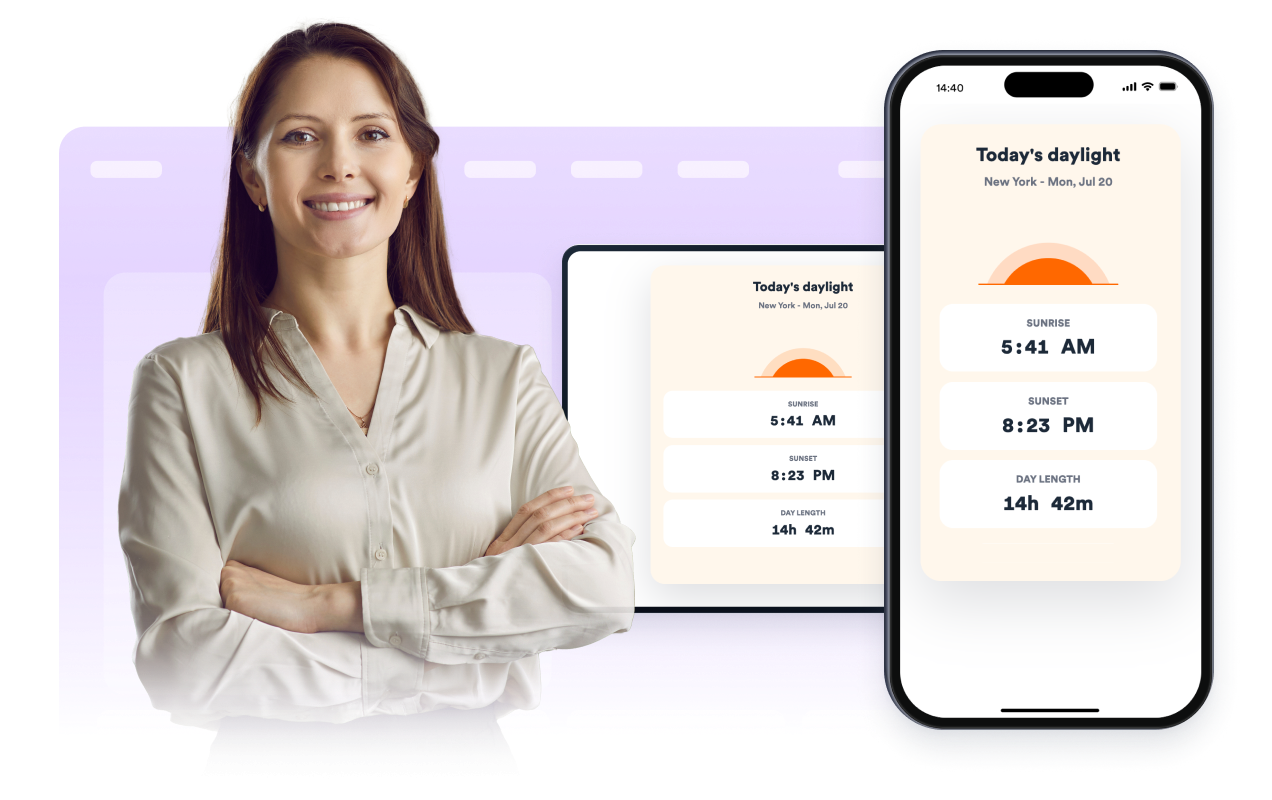
Keep the widget responsive
Use stacked or compact layouts and control desktop or mobile visibility so the daylight card fits the page where it appears.
Why Jform Website Widgets stand out
Jotform’s widgets make your website more interactive and increase conversions. There are many tools available, from star ratings and testimonial sliders to social proof popups and media embeds. Add widgets to your forms or landing pages to collect data, display proof, and capture leads — no coding required.
Add Jform widgets to your website with a simple embed code. Customize the widget, preview how it looks, and paste it into any page that supports custom HTML or embed blocks, all without a developer.
Use Jform Website Widgets to collect leads, show customer feedback, display social proof, embed media, or add helpful web page tools. Each widget helps visitors interact with your business directly from your website.
If you need help setting up, customizing, embedding, or troubleshooting your widget, Jotform’s customer support team is available 24-7. You can move forward with confidence, knowing that help is there when you need it.
Where to use your Sunrise Sunset Widget
Add the widget anywhere daylight timing helps visitors plan a visit, booking, event, or activity.
Travel and tourism pages that help visitors plan sightseeing, tours, or outdoor schedules.
Hotel and venue pages where guests may want to know daylight windows before arrival.
Photography pages that highlight sunrise and sunset timing for shoots or workshops.
Event pages for outdoor activities, festivals, races, and guided experiences.
Real estate and location pages that show daylight context for a neighborhood or property.
Community and school pages where residents need quick local daylight information.
Convert leads into paying customers with the Jform Form Builder
Turn engagement into action with Jotform. Create powerful forms that capture leads, collect payments, and automate responses, all in one place. Every submission lands in your Jform Inbox, where you can follow up or connect with your favorite apps.
시작하기 — 무료입니다!
자주하는 질문
What is a Sunrise Sunset Widget?
A Sunrise Sunset Widget displays today's sunrise time, sunset time, and day length for a selected city and timezone on your website.
Can I choose the city?
Can I set the timezone?
Can I use a 24-hour clock?
Does it show day length?
Can I customize the labels?
Can I customize the design?
Does it work on mobile?
Do I need to write code?