Real Estate Location Map Widget for your website
Help buyers and renters understand a property before they book a tour. Add one listing location, show nearby education, healthcare, transit, parks, and shops from OpenStreetMap, and let visitors click each place to focus the map.
Real Estate Location Map 위젯을 만드는 방법
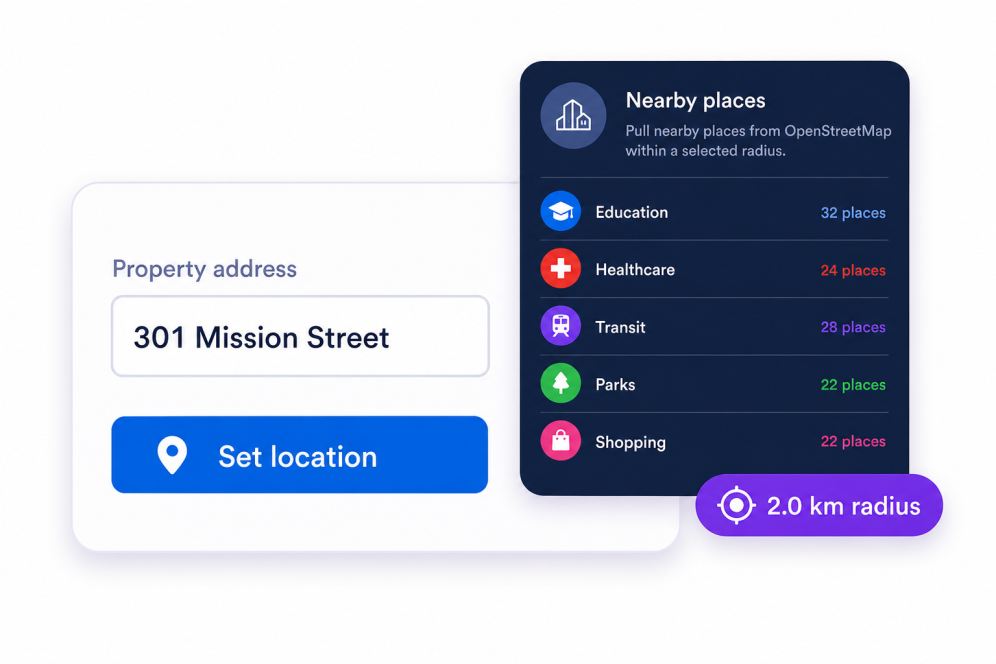
Set the property location
Search for the property address or enter coordinates so the listing appears as the main map marker.
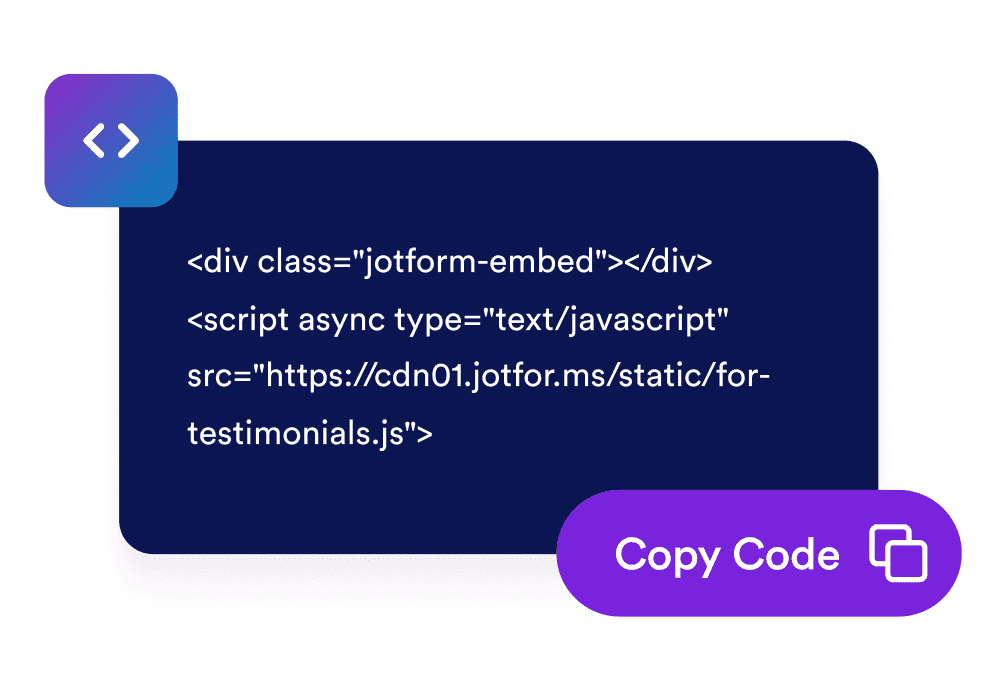
임베드 코드를 가져옵니다
Get your widget’s unique embed code
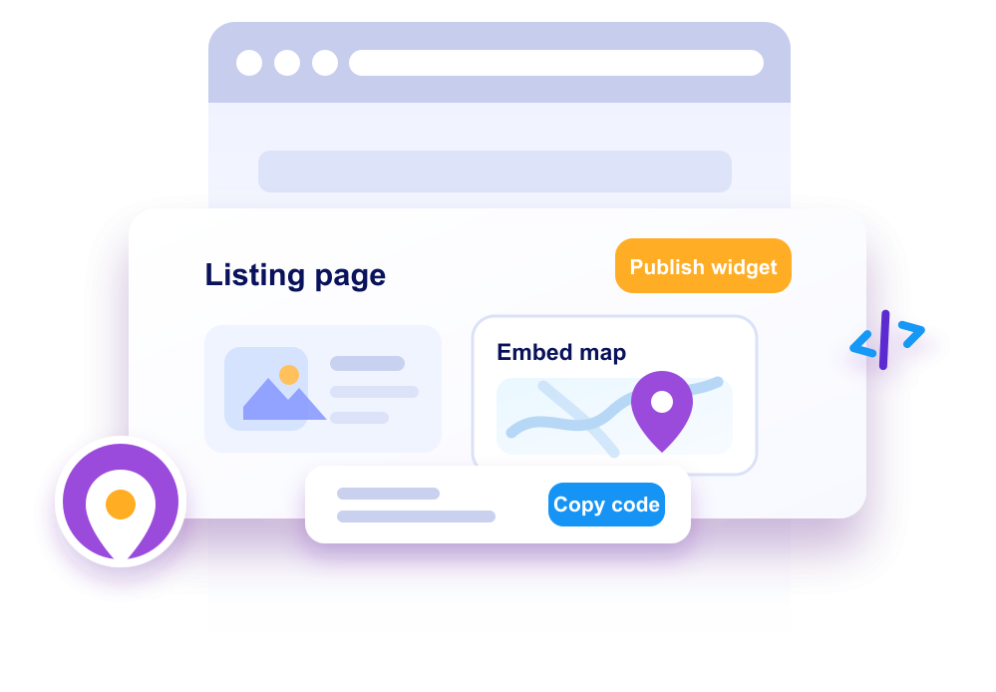
Embed it on your listing page
Adjust the layout, map behavior, colors, category visibility, and branding, then publish the widget on your property page.
Give property visitors clearer neighborhood context
Show one property on OpenStreetMap
Place the selected listing at the center of an interactive OpenStreetMap panel with a clear property marker and address popup.

Group nearby places by category
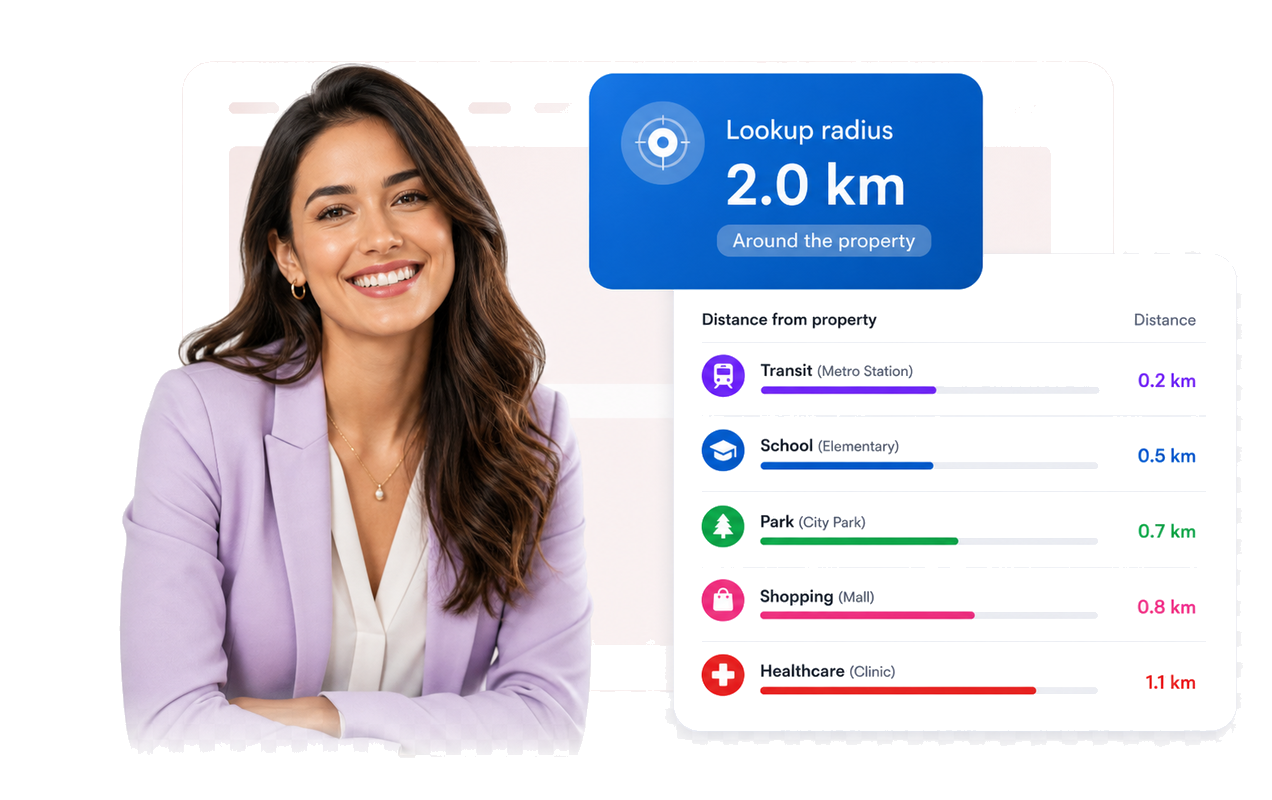
Organize nearby schools, healthcare, transit stops, parks, and shops into scannable cards so visitors can compare daily access at a glance.
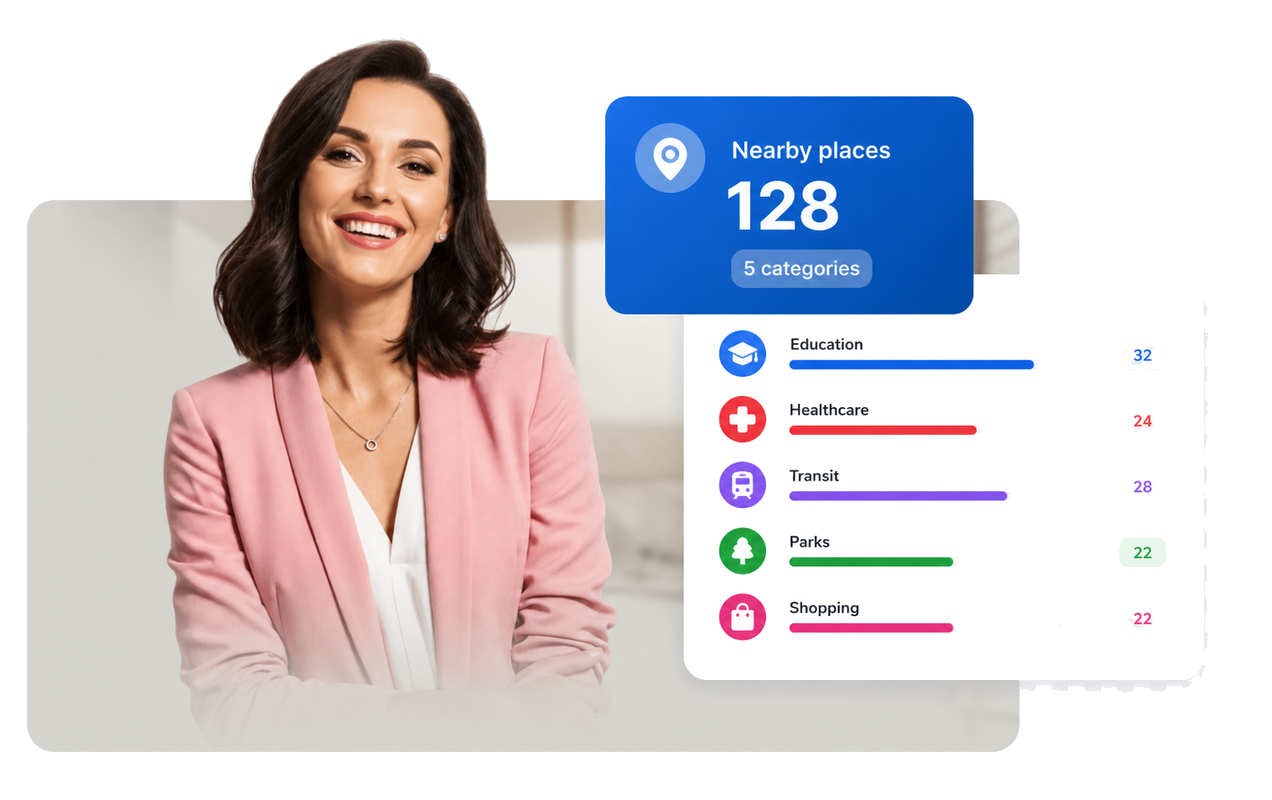
Let visitors focus the map from the list
When a visitor selects a nearby place, the map pans to its marker and opens a popup with the place type and distance.

Display distances from the property
Use coordinates to calculate nearby-place distances and show them in meters or kilometers for quick neighborhood comparison.
Why Jform Website Widgets stand out
Jotform’s widgets make your website more interactive and increase conversions. There are many tools available, from star ratings and testimonial sliders to social proof popups and media embeds. Add widgets to your forms or landing pages to collect data, display proof, and capture leads — no coding required.
Add Jform widgets to your website with a simple embed code. Customize the widget, preview how it looks, and paste it into any page that supports custom HTML or embed blocks, all without a developer.
Use Jform Website Widgets to collect leads, show customer feedback, display social proof, embed media, or add helpful web page tools. Each widget helps visitors interact with your business directly from your website.
If you need help setting up, customizing, embedding, or troubleshooting your widget, Jotform’s customer support team is available 24-7. You can move forward with confidence, knowing that help is there when you need it.
Where to use your Real Estate Location Map widget
Place the widget anywhere buyers, renters, guests, or tenants need quick context about what surrounds one location.
Property listing pages to show nearby schools, healthcare, transit, parks, and shops beside a house, condo, apartment, or rental.
Real estate landing pages to highlight neighborhood access before visitors request a showing.
Apartment community pages to help renters compare daily conveniences near one building.
Vacation rental pages to show local transit, shopping, and recreation around a stay.
Commercial property pages to show transit access and nearby amenities for office, retail, or mixed-use spaces.
Neighborhood guides to turn nearby places around a featured address into a compact interactive map.
Convert leads into paying customers with the Jform Form Builder
Turn engagement into action with Jotform. Create powerful forms that capture leads, collect payments, and automate responses, all in one place. Every submission lands in your Jform Inbox, where you can follow up or connect with your favorite apps.
시작하기 — 무료입니다!
자주하는 질문
What is a Real Estate Location Map widget?
A Real Estate Location Map widget displays one property location with an interactive map, nearby amenity cards, and distance labels.
Does the widget use OpenStreetMap?
What nearby places can the widget show?
How are distances calculated?
Can visitors click nearby amenities?
Can I customize the map and list design?
Does it work on mobile?
Do I need a Google Maps API key?
Do I need to write code?