Birthday Countdown Clock widget for your website

Build a customizable birthday countdown for your website. Display a live countdown to any birthday, personalize the design, repeat it every year, and embed it on your website without coding using Jform's birthday countdown widget.

Birthday Countdown Clock 위젯을 만드는 방법

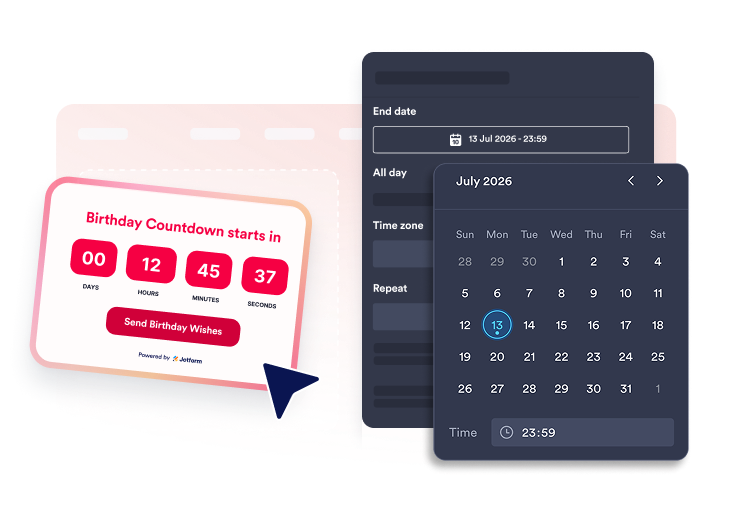
Set the countdown time

Set the countdown time

Choose the end date, end time, all-day setting, timezone, repeat option, and visible time units.

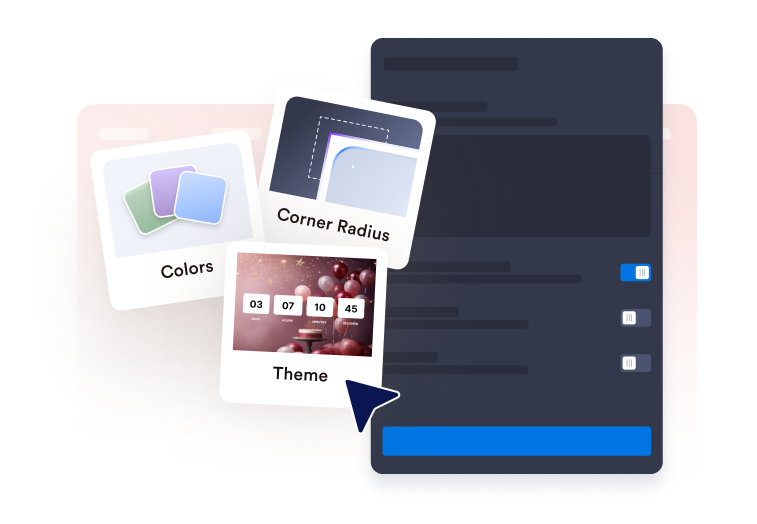
Customize the display

Customize the display

Edit the heading, unit labels, end message, theme preset, colors, corner radius, and CTA buttons.

Choose the placement

Choose the placement

Select inline, full-width, top bar, bottom bar, static top bar, or floating card placement for desktop and mobile.

Create a birthday countdown for any website in seconds

Edit heading, labels, and end message

Show or hide the heading, rename the Days, Hours, Minutes, and Seconds labels, and set the message shown when the countdown ends.

Edit heading, labels, and end message

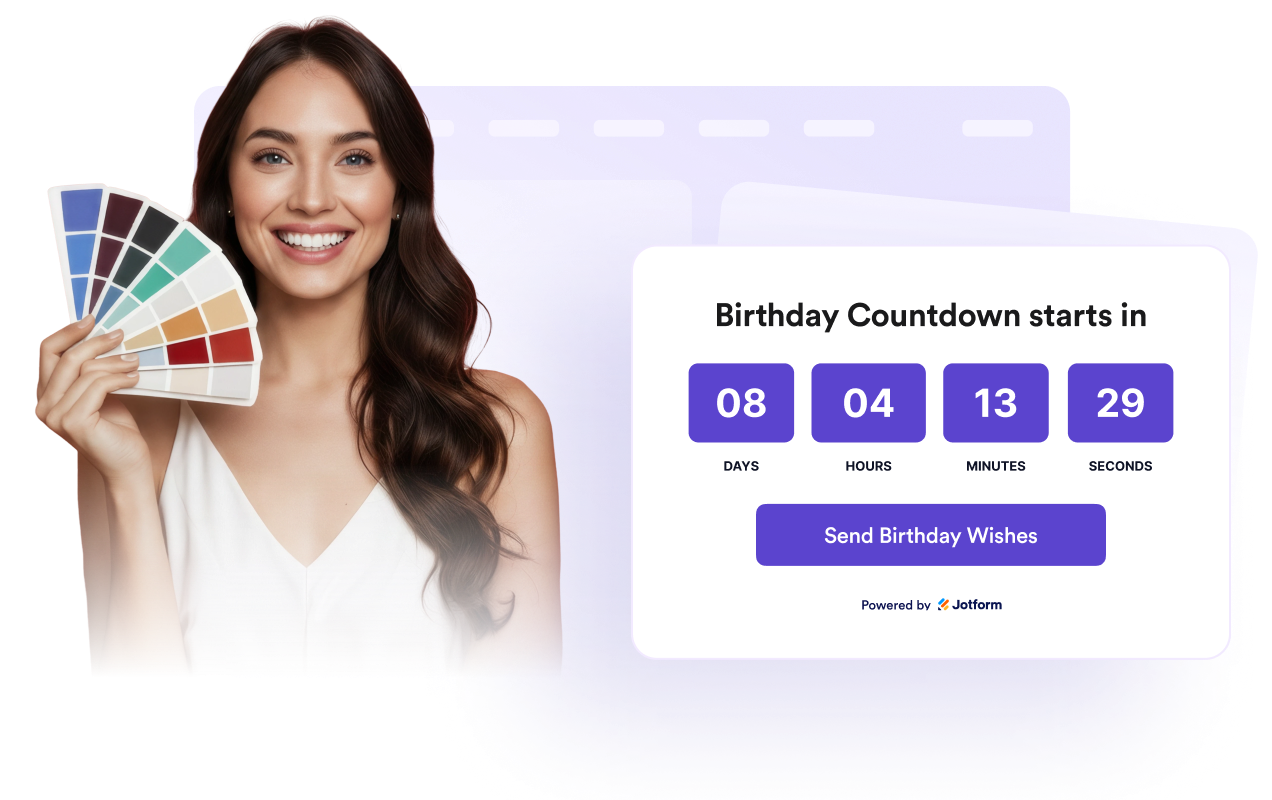
Use theme presets and color controls

Choose a theme preset or set custom colors for the background, heading, timer boxes, unit labels, and CTA button.

Use theme presets and color controls

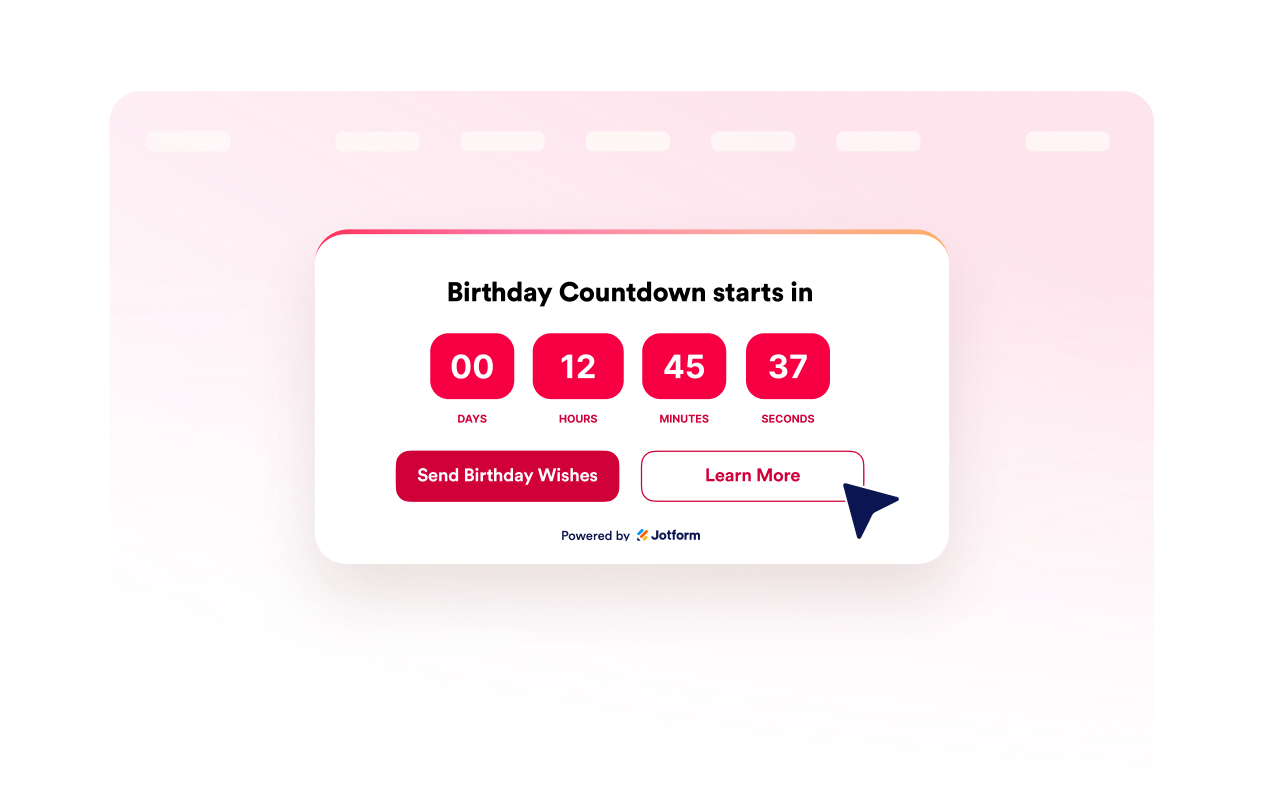
Configure primary and secondary buttons

Turn CTA buttons on or off, edit button text, add button URLs, and choose button and text colors.

Configure primary and secondary buttons

Choose placement and device visibility

Place the widget inline, full-width, top bar, bottom bar, static top bar, or floating card, with desktop and mobile visibility controls.

Choose placement and device visibility

How to embed your Birthday Countdown Clock into WordPress

1Get your embed code

After customizing your Jform website widget, click Try it on your website for free, and copy the generated embed code.

2Open the page editor

Go to the WordPress post or page where you want to display the widget, then add a new block.

3Add a Custom HTML block

Select Custom HTML and paste your Jform website widget embed code into the HTML field.

4Update and view

Click Update or Publish, then open the page to check your embedded widget.

Why Jform Website Widgets stand out

Jotform’s widgets make your website more interactive and increase conversions. There are many tools available, from star ratings and testimonial sliders to social proof popups and media embeds. Add widgets to your forms or landing pages to collect data, display proof, and capture leads — no coding required.

Embed widgets without coding

Add Jform widgets to your website with a simple embed code. Customize the widget, preview how it looks, and paste it into any page that supports custom HTML or embed blocks, all without a developer.

Build more interactive pages

Use Jform Website Widgets to collect leads, show customer feedback, display social proof, embed media, or add helpful web page tools. Each widget helps visitors interact with your business directly from your website.

Get support when you need it

If you need help setting up, customizing, embedding, or troubleshooting your widget, Jotform’s customer support team is available 24-7. You can move forward with confidence, knowing that help is there when you need it.

Where to use your Birthday Countdown widget

Add a live birthday countdown to pages where you want to celebrate upcoming birthdays and build excitement with visitors.

Personal websites to count down to your own birthday or celebrate a friend or family member.

Birthday party event pages to build anticipation before the celebration and remind guests of the big day.

School and classroom websites to celebrate student or classroom birthdays throughout the year.

Family blogs and photo websites to highlight upcoming birthdays and special family milestones.

Business and team pages to recognize employee birthdays and create a more engaging workplace culture.

Fan, influencer, or community websites to count down to a creator's, celebrity's, or community member's birthday.

Convert leads into paying customers with the Jform Form Builder

Turn engagement into action with Jotform. Create powerful forms that capture leads, collect payments, and automate responses, all in one place. Every submission lands in your Jform Inbox, where you can follow up or connect with your favorite apps.

시작하기무료입니다!
Convert leads into customers

자주하는 질문

  • What is a Birthday Countdown Clock widget?

    A Birthday Countdown Clock widget displays the time left until a selected birthday date on your website.

  • Can the birthday countdown repeat every year?

  • Can I customize the birthday message?

  • Can I change the colors?

  • Can I add a call-to-action button?

  • What happens when the countdown reaches zero?

  • Can I choose where the widget appears?

  • Does it work on mobile?