Push Notification Widget for your website
Add a polished onsite notification card that highlights offers, product news, reminders, or important updates. Customize the message, image, CTA, colors, timing, placement, and display behavior, then embed it on your website without code.
푸시 알림 위젯을 만드는 방법

Write your notification
Add the sender name, headline, message, optional image, and CTA button for the update you want visitors to notice.

Customize style and timing
Choose light or dark mode, colors, rounded corners, shadow, position, delay, auto-hide, close behavior, and device visibility.
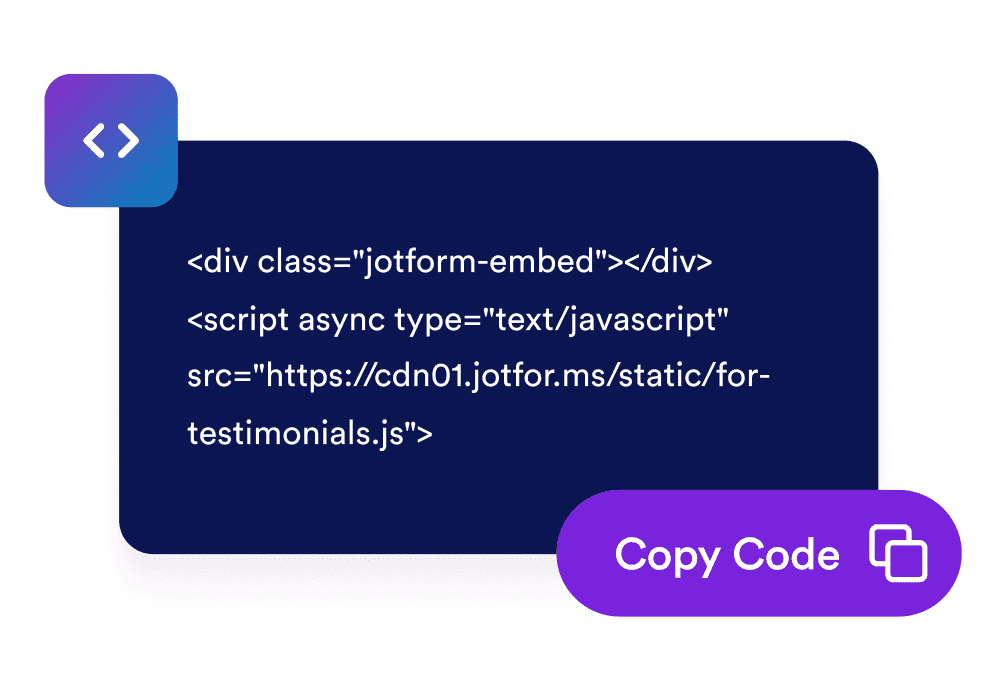
Embed it on your site
Preview the notification, copy the generated embed code, and place it on any website page where the message should appear.
Show timely website notifications without rebuilding your page
Create a focused notification message
Use a compact card with a sender name, headline, supporting message, optional image, and CTA button to draw attention to one clear update.

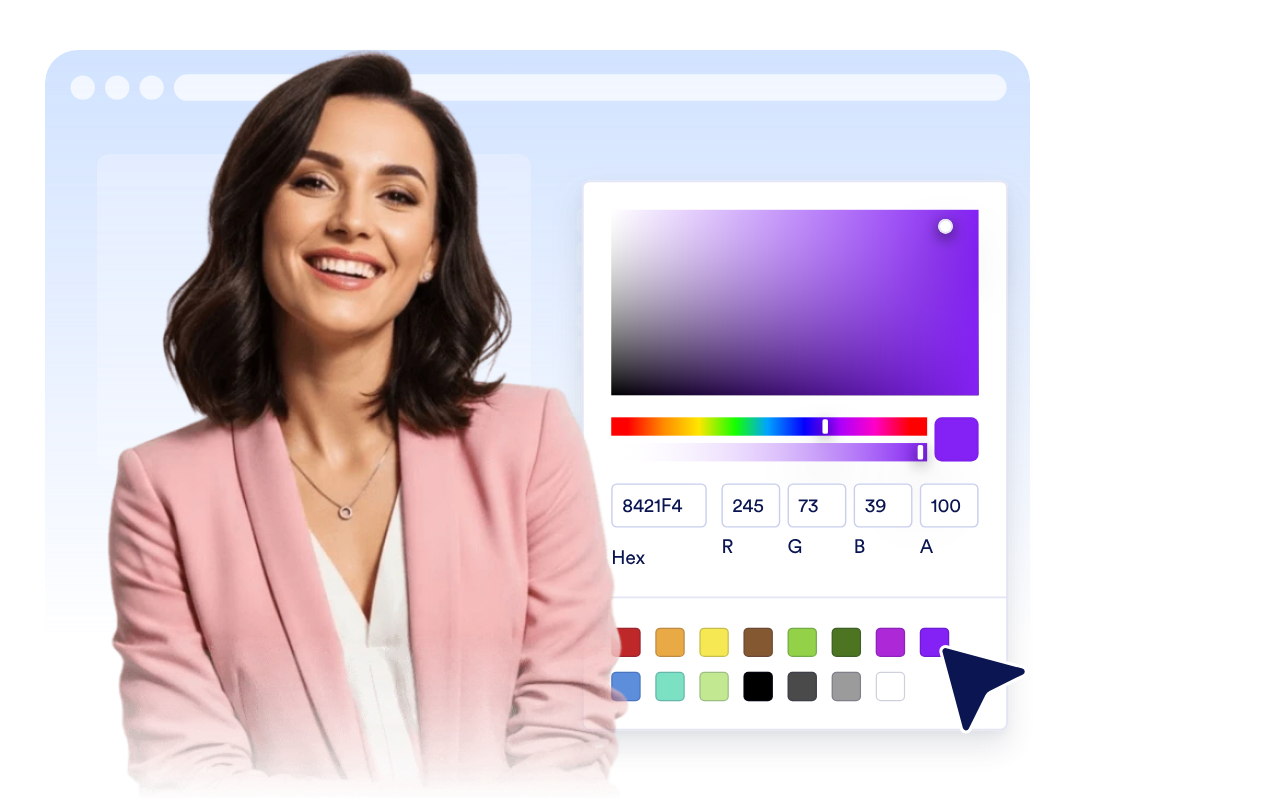
Match the card to your website style
Switch between light and dark themes, set custom colors, adjust rounded corners, and add a soft shadow.
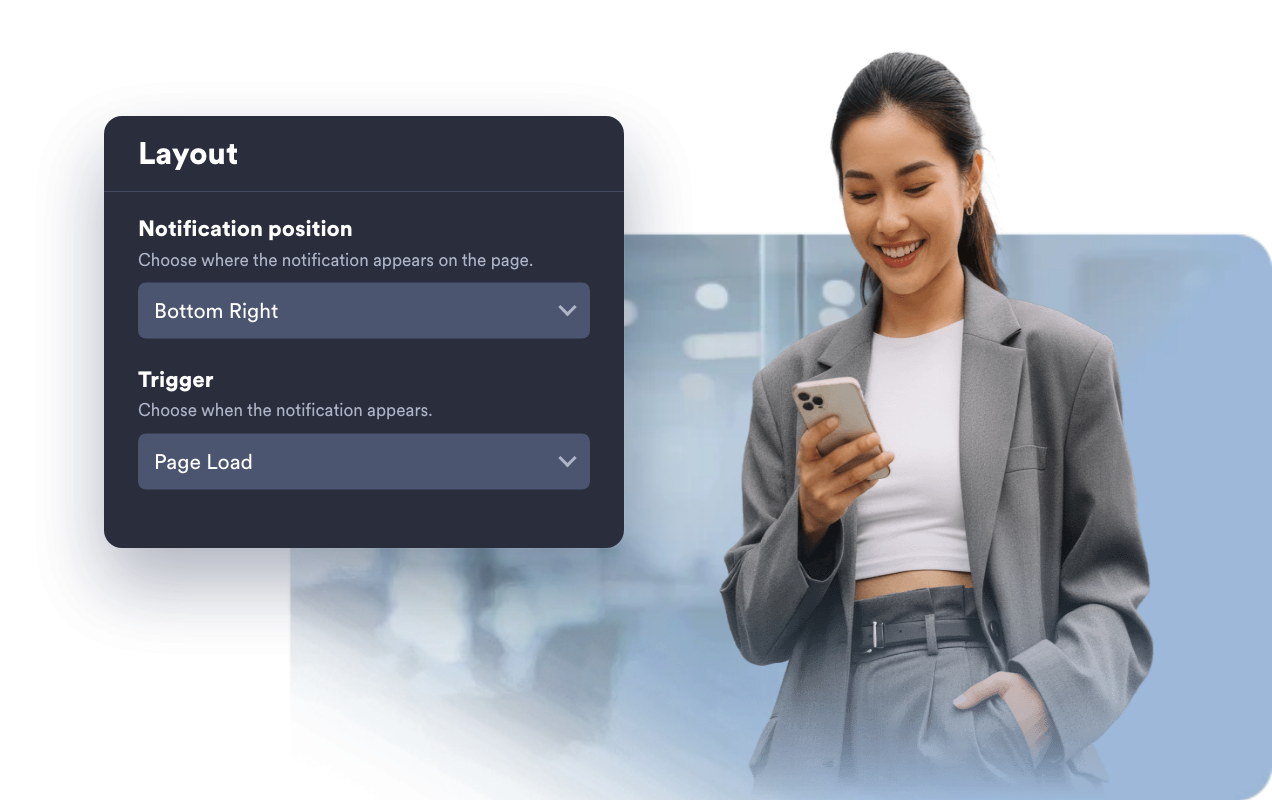
Choose when and where it appears
Show the notification on page load, after a delay, or from a manual demo button. Place it in any screen corner and tune edge spacing for desktop and mobile.
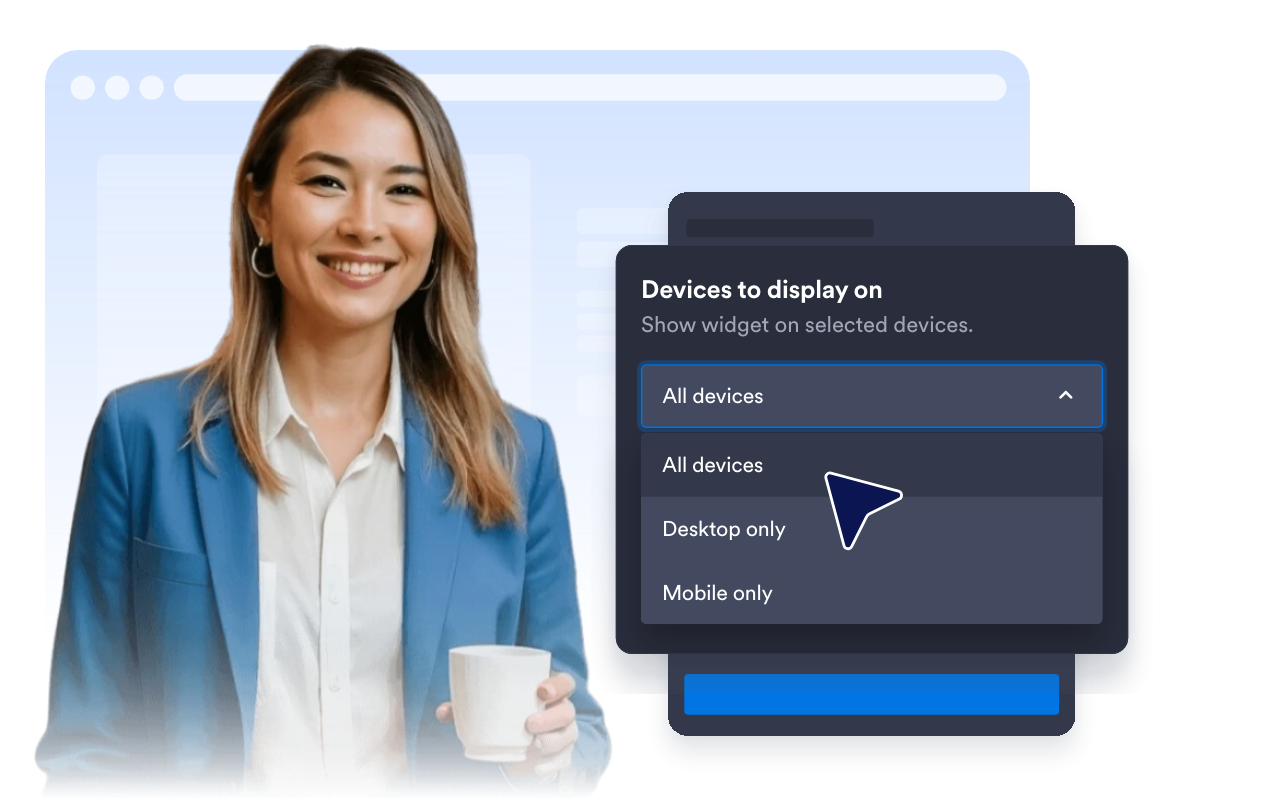
Keep the experience visitor-friendly
Enable a close button, auto-hide the card after a set time, and choose whether it appears on desktop, mobile, or both.
Why Jform Website Widgets stand out
Jotform’s widgets make your website more interactive and increase conversions. There are many tools available, from star ratings and testimonial sliders to social proof popups and media embeds. Add widgets to your forms or landing pages to collect data, display proof, and capture leads — no coding required.
Add Jform widgets to your website with a simple embed code. Customize the widget, preview how it looks, and paste it into any page that supports custom HTML or embed blocks, all without a developer.
Use Jform Website Widgets to collect leads, show customer feedback, display social proof, embed media, or add helpful web page tools. Each widget helps visitors interact with your business directly from your website.
If you need help setting up, customizing, embedding, or troubleshooting your widget, Jotform’s customer support team is available 24-7. You can move forward with confidence, knowing that help is there when you need it.
Where to use your Push Notification widget
Use the widget when a short onsite message can help visitors notice an offer, deadline, update, or next step while they are already browsing your site.
E-commerce stores to promote flash sales, coupon reminders, new arrivals, seasonal collections, or shipping deadlines.
Blogs and content hubs to highlight a new article, featured guide, newsletter signup, or related resource.
Event and webinar pages to remind visitors about registration deadlines, agenda updates, or upcoming sessions.
SaaS and product pages to announce launches, feature updates, beta access, pricing changes, or release notes.
Service websites to share booking reminders, availability updates, policy notices, or support prompts.
Campaign landing pages to keep one timely CTA visible without adding a full popup or changing the page layout.
Convert leads into paying customers with the Jform Form Builder
Turn engagement into action with Jotform. Create powerful forms that capture leads, collect payments, and automate responses, all in one place. Every submission lands in your Jform Inbox, where you can follow up or connect with your favorite apps.
시작하기 — 무료입니다!
자주하는 질문
What is a Push Notification widget?
A Push Notification widget is an embeddable onsite notification card that appears on your website. It helps call attention to offers, reminders, product news, or updates while visitors are browsing.
Does this send browser push campaigns to subscribers?
Can I customize the notification content?
Can I control when it appears?
Can visitors dismiss the notification?
Can I match it to my brand?
Does it work on mobile?
Do I need to write code?