
Clock Widget for your website
Show visitors the current time across offices, stores, support regions, event locations, and global teams. Jform's Clock Widget lets you display analog clocks, digital time lists, time-zone comparisons, custom colors, and responsive layouts without code.
How to add a Clock Widget
Help visitors compare time zones at a glance
Show live times for multiple locations
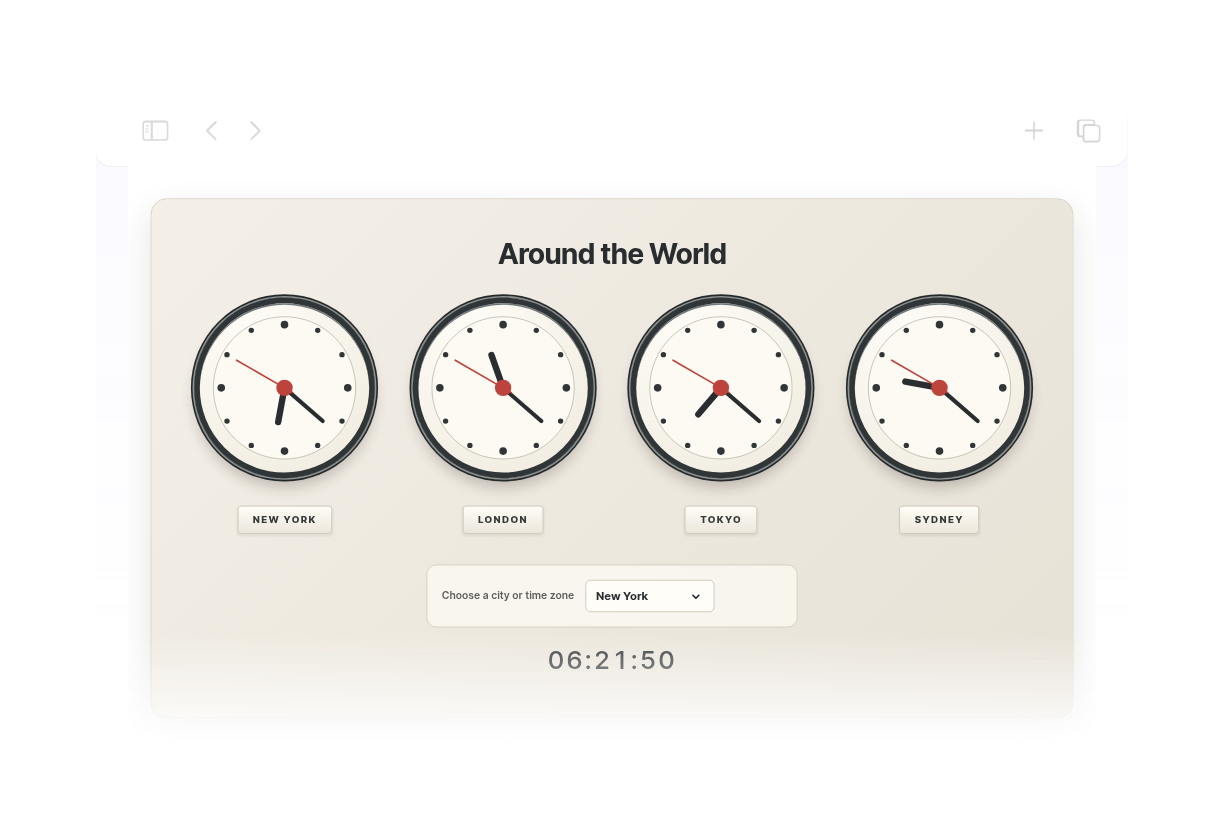
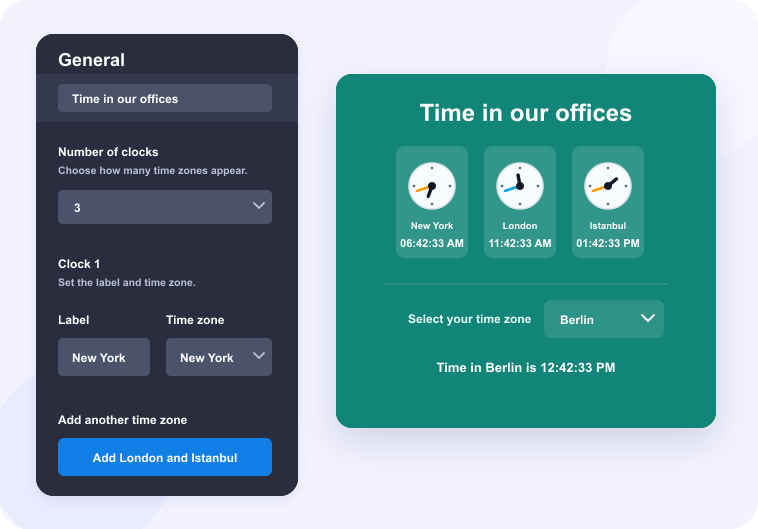
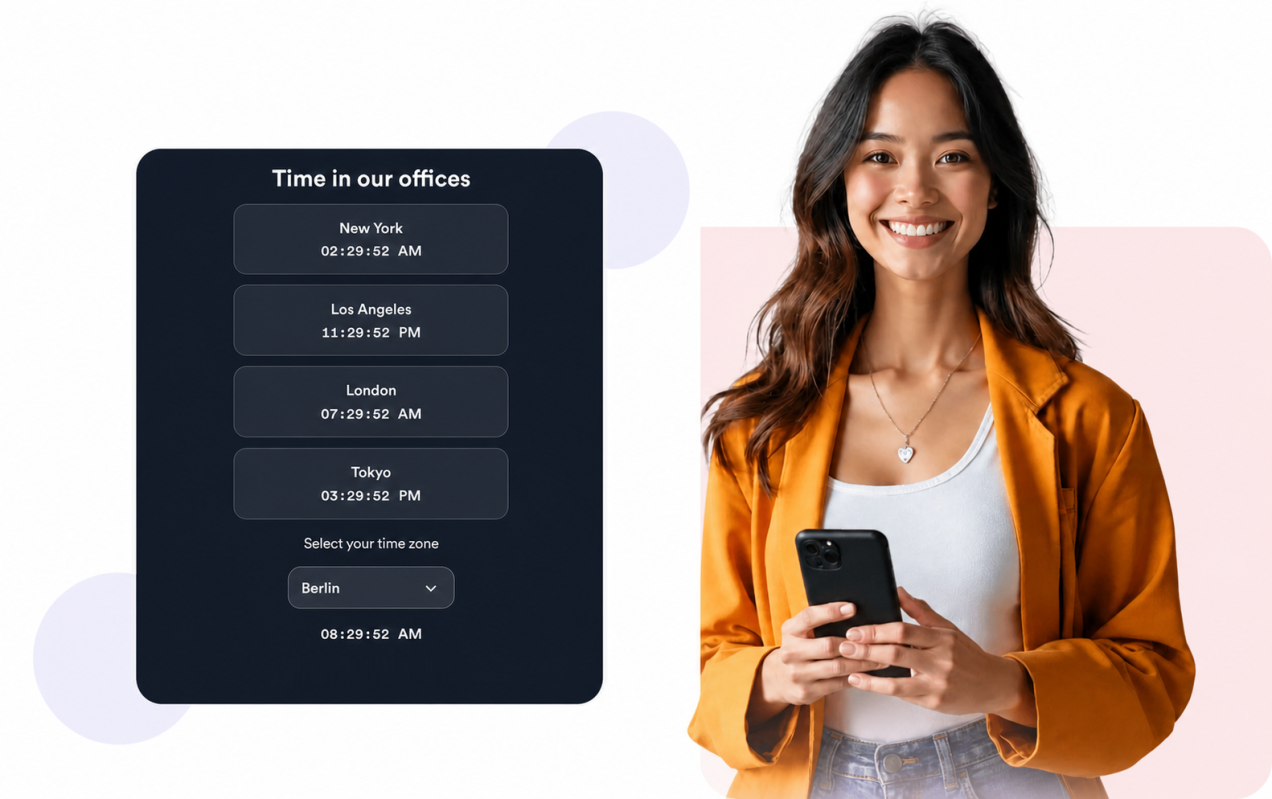
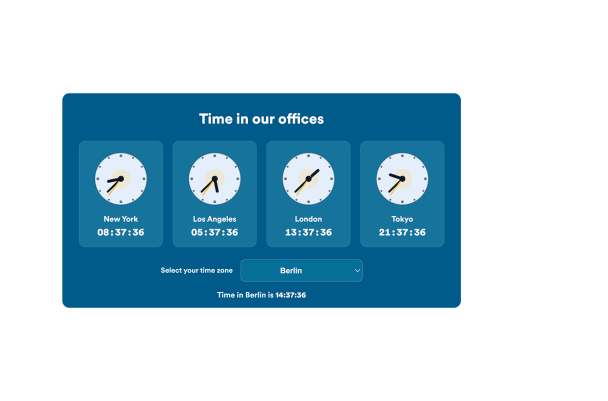
Add up to eight city or time-zone clocks so visitors can quickly compare office hours, regional availability, event timing, and global schedules.

Choose analog, digital, or mixed layouts
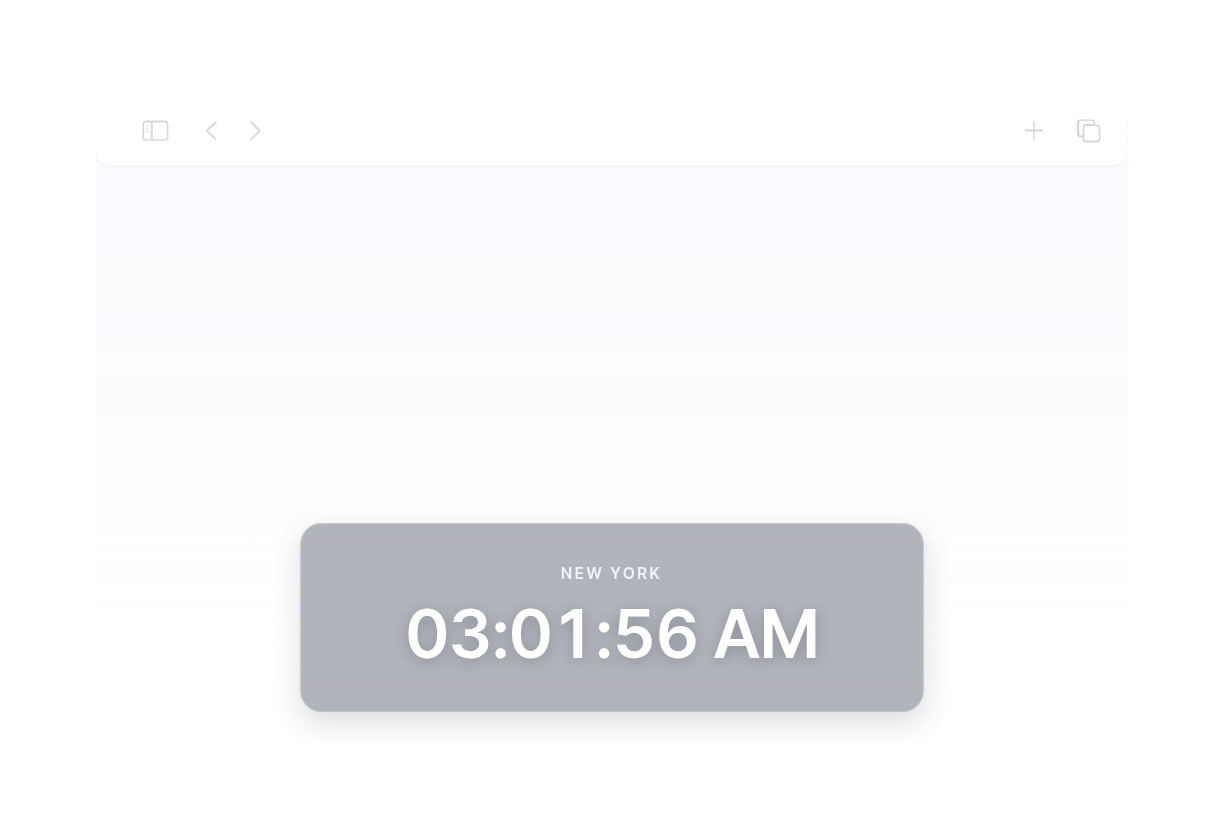
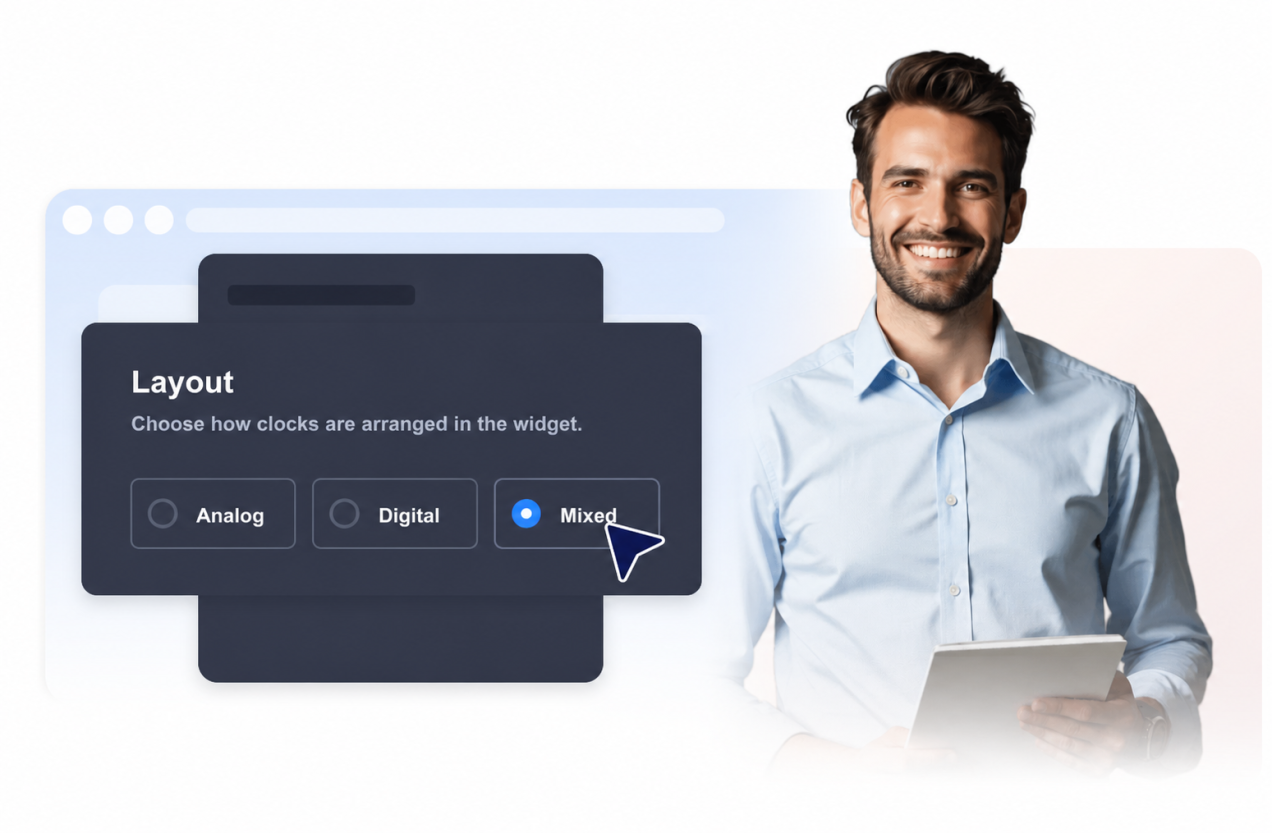
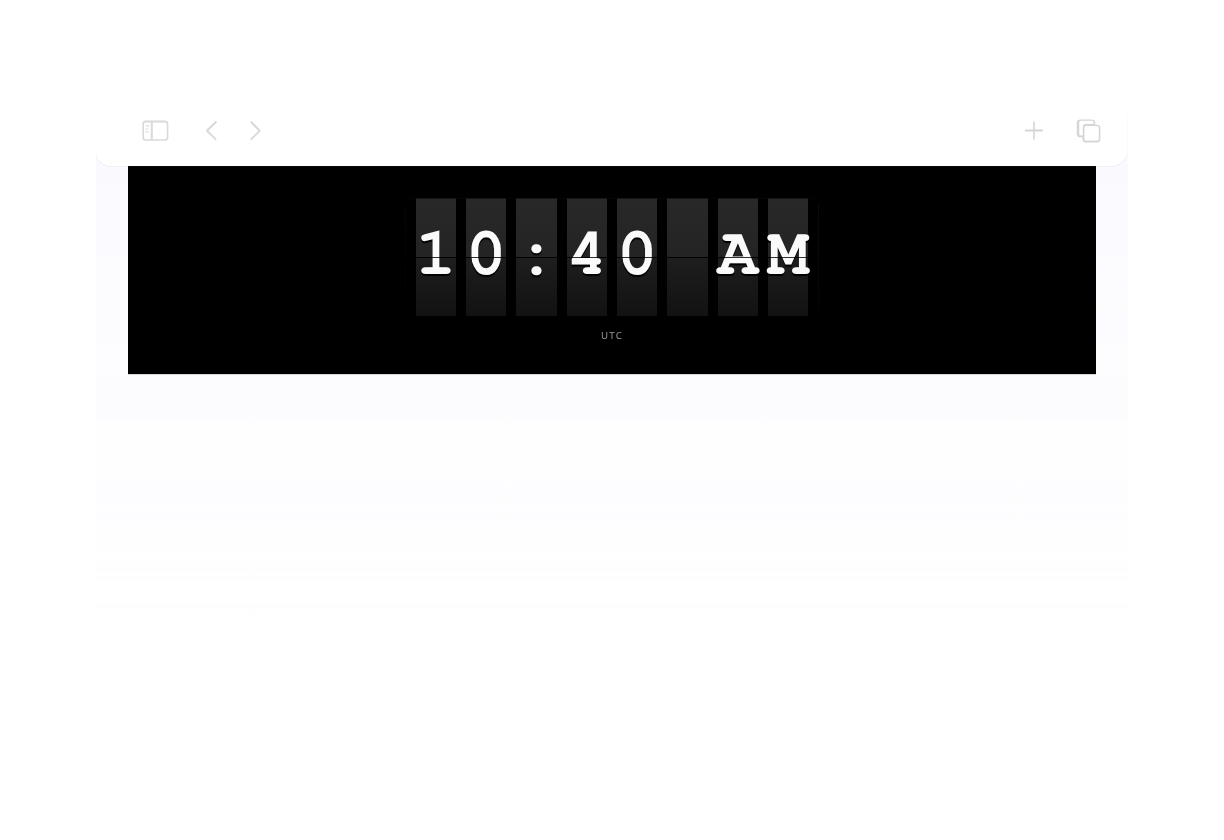
Use a visual analog clock grid, a compact digital list, or a mixed layout with clock cards and a selected time-zone readout.

Let visitors compare a selected time zone
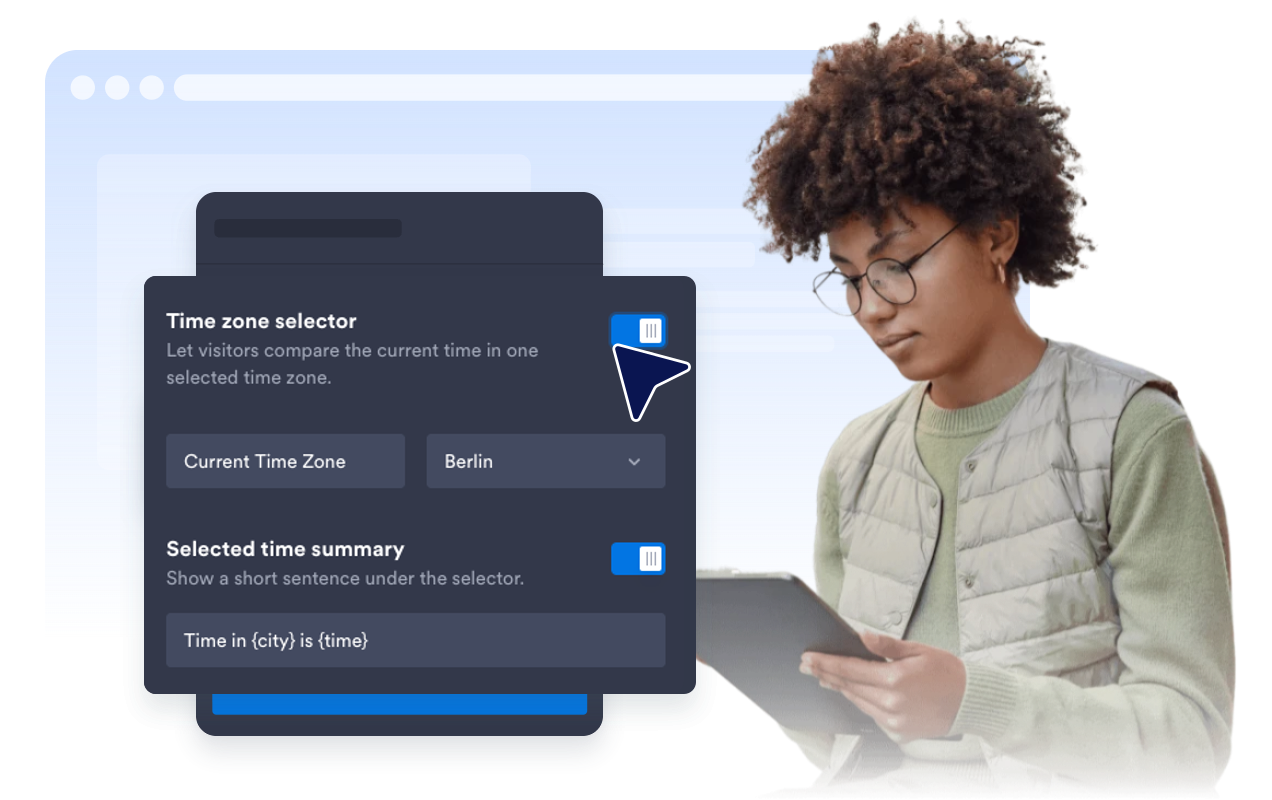
Show an optional selector and summary text so visitors can check the current time in one default or visitor-selected region.

Match the widget to your website
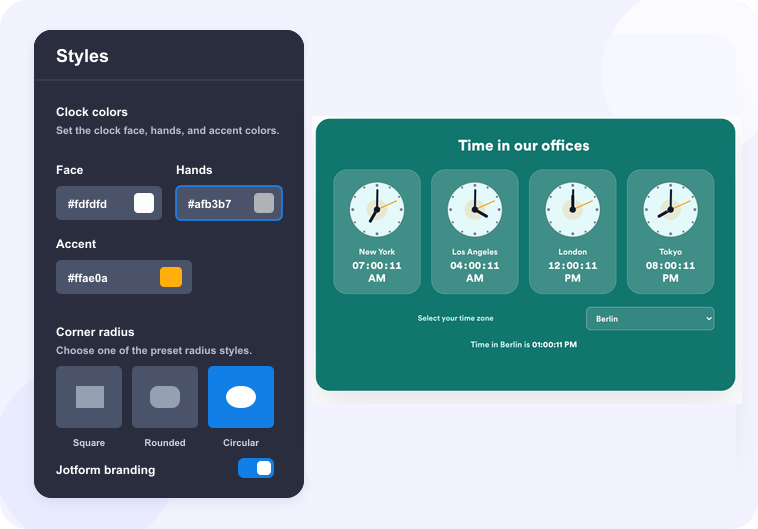
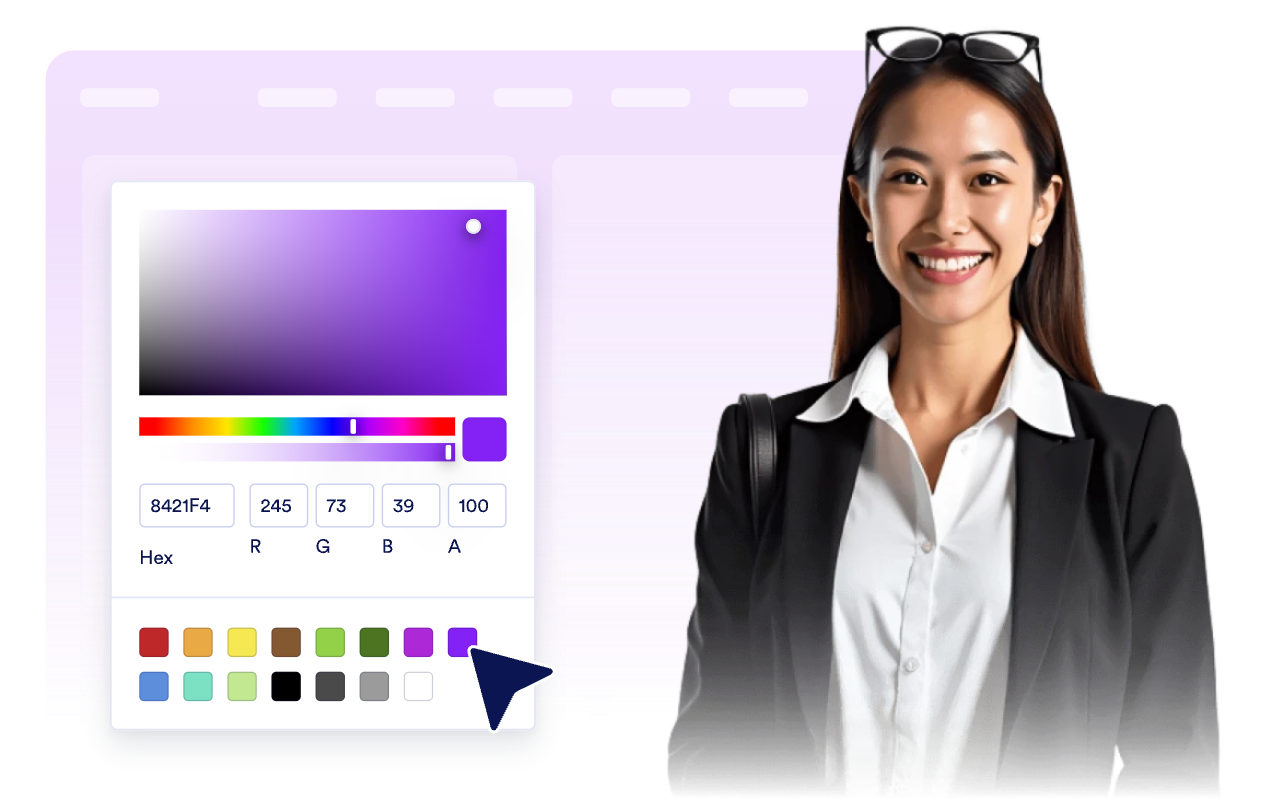
Start with light, dark, blue, teal, or custom colors, then adjust the surface, text, clock face, hand, and accent colors for your brand.

Jform 위젯이 특별한 이유
Jform의 위젯을 사용하면 웹사이트를 더욱 상호작용형으로 만들고 전환율을 높일 수 있습니다. 별점 평가, 후기 슬라이더, 소셜 프루프 팝업, 미디어 삽입까지 다양한 도구를 양식이나 랜딩 페이지 안에 결합해 코딩 없이 데이터를 수집하고, 신뢰를 쌓으며, 리드를 확보할 수 있습니다.
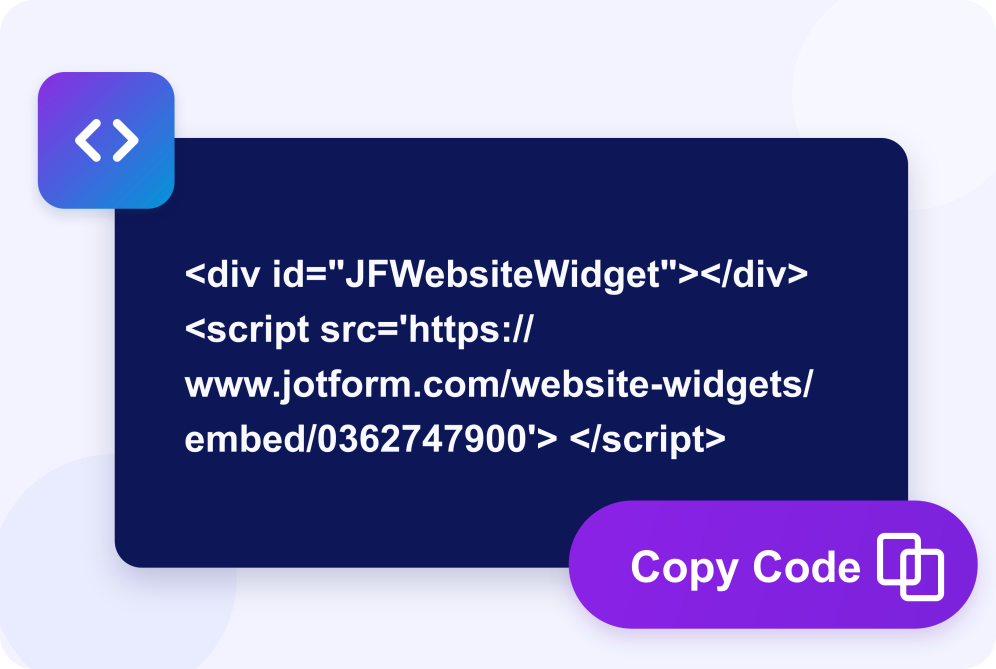
Add Jform widgets to your website with a simple embed code. Customize the widget, preview how it looks, and paste it into any page that supports custom HTML or embed blocks to all platforms, no developer required.
Use Jform Website Widgets to collect leads, show customer feedback, display social proof, embed media, or add helpful on-page tools. Each widget helps visitors interact with your business directly from the page.
If you need help setting up, customizing, embedding, or troubleshooting your widget, Jotform’s customer support team is available 24/7. You can move forward with confidence, knowing help is there when you need it.
Where to use your Clock Widget
Place the widget anywhere time-zone clarity helps visitors decide when to contact, visit, register, join, or take action.
Contact pages for companies with offices or support teams in multiple time zones.
Online stores that want to show shop, pickup, support, or launch times across regions.
Event pages where attendees need to compare local event time with their own region.
Global team pages that show working hours for distributed teammates and departments.
Travel and hospitality pages where local destination time helps guests plan calls, arrivals, or bookings.
Dashboards and portals where users need a quick world-clock reference without leaving the page.
Jform 양식 빌더로 리드를 유료 고객으로 전환하세요
Jform으로 참여를 행동으로 전환하세요. 리드를 확보하고 결제를 수집하며 응답을 자동화하는 강력한 양식을 한 곳에서 만들어 보세요. 모든 제출물은 Jform 받은 편지함으로 모여, 후속 조치를 하거나 즐겨 사용하는 앱과 연동할 준비를 마치게 됩니다.
Get Started - It’s Free!
자주하는 질문
What is a Clock Widget?
A Clock Widget displays live current time on your website. You can show one or more city or time-zone clocks in analog, digital, or mixed layouts.
Can I show multiple time zones?
Can visitors compare a selected time zone?
Can I use analog and digital clocks?
Can I use 12-hour or 24-hour time?
Can I customize the design?
Does the Clock Widget work on mobile?
Do I need to write code?