Create Clearbit Forms
Jform’s Clearbit forms let you build custom online forms that integrate directly with Clearbit so you can collect and manage enriched customer data in one place. You can customize these forms with a no-code drag-and-drop builder and embed them on your website with a simple copy-paste. Share them via link or email and connect with 100+ integrations to simplify workflows and lead capture.
템플릿
Free Clearbit Form Templates
Choose a ready-made template below — and make it your own in seconds with Jform’s drag-and-drop form builder. Create custom forms that match your branding without any coding knowledge.
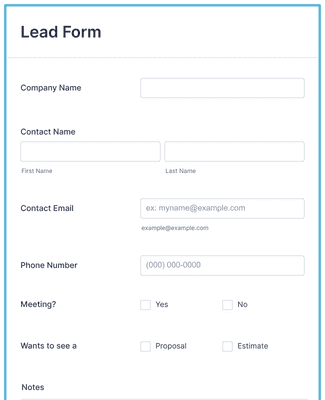
리드 생성 양식
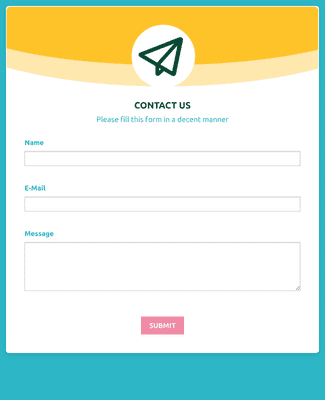
웹 연락처 양식 템플릿
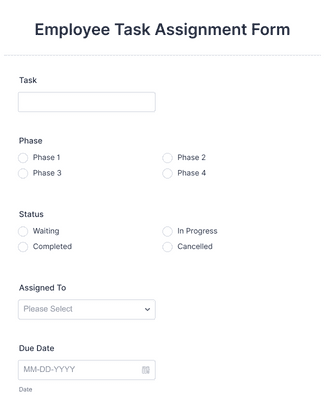
Employee Task Assignment Form

혜택
Make Engaging Clearbit Forms with Jform
Create Forms for Clearbit
Build online forms using Jform’s drag-and-drop editor, so you do not need coding to start collecting leads. Integrate those forms with Clearbit to enrich lead data automatically with each new submission, creating a unified workflow between your form and Clearbit.
간편한 공유 및 임베드
Share Clearbit-powered forms via email invitations or direct links so users can open them anywhere. Embed forms in your website with simple copy-paste code that works across devices. This reach helps you attract responses from landing pages, blog posts, newsletters, and social media.
맞춤 설정하기 위해 드래그
Customize form elements and layout in minutes with a visual editor so the form fits your brand identity. Choose fonts and colors, upload a logo, and tailor fields without writing code. Instant visual editing keeps design and data collection aligned with your needs.
Collect & Manage Data
Capture enriched submissions and store them in Jform Tables so you can review responses in spreadsheet-style views. Centralized data tracking makes it easier to sort, filter, and export leads for analysis or follow-up workflows.
100개 이상의 플랫폼과 연결
Extend Clearbit form capabilities by linking to over 100 third-party apps such as Google Sheets, Airtable, and OneDrive. Use the Zapier integration to sync with more than 3,000 additional platforms, making it easier to automate marketing, CRM, or analytics workflows.
사용후기