무료로 Webflow 양식 만들기
Jform’s Webflow forms tool lets you create and embed custom forms on your Webflow website without coding. Use this Webflow forms builder to collect contact info, registrations, applications, file uploads, e-signatures, customer feedback, and payments with 40+ supported gateways. Customize form fields and branding with drag-and-drop ease and publish them on your site in seconds.
템플릿
무료 Webflow 양식 템플릿
어디서부터 시작해야 할지 모르시나요? 시작하려면 아래에서 무료 Webflow 양식 템플릿을 선택한 다음 Jform의 드래그 앤 드롭 빌더로 사용자 정의하고 Webflow 웹 사이트에 포함하세요.
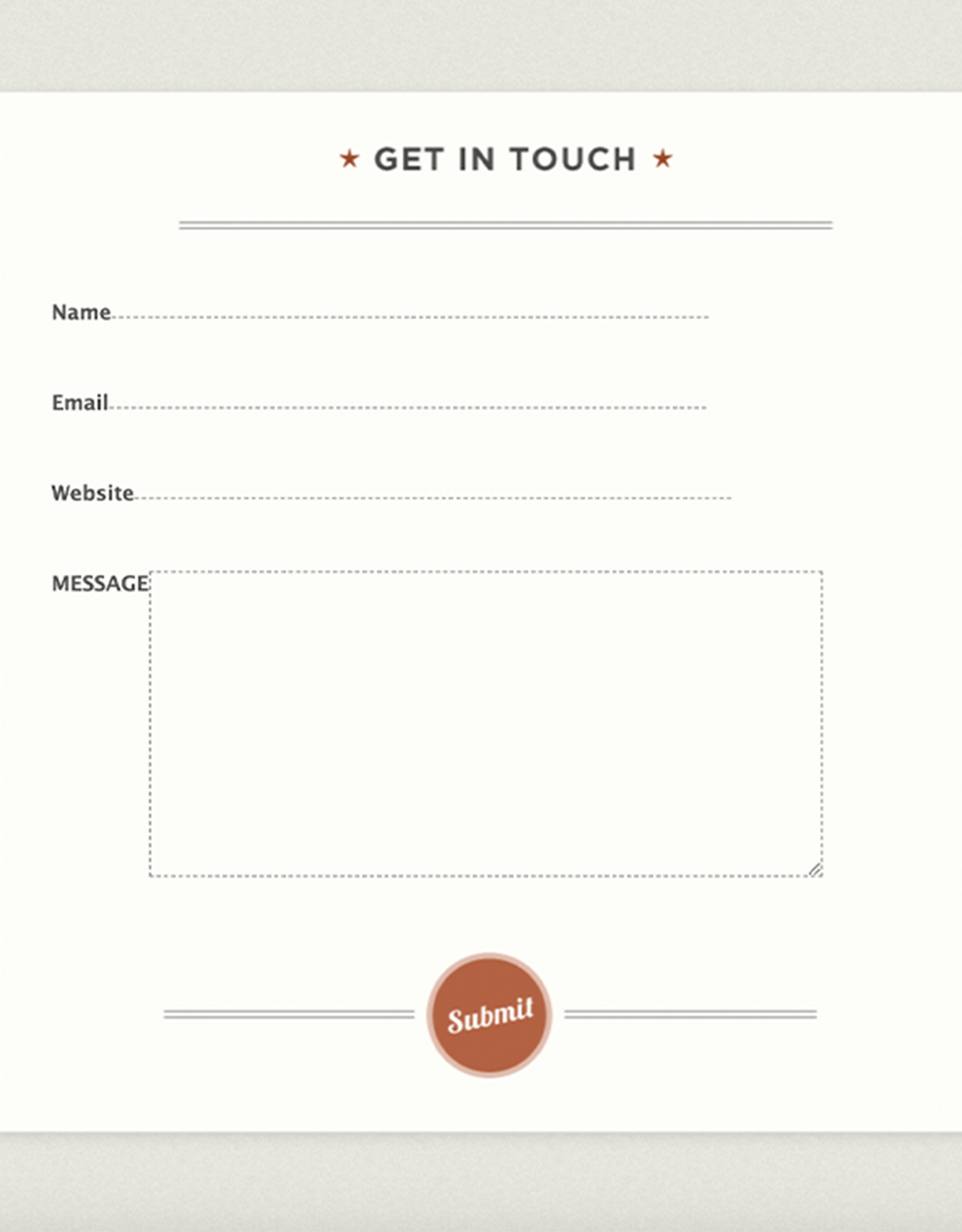
문의 양식
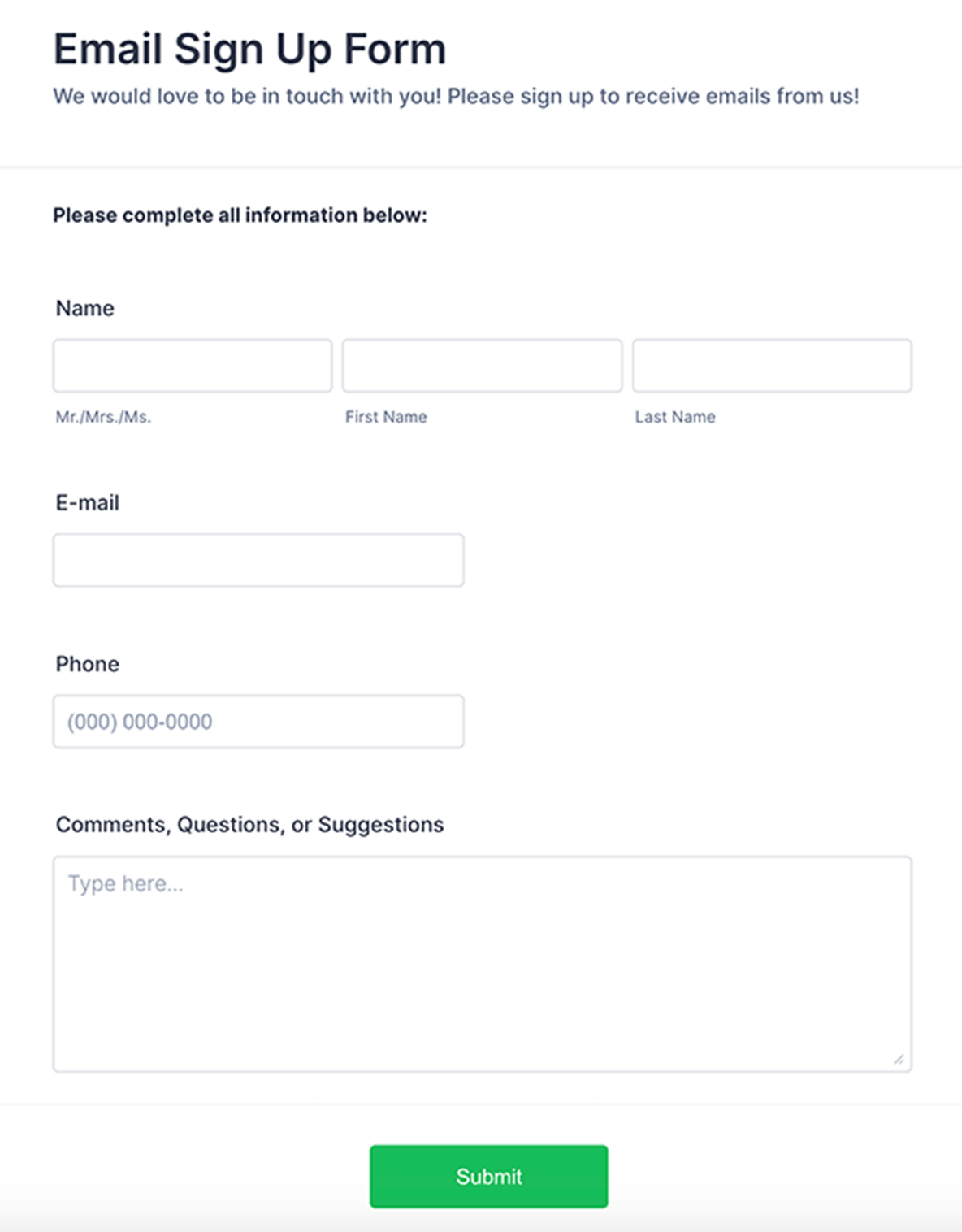
이메일 가입 양식
피드백 양식
Jform ChatGPT 앱
Create forms in seconds inside ChatGPT, refine them through conversation, and turn submissions into clear insights without switching tabs.

혜택
즉시 Webflow 양식 만들기
귀하의 웹사이트를 위한 양식 만들기
Choose from 20,000+ ready-made templates or customize a form from scratch so it fits your Webflow site’s purpose and audience. After design, embed the form with a simple copy-paste code snippet, so visitors can submit contact info, registrations, surveys, and more directly on your pages.
용이한 맞춤 설정
드래그 앤 드롭으로 양식 디자인을 귀하의 필요와 브랜딩에 맞게 조정하세요. 고유한 로고를 추가하고, 전자 서명이나 파일 업로드를 위한 고급 양식 필드를 포함하며, 글꼴과 색상을 변경하고, 코딩 지식 없이 조건부 로직을 설정할 수 있습니다.
Jform 테이블에서 데이터 관리
제출물을 수집한 후에는 Jform 테이블에서 스프레드시트, 캘린더 또는 개별 카드 형태로 확인할 수 있습니다. 이 올인원 온라인 워크스페이스를 통해 팀원들과 협업하고, 보고서를 생성하며, 기타 중요한 작업을 신속하게 처리할 수 있습니다.
양식을 강화하세요
Connect your Webflow forms to the tools you already use through Jform’s 100+ integrations, so form submissions flow directly into services like Google Drive, Mailchimp, or Dropbox. Add support for payments with 40+ payment gateways such as Stripe and PayPal, so you can collect orders or donations right from your Webflow site.
사용후기