웹사이트용 Google Play 리뷰 위젯
웹사이트에 실시간 Google Play 리뷰 위젯을 추가해 다운로드를 유도하는 지점에서 실제 앱 사용자 피드백을 보여주세요. Google Play 리뷰 위젯은 Google Play 스토어 목록의 앱 별점과 공개 리뷰를 깔끔하고 반응형 레이아웃으로 표시합니다. Jform의 무료 노코드 도구로 몇 초 만에 설정할 수 있습니다. 디자인을 맞춤 설정하고 새 리뷰를 자동으로 동기화하며, 간단한 임베드 코드로 어디서나 게시하세요.
Google Play 리뷰 위젯 추가 방법
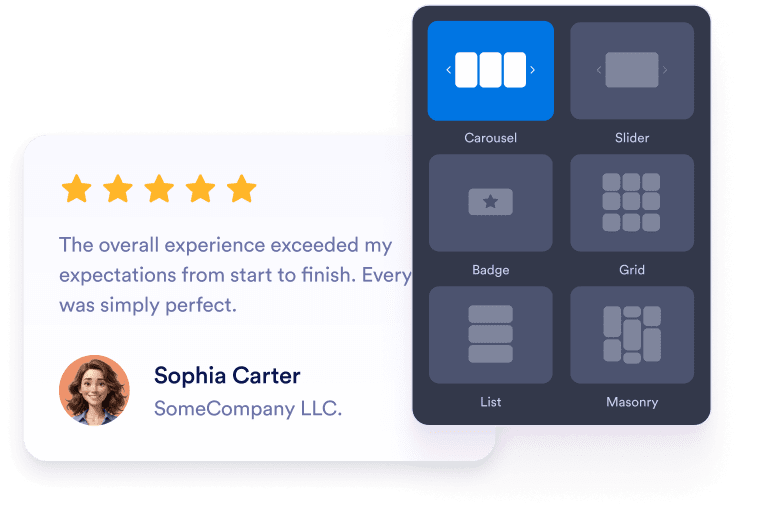
Customize your widget
Choose your preferred layout, colors, and overall appearance to match your website’s design.

Get the embed code
Copy the automatically generated embed code and paste it anywhere on your website.

Embed it anywhere
별도의 기술 설정 없이 몇 초 만에 사이트 전역에 실제 고객 피드백을 게시하세요.
Google Play 리뷰를 실제 비즈니스 성장으로 전환하세요
실제 Google Play 리뷰로 신뢰도 구축
사람들은 광고나 제품 설명보다 실제 사용자 리뷰를 더 신뢰합니다. 최신 Google Play 평점을 보여주면 방문자가 다운로드 전에 앱에 대한 신뢰를 갖도록 도와줍니다.
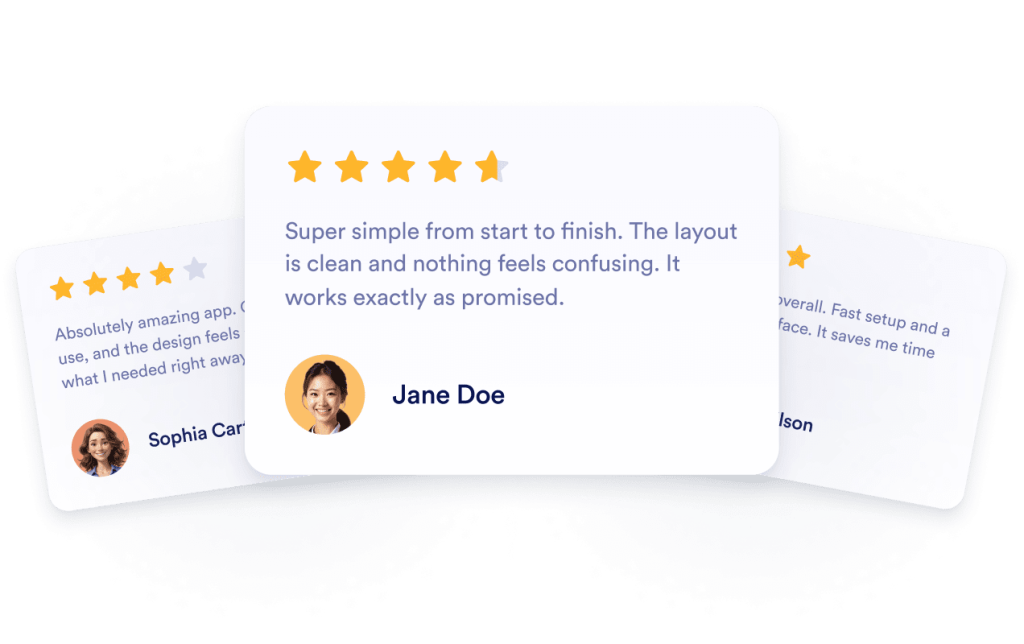
자동 업데이트로 콘텐츠를 항상 최신 상태로 유지하세요
위젯은 Google Play 앱 페이지와 계속 동기화됩니다. 새로운 리뷰나 평점 변경이 자동으로 반영되어 사이트에 항상 최신 피드백이 표시됩니다.
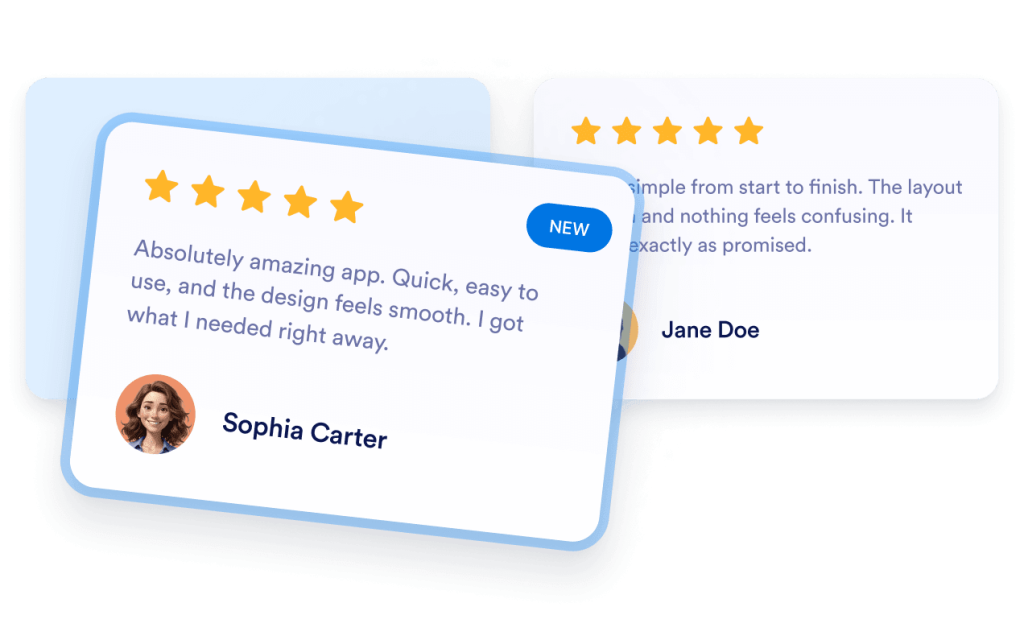
가시성 및 SEO 개선
새로운 리뷰는 사이트에 고유한 사용자 생성 콘텐츠를 추가합니다. 이는 페이지 신선도를 유지하고 신뢰 신호를 강화하며 시간이 지남에 따라 검색 성능 개선에도 도움을 줍니다.

더 많은 방문자를 고객으로 전환
긍정적인 리뷰는 망설임을 줄이고 자주 묻는 질문에 대한 답을 대신 제공합니다. 설치 수 증가, 데모 신청, 뉴스레터 구독 등 어떤 목표든 소셜 프루프는 사용자의 행동을 유도합니다.

Jform 위젯이 특별한 이유
Jform의 위젯을 사용하면 웹사이트를 더욱 상호작용형으로 만들고 전환율을 높일 수 있습니다. 별점 평가, 후기 슬라이더, 소셜 프루프 팝업, 미디어 삽입까지 다양한 도구를 양식이나 랜딩 페이지 안에 결합해 코딩 없이 데이터를 수집하고, 신뢰를 쌓으며, 리드를 확보할 수 있습니다.
모든 Jform 위젯 살펴보기Google Play 리뷰 위젯을 활용할 수 있는 위치
방문자가 결정을 내리는 주요 페이지에 리뷰를 추가하세요. 실제 고객 피드백이 신뢰를 구축하고 사이트의 주요 행동을 유도하는 데 도움을 줍니다.
앱 다운로드 랜딩 페이지에서 설치 수를 늘리세요.
홈페이지 소셜 프루프 섹션에서 빠르게 신뢰를 구축하세요.
가격 또는 업그레이드 페이지에서 사용자의 의구심을 줄이세요.
기능 페이지에서 주요 주장에 신뢰를 더하세요.
대기자 명단 또는 얼리 액세스 페이지에서 가입률을 높이세요.
지원/FAQ 페이지에서 망설이는 사용자를 안심시키세요.
Jform 양식 빌더로 리드를 유료 고객으로 전환하세요
Jform으로 참여를 행동으로 전환하세요. 리드를 확보하고 결제를 수집하며 응답을 자동화하는 강력한 양식을 한 곳에서 만들어 보세요. 모든 제출물은 Jform 받은 편지함으로 모여, 후속 조치를 하거나 즐겨 사용하는 앱과 연동할 준비를 마치게 됩니다.
시작하기 — 무료입니다!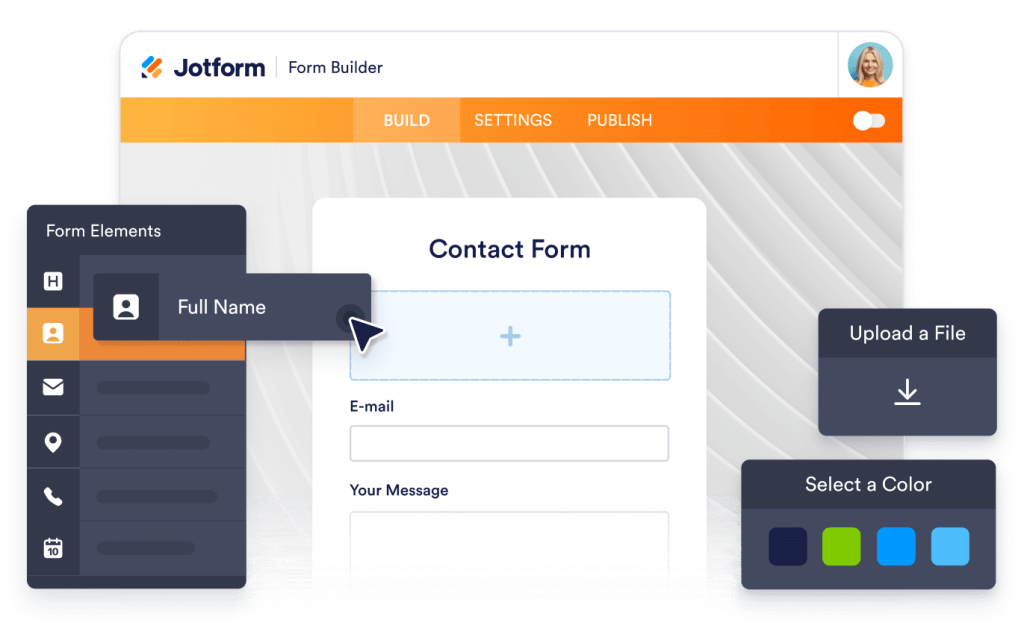
자주하는 질문
Google Play 리뷰 위젯을 어떻게 설정하나요?
Jform의 Google Play 리뷰 위젯을 사용하면 웹사이트에 Google Play 리뷰를 쉽게 추가할 수 있습니다. 위젯의 Source 필드에 Google Play 앱 또는 목록 링크를 붙여넣고 캐러셀, 슬라이더, 배지, 그리드 등의 레이아웃을 선택한 뒤 디자인을 맞춤 설정하세요. Continue를 클릭해 삽입 코드를 복사하고 웹사이트에 붙여넣으면 바로 게시됩니다.
브랜드에 맞게 위젯을 맞춤 설정할 수 있나요?
새로운 Google Play 리뷰가 등록되면 위젯도 업데이트되나요?
웹사이트에 표시할 리뷰를 필터링할 수 있나요?
어떤 디자인 옵션을 사용할 수 있나요?
Google Play 리뷰를 연결하는 것은 안전한가요?
Google Play 리뷰 위젯은 무료로 사용할 수 있나요?
WordPress, Shopify, 또는 Webflow에 Google Play 리뷰를 삽입할 수 있나요?
이 위젯을 다른 Jform 도구와 함께 사용할 수 있나요?
Jform과 함께 어떤 통합 기능이나 자동화를 사용할 수 있나요?