무료 온라인 파티 초대 앱
Jform’s party invitation maker lets you build a custom party invitation app without coding. Use a drag-and-drop builder to customize invitations, send them to guests, and track their responses in one place. You can use 20,000+ form templates to enrich your app. Share your party invitation app via link, social media, or embed it on your website to collect RSVPs and event details on any device.
템플릿
무료 파티 초대 앱 템플릿
어디서 시작해야 할지 모르겠나요? 준비된 앱 템플릿 중 하나를 선택하여 파티 초대장 앱을 시작하세요. 드래그 앤 드롭 앱 빌더를 통해 이벤트나 축제의 테마에 맞게 초대장을 맞춤화할 수 있습니다.
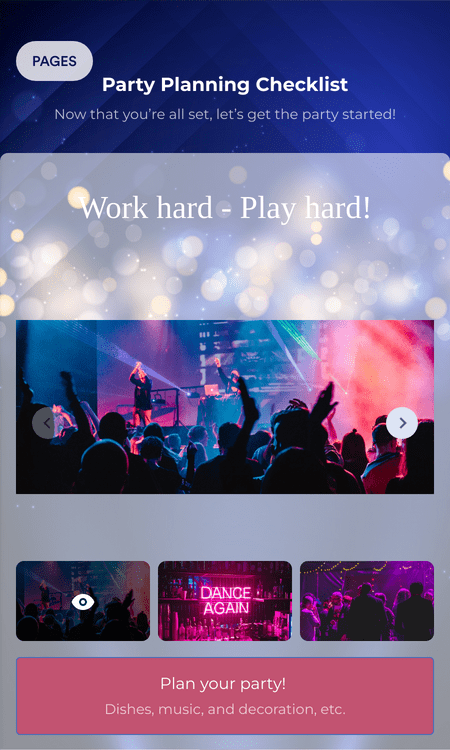
파티 계획 체크리스트 앱
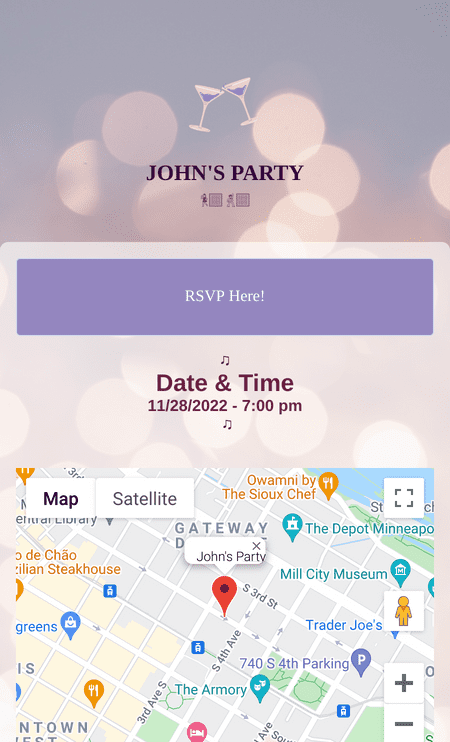
Party Invitation App
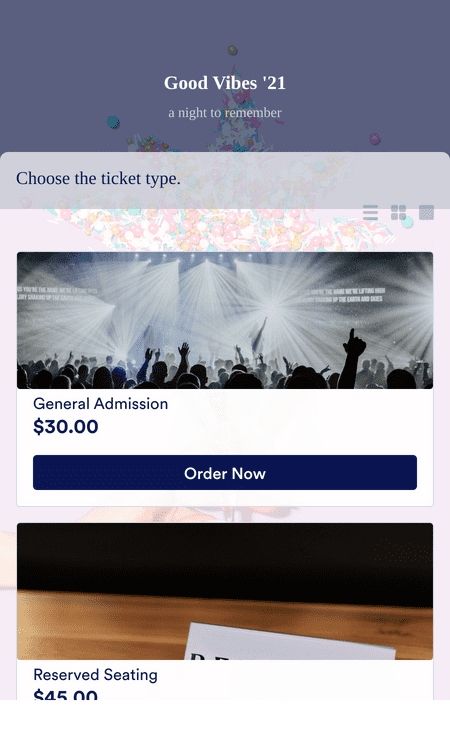
초대 앱
혜택
이벤트 및 파티를 위한 맞춤형 앱
아름다운 파티 초대장 만들기
드래그 앤 드롭 앱 빌더를 사용해 맞춤형 파티 초대장 앱을 만들어 보세요. 초대장 내용을 추가하고, 이미지를 업로드하고, 글꼴과 색상을 설정해 파티 테마에 맞는 초대장을 완성할 수 있습니다. 초대장과 RSVP 양식을 한곳에서 관리할 수 있어 참석자들이 어디에서 응답해야 하는지 쉽게 알 수 있습니다.
파티 앱을 맞춤 설정
호스트의 브랜딩이나 이벤트 스타일에 맞게 파티 앱을 맞춤 설정해 초대장부터 RSVP까지 일관된 경험을 제공하세요. 이벤트 운영 방식에 맞게 위젯과 통합 기능을 추가할 수 있습니다. 또한 PayPal 또는 Stripe 같은 결제 게이트웨이를 연동해 초대 과정에서 입장료를 미리 받을 수도 있습니다.
게시 및 공유
맞춤 URL로 파티 초대장 앱을 게시하면 참석자들이 언제나 동일한 링크를 사용할 수 있습니다. 소셜 미디어에서 링크를 공유하거나 웹사이트에 앱을 삽입해 초대장과 RSVP를 더욱 쉽게 이용할 수 있습니다. 현장 참석자를 위해 QR 코드를 공유해 휴대폰에서 초대장을 바로 열 수 있도록 할 수도 있습니다.
초대장 관리
Jform 계정에서 모든 기기를 통해 참석자 정보와 응답을 관리해 중요한 업데이트가 메시지나 스프레드시트에 흩어지지 않도록 하세요. Jform Tables에서는 참석 현황을 관리하는 방식에 맞게 스프레드시트, 캘린더, 카드 또는 보고서 보기로 동일한 초대 데이터를 확인할 수 있습니다. 다른 도구로 데이터를 옮기지 않고도 참석자 명단을 검토하고 이벤트를 효율적으로 준비할 수 있습니다.
사용후기
Jform에 대한 사용자의 의견
파티 초대장에 대해 자세히 알아보기
Jform에 관한 모든 궁금증을 해결해 드립니다. 자주 묻는 질문에서 일반적인 질문에 대한 답변을 확인하거나, 자세한 내용은 고객 지원팀에 문의하세요.
Jform은 파티 초대장 만들기를 그 어느 때보다 쉽게 만듭니다! 준비된 파티 초대장 템플릿 중 하나를 선택하고, 고유한 사진이나 비디오를 업로드하고, 장소와 시간을 포함한 중요한 세부 정보를 업데이트하세요. 그런 다음 초대장을 게스트에게 공유하고 응답을 기다리세요.
파티를 조직하는 방법은 여러 가지가 있지만, 요즘 가장 효율적인 방법은 온라인으로 파티 초대장을 보내는 것입니다. Jform을 사용하면 초대장을 맞춤화하고, 게스트를 위한 자동 응답 이메일을 설정하고, 중앙 집중된 장소에서 각 응답을 추적할 수 있습니다. Jform과 함께 파티를 준비하고 세부 사항을 걱정하지 마세요!
파티를 계획할 때 염두에 두어야 할 몇 가지 사항은 다음과 같습니다.
- 참석 손님의 수
- 파티가 열리는 장소
- 파티를 위한 준비
- 파티 예산
- 파티는 얼마나 오래 지속되나요?
성공적인 파티를 주최하려면 다음 팁과 요령을 시도해 보세요:
- 회신 및 기타 마감일 알림을 손님과 직원(해당되는 경우) 모두에게 보냅니다
- Jform과 같은 편리한 앱을 사용하여 초대장을 보내고 손님과 소통하세요
- 파티 일정을 정리하고 각 도우미에게 미리 작업을 할당하세요.
- 초대장 템플릿과 데이터 차트를 사용하여 계획을 세우세요
인기 있는 파티 유형은 다음과 같습니다.
- 생일 파티
- 졸업파티
- 베이비 샤워
- 크리스마스 파티
- 새해 전야 파티
- 깜짝 파티
- 사무실 파티
- 디너 파티