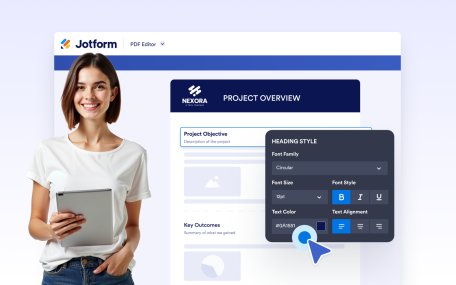
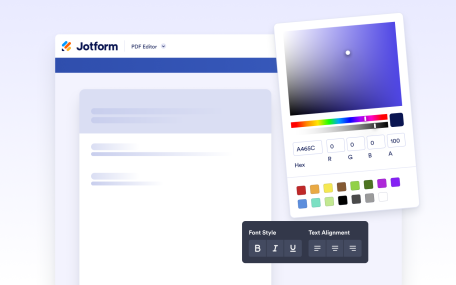
더 알아보기: Heading ElementHeading Element제목과 부제목을 추가해 문서 콘텐츠를 명확하게 구성하세요. 스타일이 적용된 제목으로 명확한 섹션을 만들어 가독성과 시각적 계층 구조를 개선할 수 있습니다.
더 알아보기: Page HeaderPage Header문서의 모든 페이지에 일관된 헤더 콘텐츠를 추가하세요. 전체 텍스트 스타일 및 배경 제어를 통해 제목, 브랜딩, 이미지 또는 조직 세부 정보를 표시할 수 있습니다.
더 알아보기: Page FooterPage Footer문서의 모든 페이지에 일관된 푸터 콘텐츠를 추가하세요. 유연한 스타일링 및 배경 옵션으로 브랜딩, 연락처 정보 또는 추가 정보를 표시할 수 있습니다.
더 알아보기: Drag and Drop BuilderDrag and Drop BuilderCreate polished, professional PDFs faster using a visual PDF builder designed for simplicity and control.
더 알아보기: PDF DesignerPDF 디자이너Design fully customized PDFs in minutes. Adjust layouts, styles, and visuals or apply a ready-made template to create polished documents with ease.
더 알아보기: Text ElementText ElementCreate and format rich text content directly inside your document. Add styled text, tables, images, and structured layouts using a flexible editor designed for professional document creation.
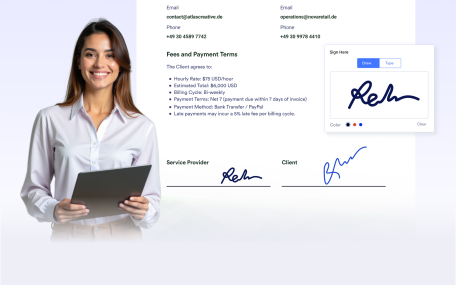
더 알아보기: Signature ElementSignature ElementAdd signature fields to your documents to prepare them for signing after delivery. Create documents ready for physical or digital signatures without requiring additional tools.
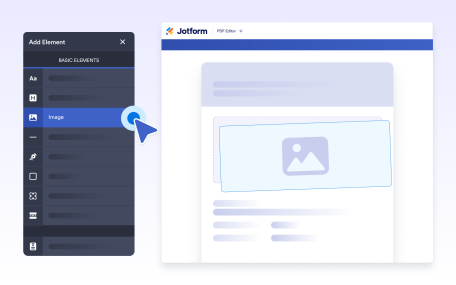
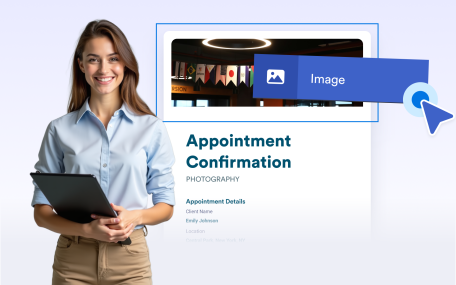
더 알아보기: Image ElementImage ElementAdd images to your documents to enhance visual design and branding. Place visuals anywhere in your layout to create polished, professional, and engaging document outputs.
더 알아보기: Line ElementLine ElementUse line separators to visually divide content and improve document structure. Create clear sections and cleaner layouts for easier reading and a more professional appearance.
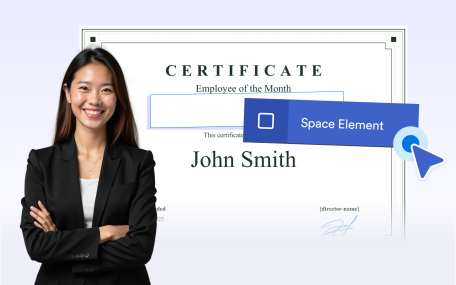
더 알아보기: Empty Space빈 공간Use empty space to organize document layouts and improve readability. Add intentional spacing to separate sections or leave room for notes, comments, and annotations.
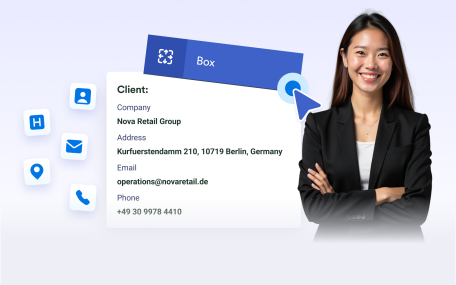
더 알아보기: Box ElementBox ElementGroup related content inside boxes to create clear, structured sections. Highlight important information and apply backgrounds to organize and brand your document layouts.
더 알아보기: Undo/RedoUndo/RedoUndo or redo actions instantly while editing your document. Make changes confidently and refine layouts without losing progress or manually fixing mistakes.
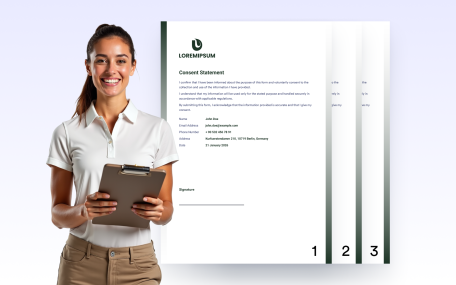
더 알아보기: Page NumberingPage NumberingAutomatically add page numbers to your documents for clear navigation and professional presentation. Keep numbering accurate as pages are added or removed.
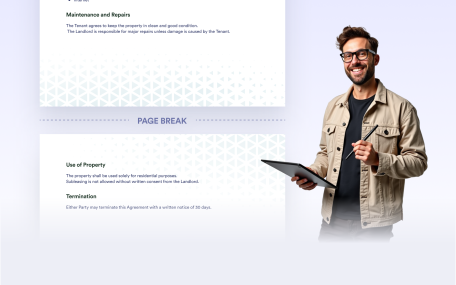
더 알아보기: Page Break페이지 나누기페이지 나누기를 사용하여 문서에서 새 페이지가 시작되는 위치를 제어하세요. 섹션을 명확하게 구분하고, 길거나 가변적인 콘텐츠를 관리하며, 공유 또는 인쇄할 수 있는 깔끔하고 구조화된 PDF를 만드세요.
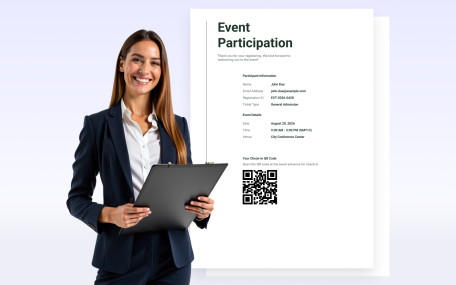
더 알아보기: QR Code ElementQR Code ElementAdd QR codes to your documents to share links, messages, or personalized information. Customize the content, colors, and alignment to match your document.
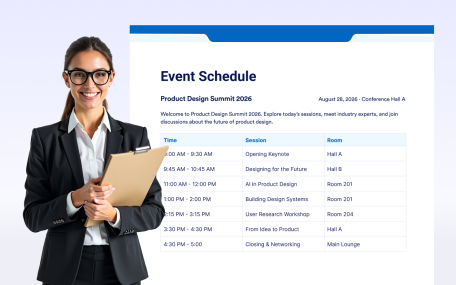
더 알아보기: Table ElementTable ElementOrganize information clearly with Jform’s Table Element. Add structured rows and columns to your forms so users can easily view related information at a glance.