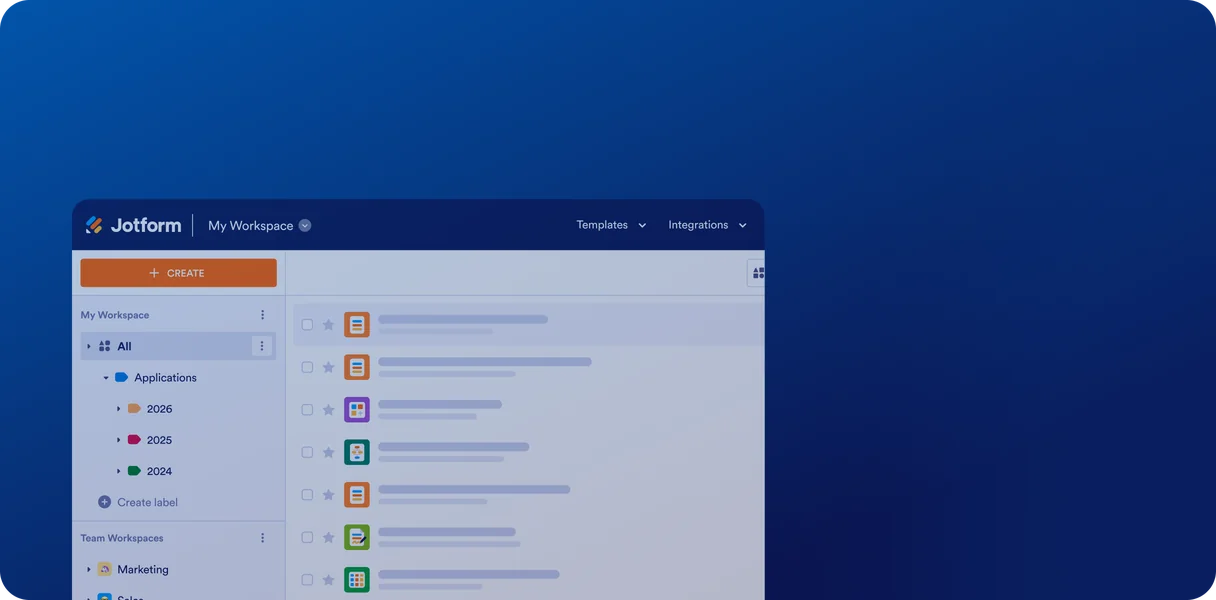
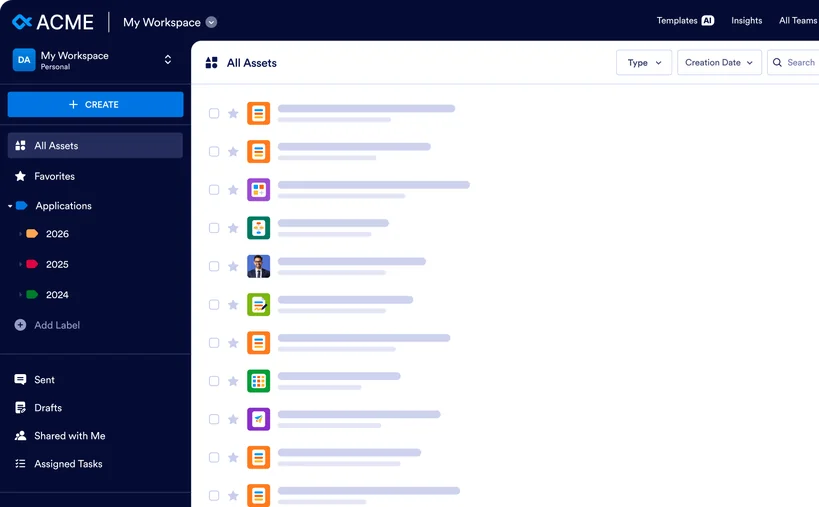



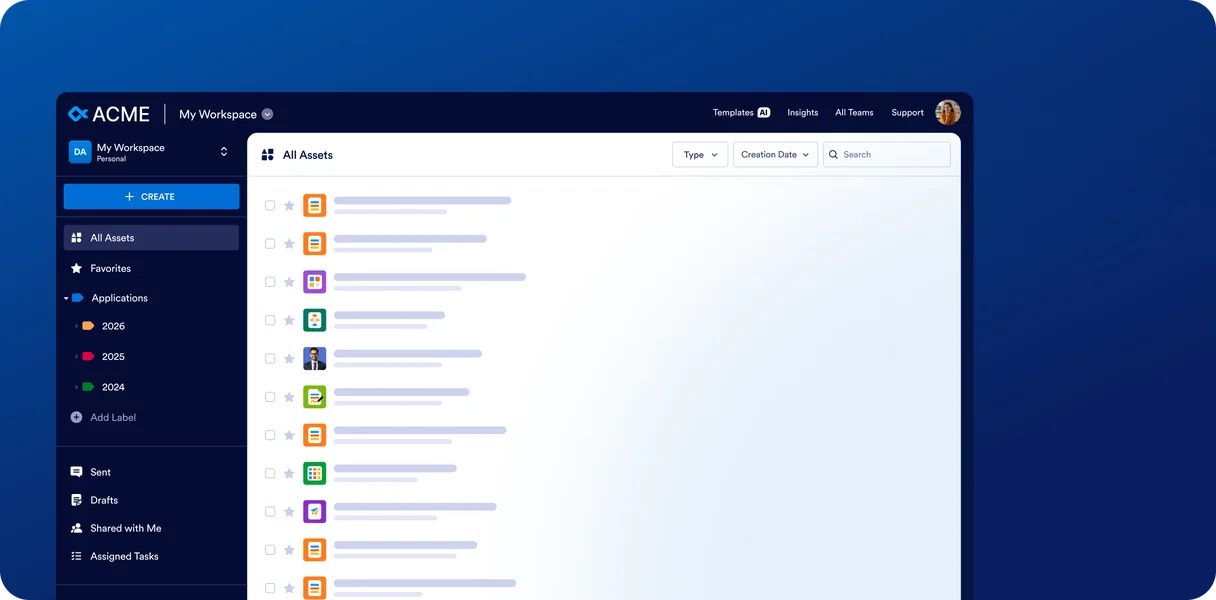


Multiuser
Give each colleague an individual login within one organization account. Assign roles and permissions so people can work together while administrators control access to forms and submission data.
더 알아보기Need to collaborate with your team, control access to forms and data, or use your own domain?
Compare Starter, Bronze, Silver, and Gold with Jform Enterprise to find the right fit for your organization.
Are you considering Jform for yourself or for your whole organization?
Compare Starter, Bronze, Silver, and Gold with Jform Enterprise to find the right fit for your organization.
전 세계 주요 기업의 신뢰를 받고 있습니다.
Build on what you already do with Jotform. Explore the benefits of a multiuser plan.
One user per account, with limited options to share forms and data.
Bring your team together in shared workspaces, with role-based access to forms and data.
Protect your forms with SSL, optional form encryption, and account security settings. HIPAA-enabled features are available on Gold.
Control your account from a central dashboard. Manage users, set permissions, and review logs for audits. A dedicated instance plus optional local data residency, SSO, HIPAA, and SOC 2 enhance security and reliability.
Get online support from our AI support agent and customer support team.
Get dedicated support and schedule Zoom calls for personalized guidance. Optional Professional Services help your team get started faster.
Limits vary by plan. Gold, our highest-tier standard plan, includes 100 forms, 10,000 monthly submissions, and 100 GB of storage.
Unlimited forms, submissions, e-signatures, payments, and API calls let you focus on growth without worrying about use limits.
| Compare by category | 엔터프라이즈 | |
|---|---|---|
| Team & collaboration | ||
| 여러 사용자 Give each teammate their own login to the same account. | 1 user 1 user 1 user 1 user | 무제한 |
| User roles Set what each person can see and do. | Account owner only Account owner only Account owner only Account owner only | Admin and users with role-based access |
| Data ownership Who owns the forms and responses you create. | Individual user Individual user Individual user Individual user | 조직 |
| Team workspaces Shared spaces where a team keeps its forms and data together. | Workspaces for one user Workspaces for one user Workspaces for one user Workspaces for one user | |
| Form & submission access controls Choose who can view or edit each form and its submissions. | Permissions by user & role | |
| Administration & control | ||
| Server administration Manage all users, assets, and settings from a single dashboard. | ||
| SSO login (optional) Sign in with your company account, like Okta or Microsoft Entra ID. | ||
| SLA (Service Level Agreement) A written commitment on service levels, like uptime. | ||
| Customized agreement Contract terms tailored to your organization. | ||
| Asset management across the organization View and manage every form, table, and app your team creates. | ||
| Use & activity insights See how your team uses forms, submissions, and other assets. | ||
| Integration management Control which integrations people in your organization can use. | ||
| Security & compliance | ||
| HIPAA (optional) Features that help you collect and secure protected health information. | ||
| GDPR (optional) Features that help you handle personal data from the EU. | ||
| HIPAA + GDPR (optional) Use both compliance options in the same account. | ||
| Hosting environment Where your forms and data run: shared or dedicated servers. | Shared Shared Shared Shared | Dedicated to your organization |
| 로컬 데이터 보존 Choose the country where your data is stored. | EU/US EU/US EU/US EU/US | Locations in 15 countries |
| Session timeout Sign people out automatically after a set time of inactivity. | ||
| IP address restriction Allow access to your account only from approved IP addresses. | ||
| 사용하기 | ||
| 양식 How many forms you can create. | Up to 100 forms Up to 50 forms Up to 25 forms Up to 5 forms | 무제한 |
| 제출자료 How many form responses you can collect each month. | Up to 10,000 / month Up to 2,500 / month Up to 1,000 / month Up to 100 / month | 무제한 |
| Storage space Space for files uploaded through your forms. | Up to 100 GB Up to 10 GB Up to 1 GB Up to 100 MB | Unlimited (fair use) |
| 양식 열람 How many times your forms can be viewed each month. | Up to 10M / month Up to 1M / month Up to 100,000 / month Up to 10,000 / month | 무제한 |
| Submission storage Total form submissions you can keep in your account. | Up to 100,000 submissions Up to 25,000 submissions Up to 10,000 submissions Up to 500 submissions | 무제한 |
| 양식당 필드 Questions and elements allowed in a single form. | Up to 1,000 fields Up to 500 fields Up to 250 fields Up to 100 fields | 무제한 |
| 결제 제출 Form responses that include a payment, each month. | Up to 1,000 / month Up to 250 / month Up to 100 / month Up to 10 / month | 무제한 |
| 서명된 문서 Documents people can sign each month. | Up to 1,000 / month Up to 250 / month Up to 100 / month Up to 10 / month | 무제한 |
| AI-powered creation Build forms, apps, and AI agents from a simple prompt. | 무제한 무제한 무제한 무제한 | 무제한 |
| API calls Requests other apps can make to your account each day. | Up to 100,000 / day Up to 50,000 / day Up to 10,000 / day Up to 1,000 / day | 무제한 |
| 사용자 지정 | ||
| Custom domain name Host your forms on your own web address. | ||
| Asset domains Use different custom domains for your forms and apps. | ||
| 화이트 라벨링 Replace Jform branding with your own. | 브랜딩 없음 브랜딩 없음 브랜딩 없음 Jform 브랜딩 | 맞춤형 브랜딩 |
| Organization brand kit Keep your logos, colors, and fonts in one place for everyone. | ||
| Organization-wide form themes Apply the same form design across your whole organization. | ||
| Branded workspace Add your branding to the workspace, login, and error pages. | ||
| 화이트 라벨 모바일 앱 Give your team a mobile app with your own branding. | ||
| 지원 | ||
| 24/7 online support Get help from our support team any time. | ||
| Real-time Zoom sessions for customer support Live video calls with our Customer Success team. | ||
| Professional services Hands-on help from our experts to build your forms and workflows. | ||
| Onboarding services Guided setup and training for your team. | ||
| Integrations & API | ||
| 결제 통합 Collect payments with PayPal, Stripe, Square, and more. | ||
| 3rd-party integrations Send form data to tools like Google Sheets, Slack, and Salesforce. | ||
| API Build custom connections with your own systems. | ||
| AI 에이전트 | ||
| AI 에이전트 AI assistants that answer questions and fill out forms with people. | Up to 100 agents Up to 50 agents Up to 25 agents Up to 5 agents | 무제한 |
| 대화 Chats your AI agents can have each month. | Up to 10,000 / month Up to 2,500 / month Up to 1,000 / month Up to 100 / month | 무제한 |
| Sessions Number of times people interact with your AI agents each month. | Up to 2M / month Up to 1M / month Up to 100,000 / month Up to 10,000 / month | 무제한 |
| Monthly voice call Minutes your AI agents can spend on phone calls. | 300 min. 200 min. 100 min. 50 min. | 1,000 min. |
| 월별 SMS Text messages your AI agents can send each month. | 750 500 300 250 | 1,000건 |
| 지식 베이스 Content your AI agents learn from in order to answer questions. | Up to 100M characters Up to 50M characters Up to 20M characters Up to 10M characters | 무제한 |
| Phone number add-on Give your AI agent its own phone number. | ||
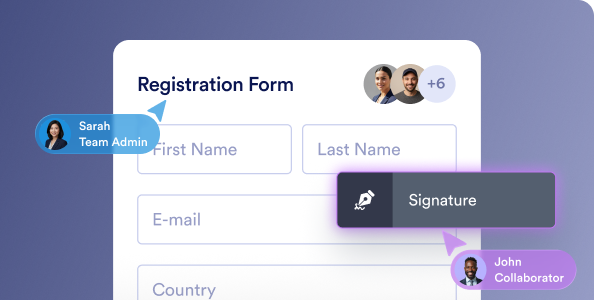
Give each colleague an individual login within one organization account. Assign roles and permissions so people can work together while administrators control access to forms and submission data.
더 알아보기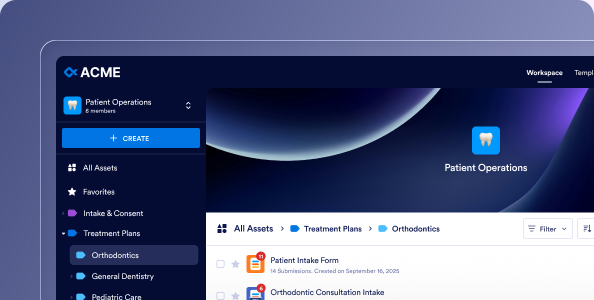
Create shared workspaces for departments, projects, or working groups. Keep forms, workflows, and related assets together so team members can find and manage the resources they need.
더 알아보기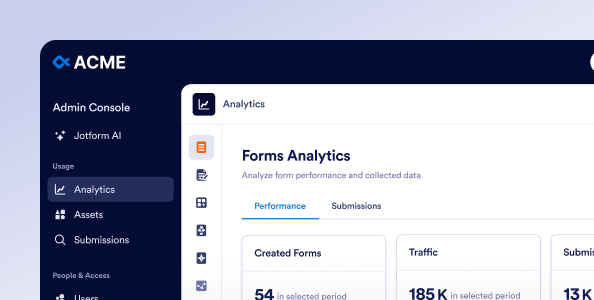
Manage users, permissions, assets, and security settings across your organization in one place. Give administrators a shared view of how teams use Jform, with tools to manage access as responsibilities change.
관리자 콘솔 살펴보기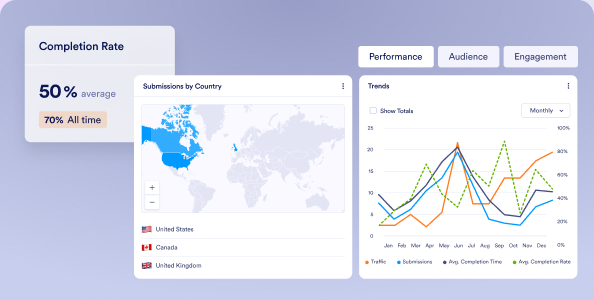
View performance across your organization’s forms, workflows, apps, and signing documents. Track submissions, completion rates, and activity in one dashboard to understand what’s working and where processes could improve.
인사이트 살펴보기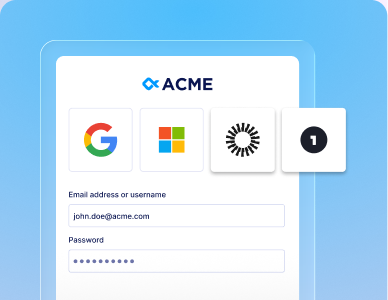
Connect Jform Enterprise to your organization’s identity provider. Let employees sign in with their work credentials while IT manages authentication through your existing sign-on system.
더 알아보기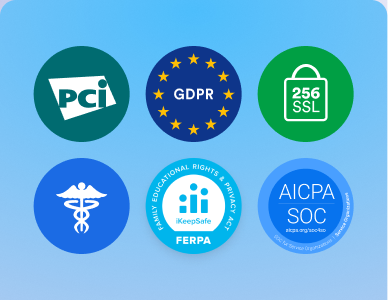
Add organization-wide controls to Jotform’s security foundation. Configure access restrictions and review activity logs to help manage sensitive information and support your internal security policies.
더 알아보기
Choose from available hosting locations to meet your organization’s data residency requirements. Keep forms and submission data in your selected country or region to support local storage policies.
더 알아보기
Help your team get familiar with Jform Enterprise through personalized demonstrations, training, and live Zoom sessions with our customer success team. Request dedicated support as new questions arise and revisit recorded sessions as needed.
더 알아보기
Get hands-on help when your team needs additional implementation support. Jform experts can build custom forms, e-signature documents, and workflows based on your requirements and provide training on how to use them. A Service-Level Agreement and customized agreement are available.
더 알아보기
Fuel your organization’s growth. Create unlimited forms and collect unlimited submissions, e-signatures, and payments, with unlimited API calls and storage for your entire organization.
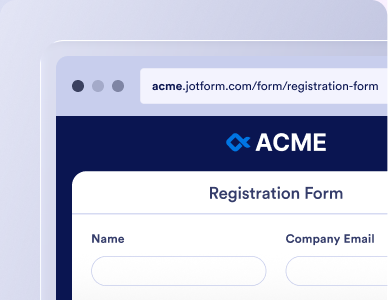
Host forms on your organization’s own domain, such as forms.yourcompany.com. Give customers and colleagues a familiar web address that connects your forms to your organization.
더 알아보기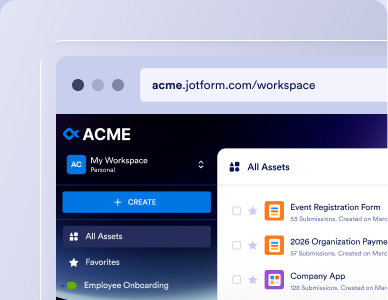
Extend your branding beyond individual forms to workspaces and login pages. Apply your organization’s logo, colors, and themes, and use white labeling for a fully branded experience for staff and respondents.
더 알아보기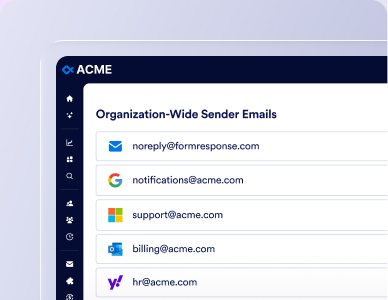
Send form notifications and autoresponders through your organization’s own mail server. Manage sender addresses centrally so messages come from recognizable accounts and follow your email configuration.
더 알아보기Jform Enterprise is the only multiuser plan. With Jform Enterprise your organization — not an individual — owns the data. Additional enterprise features include shared workspaces, centralized user management, and additional security options such as SSO, organization-wide HIPAA features, and a SOC 2 environment. Custom domains, local data residency, dedicated support, and unlimited forms and submissions also support growing teams. Our standard plans are a good fit if you work independently and the features and use limits meet your needs.
Jform Standard plans are single-user accounts that run on shared servers and include 24/7 online support. Jform Enterprise is our only multiuser plan that runs on a server dedicated to your organization. It adds unlimited use, admin controls, single sign-on (SSO), local data residency, a custom domain, and a dedicated Customer Success team with an SLA.
Consider Jform Enterprise when more than one person needs to build forms or manage data, when your team is reaching plan limits, or when your IT or compliance standards require SSO, admin controls, or data stored in a specific country. It’s also the right fit if you need an SLA, a customized agreement, or hands-on support.
If you work on your own and stay within your plan’s limits, a Standard plan is likely enough.
If you’re the only person who will build forms and manage submissions, a Standard plan is a good place to start. Our Starter plan is free. Bronze, Silver, and Gold plans have higher use limits. Choose Jform Enterprise when more than one person needs to build forms or manage submission data, or when you have specific security requirements like SSO, admin control, or data localization.
Jform Enterprise has custom pricing based on the number of users, your security and data requirements, and any add-ons. The base package includes up to 5 users, and you can add more seats in bundles of 5. Qualifying educational institutions and nonprofits receive a 30% discount on user fees. Contact our sales team to get a quote for your organization.
Jform Enterprise has custom pricing based on the number of users, your security and data requirements, and any add-ons. The base package includes up to 5 users, and you can add more seats in bundles of 5. Qualifying educational institutions and nonprofits receive a 30% discount on user fees. Contact our sales team to get a quote for your organization.
Yes. Jform Enterprise is Jotform’s only multiuser plan. Each person gets their own login. Admins set role-based access levels for every user, and teams can collaborate in shared workspaces. When someone leaves, an admin can reassign the assets they own so forms and submissions stay with your organization. Form respondents don’t count as users.
Yes. Jform Enterprise is Jotform’s only multiuser plan. Each person gets their own login, admins set access levels for every user, and teams can collaborate in shared workspaces. When someone leaves, an admin can reassign their assets so forms, docs, and submissions stay with your organization. Form respondents don’t count as users.
No. Jform Enterprise includes unlimited forms, submissions, e-signatures, payments, and API calls. Storage follows a fair use policy: 1 TB for the base package, plus 1 TB for each additional pack of 5 users.
No. Jform Enterprise includes unlimited forms, submissions, e-signatures, payments, and API calls. Storage follows a fair use policy: 1 TB for the base package, plus 1 TB for each additional pack of 5 users.
Yes. Jform Enterprise supports SSO through SAML 2.0 with identity providers such as Microsoft Entra ID, Google Workspace, and Okta, as well as JIT and SCIM user provisioning. You can also require SSO for form access. SSO isn’t available on Jform Standard plans.
Yes. Jform Enterprise supports SSO through SAML 2.0 with identity providers such as Microsoft Entra ID, Google Workspace, and Okta, as well as JIT and SCIM user provisioning. You can also require SSO for form access. SSO isn’t available on Jform Standard plans.
Yes. Jform Enterprise offers HIPAA compliance features, with database-level encryption that uses a unique AES-256 key for each submission. Jform Gold also offers HIPAA features, but it is a single-user plan. If more than one person needs access to protected health information (PHI), you’ll need Jform Enterprise. HIPAA servers come at an additional cost.
Yes. Jform Enterprise offers HIPAA compliance features, with database-level encryption that uses a unique AES-256 key for each submission. Jform Gold also offers HIPAA features, but it is a single-user plan. If more than one person needs access to protected health information (PHI), you’ll need Jform Enterprise. HIPAA servers come at an additional cost.
Jform Standard plans run on shared servers in the EU or US. Jform Enterprise runs on a server dedicated to your organization. Choose from 19 local data residency centers in 15 countries to meet country-specific privacy and compliance requirements.
Jform Standard plans run on shared servers in the EU or US. Jform Enterprise runs on a server dedicated to your organization. Choose from 19 local data residency centers in 15 countries to meet country-specific privacy and compliance requirements.
Yes. Migrating your existing forms and submission data is included when you set up Jform Enterprise, and migrations involve limited downtime. Your existing Jform form URLs keep working after the move. A few items, such as encrypted forms, draft submissions, and in-progress workflows, need extra steps or don’t migrate.
Yes. If you start on a Standard plan, migrating your forms and submission data is included in your Enterprise setup, with limited downtime. Your existing Jform form URLs keep working after the move.
You can keep using your Standard account, but forms and data that were migrated can no longer be edited there. If you prefer, we’ll downgrade your Standard account so you aren’t charged going forward, and any prepaid but unused amount as of the migration date will be refunded.
After your agreement is signed, your server setup, migration, and login credentials are typically delivered within one business day. Jform Enterprise is web-based, so there’s no software to install.
After your agreement is signed, your server setup and login credentials are typically delivered within one business day. Jform Enterprise is web-based, so there’s no software to install.
Bronze, Silver, and Gold are single-user plans. If you require additional people to build forms or manage your submission data, Jform Enterprise is the only solution.
Bronze, Silver, and Gold are single-user plans. If you require additional people to build forms or manage your submission data, Jform Enterprise is the only solution.
No. Month-to-month billing isn’t available. Fees are paid upfront for the term specified in your agreement.
Enterprise does not offer month-to-month billing. Fees are paid upfront for the term specified in your agreement.
Due to the costs associated with setting up a Jform Enterprise account and server, we are unable to provide a trial of the Jform Enterprise platform. Our sales team can walk you through the features and functionality of Jform Enterprise and answer your questions so you can confidently make your decision.
Due to the costs associated with setting up a Jform Enterprise account and server, we are unable to provide a trial of the Jform Enterprise platform. Our sales team can walk you through the features and functionality of Jform Enterprise and answer your questions so you can confidently make your decision.