무료 Facebook 퀴즈 메이커
Jform’s Facebook Quiz Maker is a no-code tool for creating and sharing quizzes on your social media page. Build quizzes to engage followers, gather feedback, and grow brand awareness, then customize questions and branding before sharing your quiz to your social media page.
템플릿
무료 Facebook 퀴즈 템플릿
어디서 시작해야할지 모르겠나요? 미리 제작된 Facebook 퀴즈 템플릿을 선택하고 몇 번의 클릭만으로 맞춤 설정하세요.
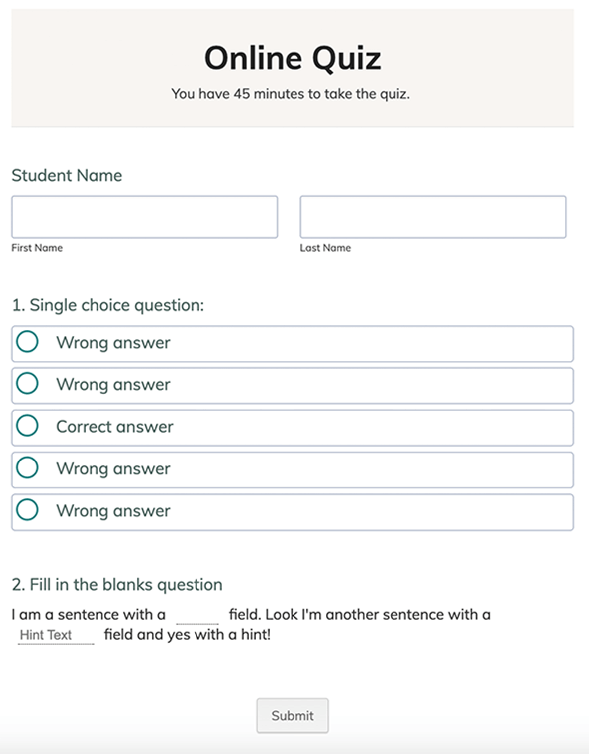
온라인 퀴즈
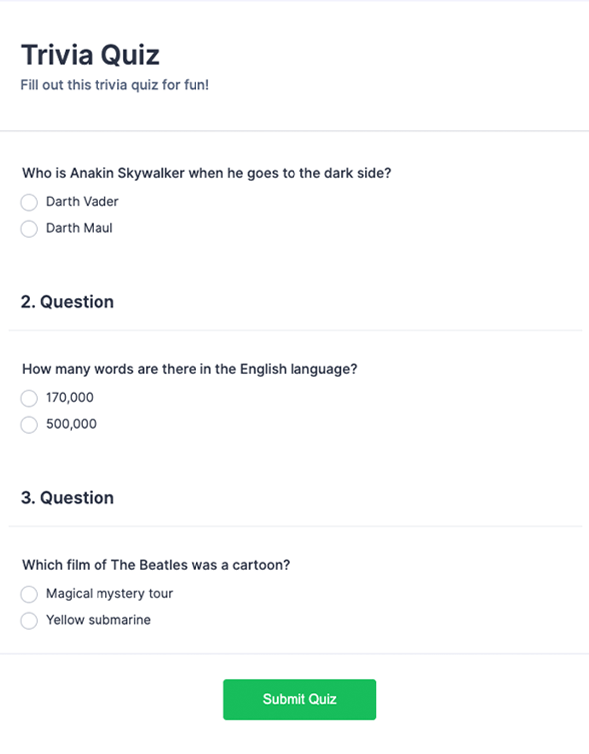
일반상식 퀴즈
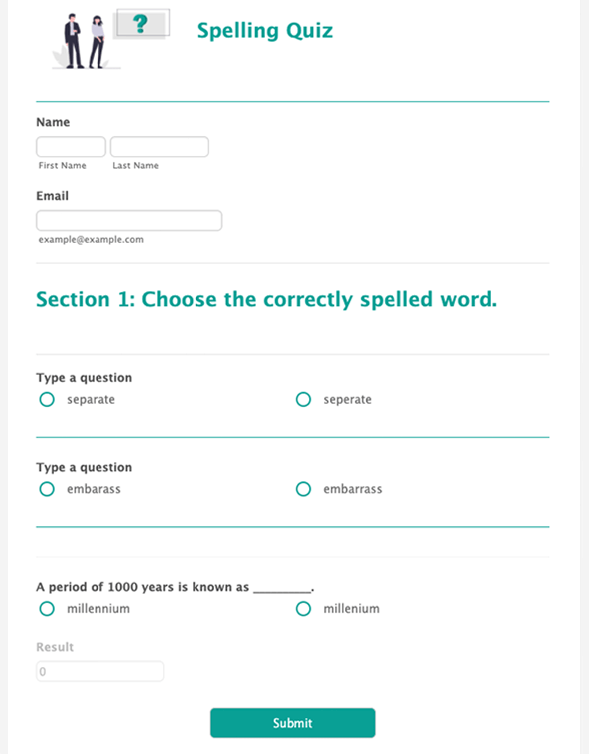
스펠링 퀴즈
혜택
Facebook 퀴즈 양식을 위한 즉각적인 혜택
맞춤형 Facebook 퀴즈 만들기
Build a Facebook quiz with Jform’s drag-and-drop builder, then edit quiz questions and page design in the same place. Add a logo and match quiz branding to the Facebook page so the quiz looks consistent when shared. Use conditional logic to show or hide questions based on previous answers, so people only see relevant questions.
신속하게 공유
Share the quiz by copying the form link and posting it on Facebook, so people can open it right away. Embed the quiz on a Facebook Page as a tab when a Page embed fits the campaign better than a post.
데이터 분석
Jform 리포트 빌더를 사용하여 퀴즈 응답을 리포트로 변환하면 개별 제출 내용을 하나씩 확인하지 않고도 결과를 더 쉽게 검토할 수 있습니다. 이러한 리포트를 활용해 Facebook 사용자들의 답변 패턴을 파악하고, 더 좋은 성과를 내는 방향으로 향후 퀴즈 질문이나 콘텐츠를 조정할 수 있습니다.
사용후기