Free Online Newsletter Signup Forms
Create online newsletter signup forms for businesses, schools, conferences, and more with Jform! Our intuitive drag-and-drop interface makes it easy to build custom signups that work from any device. The best part? No coding required.
템플릿
Explore Free Newsletter Signup Templates
To start building your custom newsletter signup form, just choose from Jform's list of free templates. Personalize the form to your liking with our drag-and-drop form builder, then send it out in seconds. It's that easy!
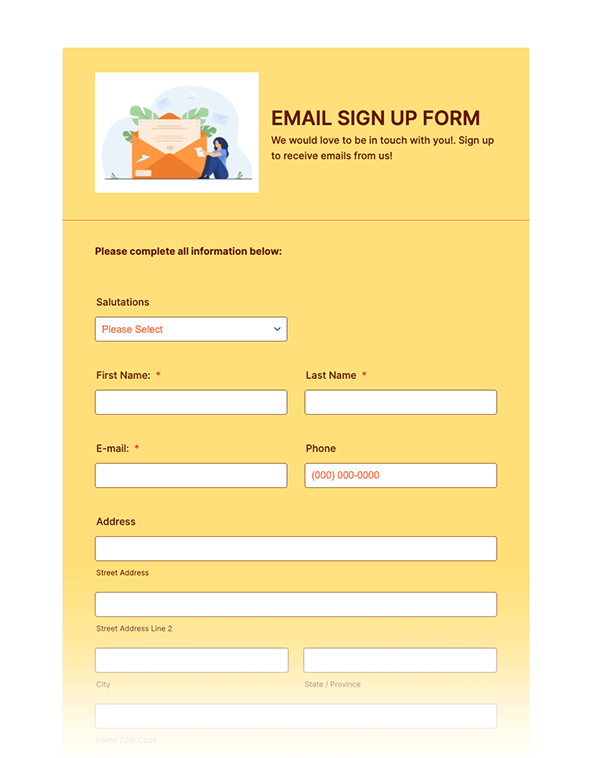
이메일 가입 양식
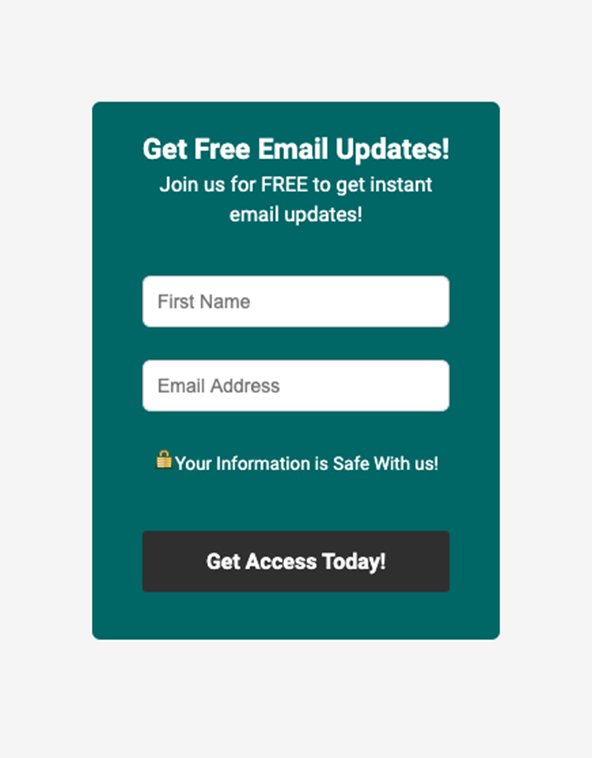
참여 양식
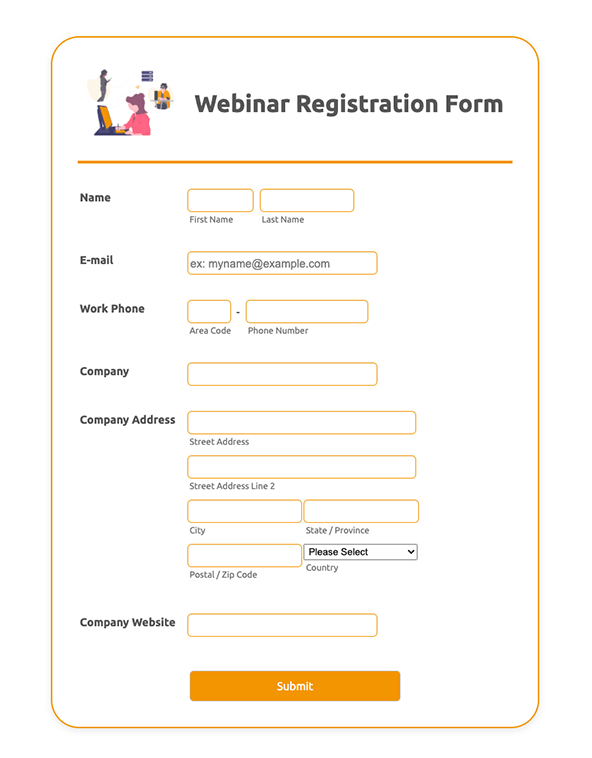
웹세미나 등록
혜택
Create Custom Newsletter Signups
Track and manage submissions
Receive newsletter signup submissions to your Jform account instantly and access them from any device. You can organize and manage responses in Jform Tables, and collaborate with your teammates to streamline newsletter workflows.
Works from any device
All of our forms are accessible from any computer, tablet, or smartphone device. Plus, you can manage your newsletter signups from anywhere with Jform's free Mobile App — even offline!
Easy to customize and share
Simply drag and drop to add form fields, upload images, use widgets and integrations, change fonts and colors, and more. When your form looks good to go, you can share it via email, link, QR code, or by embedding it in your website.
사용후기
Jform에 대한 사용자의 의견
Learn More About Website Signup Forms
All your questions about Signup Forms— answered. Check out our FAQs for answers to common questions.
A website signup form is a web page or popup where users enter information required to access something the website provides, be it particular services, an email newsletter, or something else.
To create a website signup form, start by opening your Jform account. Next, pick a ready-made template or start from scratch. Then simply add your website signup questions and embed the form in your website.
Website signup forms usually ask users to provide their name and email address. They’re great for generating new customer leads.
A website signup form can help you bring in new customers. Once they sign up, you can send them email communications, offer special deals, and entice them to visit your site again.