
# Jform Salesforce 에이전트: AI로 Salesforce 자동화

## **Jform Salesforce 에이전트**

# Salesforce용

AI 챗봇

AI가 일상적인 Salesforce 작업을 처리하도록 하세요 — 리드 수집, 레코드 생성 및 업데이트, 사례 처리 자동화, 맞춤형 지원 제공까지 담당해 팀이 더 가치 있는 업무에 집중할 수 있습니다.

지금 시작하세요 - 무료입니다

![Image 1: Smiling man in a suit stands beside a customer support chat where a user asks for a demo and receives a confirmation message.](https://cdn.jotfor.ms/image/r/aHR0cHM6Ly9jZG4uam90Zm9yLm1zL3AvYWkvc2FsZXNmb3JjZS1hZ2VudC9hc3NldHMvaW1nLW1pbi8vaG9tZXBhZ2UvaGVyby9tYW4ucG5n/man.png?w=1024&t=1)![Image 2: Hero Animation Salesforce Dashboard](https://cdn.jotfor.ms/image/r/aHR0cHM6Ly9jZG4uam90Zm9yLm1zL3AvYWkvc2FsZXNmb3JjZS1hZ2VudC9hc3NldHMvaW1nLW1pbi8vaG9tZXBhZ2UvaGVyby9zYWxlc2ZvcmNlLWRhc2hib2FyZC5wbmc=/salesforce-dashboard.png?w=1024&t=1)

Sarah Blue

![Image 3: Hero Animation Chatbot Avatar](https://cdn.jotfor.ms/image/r/aHR0cHM6Ly9jZG4uam90Zm9yLm1zL3AvYWkvc2FsZXNmb3JjZS1hZ2VudC9hc3NldHMvaW1nLW1pbi8vaG9tZXBhZ2UvaGVyby9jaGF0Ym90LWF2YXRhci5wbmc=/chatbot-avatar.png?w=1024&t=1)

**Dorian****Customer Support**

Can I get a demo?

Thanks, Sarah! I’ve saved your info, and our sales team will reach out shortly.

Thank you!

**Create Lead**

Success

**Last Name**Blue

**First Name**Sarah

**Company**Acme Corp

Chat

Voice

History

## 팀의 상시 Salesforce 전문가

정확한 답변과 리드 수집부터 기록 업데이트와 사례 처리까지, 에이전트가 전담 Salesforce 전문가처럼 작동해 팀이 더 중요한 업무에 집중할 수 있도록 도와줍니다.

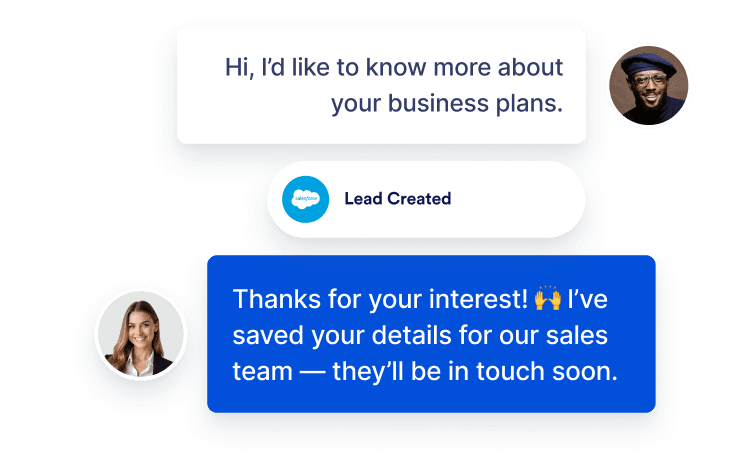
### **리드 캡처**

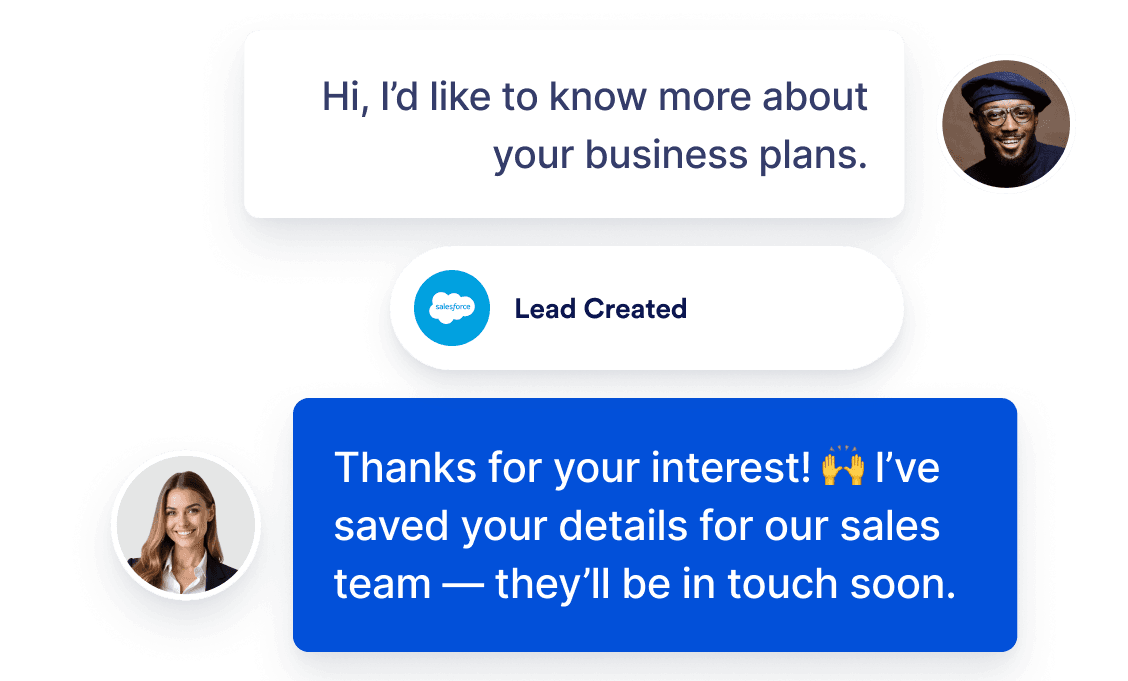
잠재 고객 정보를 수집하고 자격을 확인하는 질문을 진행하며, 영업 기회를 놓치지 않도록 리드를 자동으로 생성하세요.

![Image 4: A customer sends a message saying “Hi, I’d like to know more about your business plans.” A Salesforce “Lead Created” notification appears, and the representative replies: “Thanks for your interest! I’ve saved your details for our sales team — they’ll be in touch soon.”](https://cdn.jotfor.ms/image/r/aHR0cHM6Ly9jZG4uam90Zm9yLm1zL3AvYWkvc2FsZXNmb3JjZS1hZ2VudC9hc3NldHMvaW1nLW1pbi9ob21lcGFnZS9mZWF0dXJlLTEucG5n/feature-1.png?w=40&t=1)![Image 5: Ticket and case automation feature image mobile](https://cdn.jotfor.ms/image/r/aHR0cHM6Ly9jZG4uam90Zm9yLm1zL3AvYWkvc2FsZXNmb3JjZS1hZ2VudC9hc3NldHMvaW1nLW1pbi9ob21lcGFnZS9mZWF0dXJlLTEtbW9iaWxlLnBuZw==/feature-1-mobile.png?w=40&t=1)

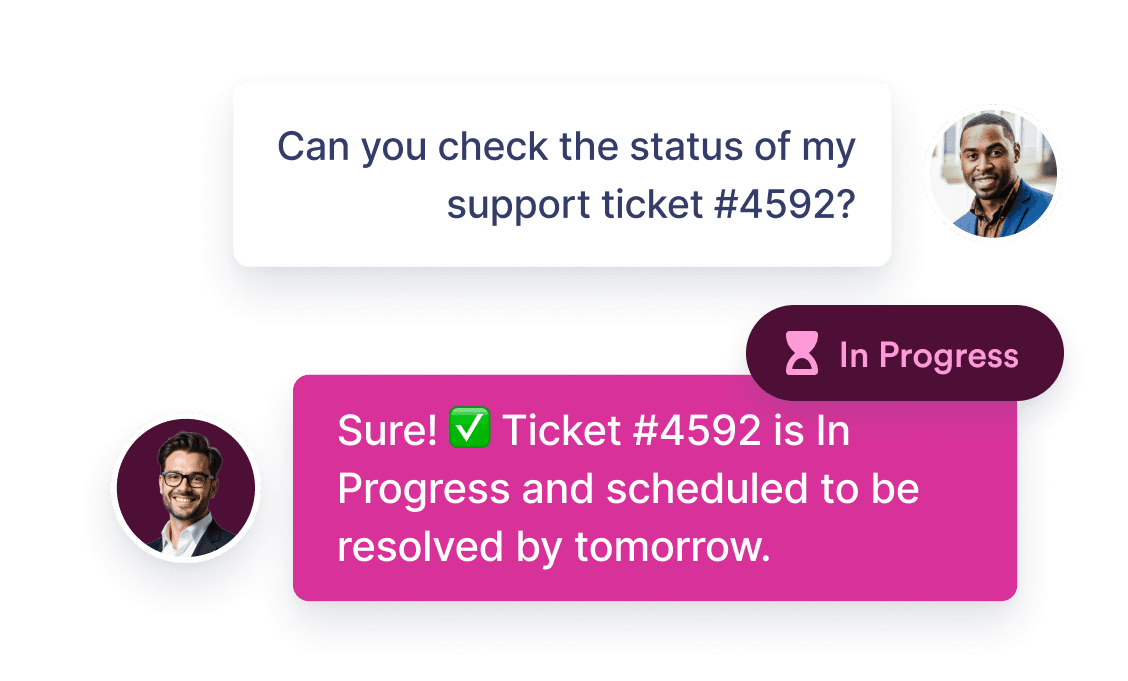
### **티켓 및 사례 자동화**

최신 Salesforce 기록을 채팅으로 불러와 고객에게 실시간 주문 및 계정 업데이트를 제공하세요.

![Image 6: A customer asks, “Can you check the status of my support ticket #4592?” The support agent replies, “Sure! Ticket #4592 is In Progress and scheduled to be resolved by tomorrow.” The status badge shows ‘In Progress’.](https://cdn.jotfor.ms/image/r/aHR0cHM6Ly9jZG4uam90Zm9yLm1zL3AvYWkvc2FsZXNmb3JjZS1hZ2VudC9hc3NldHMvaW1nLW1pbi9ob21lcGFnZS9mZWF0dXJlLTIucG5n/feature-2.png?w=40&t=1)![Image 7: Ticket and case automation feature image mobile](https://cdn.jotfor.ms/image/r/aHR0cHM6Ly9jZG4uam90Zm9yLm1zL3AvYWkvc2FsZXNmb3JjZS1hZ2VudC9hc3NldHMvaW1nLW1pbi9ob21lcGFnZS9mZWF0dXJlLTEtbW9iaWxlLnBuZw==/feature-1-mobile.png?w=40&t=1)

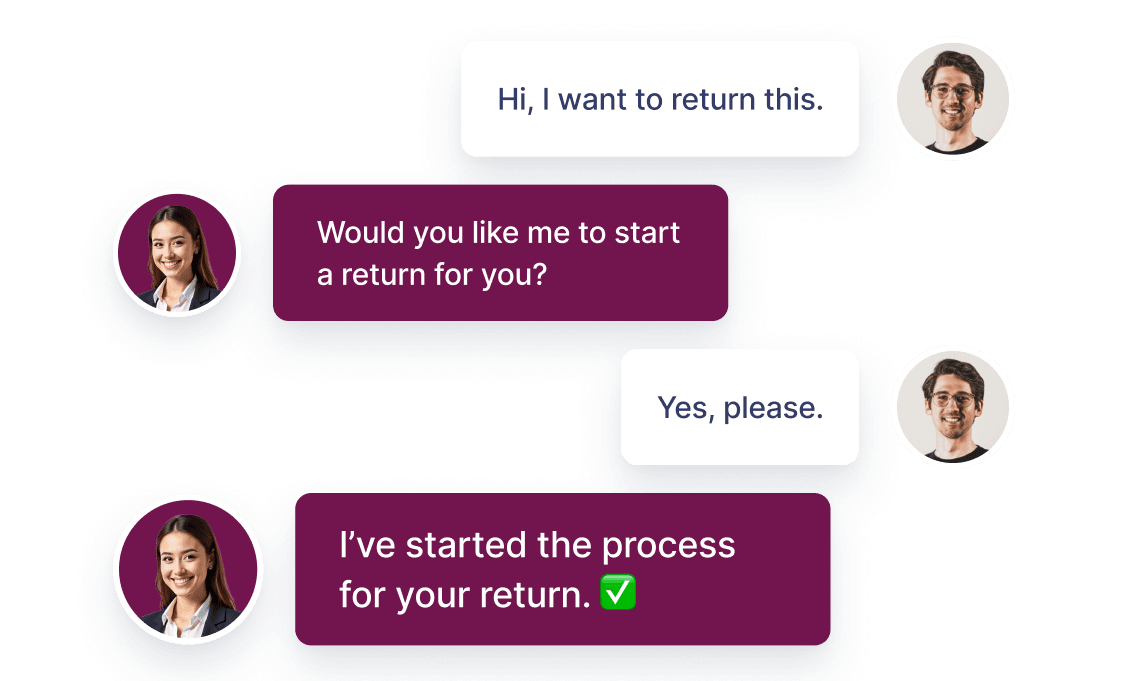
### **24/7 customer support**

고객이 필요할 때 언제든 질문에 답변하고 도움을 제공할 수 있어 영업 시간을 기다릴 필요가 없습니다.

![Image 8: A customer says, “Hi, I want to return this.” The agent replies, “Would you like me to start a return for you?” The customer answers, “Yes, please.” The agent confirms, “I’ve started the process for your return.”](https://cdn.jotfor.ms/image/r/aHR0cHM6Ly9jZG4uam90Zm9yLm1zL3AvYWkvc2FsZXNmb3JjZS1hZ2VudC9hc3NldHMvaW1nLW1pbi9ob21lcGFnZS9mZWF0dXJlLTMucG5n/feature-3.png?w=40&t=1)![Image 9: 24/7 customer support feature image mobile](https://cdn.jotfor.ms/image/r/aHR0cHM6Ly9jZG4uam90Zm9yLm1zL3AvYWkvc2FsZXNmb3JjZS1hZ2VudC9hc3NldHMvaW1nLW1pbi9ob21lcGFnZS9mZWF0dXJlLTMtbW9iaWxlLnBuZw==/feature-3-mobile.png?w=40&t=1)

### **사전 구축된 기능 및 작업**

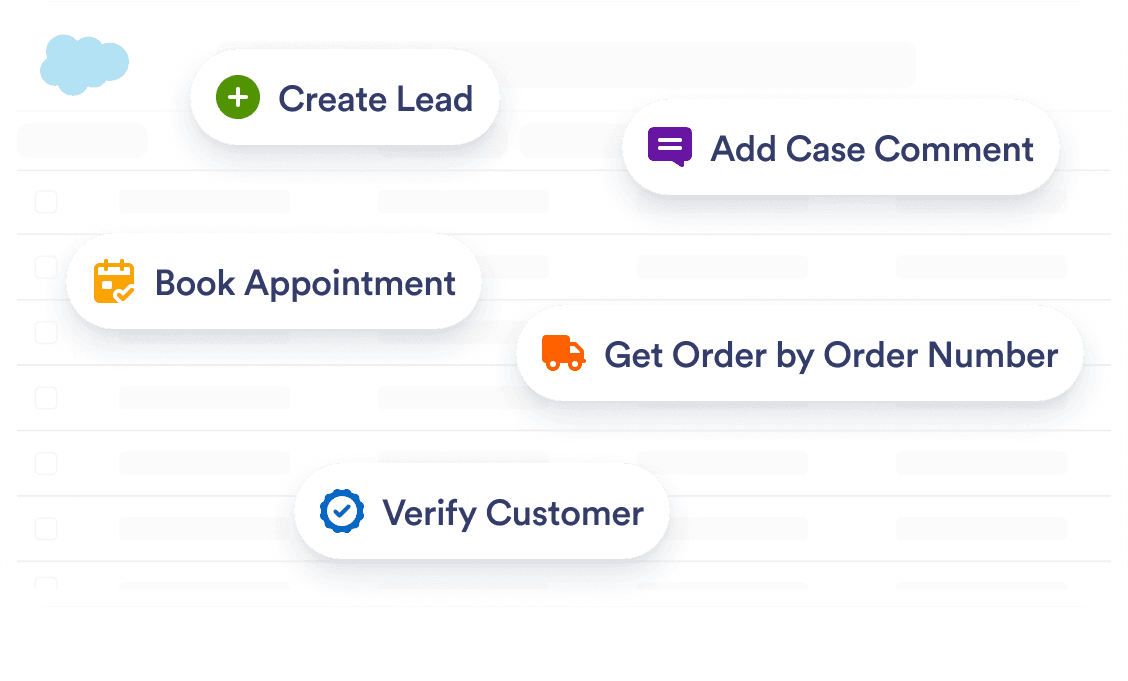
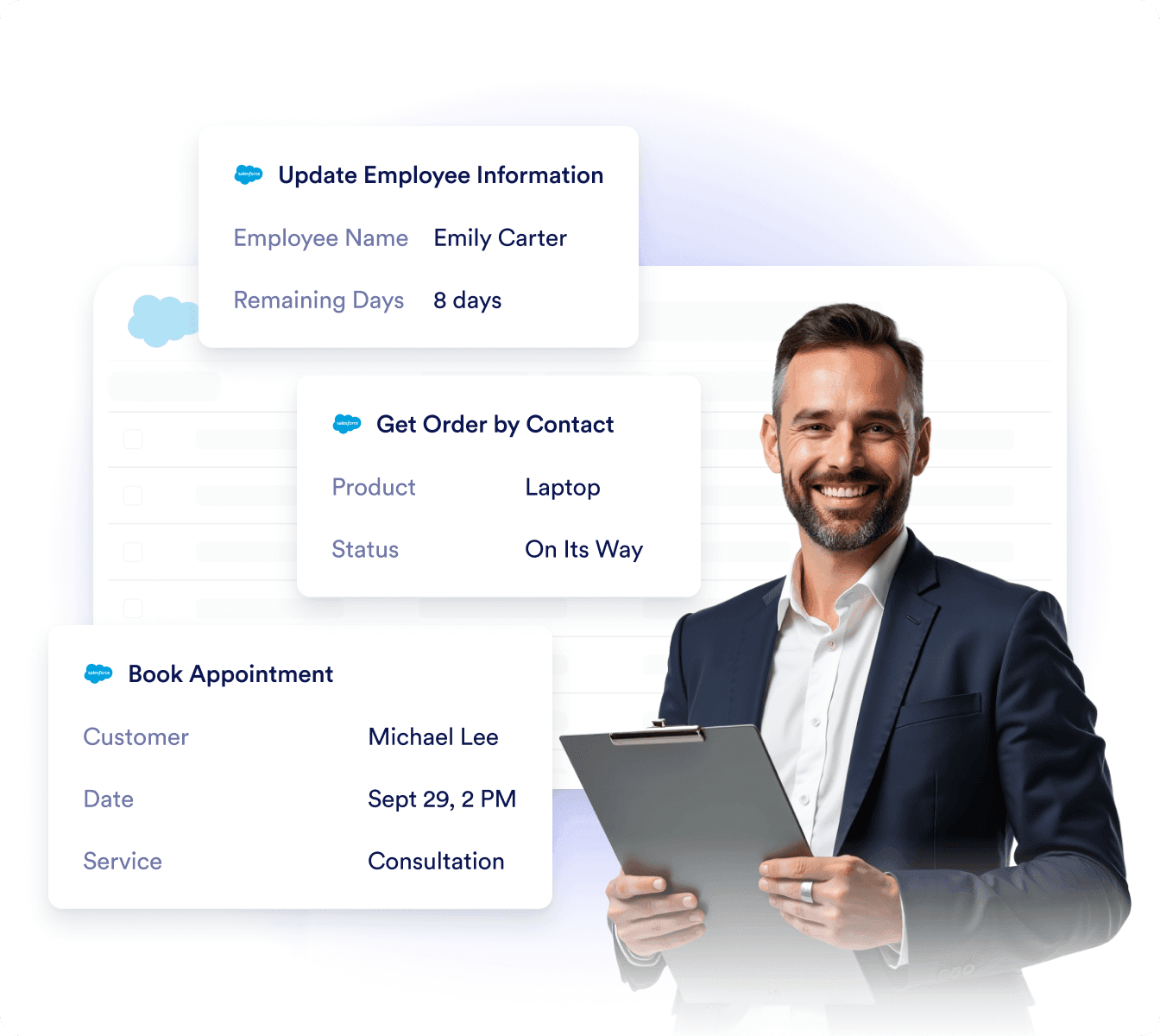
리드, 사례, 약속 등 다양한 항목에 대한 미리 준비된 작업을 통해 Salesforce 데이터를 빠르게 주고받을 수 있습니다.

![Image 10: The image shows a list of Salesforce action buttons: Create Lead, Add Case Comment, Book Appointment, Get Order by Order Number, and Convert Lead to Opportunity. Each has an icon representing its function.](https://cdn.jotfor.ms/image/r/aHR0cHM6Ly9jZG4uam90Zm9yLm1zL3AvYWkvc2FsZXNmb3JjZS1hZ2VudC9hc3NldHMvaW1nLW1pbi9ob21lcGFnZS9mZWF0dXJlLTQucG5nP3Y9MQ==/feature-4.png?w=40&t=1)![Image 11: Prebuilt skills & actions feature image mobile](https://cdn.jotfor.ms/image/r/aHR0cHM6Ly9jZG4uam90Zm9yLm1zL3AvYWkvc2FsZXNmb3JjZS1hZ2VudC9hc3NldHMvaW1nLW1pbi9ob21lcGFnZS9mZWF0dXJlLTQtbW9iaWxlLnBuZz92PTE=/feature-4-mobile.png?w=40&t=1)

### **Salesforce 데이터로 학습합니다**

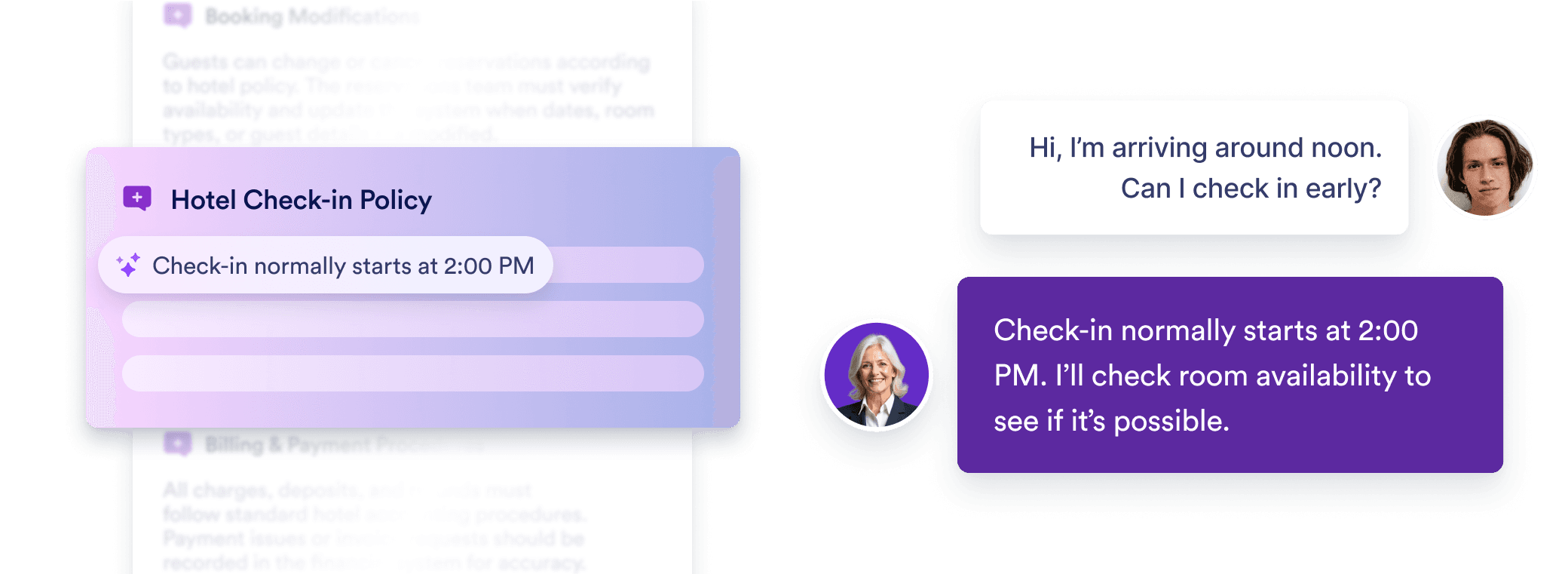
에이전트는 Service Cloud Knowledge, FAQ, 문서화된 절차를 학습해 조직의 모범 사례를 반영한 상황 맞춤형 답변을 제공할 수 있습니다.

![Image 12: A guest asks, “Hi, I’m arriving around noon. Can I check in early?” The hotel representative replies, “Check-in normally starts at 2:00 PM. I’ll check room availability to see if it’s possible.” A panel labeled ‘Hotel Check-in Policy’ displays the same 2:00 PM check-in time.](https://cdn.jotfor.ms/image/r/aHR0cHM6Ly9jZG4uam90Zm9yLm1zL3AvYWkvc2FsZXNmb3JjZS1hZ2VudC9hc3NldHMvaW1nLW1pbi9ob21lcGFnZS9mZWF0dXJlLTUucG5n/feature-5.png?w=40&t=1)![Image 13: Learns from your Salesforce data feature image mobile](https://cdn.jotfor.ms/image/r/aHR0cHM6Ly9jZG4uam90Zm9yLm1zL3AvYWkvc2FsZXNmb3JjZS1hZ2VudC9hc3NldHMvaW1nLW1pbi9ob21lcGFnZS9mZWF0dXJlLTUtbW9iaWxlLnBuZw==/feature-5-mobile.png?w=40&t=1)

### **Salesforce와 항상 동기화**

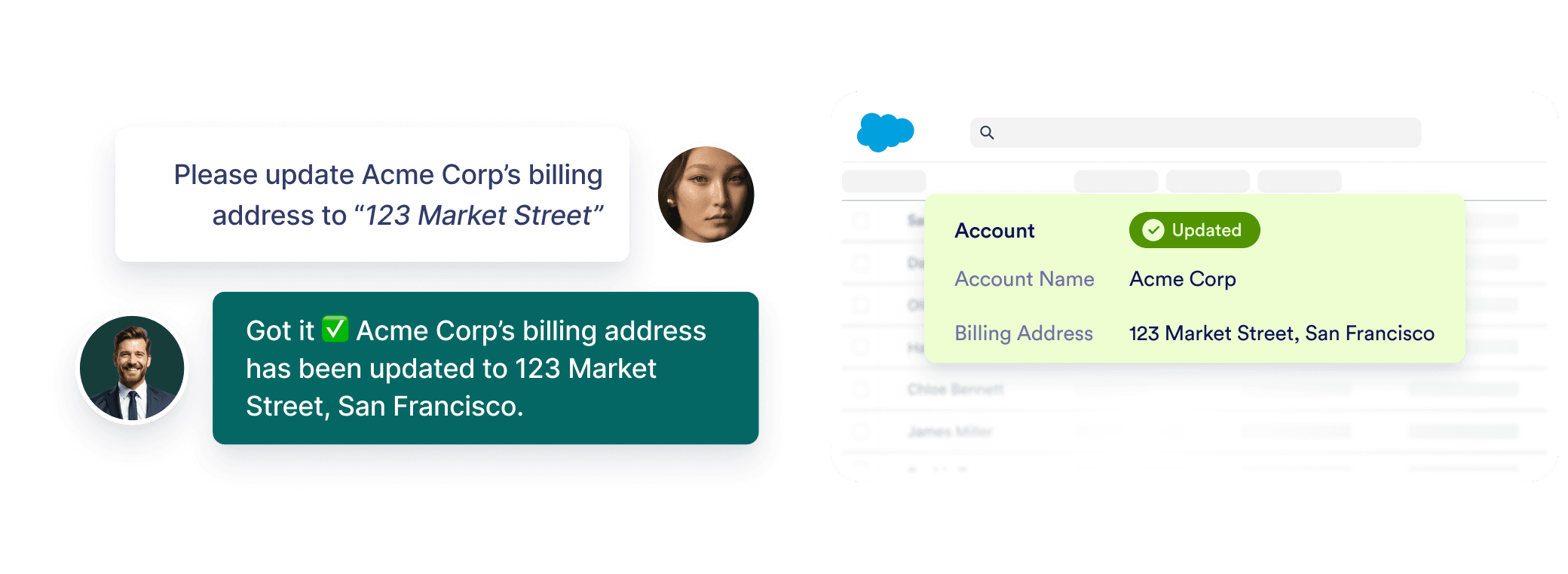
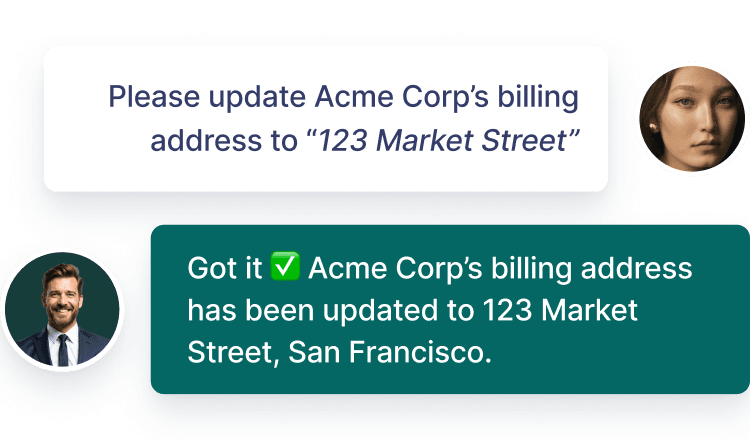
에이전트가 Salesforce 데이터와 자동으로 동기화되어 고객 정보, 영업 기회, 사례가 별도의 작업 없이 항상 최신 상태로 유지됩니다.

![Image 14: A customer asks to update Acme Corp’s billing address to ‘123 Market Street.’ The agent confirms it’s been updated in Salesforce.](https://cdn.jotfor.ms/image/r/aHR0cHM6Ly9jZG4uam90Zm9yLm1zL3AvYWkvc2FsZXNmb3JjZS1hZ2VudC9hc3NldHMvaW1nLW1pbi9ob21lcGFnZS9mZWF0dXJlLTYucG5n/feature-6.png?w=40&t=1)![Image 15: Always in sync with Salesforce feature image mobile](https://cdn.jotfor.ms/image/r/aHR0cHM6Ly9jZG4uam90Zm9yLm1zL3AvYWkvc2FsZXNmb3JjZS1hZ2VudC9hc3NldHMvaW1nLW1pbi9ob21lcGFnZS9mZWF0dXJlLTYtbW9iaWxlLnBuZw==/feature-6-mobile.png?w=40&t=1)

## Salesforce Legacy Chat Ends in 2026

시간이 많이 걸리는 설정과 비용이 많이 드는 마이그레이션을 피하세요. Jform이 매끄럽고 즉시 사용 가능한 대안을 제공합니다.

[오늘 Jform으로 전환하세요](https://www.jform.co.kr/ai/agents/vs/salesforce-chat/)

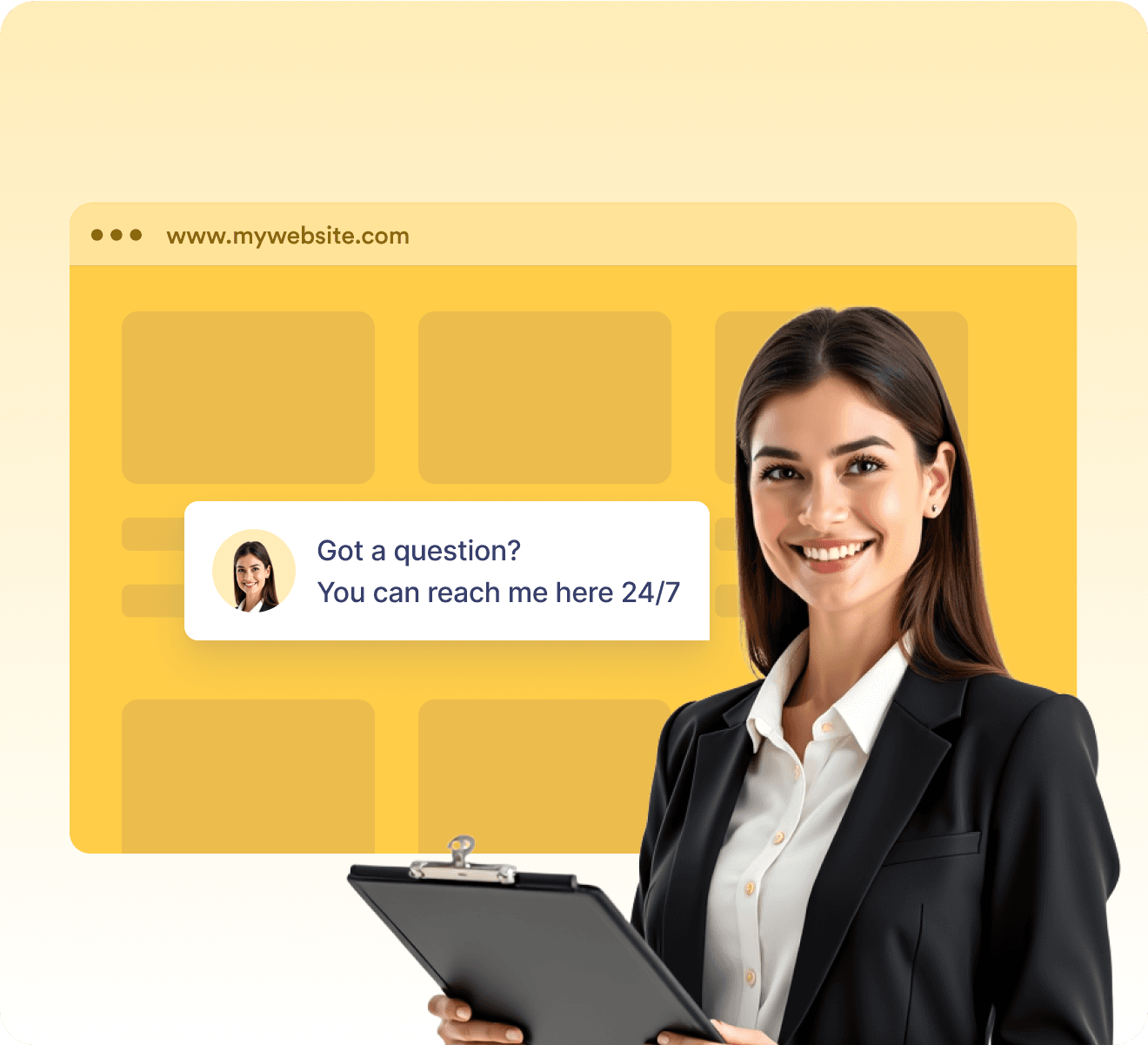
## Works seamlessly with Experience Cloud

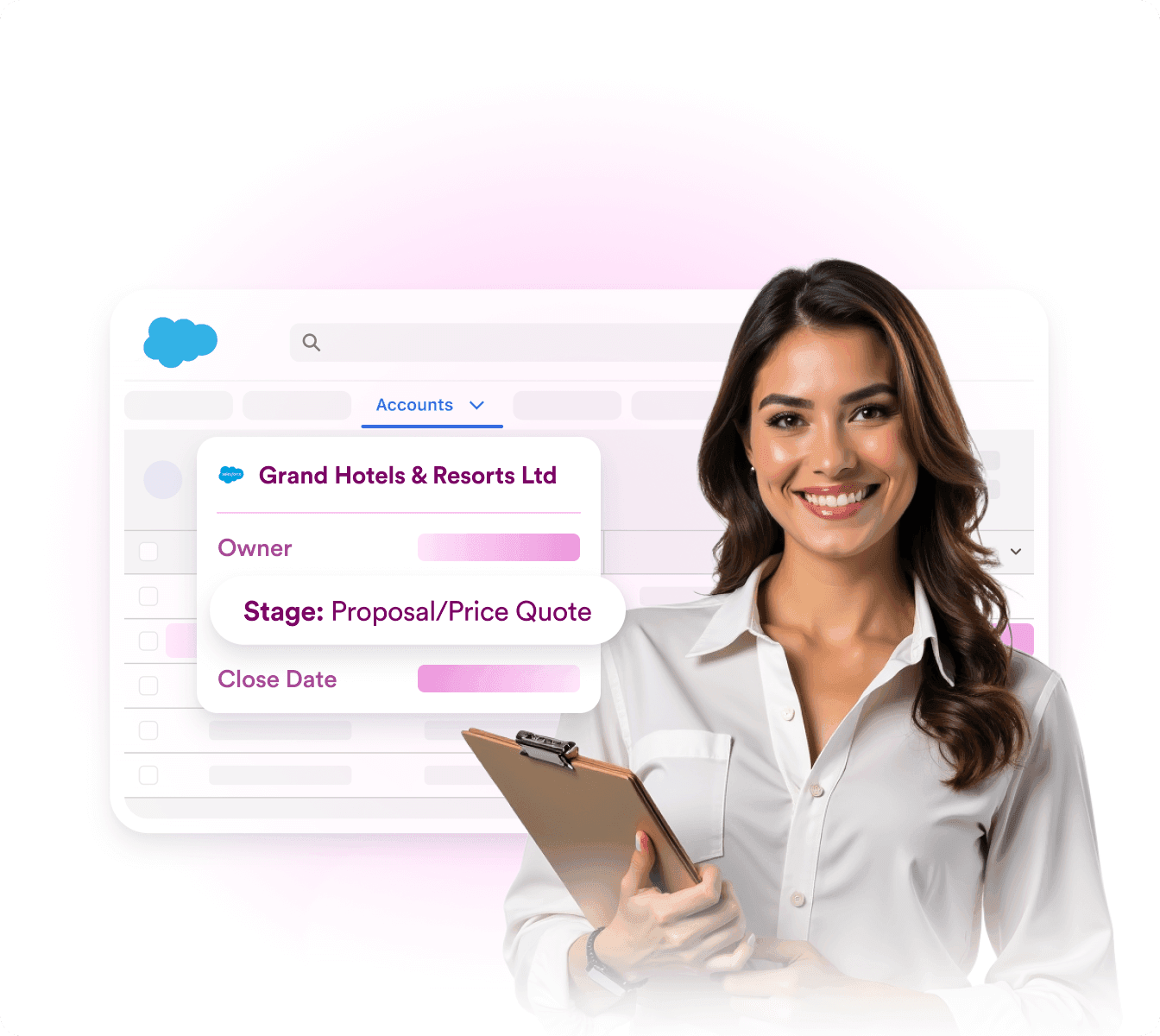
Your agent can be shared directly on Salesforce Experience Cloud, extending 24/7 support to customers, employees, and partners right where they need it.
지금 시작하세요 - 무료입니다

![Image 16: Smiling woman holding a clipboard in front of a website chat box that says ‘Got a question? You can reach me here 24/7.’](https://cdn.jotfor.ms/image/r/aHR0cHM6Ly9jZG4uam90Zm9yLm1zL3AvYWkvc2FsZXNmb3JjZS1hZ2VudC9hc3NldHMvaW1nLW1pbi8vaG9tZXBhZ2Uvc2FsZXNmb3JjZS1leHBlcmllbmNlLWNsb3VkLnBuZw==/salesforce-experience-cloud.png?w=40&t=1)

## Boost your AI Agent with powerful tools

작업을 손쉽게 자동화하세요 — 몇 번의 클릭만으로 주문 관리, 업데이트 전송, 질문 응답 등을 처리할 수 있습니다.

지금 시작하세요 - 무료입니다

항목 목록 보기

에이전트가 도움이 되는 링크 목록을 제공하도록 허용하세요. 

Slack 메시지 보내기

AI 에이전트의 자동 Slack 알림으로 실시간으로 업데이트를 받아보세요. 

이미지 표시

단계 안내, 혜택, 캠페인 그래픽, 프로모션 또는 문제 해결을 보여 주기 위해 이미지를 활용하세요. 

Google Calendar에 일정 설정

AI 에이전트가 사용자의 가용 시간에 맞춰 고객 예약을 관리하도록 하세요. 

이메일 알림 보내기

에이전트가 필요에 따라 이메일을 작성하고 보낼 수 있도록 허용하세요.

웹 사이트에서 찾기

에이전트가 사이트를 검색하여 고객에게 도움이 되는 콘텐츠를 전달하도록 설정하세요. 

동의 얻기

대화 중 고객 동의를 요청할 수 있도록 AI 에이전트를 활성화하세요. 

양식

에이전트가 양식을 작성해 고객 피드백과 데이터를 수집하도록 허용하세요. 

항목 목록 보기

에이전트가 도움이 되는 링크 목록을 제공하도록 허용하세요. 

Slack 메시지 보내기

AI 에이전트의 자동 Slack 알림으로 실시간으로 업데이트를 받아보세요. 

이미지 표시

단계 안내, 혜택, 캠페인 그래픽, 프로모션 또는 문제 해결을 보여 주기 위해 이미지를 활용하세요. 

Google Calendar에 일정 설정

AI 에이전트가 사용자의 가용 시간에 맞춰 고객 예약을 관리하도록 하세요. 

이메일 알림 보내기

에이전트가 필요에 따라 이메일을 작성하고 보낼 수 있도록 허용하세요.

웹 사이트에서 찾기

에이전트가 사이트를 검색하여 고객에게 도움이 되는 콘텐츠를 전달하도록 설정하세요. 

동의 얻기

대화 중 고객 동의를 요청할 수 있도록 AI 에이전트를 활성화하세요. 

양식

에이전트가 양식을 작성해 고객 피드백과 데이터를 수집하도록 허용하세요. 

워크플로우 실행 트리거

고객이 구매를 완료하는 즉시 워크플로가 자동으로 시작되도록 하세요. 

사진 촬영

고객이 채팅에서 바로 사진을 촬영하고 전송할 수 있도록 하세요. 

일정 설정

에이전트가 사용자의 가용 시간에 따라 고객 일정을 예약하도록 하세요. 

동영상 보여주기

스마트한 채팅 내 영상 응답으로 스토어에 생동감을 더하세요. 

Google Drive로 전송

에이전트가 문서, 이미지 또는 동영상을 수집하여 Google Drive로 전송하도록 허용하세요. 

![Image 17: Google Maps Icon](https://cdn.jotfor.ms/p/ai/salesforce-agent/assets/img-min/homepage/maps-icon.svg)

위치 표시

에이전트가 Google Maps를 사용해 매장 위치를 표시하도록 허용하세요. 

정보 요청

에이전트가 채팅 중 고객으로부터 정보, 값 또는 데이터를 수집하도록 허용하세요. 

체크리스트 표시

에이전트가 체크리스트를 표시하고 각 단계를 안내하도록 허용하세요. 
워크플로우 실행 트리거

고객이 구매를 완료하는 즉시 워크플로가 자동으로 시작되도록 하세요. 

사진 촬영

고객이 채팅에서 바로 사진을 촬영하고 전송할 수 있도록 하세요. 

일정 설정

에이전트가 사용자의 가용 시간에 따라 고객 일정을 예약하도록 하세요. 

동영상 보여주기

스마트한 채팅 내 영상 응답으로 스토어에 생동감을 더하세요. 

Google Drive로 전송

에이전트가 문서, 이미지 또는 동영상을 수집하여 Google Drive로 전송하도록 허용하세요. 

![Image 18: Google Maps Icon](https://cdn.jotfor.ms/p/ai/salesforce-agent/assets/img-min/homepage/maps-icon.svg)

위치 표시

에이전트가 Google Maps를 사용해 매장 위치를 표시하도록 허용하세요. 

정보 요청

에이전트가 채팅 중 고객으로부터 정보, 값 또는 데이터를 수집하도록 허용하세요. 

체크리스트 표시

에이전트가 체크리스트를 표시하고 각 단계를 안내하도록 허용하세요. 

항목 목록 보기

Slack 메시지 보내기

이미지 표시

Google Calendar에 일정 설정

이메일 알림 보내기

웹 사이트에서 찾기

항목 목록 보기

Slack 메시지 보내기

동의 얻기

양식

워크플로우 실행 트리거

사진 촬영

일정 설정

동의 얻기

양식

동의 얻기

양식

워크플로우 실행 트리거

사진 촬영

동영상 보여주기

Google Drive로 전송

![Image 19: Google Maps Icon](https://cdn.jotfor.ms/p/ai/salesforce-agent/assets/img-min/homepage/maps-icon.svg)

위치 표시

정보 요청

체크리스트 표시

동영상 보여주기

Google Drive로 전송

동영상 보여주기

Google Drive로 전송

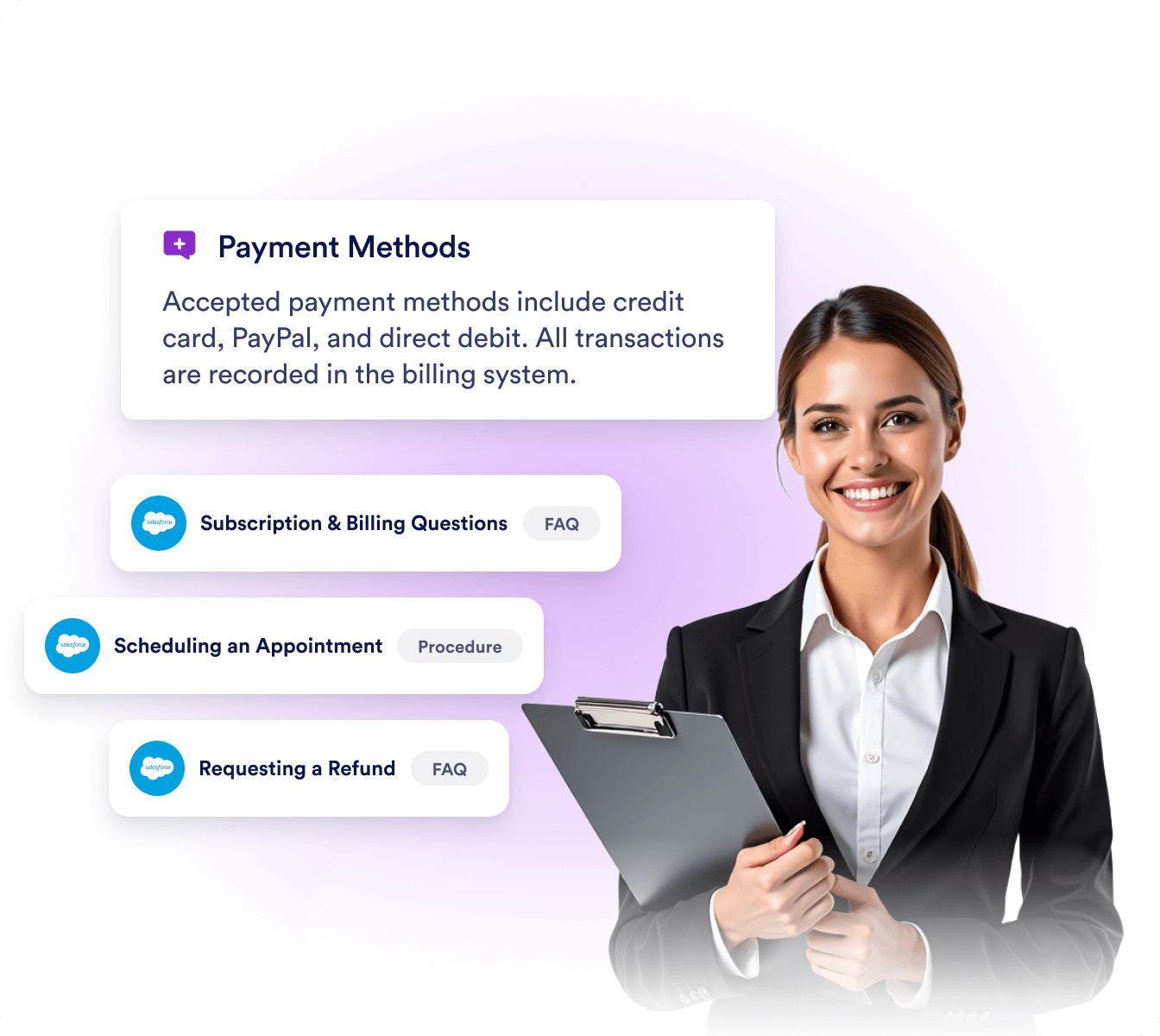
## A Salesforce pro for your team.

### Trained on Salesforce knowledge and data

![Image 20: Salesforce knowledge base connected to AI agent, showing articles and FAQs used for context-aware responses](https://cdn.jotfor.ms/image/r/aHR0cHM6Ly9jZG4uam90Zm9yLm1zL3AvYWkvc2FsZXNmb3JjZS1hZ2VudC9hc3NldHMvaW1nLW1pbi9ob21lcGFnZS9hY2NvcmRpb24vMS5wbmc/dj0x/1.png?w=40&t=1)

Your agent can learn from Salesforce articles, FAQs, and links to deliver context-aware responses.

### Automated Salesforce actions

![Image 21: AI agent automating Salesforce actions such as creating records, tracking opportunities, and opening support cases](https://cdn.jotfor.ms/image/r/aHR0cHM6Ly9jZG4uam90Zm9yLm1zL3AvYWkvc2FsZXNmb3JjZS1hZ2VudC9hc3NldHMvaW1nLW1pbi9ob21lcGFnZS9hY2NvcmRpb24vMi5wbmc/dj0x/2.png?w=40&t=1)

Your agent can create, update, or retrieve records, track opportunities, and open support cases—without manual work.

### Answers you can trust

![Image 22: AI agent delivering reliable answers sourced directly from Salesforce data for customers and employees](https://cdn.jotfor.ms/image/r/aHR0cHM6Ly9jZG4uam90Zm9yLm1zL3AvYWkvc2FsZXNmb3JjZS1hZ2VudC9hc3NldHMvaW1nLW1pbi9ob21lcGFnZS9hY2NvcmRpb24vMy5wbmc/dj0x/3.png?w=40&t=1)

Your agent can provide reliable responses for customers, employees, and partners directly from Salesforce.

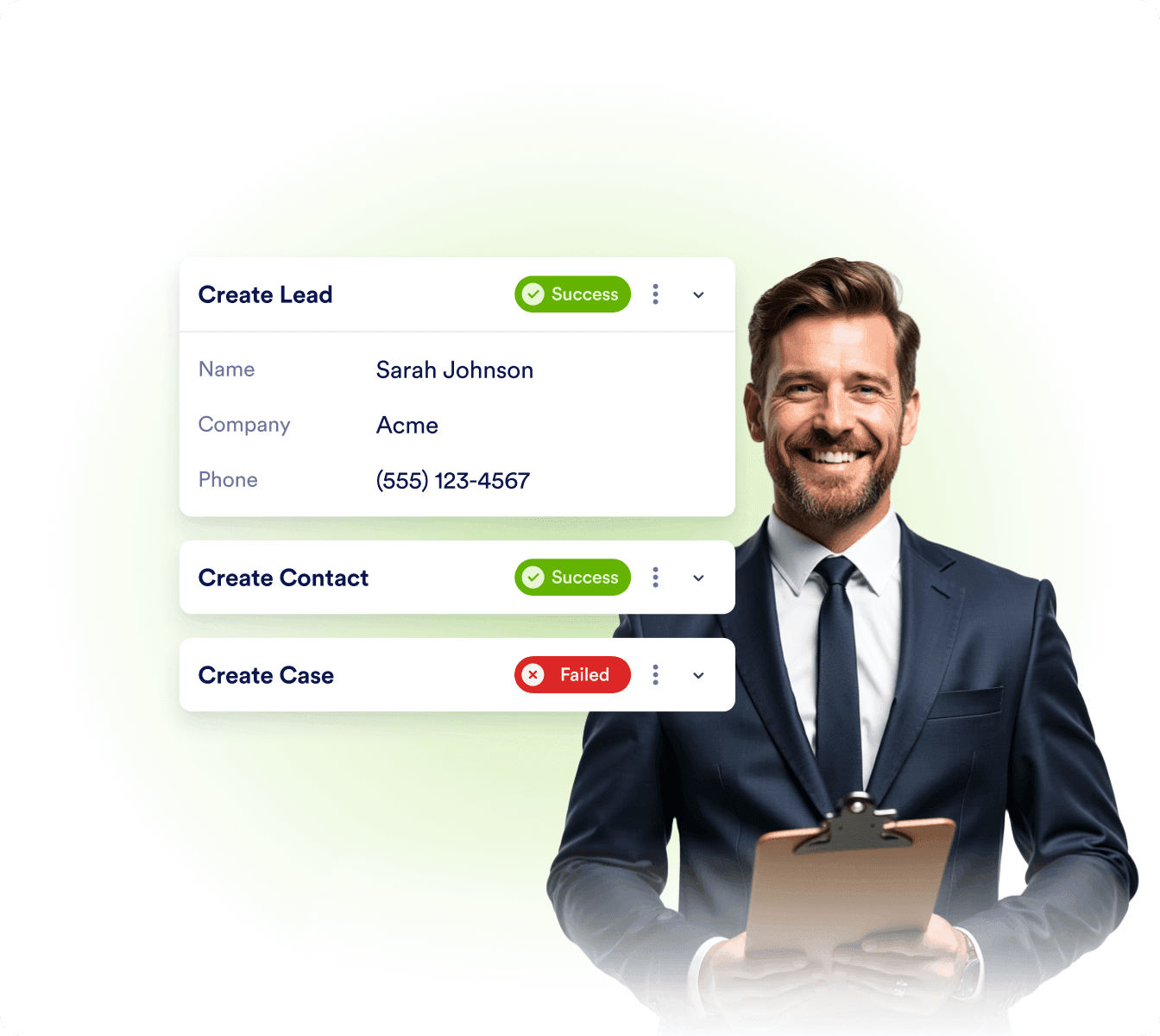
### Action tracking and logs

![Image 23: Dashboard showing action tracking logs with success and failure status for Salesforce agent operations](https://cdn.jotfor.ms/image/r/aHR0cHM6Ly9jZG4uam90Zm9yLm1zL3AvYWkvc2FsZXNmb3JjZS1hZ2VudC9hc3NldHMvaW1nLW1pbi9ob21lcGFnZS9hY2NvcmRpb24vNC5wbmc/dj0x/4.png?w=40&t=1)

Your agent can monitor success and failure logs so you always know actions run smoothly and data is sent correctly.

[모든 기능 보기](https://www.jform.co.kr/ai/salesforce-agent/features/)

## Salesforce 

에이전트 소개

![Image 24: Introducing Jform for Salesforce](https://cdn.jotfor.ms/image/r/aHR0cHM6Ly9jZG4uam90Zm9yLm1zL3AvYWkvc2FsZXNmb3JjZS1hZ2VudC9hc3NldHMvaW1nLW1pbi9ob21lcGFnZS95dF90aHVtYi5qcGc=/yt_thumb.png?w=40&t=1)

지금 시작하세요 - 무료입니다

## 사용자들의 후기

Salesforce 에이전트는 작업을 더욱 세밀하게 자동화하면서 직원들의 업무 부담을 줄일 수 있습니다.

**Katelynn Johnson, **고객 서비스 관리자****

Jform Salesforce 에이전트는 직관적이고 사용하기 쉬운 제품으로, Jform과 Salesforce 플랫폼의 가치와 효율성을 극대화할 수 있도록 전략적으로 활용할 수 있습니다.

**James Ray, **데이터 및 정보 관리자****

## 자주하는 질문

*    
### What is the Salesforce Agent? The Salesforce Agent is an AI-powered assistant that connects directly to your Salesforce account. It can capture leads, create or update records, automate case handling, and deliver personalized support—all directly inside the chat experience.   
*    
### Do I need coding knowledge to set it up? Not at all. The agent is built to be no-code. You simply connect your Salesforce account, select objects and fields, and customize your data flow based upon your business needs.   
*    
### Can I connect both production and sandbox environments? Yes. You can connect your Salesforce Agent to either a production or sandbox org. This allows you to safely test and fine-tune your workflows in a sandbox environment before going live in production.   
*    
### How does the Salesforce Agent work with my Salesforce data? The agent integrates with your Salesforce objects—such as Leads, Contacts, Accounts, Opportunities, and Cases. Using AI, it can fill fields automatically, look up existing records, and update them in real time.   
*    
### Can the Salesforce Agent capture new leads? Yes. The agent can collect lead details directly from chat conversations and create new lead records in Salesforce. You can also set it to automatically qualify leads based on user responses.   
*    
### Can it update existing Salesforce records? Absolutely. The agent uses lookup methods to find matching records in Salesforce and update them with new information—such as a change in lead status, a customer’s new email address, or an updated case detail.   
*    
### Does it support case management? Yes. The Salesforce Agent can create, update, and escalate cases. It can also provide real-time responses using your Salesforce Knowledge Base, helping to resolve customer issues quickly and autonomously.   
*    
### Can it use Salesforce Knowledge articles in conversations? Yes. The agent can pull answers directly from your Salesforce Knowledge Base, enabling it to provide accurate, article-backed support to customers without manual intervention.   
*   
 
### How does AI help with filling Salesforce fields? 

You can select from different methods for how fields are filled:

    *   Ask in chat: the agent asks and collects the value from the user.
    *   Generate with AI: the agent intelligently infers values (e.g., case subject, priority).
    *   Lookup result: the agent retrieves data from existing Salesforce records.
    *   Static value: the field always uses a preset value.

*    
### Can I track errors or issues in the integration? Yes. With integration logs, you can monitor every action taken by your agent to make sure that failed operations are transparent and easily resolved.   
*    
### How does the Salesforce Agent handle sensitive customer data? When a customer needs access to sensitive information, the Salesforce Agent can trigger a Verify Customer action. For example, it can automatically send an email verification link to confirm the customer’s identity before allowing access to records or updating information. This ensures that all sensitive interactions remain secure while keeping the process seamless for users.   
*    
### Can I connect Salesforce lookups across multiple actions? Yes. The agent can use the result of one lookup (e.g., an Account) in subsequent actions (e.g., creating a related Contact or Opportunity). This makes building connected Salesforce workflows seamless.   
*    
### What Salesforce objects can I connect to? You can integrate with standard Salesforce objects like Leads, Contacts, Accounts, Opportunities, and Cases. You can also connect to custom objects for more specialized workflows.   
*    
### Can I use the agent for both sales and support? Yes. Sales teams can use it to capture and qualify leads, while support teams can automate case creation and provide 24/7 customer help. Marketing teams can also capture campaign leads directly into Salesforce.   
*    
### Is my Salesforce data secure with the agent? Yes. The Salesforce Agent follows industry-standard security and encryption practices to keep your data safe. It fully respects your organization’s permission sets, field-level security, and sharing rules—ensuring that data access always aligns with your Salesforce setup. All connections are securely encrypted, so your customer information stays private and protected.

Learn more on our [AI Agent Security page.](https://www.jform.co.kr/ai/agents/security/)   
*    
### Can I use the Salesforce Agent in Experience Cloud? Yes. The Salesforce Agent can be embedded directly into your Salesforce Experience Cloud sites. This lets customers, partners, or employees interact with the agent within your community portal—whether to update their records, verify their information, or get instant support powered by your Salesforce data.   

더 보기