Jform vs SurveyMonkey
SurveyMonkey보다 뛰어난 성능. 더 쉬운 양식 및 설문조사 제작. 더 많은 통합.
More than 40 million users around the world rely on Jform for its versatile online form-building capabilities. Jform provides features, templates, and integrations that organizations of all sizes — from small businesses to enterprise-level corporations — can use to collect data and operate more efficiently.





Feature Comparison
전 세계 수백만 명의 사용자가 신뢰하는 Jform은 조직을 더욱 효율적으로 운영할 수 있는 다양한 기능, 템플릿 및 통합 기능을 제공합니다. 비교 차트를 통해 Jform이 대표적인 SurveyMonkey 대안 중 하나인 이유를 직접 확인해 보세요.
| 기능 | Jform | SurveyMonkey |
|---|---|---|
| Sharing Options | 예 | SurveyMonkey 유료 플랜 전용 |
| 양식 템플릿 | 20,000+ | SurveyMonkey 200+ |
| 통합 | 200+ | SurveyMonkey 100+ |
| 결제 통합 | 40+ | SurveyMonkey Stripe만 가능 |
| 양식 열람 | 1,000 monthly (free plan) | SurveyMonkey 설문당 10회 조회(무료 플랜) |
| Spreadsheet-database Submission Management | SurveyMonkey 아니오 | |
| Export Results to CSV, Excel & PDF | 예 | SurveyMonkey 유료 플랜 전용 |
| Multilingual Surveys | 예 | SurveyMonkey 유료 플랜 전용 |
| Question Types | 예 | SurveyMonkey 유료 플랜 전용 |
| 조건부 논리 | 예 | SurveyMonkey 유료 플랜 전용 |
| Embed Into Website | 예 | SurveyMonkey 유료 플랜 전용 |
| 응답 파이핑 | 예 | SurveyMonkey 유료 플랜 전용 |
| 요금제 | 무료 | SurveyMonkey 무료 |
| SOC 2 준수 | 예 | SurveyMonkey 아니오 |
| Question/Form Importer | 다양한 무료 옵션 | SurveyMonkey 무료 및 유료 옵션 |
| 모바일 반응 양식 | 예 | SurveyMonkey 예 |
| 저장 후 계속 | 예 | SurveyMonkey 예 |
| 모바일 앱 | 예 | SurveyMonkey 예 |
| 이메일 알림 | 예 | SurveyMonkey 예 |
| 오프라인 설문조사 | 예 | SurveyMonkey 예 |
| One Question at a Time | 예 | SurveyMonkey 예 |
| Anonymous Feedback | 예 | SurveyMonkey 예 |
| 설문조사 보고 및 분석 | SurveyMonkey 예 | |
| HIPAA 규정 준수 | 골드 플랜 | SurveyMonkey 엔터프라이즈 멤버십 |
| PCI 준수 | 예 | SurveyMonkey 예 |
| GDPR 준수 | 예 | SurveyMonkey 예 |
| 스팸 보호 (CAPTCHA) | 예 | SurveyMonkey 예 |
부정확하거나 불완전한 정보가 있다면 아래 양식을 작성해 정정을 요청해 주세요.
수정 요청
Start Building
With Jotform’s free plan you can enjoy 5 forms, 100 monthly submissions, 100 MB available space, 1,000 monthly form views, 500 total submissions, 10 monthly payment submissions, and more!
20,000+ Free Multipurpose Templates
Don’t know where to start? No problem. Just pick one of our thousands of ready-made templates for applications, payments, registrations, approvals, surveys, and more. Then customize it to match your branding and share it with your users via direct link, QR code, or by embedding it directly into your website.
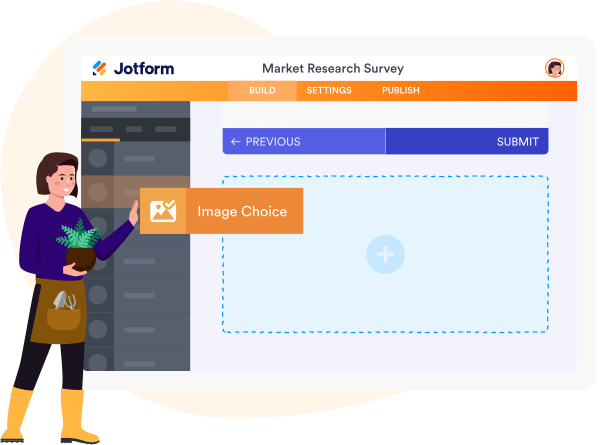
양식 빌더
Easy-to-use Interface
Creating forms, apps, and other documents should be an easy experience. Jform offers an easy-to-use interface that makes the experience more intuitive and enjoyable for first-time and seasoned users alike. Simply drag and drop to add custom themes and colors, create unique questions, upload personal branding assets, build multilingual forms, and more!
150+ Integrations
Dozens of useful integrations
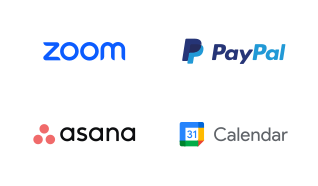
Team up with your favorite web tools like CRM systems, cloud storage tools, payment processors, productivity boards, and more! Power up your forms through integrations with tools like Asana, Google Calendar, Zoom, PayPal, WordPress, and more in just a few clicks.

Jform 테이블
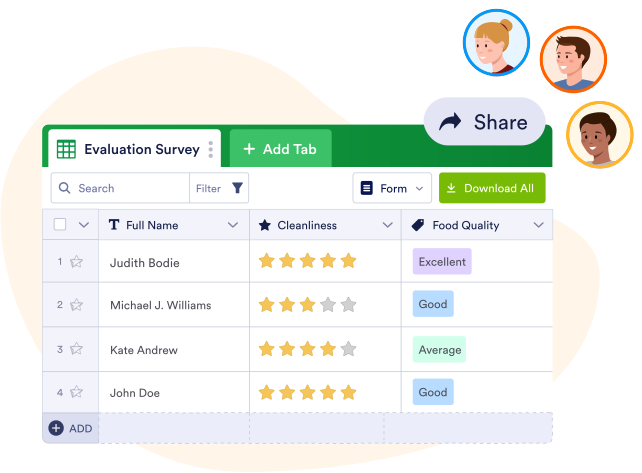
Collect, manage and share form responses
Jform Tables is a great way to oversee your form responses quickly and efficiently. Manage submissions, generate reports, and share your results by exporting them to CSV, Excel, or PDF files.
리포트 빌더
Build Reports
with Jform
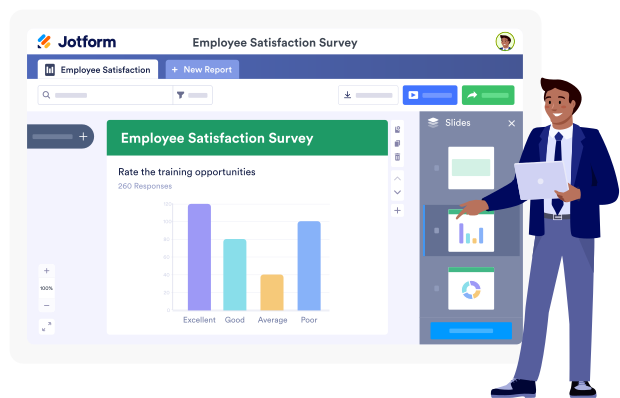
Convert your form responses into professional reports in just a few clicks. Visualize your data and present it to team members and other stakeholders to uncover trends and deeper insights from your submissions.
조건부 논리
Go beyond paper forms
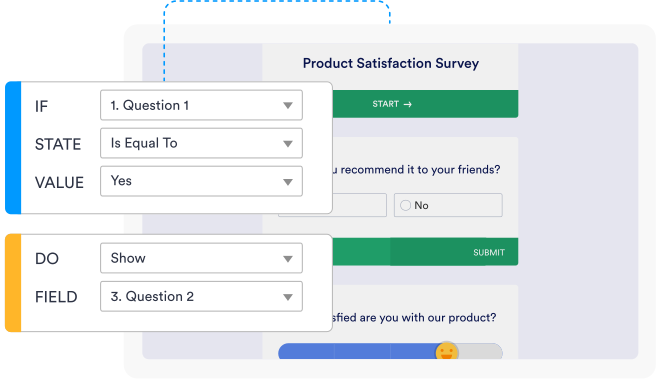
Ditch the messy paper forms and take your documents online with Jotform. Build digital forms with conditional logic, answer piping, and more to take your form game to the next level.
Jform 모바일 앱
Access your forms
on the go
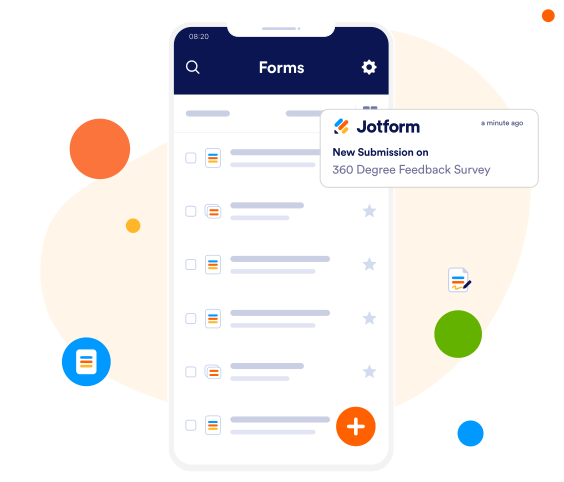
Manage your forms and form data on the go with Jform Mobile Forms. Turn your mobile device into a survey station with Jotform’s kiosk mode. Use the screen lock feature to give respondents access to only one form — ready to be filled out on your device. For added convenience, you can even access your surveys and collect responses offline.

 또는

QR 코드 스캔
안전한 설문조사
양식을 안전하게 유지
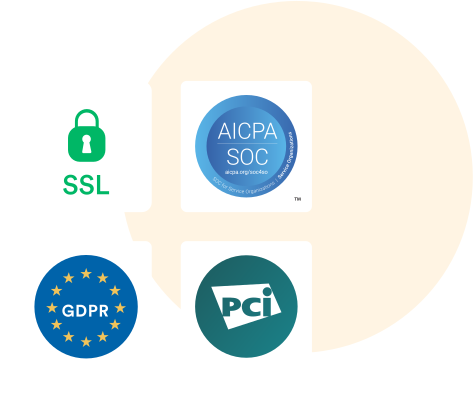
Ensuring the security of our users’ forms is a top priority at Jotform. We keep data safe with a built-in 256-bit SSL connection, SOC 2 compliance, and GDPR and PCI compliance, as well as multiple encryption options and anti-spam fields. Jform also offers HIPAA compliance features.
“Very time-efficient and practical”
“Jotform is a great tool to launch surveys, create any type of questionnaires and gather data. It is very user-friendly, the new version is very intuitive and easy to access. I regularly use it as part of my work to create application forms, feedback questionnaires and surveys, since it is very time-efficient and practical. The tool to personalize the layout allows you to create a very personalised template. Highly recommended!”
Tara Simon,
프로젝트 코디네이터
Learn More About
Jform vs SurveyMonkey Comparison
Why choose Jform over SurveyMonkey?
While both Jform and SurveyMonkey offer great form-building services, Jform offers a more intuitive and flexible way to build forms and manage data. Jform is a great alternative to SurveyMonkey if you’re looking for a form- and app-building tool with more integrations, templates, and widgets.
What is the difference between Jform and SurveyMonkey?
Jform and SurveyMonkey are both online form and survey builders. However, there are a few areas in which these two products differ. Jform offers 20,000-plus form templates to choose from, while SurveyMonkey only offers around 150. With so many templates, Jform covers just about any use case. Additionally, Jotform’s interface is a bit more intuitive to use — our drag-and-drop builder makes form, app, and online store creation a breeze.
Can Jform be used for surveys?
예, Jform은 모든 종류의 설문조사에서 사용될 수 있습니다. 자신만의 설문조사를 구축하려면 Jform의 사전 제작된 설문조사 템플릿 중 하나를 선택하거나 처음부터 직접 만드세요. 포함시키고 싶은 설문조사 질문들을 추가하기 위해 드래그 빌더를 사용하고 필요한 콘텐츠나 디자인 변경을 수행하세요.
Are Jform surveys anonymous?
예. Jform을 사용하면 익명 설문조사를 만들 수 있습니다. 익명 양식을 만들려면 이름, 이메일 주소 등 개인 식별 정보를 수집하는 필드를 포함하지 않으면 됩니다. 또는 해당 필드를 추가하더라도 응답자가 선택적으로 입력할 수 있도록 설정할 수 있습니다.
Jform은 무료이고 안전한가요?
예, Jform은 무료 멤버십을 제공하며 보안을 최우선으로 생각합니다. 저희는 내장된 256비트 SSL 연결, SOC 2 규정 준수, GDPR 및 PCI 규정 준수, 다중 양식 암호화 옵션과 스팸 방지 필드를 통해 사용자의 데이터를 보호합니다.
얼마나 많은 사람들이 Jform을 사용하나요?
Jform has more than 40 million users worldwide.
Jform의 한계는 무엇인가요?
Jform에서 사용자가 마주할 수 있는 제한은 현재 Jform 플랜에 포함된 양식 수, 제출 수 및 기타 기능 한도뿐입니다. 예를 들어 무료 스타터 플랜에서는 월간 양식 제출 100건, 양식 5개, 월간 결제 제출 10건 등의 제한이 있습니다. Jform 계정의 한도를 확인하려면 Jform 대시보드 오른쪽 상단의 아바타를 클릭하세요. 계정의 사용량 페이지에서도 통계를 확인할 수 있습니다.
사람들이 Jform을 사용하는 이유는 무엇인가요?
사람들은 다양한 이유로 Jform을 사용합니다. Jform의 직관적이고 이해하기 쉬운 인터페이스를 통해 양식 작성을 더 빠르고 효율적이게 합니다. 또한 Jform은 양식에 통합할 수 있는 수백 개의 도구와 위젯을 제공하며 단 몇 번의 클릭으로도 프로세스를 간소화하고 작업흐름을 자동화할 수 있게 합니다. 또한 Jform은 매우 다재 다능한 플랫폼이므로 사용자들은 설문조사, 퀴즈, 투표부터 앱, 온라인 상점, 결제 양식 등과 같은 모든 것을 만들 수 있습니다.