
Voice notes are fast to record but easy to forget later. A transcript and summary turn the recording into written points that can be reviewed and reused.
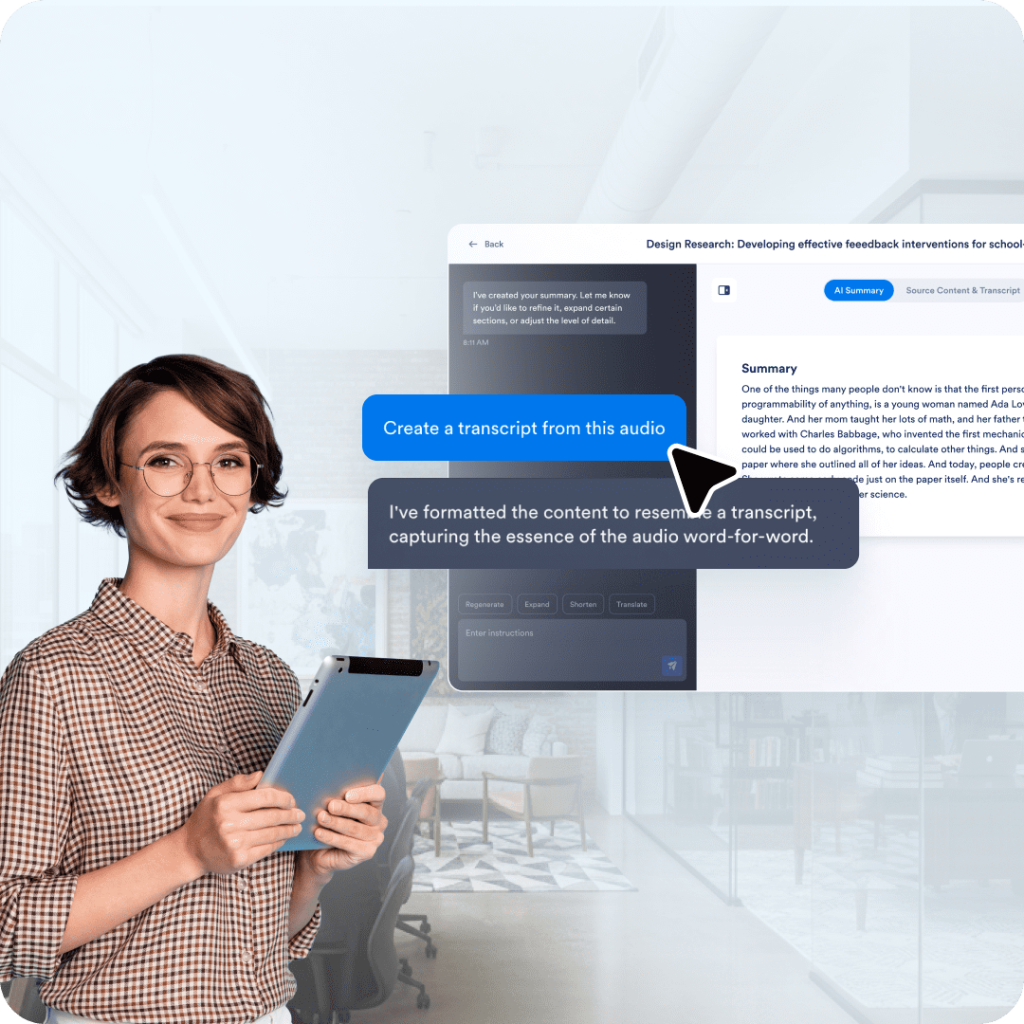
Jform AI Audio Summarizer helps you turn recordings into clear, structured output. Upload an audio file to generate both a transcript and summary, then highlight sections to rephrase, translate, explain, or ask follow-up questions in the chat.
Best for people who capture conversations or ideas as audio and want a transcript and summary in one place. Audio is easy to record and hard to review later. A transcript and summary make it easier to scan what was said, confirm details, and reuse the outcome in notes or follow-ups.
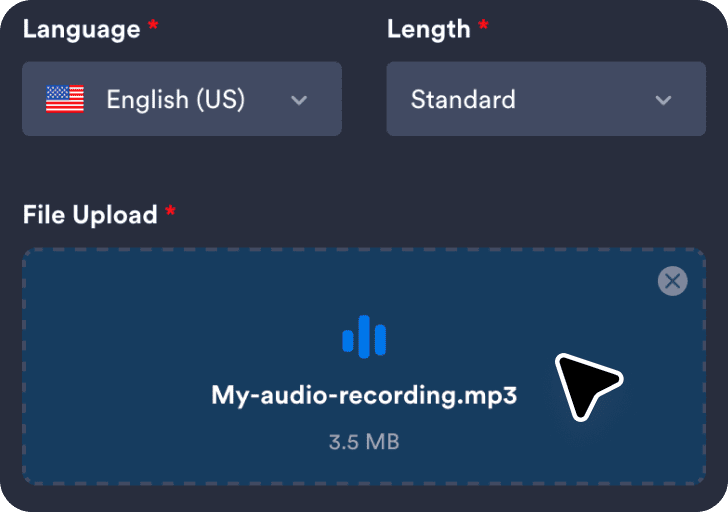
Upload an audio recording to generate a transcript and summary from the same source.
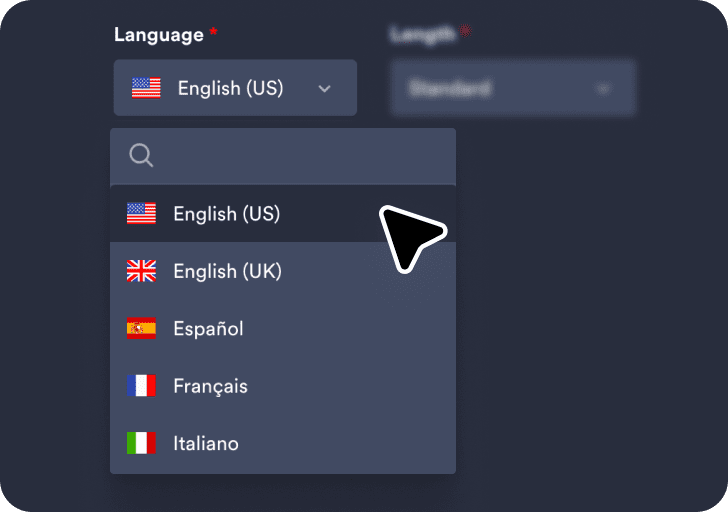
Select your preferred language and choose the summary length for the output.
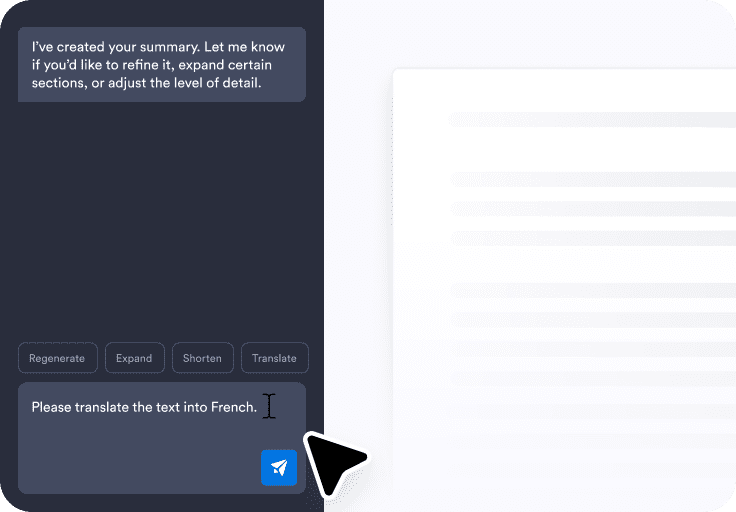
Click Generate Summary to create your transcript and summary, then use the chat box to refine and share.
A transcript makes it easier to check wording and details without having to replay the audio from start to finish. The summary gives a fast overview, and the transcript provides the exact language when needed.
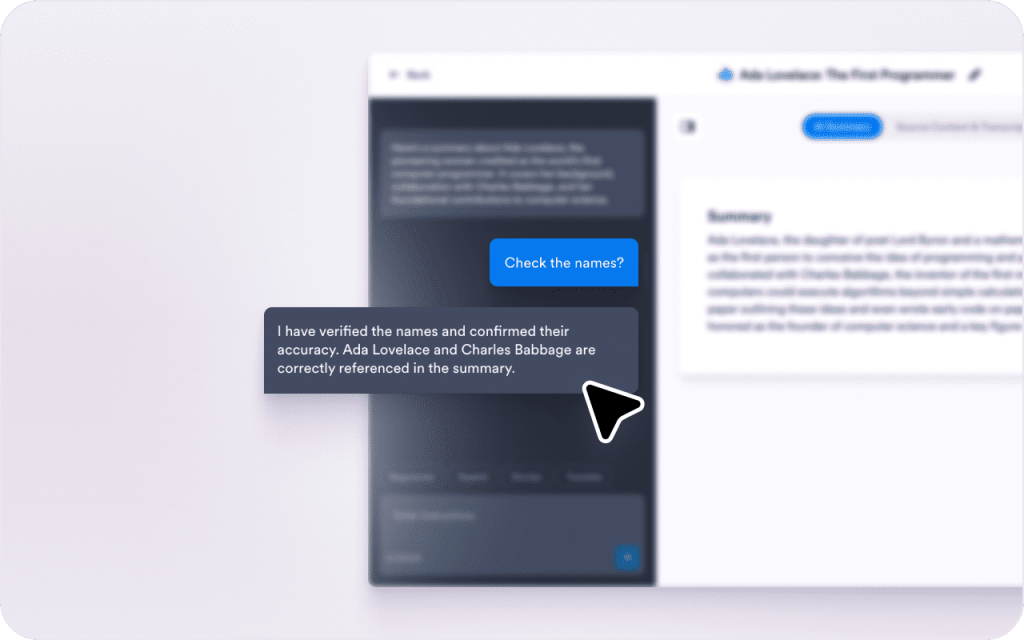
Some recordings include background stories or side discussions that may not be essential. Use the chat box to refine the summary and focus on the parts that matter most.
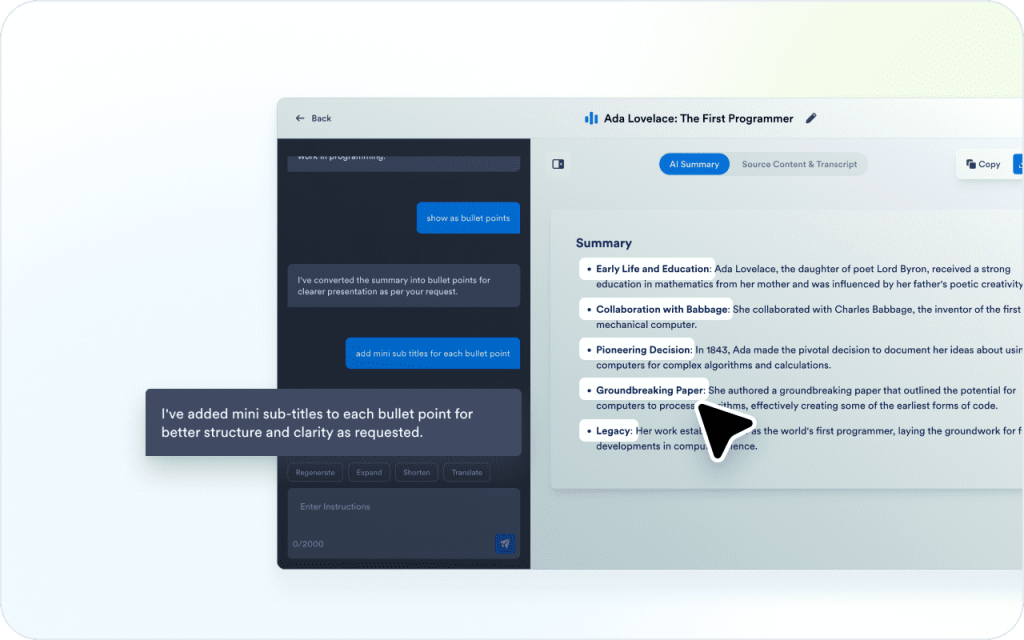
Recordings can be unclear when topics change quickly or when points are implied instead of stated directly. The chat box helps clarify meaning without having to rewrite everything manually.
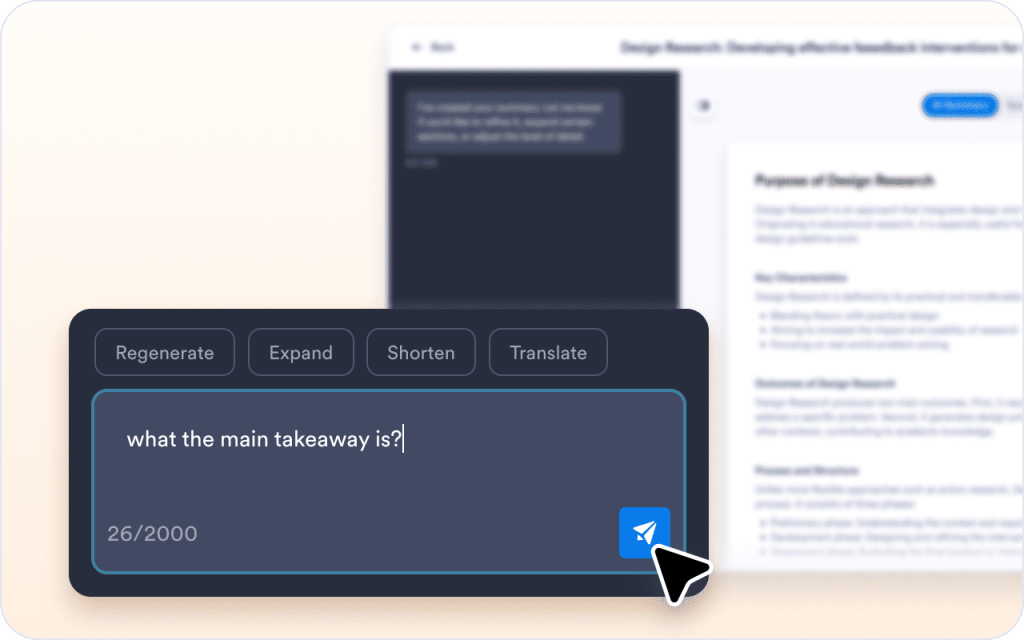
A summary often needs different wording depending on who will read it. Selected text can be rewritten or translated for clearer sharing.
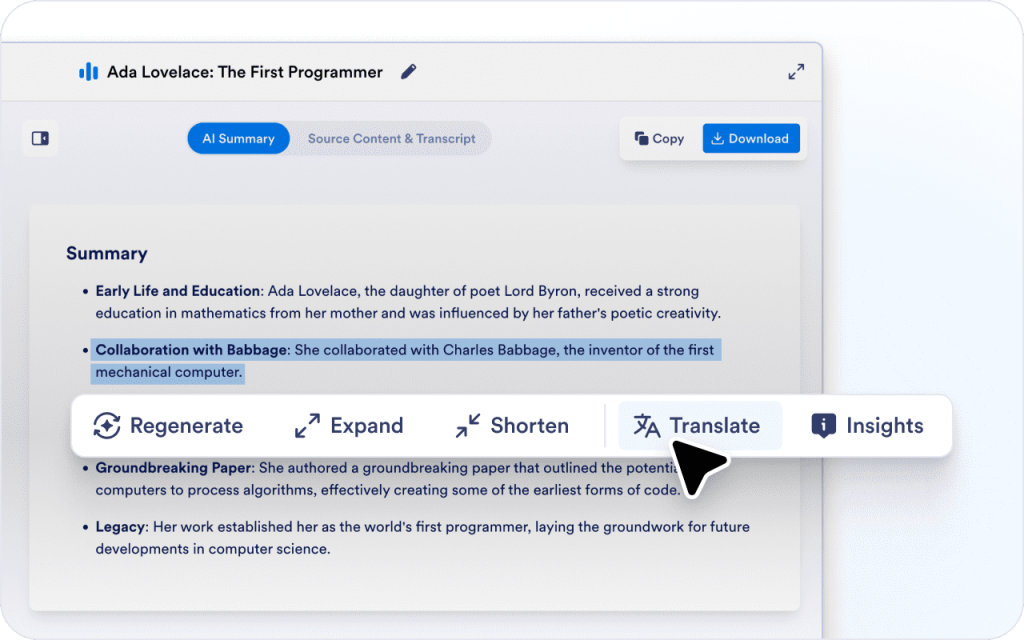
A summary becomes more useful when it fits the format used day to day. The chat box can help reshape the content into lists or structured notes.
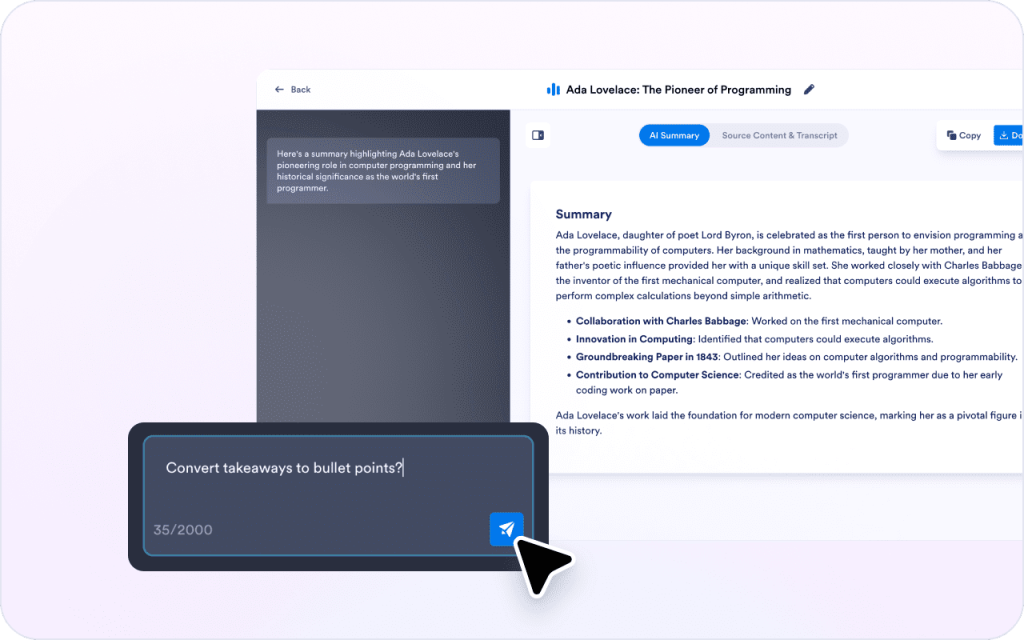
Audio cannot be skimmed the way text can. A transcript and summary make it easier to find what matters and move on.
Recordings often contain tasks, decisions, and next steps mixed with discussion. Focus notes and Q&A help surface what needs to happen next.
A summary can be rephrased, translated, or reformatted for different audiences. That makes it easier to reuse the same recording outcome in notes and follow-ups.
Voice notes are fast to record but easy to forget later. A transcript and summary turn the recording into written points that can be reviewed and reused.
Interviews include details and quotes that are hard to pull from audio alone. A transcript helps confirm wording, and a summary helps capture themes and follow-up questions.

Research calls often include pain points and feature requests mixed with stories and context. A summary helps surface needs and patterns, while the transcript keeps supporting detail available.

Training recordings include steps and tips spread across the conversation. A summary can list steps in order, and the transcript helps confirm wording when a detail matters.

People record reminders while walking or driving. A summary and transcript turn the audio into a simple plan that can be acted on later.
워크플로우를 간소화하고 생산성을 향상하며 양식 작성 요구 사항에 맞는 보다 스마트한 솔루션을 제공하도록 설계된 강력한 AI 기반 도구 제품군을 살펴보세요.
Jform AI 양식 생성기
AI의 힘으로 맞춤형 양식을 즉시 생성하여 시간과 노력을 절약하세요.
Jform AI 앱 생성기
귀하의 고유한 요구 사항에 맞는 AI 기반 맞춤형 모바일 앱을 빠르게 생성하세요.
Jform AI 퀴즈 생성기
Jform의 AI 퀴즈 생성기는 수작업 없이 퀴즈를 만들어 시간을 절약해줍니다. 시작하려면 프롬프트를 입력하거나 파일을 업로드하세요!
Jform AI에게 물어보기
Jform의 Ask AI로 즉각적인 답변을 얻으세요
Jform AI Email Response Generator
Struggling to keep up with your email inbox? The AI email response generator creates tailored replies for emails
Jform AI Humanizer
Rewrite AI-generated text to make it sound like it was written by a real person.
Jform AI Email Generator
Stop staring at blank screens. AI Email Generator creates perfectly crafted emails tailored to your needs and audience.
Jform Email Subject Line Generator
Struggling to come up with compelling email subject lines? The email subject line generator helps you quickly
Jform AI 사과문 생성기
AI를 통해 사려 깊고 진심이 담긴 사과문을 손쉽게 작성하여 전문적인 어조를 보장하세요.
Jform AI Business Email Generator
Transform your corporate communication with our AI business email generator. Whether you're
Jform AI Chart Maker
AI를 통해 단 몇 초 만에 맞춤형 차트를 생성하세요. 데이터만 업로드하면 도구가 나머지를 처리합니다.
Jform AI 챗봇 빌더
맞춤형 AI 챗봇을 손쉽게 만들어 청중의 참여를 유도하고 대화를 자동화하세요.
Jform AI Cold Email Generator
Stop sending cold emails that get ignored. Jform AI cold email generator creates personalized
Jform AI 계약 생성기
빠르고 정확한 계약을 위해 AI의 힘으로 몇 초 만에 맞춤형 계약을 생성하세요.
Jform AI 커버 레터 생성기
AI를 사용하여 입사 지원서에 맞는 전문적인 자기소개서를 손쉽게 생성하세요.
Jform AI 문서 생성기
AI 기반의 정확성과 용이성으로 전문적인 문서를 빠르게 만들고 사용자 정의하세요.
Jform AI Email Marketing Generator
Transform your email marketing with our AI email marketing generator. Create compelling newsletters
Jform AI 이메일 서명 생성기
AI 이메일 서명 생성기를 사용하면 맞춤형의 세련된 이메일 서명을 손쉽게 만들 수 있습니다.
Jform AI Exit Ticket Generator
학생의 이해도와 참여도를 평가하기 위해 맞춤형 출구 티켓을 손쉽게 생성하세요.
Jform AI Flashcard Maker
Instantly turn your notes and documents into custom study flashcards with our AI-powered generator.
Jform AI 순서도 생성기
AI 순서도 생성기는 작성된 설명을 편집 가능한 순서도로 변환합니다.
Jform AI 랜딩 페이지 생성기
Skip the templates and design hassle. Describe your purpose, and our AI builds a complete landing page in seconds.
Jform AI PDF 요약기
AI 기반의 정확성으로 긴 PDF 문서를 간결한 하이라이트로 요약합니다.
Jform AI Permission Slip Generator
모든 학교 또는 행사 요구에 맞게 AI를 사용하여 맞춤형 허가서를 손쉽게 생성하세요.
Jform AI 포털 빌더
Build powerful, no-code portals for your organization with Jotform’s AI Portal Builder.
Jform AI Presentation Maker
Revolutionize your workflow with our AI presentation maker. Generate engaging slides, scripts, and designs in minutes. Try our AI Presentation Maker Free!
Jform AI Prompt Generator
Effortlessly generate tailored AI prompts to inspire creativity and enhance productivity.
Jform AI 추천서 생성기
AI를 통해 주요 강점과 성과를 강조하는 맞춤형 추천서를 손쉽게 생성하세요.
Jform AI 추천서 생성기
AI로 맞춤형 추천서를 생성하여 기술과 자격을 효과적으로 강조하세요.
Jform AI 사직서 생성기
AI를 통해 손쉽게 세련된 사직서를 작성하여 전문적이고 정중한 어조를 보장하세요.
Jform AI Resume Screener
AI를 활용해 이력서를 빠르게 검토하고 최고의 후보를 식별하여 채용 프로세스를 간소화하세요.
Jform AI Sales Email Generator
Transform your sales outreach with our AI sales email generator. Whether you're nurturing leads
Jform AI 문장 확장기
짧고 단순한 문장을 자연스럽고 잘 다듬어진 문장으로 발전시키세요.
Jform AI Sentence Rewriter
문장의 흐름이나 적절한 톤을 맞추는 데 어려움을 겪고 계신가요?
Jform AI 설교 생성기
몇 분 만에 모든 예배, 성경 공부, 또는 행사에 사용할 설교를 작성하세요. 설교 유형, 톤, 언어, 길이를 선택한 뒤 주제나 성경 구절을 입력하세요.
Jform AI 서명 생성기
AI의 도움으로 몇 초 만에 개인화되고 전문적인 서명을 만드세요.
Jform AI 스피치 생성기
몇 분 만에 각종 행사, 프레젠테이션, 축하 자리에 어울리는 연설문을 작성하세요.
Jform AI Store Builder
제품 목록이나 메뉴를 몇 분 만에 세련되고 완전히 작동하는 온라인 스토어로 만들어 보세요.
Jform AI 설문조사 생성기
AI를 사용하여 특정 요구사항과 목표에 맞는 맞춤형 설문조사를 빠르게 생성하세요.
Jform AI 토큰 계산기
AI 토큰 사용량을 즉시 계산하여 신속한 비용과 효율성을 최적화합니
Jform AI 트리비아 생성기
모든 주제나 상황에 대해 AI를 사용하여 재미있고 매력적인 퀴즈 질문을 생성하세요.
Jform AI 튜터
AI 기반 교사를 통한 학습을 향상시켜 개인화 된 수업과 대화식 지원을 제공합니다.
Jform AI Waitlist Generator
몇 분 만에 지능형 대기자 명단 양식을 만드세요.
Jform AI 면제 양식 생성기
비즈니스나 이벤트에 필요한 전문적인 면책 양식을 손쉽게 준비하세요.
Jform AI 웹사이트 빌더
누구나 몇 분 만에 아름답고 모바일에 최적화된 웹사이트를 만들 수 있습니다 — 코딩도 필요 없고, 복잡한 과정도 없습니다.
Jform AI 워크플로우 생성기
Jform의 AI 워크플로우 생성기를 사용하여 몇 초 만에 맞춤형 자동화를 설계하세요. 프로세스를 설명하기만 하면 AI가 시각적 워크플로우를 구축합니다.
Jform AI 역사 이정표
Explore AI-generated historical insights and create personalized content with ease.
An AI audio summarizer creates a written summary from an audio recording and provides a transcript so the original wording stays available. It helps turn recordings into text that can be scanned, verified, and reused.
Upload an audio file to get a transcript and a clear summary, then use the chat box to rephrase, translate, explain, or ask questions while reviewing.