# AI Email Signature Generator for 2026 | Jform

# AI 이메일 서명 생성기

Want to add a personal or professional touch to your emails? The AI email signature generator makes it easy to quickly create custom, polished email signatures. Whether you're a business pro, freelancer, or managing personal emails, you can create sleek and unique signatures representing you or your brand.

## How to use AI Email Signature Generator
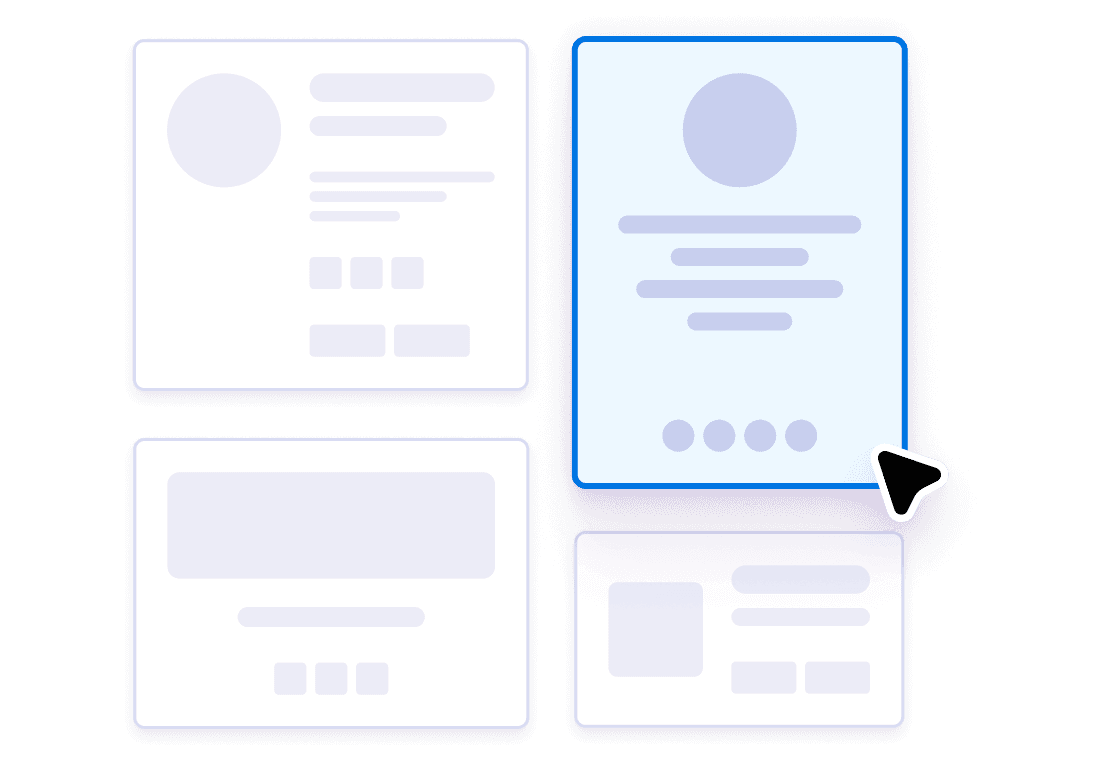
![Image 1: Choose a template](https://cdn.jotfor.ms/image/r/aHR0cHM6Ly9jZG4uam90Zm9yLm1zL3AvYWkvZ21haWwtYWdlbnQvYXNzZXRzL2ltZy1taW4vZW1haWwtc2lnbmF0dXJlLWdlbmVyYXRvci9ob3ctaXQtd29ya3MtMS5wbmc=/how-it-works-1.png?w=40&t=1)

### 템플릿 선택하기

Browse modern, professional templates designed for every style and taste. Preview and select the option that best fits your brand.
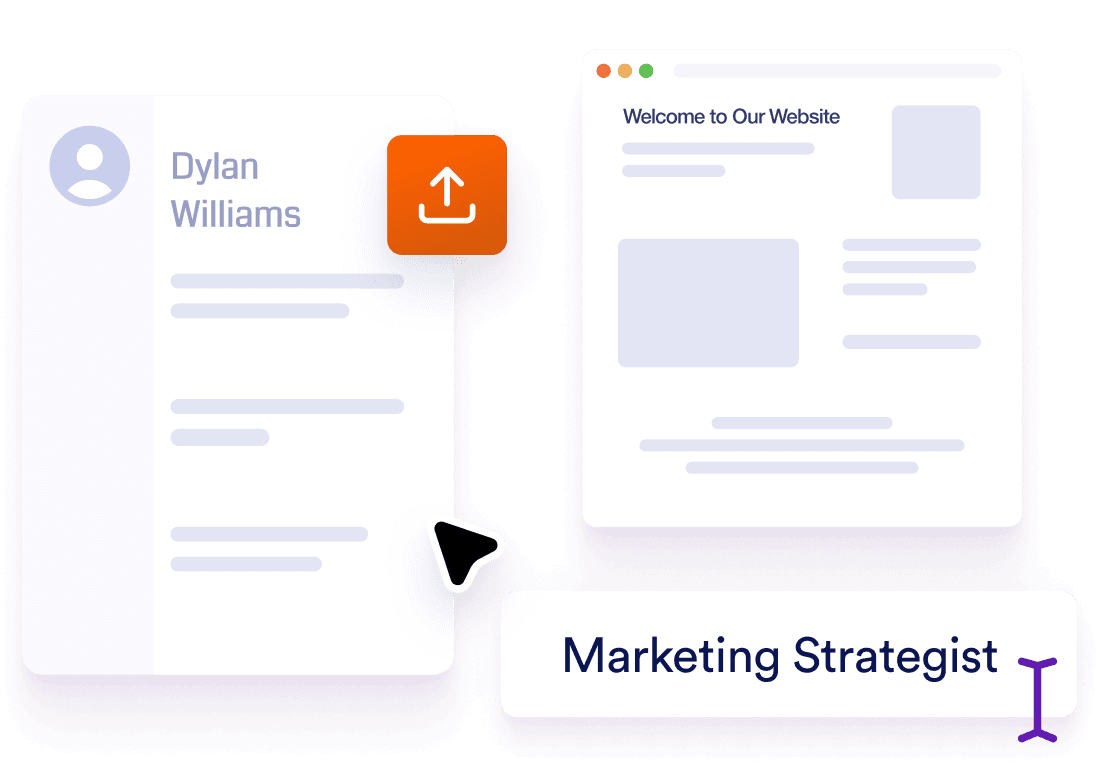
![Image 2: Add your information](https://cdn.jotfor.ms/image/r/aHR0cHM6Ly9jZG4uam90Zm9yLm1zL3AvYWkvZ21haWwtYWdlbnQvYXNzZXRzL2ltZy1taW4vZW1haWwtc2lnbmF0dXJlLWdlbmVyYXRvci9ob3ctaXQtd29ya3MtMi5wbmc=/how-it-works-2.png?w=40&t=1)

### Add your information

Upload your resume, share your website, or fill in details manually. AI generation will instantly produce your personalized email signature.
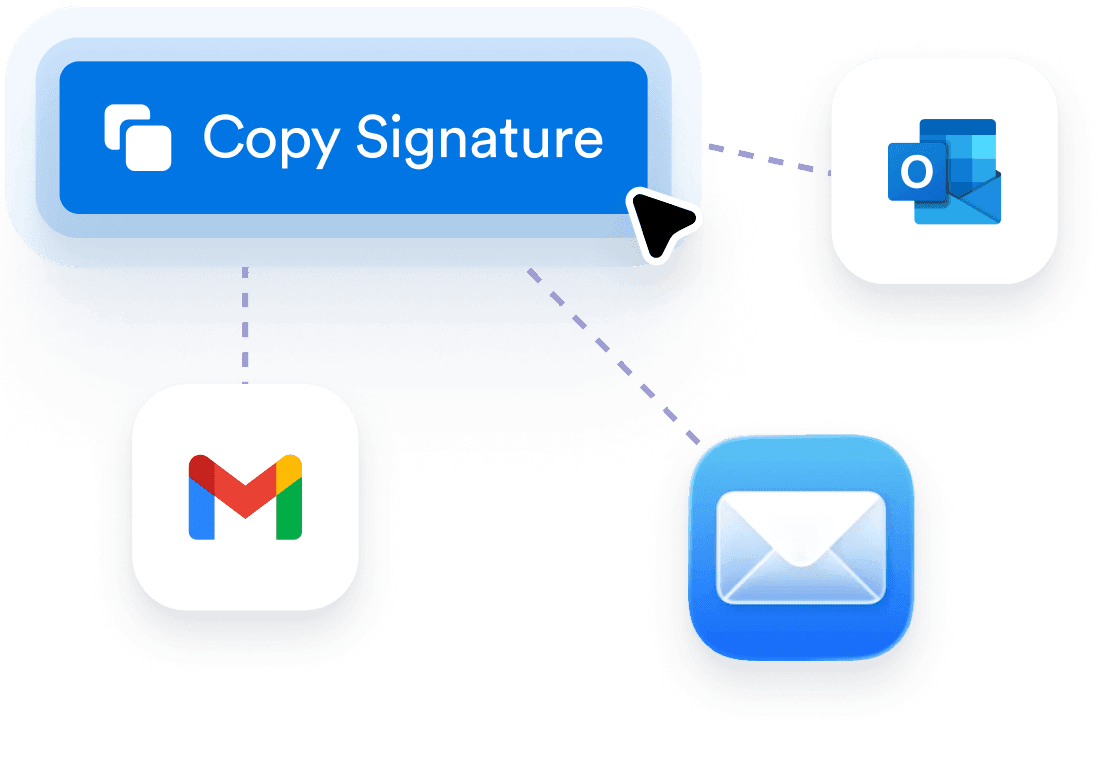
![Image 3: Copy and use](https://cdn.jotfor.ms/image/r/aHR0cHM6Ly9jZG4uam90Zm9yLm1zL3AvYWkvZ21haWwtYWdlbnQvYXNzZXRzL2ltZy1taW4vZW1haWwtc2lnbmF0dXJlLWdlbmVyYXRvci9ob3ctaXQtd29ya3MtMy5wbmc=/how-it-works-3.png?w=40&t=1)

### Copy and use

With a single click, copy your finished signature. Paste it directly into Gmail, Outlook, or any major email client to elevate your correspondence.

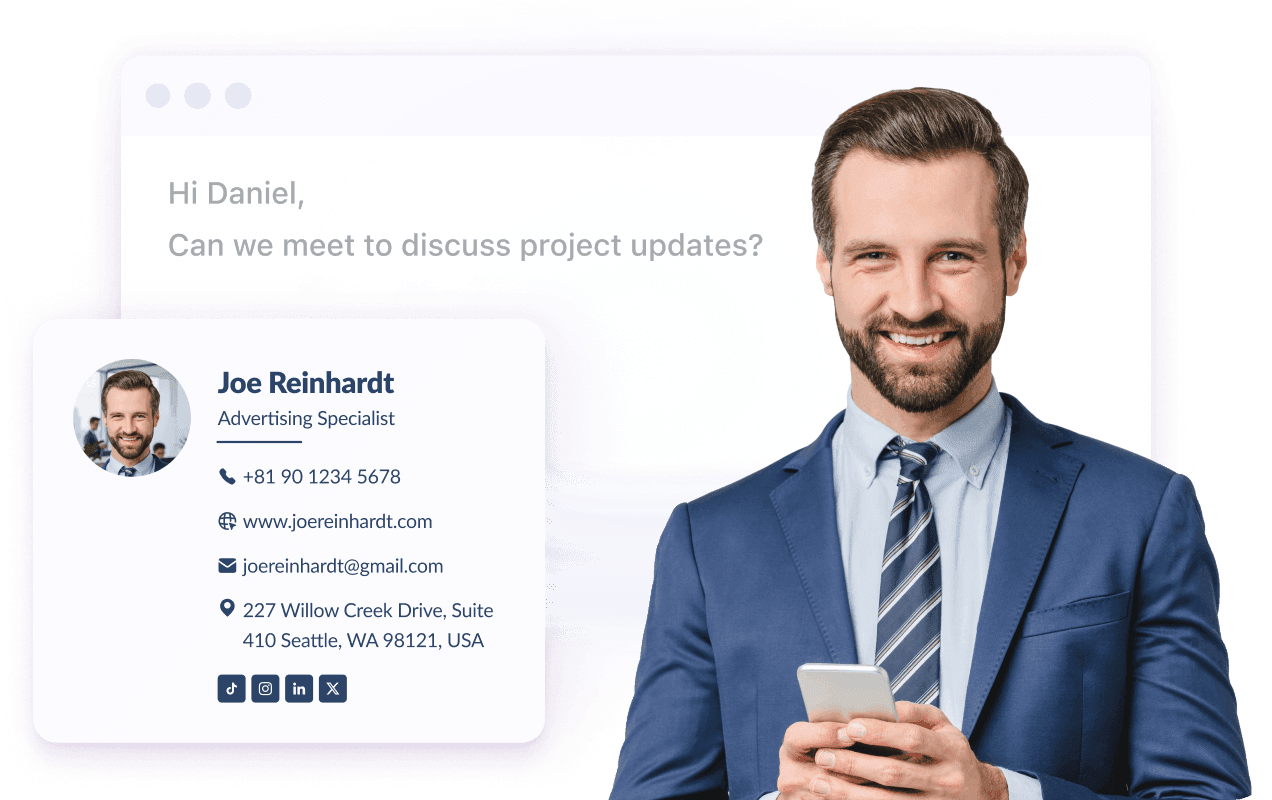
## Creates instant professional credibility

Transform every email into a polished, professional touchpoint. The AI Email Signature Generator automatically designs sleek, branded signatures that showcase your expertise, making every message seem more credible without manual design.
![Image 4: Creates instant professional credibility](https://cdn.jotfor.ms/image/r/aHR0cHM6Ly9jZG4uam90Zm9yLm1zL3AvYWkvZ21haWwtYWdlbnQvYXNzZXRzL2ltZy1taW4vZW1haWwtc2lnbmF0dXJlLWdlbmVyYXRvci9iZW5lZml0cy0xLnBuZw==/benefits-1.png?w=40&t=1)

## Ensures consistent brand representation

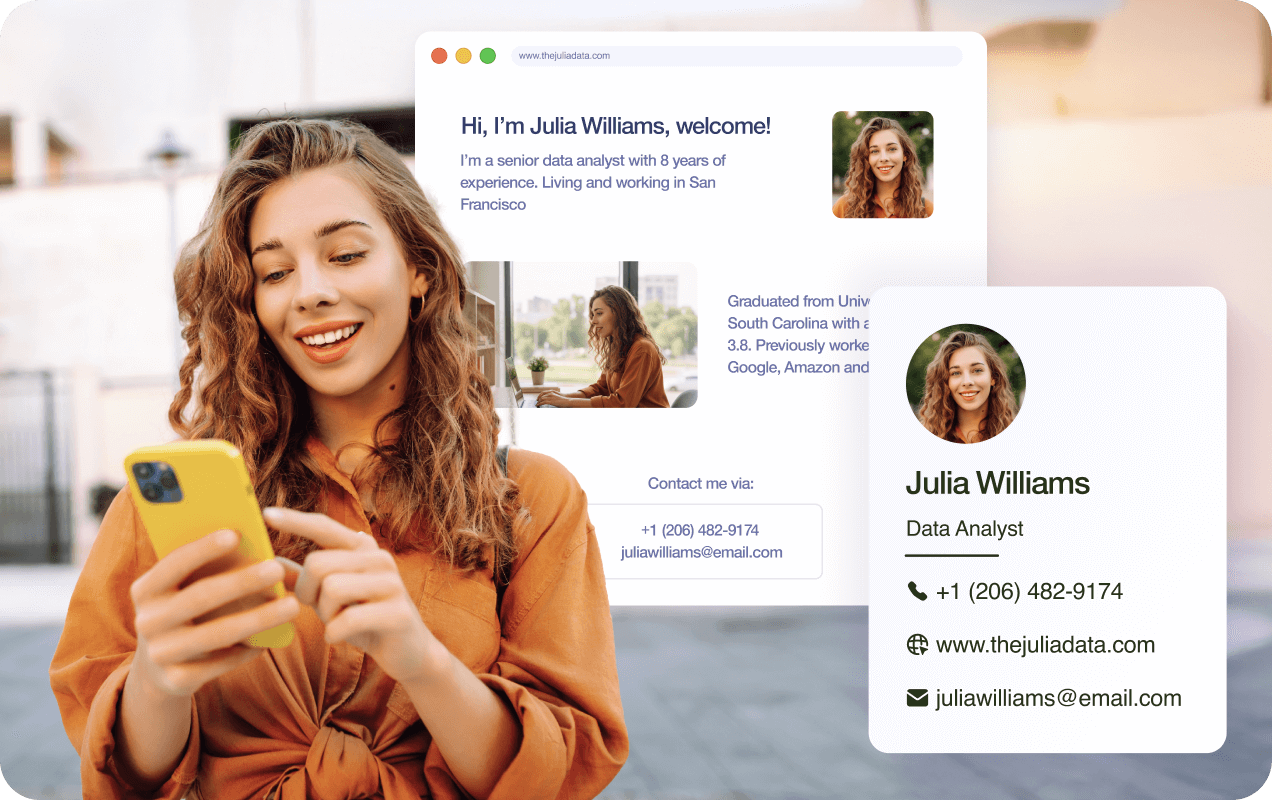
Maintain professional consistency across all your communications, even when you have limited input. The AI automatically extracts essential details, such as your name, email, phone number, and job title, from your website and applies clean, uniform formatting.
![Image 5: Ensures consistent brand representation](https://cdn.jotfor.ms/image/r/aHR0cHM6Ly9jZG4uam90Zm9yLm1zL3AvYWkvZ21haWwtYWdlbnQvYXNzZXRzL2ltZy1taW4vZW1haWwtc2lnbmF0dXJlLWdlbmVyYXRvci9iZW5lZml0cy0yLnBuZw==/benefits-2.png?w=40&t=1)

## Boosts contact information accessibility

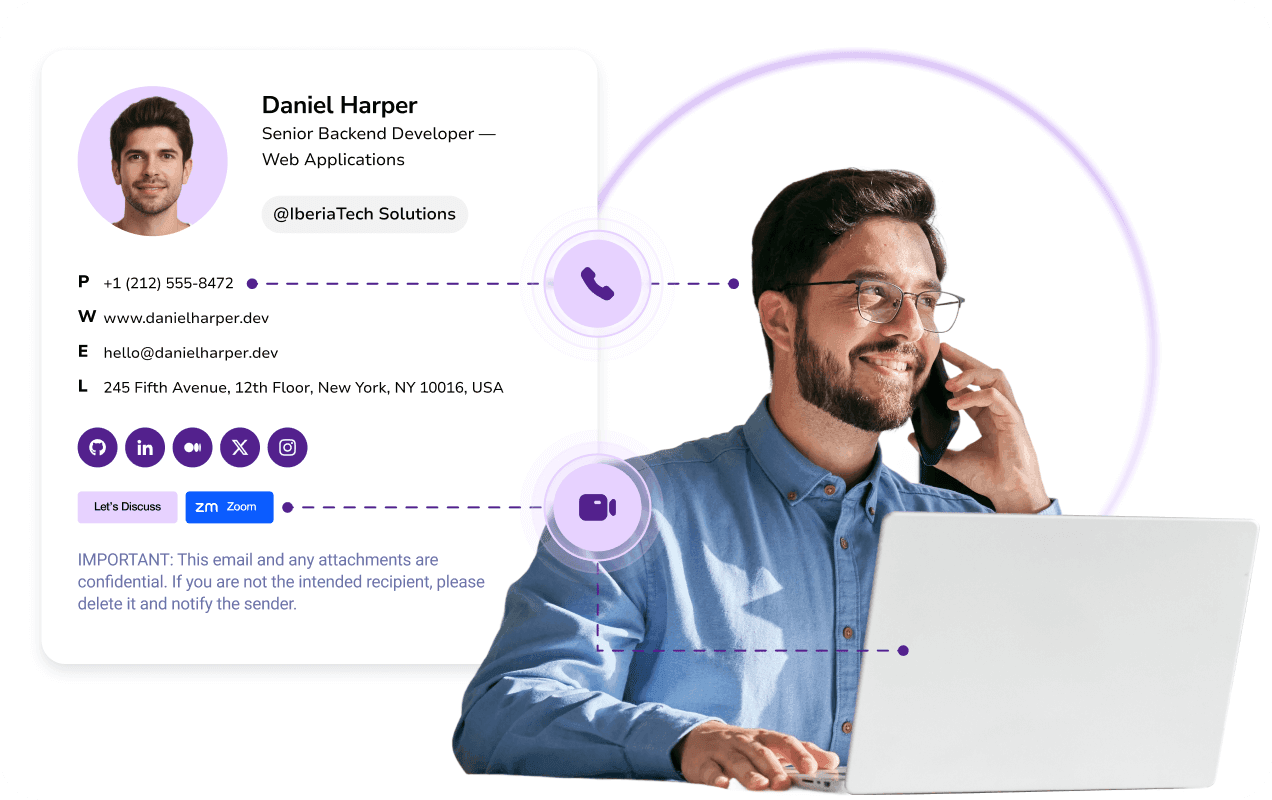
The tool intelligently organizes your contact details, social links, and CTAs into a clean, clickable layout. Clients and colleagues will reach you easily and you’ll never lose a potential connection.
![Image 6: Boosts contact information accessibility](https://cdn.jotfor.ms/image/r/aHR0cHM6Ly9jZG4uam90Zm9yLm1zL3AvYWkvZ21haWwtYWdlbnQvYXNzZXRzL2ltZy1taW4vZW1haWwtc2lnbmF0dXJlLWdlbmVyYXRvci9iZW5lZml0cy0zLnBuZw==/benefits-3.png?w=40&t=1)

## Saves design time and effort

Skip the hassle of starting from scratch. Upload your resume, paste your website, or enter details manually. AI instantly extracts job info and builds your signature in seconds, saving you hours of design and formatting.

![Image 7: Saves design time and effort](https://cdn.jotfor.ms/image/r/aHR0cHM6Ly9jZG4uam90Zm9yLm1zL3AvYWkvZ21haWwtYWdlbnQvYXNzZXRzL2ltZy1taW4vZW1haWwtc2lnbmF0dXJlLWdlbmVyYXRvci9iZW5lZml0cy00LnBuZw==/benefits-4.png?w=40&t=1)

## Delivers effortless personalization

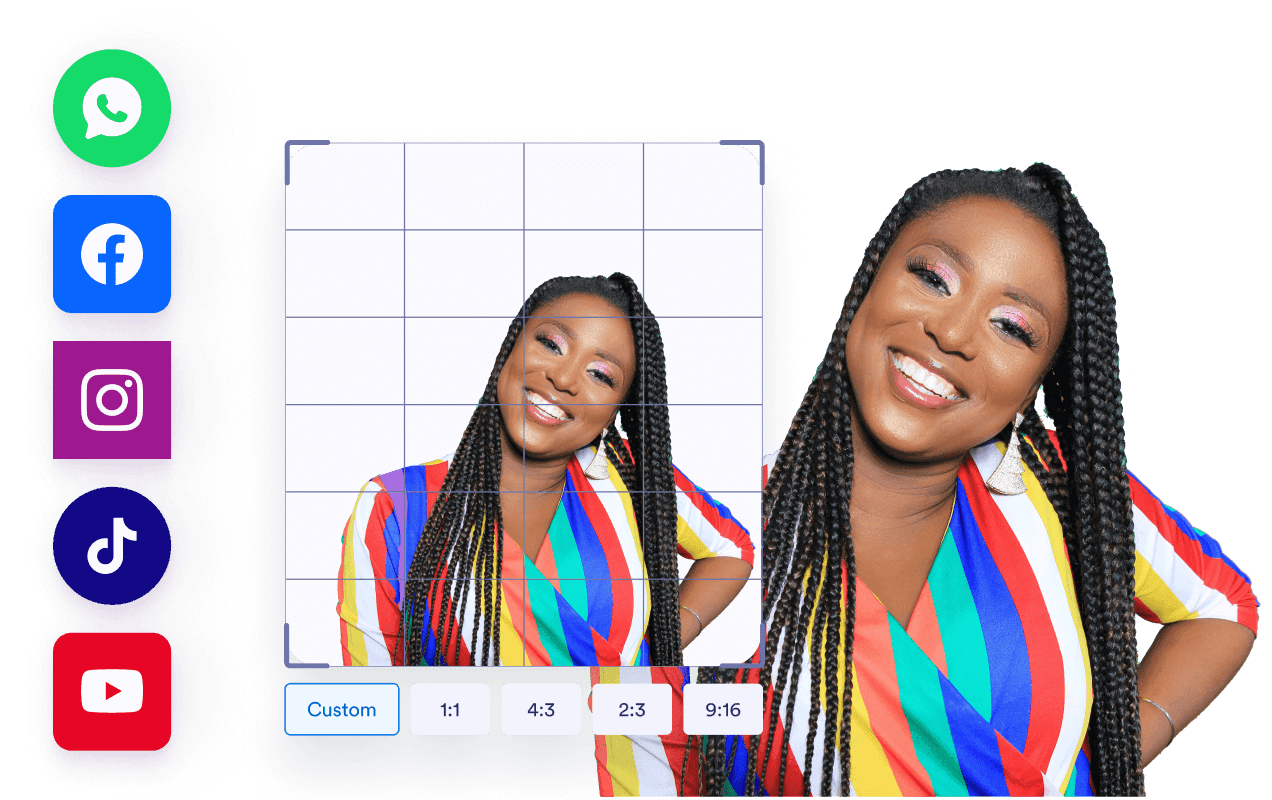
Add personality with photos, and social buttons that the AI designs for perfect visual balance. Each signature strikes a balance between personal and professional, ensuring your brand's consistency and engagement.
![Image 8: Delivers effortless personalization](https://cdn.jotfor.ms/image/r/aHR0cHM6Ly9jZG4uam90Zm9yLm1zL3AvYWkvZ21haWwtYWdlbnQvYXNzZXRzL2ltZy1taW4vZW1haWwtc2lnbmF0dXJlLWdlbmVyYXRvci9iZW5lZml0cy01LnBuZw==/benefits-5.png?w=40&t=1)

## How to change your email signature in Gmail
![Image 9: Open Gmail settings](https://cdn.jotfor.ms/image/r/aHR0cHM6Ly9jZG4uam90Zm9yLm1zL3AvYWkvZ21haWwtYWdlbnQvYXNzZXRzL2ltZy1taW4vZW1haWwtc2lnbmF0dXJlLWdlbmVyYXRvci9ob3ctdG8tZW1haWwtMS5wbmc=/how-to-email-1.png?w=40&t=1)

### Open Gmail settings

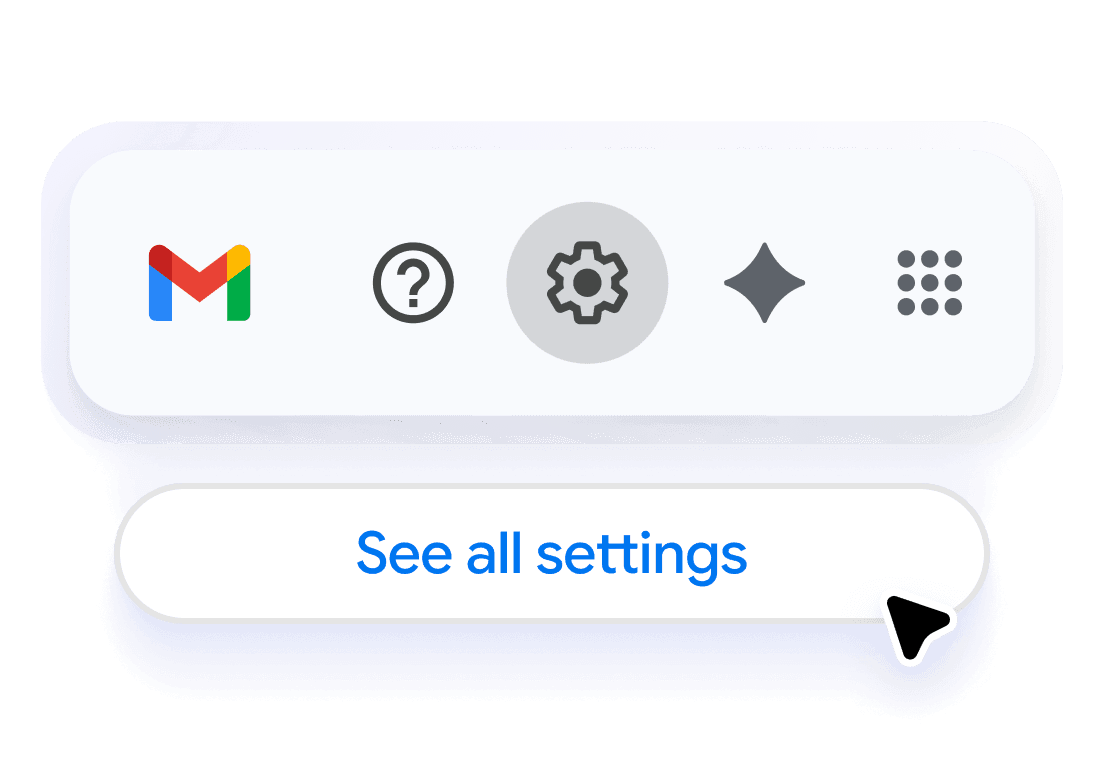
Access your Gmail settings by clicking the gear icon and selecting “See all settings” to begin updating your email signature.
![Image 10: Create a new signature](https://cdn.jotfor.ms/image/r/aHR0cHM6Ly9jZG4uam90Zm9yLm1zL3AvYWkvZ21haWwtYWdlbnQvYXNzZXRzL2ltZy1taW4vZW1haWwtc2lnbmF0dXJlLWdlbmVyYXRvci9ob3ctdG8tZW1haWwtMi5wbmc=/how-to-email-2.png?w=40&t=1)

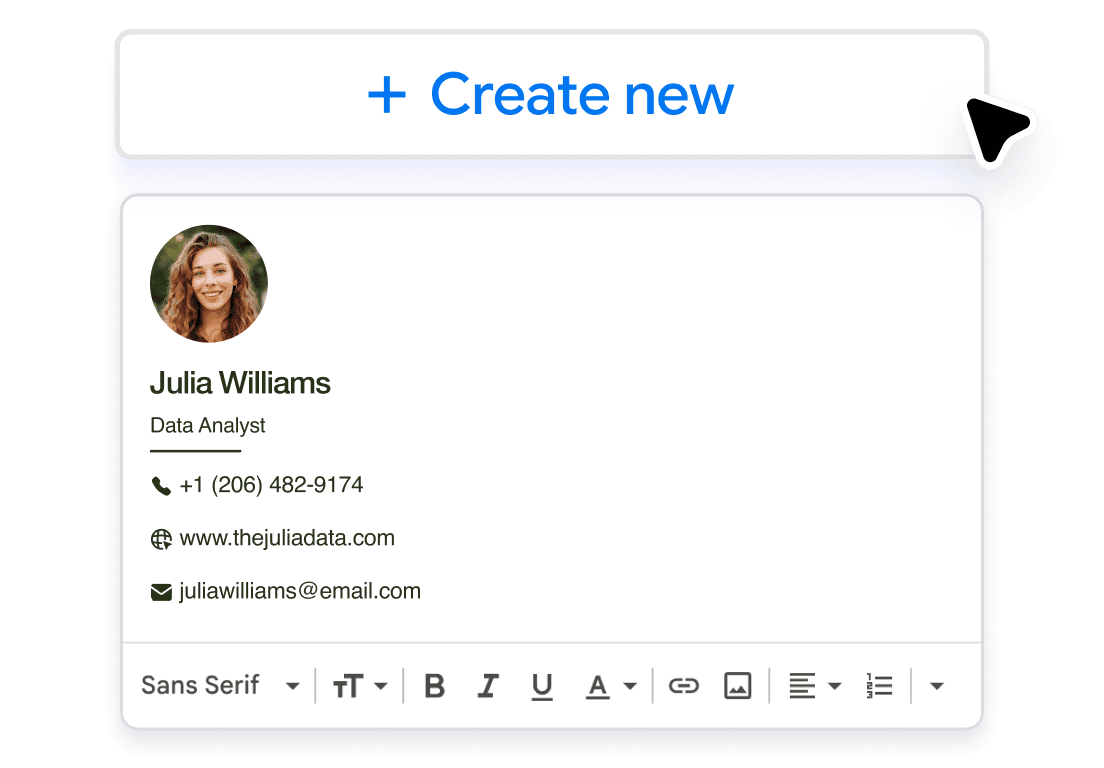
### Create a new signature

In the Signature section, click “Create new” and paste your custom email signature to easily add it to your Gmail account.
![Image 11: Set it as your default signature](https://cdn.jotfor.ms/image/r/aHR0cHM6Ly9jZG4uam90Zm9yLm1zL3AvYWkvZ21haWwtYWdlbnQvYXNzZXRzL2ltZy1taW4vZW1haWwtc2lnbmF0dXJlLWdlbmVyYXRvci9ob3ctdG8tZW1haWwtMy5wbmc=/how-to-email-3.png?w=40&t=1)

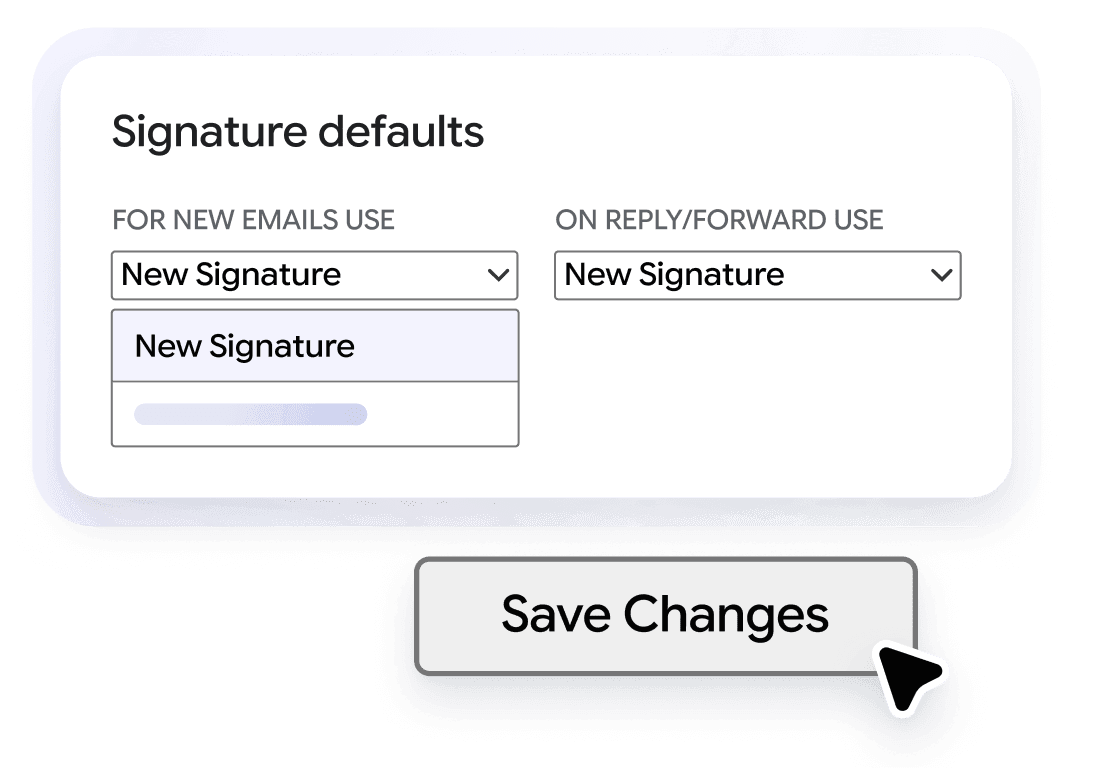
### Set it as your default signature

Assign your new signature as the default for new emails and replies, then save your settings to update your email signature.

## 이메일 관리용 AI 도구

이메일 커뮤니케이션을 간소화하고 최적화할 더 많은 방법을 찾고 계신가요? 이메일 관리의 다양한 측면을 다루는 강력한 AI 도구들을 확인해 보세요.

### [AI 이메일 생성기 빈 화면만 바라보지 마세요. AI 이메일 생성기는 필요와 대상에 맞는 완벽한 이메일을 작성해 줍니다. 목표를 설명하고, 설정을 선택하면 몇 초 만에 전문적인 이메일 콘텐츠가 완성됩니다. 더 알아보기](https://www.jform.co.kr/ai/gmail-agent/tools/email-generator/)

### [AI 비즈니스 이메일 생성기 AI 비즈니스 이메일 생성기로 기업 커뮤니케이션을 혁신하세요. 고객 제안서, 내부 공지, 임원 브리핑 등 어떤 경우에도 회사의 기준을 반영하고 비즈니스 성과를 이끄는 세련된 이메일을 몇 초 만에 작성할 수 있습니다. 더 알아보기](https://www.jform.co.kr/ai/gmail-agent/tools/business-email-generator/)

### [AI 이메일 마케팅 생성기 AI 이메일 마케팅 생성기로 이메일 마케팅을 혁신하세요. 시선을 사로잡고, 구독자의 참여를 유도하며, 전환율을 높이는 매력적인 뉴스레터, 프로모션 캠페인, 자동화된 시퀀스를 단 몇 초 만에 만들어 보세요. 추측 없이 모든 것을 할 수 있습니다. 더 알아보기](https://www.jform.co.kr/ai/gmail-agent/tools/marketing-email-generator/)

### [AI 세일즈 이메일 생성기 AI 기반 세일즈 이메일 생성기로 세일즈 활동을 혁신하세요. 리드 육성, 잠재 고객 추적, 거래 성사 등 어떤 목적이든, 단 몇 초 만에 잠재 고객의 공감을 얻고 수익을 창출하는 매력적인 세일즈 이메일을 제작할 수 있습니다. 더 알아보기](https://www.jform.co.kr/ai/gmail-agent/tools/sales-email-generator/)

### [AI 콜드 이메일 생성기 읽히지 않는 차가운 이메일을 그만 보내세요. Jform AI 콜드 이메일 생성기는 개인화되고 설득력 있는 메시지를 작성해 받은 편지함의 혼잡을 뚫고 의미 있는 대화를 시작합니다. 신규 고객 발굴, 네트워킹, 파트너십 구축 등 어떤 경우에도 열람, 읽기, 응답까지 이어질 수 있는 콜드 이메일을 생성하세요. 더 알아보기](https://www.jform.co.kr/ai/gmail-agent/tools/cold-email-generator/)

### [AI 이메일 답변 생성기 메일함 관리가 힘드신가요? AI 이메일 응답 생성기는 회신이 필요한 이메일에 맞춤형 답장을 작성해 인박스를 손쉽게 관리할 수 있도록 도와줍니다. 비즈니스 전문가든 개인 메일을 관리하는 사람이든, 이 도구는 시간을 절약하고 생산성을 높여 줍니다. 지금 사용해 보시고 효율적인 이메일 커뮤니케이션을 경험하세요. 더 알아보기](https://www.jform.co.kr/ai/gmail-agent/tools/email-response-generator/)

### [이메일 제목 생성기 설득력 있는 이메일 제목이 잘 떠오르지 않으신가요? 이메일 제목 생성기는 주목을 끌고 오픈율을 높이는 매력적인 제목을 빠르게 만들어 줍니다. 비즈니스 메일이든 개인 메일이든, 받은 편지함에서 돋보이게 해주는 도구입니다. 지금 바로 사용해 차이를 느껴보세요! 더 알아보기](https://www.jform.co.kr/ai/gmail-agent/tools/email-subject-line-generator/)

더보기 접기

## 자주하는 질문

*    
### How does the AI Email Signature Generator work? The AI Email Signature Generator uses advanced artificial intelligence to design a polished, professional email signature in seconds. Instead of manually formatting text and links, you simply enter your name, title, company, and contact details (or upload a résumé or personal website). The AI automatically extracts your information, detects brand elements such as colors and fonts, and builds a clean, on-brand layout. This intelligent automation ensures a professional signature that aligns with your personal or company branding, and is ready to use instantly across multiple email platforms. It’s the easiest way to create a signature that matches your style, enhances your credibility and saves valuable time.   
*    
### Can I customize the design of my email signature? Yes, you can fully customize your email signature design using our AI-powered editor. The generator includes a wide range of modern templates that you can tailor to your brand’s visual identity. Adjust colors, fonts, spacing, and layouts, and easily upload your company logo or personal photo. You can also add clickable social media icons, website links, or even a custom banner or call-to-action button. The AI suggests the best design structure for readability and balance, ensuring your signature looks great in both light and dark email themes. This flexibility helps you maintain consistent, professional branding with every message you send.   
*    
### Is it easy to set up the email signature? Absolutely! Setting up your AI-generated email signature takes just a few minutes. You don’t need any design or coding experience. Once you provide your basic details or upload a résumé, the AI instantly generates your signature with all the right visual elements in place. You can preview the design in real time, make quick edits, and copy it directly into your preferred email client — whether that’s Gmail, Outlook, or Apple Mail. The process is designed to be intuitive and fast, turning what used to be a tedious manual task into a one-click automated experience.   
*    
### Can I use this email signature on different email platforms? Yes, the AI-generated email signature is fully compatible with all major email platforms, including Gmail, Microsoft Outlook, Apple Mail, Yahoo, and more. It also renders beautifully on both desktop and mobile devices, ensuring your brand looks consistent no matter how or where your emails are viewed. The generator creates clean HTML code optimized for responsiveness, so your layout, colors, and clickable elements remain perfectly aligned. Whether you’re communicating with clients, partners, or colleagues, your signature will always appear professional and reliable across devices and platforms.   
*    
### How can I ensure uniformity in my team’s email signatures? For teams and organizations, maintaining brand consistency across all employee emails is crucial. The AI Email Signature Generator makes this simple by allowing you to create one standardized design and replicate it across your entire team. You can include your company logo, brand colors, and approved contact details, and let AI apply these elements consistently to every user’s signature. This ensures that every outgoing email looks cohesive and professional, enhancing brand recognition and trust. Team members can easily update their personal details without affecting the shared design, keeping everything unified and efficient.   
*    
### Does the AI email signature generator work for personal use? Yes! The tool is ideal for both professionals and individuals seeking to enhance their email communications. Whether you’re a freelancer, consultant, or student, your email signature reflects your identity and professionalism. The AI simplifies the process by automatically generating a visually appealing layout based on your input or online presence. You can customize it with your own links, colors, and style preferences. In just a few clicks, you can create a signature that strengthens your personal brand and helps you make a memorable impression with every message.   
*    
### Can I add social media links to my email signature? Definitely, the AI Email Signature Generator allows you to include clickable social media icons for the most popular platforms like LinkedIn, Instagram, YouTube, X and others. You can also add your website or portfolio link. The AI intelligently arranges these icons for a clean, balanced layout that doesn’t overwhelm the reader. Including social media links not only helps recipients learn more about you or your business but also boosts engagement and networking opportunities. Your email signature becomes an extension of your online presence, promoting easy connection with clients, followers, and partners.   
*    
### How much time can I save by using the AI email signature generator? You can save up to days of manual design work. Traditional email signature creation often involves complex formatting and trial-and-error design. With AI automation, all of that disappears. The tool instantly generates a ready-to-use signature from your data, complete with styling, icons, and layout optimization. You can go from zero to professional in less than a minute. This time-saving benefit is especially valuable for teams, marketers, and freelancers who send dozens of emails daily and want to maintain consistent, on-brand communication effortlessly.   
*    
### Can I update my email signature later? Yes, you can easily update or modify your email signature anytime. The AI Email Signature Generator lets you revisit your design, adjust personal or company details, and instantly create a new version. Whether you’ve changed jobs, updated contact info, or rebranded your business, the AI quickly regenerates a polished signature to reflect your latest information. This flexibility makes it simple to keep your emails up to date and on-brand without having to redesign everything from scratch. Your signature evolves with you, automatically.   

더 보기

## Get Your Professional Email Signature Today!

Ready to elevate your email communication? Try the AI Email Signature Generator today and create a custom, professional signature in minutes.

Start Generating Your Email Signature