


Claude E-signatures
Create a document from a description or upload a PDF, make changes, and send it for signature in Claude. Jform Sign completes your entire e-sign workflow in your AI workspace.
지금 연결하기
How to use Jform Sign in Claude
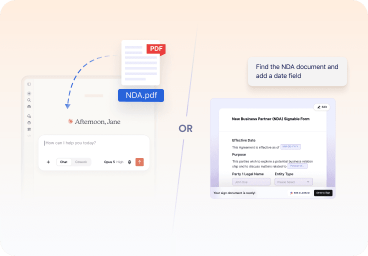
Create and edit your document
Upload a PDF or create a document, then describe the changes you’d like to make in Claude.

Send it for signature
Add signers, review the document and signer details, and send a signature request directly from the conversation.
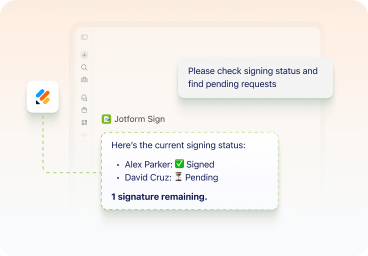
Track its status
Ask Claude which documents are pending, viewed, or signed, then follow up on requests that still need attention.
Keep every step of document signing within Claude
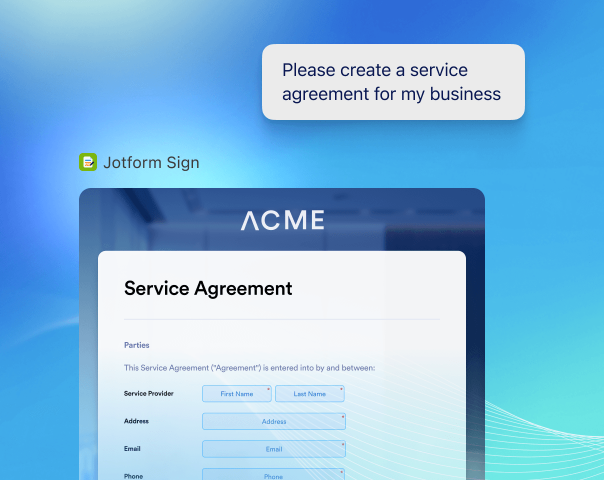
Create documents from PDF or prompt
Upload a PDF you already have or generate a complete document from a prompt. Skip the blank page, the setup, and the need to start from scratch.
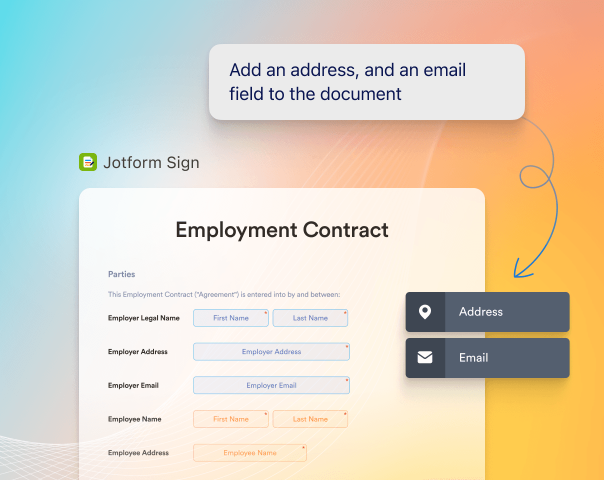
Edit documents with a prompt
Update names, dates, payment terms, document text, and other details by describing what you need. No rebuilding required.
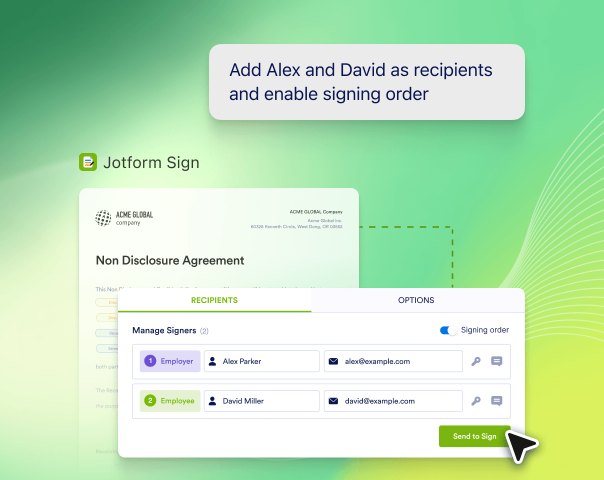
Add recipients and signing order
Select your signers and decide the order in which they receive the document.
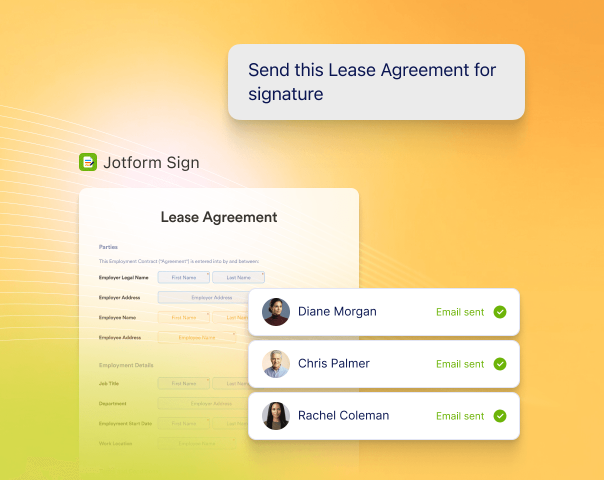
Send documents for signature
Review the document, send it to recipients, and move the request forward from Claude.
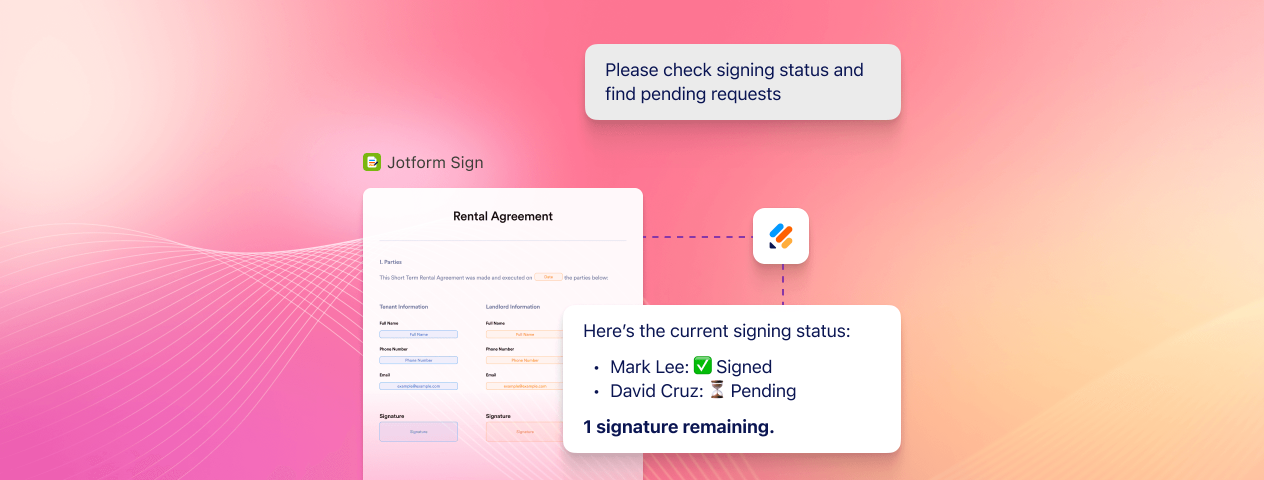
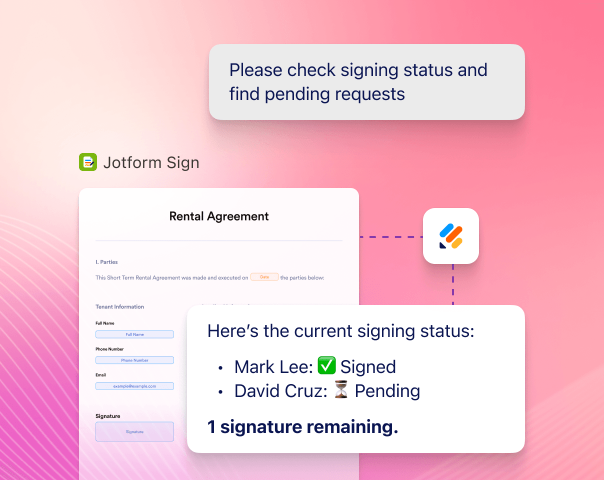
Monitor every signature request
See which documents are pending, viewed, or complete, and follow up when action is needed.
Do More with Jform Sign in Claude
See how the Jform Sign Claude Connector works in real document-signing scenarios. Each example starts with a simple prompt and continues through creation, refinement, sending, and tracking.
Create a service agreement, client contract, or sales proposal from a simple prompt.
Update project details, fees, payment terms, dates, and signer information in Claude.
Send the document for signature and check which requests are pending, viewed, or signed.
Create offer letters, employment contracts, onboarding documents, and policy acknowledgments.
Update the role, salary, start date, benefits, and other details for each new employee.
Send documents to candidates or employees and see what still needs to be signed.
Create NDAs, confidentiality agreements, consent forms, and liability waivers from a prompt.
Add company information, update terms, and customize signature, date, and initial fields.
Send documents to the right people and return anytime to check their signing status.
Create vendor agreements, partnership agreements, leases, internal policies, and approval documents.
Update service dates, locations, payment terms, cancellation terms, and signing order as needed.
Send the document to each signer and see which requests are complete or still pending.
Prepare, send, and track documents in Claude
See how the Jform Sign Claude Connector works in every day document-signing scenarios. Each example starts with a simple prompt and continues through creation, refinement, sending, and tracking.
지금 연결하기자주하는 질문
Can you sign documents in Claude?
Yes. With the Jform Sign Claude Connector, you can create a document from a prompt or upload an existing PDF, make changes in Claude, and send it for signature. You can also return to Claude to check whether a request is pending, viewed, or complete.
What is the Jform Sign Claude Connector?
How do I connect Jform Sign to Claude?
Can I create a document in Claude?
Can I upload a PDF in Claude?
Can I edit documents in Claude before sending them?
Can I add signature fields and other fillable fields?
Can I choose who signs and set the signing order?
Can I send a document to multiple people for signature?
Can I track a signature request in Claude?
What types of documents can I create with Jform Sign?
Do recipients need a Claude account to sign a document?
Do I need a Jform account?
What else can I do with Jform in Claude?
Does Jform Sign provide legal advice?
Where can I find completed documents and signature requests?