AI 이메일 서명 생성기
Want to add a personal or professional touch to your emails? The AI email signature generator makes it easy to quickly create custom, polished email signatures. Whether you're a business pro, freelancer, or managing personal emails, you can create sleek and unique signatures representing you or your brand.
How to use AI Email Signature Generator
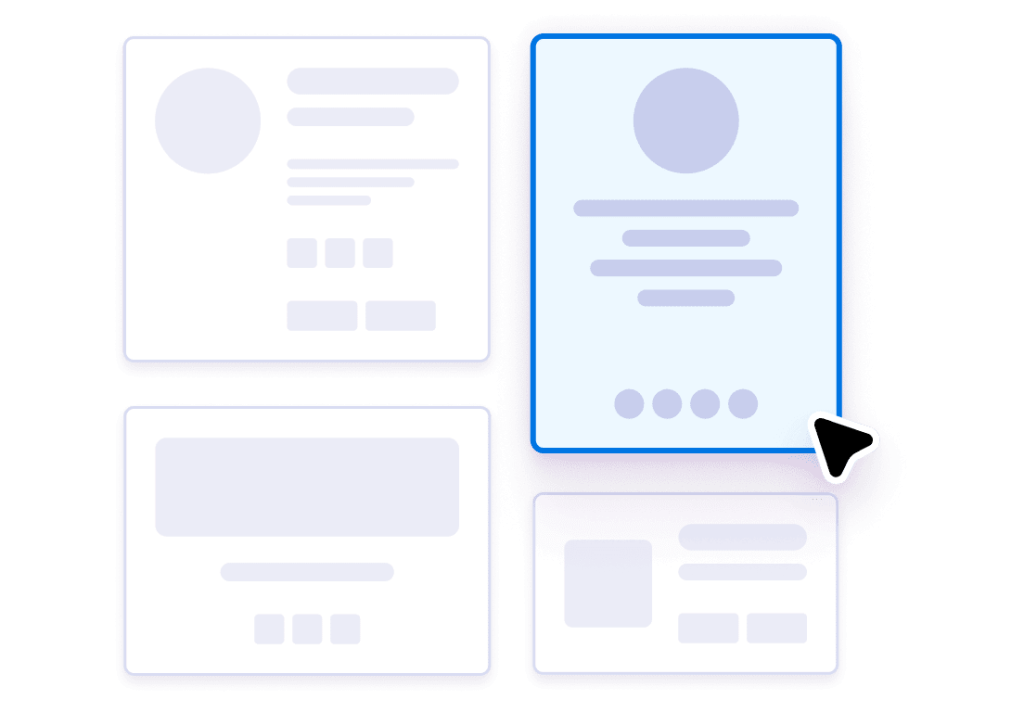
템플릿 선택하기
Browse modern, professional templates designed for every style and taste. Preview and select the option that best fits your brand.

Add your information
Upload your resume, share your website, or fill in details manually. AI generation will instantly produce your personalized email signature.
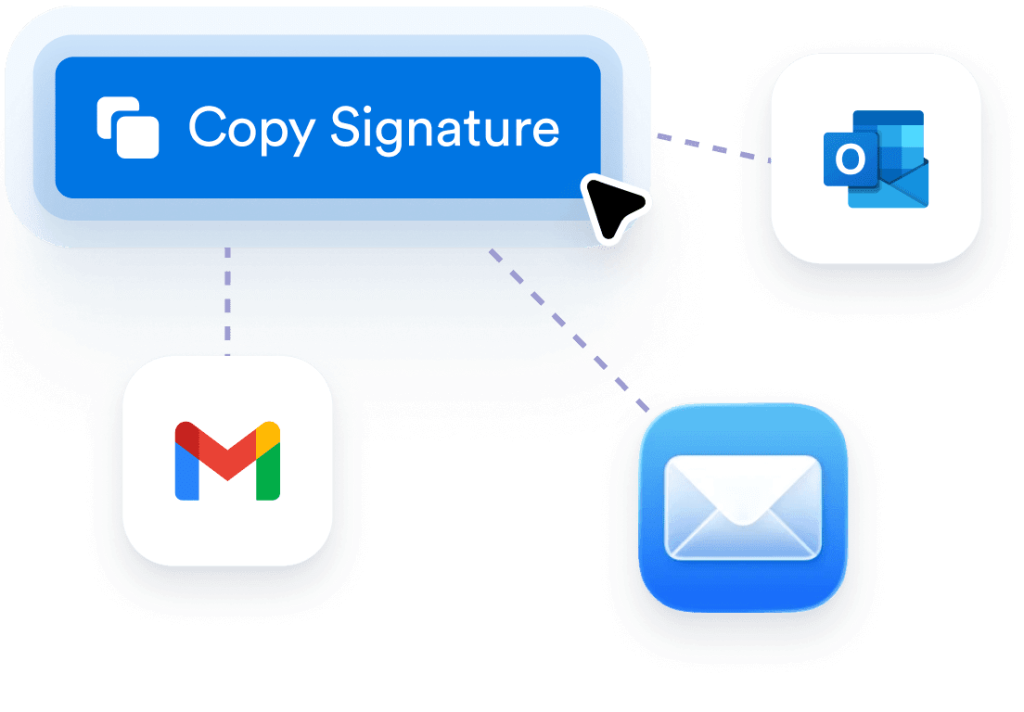
Copy and use
With a single click, copy your finished signature. Paste it directly into Gmail, Outlook, or any major email client to elevate your correspondence.
Creates instant professional credibility
Transform every email into a polished, professional touchpoint. The AI Email Signature Generator automatically designs sleek, branded signatures that showcase your expertise, making every message seem more credible without manual design.

Ensures consistent brand representation
Maintain professional consistency across all your communications, even when you have limited input. The AI automatically extracts essential details, such as your name, email, phone number, and job title, from your website and applies clean, uniform formatting.

Boosts contact information accessibility
The tool intelligently organizes your contact details, social links, and CTAs into a clean, clickable layout. Clients and colleagues will reach you easily and you’ll never lose a potential connection.
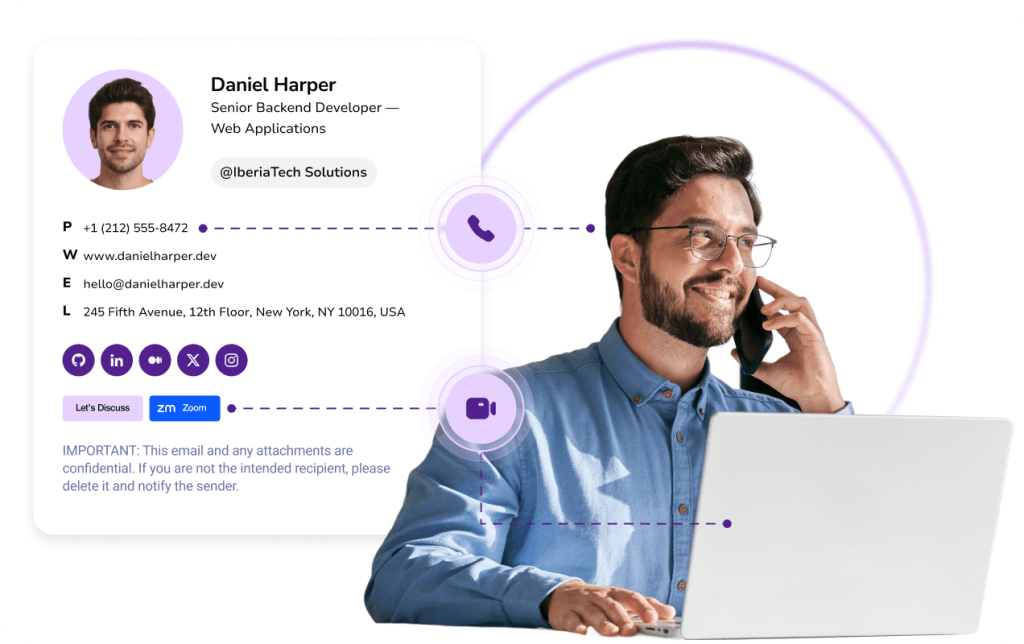
Saves design time and effort
Skip the hassle of starting from scratch. Upload your resume, paste your website, or enter details manually. AI instantly extracts job info and builds your signature in seconds, saving you hours of design and formatting.

Delivers effortless personalization
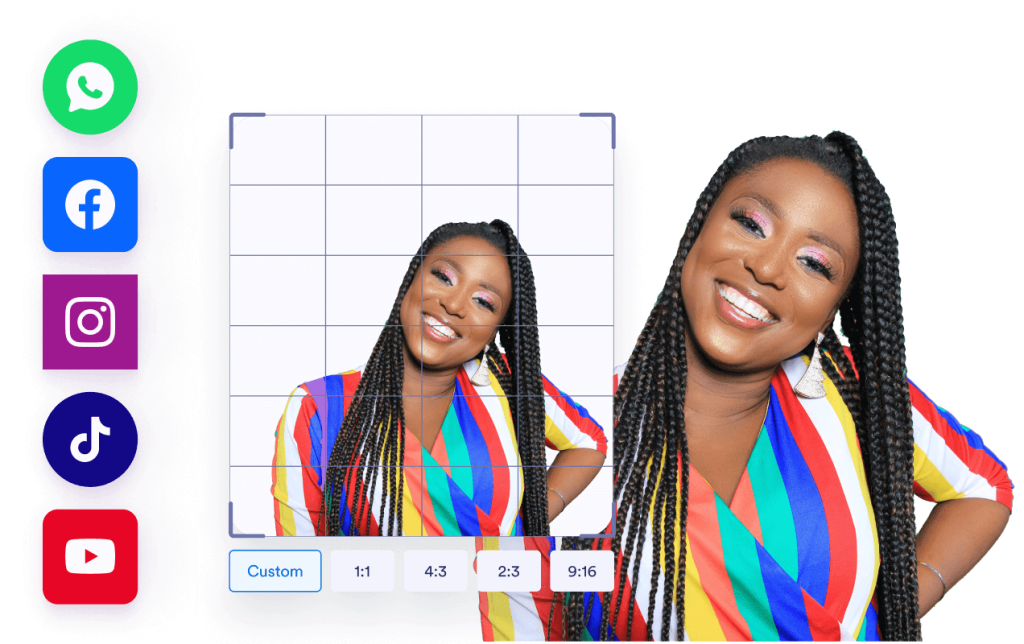
Add personality with photos, and social buttons that the AI designs for perfect visual balance. Each signature strikes a balance between personal and professional, ensuring your brand's consistency and engagement.
How to change your email signature in Gmail
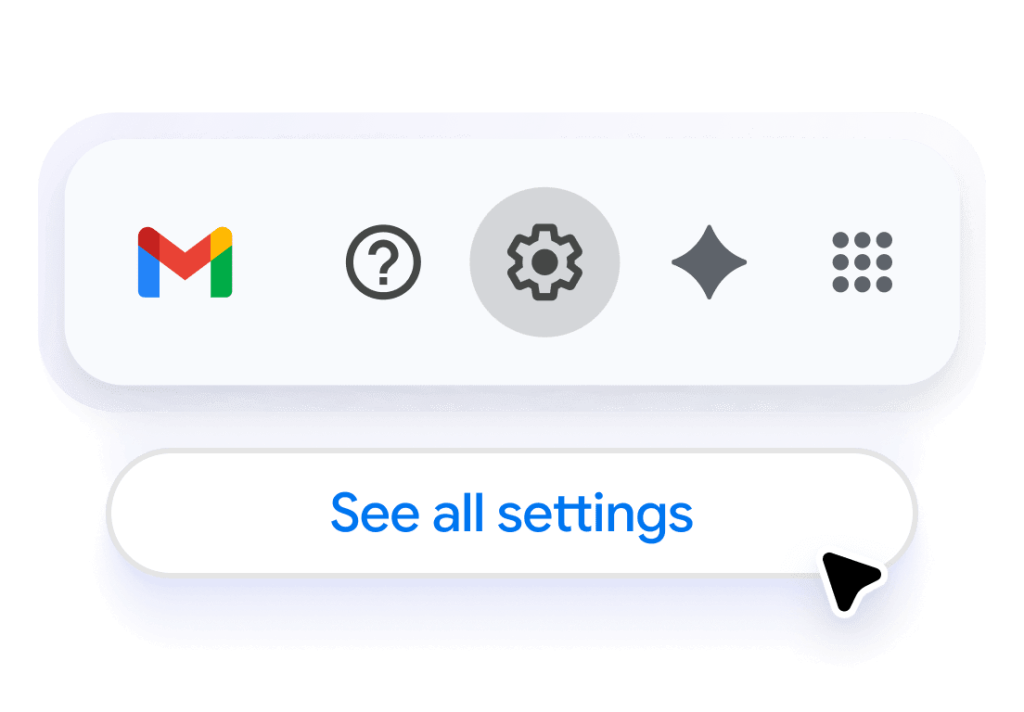
Open Gmail settings
Access your Gmail settings by clicking the gear icon and selecting “See all settings” to begin updating your email signature.
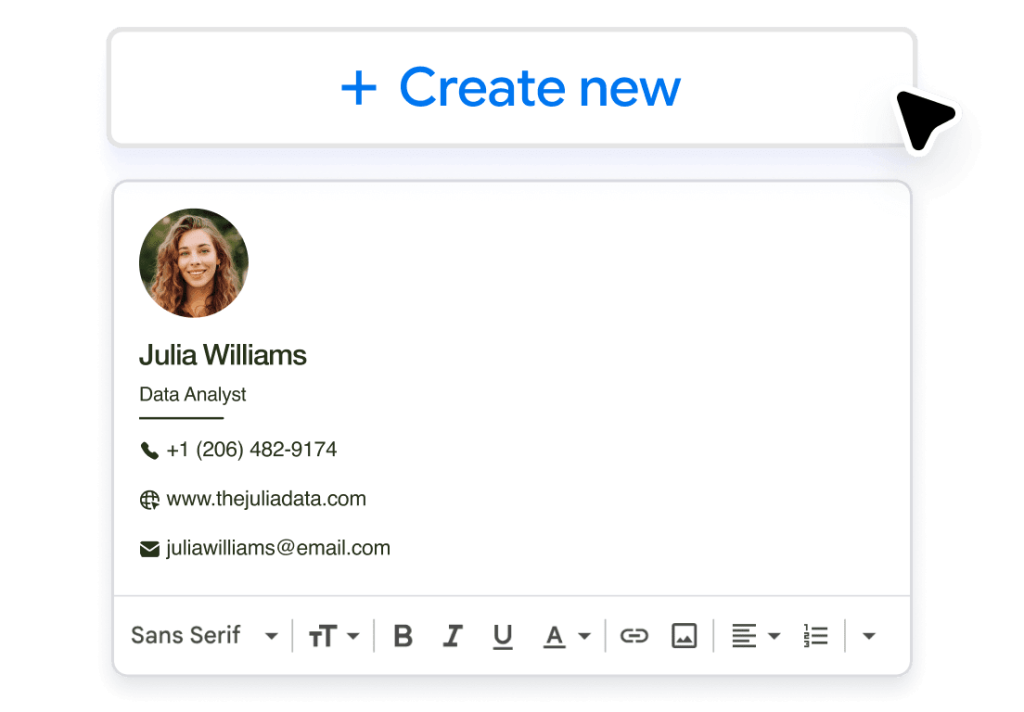
Create a new signature
In the Signature section, click “Create new” and paste your custom email signature to easily add it to your Gmail account.
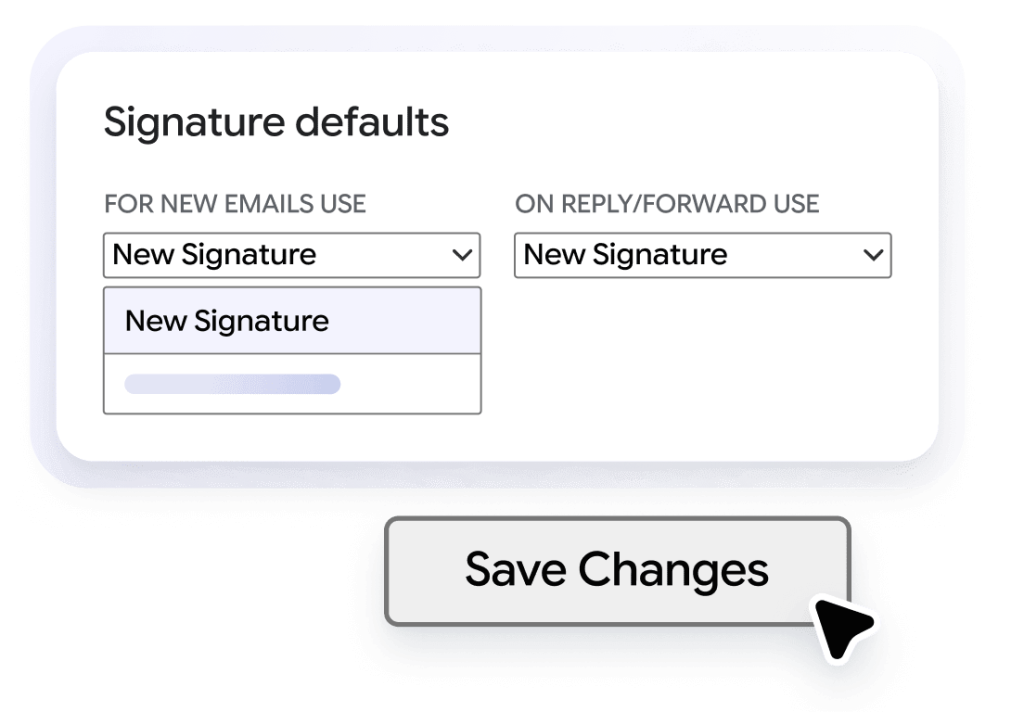
Set it as your default signature
Assign your new signature as the default for new emails and replies, then save your settings to update your email signature.
이메일 관리용 AI 도구
이메일 커뮤니케이션을 간소화하고 최적화할 더 많은 방법을 찾고 계신가요? 이메일 관리의 다양한 측면을 다루는 강력한 AI 도구들을 확인해 보세요.
자주하는 질문
How does the AI Email Signature Generator work?
The AI Email Signature Generator uses advanced artificial intelligence to design a polished, professional email signature in seconds. Instead of manually formatting text and links, you simply enter your name, title, company, and contact details (or upload a résumé or personal website). The AI automatically extracts your information, detects brand elements such as colors and fonts, and builds a clean, on-brand layout. This intelligent automation ensures a professional signature that aligns with your personal or company branding, and is ready to use instantly across multiple email platforms. It’s the easiest way to create a signature that matches your style, enhances your credibility and saves valuable time.
Can I customize the design of my email signature?
Is it easy to set up the email signature?
Can I use this email signature on different email platforms?
How can I ensure uniformity in my team’s email signatures?
Does the AI email signature generator work for personal use?
Can I add social media links to my email signature?
How much time can I save by using the AI email signature generator?
Can I update my email signature later?