Google Reviews Widget for your website
Add a live Google Reviews widget to your website and showcase authentic customer feedback where it matters most. Set it up in seconds with Jotform’s free, no-code tool. Sync your Google Business reviews automatically, customize the layout, and let your best testimonials boost trust and conversions.
How to add a Google Review widget

Customize your widget
Choose your preferred layout, colors, and overall appearance to match your website’s design.
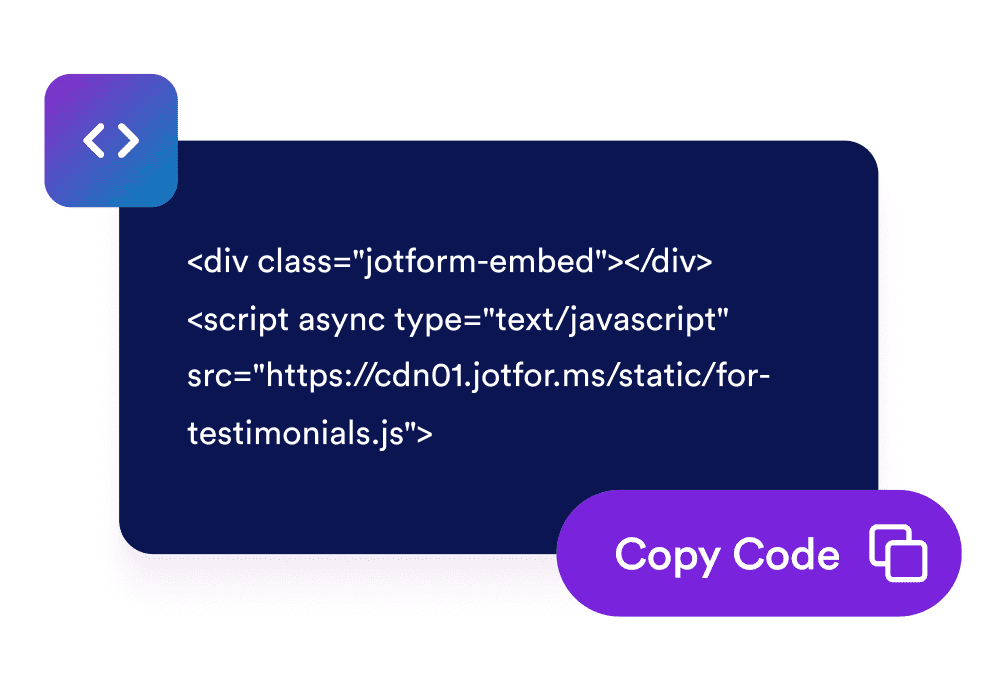
Get the embed code
Copy the automatically generated embed code and paste it anywhere on your website.

Embed it anywhere
Publish real customer feedback across your site in seconds, no technical setup needed.
Turn positive feedback into real business growth
Build credibility with real testimonials
Authentic Google Reviews instantly boost your business’s reputation. Visitors trust real experiences from other customers more than any marketing copy which is helping you create instant confidence and social proof.

Convert more visitors into paying customers
Positive reviews influence decisions at the exact moment visitors are ready to buy. By highlighting customer satisfaction, your widget helps turn casual browsers into loyal customers.

Keep reviews fresh with automatic updates
Your widget syncs directly with your Google Business profile, so new reviews appear automatically. No need for manual updates which means your page always shows the latest, most relevant feedback.

Improve SEO and visibility in local search
Displaying verified Google Reviews on your website signals to search engines that your business is active and trusted. It can improve your rankings in local search results and attract nearby customers.

Convert leads into paying customers with Jform Form Builder
Turn engagement into action with Jotform. Create powerful forms that capture leads, collect payments, and automate responses, all in one place. Every submission lands in your Jform Inbox, ready to follow up or connect with your favorite apps.
시작하기 — 무료입니다!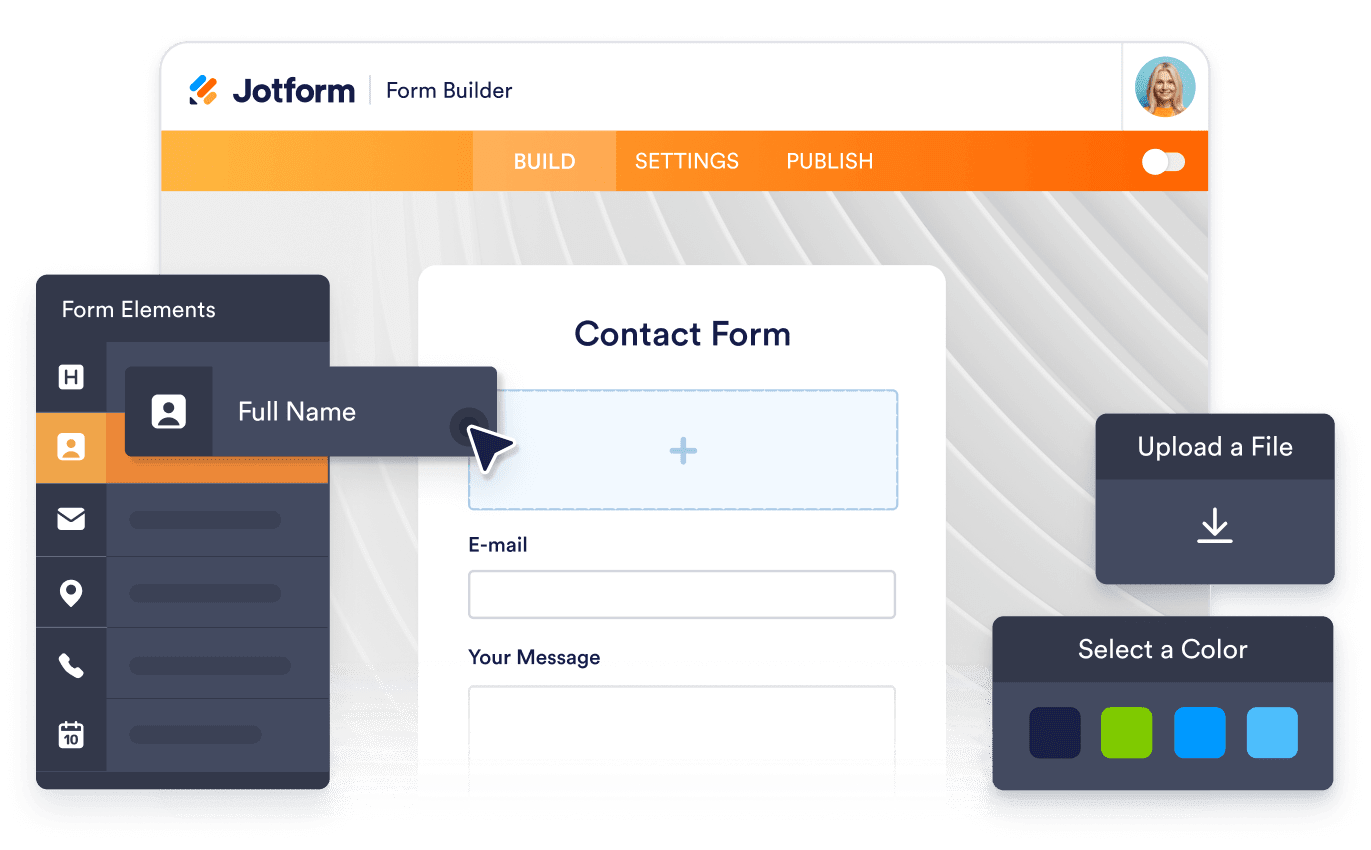
자주하는 질문
-
How do I add Google Reviews to my website?
You can add Google Reviews to your site using Jotform’s Google Reviews widget. Simply connect your Google Business account by pasting your Google Place link into the widget’s “Source” field. Choose your preferred layout like carousel, slider, or badge and customize colors, themes, and width to match your website’s design. Once you’re done, click Continue and copy the embed code. Paste it into your site where you want the reviews to appear, and they’ll display instantly.
-
Can I choose how my reviews appear on the page?
-
Will my widget update automatically when new reviews come in?
-
Is it possible to filter which reviews appear?
-
How much customization does the widget offer?
-
Can I collect new reviews using Jform?
-
Is the Google Reviews widget free?